
Self-host UniBoard
0.6.2Personal homepage, notes, short links, files, monitoring
- Stars
- 242
- Port
- 8080 (Internal container HTTP port for the web service)
coolfan1024/uniboard

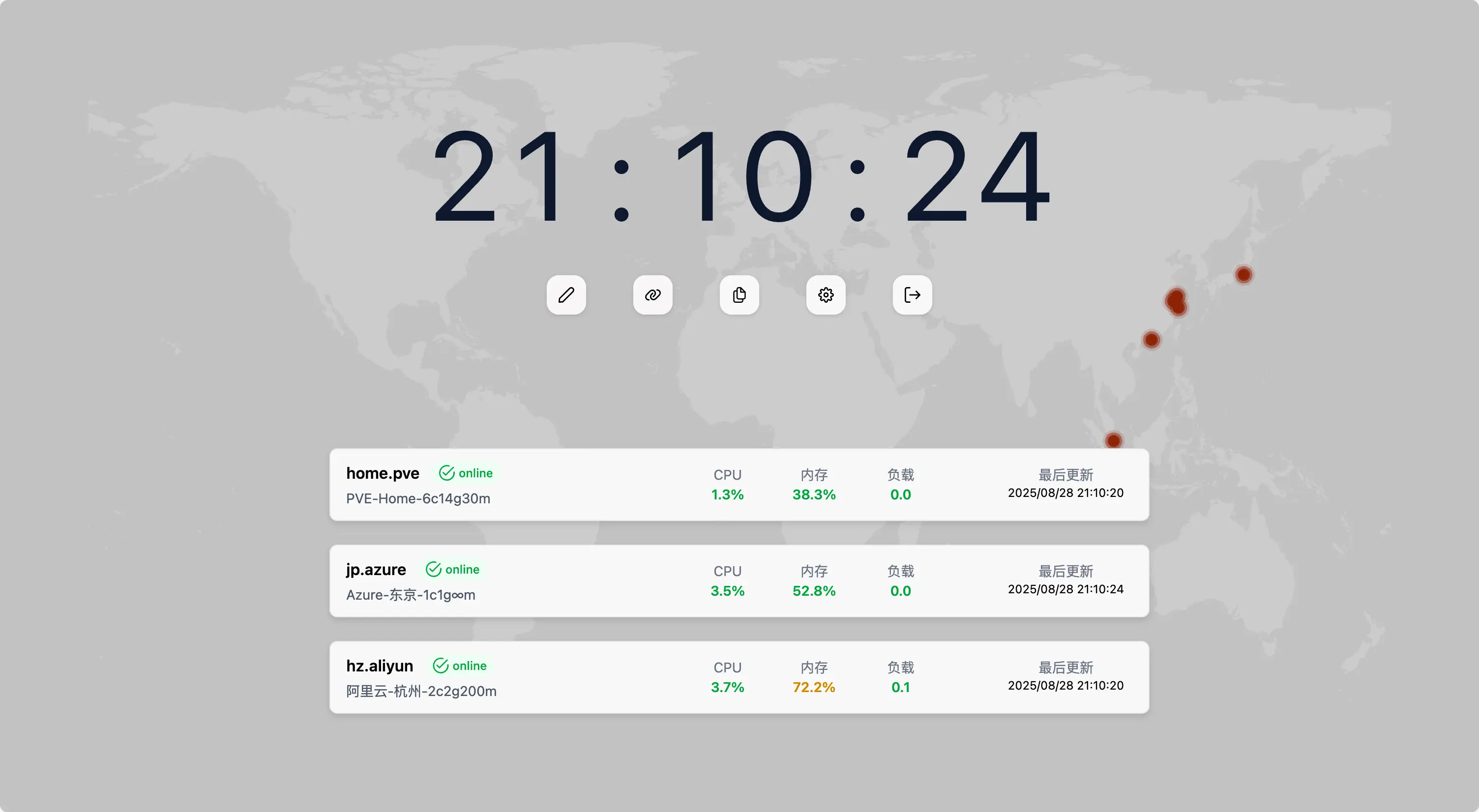
What is UniBoard?
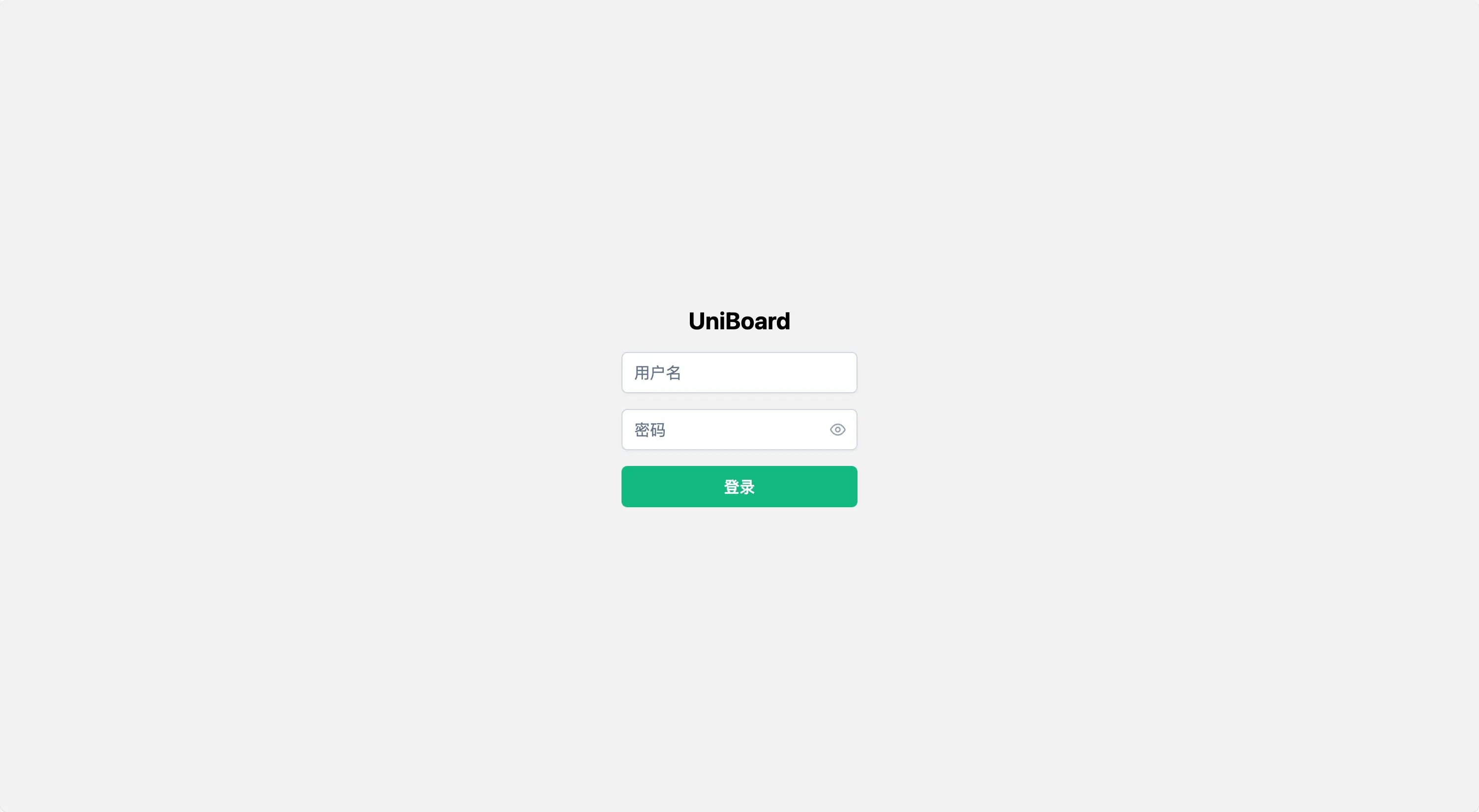
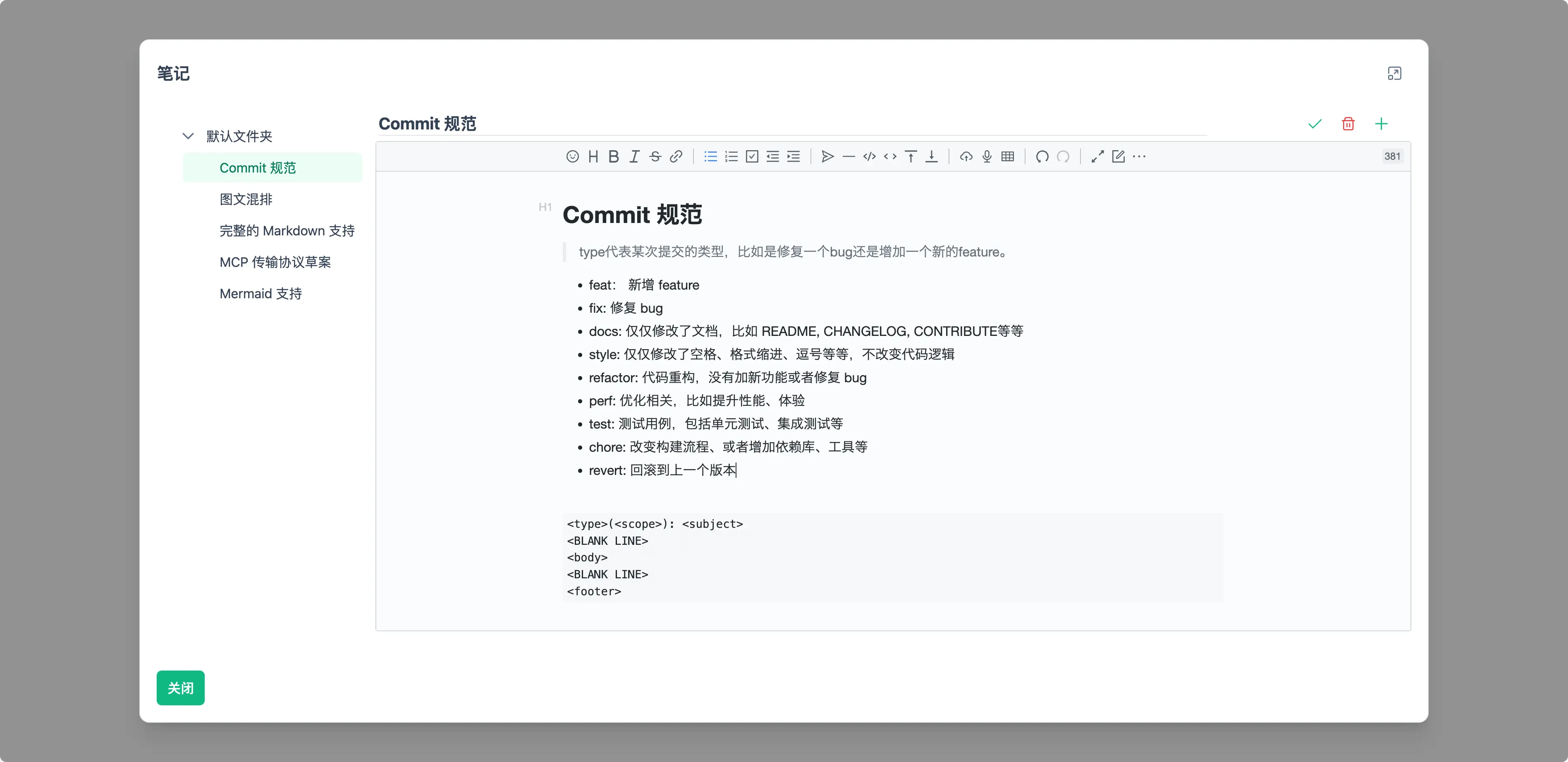
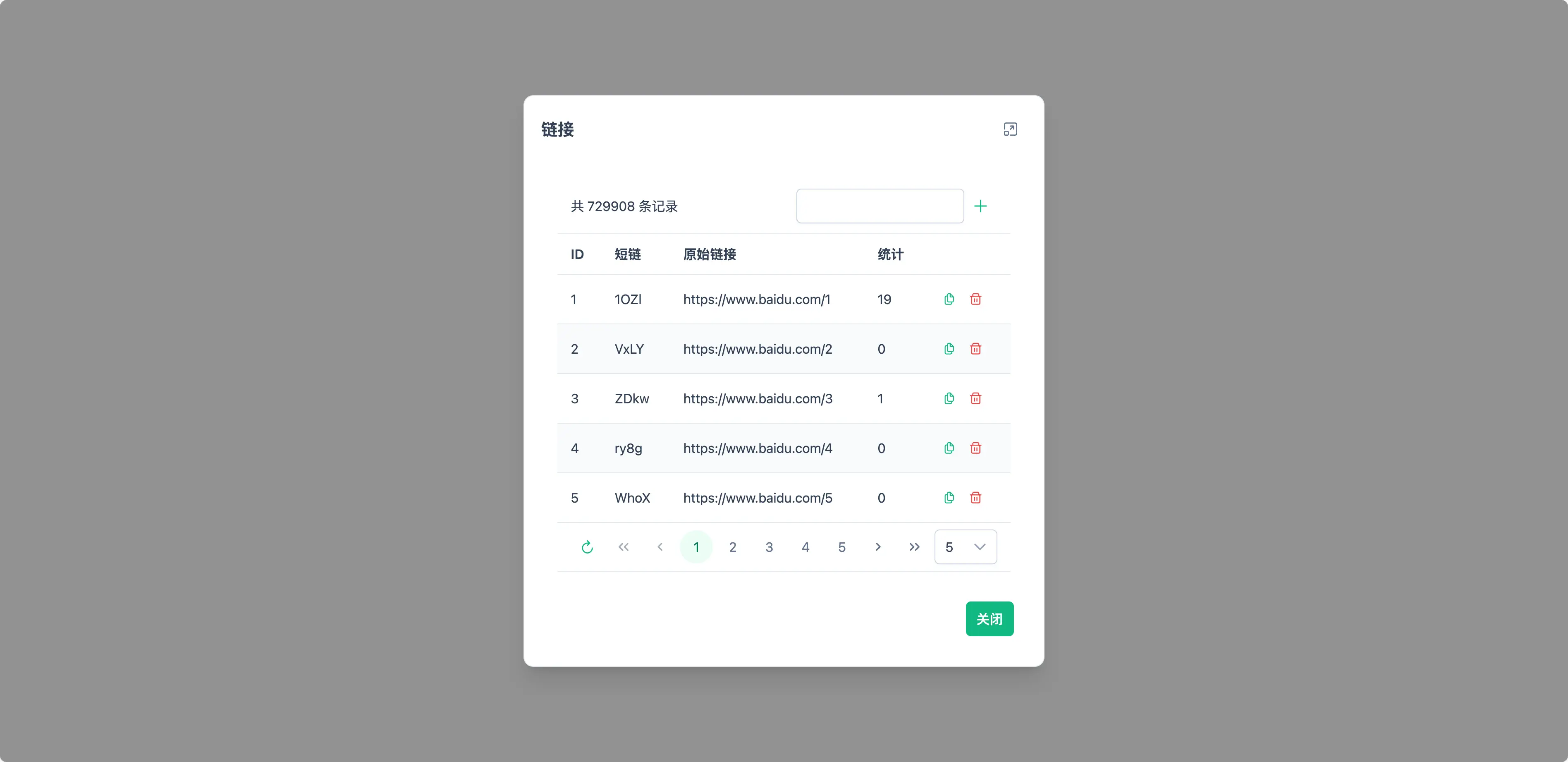
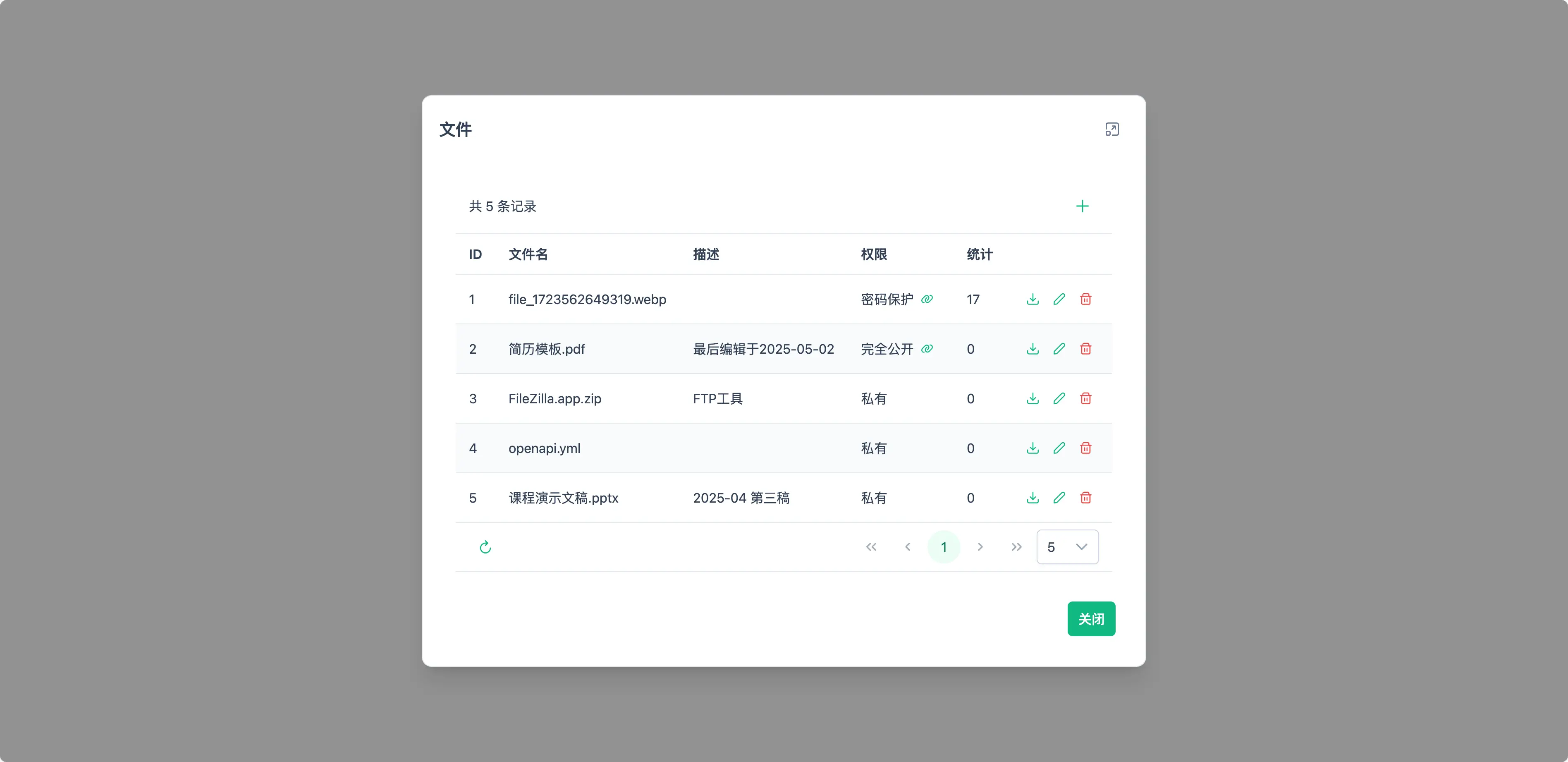
UniBoard is a self-hosted personal productivity suite that bundles a customizable profile homepage, navigation links, a Markdown note editor with built-in image hosting, a URL shortener with visit statistics, a file sharing system with password protection and temporary direct links, and a lightweight server monitoring probe that uses a push model. The backend is built with Spring Boot and Kotlin, the frontend with Vue, TypeScript, PrimeVue, and Tailwind CSS. Deployment is via Docker Compose, which runs the web service (container port 8080, exposed on host port 8888) and a PostgreSQL 17 database. Authentication is username/password only. The UI supports a global dark mode. The project is MIT-licensed and actively developed, with version 0.6.2 released in July 2026.
Should you self-host UniBoard?
UniBoard scores 46/100 on selfhost.directory (how scoring works) and ranks #28 of 38 in Personal Productivity. It has 242 GitHub stars.
It shipped 3 stable releases in the past year. The latest, 0.6.2, came out on 12 July 2026. New versions land roughly every 4 weeks.
Setup is moderate: expect some configuration beyond a single command. An official Docker image is available. It is MIT-licensed and written mostly in Vue.
Its closest alternative on selfhost.directory is LanguageTool (75/100, 15 205 stars). It scores higher overall, so compare the two before you pick. See UniBoard vs LanguageTool side by side.
Features
- Built-in image hosting
- File sharing with access controls
- Markdown notes with WYSIWYG
- Navigation page
- Personal homepage
- REST API
- Server monitoring probe
- URL shortener with analytics
UniBoard README
More in File Sharing & Collaboration
 WeblinkAn open-source WebRTC suite for remote desktop access, chat, file transfer, and video calls that runs in the browser or as a Windows app, with self-hosted signaling.
 wireOpen-source end-to-end encrypted messenger for teams: calls, file sharing, SSO. The self-hosted wire-server runs on Kubernetes under GPL-3.0.
 AListAList is a self-hosted, open-source file list program that aggregates 30+ cloud storages into a single web UI with WebDAV, file previews, and dark mode.
 AtriumA self-hosted portal for agencies to manage projects, files, invoices, and client communication under their own brand.
 Aurora FilesSelf-hosted open-source file storage platform with end-to-end encryption, WebDAV access, mobile apps, and OnlyOffice integration for document editing.
 beamdropBeamDrop is an open-source, self-hosted file server with S3-compatible API, web UI, shareable links, and Prometheus metrics in a single ~39 MB binary.
 bewCloudbewCloud is an open-source, self-hosted personal cloud written in TypeScript and Deno: files, photos, notes, news, expenses plus CalDAV/CardDAV calendars and contacts.
 blindsendblindsend is a self-hosted, open-source file sharing tool with end-to-end encryption. Share or request files via secure links with optional passwords.
 CheveretoChevereto is a self-hosted image/video platform to build your own Imgur alternative. Supports S3-compatible multi-cloud storage, multi-tenancy, and OAuth login.
 clipableA self-hosted video platform for hosting and sharing clips with Streamable-like simplicity, featuring browser uploads, quality presets, S3 storage, and a REST API.
 CloudSyncOpen-source self-hosted file sync with desktop client that watches a folder and uploads changes to your own server, like Google Drive's desktop client.
 cryptgeonSelf-hosted open-source service for encrypted notes and files that self-destruct after viewing, with client-side encryption so the server cannot read contents.
0 comments