
Self-host Weblink
v1.3.3WebRTC workspace for remote desktop, chat, and file sharing
- Stars
- 696
- CPU
- x64
- Ports
- 80 (HTTP frontend (nginx)), 443 (HTTPS frontend (nginx)), 9000 (WebSocket signaling server (weblink-ws-server))
- Requires
- WebSocket signaling server (weblink-ws-server or weblink-ws-worker)
What is Weblink?
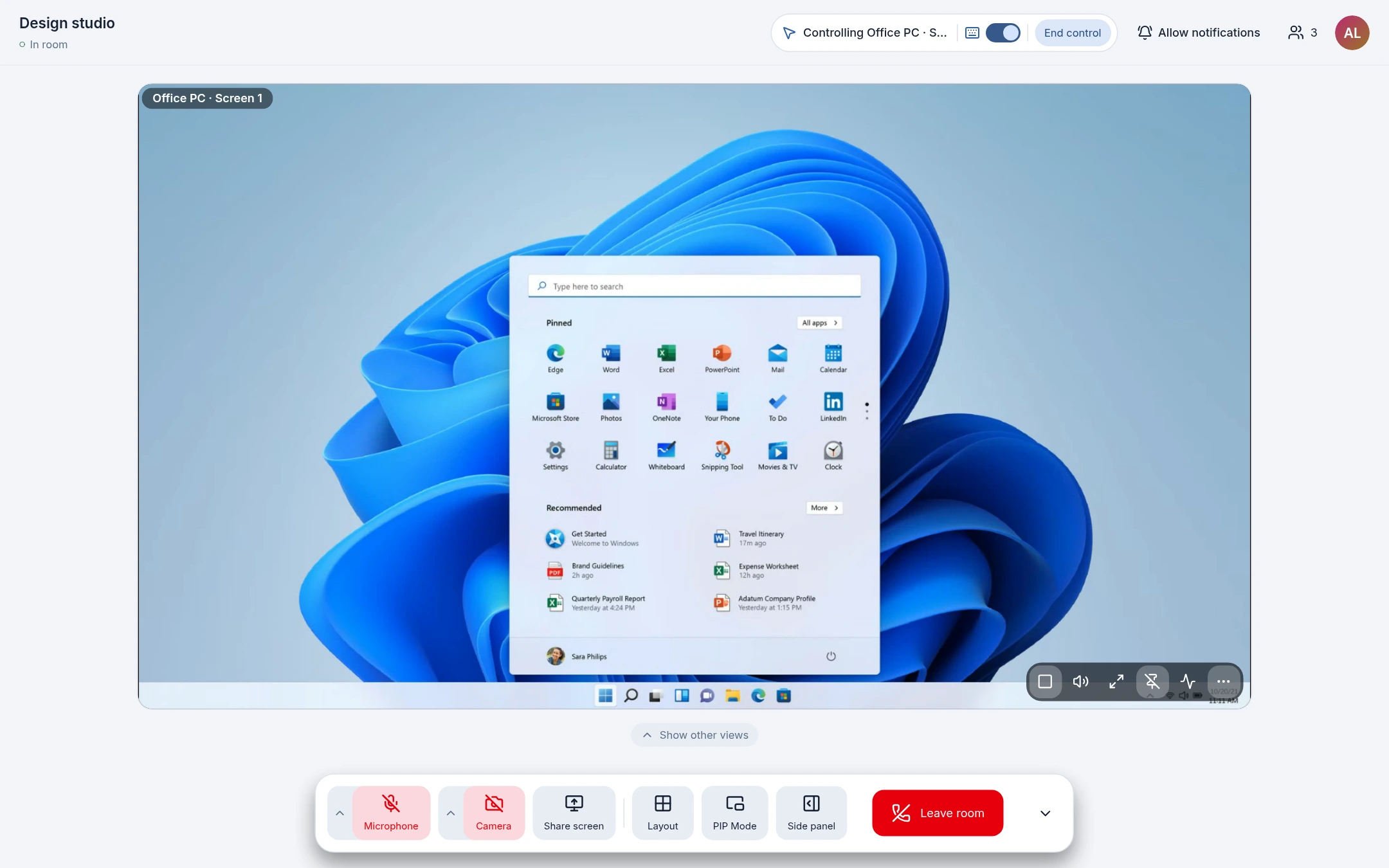
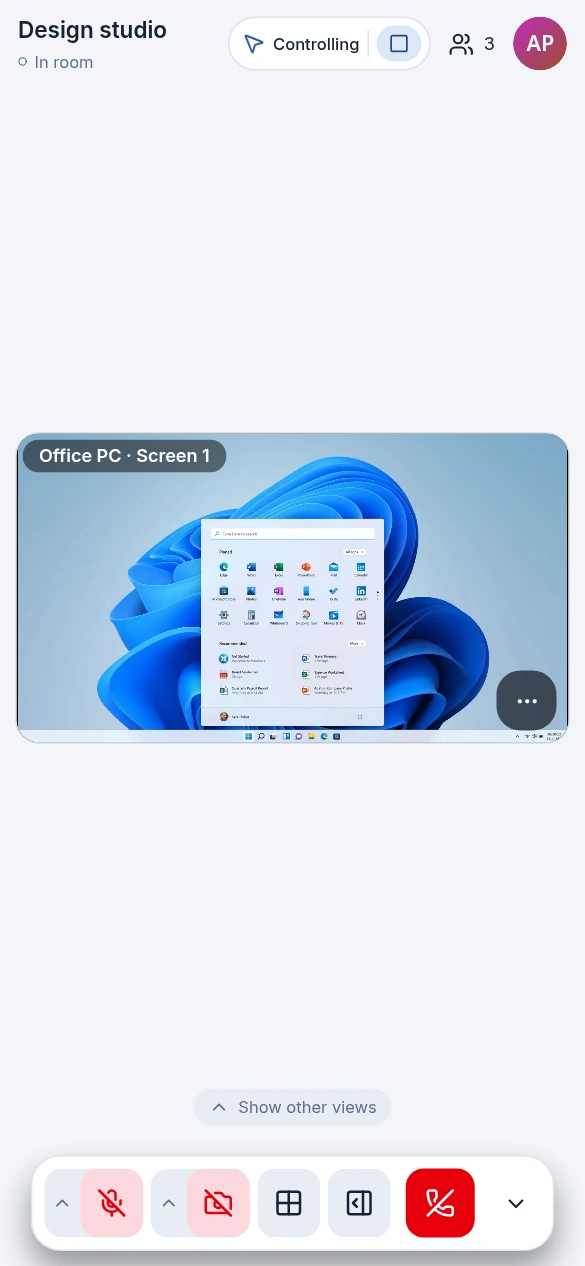
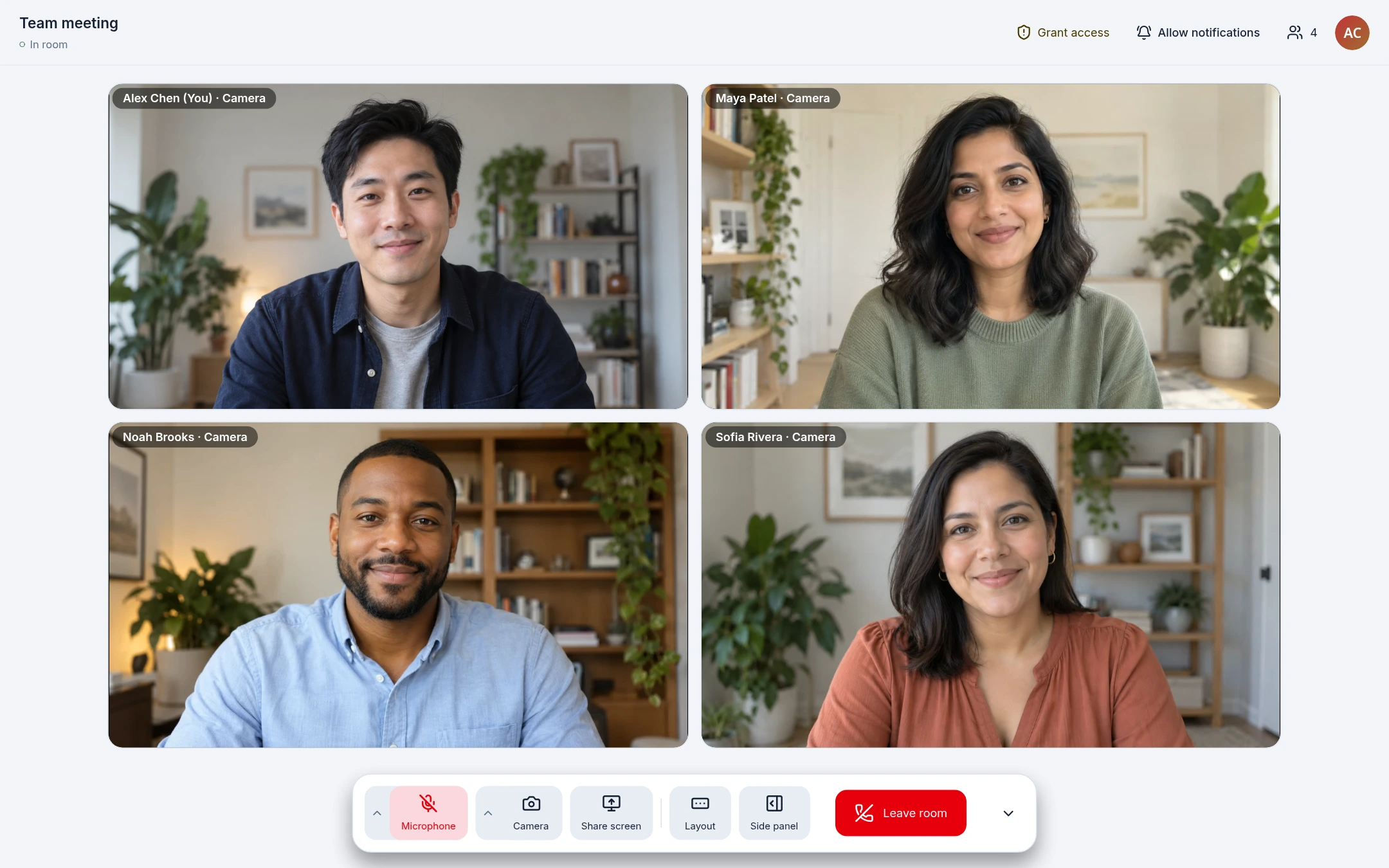
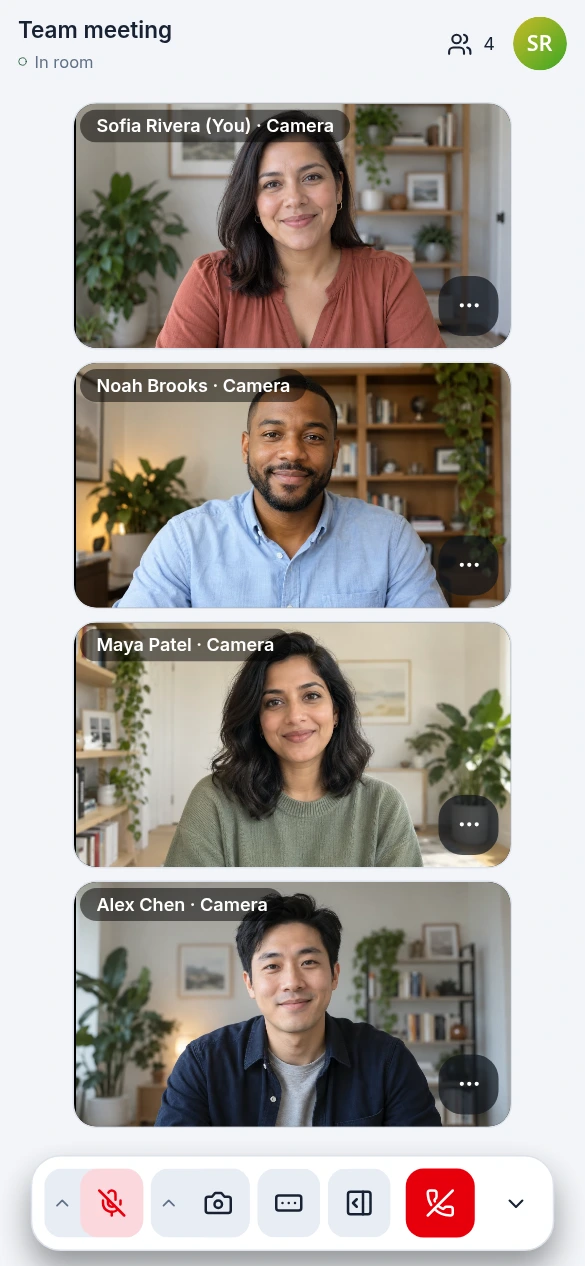
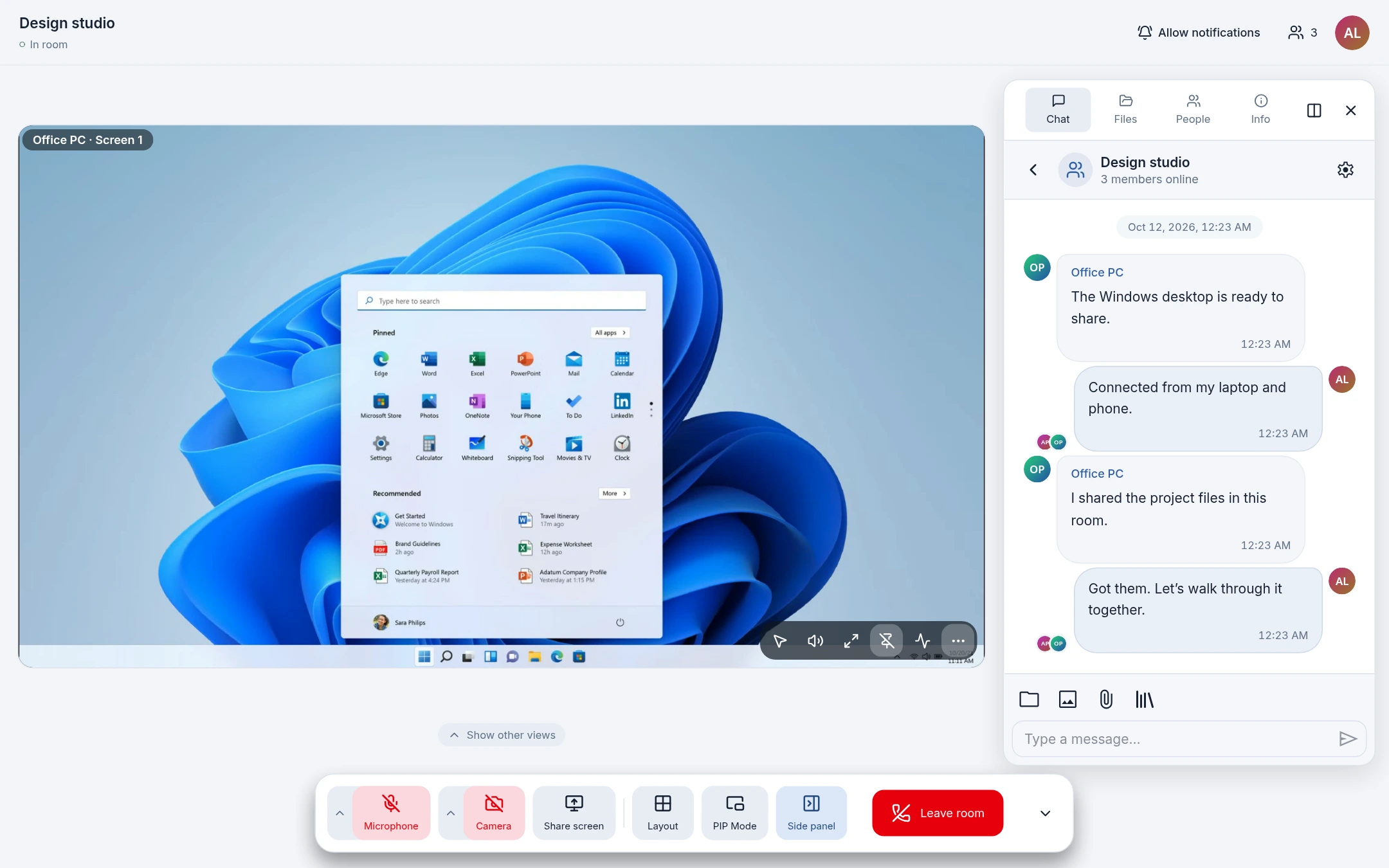
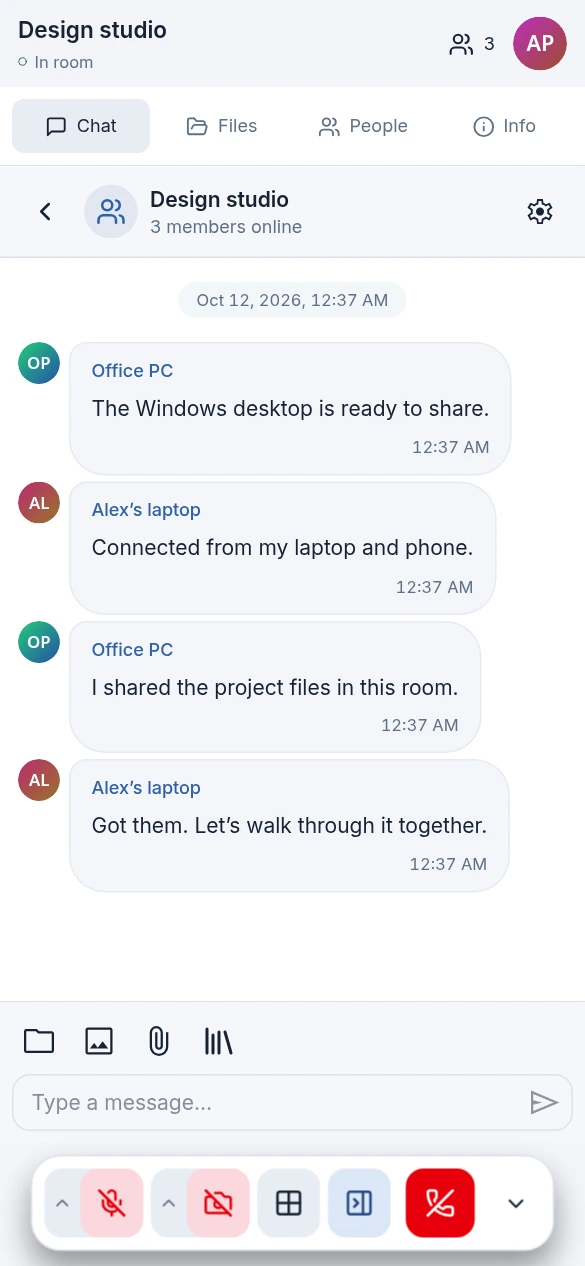
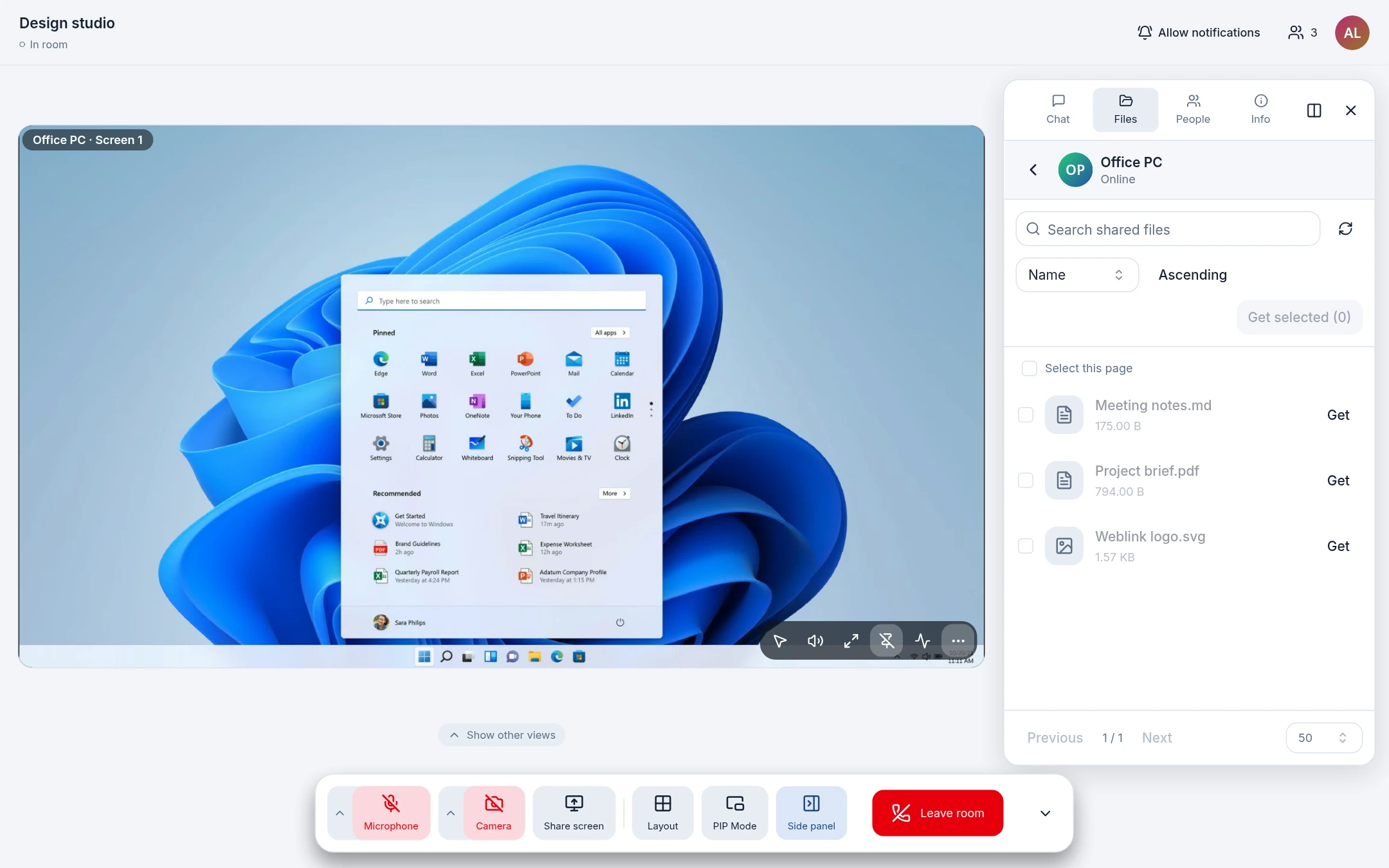
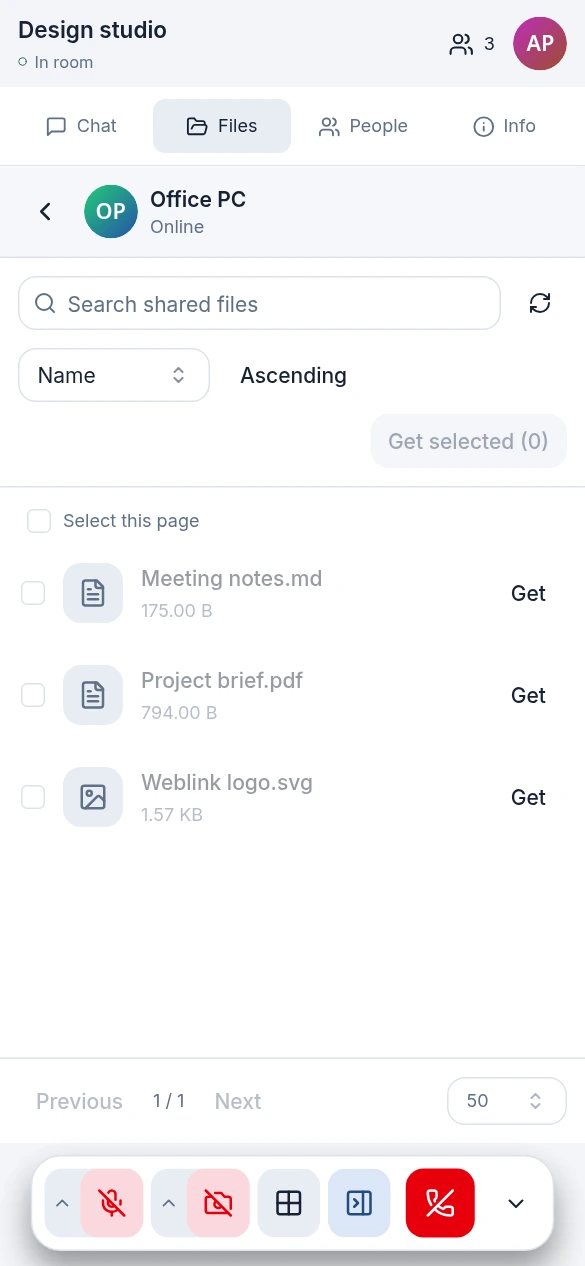
Weblink is a WebRTC-based collaboration suite that connects devices directly in the browser or via a Windows desktop app. Users join a room by ID (optionally password-protected) to chat, transfer files, share screens, make voice/video calls, and remotely control a Windows host with mouse, keyboard, clipboard sync, and file drag-and-drop. The web version needs no install and works as a PWA; the desktop app adds native display/window capture, hardware encoding (NVENC, Intel/AMD Media Foundation), system tray, and native notifications. Self-hosting is supported via a static frontend build (Docker, Vercel, Cloudflare Pages, Netlify) paired with a WebSocket signaling backend — either the provided Bun server (weblink-ws-server) for LAN/self-hosted use or the Cloudflare Workers implementation (weblink-ws-worker). STUN/TURN can be configured for NAT traversal. Data stays on devices; the signaling server only handles connection setup. The project is MIT-licensed with no paid tiers.
Should you self-host Weblink?
Weblink scores 54/100 on selfhost.directory (how scoring works) and ranks #14 of 22 in Remote Desktop. It has 696 GitHub stars.
It shipped 7 stable releases in the past year. The latest, v1.3.3, came out on 28 October 2026. New versions land roughly every 2 days.
Setup is moderate: expect some configuration beyond a single command. It is MIT-licensed and written mostly in Typescript.
Its closest alternative on selfhost.directory is rustdesk (92/100, 127 352 stars). It scores higher overall, so compare the two before you pick. See Weblink vs rustdesk side by side.
Features
- Chat and messagingNo offline message delivery
- Clipboard SynchronizationOff by default; requires active control grant
- File drag-and-drop to remoteOff by default; requires active control grant; one-way only
- MCP automation serverDesktop only; off by default
- Native notificationsDesktop only
- Peer throughput testing
- Peer-to-Peer File Sharing
- PWA Support
- Remote Desktop ControlWindows host only; window shares are view-only
- Room passwords
- Screen sharingNative capture Windows only
- Session Recording
- System tray and launch at loginDesktop only
- Voice and video calls
Weblink README
FAQ
Can I deploy my own Weblink?
Yes. Weblink is open-source under the MIT license. You can host the static web build and connect your own signaling service. The repository provides Bun and Cloudflare Workers signaling implementations, and STUN/TURN can be configured for your network conditions.
Can someone directly control my computer?
Remote control requires the host to approve each request or match a previously saved allow rule. You can decline requests, manage permissions, and revoke control at any time. Windows display sharing supports control; window sharing is view-only. Clipboard sync and remote file drop are off by default.
Can I receive messages or download files when the other party is offline?
No. Sending messages and downloading shared files from another device requires both parties to stay connected. Group chat messages only reach currently online members; the server does not provide offline message delivery. Fully received content remains viewable in your local file library.
Where are files and chat history stored?
Chat history, cached files, and preferences are stored locally in the current browser or desktop app. The signaling server does not store chat history or files. Browser and desktop storage are independent and do not sync automatically; clearing site data removes local records.
Can phones and computers be used together?
Yes. Mobile browsers, desktop browsers, and the Windows desktop app can all join the same room for chat and file transfer. Camera, screen capture, clipboard, and notifications depend on device, browser support, and granted permissions.
Do I need to register an account or install software?
The web version requires no account registration or native client installation. Just open the page, set a display name, and join a room. To allow remote control of your Windows computer, you need to run the desktop app on that machine.
More in Remote Desktop
 webtopUbuntu, Alpine, Arch, and Fedora based Webtop images, Linux in a web browser supporting popular desktop environments.
 WindowsinDockerThis self-hosted, open-source container builds a full Windows virtual machine on a KVM-capable Linux host, auto-installs it and exposes a web viewer plus RDP.
 wolfWolf is an open-source self-hosted streaming server for Moonlight clients enabling multi-user game streaming with virtual desktops.
 xrdpxrdp is a self-hosted, open-source RDP server for Linux with clipboard, audio, and drive redirection.
 Apache GuacamoleSelf-hosted, open-source remote desktop gateway that lets you access desktops via web browser using VNC, RDP, and SSH protocols without any client software.
 chrome-remote-desktop-imageSelf-hosted Docker image providing a full Ubuntu desktop with XFCE, Chrome Remote Desktop, and Firefox for remote access behind NAT without port forwarding.
 CortenDeskSelf-hosted RustDesk console bundling ID server, relay, and browser client in one Docker image. Fixes signed-in client issues, adds fleet management, access control.
 docker-chromiumSelf-hosted, open-source container that streams a full Chromium desktop to your browser via HTTPS on port 3001, with optional GPU acceleration and multi-arch support.
 docker-webtopOpen-source, self-hosted Docker images running full Linux desktops (Alpine, Ubuntu, Fedora, Arch, Debian) in your browser via Selkies.
 Foundation SunshineOpen-source, self-hosted Windows game-streaming host (an enhanced Sunshine fork) that streams PC games to Moonlight clients with HDR10, Dolby Vision and virtual displays.
 GuacamoleThe open-source guacd proxy daemon behind Apache Guacamole: self-hosted remote desktop access to RDP, VNC, SSH, telnet and Kubernetes hosts from any browser.
 KasmVNCSelf-hosted, open-source web remote desktop: streams a Linux session to any browser over WebSocket or WebRTC, with DLP controls, multi-user permissions, and a REST API.
0 comments