
Self-host umbrel
v2.0.0Run UmbrelOS home server in a Docker container
- Stars
- 434
- Ports
- 80 (HTTP web interface), 443 (HTTPS web interface), 2000 (Umbrel web interface (alternate))
- Requires
- Docker daemon, Libvirt, QEMU
dockurr/umbrel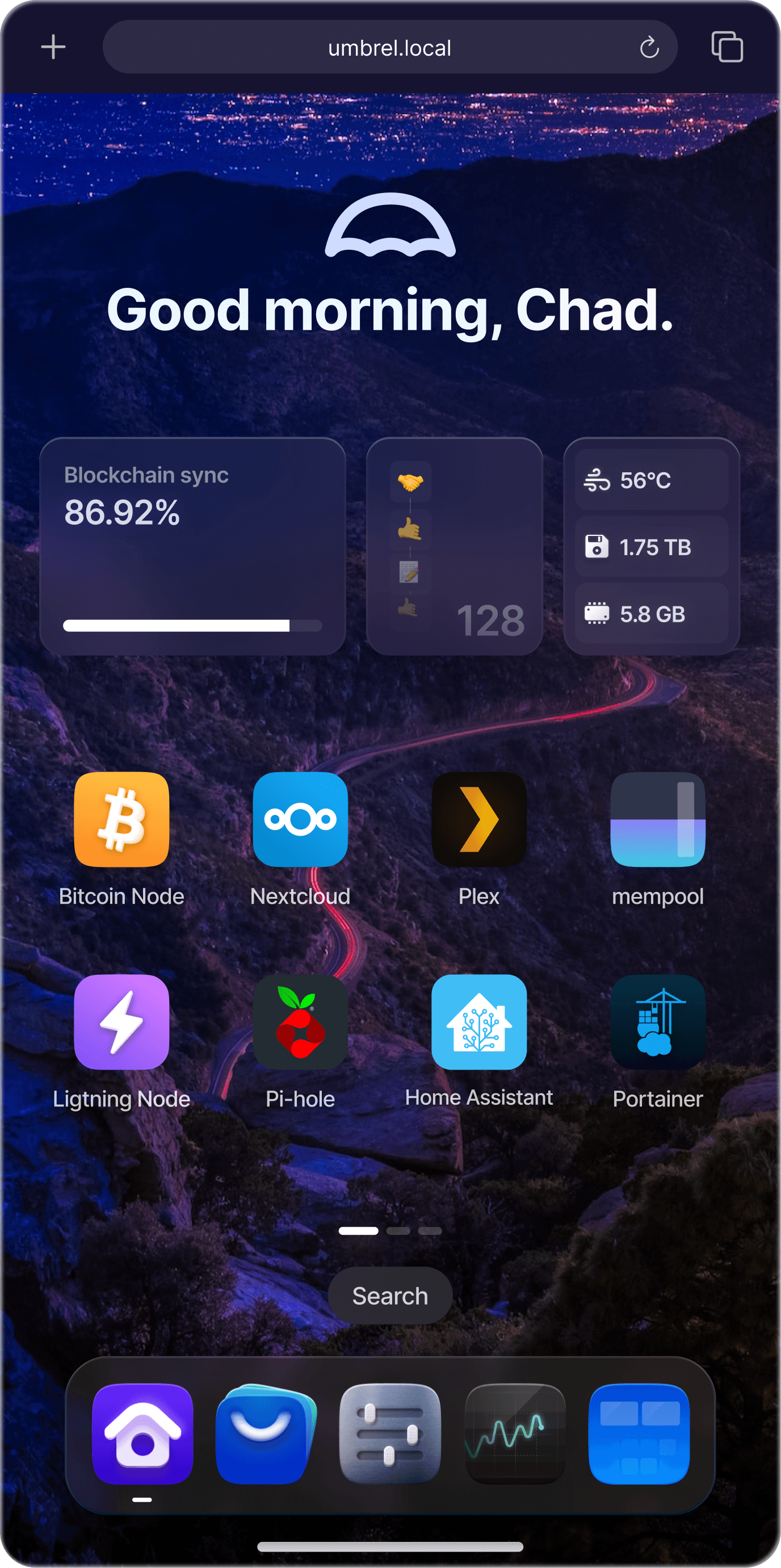
What is umbrel?
umbrel is a Docker container that runs UmbrelOS, an operating system designed for self-hosting home server applications. It provides a web interface to install and manage various self-hosted apps like media servers, file sync, password managers, and more. The container uses the host's Docker daemon to run app containers and supports running virtual machines (Umbrel Machines) via libvirt and QEMU. It requires privileged mode and host PID to function fully, especially for VM support and LAN address advertising. Users can deploy it via Docker Compose or CLI, mounting a data directory and the Docker socket. The project is open-source under MIT license and actively maintained.
Should you self-host umbrel?
umbrel scores 52/100 on selfhost.directory (how scoring works) and ranks #9 of 22 in Home Server. It has 434 GitHub stars.
It shipped 4 stable releases in the past year. The latest, v2.0.0, came out on 2 October 2026. New versions land roughly every 6 weeks.
Setup is advanced: plan for several services and some ongoing maintenance. An official Docker image is available. It is MIT-licensed and written mostly in Typescript.
Its closest alternative on selfhost.directory is CasaOS (76/100, 37 388 stars). It scores higher overall, so compare the two before you pick. See umbrel vs CasaOS side by side.
Features
- Automatic HTTPS with certificatesWithout privileged mode, falls back to container's Docker address which is not reachable from LAN.
- Persistent data storage
- Runs UmbrelOS in Docker
- Virtual machine support (Umbrel Machines)Requires privileged mode and hardware virtualization (Intel VT-x or AMD-V) enabled in BIOS.
- Web interface for app management
umbrel README
FAQ
How do I run ZimaOS in a container?
Use the dockur/zima project which provides a ZimaOS container.
How do I run CasaOS in a container?
Use the dockur/casa project which provides a CasaOS container.
How do I upgrade from umbrelOS 1.x?
Stop the container, back up the data folder, pull the new image, and start it again with the same /data folder. The container must be recreated (not just restarted) because 2.0 requires host PID mode and privileged mode.
Do I need privileged: true?
Yes, privileged mode is required for Umbrel Machines (virtual machines) because libvirt needs it to create virtual networks and QEMU uses /dev/kvm. It's also needed for umbrelOS to advertise the host's LAN address for the dashboard and certificates.
How do I change the storage location?
Change the bind mount path in the volumes section of your Docker Compose file (e.g., replace ./umbrel with your desired storage folder). If using a symlink to another disk, also bind mount the target at the same path.
More in Container Orchestration
 uncloudSelf-hosted, open-source Docker clustering tool: WireGuard mesh, Compose deploys, automatic HTTPS — an alternative to Kubernetes and Swarm.
 UniFi Docker ContainerSelf-hosted Docker container for UniFi Network Application to manage Ubiquiti devices. Open-source Apache-2.0 with multi-arch support.
 zane-opsOpen-source, self-hosted PaaS to deploy web apps, databases, services and static sites on Docker Swarm with Caddy, as a free alternative to Heroku, Railway or Render.
 Zero to JupyterHub with KubernetesOpen-source Helm chart and guide for self-hosting JupyterHub on Kubernetes, enabling scalable multi-user notebook environments for teams and classrooms.
 actions-runner-controllerAn open-source Kubernetes operator that auto-scales self-hosted GitHub Actions runners on your own cluster using Helm charts.
 agentboxagentbox is a self-hosted browser workspace that runs AI coding agents in Docker on your server, providing chat, terminal, file management, and Git from any device.
 AliangBoardSelf-hosted Kubernetes panel with AI agent workbench and MCP server for natural-language cluster ops, multi-cluster management, exec terminals, and port forwarding.
 bacalhauOpen-source orchestration framework for running Docker and WebAssembly jobs close to their data; self-hosted via one binary as client, orchestrator or compute node.
 consoleOpen-source self-hosted Kubernetes dashboard with AI-guided missions for 250+ CNCF projects, real-time monitoring, and GPU management.
 coolify-trigger-v4Docker Compose config to self-host Trigger.dev on Coolify v4 with PostgreSQL, Redis, ClickHouse, and MinIO.
 cozystackCozystack is a self-hosted, open-source cloud platform turning bare metal into managed infrastructure with Kubernetes clusters, databases, VMs, and object storage.
 DeployrrDeployrr is a self-hosted CLI tool automating 160+ Docker apps for homelabs with reverse proxy, security, and authentication.
0 comments