
Self-host trip2g
v0.12.0MCP knowledge mesh for AI agents and Obsidian publishing
- Stars
- 40
- Ports
- 8081 (main HTTP server), 8082 (internal health checks)
- Requires
- SQLite
ghcr.io/trip2g/trip2g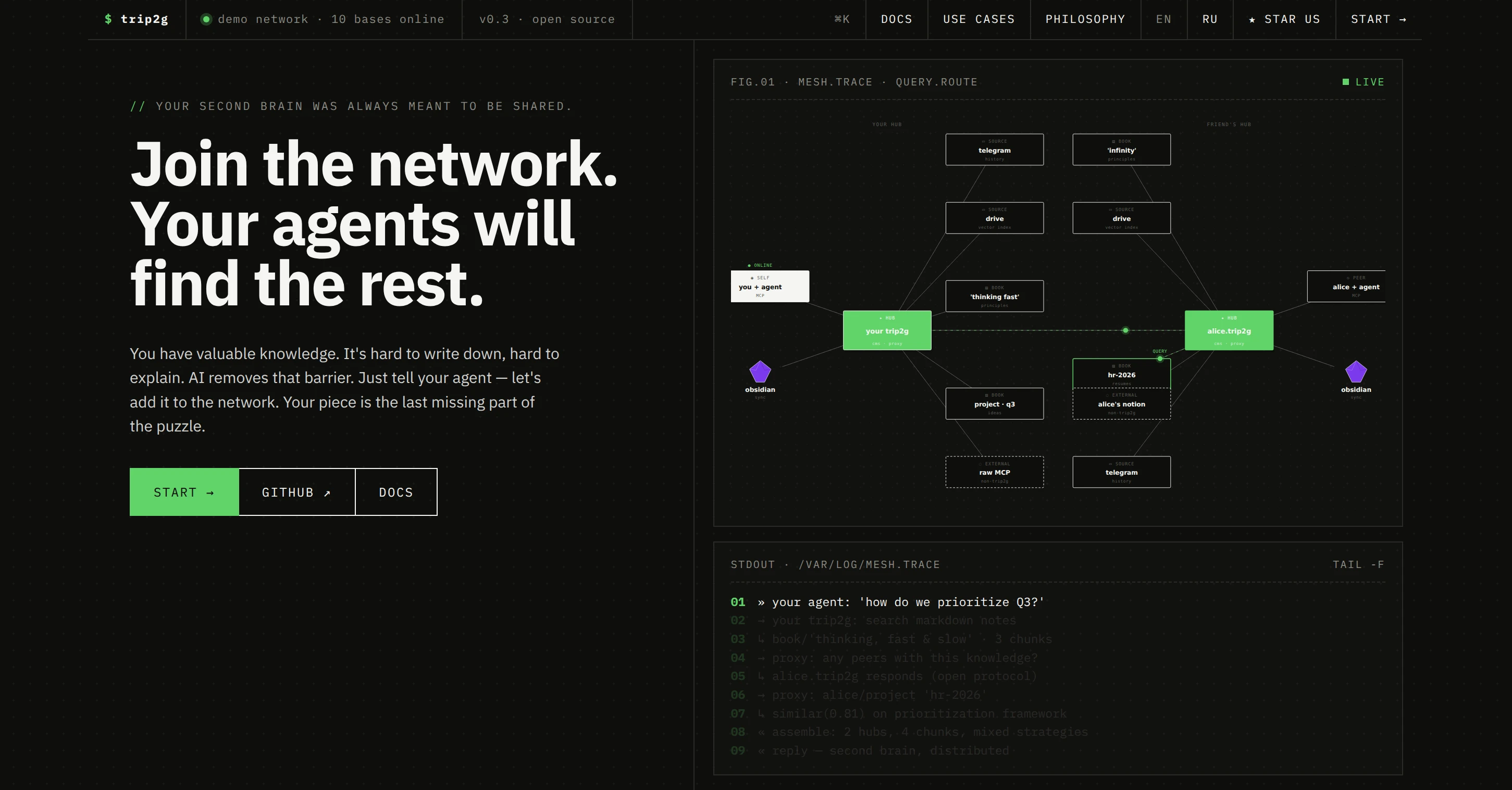
What is trip2g?
trip2g is a self-hosted knowledge base that turns an Obsidian vault into a live website and an MCP server for AI agents. One Go binary on SQLite serves both human readers (with templates, wikilinks, RSS, and Telegram publishing) and AI agents (via MCP tools for search, note reading, and federation across peer hubs). It supports paid subgraph paywalls via crypto, Patreon, or Boosty, custom Jet templates, kanban boards, forms, and git-backed version history. Deployment options include Docker Compose with MinIO and Caddy, a single binary with built-in Let's Encrypt HTTPS, and fly.io. The project is MIT licensed and emphasizes data sovereignty — plain markdown files, git-cloneable vaults, and no central server dependency.
Should you self-host trip2g?
trip2g scores 40/100 on selfhost.directory (how scoring works) and ranks #30 of 42 in Knowledge Management. It has 40 GitHub stars.
It shipped 5 stable releases in the past year. The latest, v0.12.0, came out on 19 October 2026. New versions land roughly every 2 weeks.
Setup is moderate: expect some configuration beyond a single command. An official Docker image is available. It is MIT-licensed and written mostly in Go.
Its closest alternative on selfhost.directory is Project N.O.M.A.D. (85/100, 41 075 stars). It scores higher overall, so compare the two before you pick. See trip2g vs Project N.O.M.A.D. side by side.
Features
- Change webhooks
- Cron webhooks
- Custom Jet templates
- Data charts (ECharts)
- Default template with widgets
- Federation across peer hubs
- Forms with validation
- Git-backed version history
- Kanban BoardsAgent wiring in development branch
- MCP server for AI agents
- Mermaid diagrams
- Obsidian vault publishing
- Paid content/subgraph paywalls
- RSS Feeds
- Telegram publishing
trip2g README
More in Content Management
 trypostSelf-hosted social media scheduler with MCP for AI agents — publish to 13 networks, visual calendar, approvals, analytics, all features included.
 TypechoAn open-source, self-hosted PHP blogging platform with Markdown writing, plugin and theme support, custom fields and pages, backed by MySQL, PostgreSQL or SQLite.
 TYPO3The TYPO3 Core - Enterprise Content Management System. Synchronized mirror of https://review.typo3.org/q/project:Packages/TYPO3.CMS
 TYPO3 CMSSelf-hosted, open-source PHP CMS for enterprise sites: multisite and multilingual content, versioning, granular permissions, extensions, Composer install.
 UglyFeedUglyFeed is a self-hosted, open-source RSS aggregator that uses LLMs to retrieve, deduplicate, rewrite, and serve clean feeds from multiple sources.
 umonoUmono is a self-hosted, open-source CMS in Go that eliminates vendor lock-in by separating content, themes, and plugins. Uses SQLite, htmx, and a CLI.
 VonCMSVonCMS is a self-hosted, open-source CMS for publishers. Runs on PHP/MySQL with no Node.js, offering editorial workflow, bundled themes, built-in SEO, GPL-3.0-only.
 Vvveb CMSSelf-hosted open-source PHP CMS with a visual drag-and-drop builder, multi-site and multi-language support, headless GraphQL/REST APIs and built-in ecommerce.
 WW-CMS is a self-hosted, open-source flat-file wiki for artists and experimental projects, with Markdown editing, media management, and graph view — no database needed.
 WagtailSelf-hosted, open-source CMS built on Python and Django: StreamField blocks, editorial workflows, headless content API, image tools, multi-site and multi-language.
 webinyAn open-source, self-hosted headless CMS that runs serverless in your own AWS account, with a GraphQL API, drag-and-drop page builder, file manager and multi-tenancy.
 weirdWeird is a self-hosted, local-first CMS for personal digital gardens — WordPress meets Notion with Linktree simplicity. Rust/SvelteKit, Rauthy OIDC, optional p2p.
0 comments