
Self-host Project N.O.M.A.D.
v1.35.1Offline knowledge server with optional local AI
docker compose up -d- Stars
- 42 923
- CPU
- 2 GHz dual-core processor or better
- RAM
- 4GB system memory
- Storage
- At least 5 GB free disk space (plan for 10 GB to install comfortably)
- Port
- 8080 (Command Center (admin UI and API); compose maps "8080:8080", reachable at http://localhost:8080 or http://DEVICE_IP:8080)
ghcr.io/crosstalk-solutions/project-nomad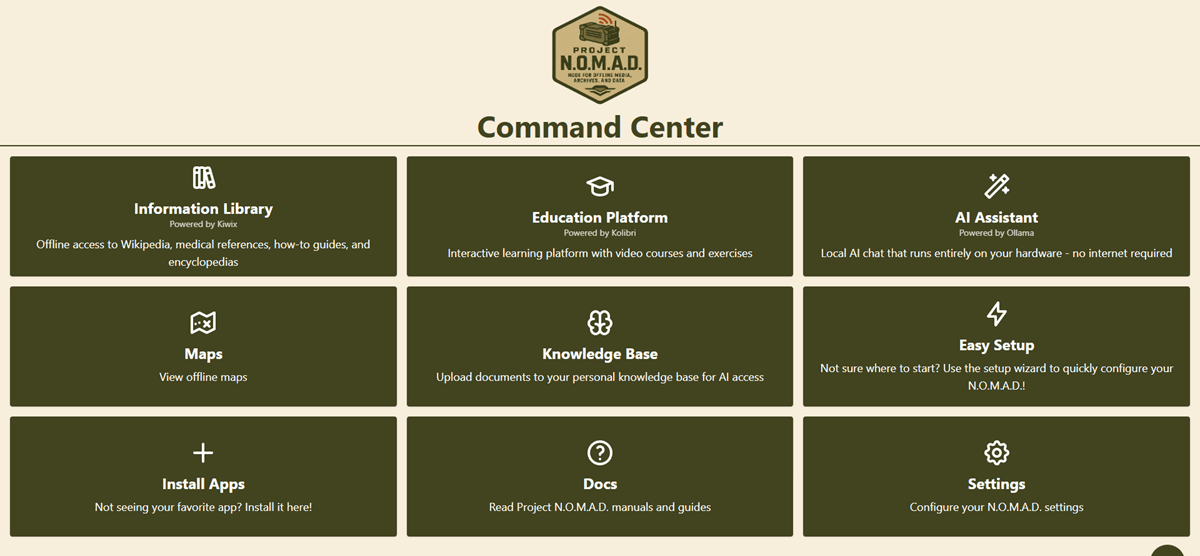
What is Project N.O.M.A.D.?
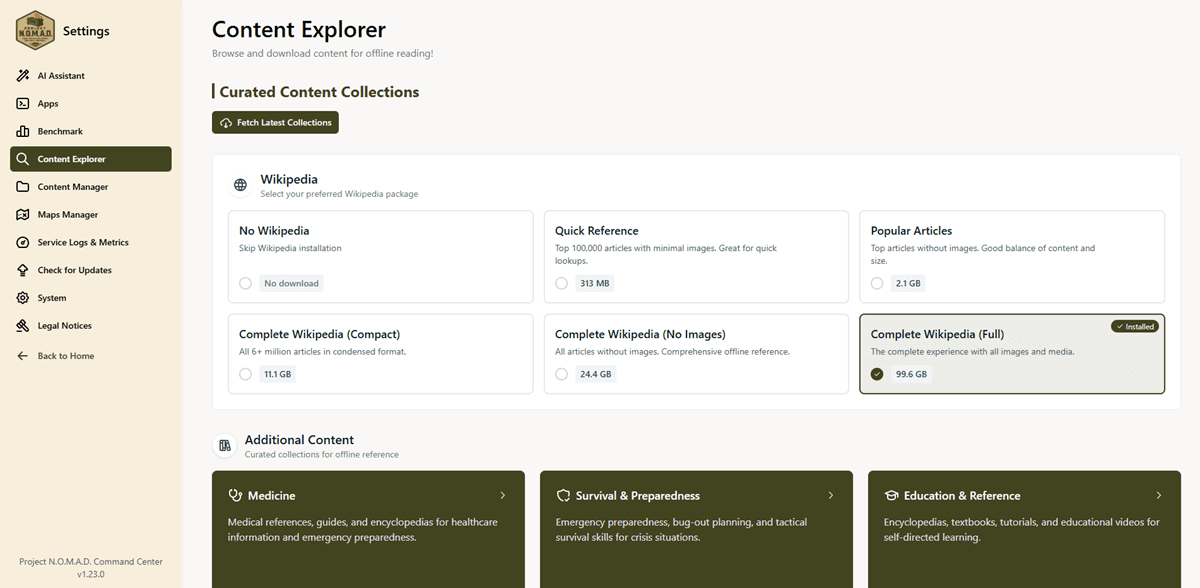
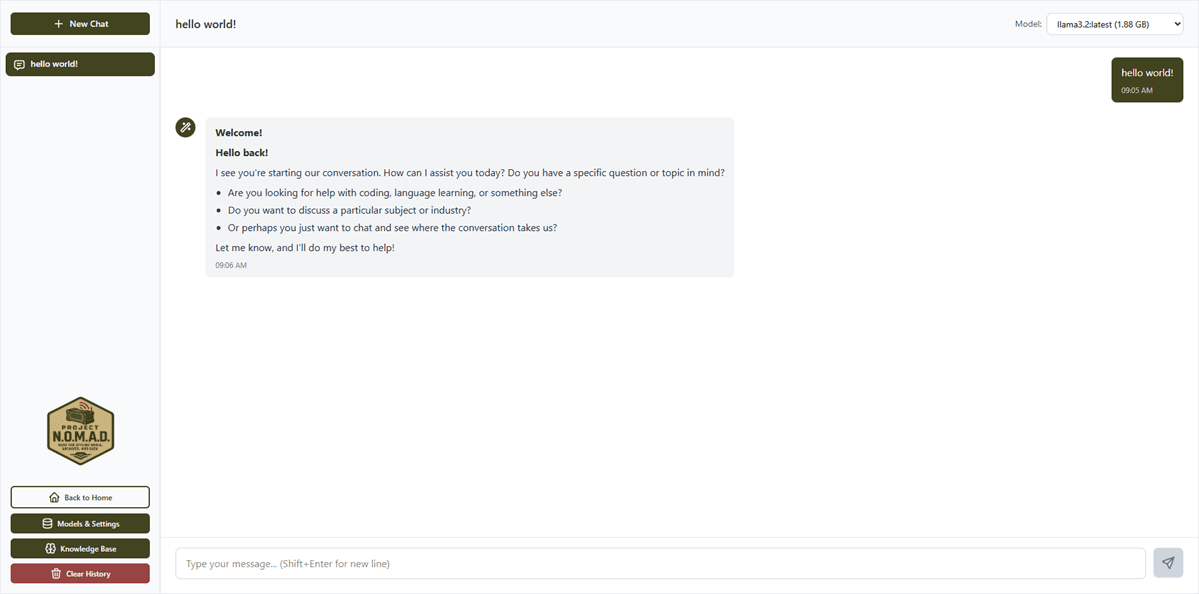
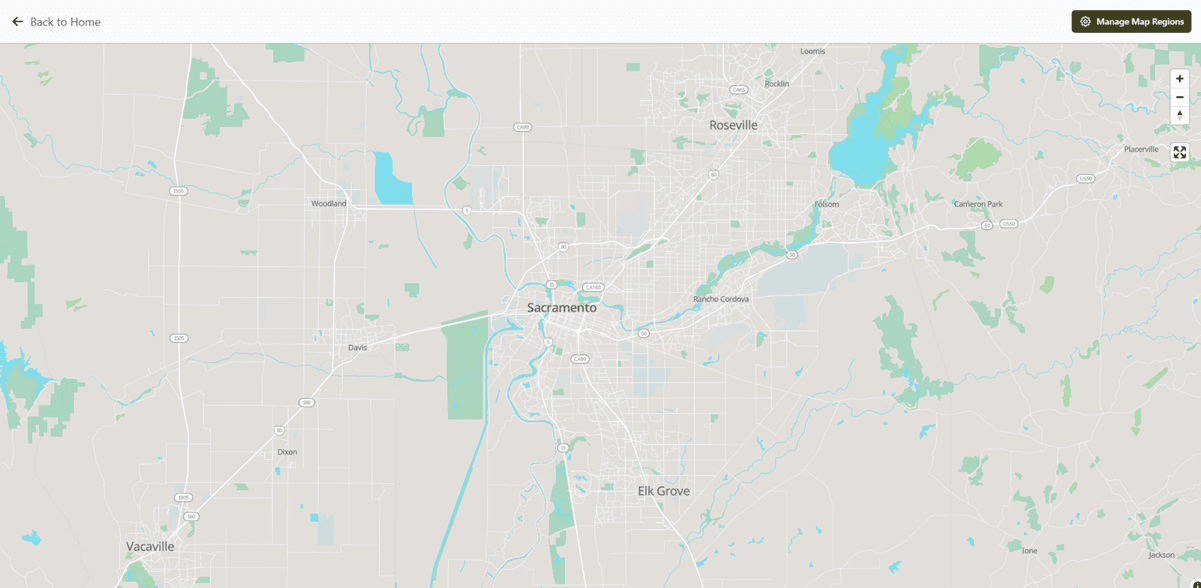
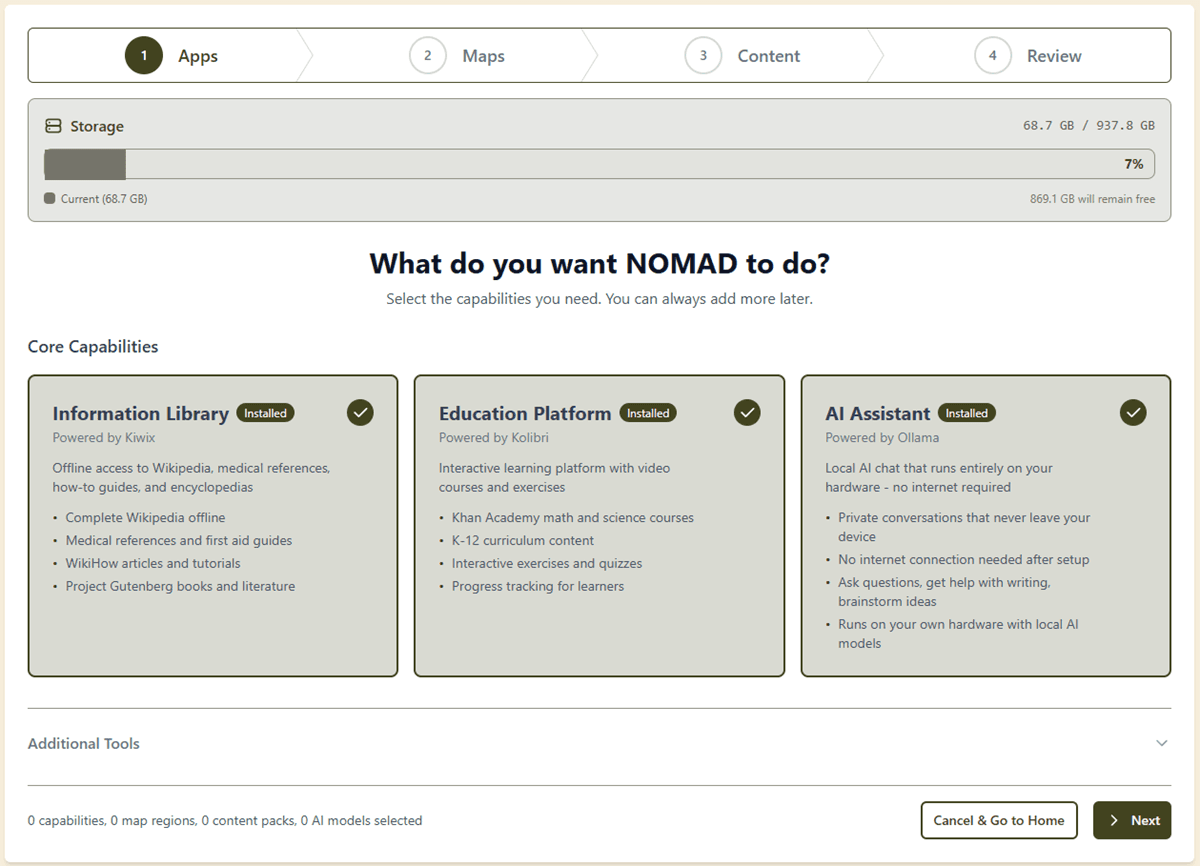
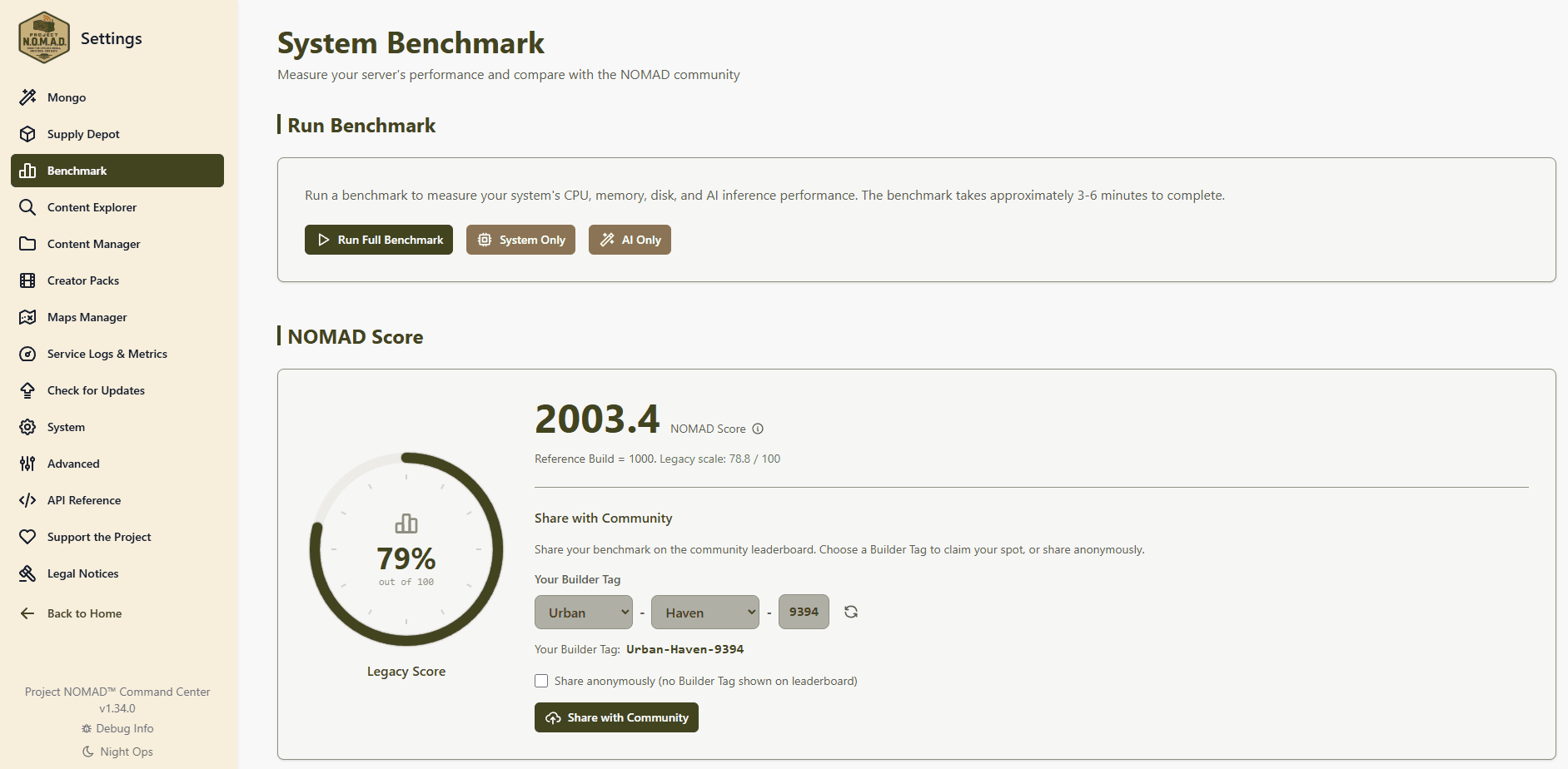
Project NOMAD packs an entire offline library and classroom onto x86 hardware you already own, built for preppers, off-grid households, homeschool families and homelab users who want reference material when there is no internet. Its Command Center is a dashboard plus API that installs, configures and updates a stack of containers for you: Kiwix delivers Wikipedia, medical lookups, survival manuals and ebooks; Kolibri brings Khan Academy coursework that tracks learner progress across multiple users; ProtoMaps serves OpenStreetMap coverage down to street level for whichever regions you pull; and an optional assistant answers from documents you upload, with semantic search via Qdrant and models run locally through Ollama or any OpenAI-compatible server such as LM Studio. Around that core sit a one-click catalogue that can also launch your own images, FlatNotes note-taking, CyberChef data utilities, a hardware benchmark with a public leaderboard, tools for picking ZIM content, and a guided wizard for first launch. Setup is one curl-piped script on a Debian-family distro (the team recommends Ubuntu 26.04 LTS), or the published Compose template if you want manual control; MySQL and Redis back the admin service, and the app alone needs only about 5 GB on disk with memory use under 1 GB. Two caveats worth knowing: there is deliberately no login, so it suits a trusted LAN rather than the open internet, and it is aimed at x86-64 machines, leaving ARM boards, virtual machines and macOS officially unsupported. Apache-2.0 licensed, free of charge, and sustained by community donations.
Project N.O.M.A.D. alternatives
 novaSelf-hosted personal AI with a measured memory loop and 70+ autonomous monitors building living dossiers — all local, zero cloud.Comparenova with Project N.O.M.A.D.
 NoteDiscoverySelf-hosted, open-source Markdown knowledge base: wikilinks, backlinks, graph view, tags, templates, LaTeX, Mermaid, drawing editor, MCP AI access. One Docker container.CompareNoteDiscovery with Project N.O.M.A.D.
 AtomicAn open-source, self-hosted personal knowledge graph: markdown atoms get embedded, tagged and linked, enabling vector search, cited wiki articles and RAG chat.CompareAtomic with Project N.O.M.A.D.
 OpenTutorOpenTutor is a self-hosted, open-source AI learning platform turning uploaded materials into notes, flashcards, quizzes, and an adaptive tutor with 10+ LLM providers.CompareOpenTutor with Project N.O.M.A.D.
 open-notebookSelf-hosted, open-source Notebook LM alternative: research notebooks with cited AI chat, full-text and vector search, transformations, podcasts and 20+ AI providers.Compareopen-notebook with Project N.O.M.A.D.
 lab-dashSelf-hosted dashboard for managing homelab applications with customizable grid layout, service health checks, and PWA support.Comparelab-dash with Project N.O.M.A.D.
 n8n-installSelfhost AI is an open-source Docker Compose installer for a complete AI homelab with n8n, Ollama, Open WebUI, AI agents, RAG, and monitoring behind automatic HTTPS.Comparen8n-install with Project N.O.M.A.D.
 GaiaNet NodeOpen-source, self-hosted GaiaNet node: pick any Hugging Face LLM, add a RAG knowledge base, serve an OpenAI-compatible API and web chat UI.CompareGaiaNet Node with Project N.O.M.A.D.
All self-hosted alternatives to Doom Box → All self-hosted alternatives to PrepperDisk → All self-hosted alternatives to R.E.A.D.I. →
Should you self-host Project N.O.M.A.D.?
Project N.O.M.A.D. scores 86/100 on selfhost.directory (how scoring works) and ranks #1 of 42 in Knowledge Management. It has 42 923 GitHub stars, +3 816 in the last 30 days.
It shipped 8 stable releases in the past year. The latest, v1.35.1, came out on 5 October 2026. New versions land roughly every 4 weeks.
Setup is moderate: expect some configuration beyond a single command. An official Docker image is available. It is Apache-2.0-licensed and written mostly in Typescript.
Its closest alternative on selfhost.directory is AFFiNE Community Edition (83/100, 74 376 stars). Project N.O.M.A.D. scores higher overall. See Project N.O.M.A.D. vs AFFiNE Community Edition side by side.
Features
- Automatic Updates
- Containerized app catalog
- Data utilities
- Document upload with semantic search
- Education Platform
- Guided setup wizard
- Hardware benchmarking
- Local AI chatOptional; AI features are not required for core functionality.
- Note Taking
- Offline content management tools
- Offline knowledge library
- Offline Maps
- Zero built-in telemetry
Project N.O.M.A.D. README

Project NOMAD is a self-contained, offline-first knowledge and education server packed with critical tools, knowledge, and AI to keep you informed and empowered — anytime, anywhere.
Project NOMAD can be installed on any Debian-based operating system (we recommend Ubuntu 26.04 LTS; 24.04 LTS and Debian 12 are also supported). Installation is completely terminal-based, and all tools and resources are designed to be accessed through the browser, so there's no need for a desktop environment if you'd rather setup NOMAD as a "server" and access it through other clients.
FAQ
How quickly are issues resolved when reported?
It is maintained by a small volunteer team, so critical issues get attention fastest while less severe ones can take longer, with fixes then tested before release.
Do you sell hardware or pre-built devices with NOMAD pre-installed?
No — the team does not sell hardware, and users install NOMAD themselves on compatible machines using the published instructions and hardware recommendations.
Is NOMAD actually free? Are there any hidden costs?
Yes, it is free and open source under Apache 2.0 with no premium tiers or hidden fees; only your hardware costs money.
Do I have to install the AI features in NOMAD?
No, the AI stack (Ollama, Qdrant and the RAG pipeline) is entirely optional and the rest of NOMAD works without it.
Can I use any AI models?
Model support follows Ollama, which NOMAD uses by default, so a model found only on Hugging Face will not work; models missing from the settings page can be pulled with a curl call to the NOMAD API.
Can I run NOMAD if I have existing Docker containers on my machine?
Yes, NOMAD's containers are prefixed nomad_ and coexist with your own as long as you avoid port conflicts and resource constraints.
What technologies is NOMAD built with?
Docker for containerization, Node.js and TypeScript with AdonisJS for the Command Center backend, React (Vite plus Inertia.js) for the frontend, and MySQL and Redis for data and background jobs.
Does NOMAD support languages other than English?
Not yet: as of March 2026 the UI and most bundled content are English-only, with multi-language support on the roadmap.
Why does NOMAD require a Debian-based OS?
The installation scripts and Docker configurations are optimized and tested for Debian-based distributions (Ubuntu 26.04 LTS recommended), so other platforms cannot be guaranteed a smooth experience.
Can I run NOMAD on MAC, WSL2, or a non-Debian-based Distro?
WSL2 on Windows is community-supported via a dedicated install guide; macOS and other non-Debian Linux distros are not officially supported.
Can I store NOMAD's data on an external drive or network storage?
It is possible with your own host-level configuration (external drives, iSCSI, SMB/NFS volumes) passed in via the compose file; NOMAD cannot set this up for you and a local drive is recommended for performance.
Can I customize the storage location for NOMAD's data?
Yes — edit the bind mounts in the docker-compose.yml file so they point at wherever you keep the data on the host.
Can I customize the port(s) that NOMAD uses?
Yes, but only the core services defined in docker-compose.yml (Command Center, MySQL, Redis) support port customization; the installable applications such as Ollama and Kiwix do not yet.
More in Knowledge Management
 Pydio CellsFuture-proof content collaboration platform
 QCueQCue is a self-hosted, open-source capture-first second brain that turns thoughts into a living Markdown wiki using your own LLM keys.
 QHub-WikiSelf-hosted knowledge base for SMBs combining Wiki.js, Qdrant vector search, and a Chrome extension for AI answers, deployed via Ansible or Docker Compose.
 qpixelOpen-source, self-hosted Q&A and community forum in Rails: one installation hosts many communities, each with categories, post types, voting and activity-based abilities.
 R2RSelf-hosted agentic RAG system with a RESTful API: multimodal ingestion, hybrid search, knowledge graphs, a Deep Research agent, and user & access management.
 RanetoSelf-hosted, open-source Markdown wiki and knowledge base for Node.js: file-based pages, in-browser editor, Lunr search, login protection, Docker image, no database.
 raytsystemA self-hosted, open-source local-first agent workspace for knowledge management, tasks, documents, and verifiable workflows with a loopback-only web interface.
 rememberRemember is an open-source, self-hosted Rails app that imports Calibre highlights and uses spaced repetition to help retain knowledge from books and articles.
 reminiscenceA self-hosted, open-source Django bookmark manager that archives web pages as HTML, PDF or full-page PNG, with auto tagging, search, annotations and multi-user sharing.
 RetainRetain is a native macOS app that unifies AI conversations from multiple tools into a searchable local knowledge base with learning extraction.
 RowboatSelf-hosted, open-source AI coworker that builds a local knowledge graph of your email, meetings and notes, with team Spaces, whiteboards and background agents.
 salt.mdSelf-hosted open-source workspace with docs, databases, realtime collaboration, and built-in MCP server for AI agents — one Go binary with embedded SQLite.
0 comments