
Self-host taskview-community
v1.56.0Source-available PM suite with Kanban, graphs and MCP
docker compose up -d- Stars
- 1 380
- CPU
- 1 CPU core
- RAM
- 1 GB
- Storage
- 10 GB disk space
- Ports
- 80 (Web app container serves the frontend (published as host port 8888 by default)), 1401 (API server listens on APP_PORT (published as host port 1725 in the sample compose))
- Requires
- PostgreSQL
gimanhead/taskview-ce-api-server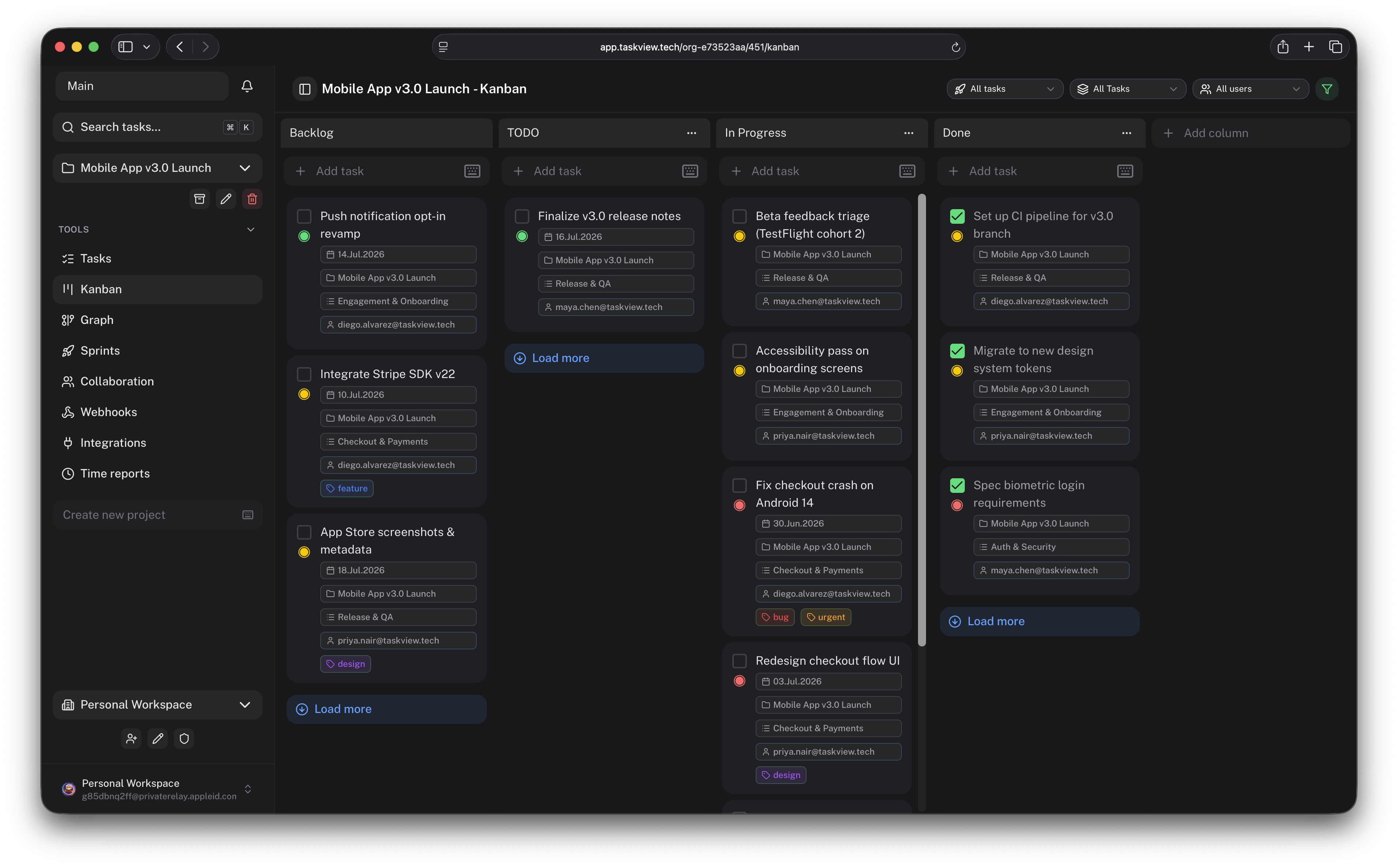
What is taskview-community?
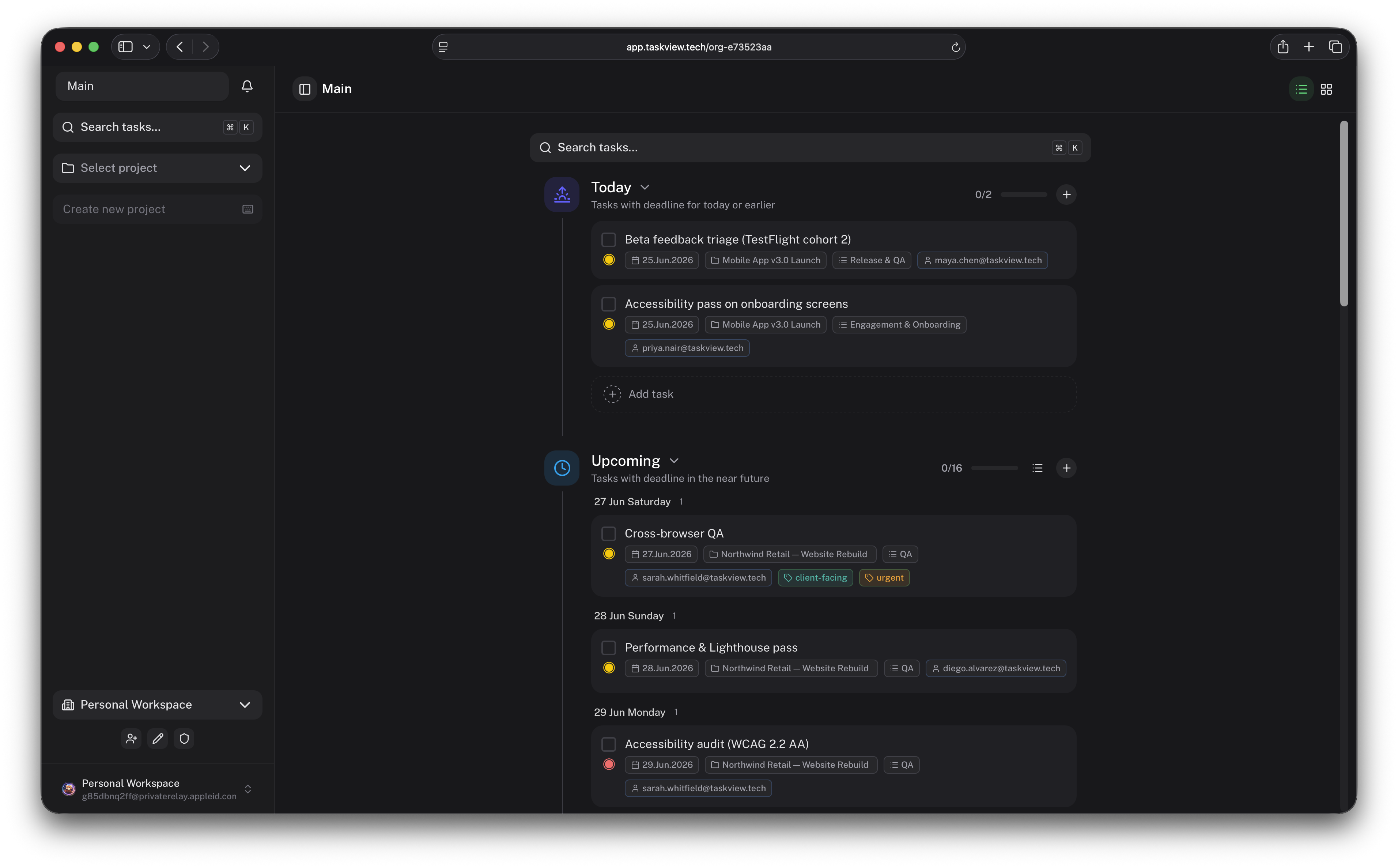
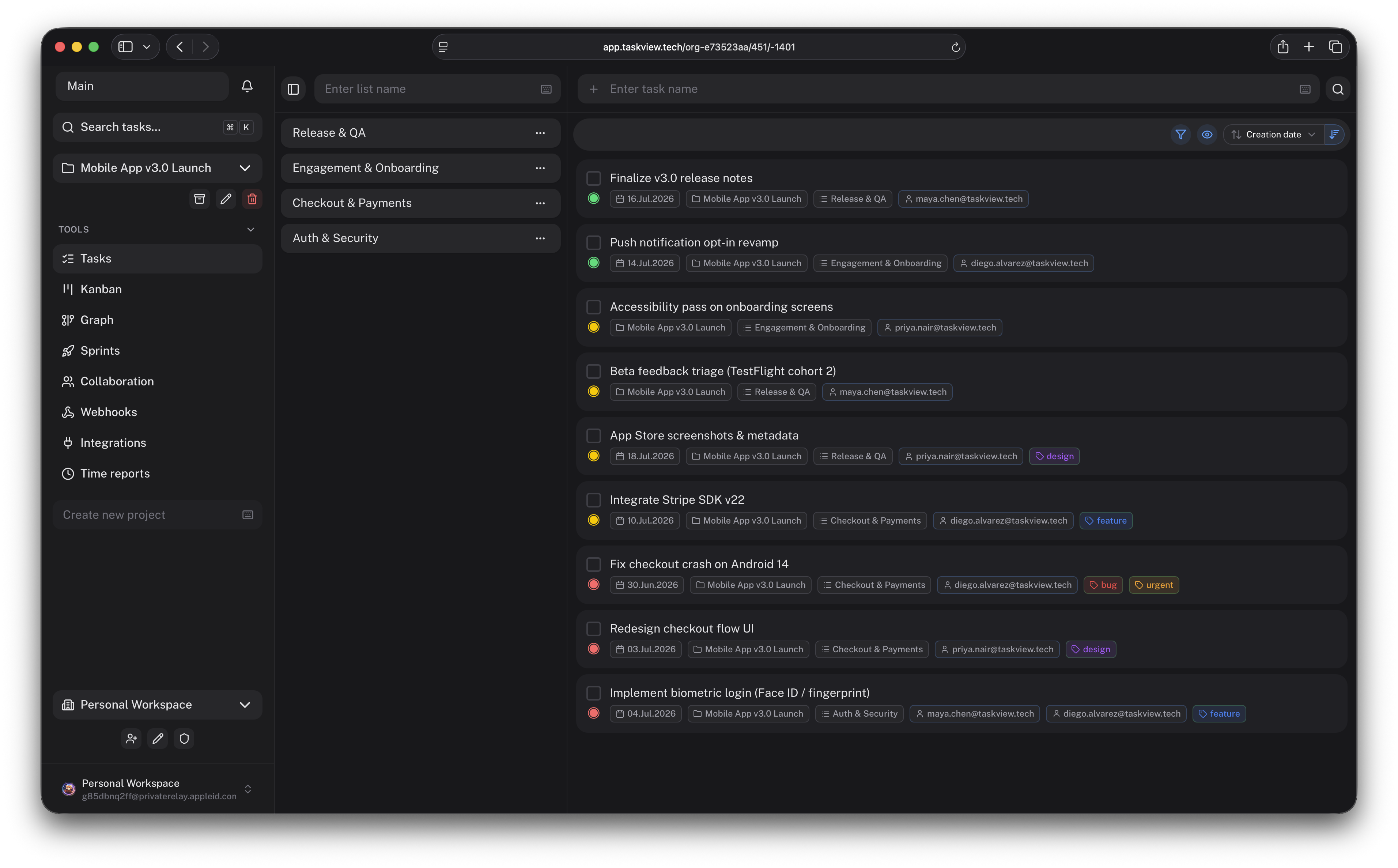
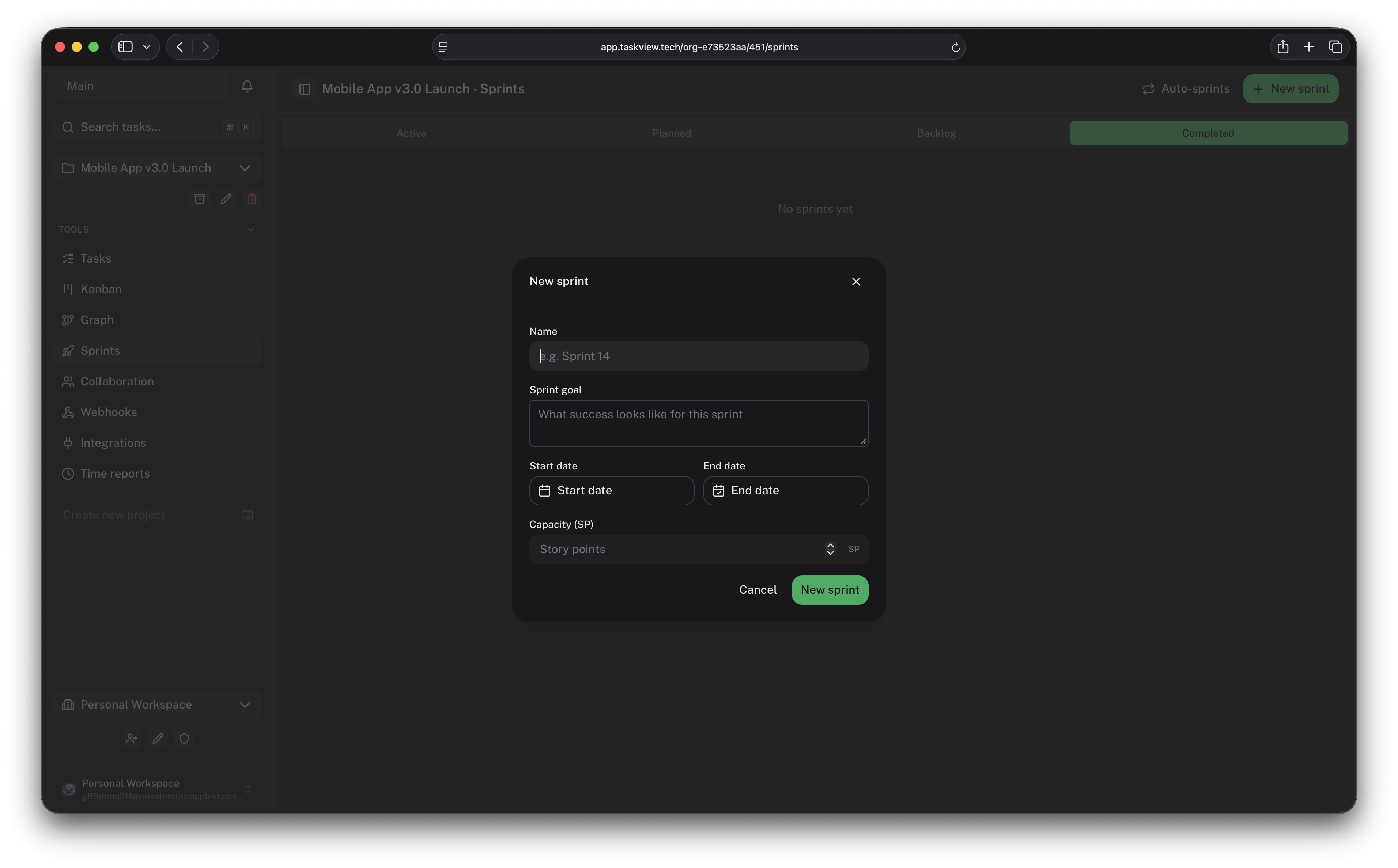
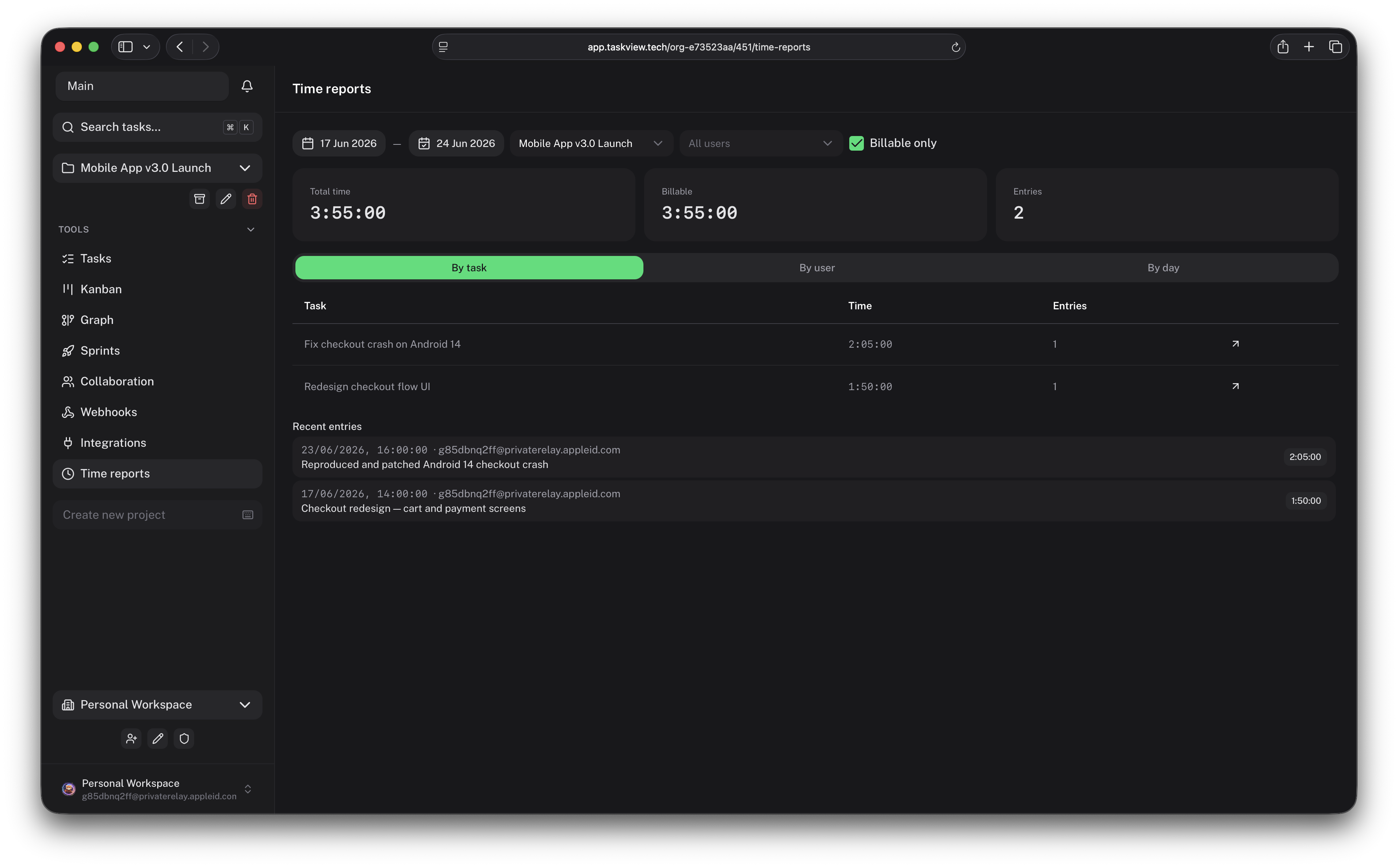
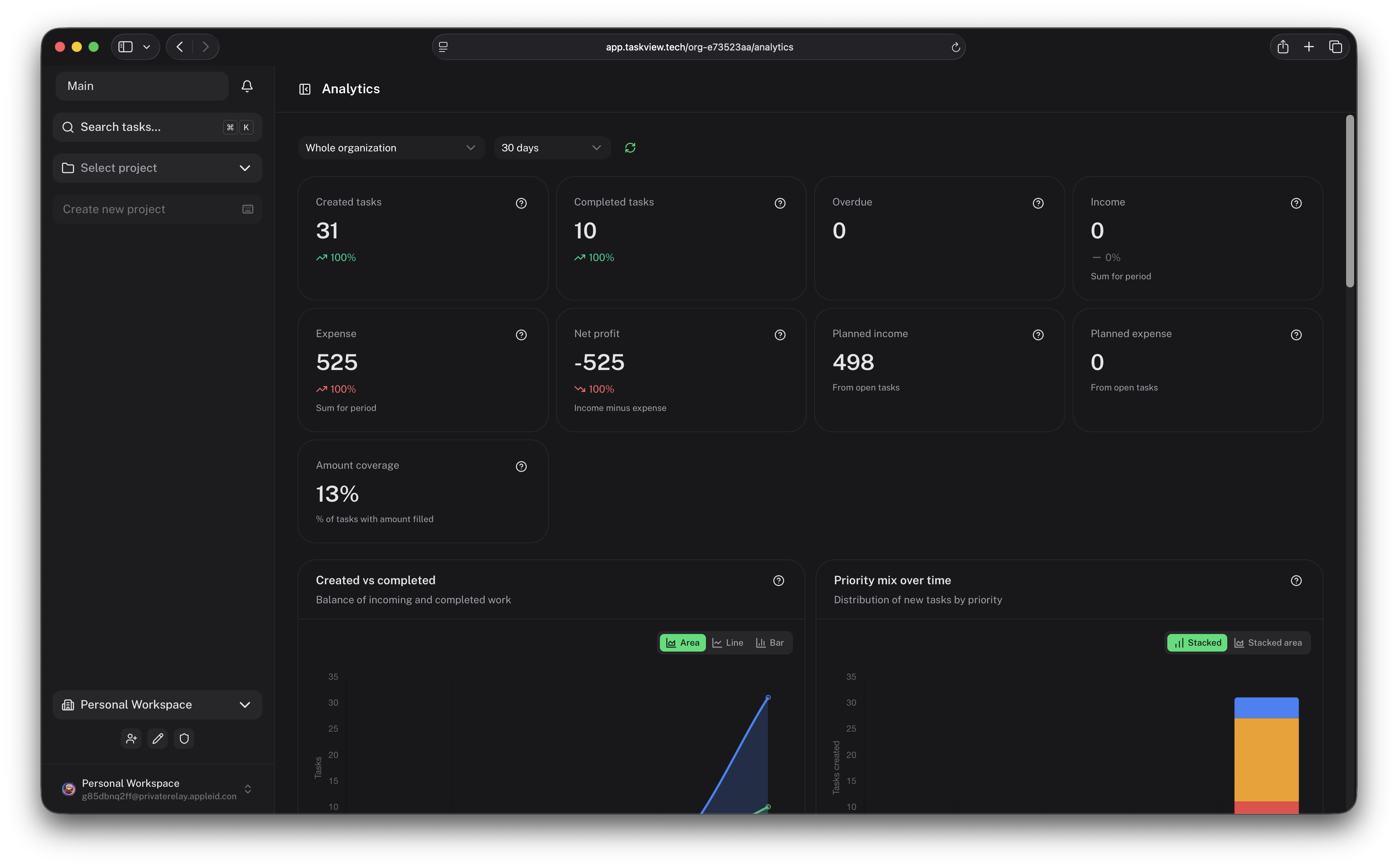
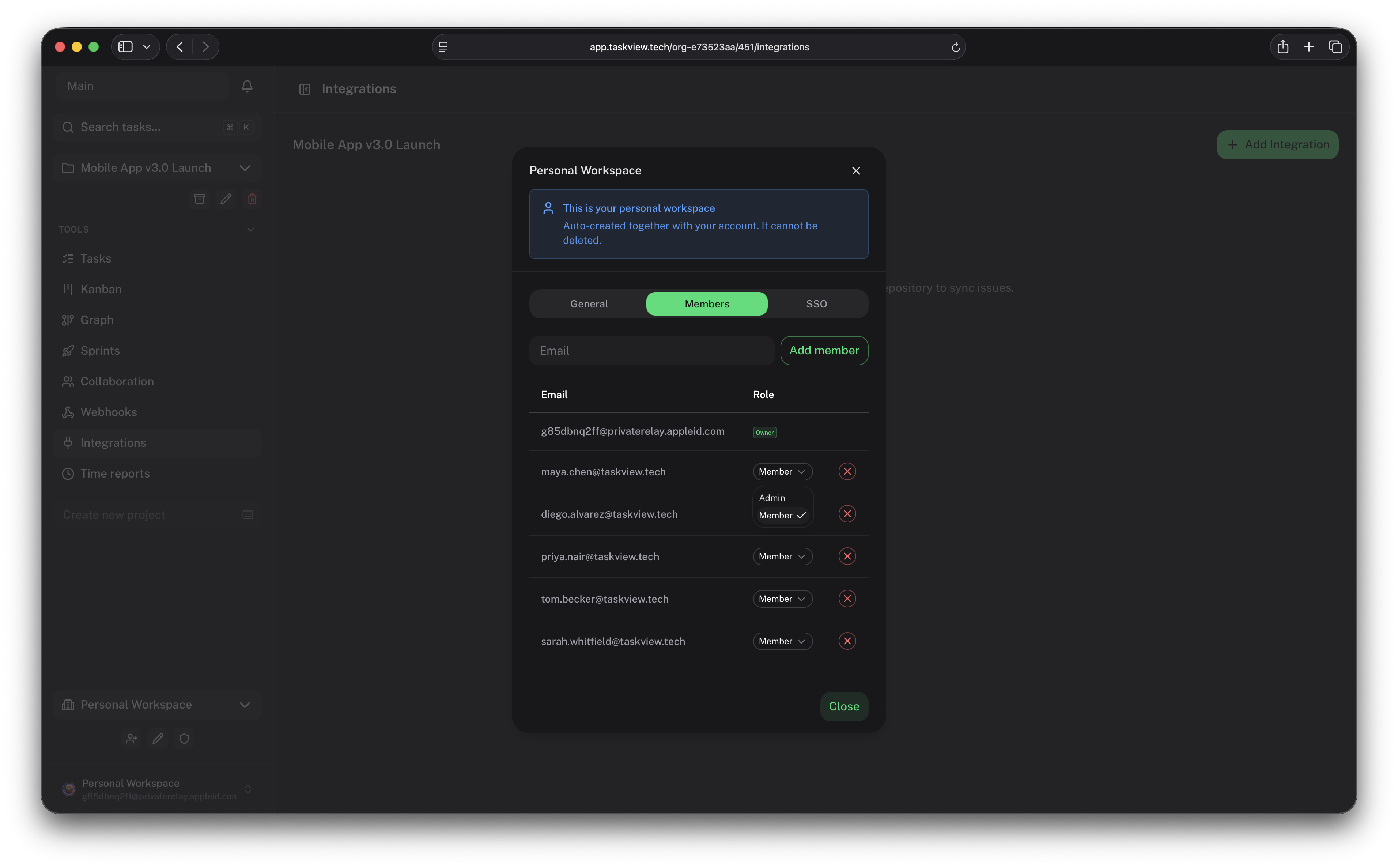
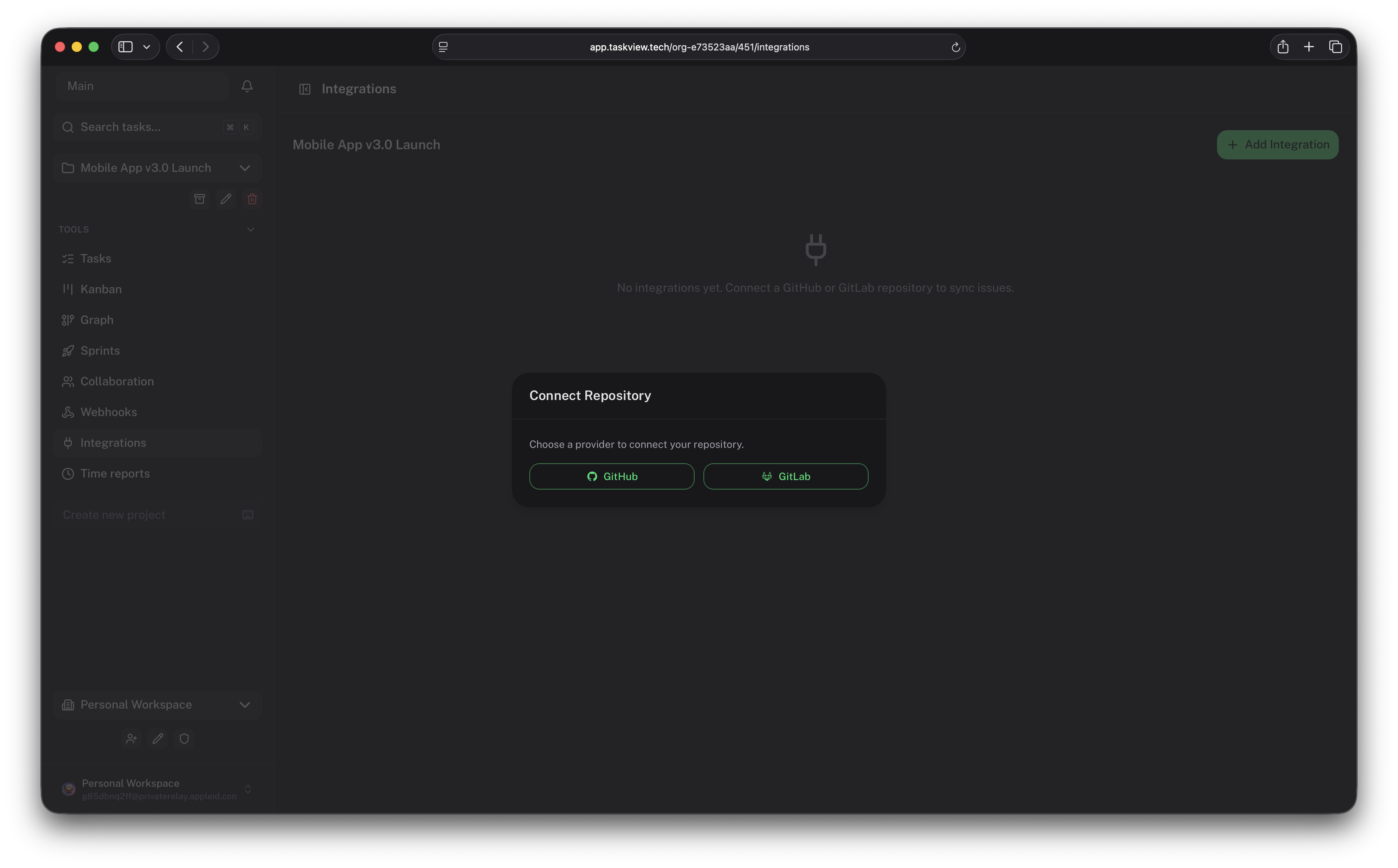
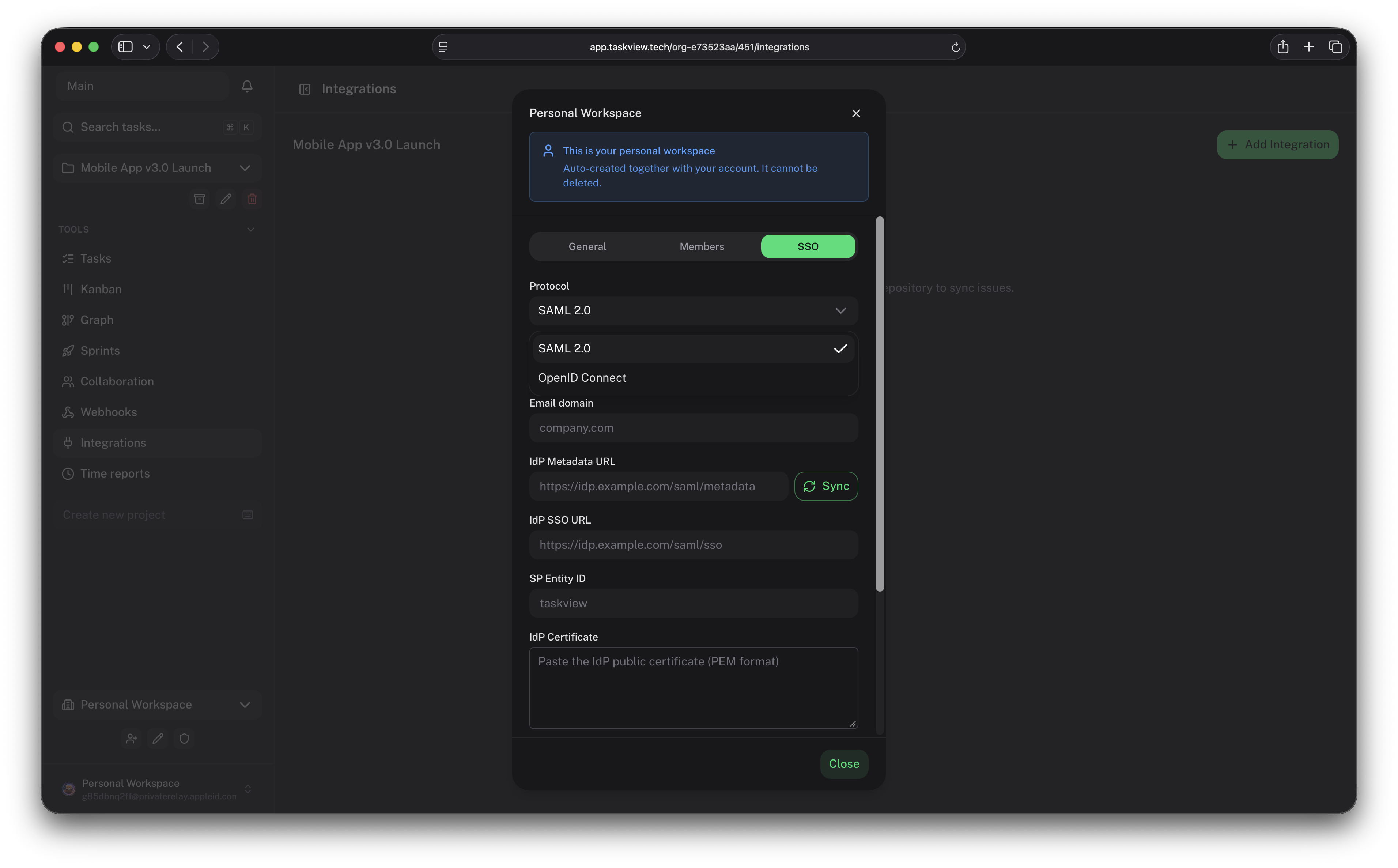
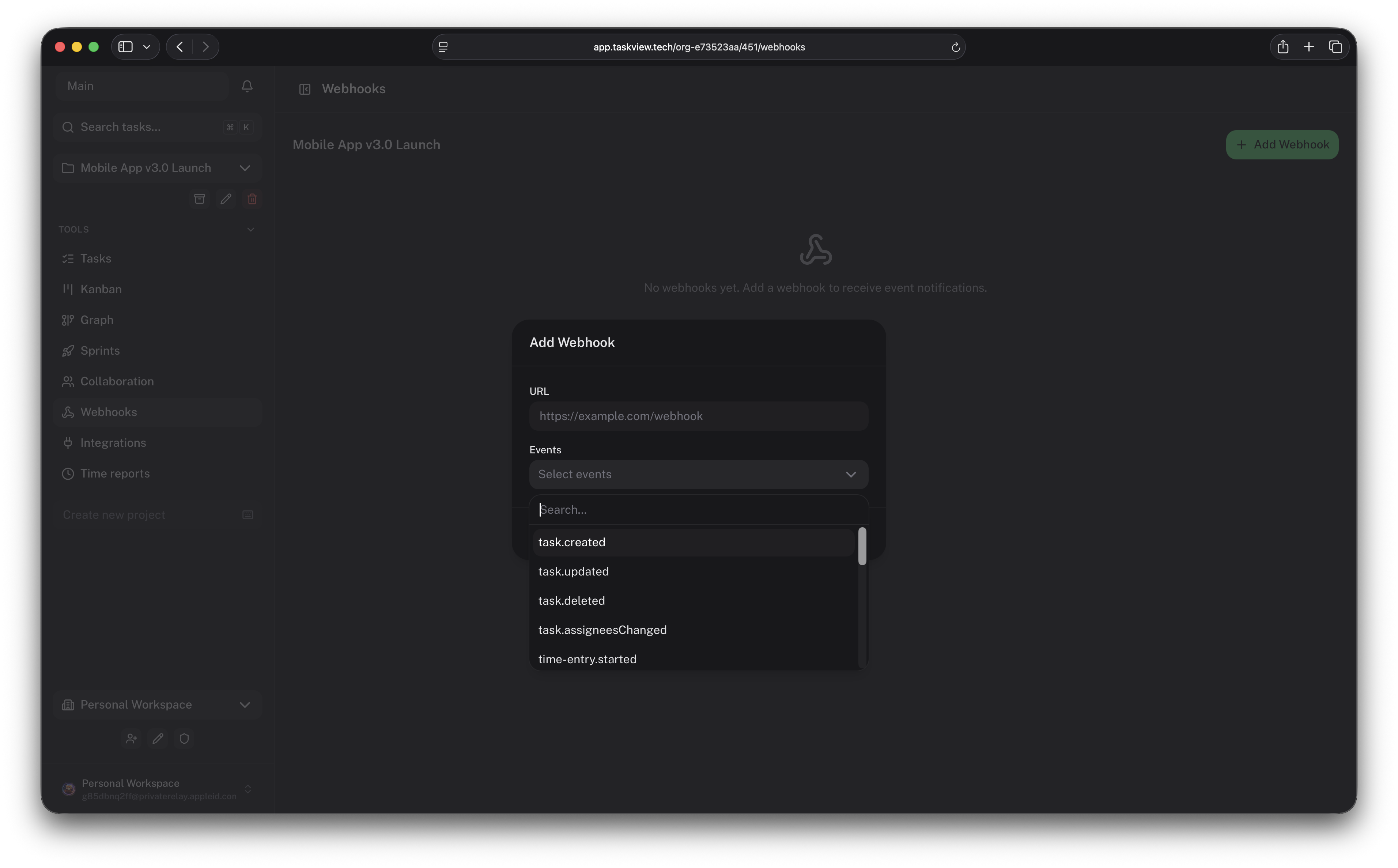
TaskView is a source-available manager for projects and tasks, aimed at compact development teams that want structure without enterprise tooling overhead. Work is organised into organizations, projects, lists and tasks with nested subtasks, priorities, tags and deadlines; boards have per-project status columns, and an interactive graph links dependent tasks so blockages show up early. Sprints, recurring jobs, a billable-flagged time tracker and income/expense amounts on tasks feed workload, productivity and financial reports. Access control uses roles built from 28 permission types assigned per project, with invitations and optional closed sign-up; SAML 2.0 and OpenID Connect login plus SCIM provisioning stay free, alongside password, magic-link and Google/GitHub/Apple sign-in. Capacitor powers native iOS and Android clients that talk to your own instance. Automation covers a public HTTP API with scoped, revocable tokens, signed outgoing webhooks, a TypeScript client and an official MCP server so AI assistants can read and change project data within the permissions you grant. Repository issues from GitHub, GitLab or Gitea can be imported and kept in sync, and Telegram or Slack can deliver notifications; attachments live on local disk or S3-compatible storage. Running it yourself means Docker Compose plus PostgreSQL 17 and a one-shot migration container (web UI on 8888, API on 1725), or building the images from the monorepo; HTTPS comes from a reverse proxy placed in front. A perpetual paid SE license adds an audit log and priority support, the licence is source-available rather than OSI open-source, and one maintainer, Nikolai Giman, builds it.
Should you self-host taskview-community?
taskview-community scores 52/100 on selfhost.directory (how scoring works) and ranks #28 of 45 in Project Management. It has 1 380 GitHub stars.
It shipped 20 stable releases in the past year. The latest, v1.56.0, came out on 22 September 2026. New versions land roughly every 7 days.
Setup is moderate: expect some configuration beyond a single command. An official Docker image is available. It is Other-licensed and written mostly in Typescript.
Its closest alternative on selfhost.directory is Plane (86/100, 61 588 stars). It scores higher overall, so compare the two before you pick. See taskview-community vs Plane side by side.
taskview-community README
FAQ
Does TaskView have mobile apps?
Yes, Capacitor-based Android and iOS apps connect to your self-hosted server and sync tasks, projects and notifications.
Can I connect GitHub and GitLab repositories?
Yes, GitHub and GitLab repositories connect via OAuth and issues are imported and kept in sync through webhooks; self-hosted GitLab is supported too.
Does TaskView have role-based access control?
Yes, an RBAC system with 28 permissions; you create roles, assign permissions and give roles to users per project.
Does TaskView have time tracking?
Yes, via timers or manual entries, each with a billable flag, with reports by day, person, task and contributor and the same data through the API and MCP server.
Can I attach files to tasks?
Yes, task files can be stored on the server's local disk or in S3-compatible storage.
Does TaskView support subtasks?
Yes, any task can have lightweight subtasks with a title and a completion state.
Does TaskView have Kanban boards?
Yes, each project has a Kanban board with customizable status columns and drag-and-drop cards.
Does TaskView support HTTPS?
The application itself serves HTTP; for HTTPS put a reverse proxy such as Nginx or Caddy in front to terminate SSL.
How do I update TaskView?
Run docker compose pull then docker compose up -d; the migration container applies database changes automatically.
Can I run TaskView on a VPS?
Yes, on any VPS provider, deployed with Docker Compose behind a reverse proxy such as Nginx, Caddy or Traefik for SSL.
What are the system requirements?
Docker and Docker Compose on Linux, macOS or Windows; the minimum recommendation is 1 CPU core, 1 GB RAM and 10 GB disk space.
How do I install TaskView?
Install Docker and Docker Compose, create two environment files and a docker-compose.yml; the setup takes about 5 minutes.
What is the difference between TaskView and SaaS tools like Trello or Asana?
TaskView is self-hosted on your own server, so project data never leaves your infrastructure, with no subscriptions, vendor lock-in or third-party access.
More in Issue Tracking
- TracTrac is an enhanced wiki and issue tracking system for software development projects, offering integrated wiki, version control (Subversion/Git), and ticket management in a minimalistic web-based interface.
 TraqSelf-hosted PHP tool for managing projects, issues, milestones, and sprints with a built-in wiki, REST API, and plugin system.
 WindshiftWindshift is a self-hosted, open-source Jira alternative with boards, sprints, workflows, service management, test management, and time tracking on your infrastructure.
 BugzillaOpen-source self-hosted web bug tracker from the Mozilla community, with advanced search, time tracking, custom workflows, email-in bug filing and LDAP login.
 crikketSelf-hosted bug reporting tool capturing screenshots, video, console logs, and network requests with shareable links and team workspaces. Alternative to jam.dev.
 fizzyA kanban tool for tracking issues and ideas from 37signals — entirely free hosted, or self-hosted via the ONCE installer, a Docker image, or Kamal.
 GitLab-CESelf-hosted, open-source DevOps platform for Git repositories, merge requests, CI/CD pipelines, issue boards and wikis, with free CE and paid Premium/Ultimate tiers.
 It's a PlanOpen-source, self-hosted issue tracker where AI agents work alongside humans on shared boards. Replaces Linear, Jira, Plane with built-in AI, multiple views, initiatives.
 KaneoOpen-source, self-hosted project tracker for teams: kanban boards, Gantt and calendar views, a backlog, time tracking, and free single sign-on via OAuth or OIDC.
 MantisBTMantis Bug Tracker is a self-hosted, open-source issue tracker in PHP with role-based access, customizable workflows, LDAP auth, and REST/SOAP APIs.
 Mantis Bug TrackerMantis Bug Tracker (MantisBT)
 OpenProjectSelf-hosted, open-source project management tool: Gantt timelines, Scrum and Kanban boards, time and cost reports, wikis, meetings and forums.
0 comments