
Self-host swe-dashboard
v0.10-betaSoftware engineering metrics dashboard for GitLab and GitHub
- Stars
- 138
- Requires
- VictoriaMetrics
c1982/swed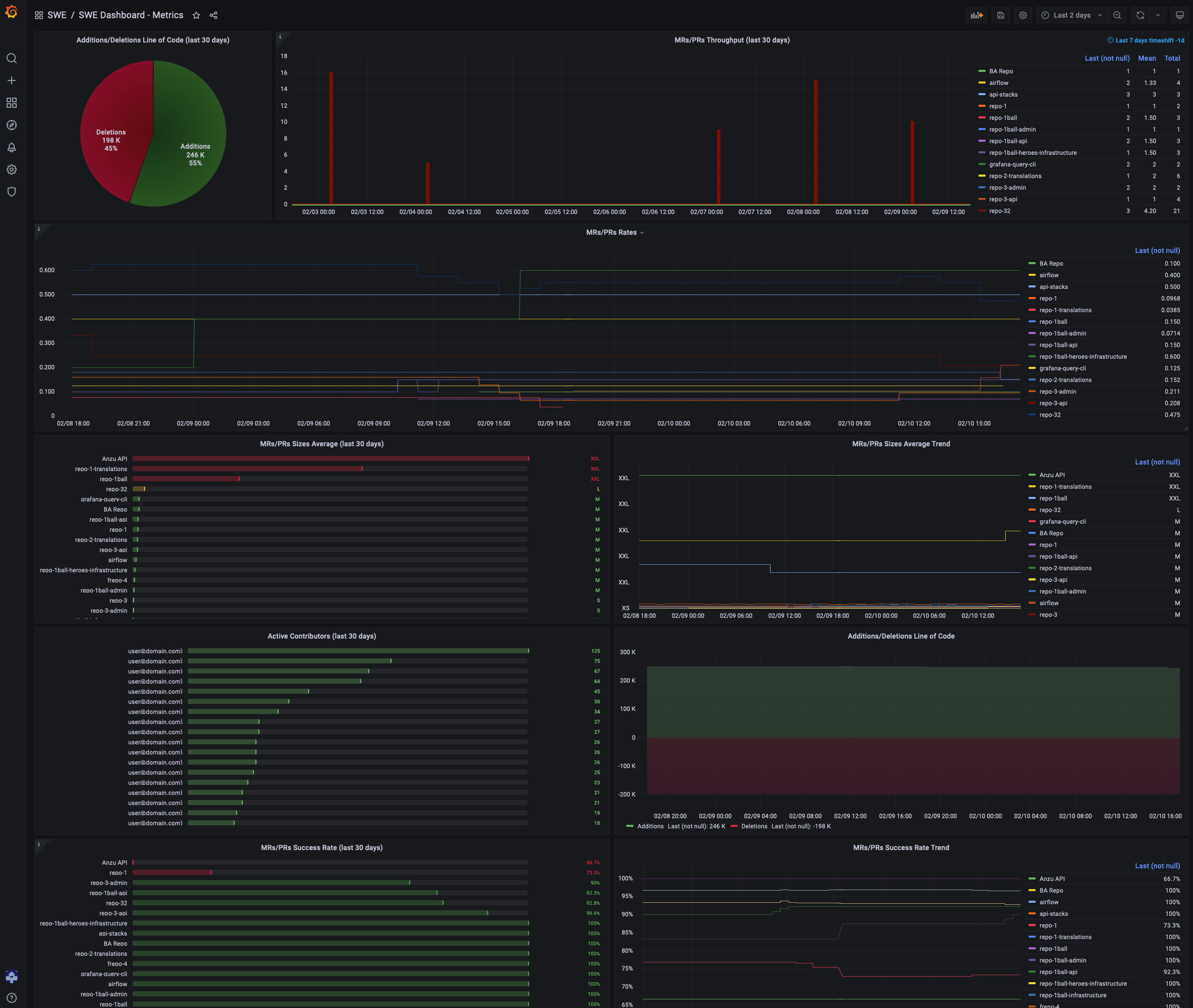

What is swe-dashboard?
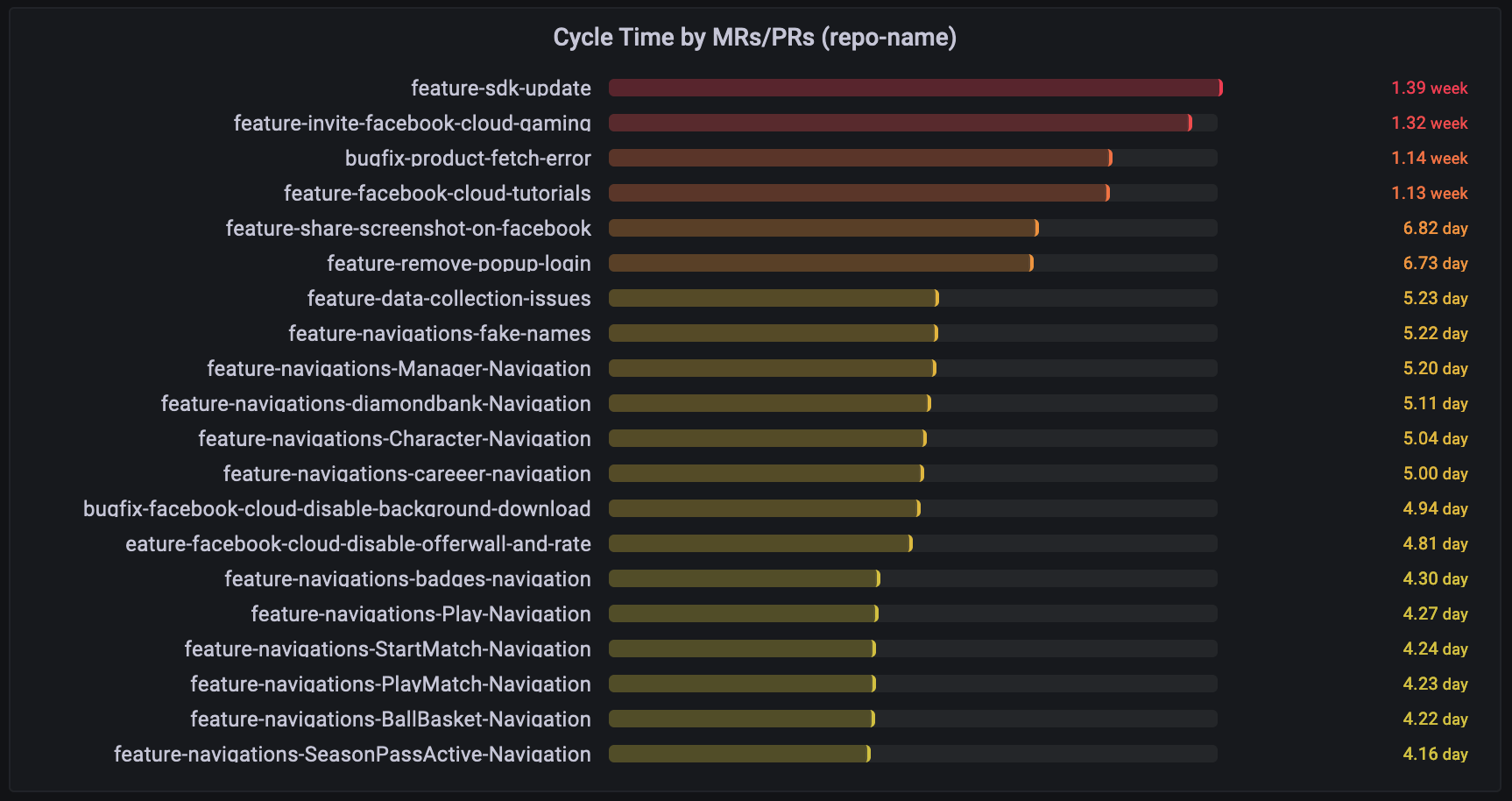
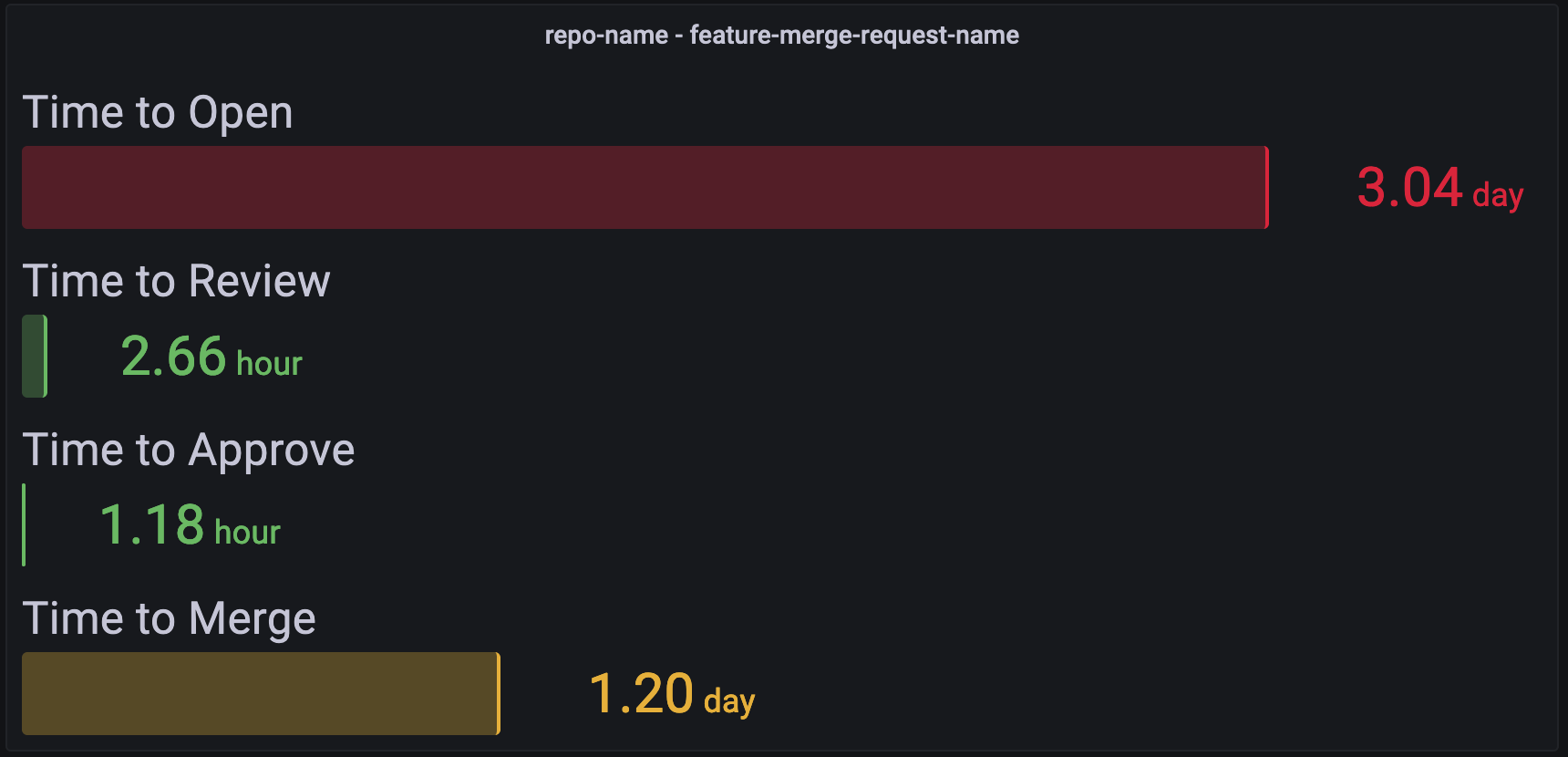
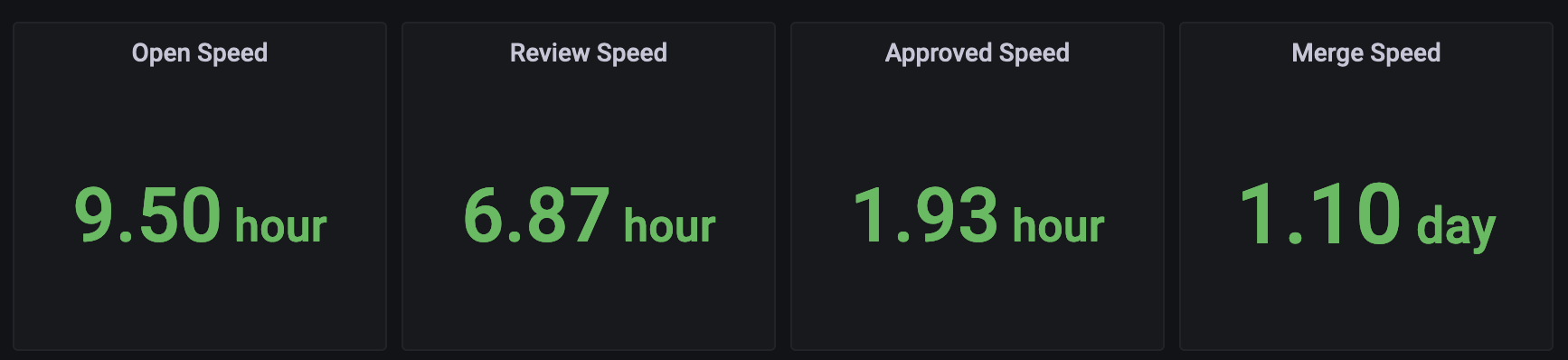
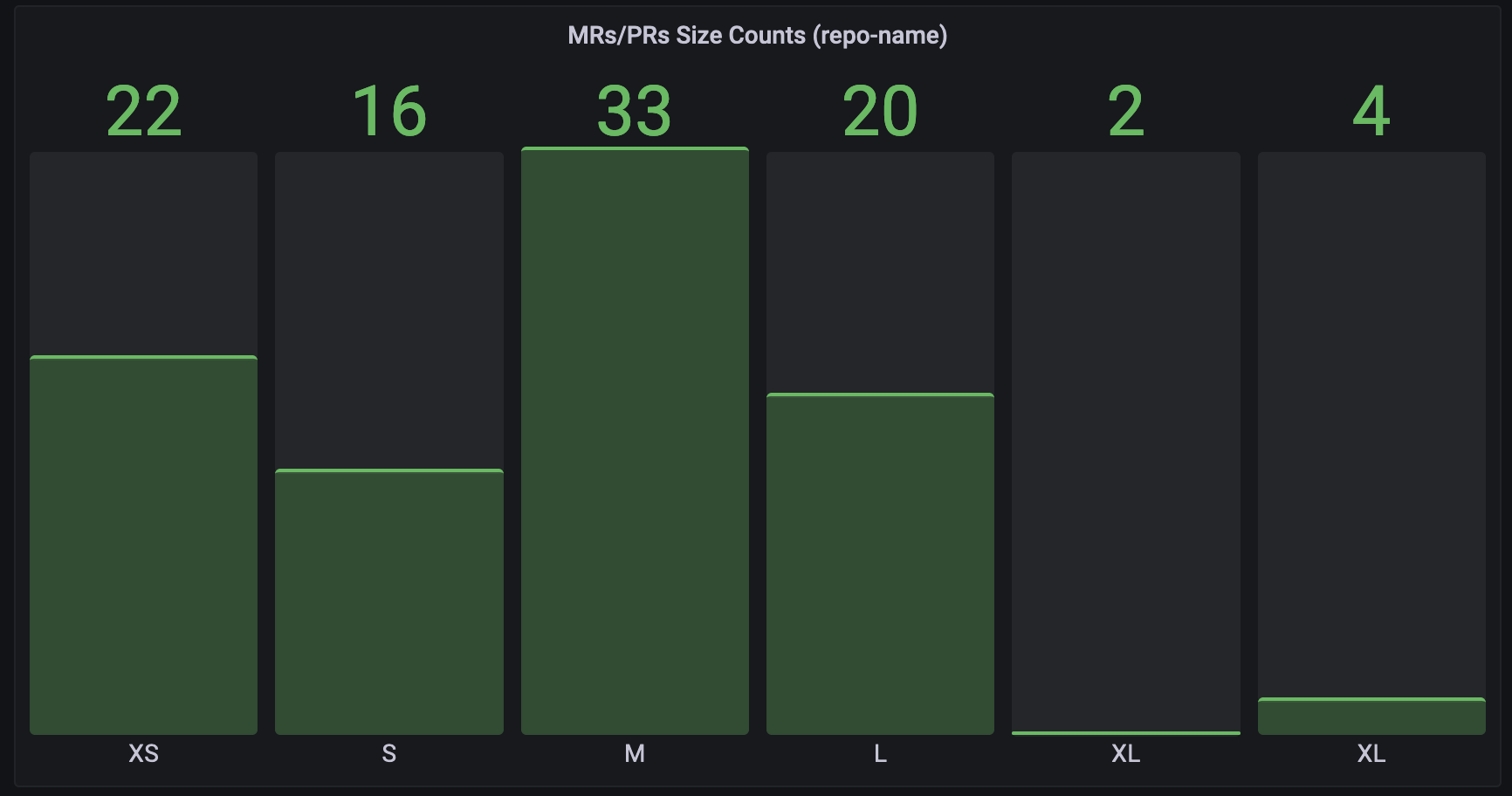
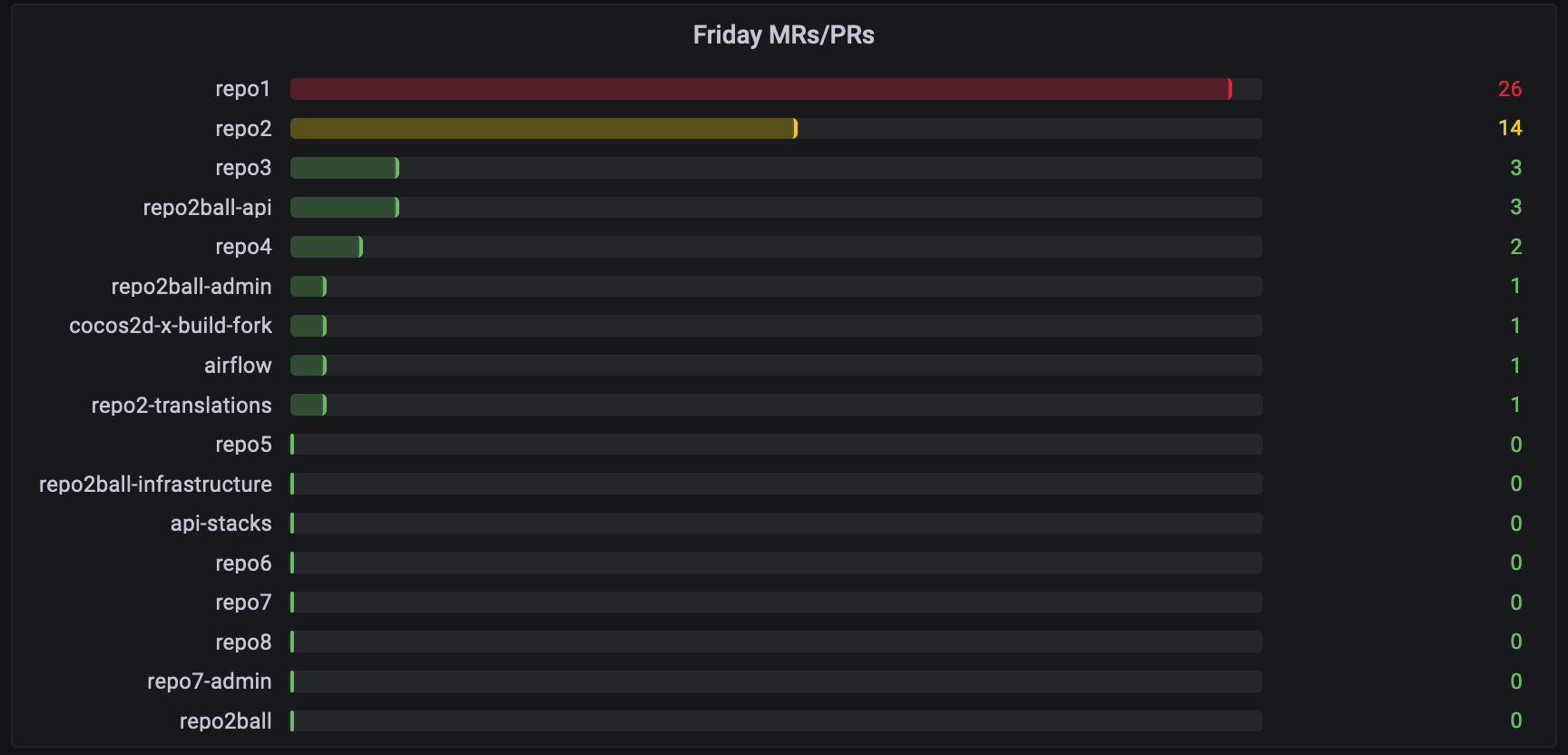
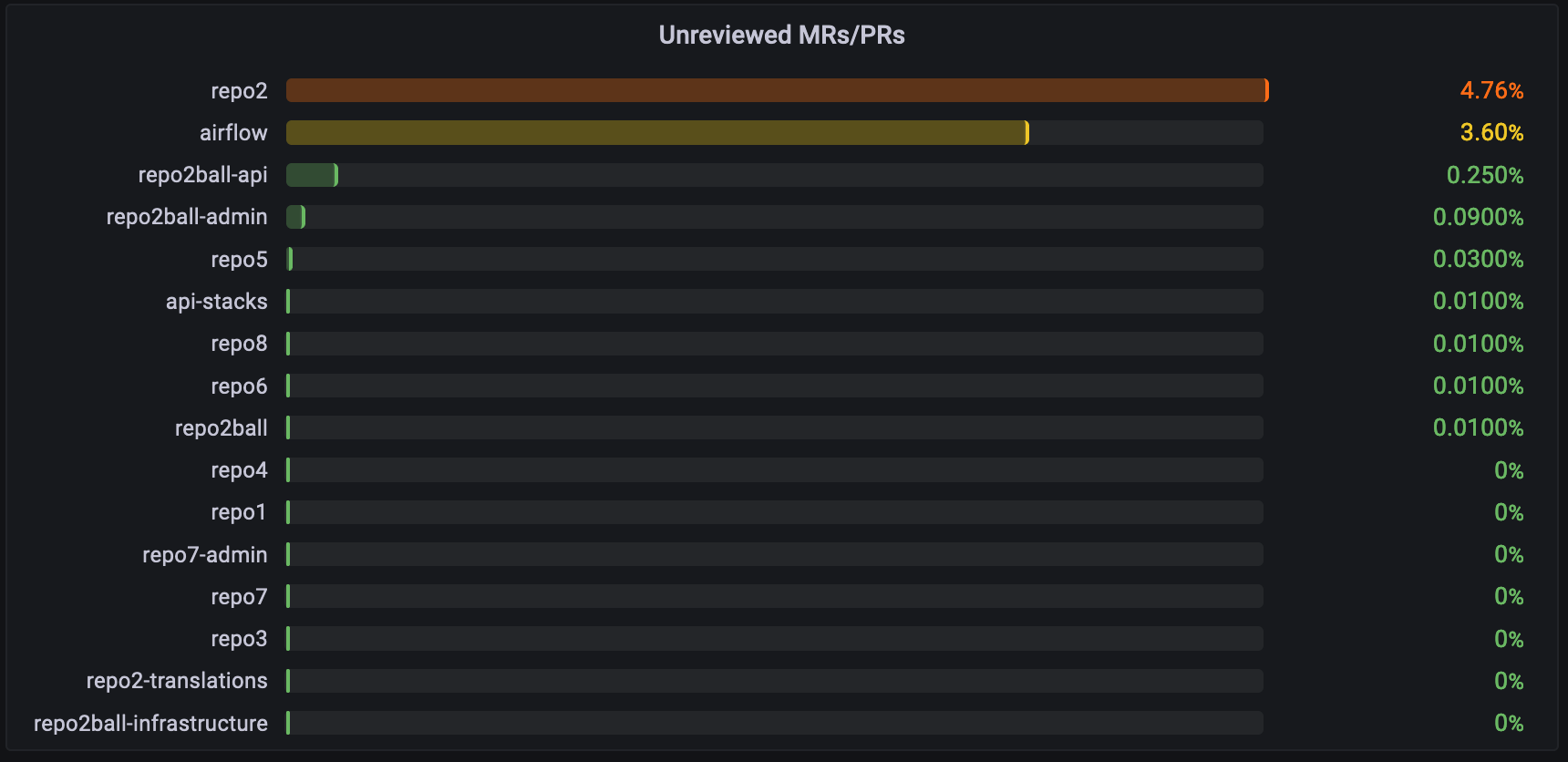
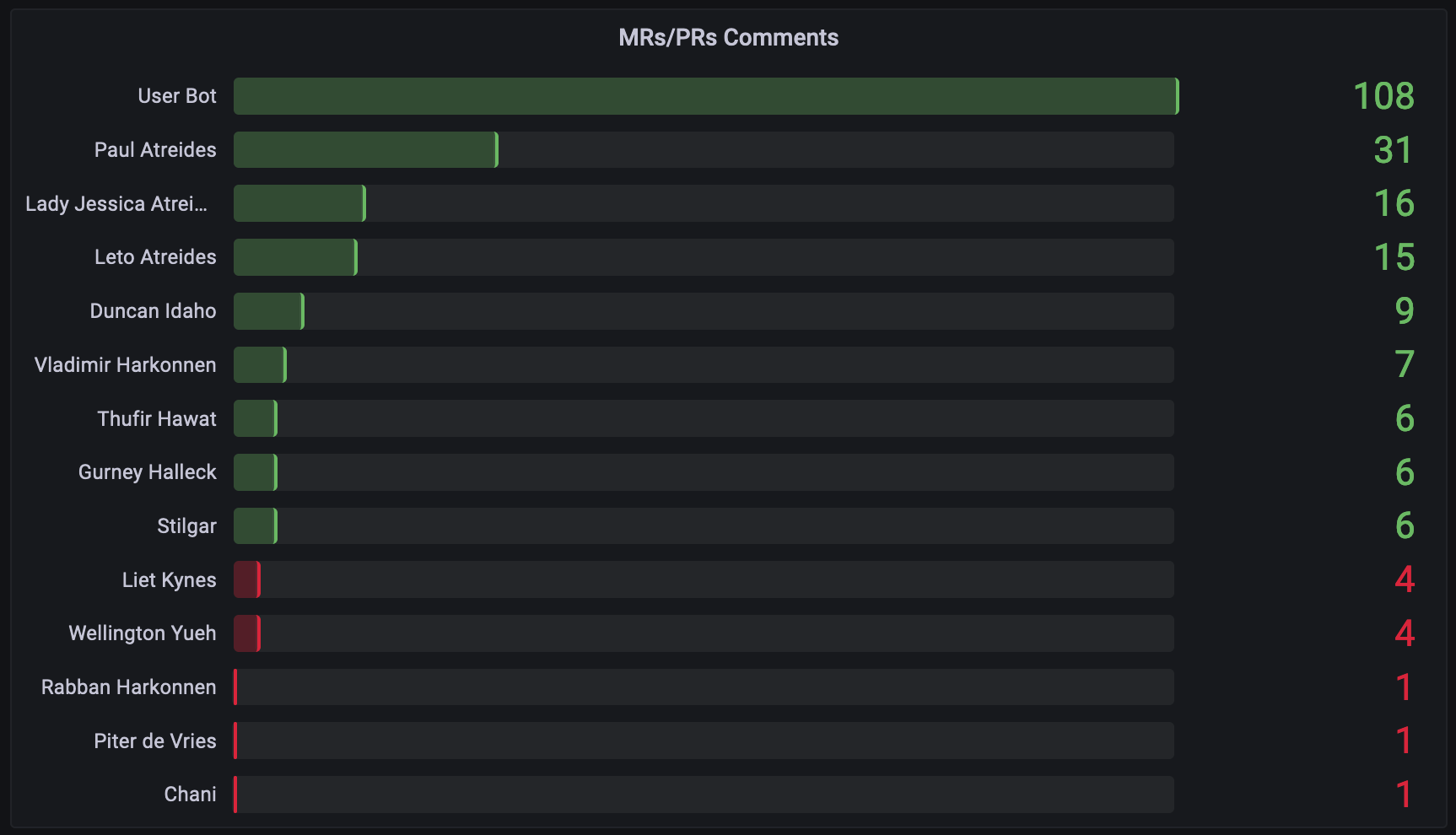
swe-dashboard is a self-hosted tool for software engineering teams to track key metrics from their GitLab or GitHub repositories. It pulls merge request and pull request data, calculates metrics like cycle time, time to review, time to merge, defect rates, and contributor activity, then exports them to VictoriaMetrics for visualization in Grafana. The project provides pre-built Grafana dashboards for metrics overview, repository-level views, cycle times, and team performance. It can be deployed via Docker, Docker Compose, binary download, or as a systemd service. The software is in early beta (v0.10-beta) with GitHub support noted as implemented but not tested.
Should you self-host swe-dashboard?
swe-dashboard scores 35/100 on selfhost.directory (how scoring works) and ranks #147 of 166 in Developer Tools. It has 138 GitHub stars.
There was no stable release in the past 12 months, so check the repository's recent activity before you rely on it.
Setup is moderate: expect some configuration beyond a single command. An official Docker image is available. It is MIT-licensed and written mostly in Go.
Its closest alternative on selfhost.directory is openhands (87/100, 92 105 stars). It scores higher overall, so compare the two before you pick. See swe-dashboard vs openhands side by side.
Features
- Comments leaderboard
- Cycle time tracking
- Developer turnover rate
- Friday MRs/PRs tracking
- Long-running MRs/PRs detection
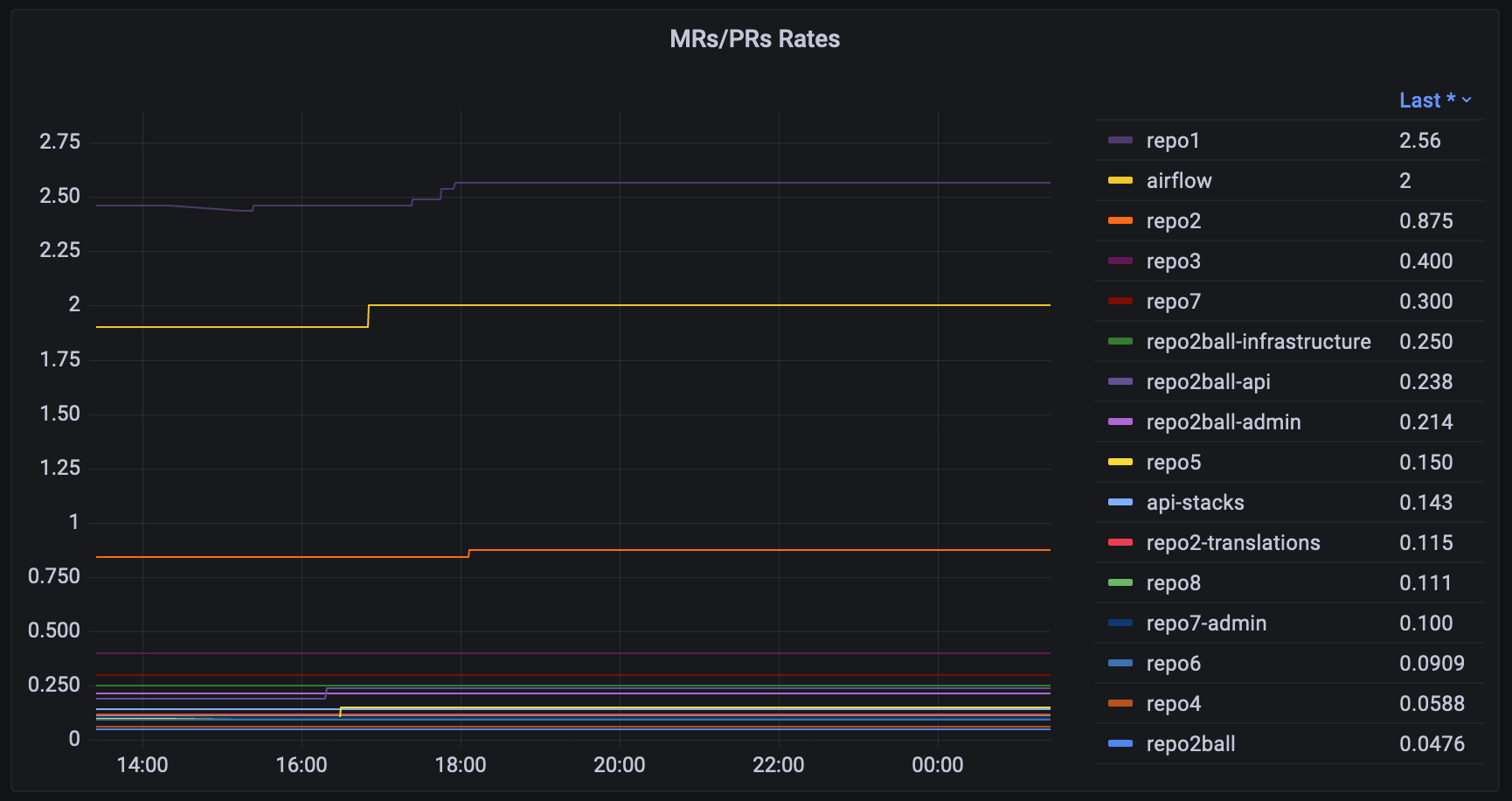
- MR/PR rates
- MR/PR size analysis
- Participants leaderboard
- Self-merging detection
- Throughput tracking
- Time to Approve
- Time to Merge
- Time to Open
- Time to Review
- Unreviewed MRs/PRs detection
swe-dashboard README
More in Analytics
 TautulliTautulli is a self-hosted, open-source Python web app that monitors Plex Media Server, providing analytics, watch history, and customizable notifications.
 telleryTellery is a self-hosted, open-source BI tool for defining SQL metrics and building collaborative dashboards with real-time multiplayer editing and dbt imports.
 tianjiSelf-hosted insight hub combining web analytics service monitoring and server status checks. Apache 2.0 licensed open-source platform for independent developers.
 tidbSelf-hosted, open-source distributed SQL database with MySQL compatibility, ACID transactions, HTAP analytics and vector search in one engine.
 timeplusSelf-hosted, open-source streaming SQL engine for real-time analytics and AI — a lightweight alternative to ksqlDB and Flink powered by ClickHouse.
 timescaleTimescaleDB is an open-source, self-hosted PostgreSQL extension for time-series and event data, with hypertables, columnar compression, and continuous aggregates.
 TimescaleDBA time-series database for high-performance real-time analytics packaged as a Postgres extension
 TracardiSelf-hosted, open-source CDP unifying customer data into single profiles with real-time event processing and API-first architecture. Alternative to Segment.
 tracearr-supervisedSelf-hosted, open-source monitoring dashboard for Plex, Jellyfin and Emby with real-time streams, account-sharing detection, trust scores and automations.
 TradeTallySelf-hosted trading journal with unlimited trades, multi-broker import, behavioral analytics, AI insights, and native iOS app. Open-source TraderVue alternative.
 Traffic SourceSelf-hosted web analytics with Stripe conversion tracking, affiliate system, and Google Search Console integration. Runs on SQLite, no external database needed.
 TraksSelf-hosted, privacy-friendly web analytics on Cloudflare. No cookies, no consent banner, 1.5KB tracker. Free forever, MIT licensed.
0 comments