
Self-host surmai
v0.5.6Personal travel organizer with collaborative planning
- Stars
- 287
- Port
- 8080 (HTTP server)
ghcr.io/rohitkumbhar/surmai
What is surmai?
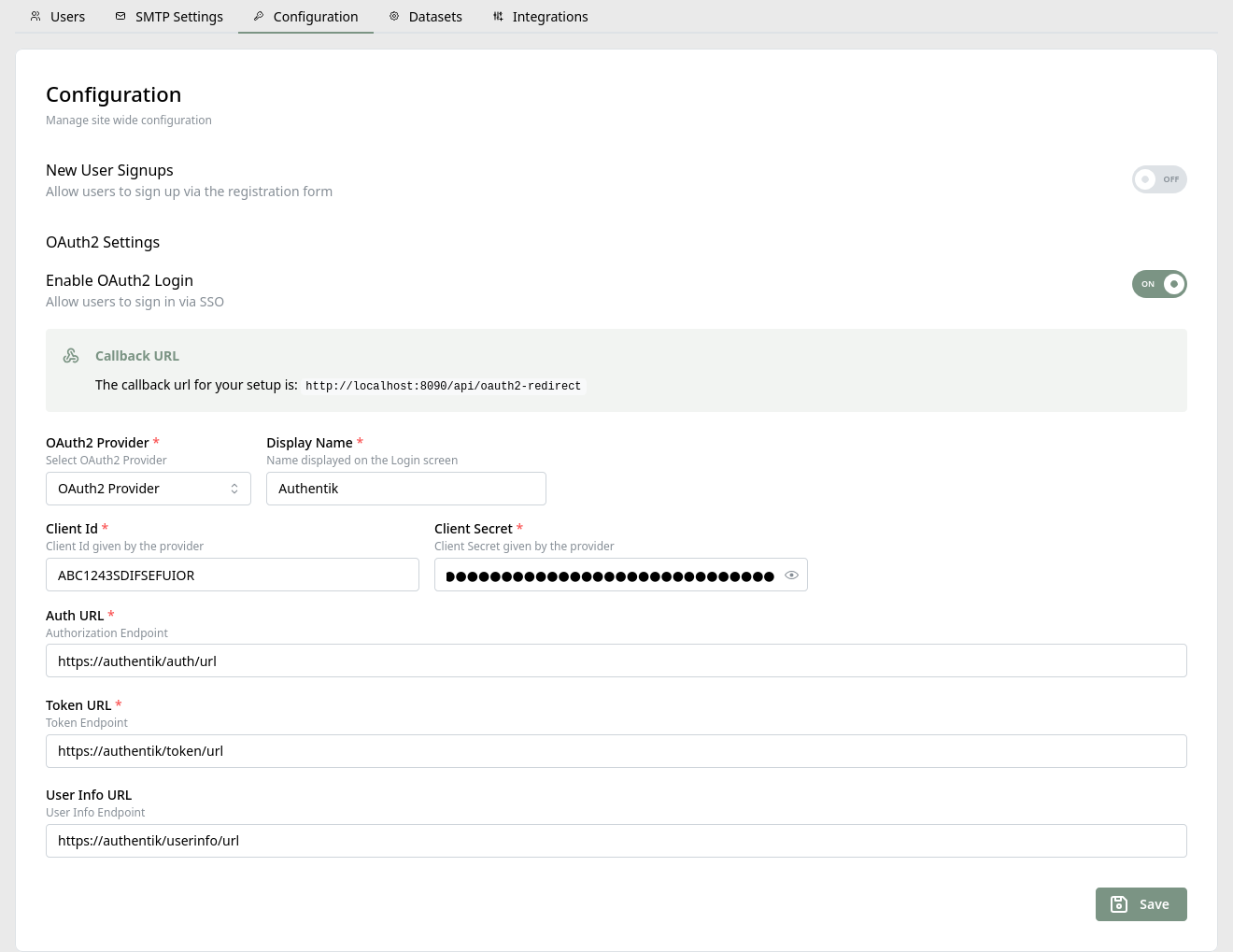
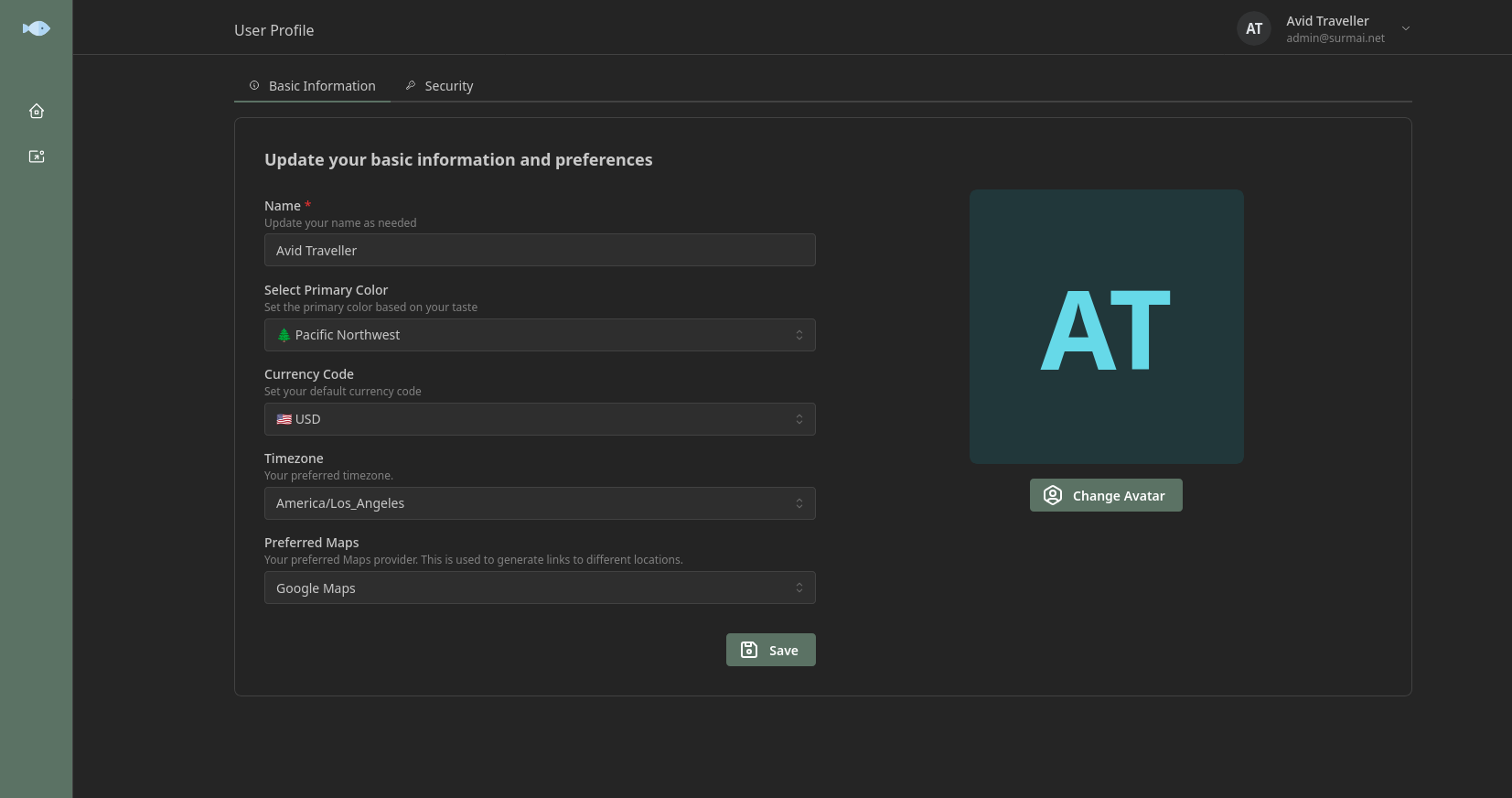
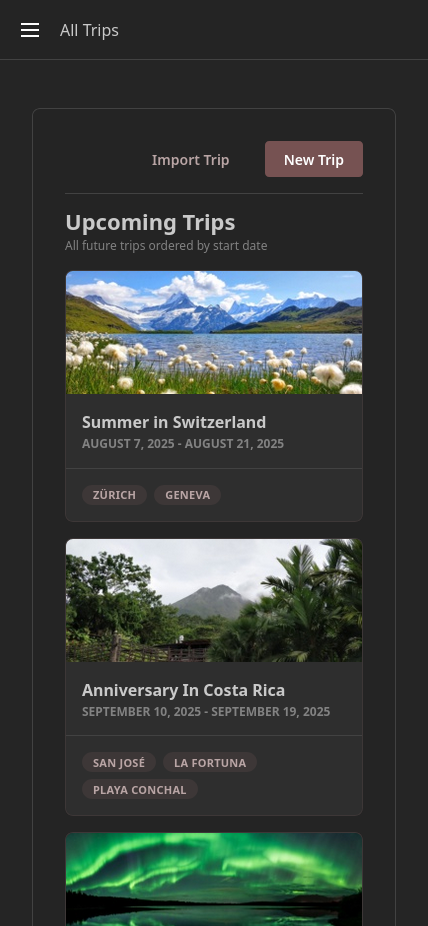
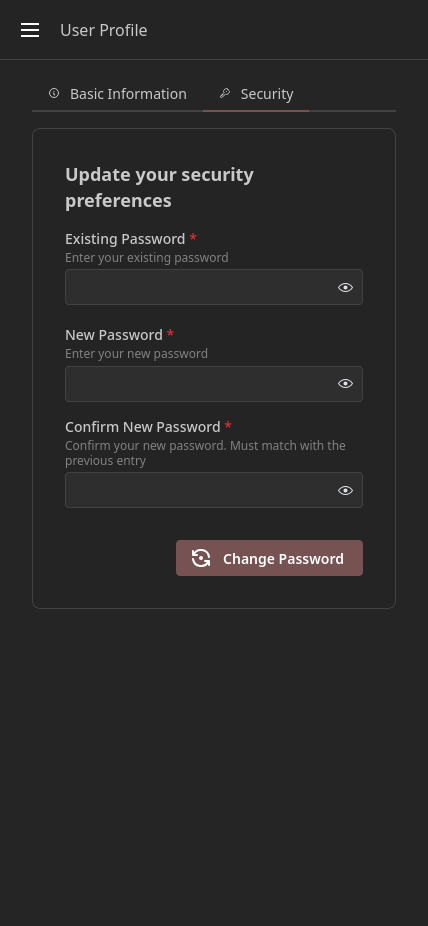
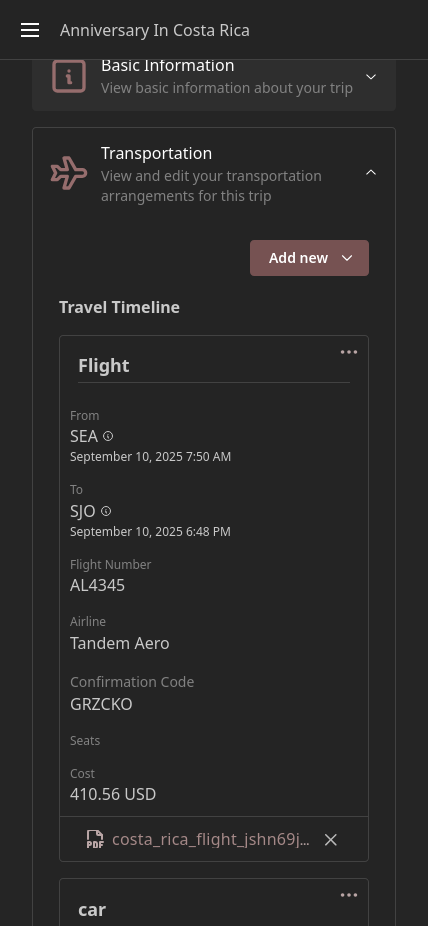
Surmai is a personal and family travel organizer that helps users plan trips collaboratively, access travel data offline, and keep their data private. It runs as a Progressive Web App installable on mobile devices. The application uses PocketBase as its backend platform with SQLite storage and React with Mantine for the frontend. It supports OAuth2/OIDC authentication with providers like Google, Apple, Microsoft, and custom OIDC providers such as Authentik and Keycloak. Features include collaborative trip planning, offline access via data sync, calendar integration through iCal export, flight information from adsbdb.com and FlightAware AeroAPI, expense tracking, import/export functionality, and multi-language support via Weblate. Self-hosting uses Docker Compose with the image from ghcr.io/rohitkumbhar/surmai, with optional Litestream backup replication to S3-compatible storage. The project is in alpha stage and under active development.
Should you self-host surmai?
surmai scores 44/100 on selfhost.directory (how scoring works) and ranks #6 of 8 in Travel. It has 287 GitHub stars.
It shipped 14 stable releases in the past year. The latest, v0.5.6, came out on 1 October 2026. New versions land roughly every 2 weeks.
Setup is moderate: expect some configuration beyond a single command. An official Docker image is available. It is MIT-licensed and written mostly in Typescript.
Its closest alternative on selfhost.directory is TREK (76/100, 15 179 stars). It scores higher overall, so compare the two before you pick. See surmai vs TREK side by side.
Features
- Calendar integration (iCal export)
- Collaborative trip planning
- Email notifications
- Expense Tracking
- Flight information integration
- Import/Export trips
- Multi-language Support
- OAuth2/OIDC Authentication
- Offline Access
- Optional Litestream backup to S3Optional, disabled by default
- Privacy-focused
- Progressive Web App (PWA)
- User Registration Control
surmai README
FAQ
Why not use other existing solutions?
The developer wanted to learn React/TypeScript and build the UI themselves rather than use an existing tool.
Why so ugly tho?
The developer has a backend engineering background and prioritizes function over form.
More in Travel
 TREKOpen-source, self-hosted trip organizer: map-based day plans, cost splitting, bookings, packing lists, live collaborative editing, SSO and offline PWA support.
 TRIPSelf-hosted, open-source (MIT) minimalist map and trip planner: keep points of interest on interactive maps, then plan multi-day itineraries together with friends.
 wonderrailA self-hosted trip planner for rail pass holders that auto-picks routes, tracks travel-day limits, and runs offline.
 AirTrailAirTrail is a self-hosted, open-source flight tracker that maps journeys, imports from multiple sources, and provides statistics while keeping data private.
 flight-finderSelf-hosted, open-source travel price tracker for flights, hotels, and car rentals using your own AI provider, with interactive charts and VPN price comparison.
 jetlogJetlog is a self-hosted, open-source flight tracker for aviation enthusiasts to log flights, view them on a world map, and see travel statistics.
 renfe-trackerSelf-hosted, open-source Renfe train price tracker with historical ranges, unpublished train predictions, and alerts via email, Home Assistant, Telegram, or browser push.
0 comments