
Self-host sonerezh
v1.2.6Self-hosted web-based music streaming application
- Stars
- 771
- Requires
- MySQL or MariaDB
What is sonerezh?
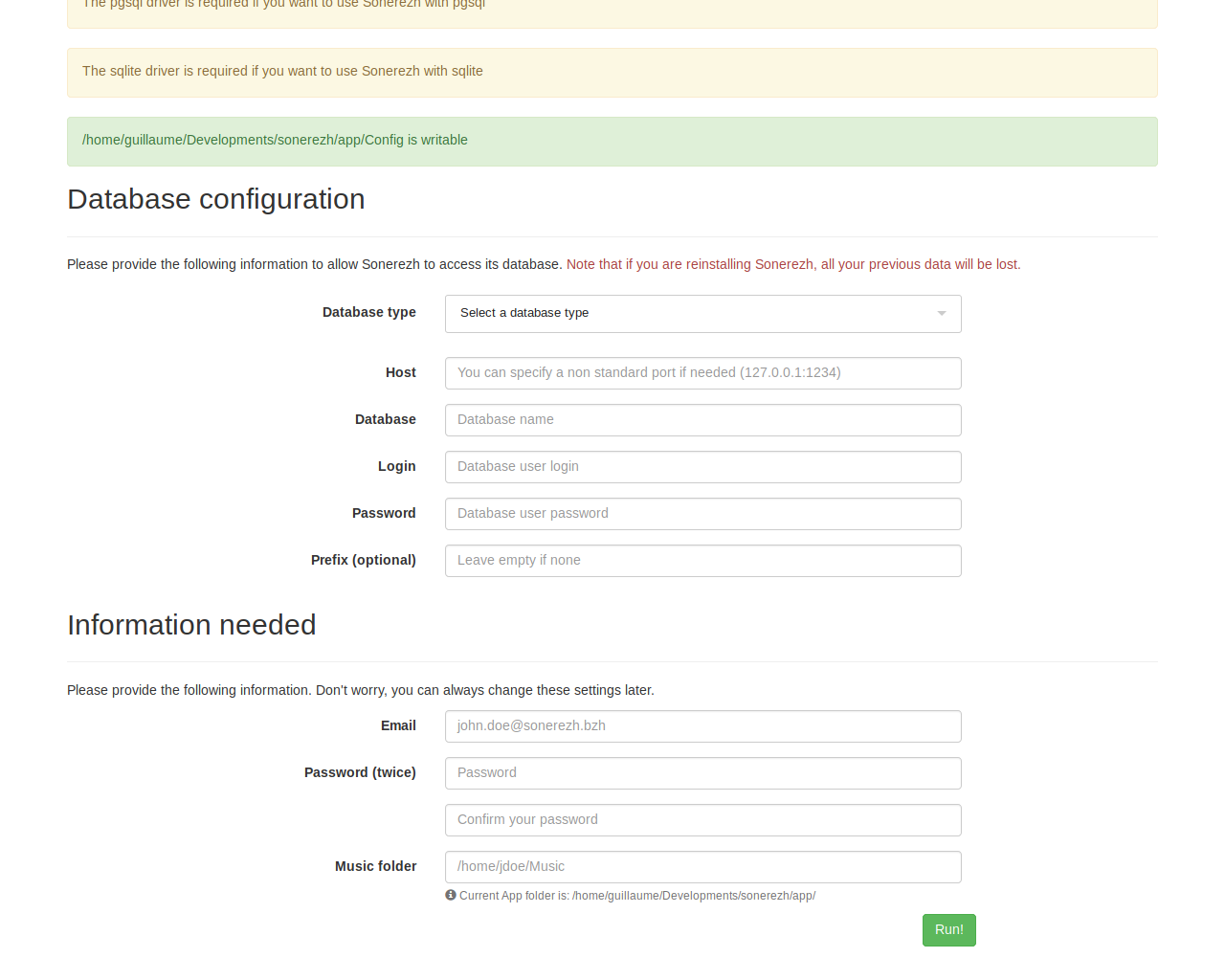
Sonerezh lets you stream your personal music collection from any device with a browser. Point it at your music folder and it automatically reads metadata from MP3, MP4, OGG/Vorbis, and FLAC files to build a searchable library. The web interface provides multiple views for browsing by artist, album, genre, or date. Setup requires a web server (Apache or Nginx), PHP with mysql and gd modules, and a MySQL or MariaDB database. Optional ffmpeg or avconv enables audio conversion. The project uses the AGPL-3.0 license and its last stable release was version 1.2.6 in September 2019, though the repository saw updates until January 2023.
Should you self-host sonerezh?
sonerezh scores 48/100 on selfhost.directory (how scoring works) and ranks #24 of 59 in Music Streaming. It has 771 GitHub stars.
There was no stable release in the past 12 months, so check the repository's recent activity before you rely on it.
Setup is moderate: expect some configuration beyond a single command. It is AGPL-3.0-licensed and written mostly in PHP.
Its closest alternative on selfhost.directory is koel (75/100, 17 320 stars). It scores higher overall, so compare the two before you pick. See sonerezh vs koel side by side.
Features
- Audio ConversionRequires optional ffmpeg/avconv installation
- Automatic music library import
- Command-line tool
- Multi-format Audio Support
- Web-based music streaming
sonerezh README
More in Music Streaming
 SongloftOpen-source self-hosted music server in Go that indexes your local audio and video files, streams radio, and runs via Docker, binaries, or a Home Assistant add-on.
 SoulSyncSelf-hosted open-source platform replacing Lidarr, Radarr, Sonarr. Downloads from Soulseek, Tidal, Qobuz, YouTube, verifies via AcoustID, syncs playlists to Plex/Jellyfin
 soundscapeSelf-hosted music streaming server that lets you import songs from YouTube, create playlists, and stream your music collection from anywhere. Open-source, written in Go.
 spotify-saverSelf-hosted tool to download Spotify tracks, albums, and playlists from YouTube Music with full metadata for Jellyfin libraries, featuring a web UI, CLI, and REST API.
 spotify-to-plexSelf-hosted web app that syncs Spotify playlists to Plex, matching tracks and downloading missing songs via Lidarr, SLSKD, or Tidal. Open-source under Apache-2.0.
 strettoOpen-source, self-hosted web music player that backs your library with YouTube and SoundCloud tracks, imports Spotify playlists, and syncs across machines.
 subplayerSubplayer is a self-hosted, open-source web music player for Subsonic backends like Navidrome, with playback, playlists, search, and dark mode theming.
 Swing Music Swing Music is a beautiful, self-hosted music player for your local audio files. Like a cooler Spotify ... but bring your own music.
 SwingMusicSelf-hosted, open-source music streaming server for your local audio files, with daily mixes, metadata normalization, multi-user support and an Android client.
 SwingsonicSelf-hosted, open-source translation layer letting Subsonic, Jellyfin, and Euterpe music clients connect to a Swing Music server via Docker on port 3000.
 TrackWatchOpen-source self-hosted Spotify release tracker that follows artists and syncs new releases to playlists, with discography builder and ghost track cleaner.
 tunesynctooltunesynctool is a self-hosted, open-source web app that transfers and syncs playlists between Spotify, Deezer, YouTube Music, and Subsonic-compatible servers.
0 comments