
Self-host quakejs-docker
v1.0Browser-based Quake 3 Arena server with web admin console
- Stars
- 240
- Storage
- about a gigabyte of disk for the image
- Ports
- 80 (HTTP server for game page, assets, WebSocket tunnel, and admin console), 27960 (Internal Quake 3 game server port (proxied via Apache))
treyyoder/quakejs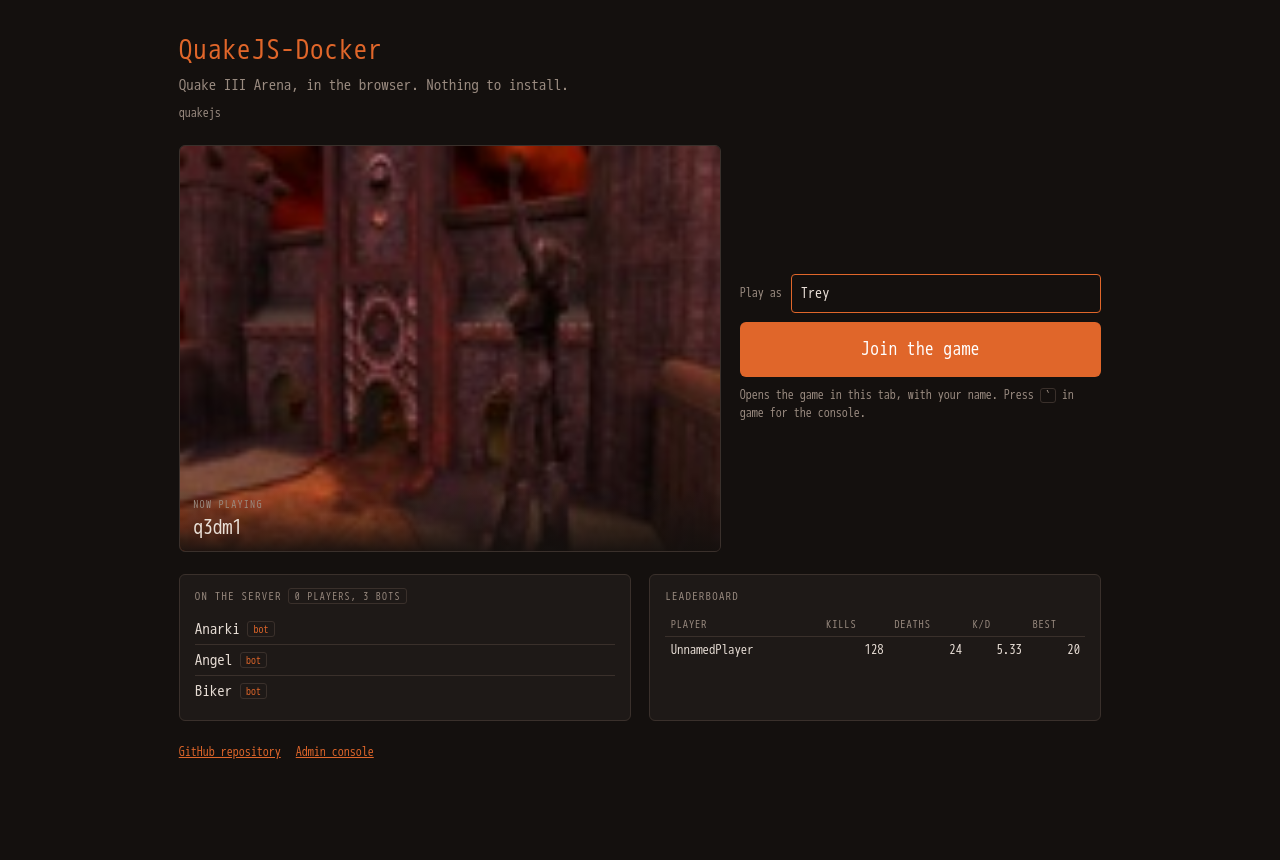
What is quakejs-docker?
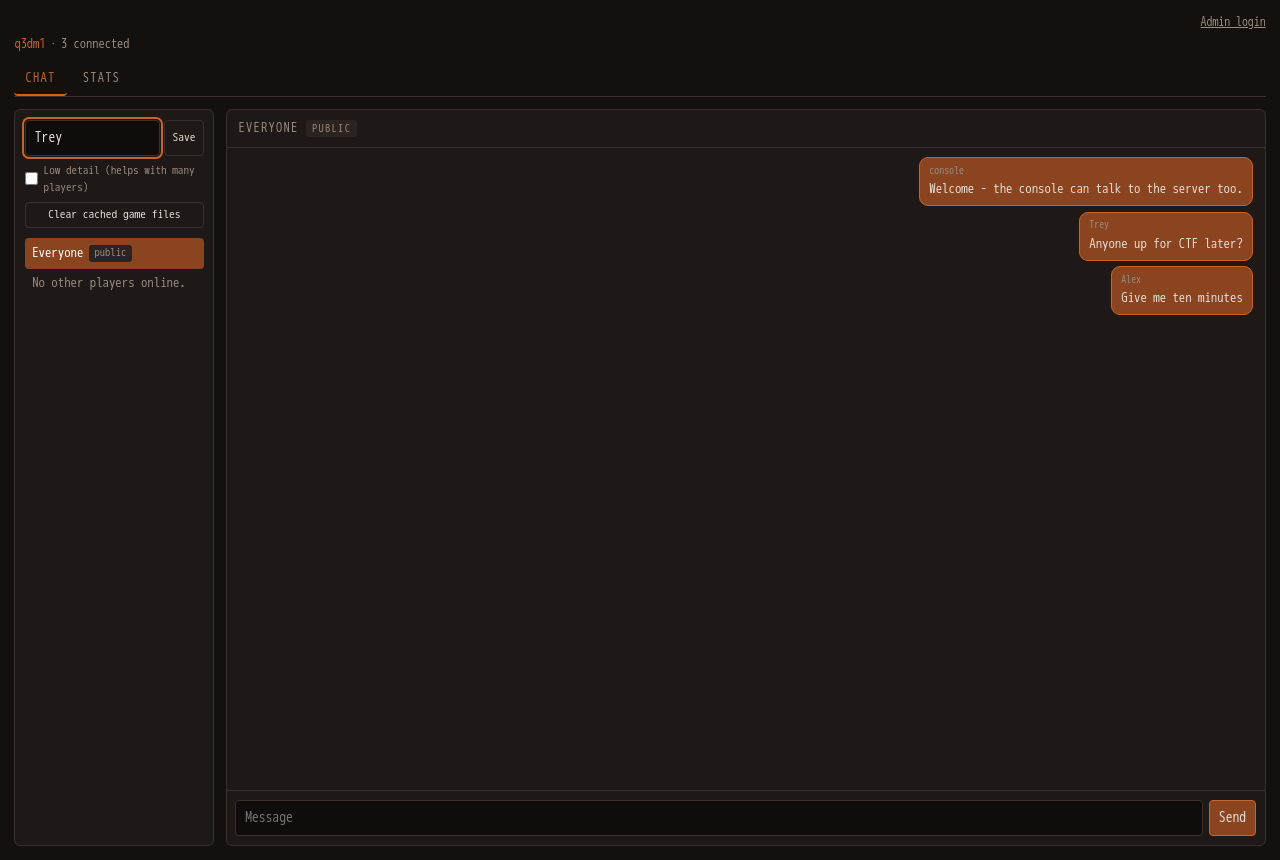
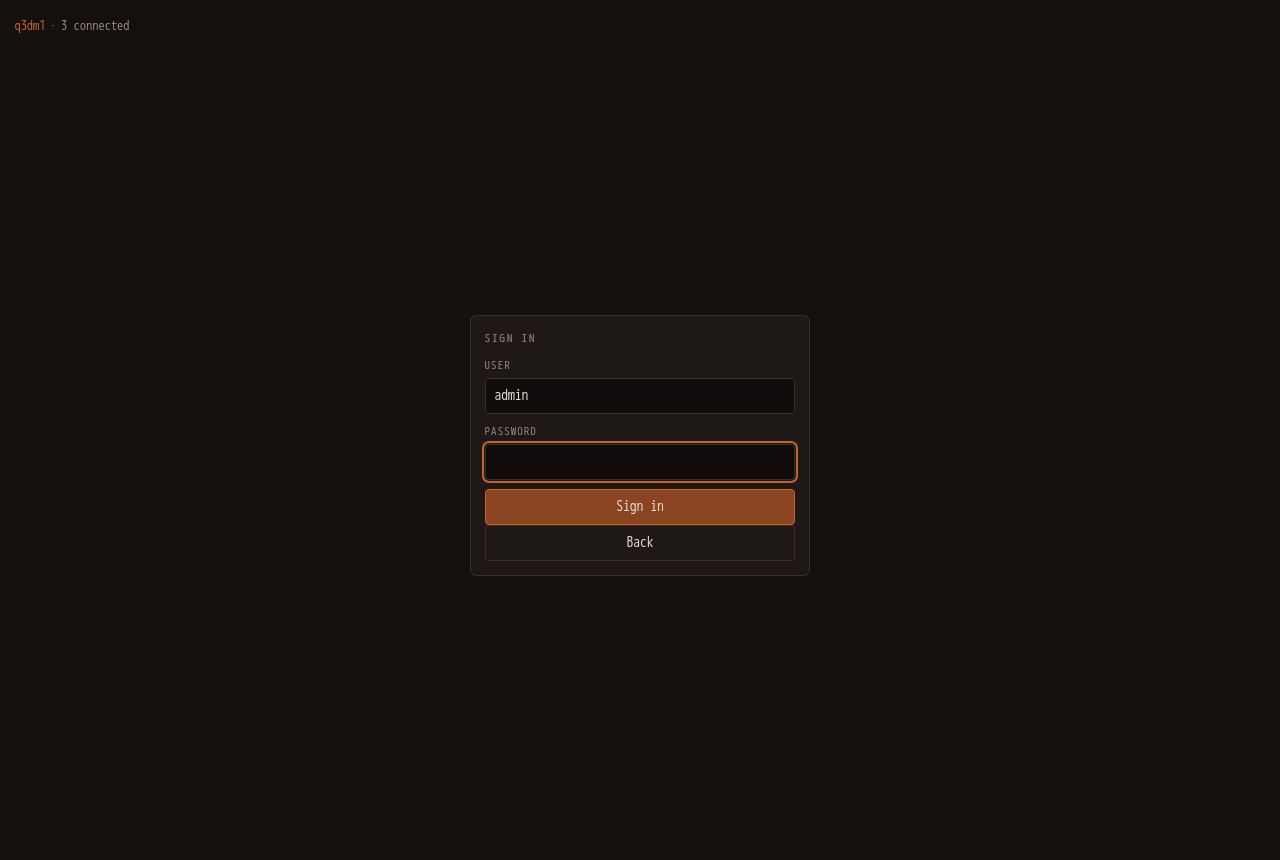
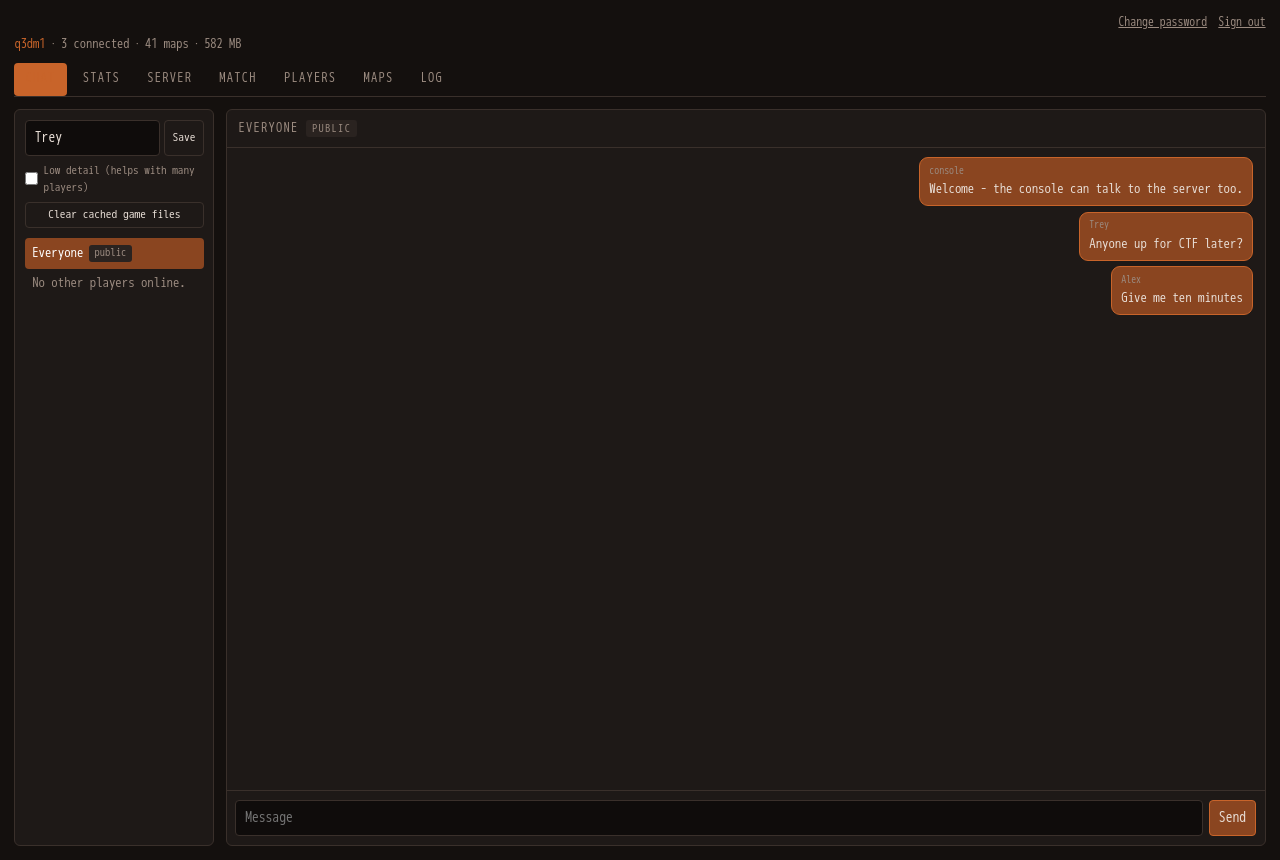
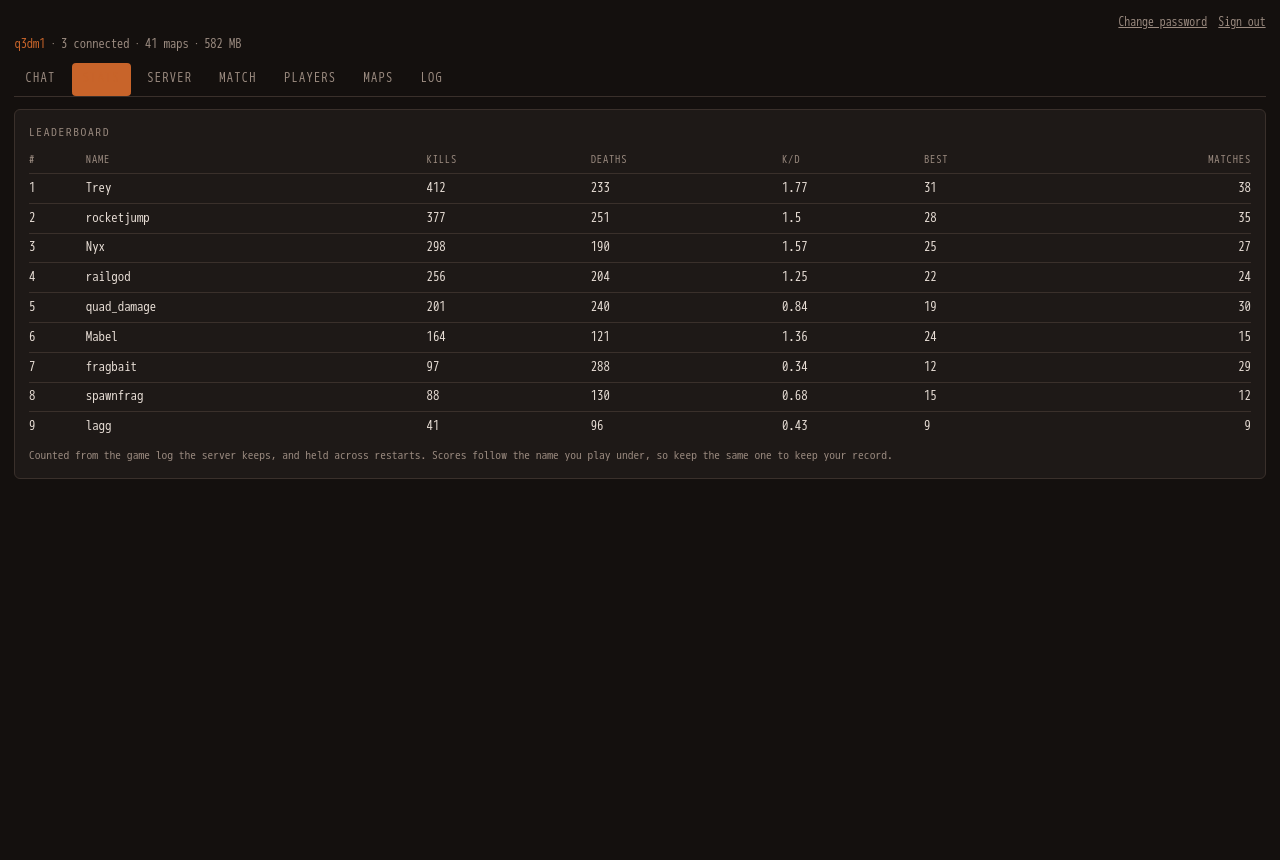
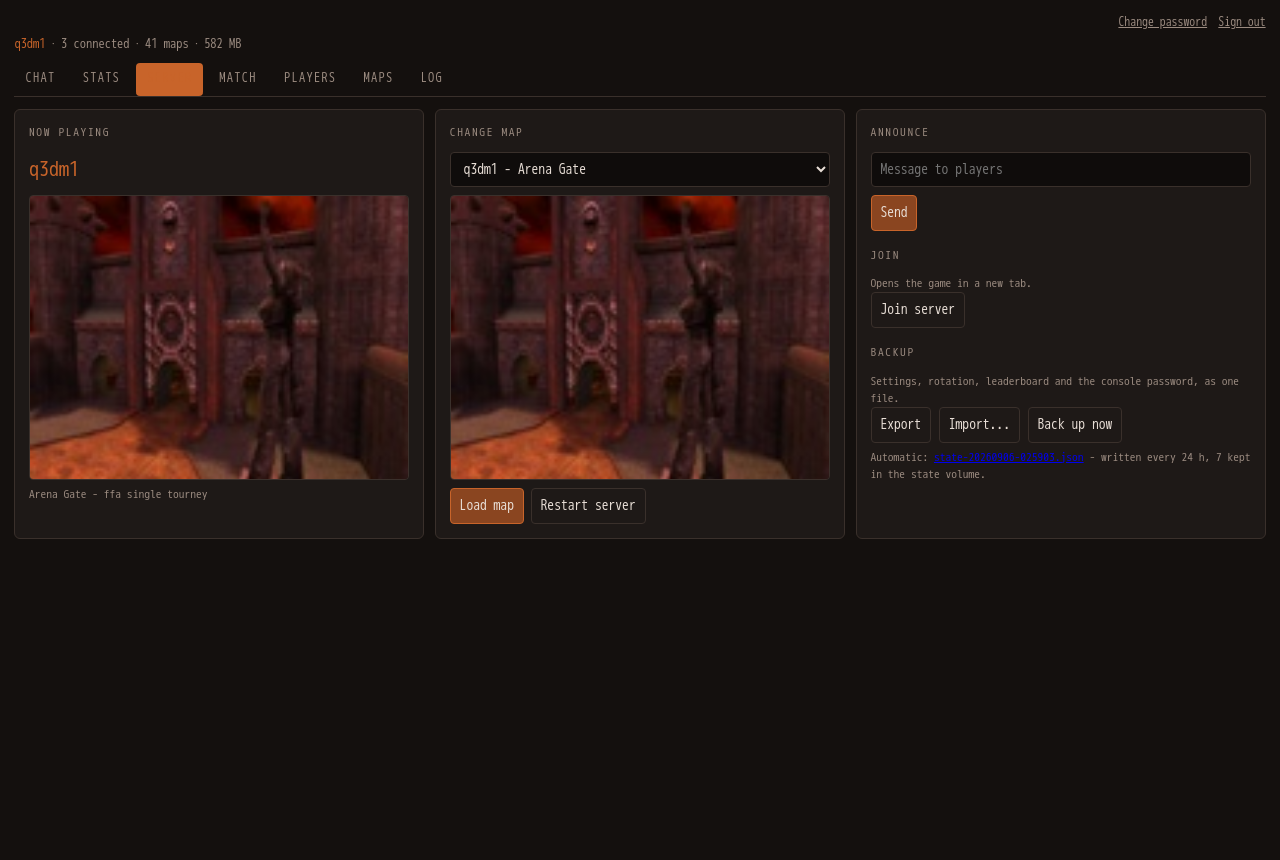
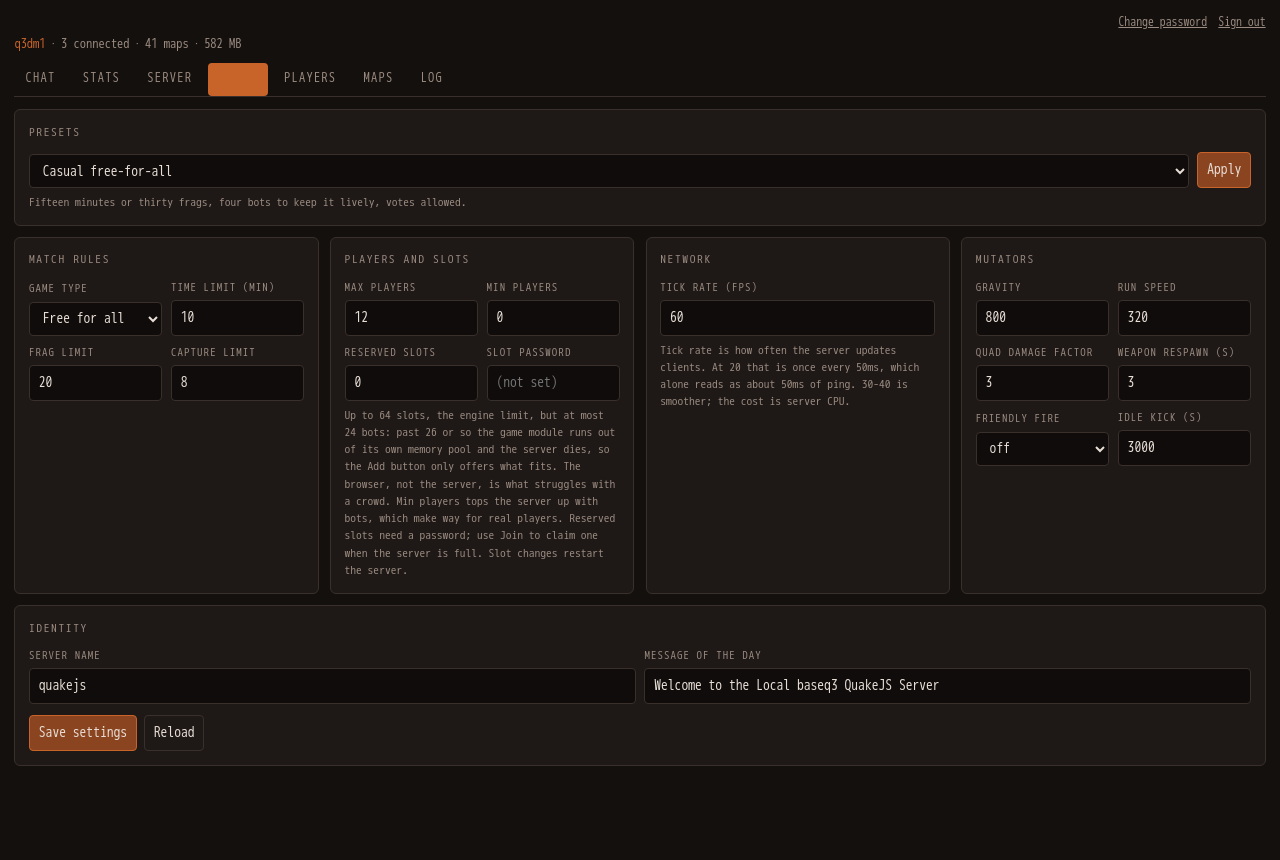
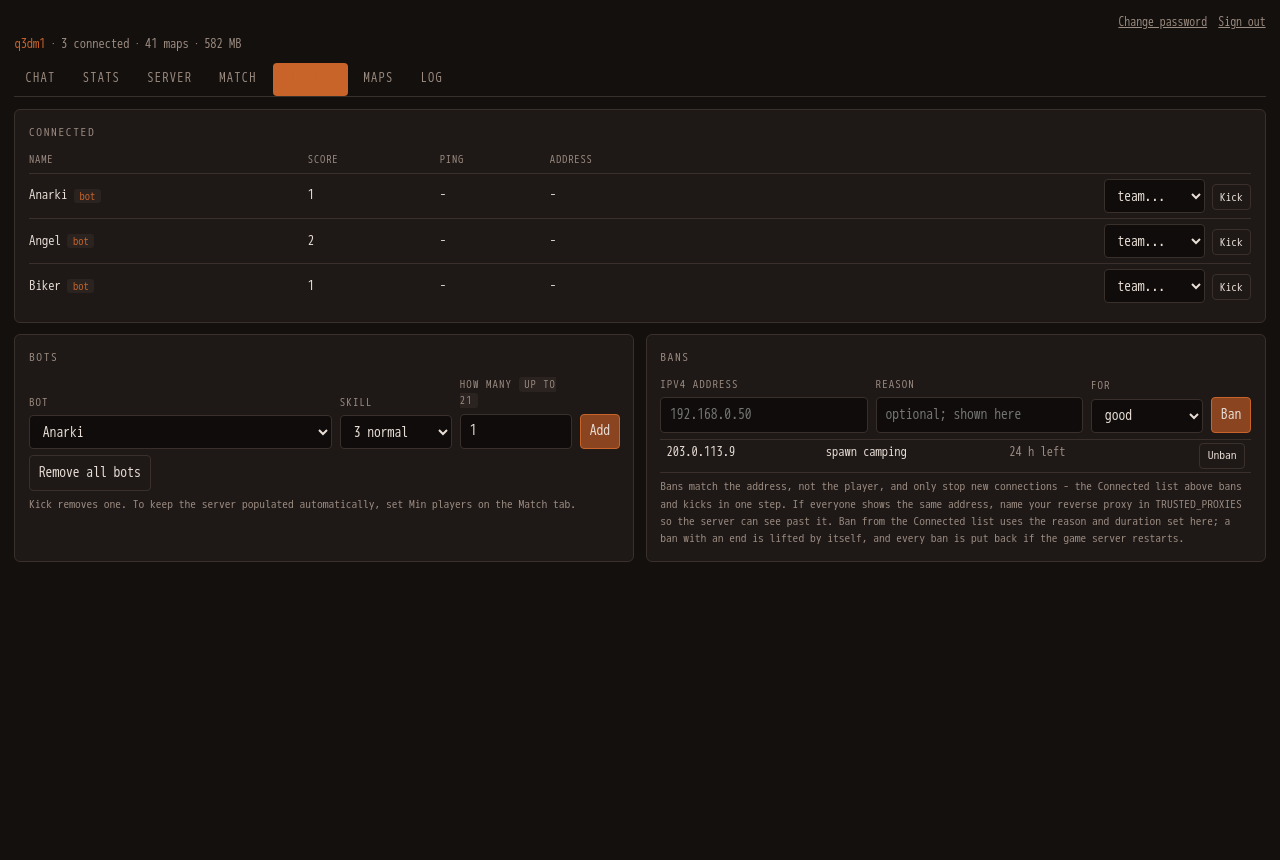
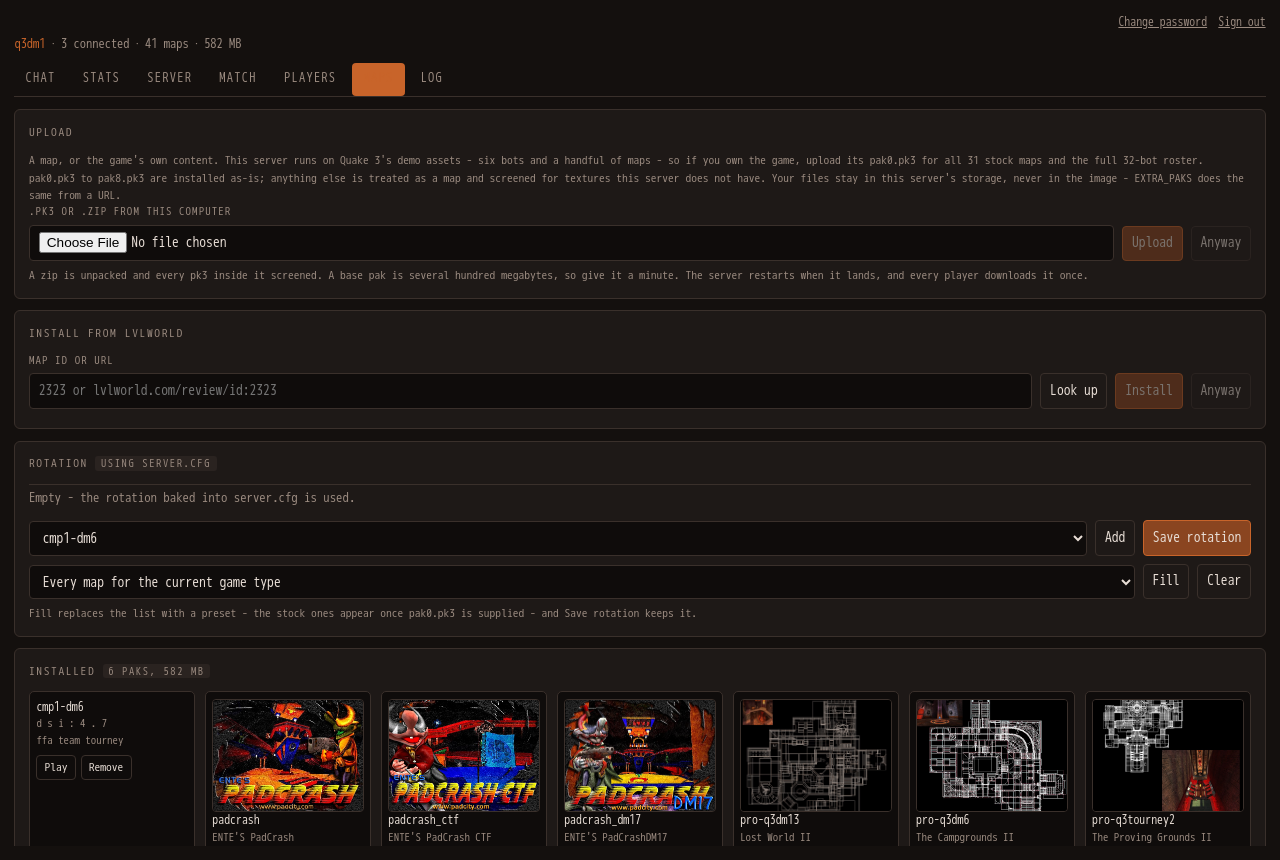
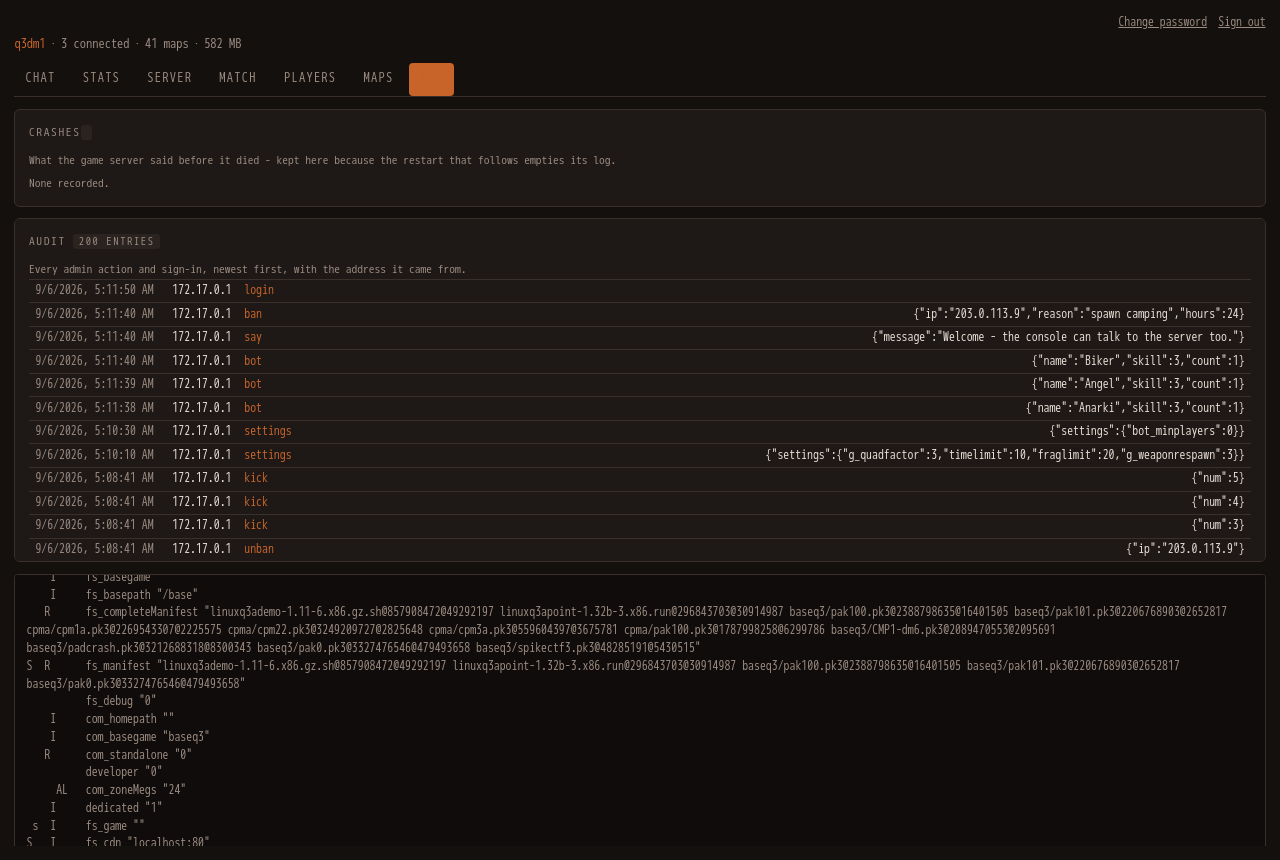
QuakeJS-Docker packages the QuakeJS project — a port of Quake 3 Arena to WebAssembly — into a hardened, multi-architecture Docker image. It serves the game, assets, WebSocket tunnel, and a full-featured admin console over a single HTTP port (default 8080). The console provides map uploads and installation from lvlworld.com, bot management, player kick/ban with real IP tracking behind reverse proxies, match presets (FFA, duel, TDM, CTF), persistent leaderboards, automatic daily backups, and optional Discord/Slack notifications when a player joins an empty server. Retail Quake 3 assets (pak0.pk3) can be supplied by the owner via upload or EXTRA_PAKS URL; the image ships only demo content. The container runs unprivileged, uses signed images for amd64 and arm64, and persists maps, passwords, and state in Docker volumes.
Should you self-host quakejs-docker?
quakejs-docker scores 48/100 on selfhost.directory (how scoring works) and ranks #39 of 62 in Game Servers. It has 240 GitHub stars.
It shipped 1 stable release in the past year. The latest, v1.0, came out on 6 September 2026.
Setup is easy: most people get it running in one sitting. An official Docker image is available. It is written mostly in JavaScript.
Its closest alternative on selfhost.directory is minecraft (78/100, 14 491 stars). It scores higher overall, so compare the two before you pick. See quakejs-docker vs minecraft side by side.
Features
- Automatic Backups
- Bot management
- Browser-based Quake 3 Arena
- Discord/Slack notifications
- Map management
- Match presets
- Persistent leaderboards
- Player Management
- Player voting
- Real IP tracking behind reverse proxies
- Reserved slots
- Unprivileged container
- Web Admin Console
quakejs-docker README
More in Gaming
 RazziaA self-hosted, open-source quiz platform for smaller events.
 satisfactoryA Dockerized version of the Satisfactory dedicated server
 StayInTarkov (SIT.Docker)Self-hosted Docker image for running a personal Escape from Tarkov cooperative server (SITCoop) with automated builds from source commits.
 Terraforming MarsSelf-hosted web app to play Terraforming Mars online with multiplayer, solo modes, and all expansions.
 The Battle for WesnothAn open source, turn-based strategy game with a high fantasy theme.
 TwitchDropsMinerSelf-hosted, open-source tool that automatically farms Twitch drops without streaming video, with a web dashboard and Telegram/Discord notifications.
 Zero-KZero-K is a free, open-source RTS with simulated physics, deformable terrain, 100+ units, campaign, and 16v16 multiplayer on Spring engine.
- 0 A.D.0 A.D. is a free, open-source, historical Real Time Strategy (RTS) game set in the ancient world, featuring 15+ factions, multiplayer, and modding support.
 DDraceNetworkDDraceNetwork is a free, open-source cooperative platformer where up to 128 players help each other through custom maps. Includes a self-hostable game server.
 epicgames-freegames-nodeOpen-source, self-hosted automation that logs into the Epic Games Store on a schedule, finds free weekly games, and messages you a checkout link to finish yourself.
 Gaseous ServerSelf-hosted ROM manager with in-browser emulation via EmulatorJS. Fetches metadata from IGDB/Hasheous, supports 2FA and OIDC auth, runs via Docker or Windows.
 piqueserverSelf-hosted open-source Ace of Spades 0.75 server compatible with OpenSpades clients, featuring map rotation, scripts, gamemodes, and SSH remote console.
0 comments