
Self-host plMail
v0.4.0Self-hosted mail client with calendar and file integrations
- Stars
- 439
- Ports
- 80 (HTTP (container port, remappable via HTTP_PORT)), 443 (HTTPS (container port, remappable via HTTPS_PORT))
- Requires
- Mercure hub, PostgreSQL
ghcr.io/karatektus/pl_mail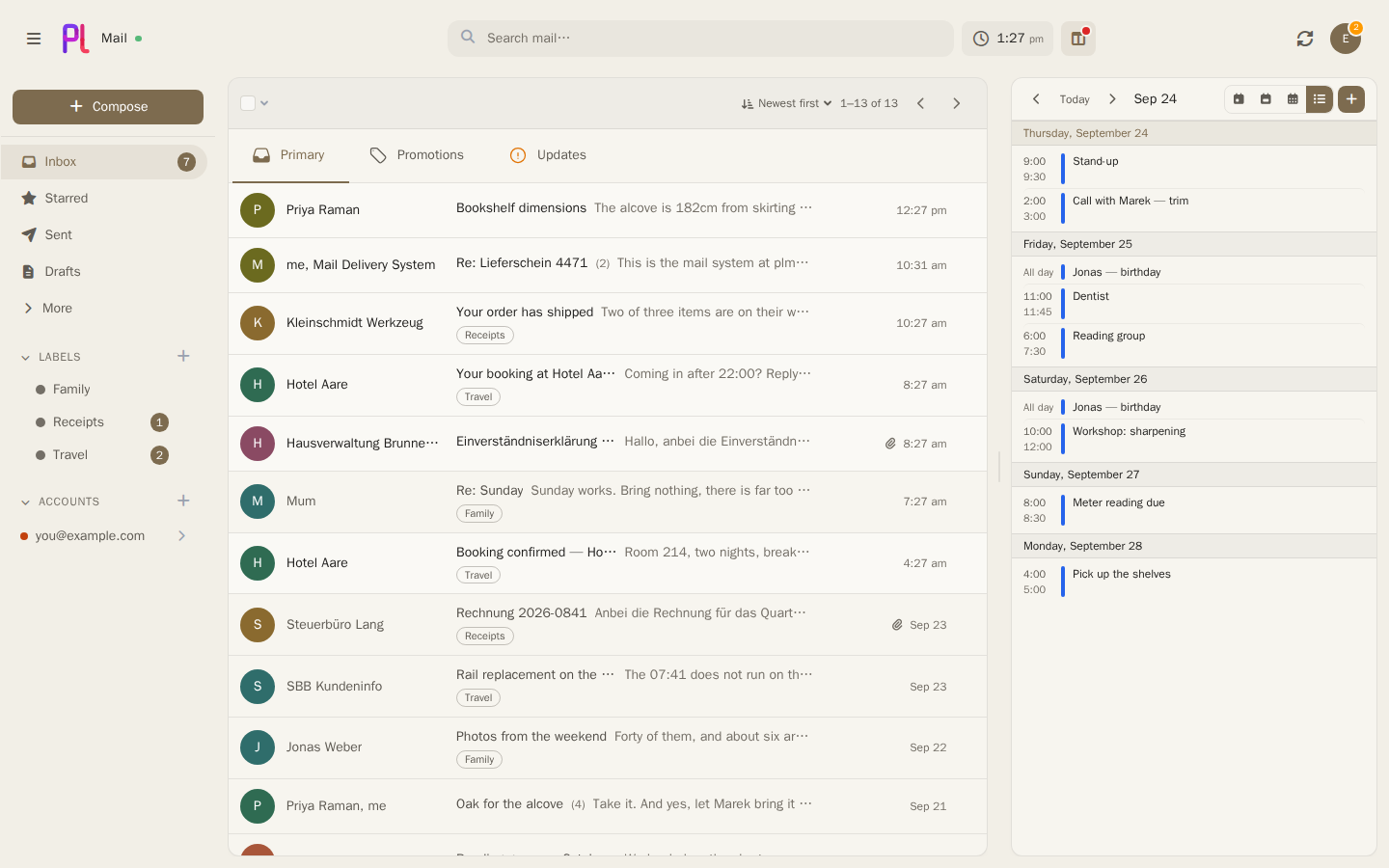
What is plMail?
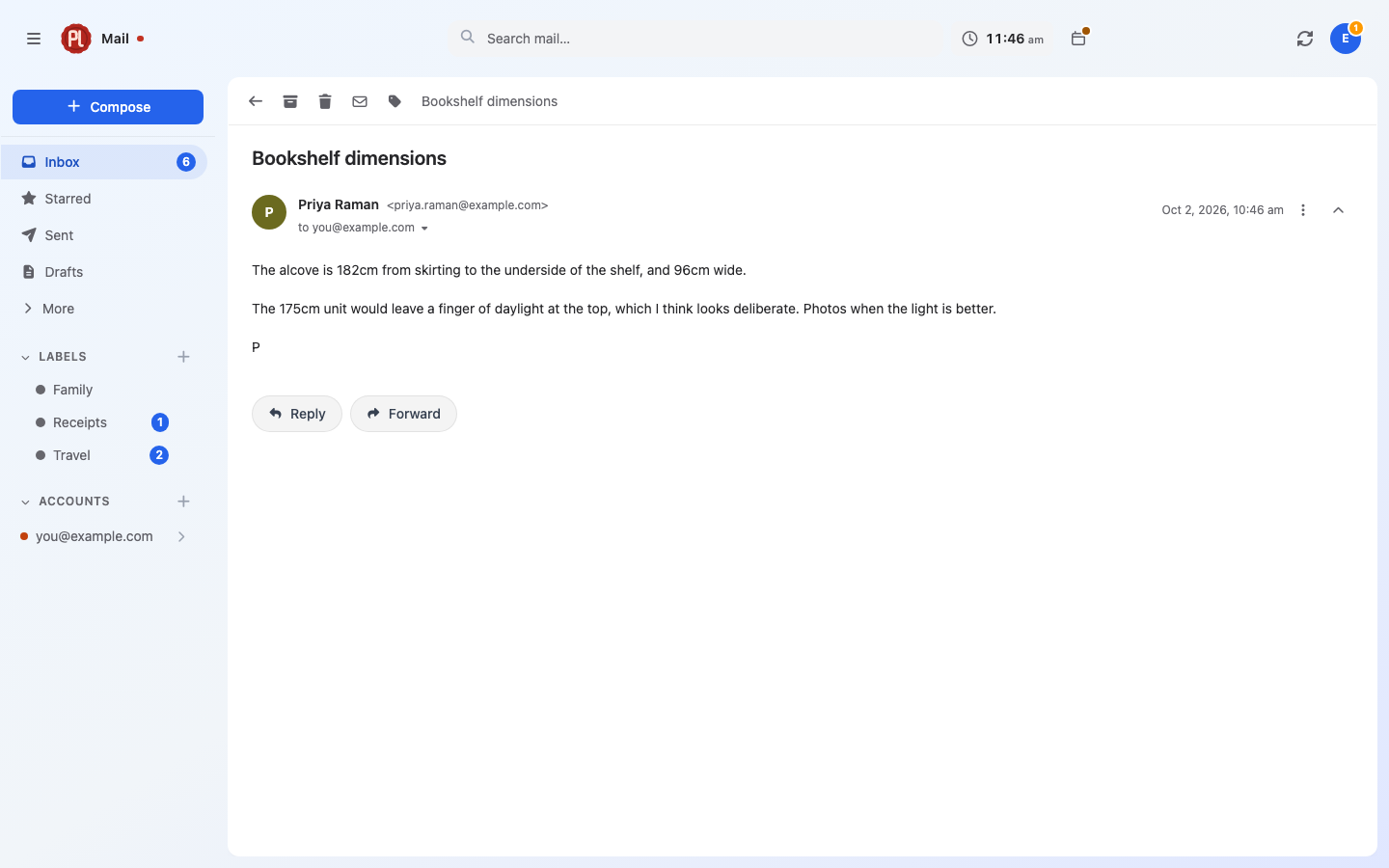
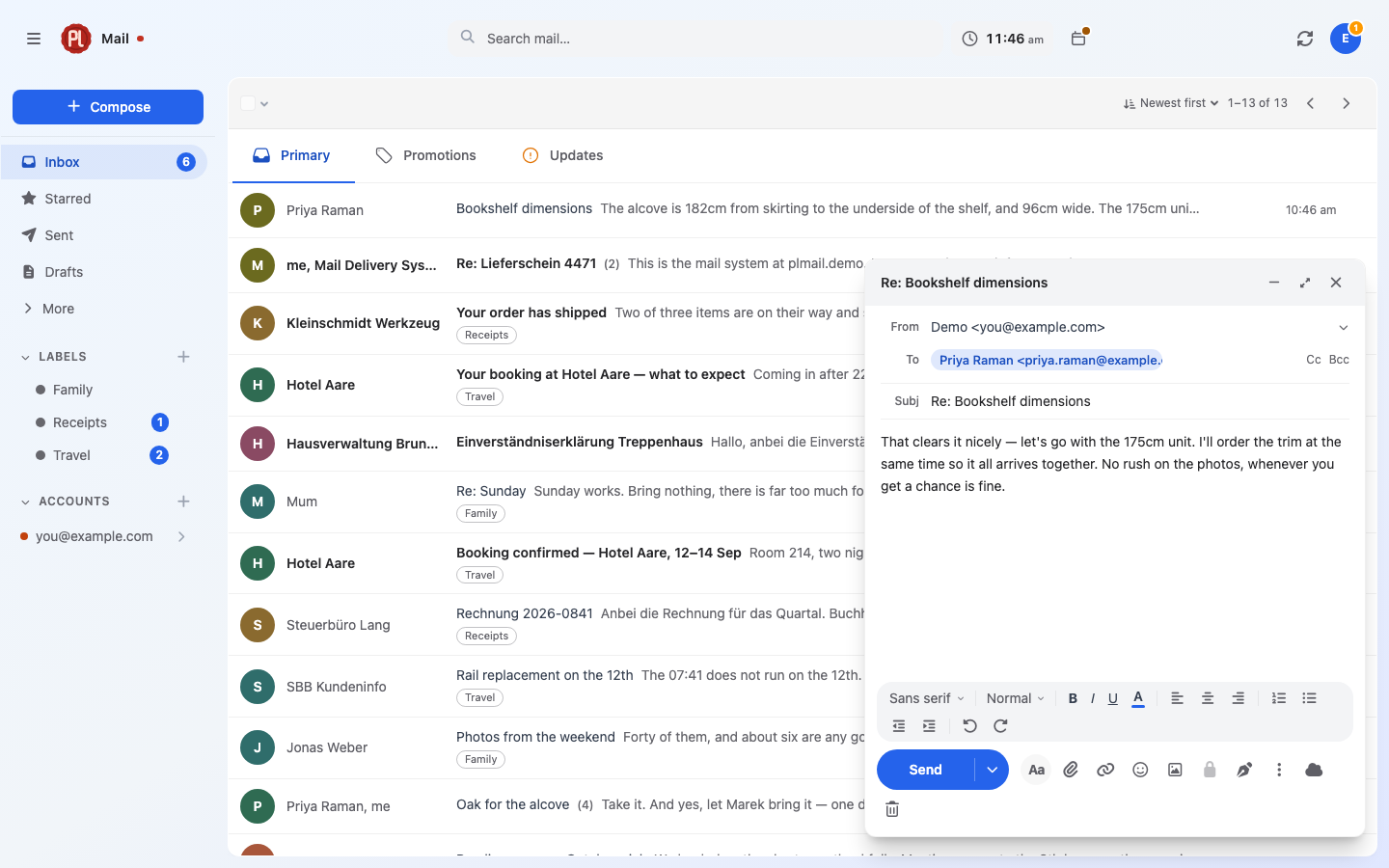
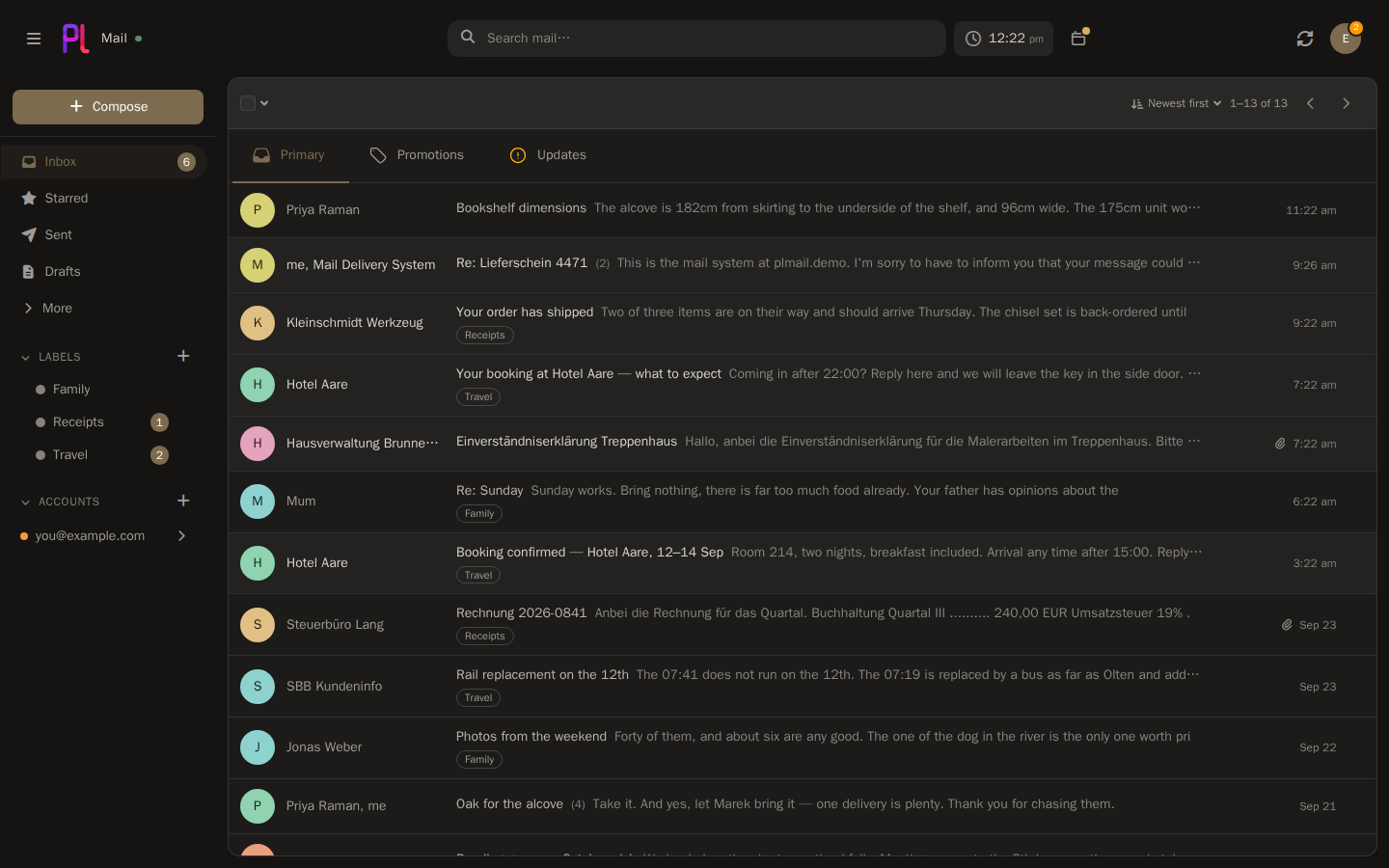
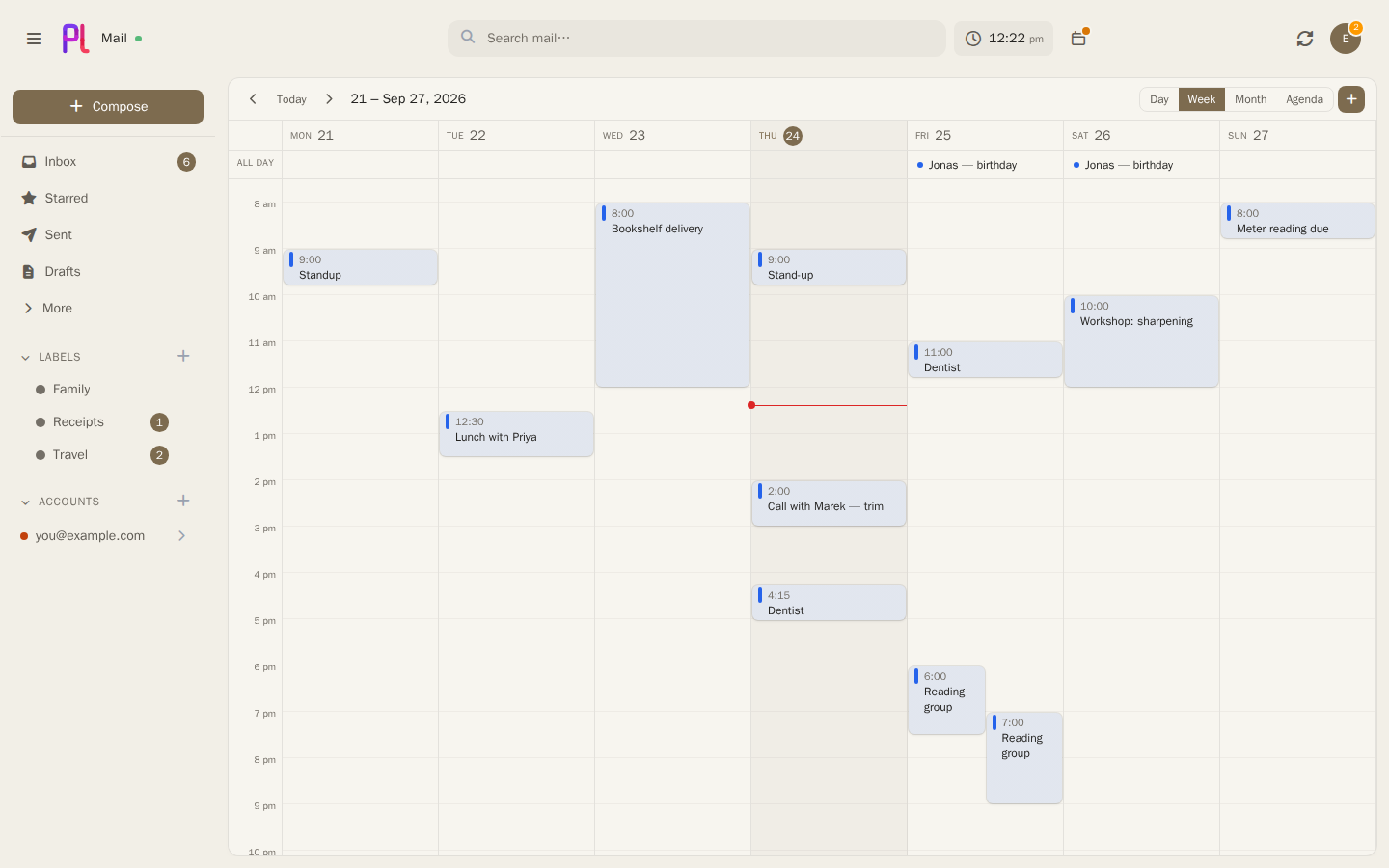
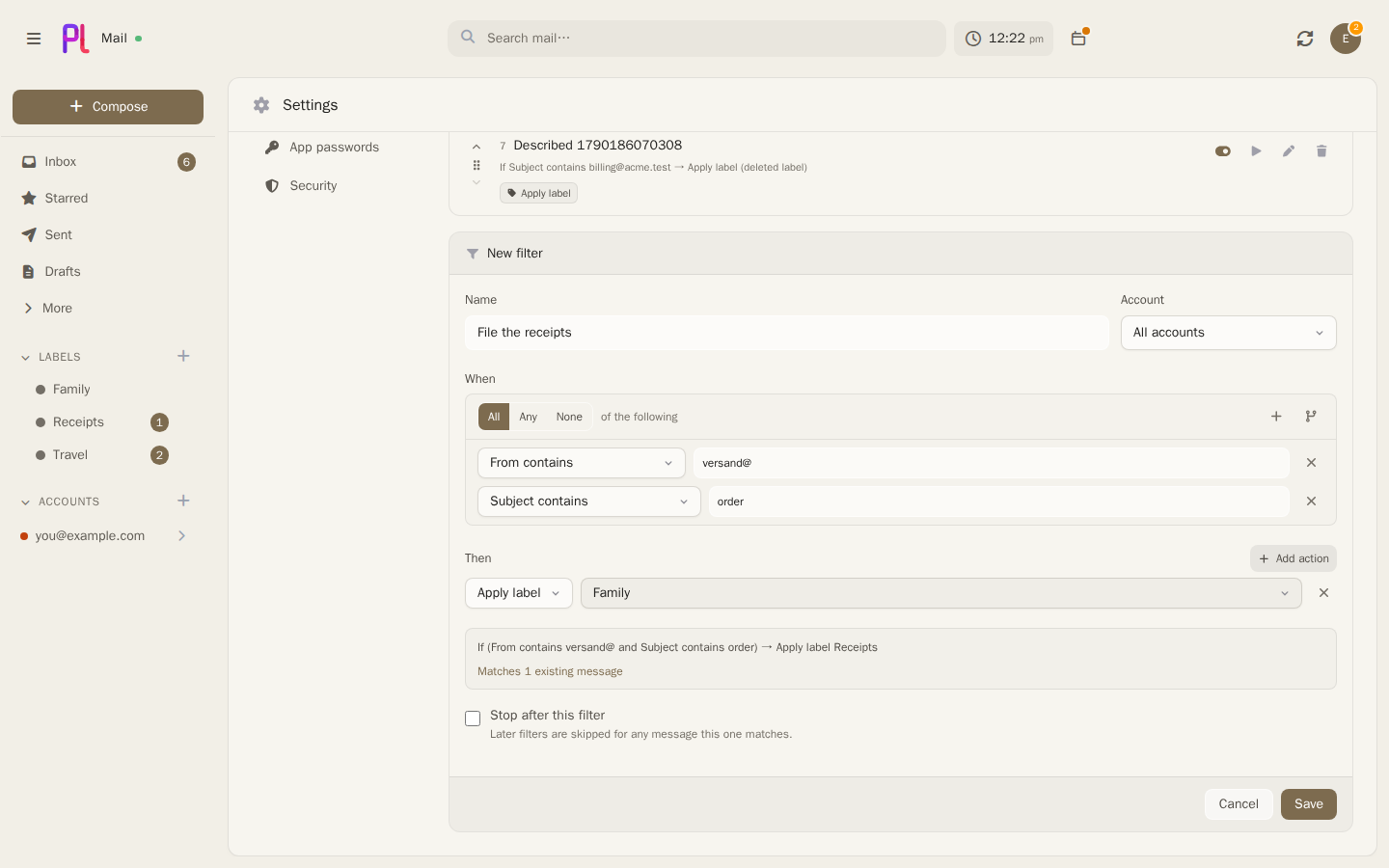
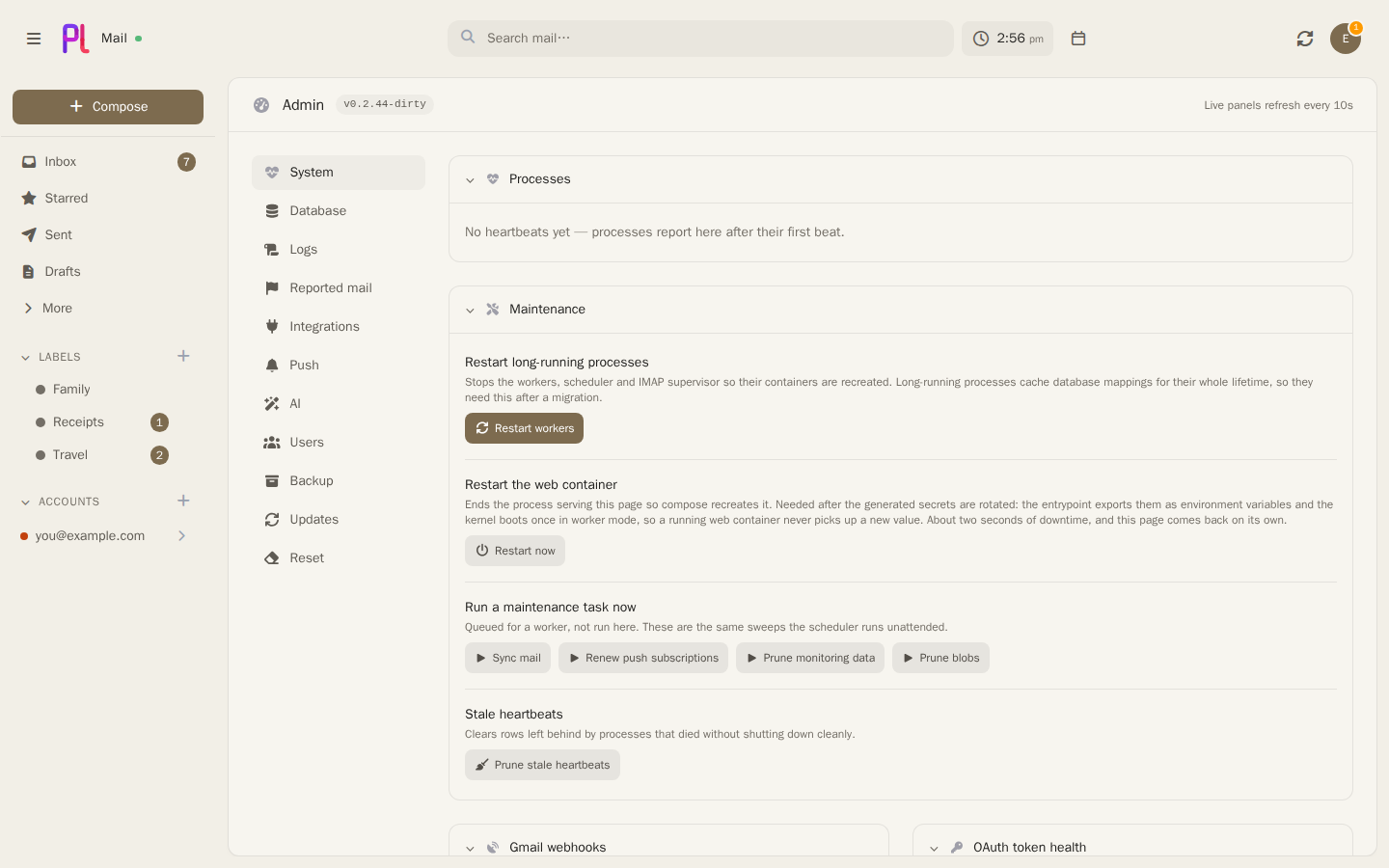
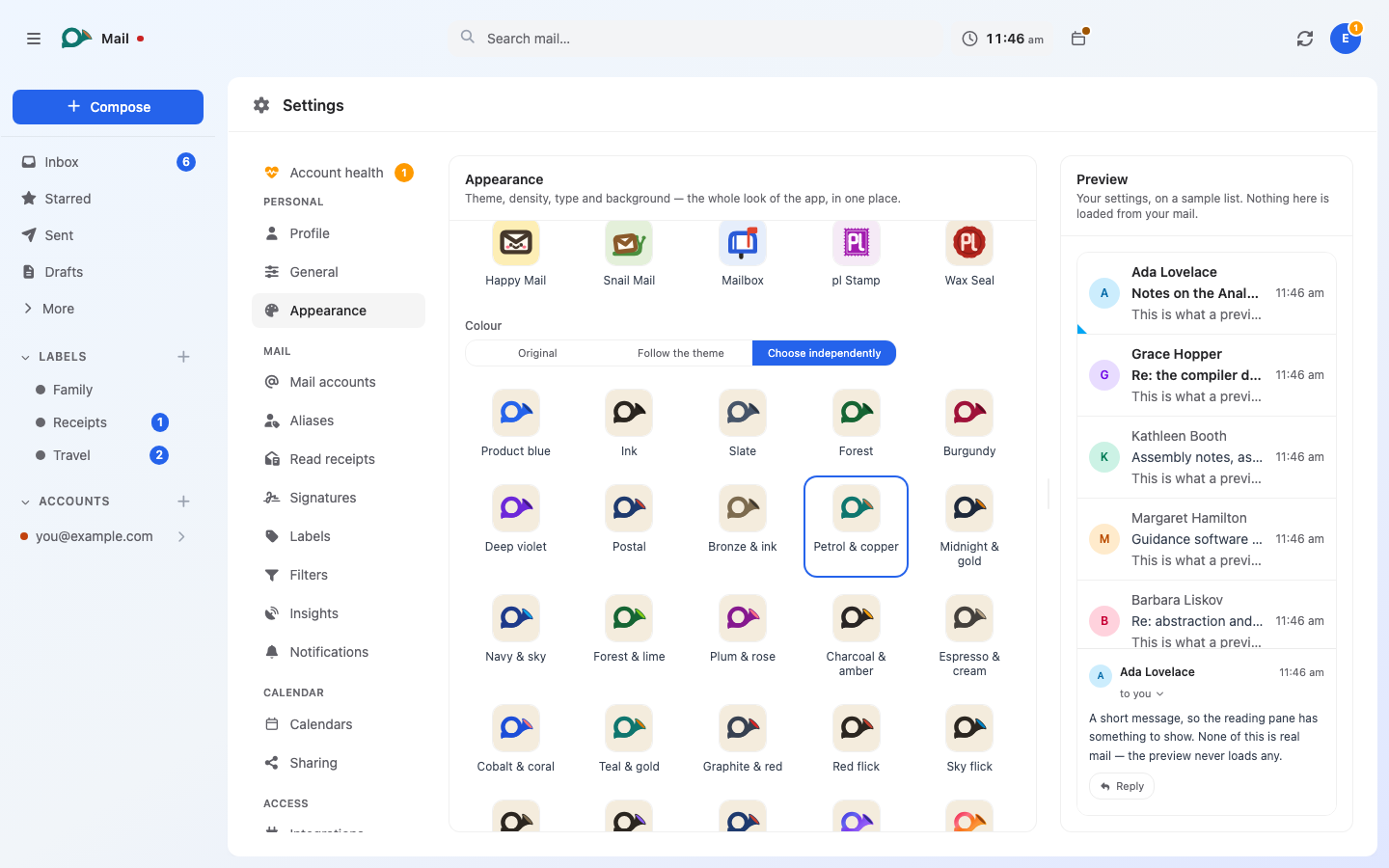
plMail is a self-hosted mail client that connects to your existing mailboxes — IMAP, Gmail, and Outlook — and stores them in your own PostgreSQL database. It gives you a single unified inbox with threaded conversations, full-text search with advanced operators, and a tree-structured filter system. A calendar sits alongside the mail with two-way sync to Google, Microsoft, and CalDAV servers. File integrations let you attach from and save to several cloud storage and self-hosted services. Optional AI features connect to a local Ollama instance or any OpenAI-compatible endpoint for semantic search, reply drafting, thread summarisation, and automatic sorting. Authentication supports TOTP two-factor, passkeys via WebAuthn, and OpenID Connect (Authentik, Keycloak, others). It runs via Docker Compose on Linux, macOS, WSL2, and ARM devices, with a TrueNAS app available. The project is licensed AGPL-3.0 and currently in pre-1.0 beta (v0.3.9).
Should you self-host plMail?
plMail scores 51/100 on selfhost.directory (how scoring works) and ranks #55 of 106 in Email. It has 439 GitHub stars.
It shipped 10 stable releases in the past year. The latest, v0.4.0, came out on 26 October 2026.
Setup is moderate: expect some configuration beyond a single command. An official Docker image is available. It is AGPL-3.0-licensed and written mostly in PHP.
Its closest alternative on selfhost.directory is Listmonk (80/100, 24 012 stars). It scores higher overall, so compare the two before you pick. See plMail vs Listmonk side by side.
Features
- Account health monitoring
- AI-assisted featuresOff by default; each of four features enabled separately; mail only goes to the configured model host
- Backup and Restore
- Calendar
- Drag-and-drop filing
- File storage integrations
- Filter system
- Full-Text Search
- JMAP server
- OpenID Connect
- Real-time push
- Two-factor authentication
- Unified inbox
- Update Notifications
plMail README
More in Calendar & Contacts
 PrismA self-hosted family dashboard for wall displays and tablets that connects to calendars, task apps, photo services, and grocery stores without recurring fees.
 PunctualPunctual is a self-hosted, open-source Calendly alternative on Cloudflare Workers with Google/Microsoft calendar sync, team scheduling, and an MCP server.
 RadicaleSelf-hosted, open-source CalDAV and CardDAV server syncing calendars, to-dos and contacts over HTTP, with filesystem storage, pluggable auth and pip or Docker install.
 RemindMeSelf-hosted Matrix bot that schedules reminders, manages calendars via iCal, and offers an HTTP API for integration. Open-source under GPL-3.0.
 SnagTimeSnagTime is a free, self-hosted scheduling app for booking links, Google Calendar sync, and SMTP email. Runs locally with SQLite or in production with PostgreSQL.
 SOGoSelf-hosted, open-source groupware server: webmail, calendars and address books, with native client access via CalDAV, CardDAV, IMAP, SMTP and Microsoft ActiveSync.
 SomedaySelf-hosted scheduling tool built on Google Apps Script that integrates with Gmail and Google Calendar as a free alternative to Calendly.
 spacepadSelf-hosted, open-source meeting room display turning tablets into availability panels with real-time calendar sync for Google, Microsoft 365, and CalDAV.
 Stalwart Mail ServerSelf-hosted, open-source Rust mail server with calendars, contacts and shared files over JMAP, IMAP, POP3, SMTP and the DAV protocols, plus built-in anti-spam.
 TimefulTimeful is a self-hosted, open-source scheduling platform that helps groups find the best meeting time through availability polls with calendar integration.
 tinetine is a self-hosted open-core groupware suite for organizations with calendar, email, contacts, tasks, file management, CRM and time tracking.
 todofyA local-first desktop task and calendar app with smart views, Kanban board, Pomodoro timer, recurring tasks, and natural-language capture.
0 comments