
Self-host PatchPanda
v0.11.2Docker Compose update manager with release notes
- Stars
- 346
- Port
- 8080 (HTTP web UI)
- Requires
- Docker Engine, GitHub API, SQLite
ghcr.io/dkorecko/patchpanda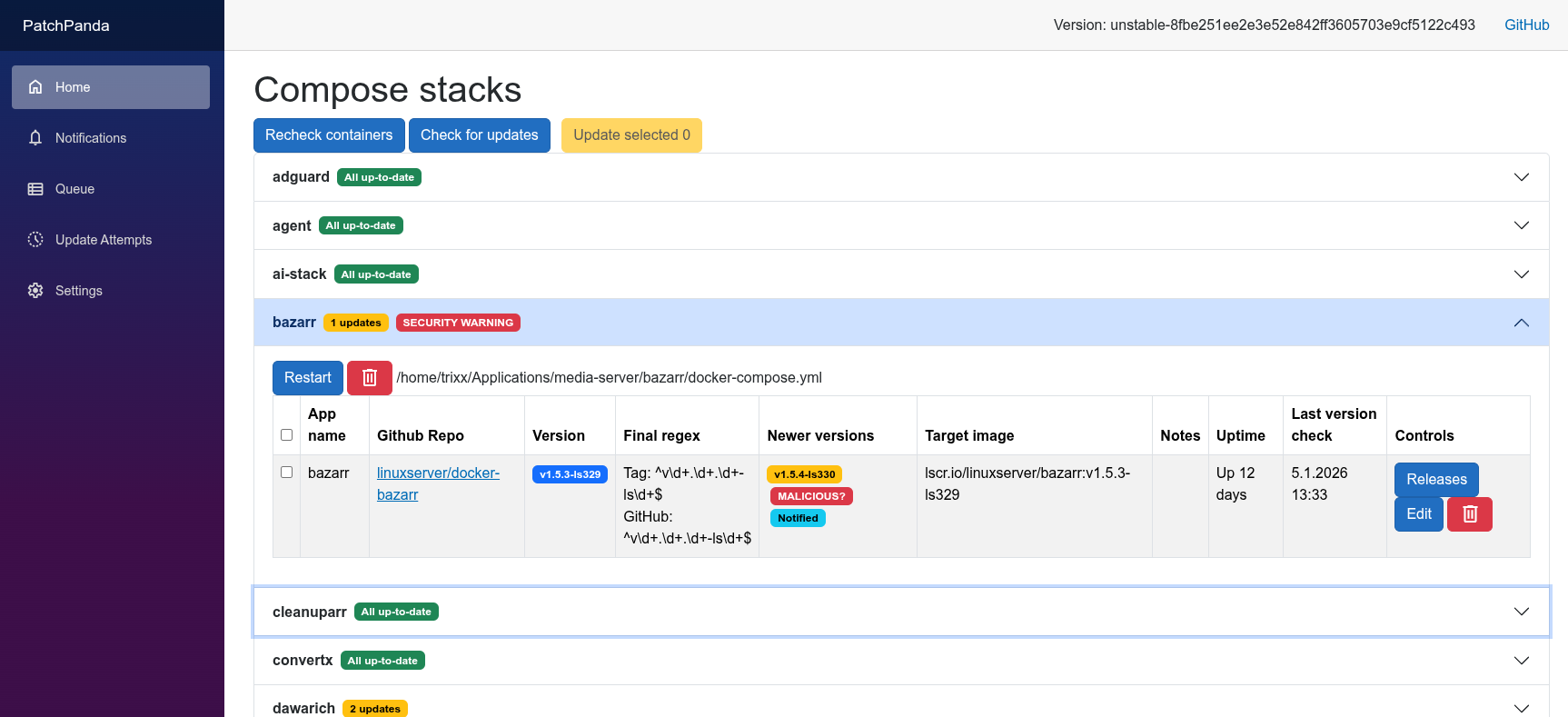

What is PatchPanda?
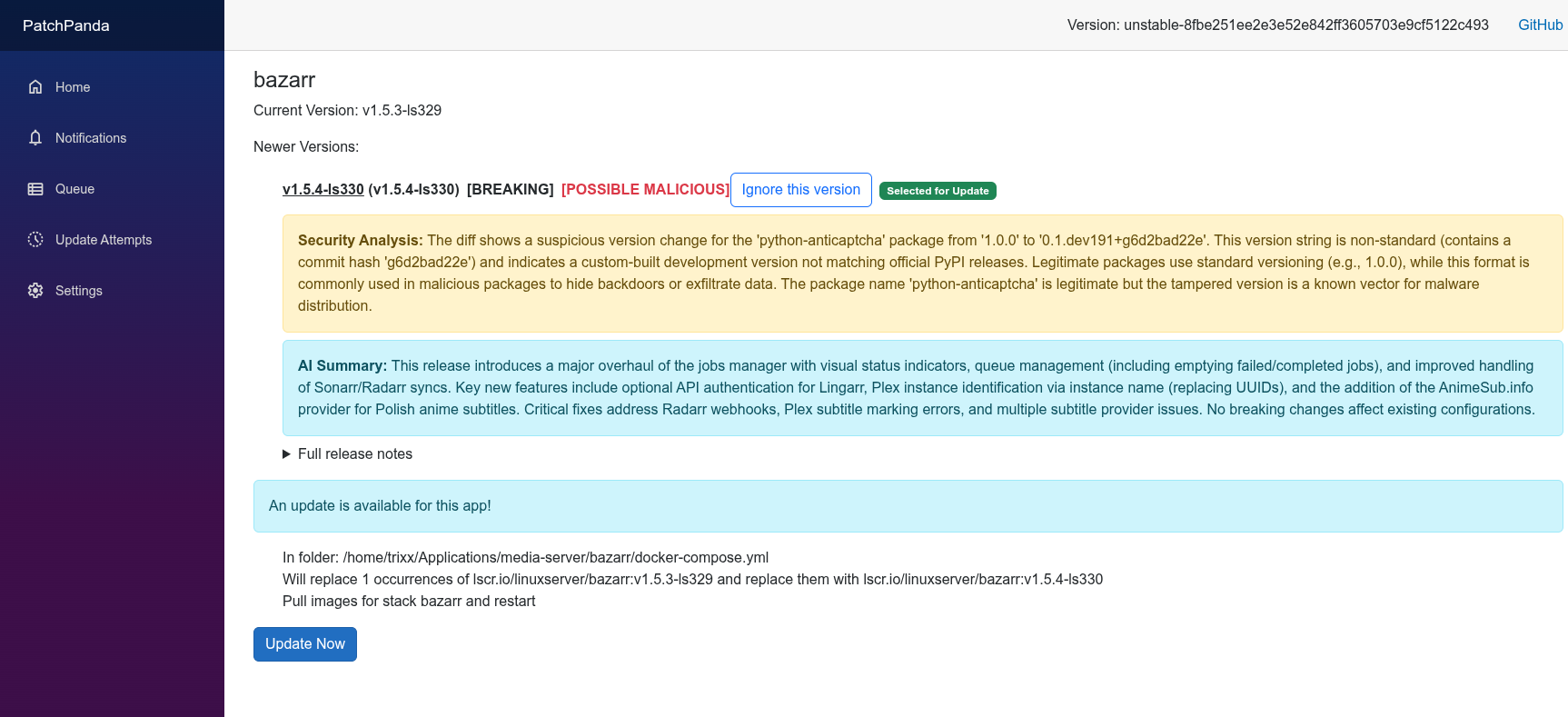
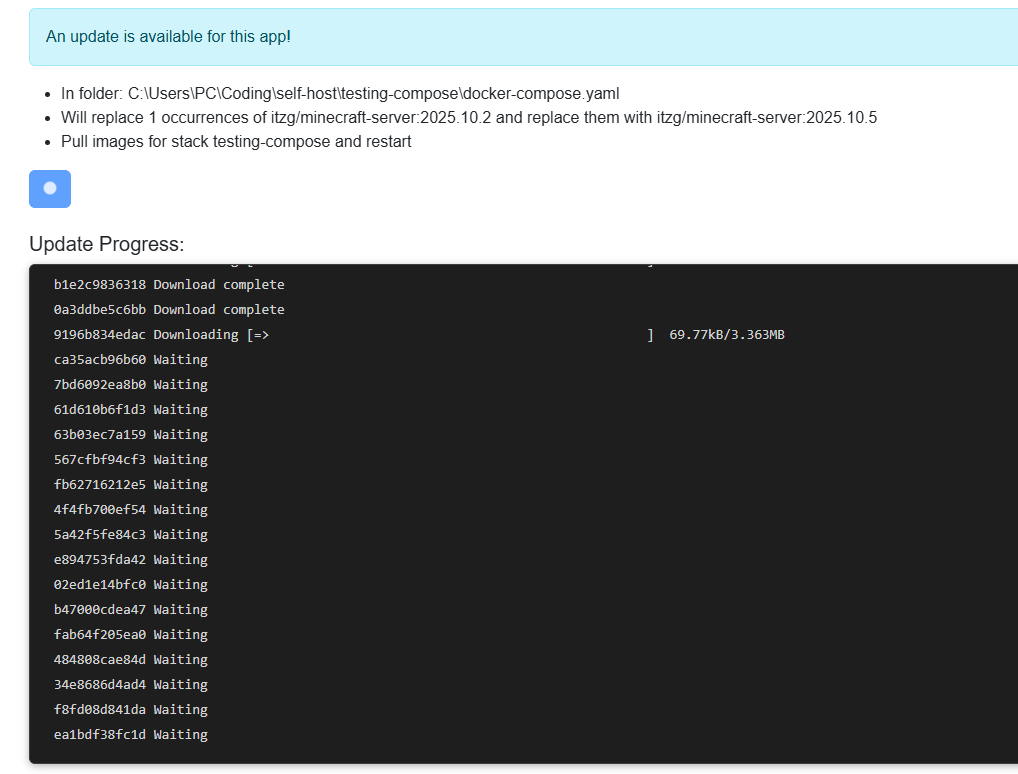
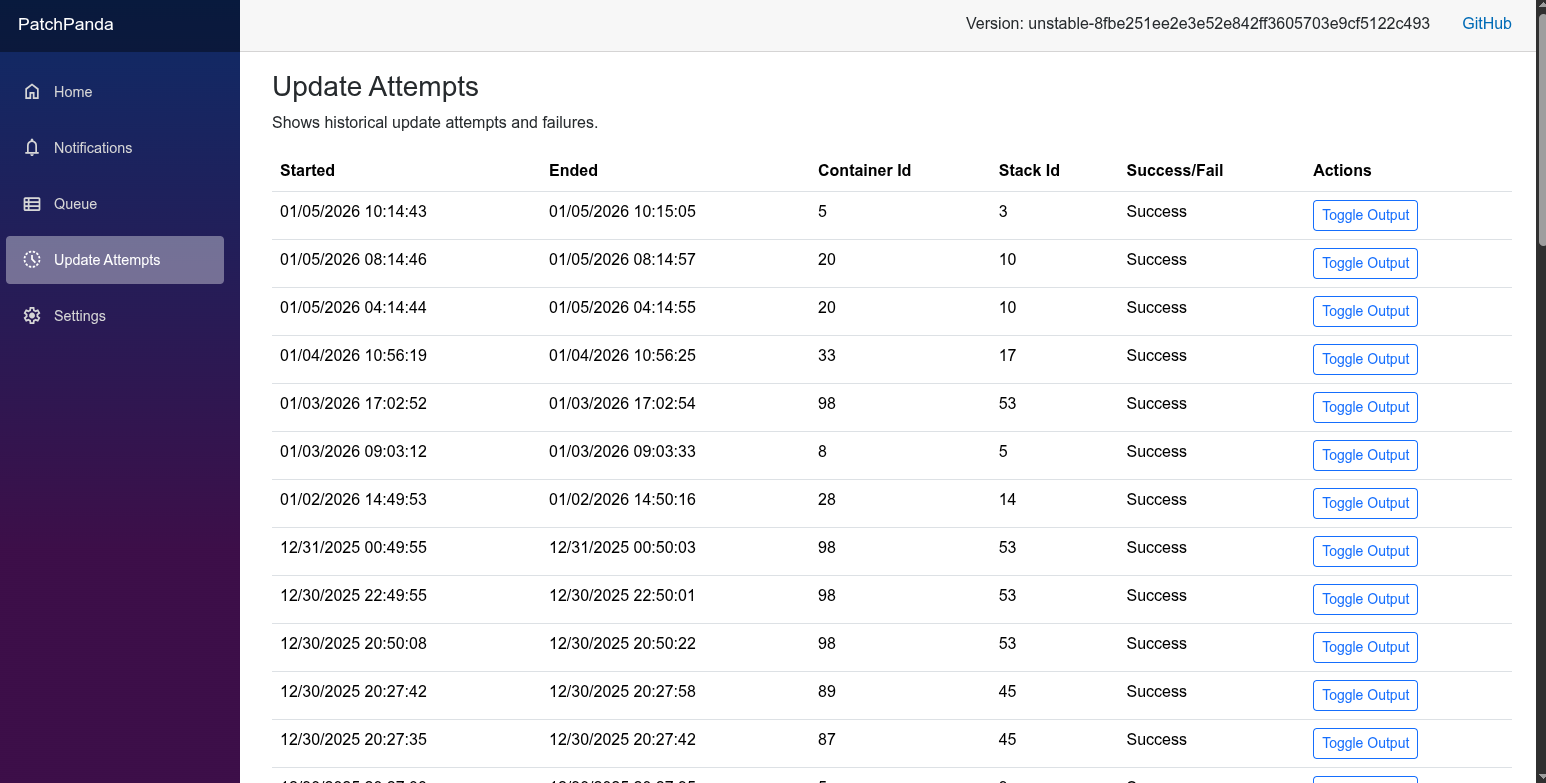
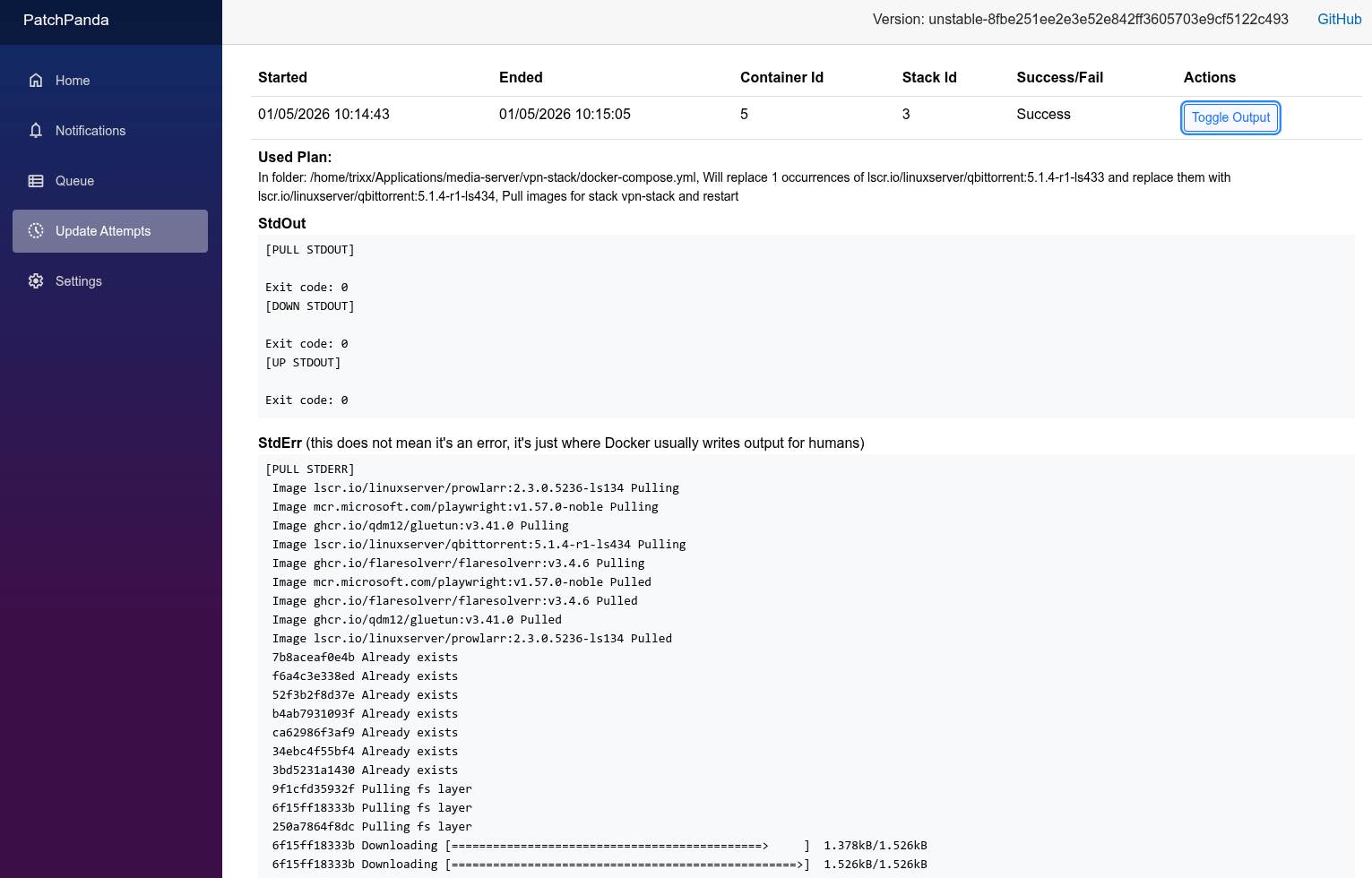
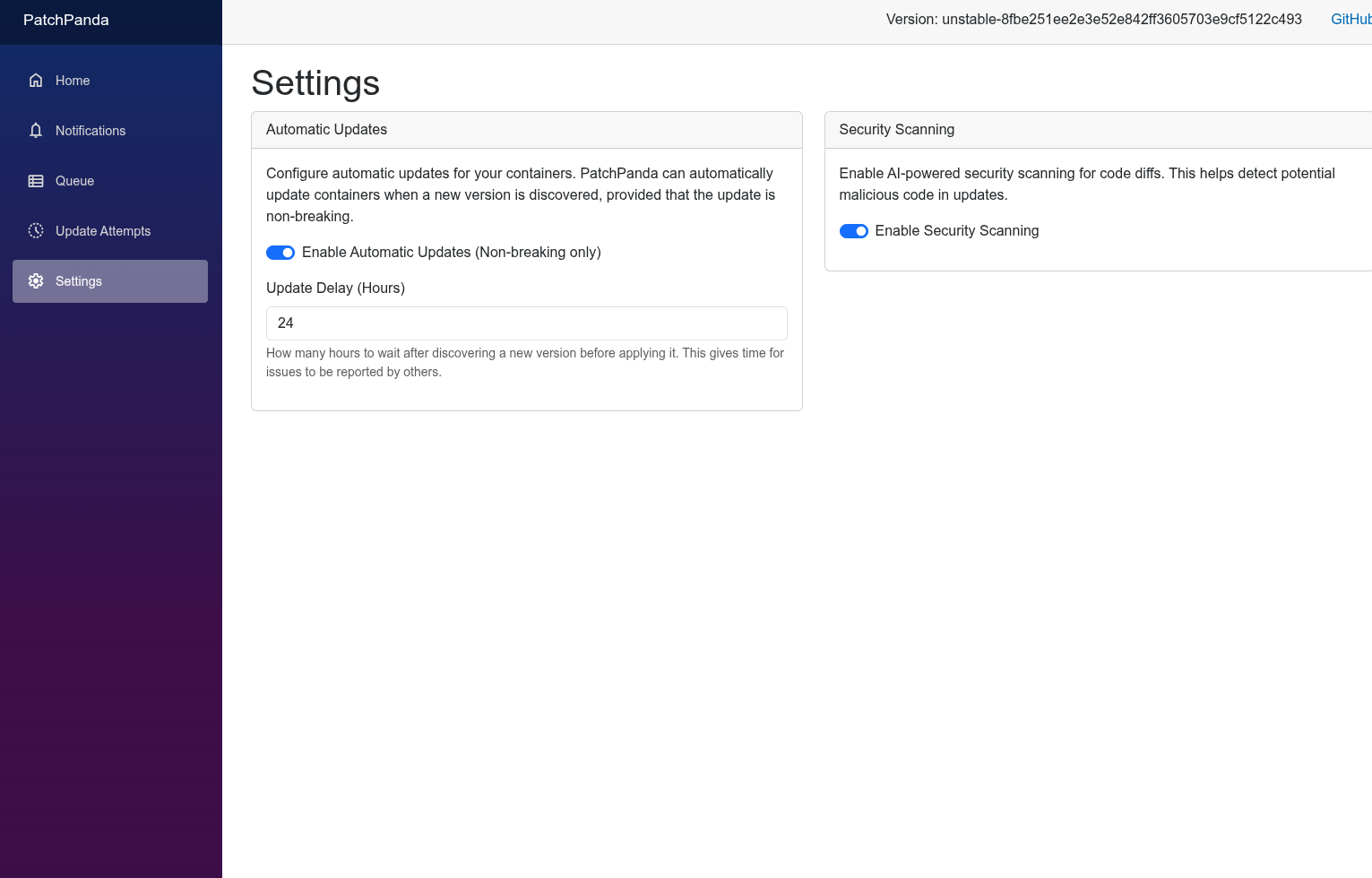
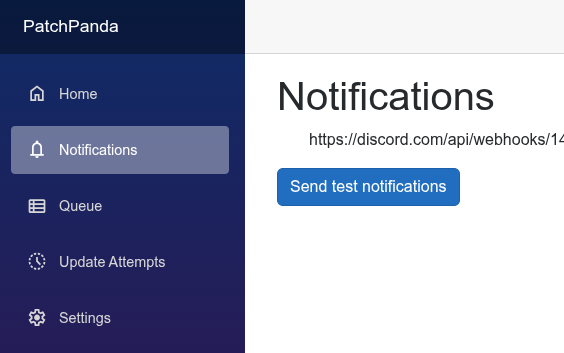
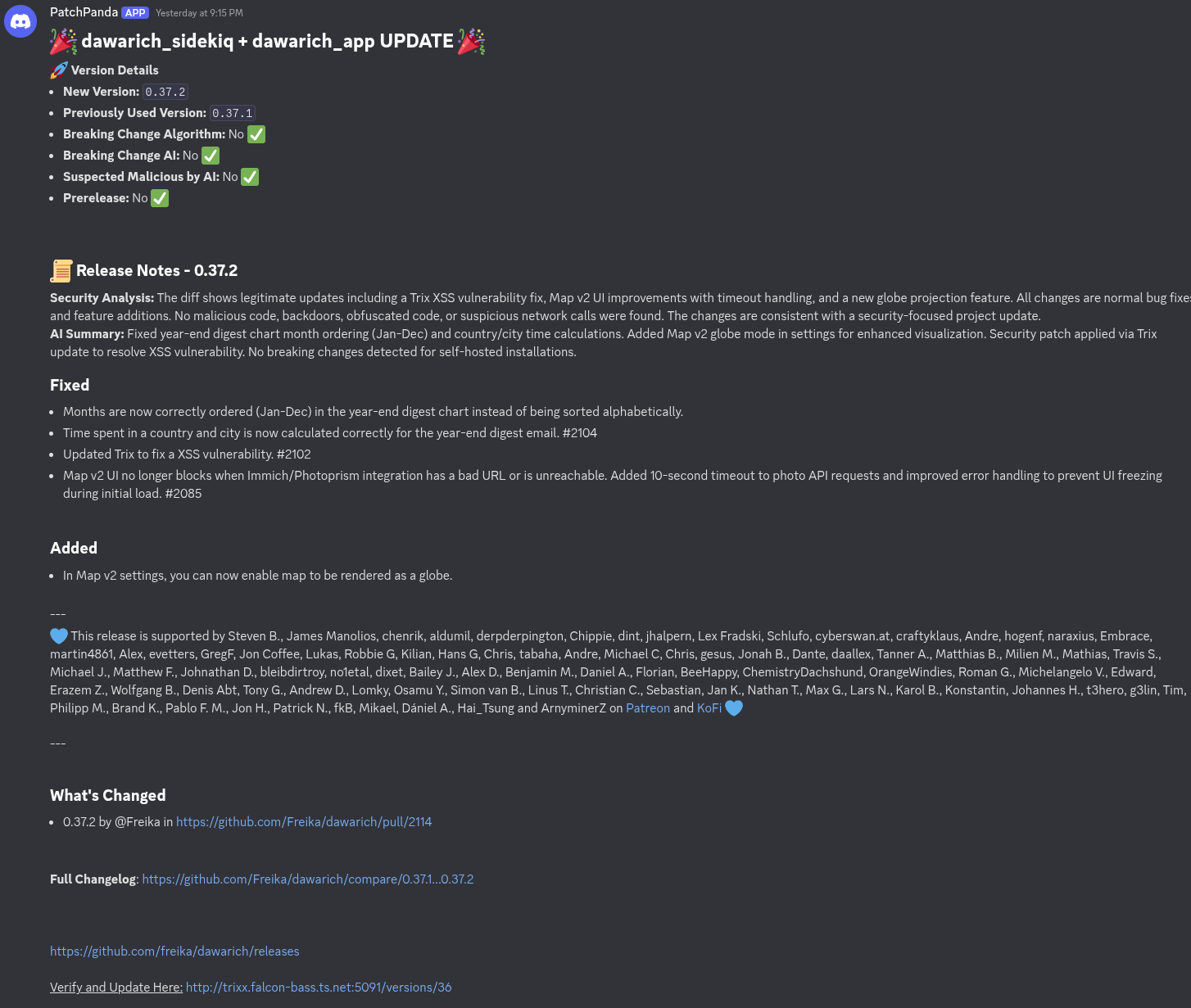
PatchPanda is a self-hosted application that helps you keep Docker Compose stacks current. It discovers running compose projects, reads GitHub repository details from image labels or OCI annotations, and checks GitHub releases for newer versions. The UI presents release notes, flags breaking changes, and groups related services so they can be updated together. When you approve an update, the tool rewrites the relevant compose or .env files and runs the standard docker compose pull and up commands. Notifications can go to Discord or any Apprise target. Optional integrations include Portainer for managed stacks and Ollama-compatible LLMs for AI-generated summaries and security scanning of code diffs. Data lives in a SQLite database. The project is in beta; the authors advise testing before production use.
Should you self-host PatchPanda?
PatchPanda scores 45/100 on selfhost.directory (how scoring works) and ranks #29 of 44 in Container Management. It has 346 GitHub stars.
It shipped 10 stable releases in the past year. The latest, v0.11.2, came out on 25 April 2026. New versions land roughly every 2 weeks.
Setup is moderate: expect some configuration beyond a single command. An official Docker image is available. It is MIT-licensed and written mostly in C.
Its closest alternative on selfhost.directory is drydock (53/100, 271 stars). It scores higher overall, so compare the two before you pick. See PatchPanda vs drydock side by side.
Features
- AI release note summarizationRequires OLLAMA_URL to be configured
- Apprise notifications
- Automatic non-breaking updates
- Breaking Change Detection
- Discord Notifications
- Docker Compose stack discovery
- GitHub release monitoring
- Manual GitHub repo override
- Multi-container app grouping
- Release notes display
- Security ScanningRequires OLLAMA_URL to be configured
- Update execution
- Update history and rollback
- Version ignore
PatchPanda README
More in Deployment
 PipewrightA self-hosted CI/CD platform that unifies build pipelines, server deployment, and container management in a single Go binary.
 ptah-serverSelf-hosted Fair Source PaaS replacing Heroku/Vercel, using Docker Swarm for apps, databases, backups, and SSL. Archived, development paused.
 QuantumRun your own Platform-as-a-Service: deploy GitHub projects, databases, templates, and Compose stacks on a private server with a web UI.
 seelfOpen-source self-hosted PaaS deploying Docker Compose apps with auto HTTPS, subdomains, and a web dashboard — alternative to Heroku, Dokku, Caprover, Coolify.
 Single ServerSelf-hosted, open-source deployment platform turning a Linux box into a git-push-to-production platform with Docker, Kamal, Tailscale, Cloudflare, and GitHub.
 tempsSelf-hosted open-source deployment platform replacing Vercel, Sentry, PostHog with one Rust binary — deploy from git, track errors, monitor uptime, analyze traffic.
 turbocloud-agentTurboCloud Agent is an open-source, self-hosted PaaS for deploying web apps to any Ubuntu 22.04 server with built-in WAF, VPN, load balancing, and CI/CD.
 uncloudSelf-hosted, open-source Docker clustering tool: WireGuard mesh, Compose deploys, automatic HTTPS — an alternative to Kubernetes and Swarm.
 UnregistryAn open-source, self-hosted container registry that stores images in Docker's containerd store and pushes them to remote servers over SSH with the docker pussh plugin.
 vitoOpen-source, self-hosted server management panel: provision VPS clouds, deploy PHP/Laravel or Node.js apps, and manage databases, SSL, firewall, cron and monitoring.
 zane-opsOpen-source, self-hosted PaaS to deploy web apps, databases, services and static sites on Docker Swarm with Caddy, as a free alternative to Heroku, Railway or Render.
 beaconSelf-hosted agent for remote tunnels, browser terminal, and health monitoring on every machine — Pi, NAS, VPS, Proxmox — zero open ports, no cloud root.
0 comments