
Self-host outline-docker-compose
Docker Compose bundle for an Outline wiki with OIDC login
- Stars
- 864
- Port
- 80 (nginx front container inside the stack; published to the host as ${HTTP_IP}:${HTTP_PORT_IP}, default 127.0.0.1:8888)
- Requires
- Nginx, Oidc-server, PostgreSQL, Redis

What is outline-docker-compose?
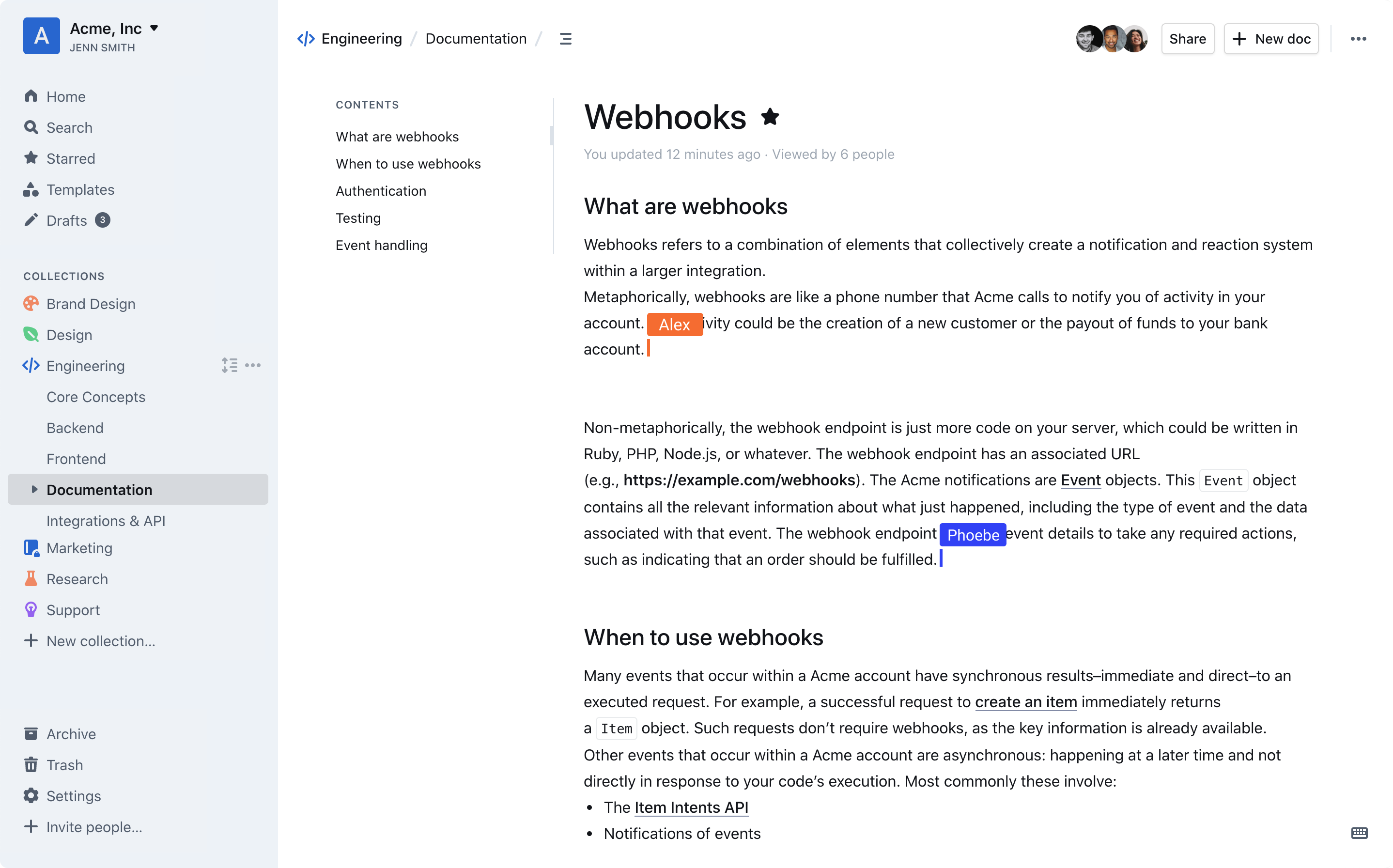
This repository packages a complete self-hosting setup for the Outline wiki: a generated docker-compose file brings up the Outline app together with PostgreSQL, Redis, an optional MinIO bucket store, a bundled OIDC identity server for user accounts, and an nginx front container. A sample shell config plus a bash script fill in the settings and generate the secret keys for you, and make install creates the compose configuration, starts the stack, registers an OIDC client for Outline and seeds a superuser. Users then sign in through the included OIDC server instead of Slack or Google, and new accounts are added in its admin page; login emails can be restricted to chosen domains with ALLOWED_DOMAINS. From Outline 0.72.0-1 onward, avatars and attachments can be kept in the container's own filesystem by setting FILE_STORAGE to local, which takes the MinIO services out of the stack. Everyday operations are make start, make stop, make logs, make clean and make clean-data, and a sample nginx server block shows how to terminate TLS in front of the deployment. The last commit dates from December 2023 and the pinned wiki image is 0.72.0-3, so it is a fixed snapshot rather than a maintained upstream tracker.
Should you self-host outline-docker-compose?
outline-docker-compose scores 46/100 on selfhost.directory (how scoring works) and ranks #24 of 31 in Wikis. It has 864 GitHub stars.
There was no stable release in the past 12 months, so check the repository's recent activity before you rely on it.
Setup is moderate: expect some configuration beyond a single command. It is BSD-3-Clause-licensed and written mostly in Shell.
Its closest alternative on selfhost.directory is outline (78/100, 41 093 stars). It scores higher overall, so compare the two before you pick. See outline-docker-compose vs outline side by side.
Features
- Automatic configuration and secret generation
- Bundled OIDC authentication server
- Docker Compose deployment stack
- Email domain allowlist
- Makefile lifecycle commands
- Reverse-proxy and TLS sample config
- Shared Docker network option
- User Management
outline-docker-compose README
FAQ
I added a new user, but can't log in to Outline
Give the new user an email address, and if that email's domain differs from the admin user's domain, add the domain to the ALLOWED_DOMAINS setting.
More in Documentation Management
 overleafOpen-source self-hosted collaborative LaTeX editor with real-time editing and PDF compiles, run through the Docker-based Overleaf Toolkit; Server Pro adds SSO.
 PandaWikiOpen-source, self-hosted knowledge base that builds product docs, FAQs and blogs with AI Q&A, AI search and chatbots for DingTalk, Feishu and WeCom.
 PineDocsPineDocs is a self-hosted, open-source file viewer for Markdown, HTML, code, images, PDFs, and media — no database needed. Runs via Docker or PHP with dark mode.
 pkgsitepkgsite is a self-hosted Helm chart deploying a private pkg.go.dev instance on Kubernetes with PostgreSQL, Redis, and optional Athens proxy for private Go modules.
 RackPeekSelf-hosted web UI and CLI for home lab infrastructure documentation, tracking hardware, services, and networks in open YAML formats.
 RanetoSelf-hosted, open-source Markdown wiki and knowledge base for Node.js: file-based pages, in-browser editor, Lunr search, login protection, Docker image, no database.
 scalarAn open-source platform for API docs and testing: self-hosted API references from OpenAPI/Swagger specs via a Docker image, plus an offline-first API client.
 ShowDocSelf-hosted online API documentation and technical documentation tool for IT teams. Create beautiful API docs, data dictionaries, technical specs with Markdown support.
 The-One-FileSelf-hosted offline-first network topology editor in a single HTML file with optional Docker collaboration.
 TypemillOpen-source, self-hosted flat-file CMS for documentation sites, manuals and knowledge bases: write Markdown, publish websites, PDFs and EPUBs, no database needed.
 Wiki.jsWiki.js is a self-hosted, open-source wiki engine with a live-preview markdown editor, two-way Git sync and OIDC/LDAP/SAML sign-in, running on Node.js plus PostgreSQL.
 wikmdFile-based markdown wiki with knowledge graphs, dark theme, drawio/PlantUML plugins, and git integration. Files instead of database. Self-host via Docker or Python.
0 comments