
Self-host OpenPost
v7.31.1Social media scheduler with built-in image and video editors
- Stars
- 824
- Port
- 8080 (HTTP server)
ghcr.io/getopenpost/openpost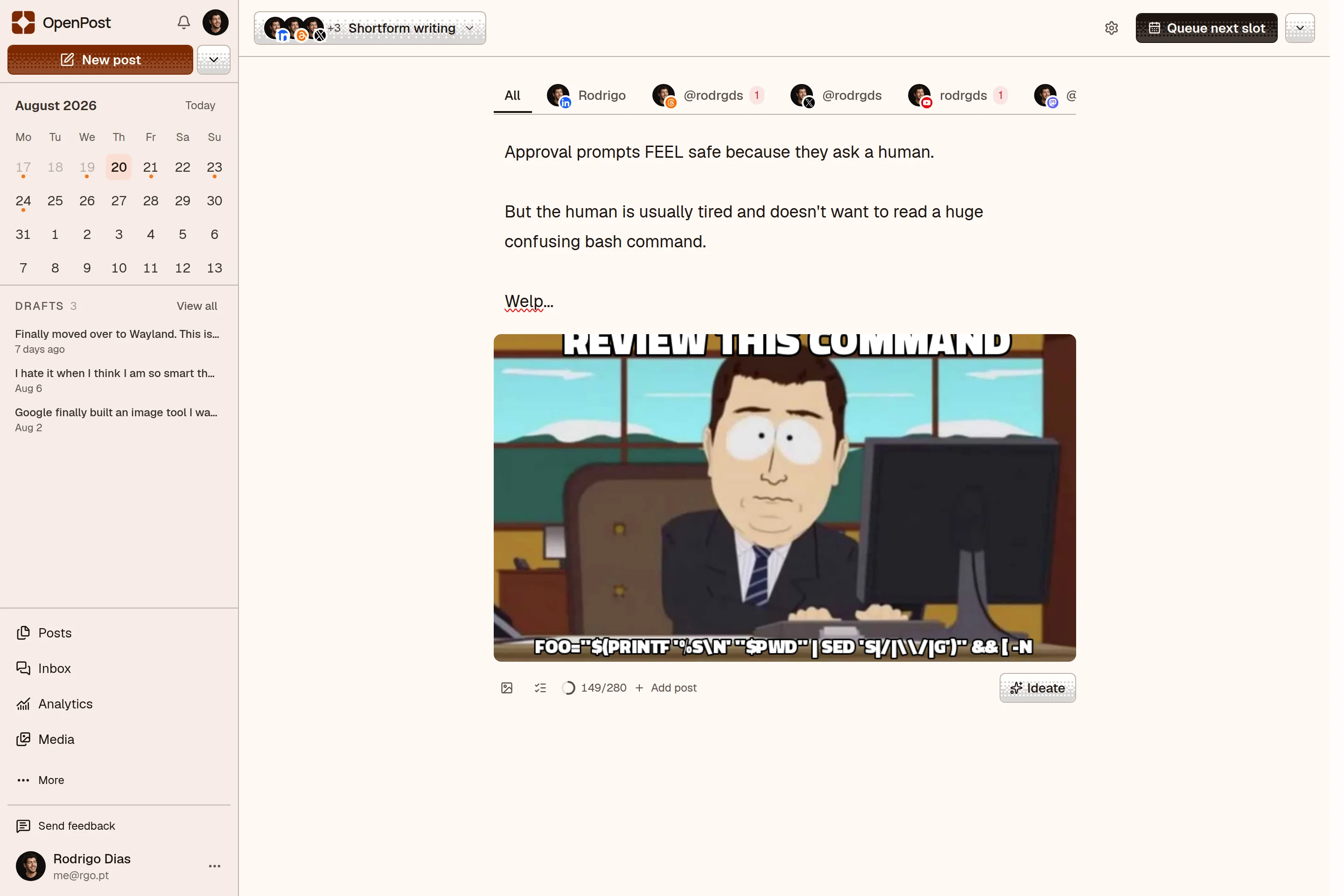

What is OpenPost?
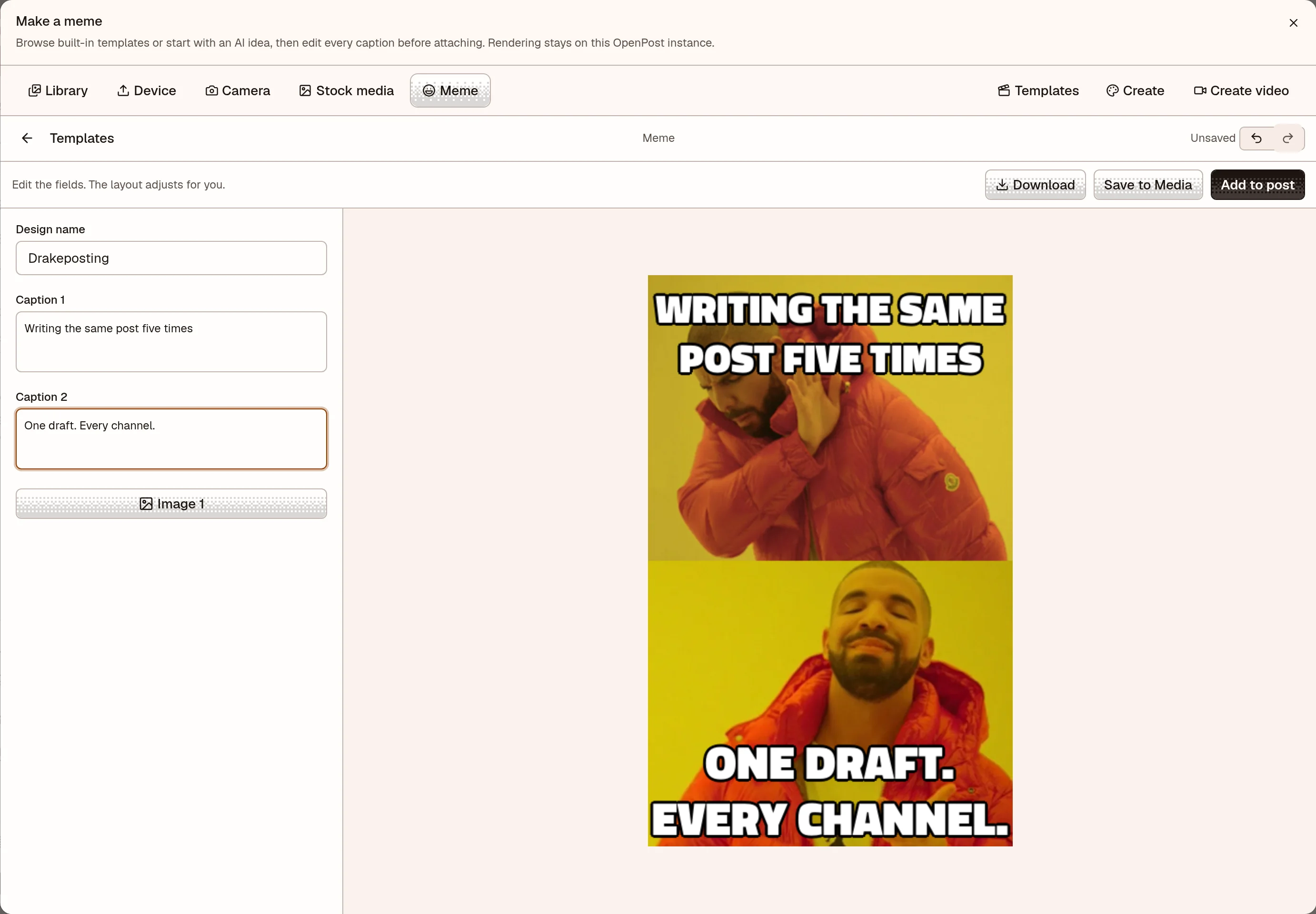
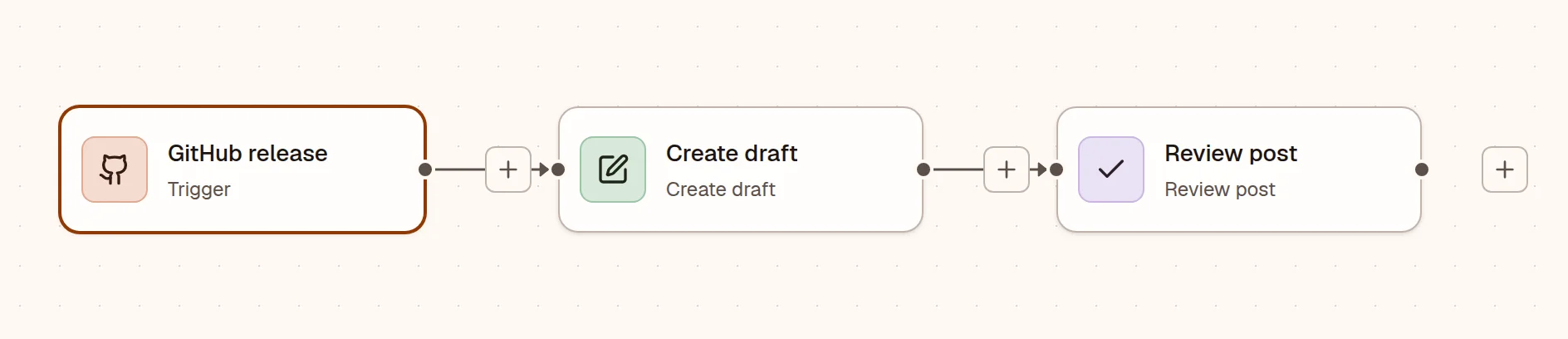
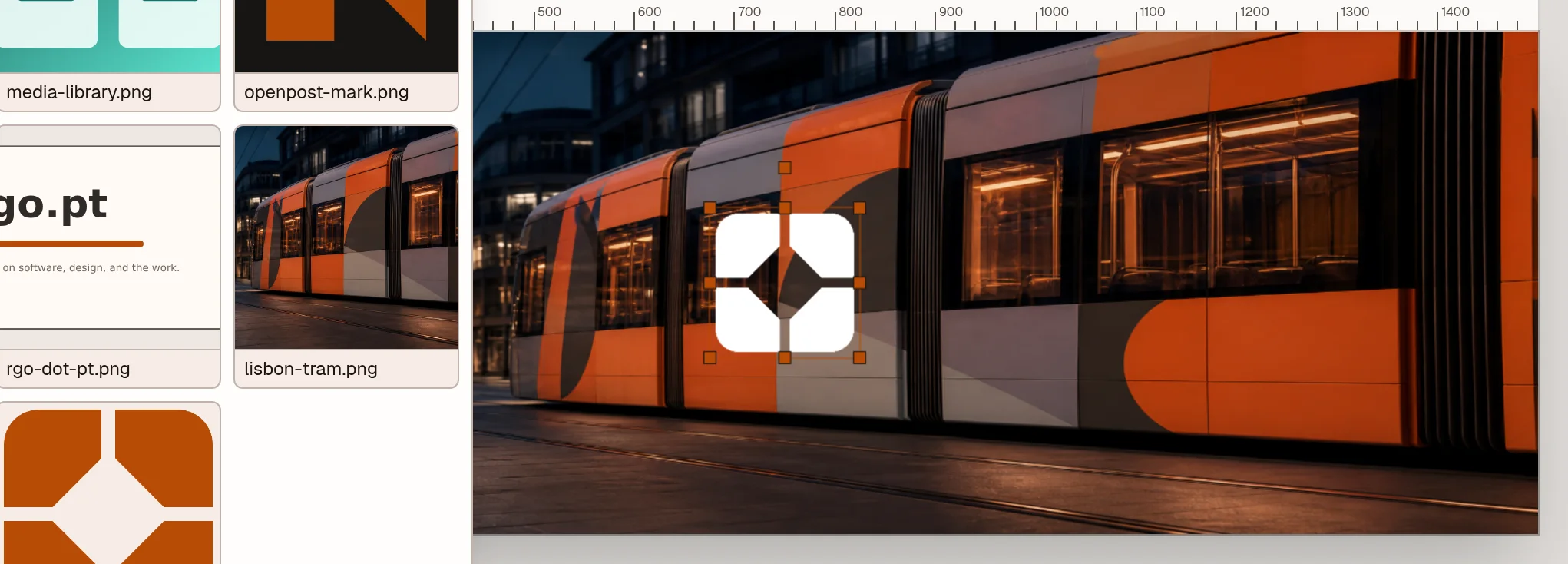
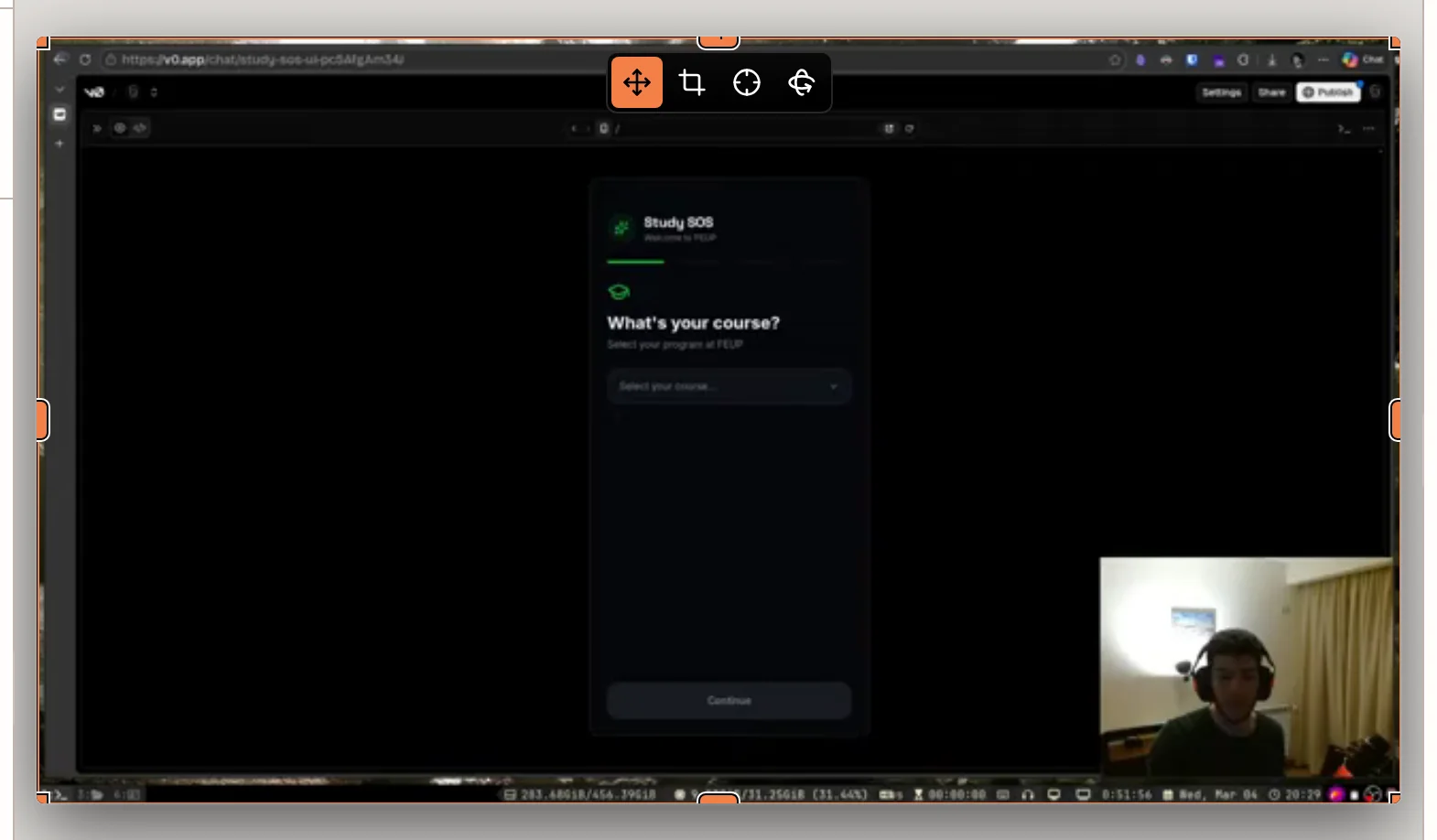
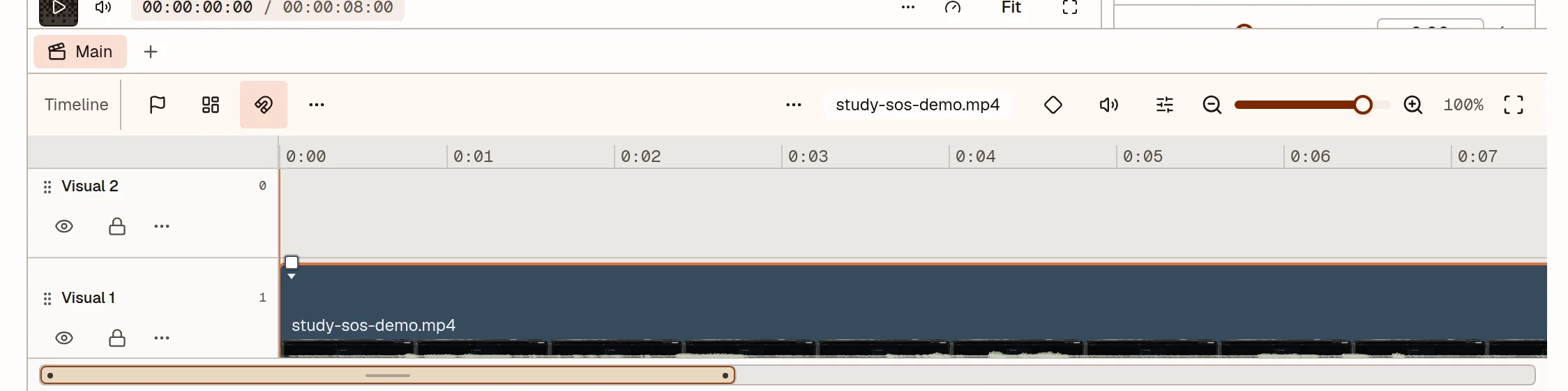
OpenPost is a self-hosted social media management platform for solo founders and small teams. It combines a multi-platform composer, calendar scheduling with queues, an image editor with layers and templates, a video editor with multitrack timeline and captions, a meme maker, media library, unified inbox for comments and DMs, cross-platform analytics, and visual workflows that turn GitHub releases or RSS feeds into drafts. It supports over 15 social networks including major platforms and federated alternatives. The self-hosted edition runs as a single Go binary (via Docker or directly) with SQLite by default, optionally PostgreSQL and S3-compatible storage. Authentication includes passkeys, TOTP, and OIDC/SSO. The project is licensed AGPL-3.0-only and actively maintained with frequent releases.
Should you self-host OpenPost?
OpenPost scores 58/100 on selfhost.directory (how scoring works) and ranks #4 of 18 in Social Media Management. It has 824 GitHub stars.
It shipped 3 stable releases in the past year. The latest, v7.31.1, came out on 26 October 2026. New versions land roughly every 1 days.
Setup is moderate: expect some configuration beyond a single command. An official Docker image is available. It is AGPL-3.0-licensed and written mostly in Typescript.
Its closest alternative on selfhost.directory is penpot (84/100, 61 781 stars). It scores higher overall, so compare the two before you pick. See OpenPost vs penpot side by side.
Features
- AI writing and ideasAI writing is optional; self-hosted AI setup documented.
- API, SDK, CLI, MCP, n8n
- Auto repost
- Calendar and queues
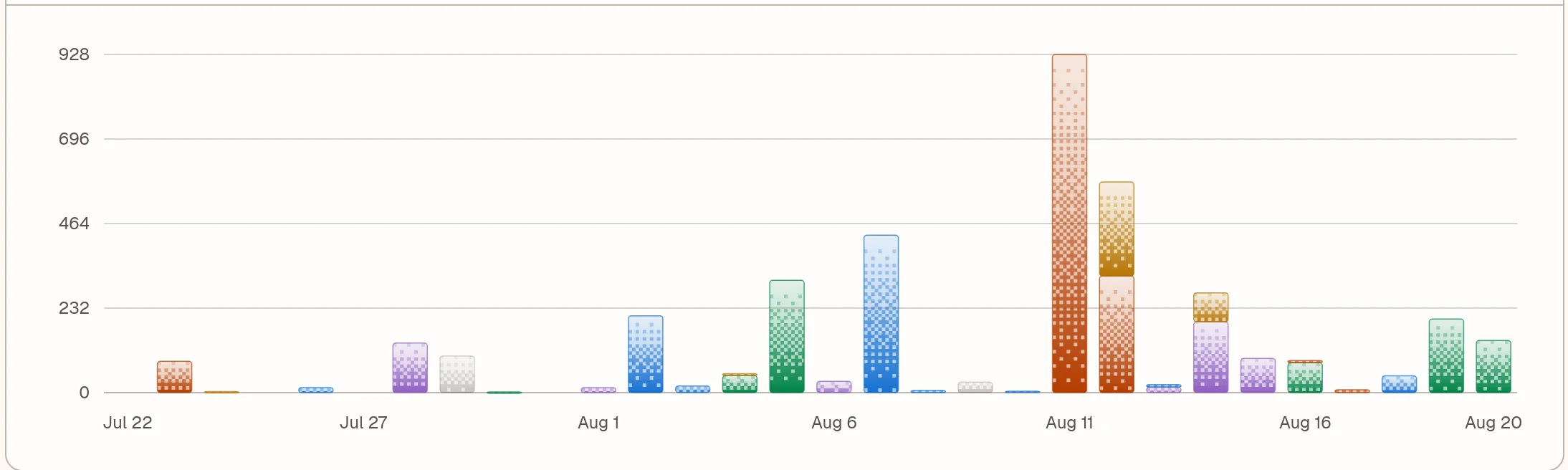
- Cross-platform analytics
- Find people to follow
- Image editor
- Media Library
- Meme maker
- Multi-platform social scheduling
- Teams and workspaces
- Unified inbox
- Video editorVideo editing is in beta and works best in desktop Chrome or Edge.
- Visual workflows
OpenPost README
FAQ
Where can I get help?
Start with the help centre for walkthroughs, or email about your account, a billing question, or something not working. The Discord community is open for ideas and general questions.
How are my social accounts protected?
OpenPost encrypts the keys used to connect your social accounts. You can protect your OpenPost sign-in with a passkey or two-factor authentication, and remove active sessions from your account settings.
Will I pay extra for people or AI?
Your plan includes its listed people, workspaces, and AI writing tools. There are no AI credit packs or automatic overage charges. Each workspace has its own usage allowance. Tax is calculated at checkout.
Can I cancel my subscription?
Yes, cancel from billing settings. Cancel during the trial before the first charge, or stop your next renewal. Your checkout and billing page show the dates that apply.
Which plan should I choose?
Choose Solo if you work on your own, Team if others help with your content, or Agency if you manage clients. Every plan includes the same tools. Team and Agency add workspaces and more people.
How does the free trial work?
Start with a 14-day free trial. A card is required, and you can cancel before the first charge. Your renewal price and date are shown before you start.
Can I see how my posts perform?
Yes, you can see account growth and post results when your social network provides them. Available numbers, comments, and replies vary by connected account.
What happens if a post fails?
OpenPost shows which account failed and what went wrong. You can review the error and retry the accounts that can be retried, without publishing the successful ones again.
Which social channels can I use?
OpenPost includes integrations for major social networks, but posting options depend on your account. OpenPost Cloud posting has not completed its final live checks yet.
Can I edit images and videos in OpenPost?
Yes, the Image Editor supports text, layers, color adjustments, and multi-page designs. The Video Editor adds recording, trimming, captions, and timeline editing. Video editing is in beta and works best in desktop Chrome or Edge.
Can OpenPost help me write a post?
Yes, you can use AI to explore ideas, draft an opening, or rewrite a post for a different channel. You review the words and facts before scheduling, and you can also write everything yourself.
Can I try the editors without signing up?
Yes, you can create images and edit videos for free with no account or watermark. Local projects stay on your device unless you choose to save them to OpenPost.
More in Social Media Management
 oxigenOxigen is a self-hosted, open-source social media image generator creating Open Graph images via web UI and REST API, as Docker container or standalone binary.
 POSSE PartySelf-hosted web app that syndicates your site's Atom feed to eight major social platforms automatically.
 Postiz📨 The ultimate agentic social media scheduling tool 🤖
 PrismSelf-hosted open-source platform for automating short-video publishing across 7 platforms with multi-account management, scheduling, and AI agent.
 social-auto-engineSelf-hosted open-source social media manager with AI content generation. Supports 5 platforms with mandatory human approval queue. Includes MCP server and 17 AI skills.
 social-image-serverSelf-hosted server that auto-generates unique Open Graph images for every page using headless Chrome. Supports URL capture and custom templates.
 Socioboard-5.0Socioboard is a self-hosted, open-source social media management platform for teams to schedule posts, analyze performance, and manage multiple accounts.
 trypostSelf-hosted social media scheduler with MCP for AI agents — publish to 13 networks, visual calendar, approvals, analytics, all features included.
 voyagerVoyager is an open-source, self-hosted mobile-first web client for Lemmy and Piefed, with swipe gestures, multi-account support and native iOS/Android apps.
 WeChat Markdown EditorOpen-source WeChat Markdown editor turning plain Markdown into styled Official Account posts with image hosts, themes and AI; run it self-hosted via Docker or npm.
 X HarnessSelf-hosted X/Twitter marketing automation on Cloudflare Workers/D1 with scheduling, DM, engagement gates, MCP server, and TypeScript SDK — zero software cost.
 brightbean-studioFree open-source social media management for creators and agencies. Replaces Buffer, Sendible, SocialPilot with unlimited users and channels. Self-hostable with Docker.
0 comments