
Self-host open-managed-agents
@openma/sdk@1.0.2Agent platform for any model, harness, sandbox on your infra
- Stars
- 342
- Ports
- 8787 (HTTP API and Console UI), 4720 (OpenMatter service (Feishu integration)), 14322 (OMA Vault credential injection proxy)
What is open-managed-agents?
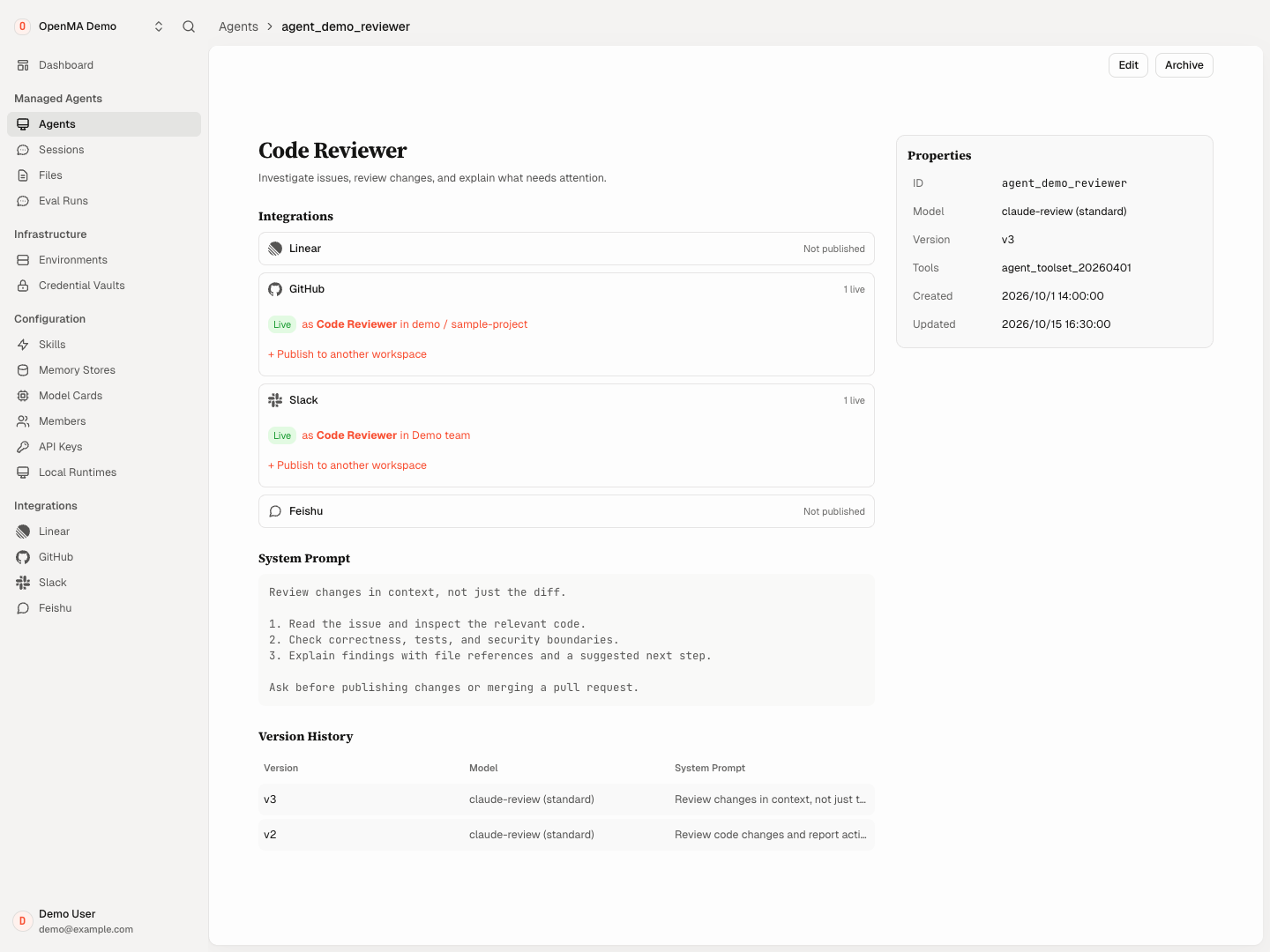
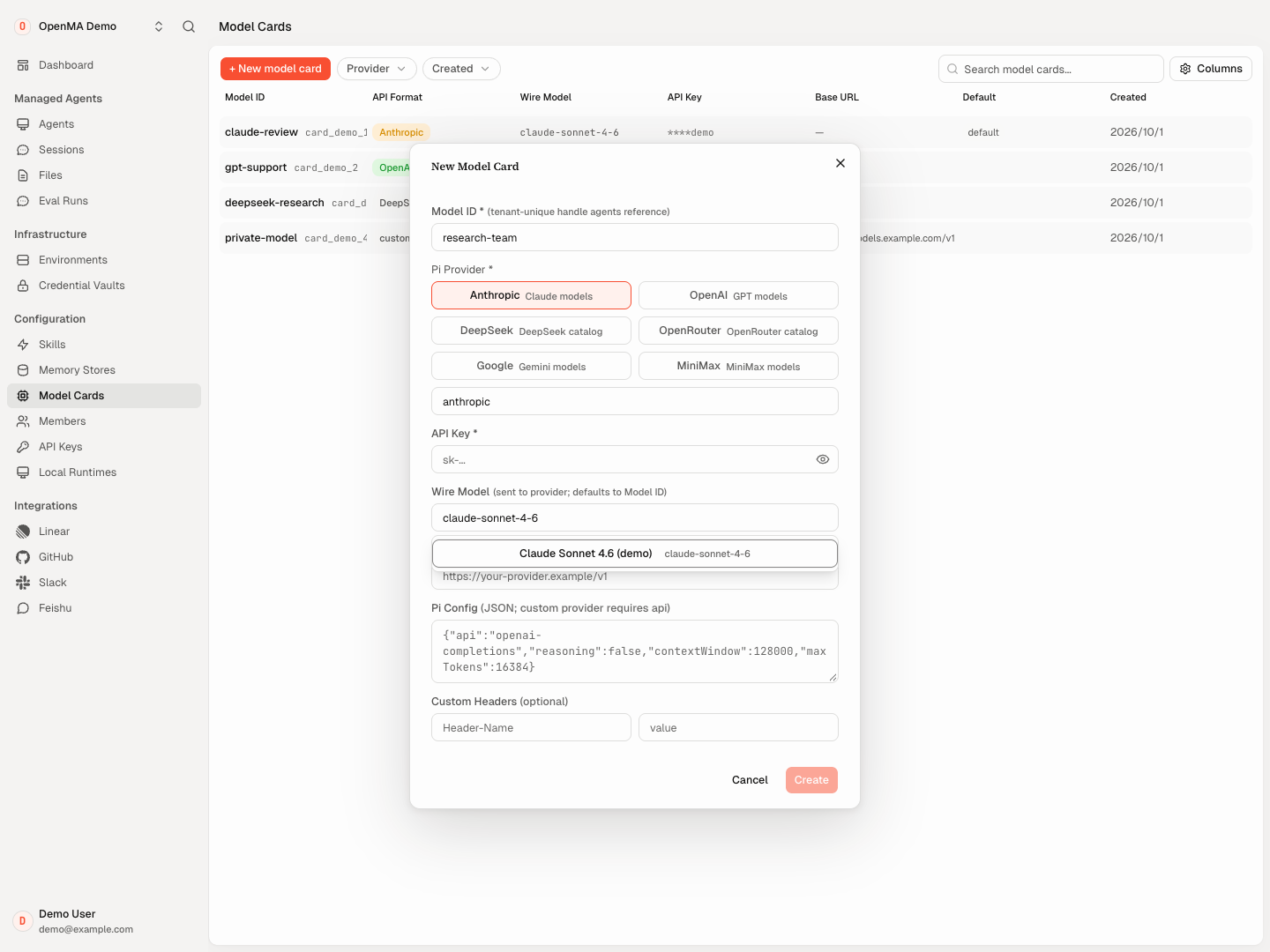
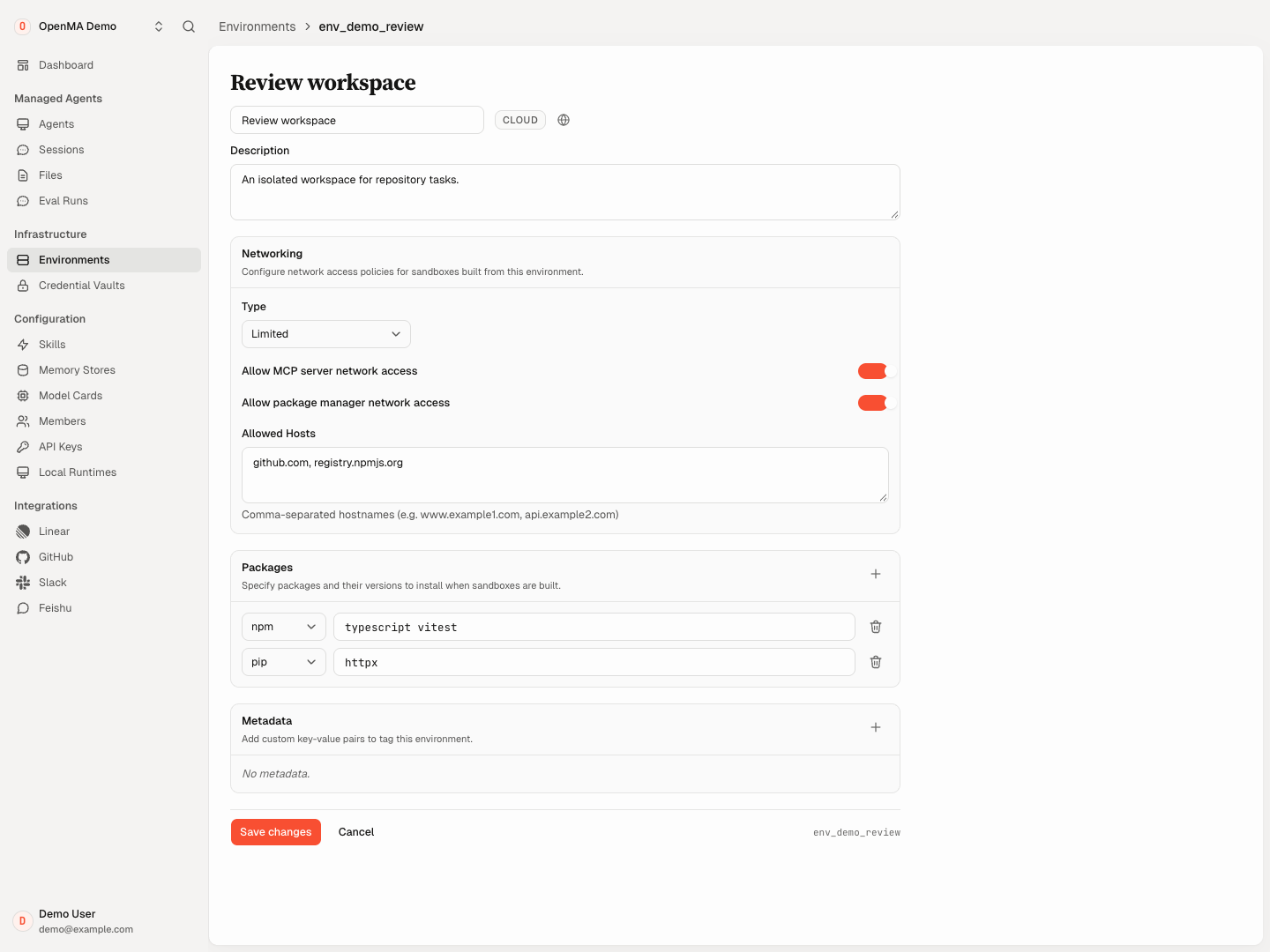
Open Managed Agents is an open-source platform for running AI agents on your own infrastructure. It handles durable sessions, execution routing, and recovery so agents work with any model provider, harness, or sandbox. The system implements Anthropic and OpenAI API contracts, providing a web Console, CLI, and TypeScript SDK. It supports SQLite, PostgreSQL, and MySQL backends, plus sandbox providers like E2B, Daytona, and LiteBox. Workplace integrations connect to GitHub, Linear, Slack, and Feishu. MCP and ACP protocols enable external tools and agents. Self-hosting is free; a hosted tier charges only for sandbox compute.
Should you self-host open-managed-agents?
open-managed-agents scores 52/100 on selfhost.directory (how scoring works) and ranks #86 of 209 in AI Agents. It has 342 GitHub stars.
It shipped 11 stable releases in the past year. The latest, @openma/sdk@1.0.2, came out on 9 October 2026. New versions land roughly every 1 days.
Setup is advanced: plan for several services and some ongoing maintenance. It is Apache-2.0-licensed and written mostly in Typescript.
Its closest alternative on selfhost.directory is Omnara (68/100, 3 304 stars). It scores higher overall, so compare the two before you pick. See open-managed-agents vs Omnara side by side.
Features
- ACP (Agent Client Protocol) support
- Claude Managed Agents API compatibility
- CLI and TypeScript SDK
- Console branding customization
- Credential vault with outbound injection
- Durable sessions and recovery
- MCP (Model Context Protocol) Support
- Multi-database backend support
- Multiple harness support
- Multiple model provider support
- Multiple sandbox providers
- OpenAI Agents API compatibilitySome advanced features like dynamic subagent controls require Node deployment; hosted Cloudflare coverage differs.
- Subagent DelegationSingle-level delegation only; hosted Cloudflare coverage differs.
- Web Console UI
- Workplace integrations
open-managed-agents README
More in API Management
 openmeterOpenMeter is a self-hosted, open-source metering and billing platform for AI and API products that ingests usage events in real time.
 OpenWASelf-hosted, open-source WhatsApp API gateway: a REST API plus web dashboard with multi-session support, webhooks and swappable SQLite/PostgreSQL backends.
 OtariA self-hosted, open-source LLM gateway that unifies 40+ model providers behind one OpenAI-compatible endpoint, with virtual keys, budget controls, and usage analytics.
 PipelexBuild AI methods with your coding agent, then run them anywhere: as an MCP for chatbots, as a webapp for people, or via API for your software.
 pRESTOpen-source, self-hosted backend that turns a PostgreSQL or MySQL database into instant REST CRUD endpoints, custom SQL routes, JWT auth and a read-only MCP API.
 skrunSkrun is a self-hosted agent runtime turning Agent Skills into POST /run APIs. Supports multiple LLMs, MCP, SSE, webhooks, dashboard. MIT, Node.js, SQLite/Postgres
 StrapiSelf-hosted, open-source headless CMS built with JavaScript/TypeScript that generates REST and GraphQL APIs from content models, with a customizable admin panel.
 supabaseSelf-hosted open-source Postgres platform with database, auth, realtime, storage, edge functions, and vector embeddings as a Firebase alternative.
 TykSelf-hosted open-source API and AI gateway proxying REST, GraphQL, gRPC, TCP and MCP traffic with auth, quotas, plugins and analytics.
 unkeySource-available developer platform for modern APIs: issue and verify API keys, rate limit at a global gateway, deploy apps, and watch usage from one control plane.
 wundergraphOpen-source, self-hosted lifecycle manager for federated GraphQL APIs: schema registry, breaking-change checks, router, usage analytics and tracing.
 aci-devACI.dev is an open-source tool-calling platform you self-host as a backend and dev portal, wiring 600+ SaaS integrations into AI agents via function calls or unified MCP.
0 comments