
Self-host Onit SideKick
v3.0AI chat sidebar that docks to any macOS app
- Stars
- 1 096

What is Onit SideKick?
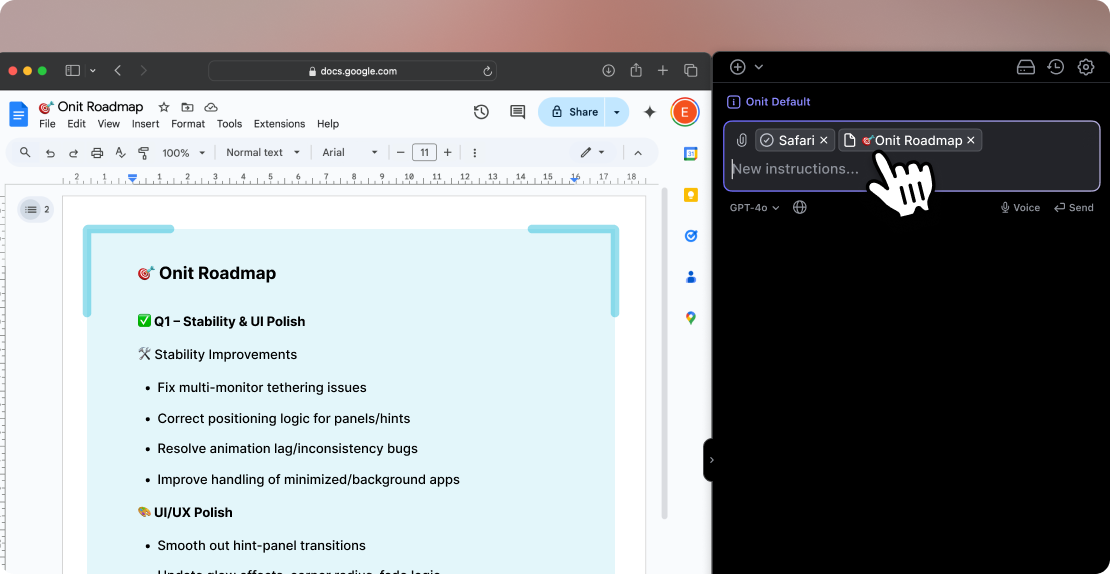
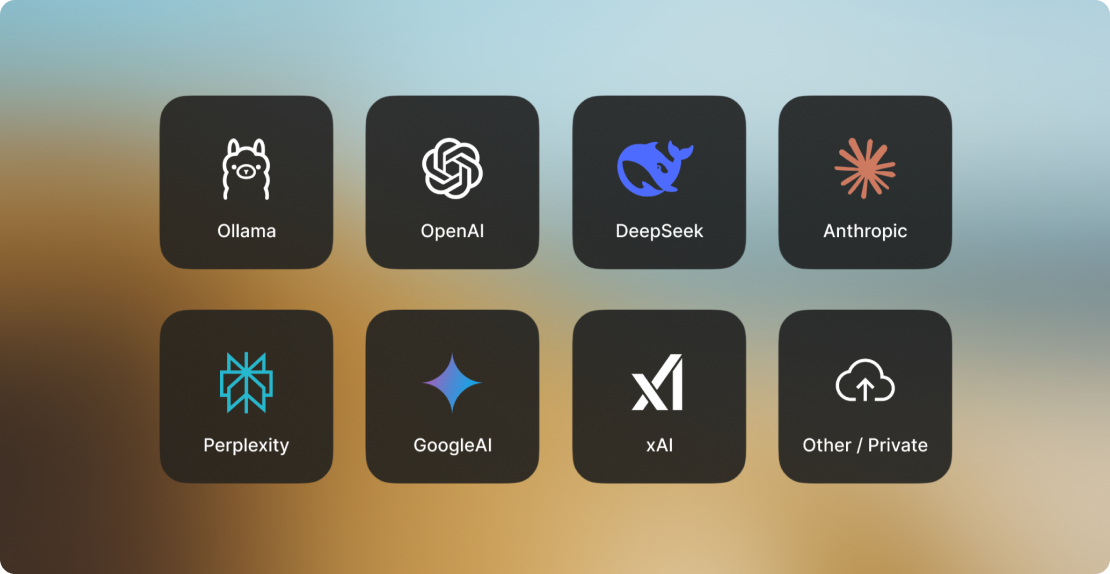
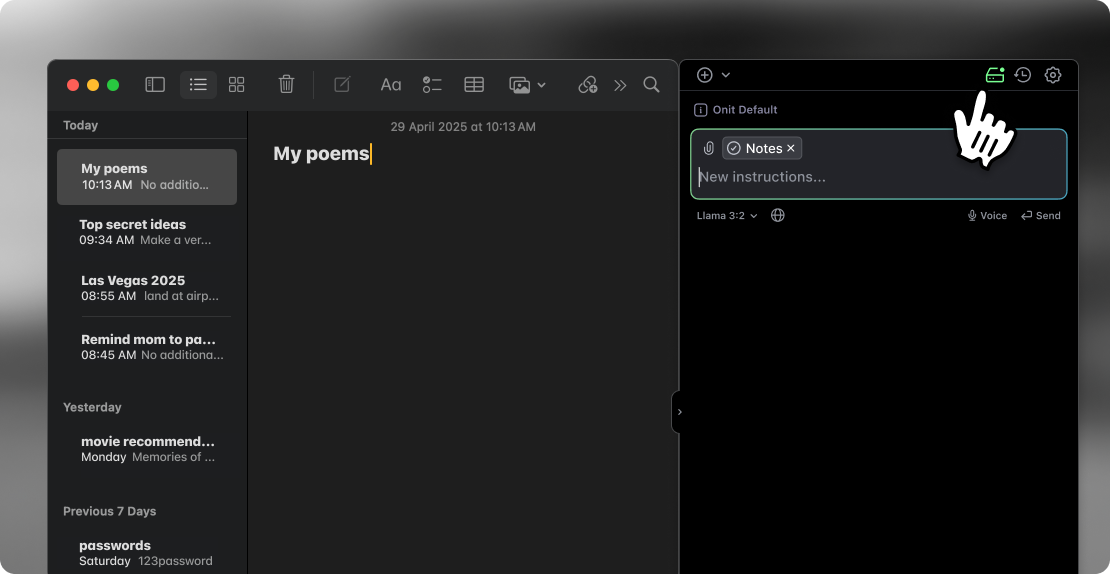
Onit SideKick is a macOS desktop application that provides an AI chat sidebar dockable to any app window. It lets you highlight text in any application and instantly open a chat with that text as context, or automatically load the entire docked window's content as context. The app supports multiple remote AI providers (Anthropic, OpenAI, Google, Perplexity, Deepseek, xAI, and custom providers via OpenRouter/Groq) and a local mode powered by Ollama for fully private inference. Users can create AI profiles with custom system prompts and app-specific defaults, browse chat history, use voice input, render LaTeX, and search the web. It is distributed as a DMG download or built from source in Xcode. A freemium model offers a free tier (50 requests/month with own API keys) and a Pro subscription ($7.99/month for 1000 requests/month with managed provider access). The source code uses a Creative Commons Non-Commercial license.
Should you self-host Onit SideKick?
Onit SideKick scores 47/100 on selfhost.directory (how scoring works) and ranks #59 of 120 in AI Assistant. It has 1 096 GitHub stars.
It shipped 1 stable release in the past year. The latest, v3.0, came out on 27 June 2026.
Setup is easy: most people get it running in one sitting. It is Other-licensed and written mostly in Swift.
Its closest alternative on selfhost.directory is hermes-agent (89/100, 257 957 stars). It scores higher overall, so compare the two before you pick. See Onit SideKick vs hermes-agent side by side.
Features
- AI profiles with custom system prompts
- Chat History
- Code block support
- Customizable hotkey
- Highlight text to open chat
- LaTeX rendering
- Local mode (Ollama)
- Multiple AI provider support
- Voice Input
- Web Search
- Window context (auto-context)
Onit SideKick README
FAQ
How can I contribute?
The project welcomes pull requests and encourages users to customize Onit to their needs and share with the community.
Why not Linux or Windows?
The project currently only supports macOS, with plans to expand to Linux and Windows based on user reception.
More in Productivity
 OpenBotEnterprise AI agent platform on your infrastructure. Any AG-UI agent as coworker with company knowledge and computer use. Data in PostgreSQL; models yours to choose.
 OpenBriefFree open-source desktop app for macOS, Windows, Linux that imports video/audio, extracts transcripts locally, generates grounded summaries, and lets you chat.
 openclawA self-hosted, open-source AI assistant that operates on your own machines and plugs into 20+ messaging services with persistent memory and zero vendor lock-in.
 OpenPdfSelf-hosted open-source PDF suite with 30 tools to merge, split, convert, OCR, secure docs. Privacy-first iLovePDF replacement, no limits or sign-ups.
 opensoulOpenSoul is a self-hosted, open-source AI agent runtime across 30+ messaging channels with cross-surface task continuity and 50+ built-in skills.
 Open-WebUIOpen WebUI is a self-hosted AI platform connecting to Ollama and OpenAI-compatible APIs with RAG, plugins, voice/video calls, and enterprise auth on your hardware.
 OpenWorkBuddyOpen-source, self-hosted AI office agent that plans, executes, and delivers real office files using your choice of models. Runs locally with your data on your machine.
 Orange IntelligenceOrange Intelligence is a self-hosted, open-source macOS productivity tool with a floating window for text processing using Python and LLMs.
 osmondOsmond is a self-hosted, open-source EmailThis alternative that extracts articles from web pages and emails them as HTML or PDF via a bookmarklet.
 OxiCloudSelf-hosted Rust cloud platform for files, calendar, contacts, and office editing via WebDAV, CalDAV, CardDAV, WOPI. Single binary, PostgreSQL, ~30-50 MB idle RAM.
 paperclipSelf-hosted, open-source platform to manage AI agent teams with org charts, budgets, governance, and goal alignment.
 pcopySelf-hosted clipboard sync for copying text/files across machines via CLI, web UI, curl, or netcat with password-protected clipboards.
0 comments