
Self-host pcopy
v0.6.1Cross-machine clipboard and temporary file host
- Stars
- 428
- Port
- 2586 (HTTPS server (Web UI, curl API, CLI))
binwiederhier/pcopy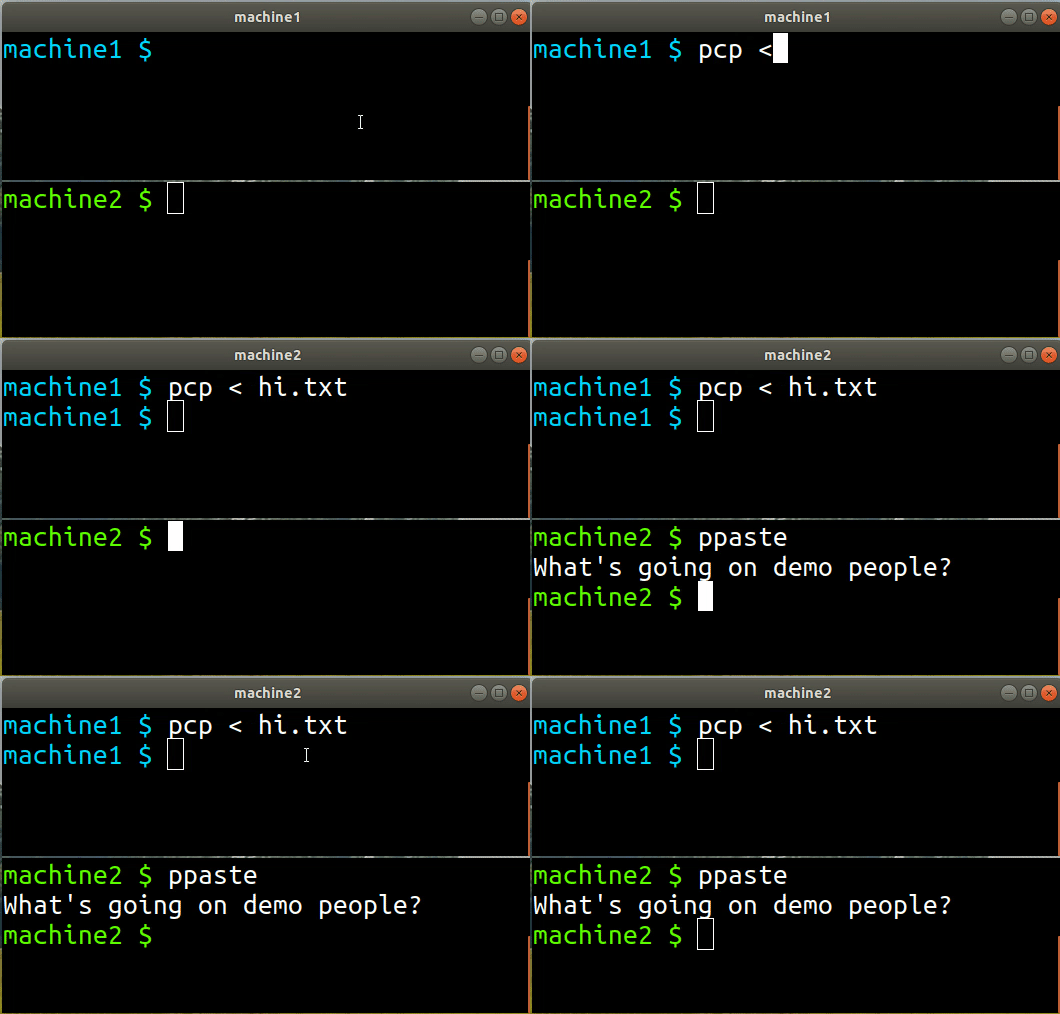
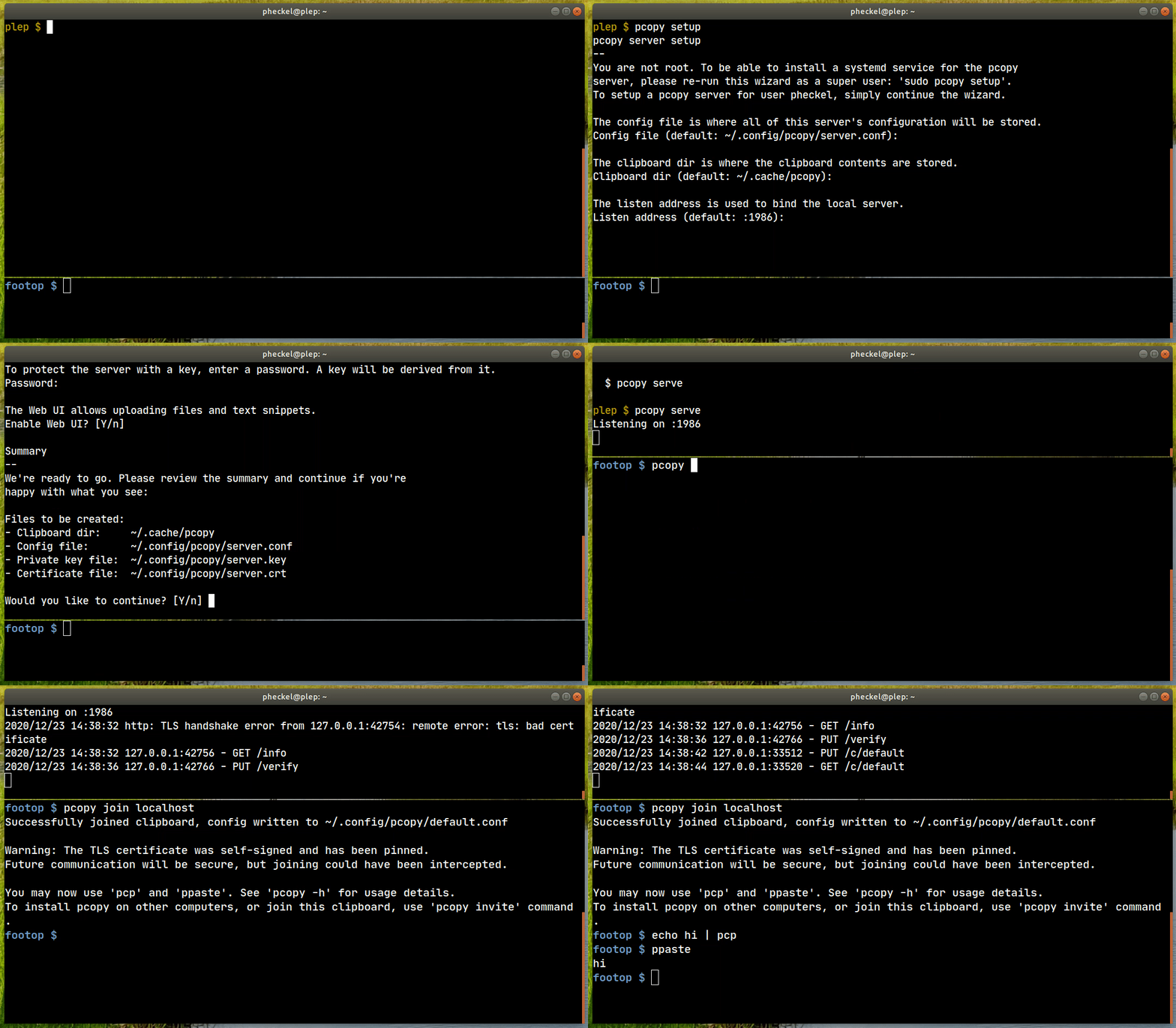
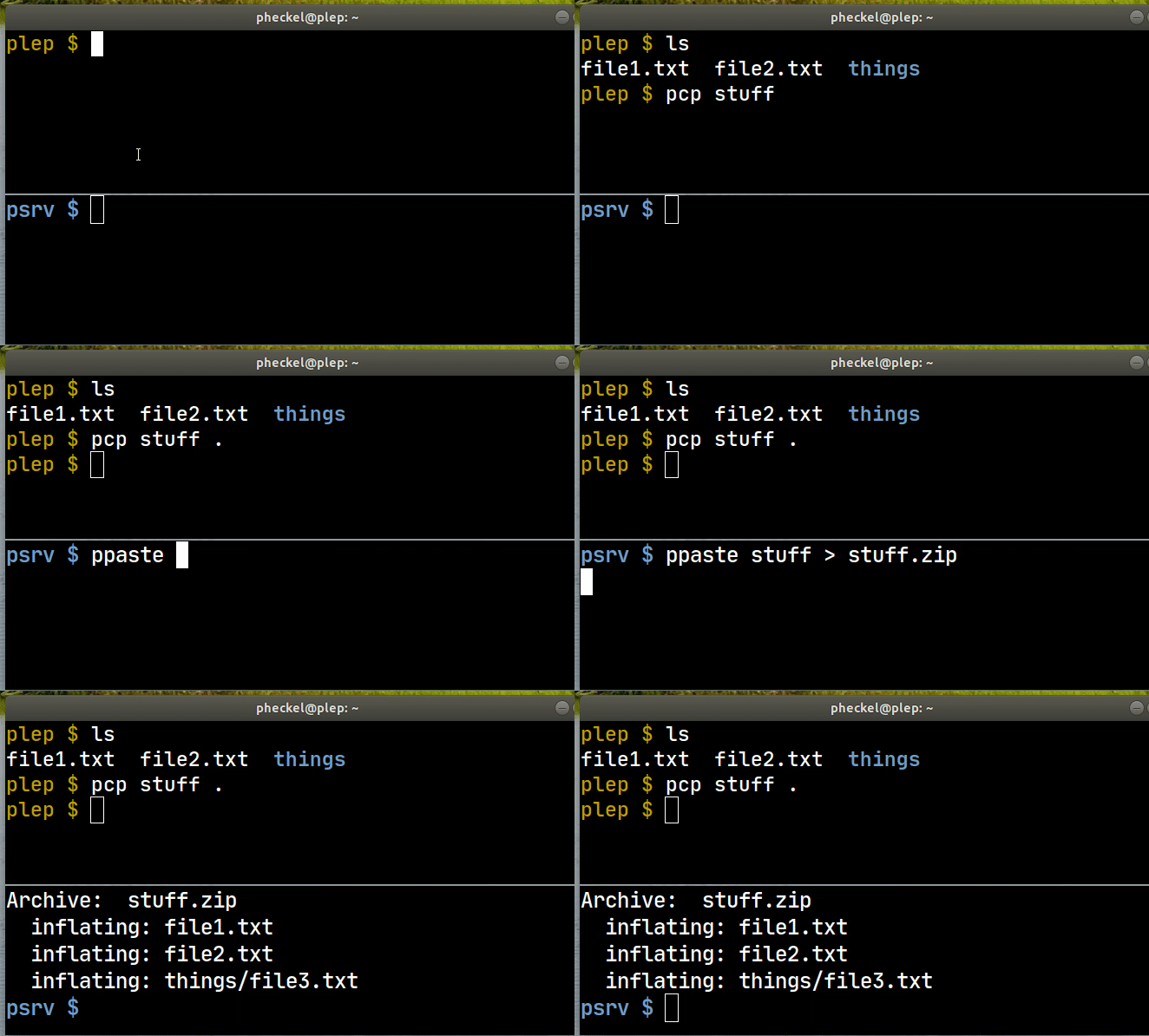
What is pcopy?
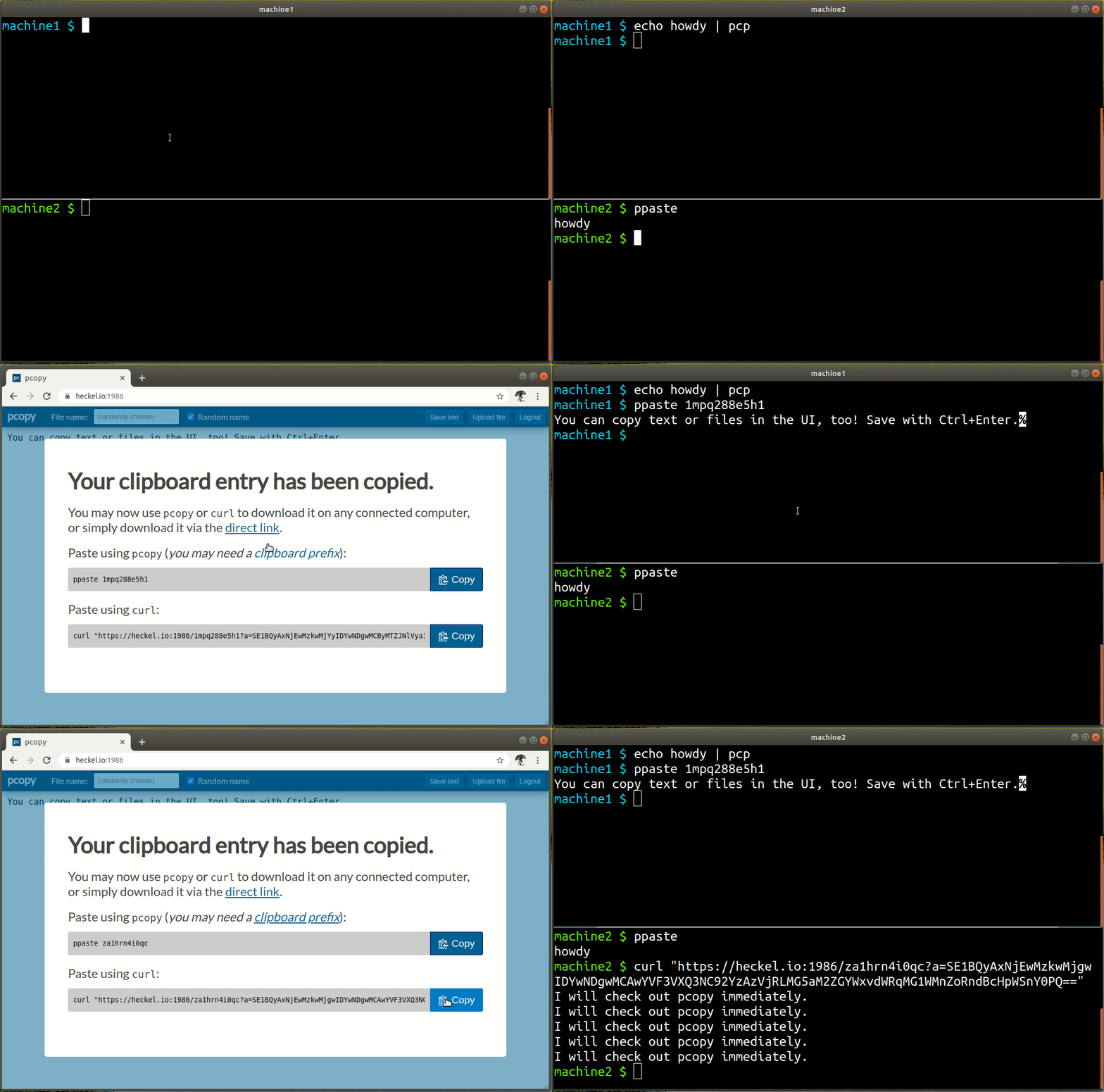
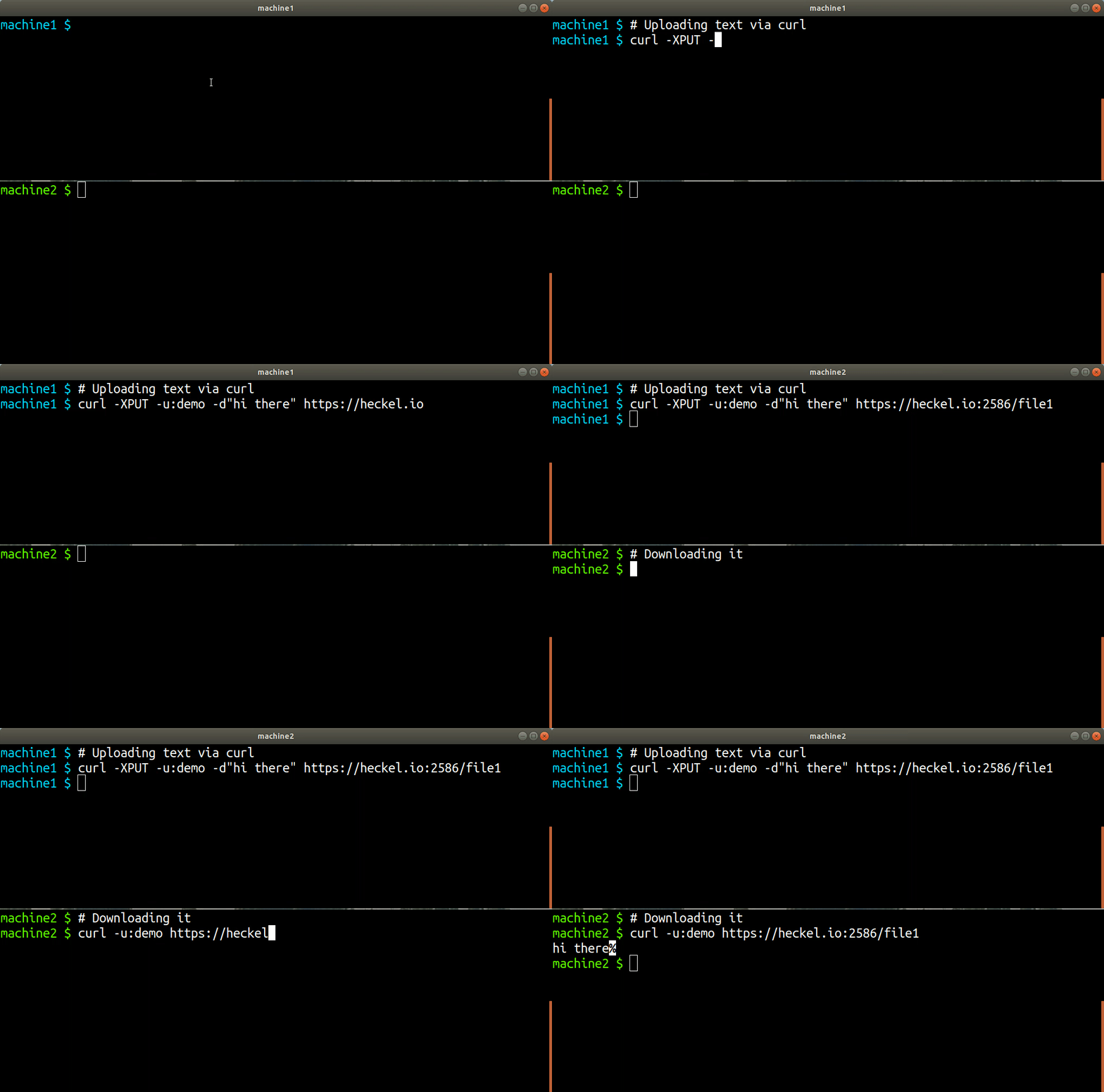
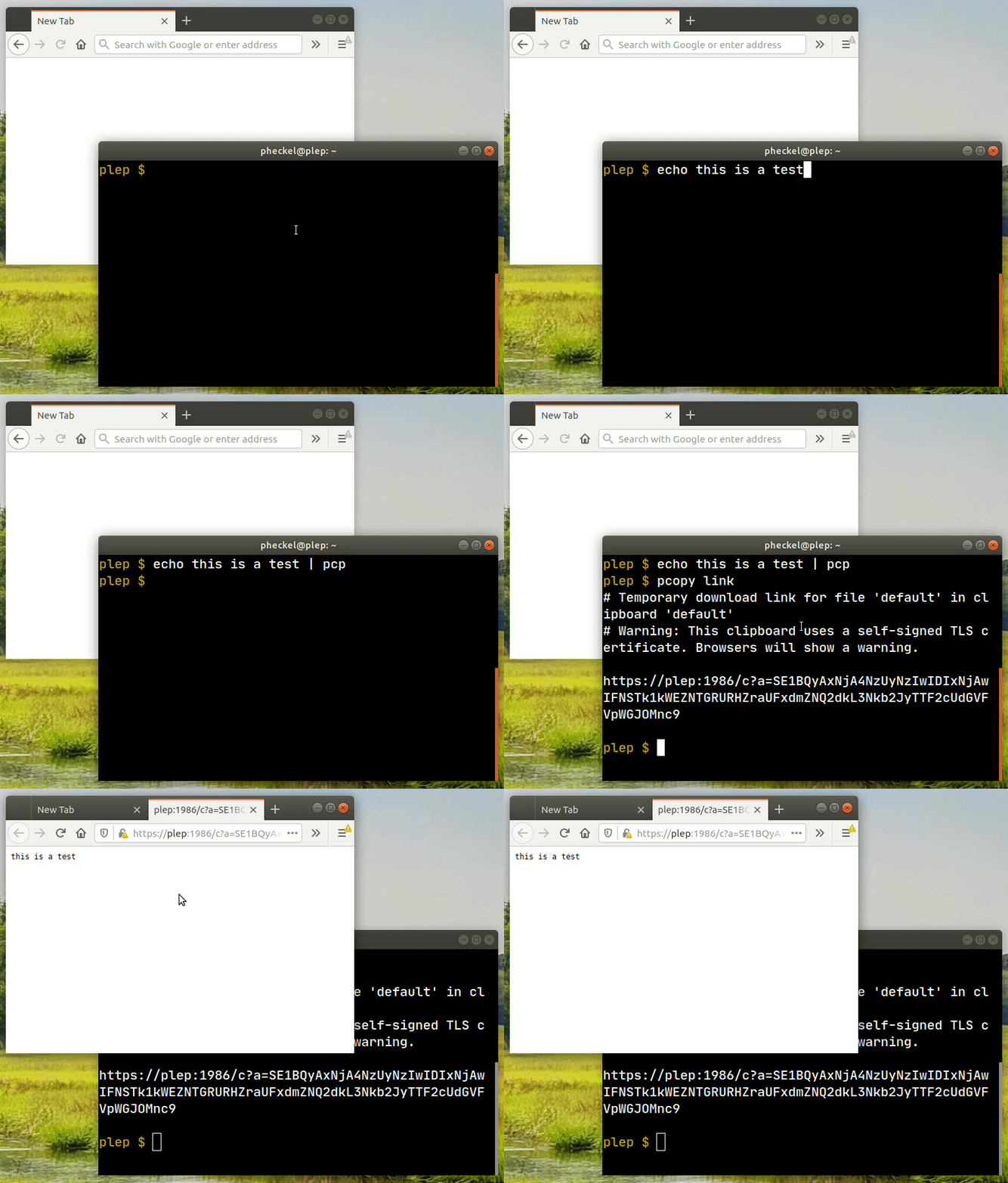
pcopy is a self-hosted clipboard synchronization tool that enables copying and pasting text snippets or files across different machines. It runs as a server that listens on port 2586 (HTTPS) and optionally port 9999 (raw TCP for netcat uploads). Users interact via a CLI (pcp/ppaste), a web UI for drag-and-drop uploads, curl for scriptable access, or netcat for zero-dependency uploads. The server supports multiple named clipboards, each optionally password-protected with key derivation. Files can be shared via temporary links with configurable TTL/expiration, and a browser-only mode stores data entirely in the URL fragment without server storage. The server stores data on the local filesystem with configurable limits on total size, file count, per-file size, and expiration. It is written in Go, distributed as a single binary, and available as Docker image, Debian/Ubuntu packages, RPM, Homebrew, and via Go install.
Should you self-host pcopy?
pcopy scores 49/100 on selfhost.directory (how scoring works) and ranks #19 of 27 in File Sharing & Collaboration. It has 428 GitHub stars.
There was no stable release in the past 12 months, so check the repository's recent activity before you rely on it.
Setup is moderate: expect some configuration beyond a single command. An official Docker image is available. It is Apache-2.0-licensed and written mostly in Go.
Its closest alternative on selfhost.directory is Nextcloud (86/100, 37 325 stars). It scores higher overall, so compare the two before you pick. See pcopy vs Nextcloud side by side.
Features
- Browser-only links
- Certificate pinning
- Clipboard usage limits
- Cross-machine clipboard sync
- curl-compatible API
- File extraction
- Folder/ZIP copy
- Multiple clipboards
- Netcat-compatible upload
- Password-protected clipboards
- Streaming transfer
- Temporary share links with TTL
- Web UI
pcopy README
More in File Sharing & Collaboration
 PeergosSelf-hosted, open-source p2p drive with post-quantum end-to-end encryption: hidden file names, sizes and contacts, secret links, folder sync, chat and social feed.
 pingvin-share-xOpen-source self-hosted file sharing platform and WeTransfer alternative with link sharing, expiration, passwords, ClamAV scanning, S3 support, and OIDC/LDAP auth.
 PlikSelf-hosted temporary file sharing platform with multiple storage backends, end-to-end encryption, and both CLI and web interfaces for easy file transfers.
 PydioPydio Cells is a self-hosted file sharing platform with document management, 5TB transfers, WebDAV, sync, and no-code automation. Runs on your infra with MySQL/MariaDB.
 Pydio CellsFuture-proof content collaboration platform
 qbitwebuiSelf-hosted web UI for managing qBittorrent. Features multi-instance support, real-time monitoring, Prowlarr search, cross-seeding, file browser, custom views.
 quickblaze-encryptQuickBlaze Encrypt is a self-hosted, open-source PHP app for sending secrets via one-time view links that self-destruct after being read once.
 retronasUse a Raspberry Pi, old computer or VM as network storage for different retro computers and consoles
 RivenSelf-hosted media automation platform discovers content through plugins, streams from debrid services via FUSE VFS to Plex/Jellyfin/Emby libraries.
 SafebucketSafebucket is a self-hosted, open-source file sharing platform where uploads/downloads bypass the server via presigned URLs to S3-compatible storage.
 scrt.linkscrt.link is a self-hosted, open-source service for sharing passwords and files via end-to-end encrypted, ephemeral links that self-destruct after viewing.
 seafile-serverSeafile Server is a self-hosted open-source platform for file synchronization, sharing, and collaborative document editing with end-to-end encryption and team workspaces.
0 comments