
Self-host noisedash
v0.8.0Ambient noise generator for focus and relaxation
docker-compose up -d- Stars
- 366
- Port
- 1432 (HTTP web server)
noisedash/noisedash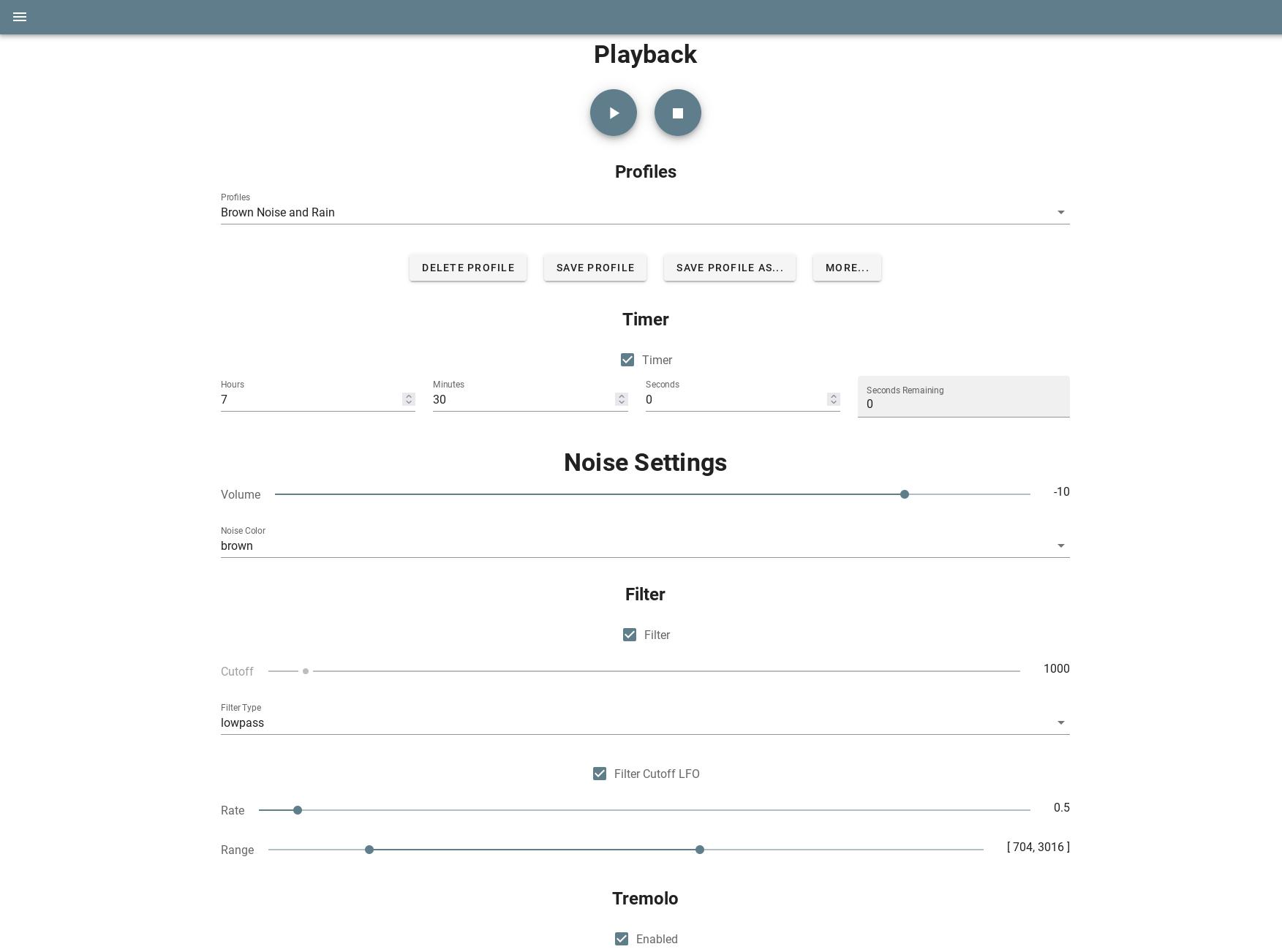
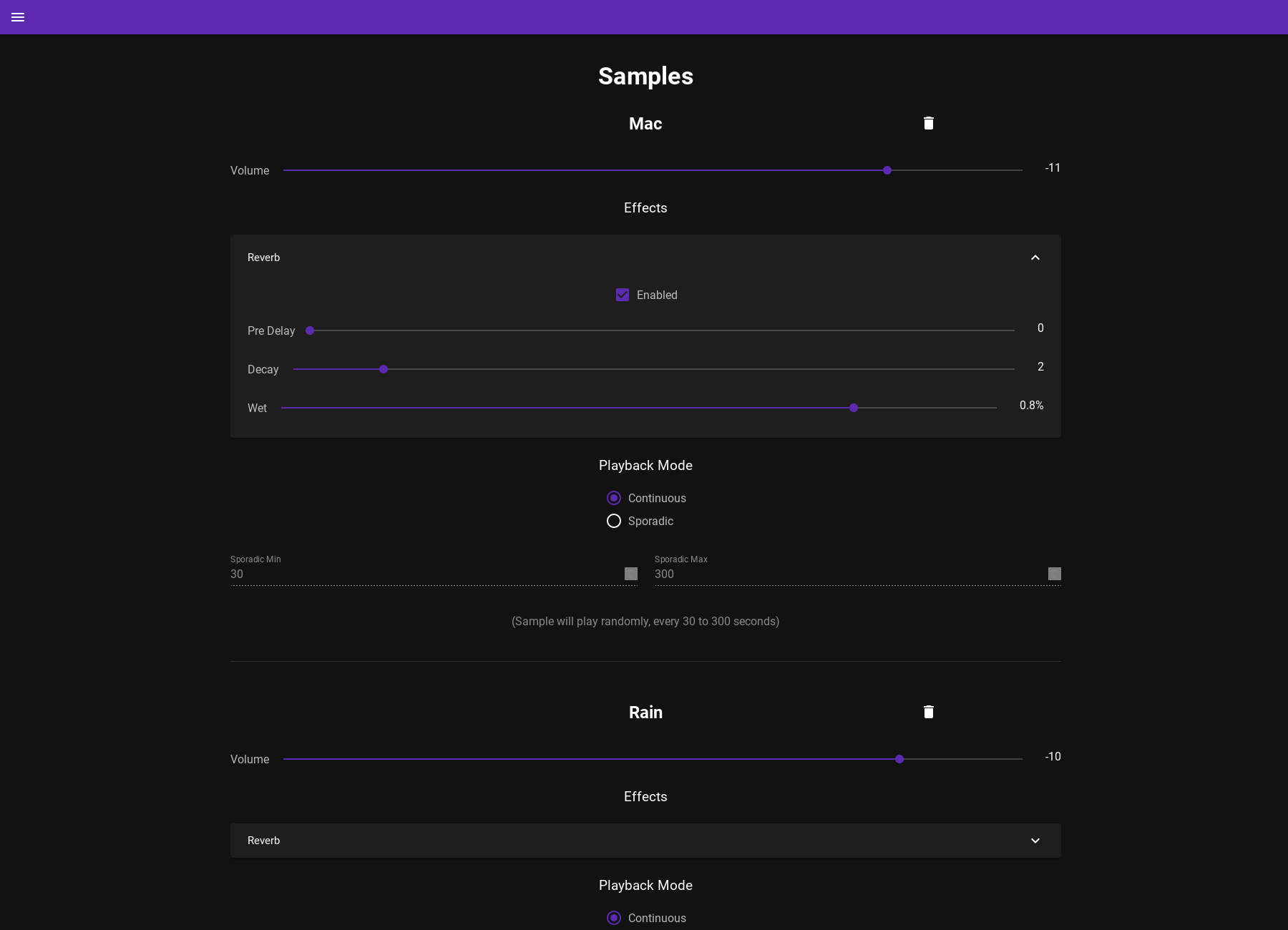
What is noisedash?
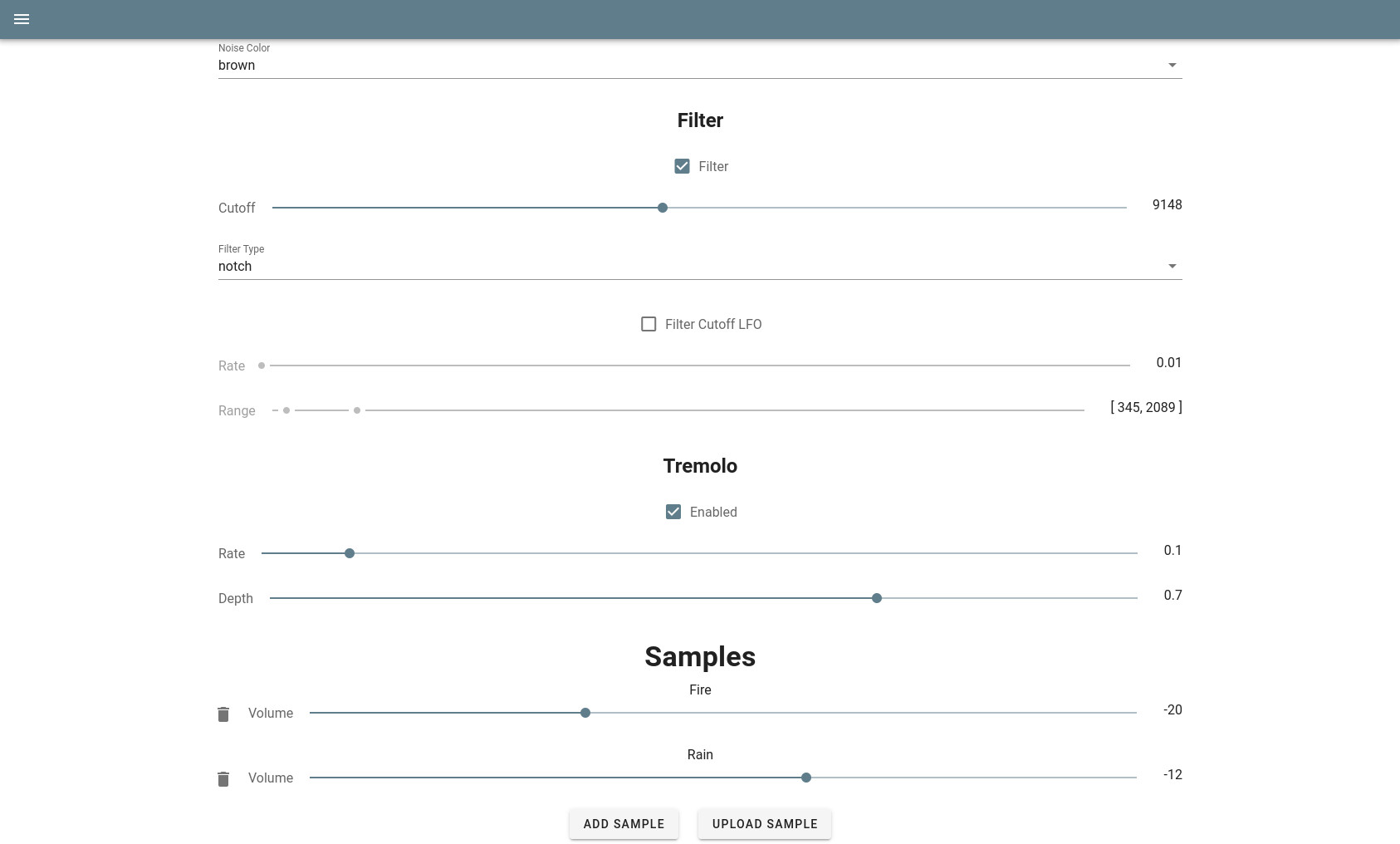
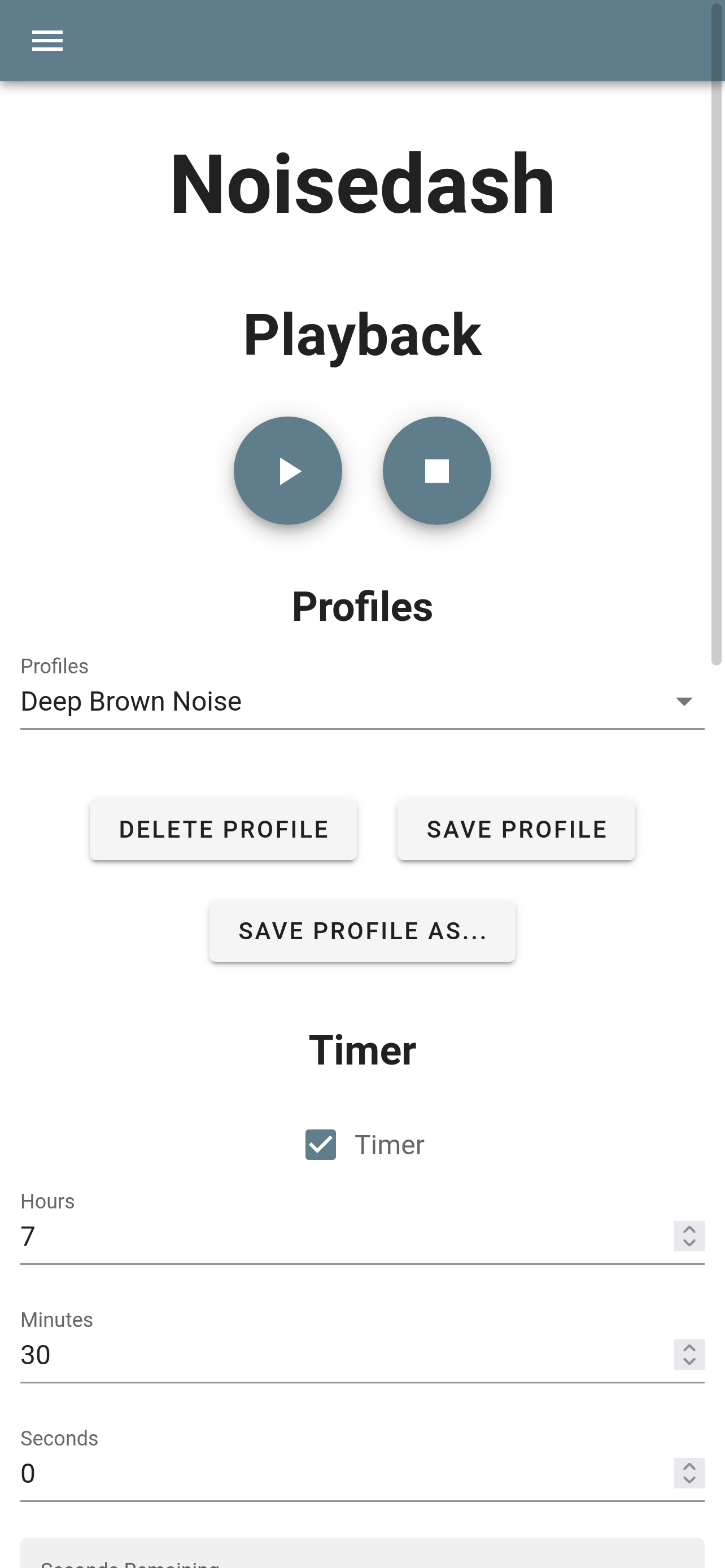
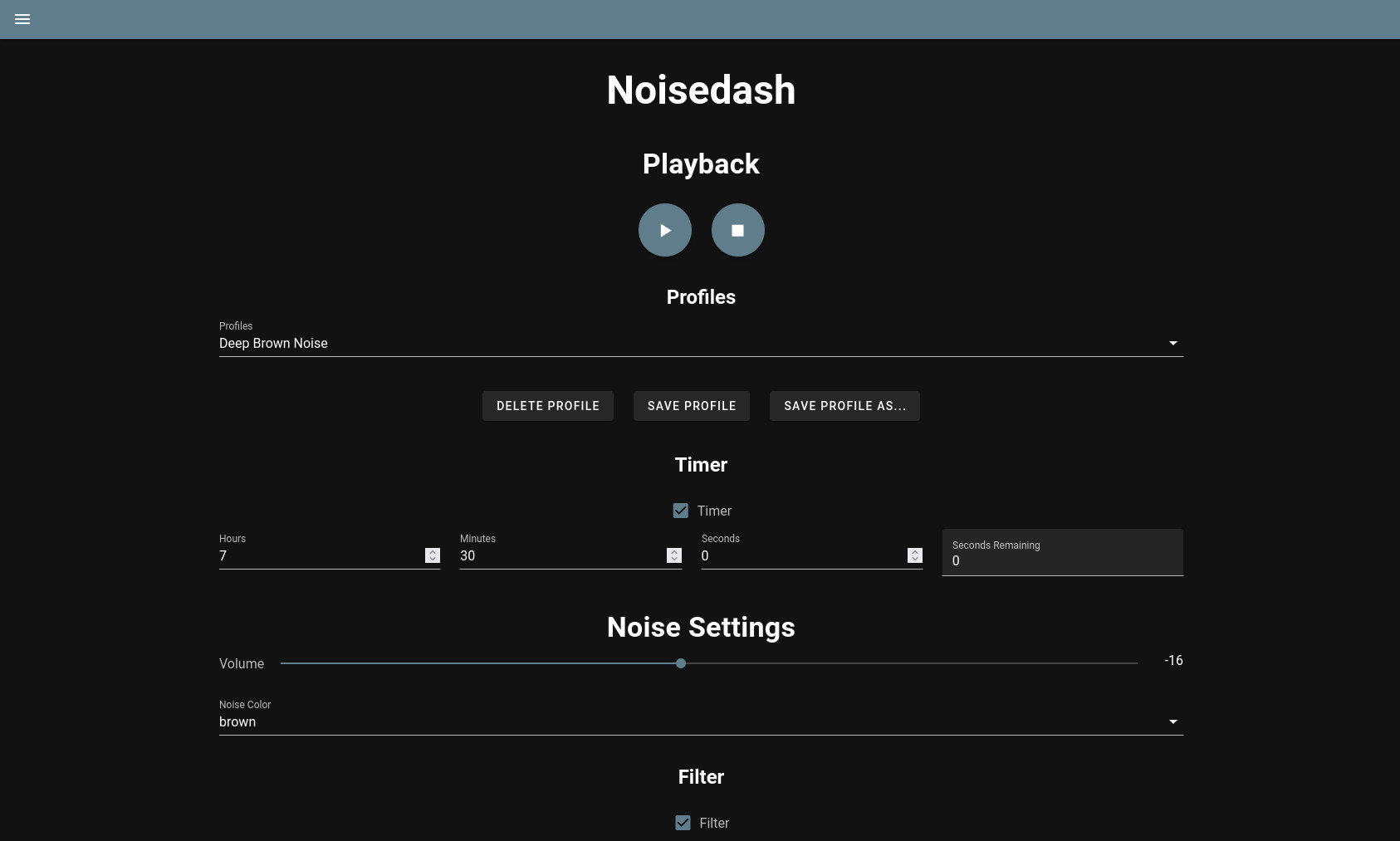
Noisedash is a self-hosted web application for building ambient soundscapes. It combines generated tones with user-uploaded audio samples (rain, wind, thunder) and provides audio processing tools including filters, LFOs, and effects. Users can save, import, export, and record noise profiles. An admin panel manages multiple users. The app runs on port 1432 with file-based session and sample storage. Deployment options include Docker Compose, Kubernetes, or building from source with Node 22. Licensed under AGPL-3.0 with no external database required.
Should you self-host noisedash?
noisedash scores 46/100 on selfhost.directory (how scoring works) and ranks #3 of 3 in Audio. It has 366 GitHub stars.
It shipped 2 stable releases in the past year. The latest, v0.8.0, came out on 22 October 2026. New versions land roughly every 8 months.
Setup is moderate: expect some configuration beyond a single command. An official Docker image is available. It is AGPL-3.0-licensed and written mostly in JavaScript.
Its closest alternative on selfhost.directory is Speaches (63/100, 3 741 stars). It scores higher overall, so compare the two before you pick. See noisedash vs Speaches side by side.
Features
- Ambient noise generation
- Audio processing tools
- Multi-user support
- Noise profiles
- User-uploadable audio samples
noisedash README
More in Media
 stable-diffusion-webuiA self-hosted, open-source web UI for Stable Diffusion with txt2img, img2img, inpainting, outpainting, upscaling, and extensive customization options.
 Stable Diffusion WebUI DockerSelf-hosted Docker container bundling 14 Stable Diffusion WebUIs like Automatic1111, ComfyUI, Fooocus, and InvokeAI, each on its own port via docker-compose profiles.
 SubDuetTwo languages. One subtitle. Local-first bilingual subtitles for Plex, Jellyfin, Emby and your media folders.
 SubgenSelf-hosted subtitle generator using OpenAI Whisper. Integrates with Bazarr, Plex, Jellyfin, Emby, Tautulli. Runs on CPU or NVIDIA GPU via Docker.
 SyncplayThis open-source client/server keeps mpv, VLC and MPC players in sync so groups watch videos together, with a self-hosted server on port 8999, chat and shared playlists.
 tele-vdo-riderSelf-hosted Telegram bot that converts videos from YouTube and other sites to MP3 using youtube-dl and ffmpeg, with automatic file splitting for Telegram's size limits.
 ThumborSelf-hosted, open-source imaging server that crops, resizes and filters photos on demand with AI face-aware detection and WebP/AVIF output; runs via pip or Docker.
 TransmissionSelf-hosted, open-source BitTorrent client: native macOS, Windows and Linux GUIs plus a lightweight headless daemon with a web UI and JSON-RPC API for remote control.
 VibraVidSelf-hosted open-source downloader for movies, series, anime and music via HLS/DASH/ISM, with Widevine/PlayReady decryption, web GUI and Sonarr/Radarr automation.
 Whisper-WebUISelf-hosted Gradio web UI that turns Whisper speech recognition into an easy subtitle generator: transcribe files, YouTube links or microphone.
 youtube-dl-serverSelf-hosted web app to download YouTube videos using yt-dlp or youtube-dl via browser UI or REST API, with Docker deployment and download profiles.
 8mb.localSelf-hosted video compressor that shrinks clips to a chosen file size using GPU encoders (AV1/HEVC/H.264), with Docker, native Windows/macOS builds and an Android app.
0 comments