
Self-host Modo
AI-powered IDE with spec-driven development workflow
- Stars
- 192
- Requires
- Node.js
What is Modo?
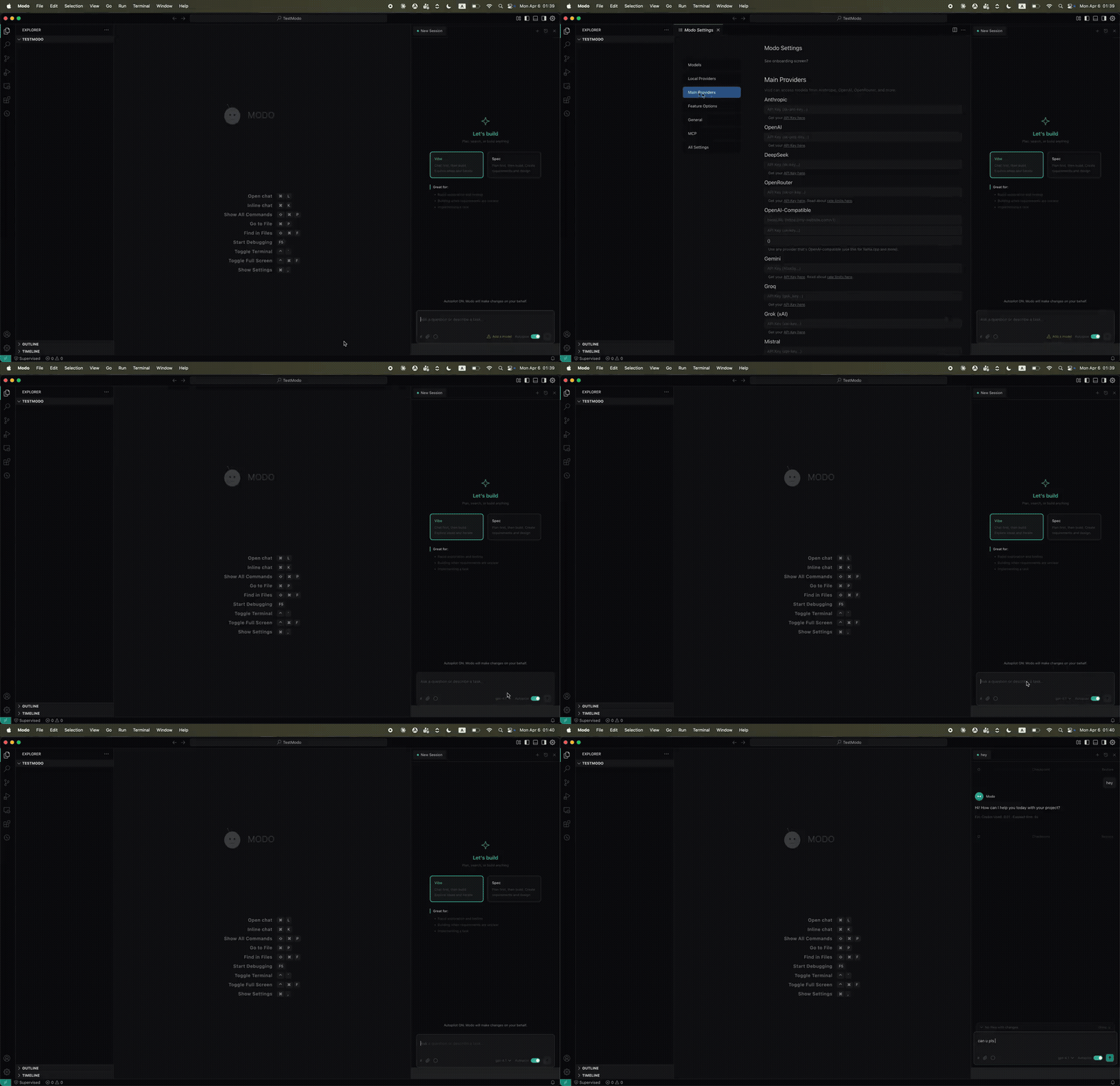
Modo is an open-source AI-powered IDE extending the Void editor (a VS Code fork) with structured spec-driven development. Instead of prompt-to-code, it guides AI through requirements, design, and task breakdown before implementation. Key additions: spec-driven development with persistent task tracking, steering files injecting project rules into AI interactions, agent hooks automating actions around the agent lifecycle, autopilot/supervised toggle, parallel chat sessions, subagents for parallel tasks, installable knowledge packages called Powers, a dedicated explorer pane, slash commands, context injection, a custom dark theme, and full rebranding. It supports multiple LLM providers via the inherited Void foundation. Users build and run it locally from source using Node.js 20 and npm. The project is community-maintained with no dedicated maintainer on a schedule.
Should you self-host Modo?
Modo scores 40/100 on selfhost.directory (how scoring works) and ranks #89 of 120 in AI Assistant. It has 192 GitHub stars.
There was no stable release in the past 12 months, so check the repository's recent activity before you rely on it.
Setup is advanced: plan for several services and some ongoing maintenance. It is Apache-2.0-licensed and written mostly in Typescript.
Its closest alternative on selfhost.directory is hermes-agent (89/100, 257 957 stars). It scores higher overall, so compare the two before you pick. See Modo vs hermes-agent side by side.
Features
- Agent Hooks
- AI Autocomplete
- Autopilot / Supervised Toggle
- Context Injection
- Inline AI Editing
- MCP Integration
- Multi-Provider LLM Support
- Parallel Chat Sessions
- Powers
- Slash Commands
- Spec-Driven Development
- Steering Files
- Subagents
- Task CodeLens
Modo README
More in Code Management
 OpenGUIOpenGUI is a self-hosted, open-source AI coding agent for desktop and web that edits files in your folders using its own built-in harness — no external CLI or Git needed.
 OperantOperant is a self-hosted AI agent runtime for macOS/Linux that lets multiple LLMs collaborate on coding with hierarchical approval, memory, and a visual workflow editor.
 pomeloAn open-source platform for running coding contests with sandboxed code execution, real-time scoreboards, and support for multiple programming languages.
 pylonPylon IDE is a self-hosted, open-source web-based IDE forked from Cloud9 v2, featuring the ACE editor, built-in terminal, and plugin system on Node.js 22+.
 QA-PilotQA-Pilot is a self-hosted, open-source chat app that helps developers understand GitHub code repositories using local or cloud LLMs with code graph visualization.
 RoomoteSelf-hosted AI coding agent that runs in sandboxes, connects to chat apps, writes code, opens PRs with screenshots and live previews.
 SeaGOATOpen-source semantic code search you self-host: vector embeddings plus ripgrep regex, local server with an HTTP API, and optional Ollama LLM enhancement.
 sniboxSnibox is a self-hosted, open-source snippet manager built with Ruby on Rails and Vue.js for developers to collect, organize, and search code snippets.
 snippet-boxSnippet Box is a self-hosted, open-source application for organizing and managing code snippets with built-in search, tagging, syntax highlighting, and Markdown support.
 sturdySturdy is an open-source, self-hosted version control platform for real-time code collaboration, letting teams discover work-in-progress code instantly.
 zedexzedex is a self-hosted, open-source proxy server for the Zed editor that caches extensions, serves releases, and provides edit prediction via OpenAI-compatible backends.
 AtheosAtheos is a self-hosted, open-source web-based IDE running on PHP/Apache/Nginx with real-time collaboration, Git integration, and 40+ language support.
0 comments