
Self-host pylon
v2.12.2Web IDE forked from Cloud9 v2 with modern Node.js support
- Stars
- 231
- Port
- 3131 (Web server)
What is pylon?
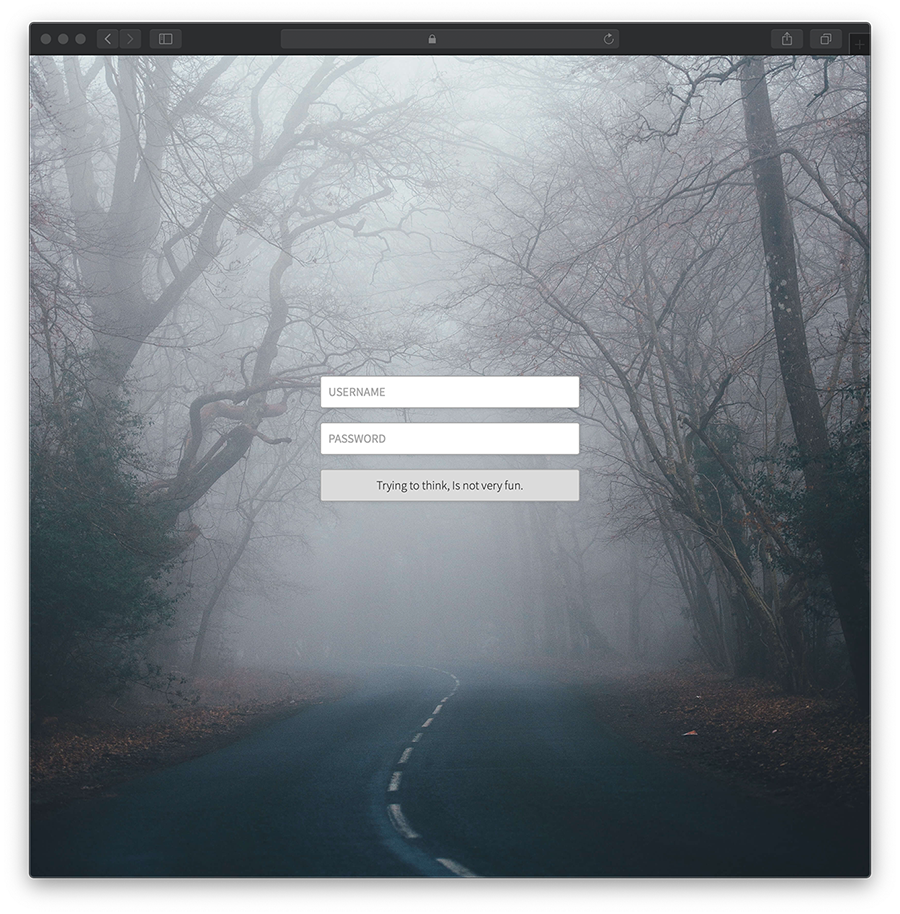
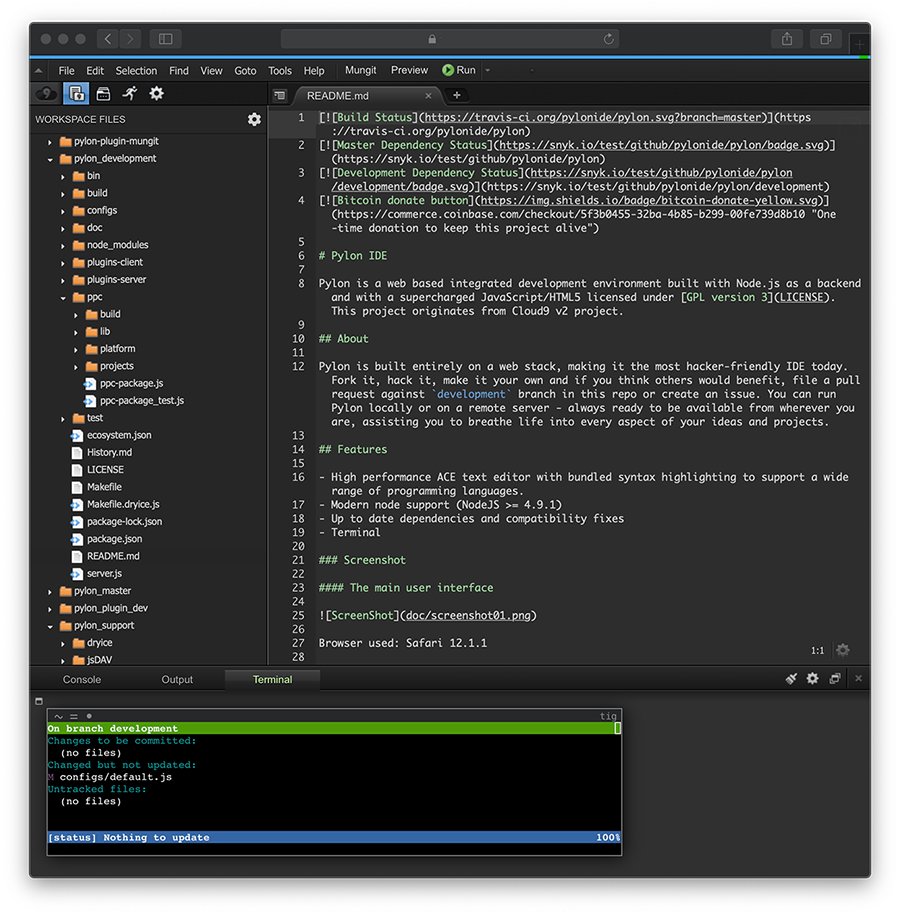
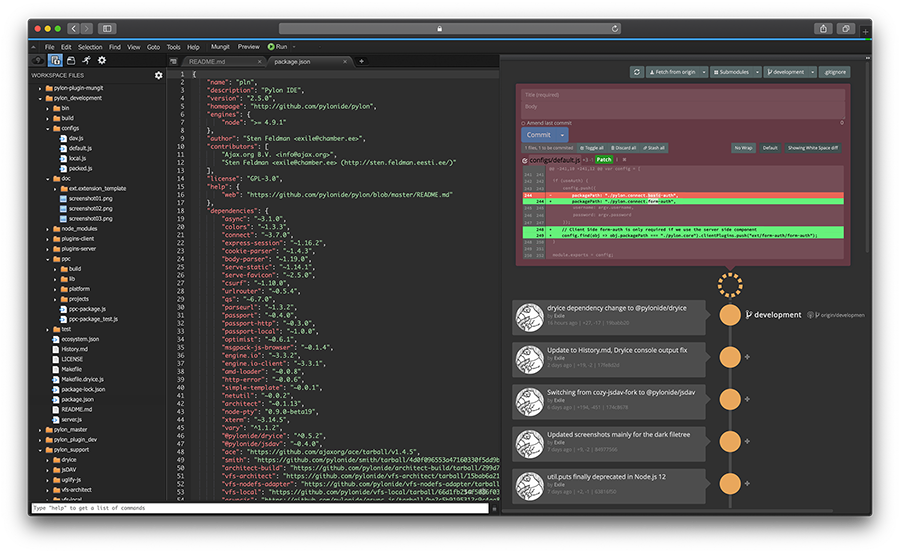
Pylon IDE is a web-based integrated development environment that originated from the Cloud9 v2 project. It provides a full-featured code editor with syntax highlighting for many languages via the ACE editor, an integrated terminal, and a plugin architecture for extensibility. The IDE runs as a Node.js web server (default port 3131) accessible from any browser. It supports modern Node.js versions (>= 22.22.2) and installs via npm, Docker, or the provided shell script. Authentication options include built-in basic auth (username/password flags) and compatibility with Connect middleware for custom auth. The project is licensed under GPL-3.0 and works on iPad Pro with keyboard adjustments.
Should you self-host pylon?
pylon scores 45/100 on selfhost.directory (how scoring works) and ranks #112 of 166 in Developer Tools. It has 231 GitHub stars.
It shipped 3 stable releases in the past year. The latest, v2.12.2, came out on 29 July 2026. New versions land roughly every 2 weeks.
Setup is moderate: expect some configuration beyond a single command. It is GPL-3.0-licensed and written mostly in JavaScript.
Its closest alternative on selfhost.directory is openhands (87/100, 92 086 stars). It scores higher overall, so compare the two before you pick. See pylon vs openhands side by side.
Features
- Basic Authentication
- Code Editor
- Connect middleware compatibility
- File Browser
- Git IntegrationSeparate plugin
- Integrated terminal
- Multi-language Support
- Plugin SystemLimited documentation
pylon README
More in Code Management
 QA-PilotQA-Pilot is a self-hosted, open-source chat app that helps developers understand GitHub code repositories using local or cloud LLMs with code graph visualization.
 RoomoteSelf-hosted AI coding agent that runs in sandboxes, connects to chat apps, writes code, opens PRs with screenshots and live previews.
 SeaGOATOpen-source semantic code search you self-host: vector embeddings plus ripgrep regex, local server with an HTTP API, and optional Ollama LLM enhancement.
 sniboxSnibox is a self-hosted, open-source snippet manager built with Ruby on Rails and Vue.js for developers to collect, organize, and search code snippets.
 snippet-boxSnippet Box is a self-hosted, open-source application for organizing and managing code snippets with built-in search, tagging, syntax highlighting, and Markdown support.
 sturdySturdy is an open-source, self-hosted version control platform for real-time code collaboration, letting teams discover work-in-progress code instantly.
 zedexzedex is a self-hosted, open-source proxy server for the Zed editor that caches extensions, serves releases, and provides edit prediction via OpenAI-compatible backends.
 AtheosAtheos is a self-hosted, open-source web-based IDE running on PHP/Apache/Nginx with real-time collaboration, Git integration, and 40+ language support.
 ByteStashSelf-hosted, open-source code snippet manager with language filters, search, sharing, an API, OIDC SSO and an MCP endpoint for AI assistants.
 claude-context-localSelf-hosted, open-source MCP server that gives Claude semantic code search using PostgreSQL + pgvector and Ollama embeddings — 100% local with no API keys or cloud calls.
 docker-vscode-serverA self-hosted, open-source Docker image that packages VS Code Server for running a browser-based code editor on your own infrastructure.
 GerritOpen-source, self-hosted code review and Git repository management server: patchset reviews, fine-grained permissions, plugins, REST API and webhooks.
0 comments