
Self-host mirotalkwebrtc
1.8.73Self-hosted WebRTC meeting scheduler and SaaS platform
- Stars
- 364
- Port
- 9000 (HTTP/WebSocket server)
- Requires
- MongoDB
mirotalk/webrtc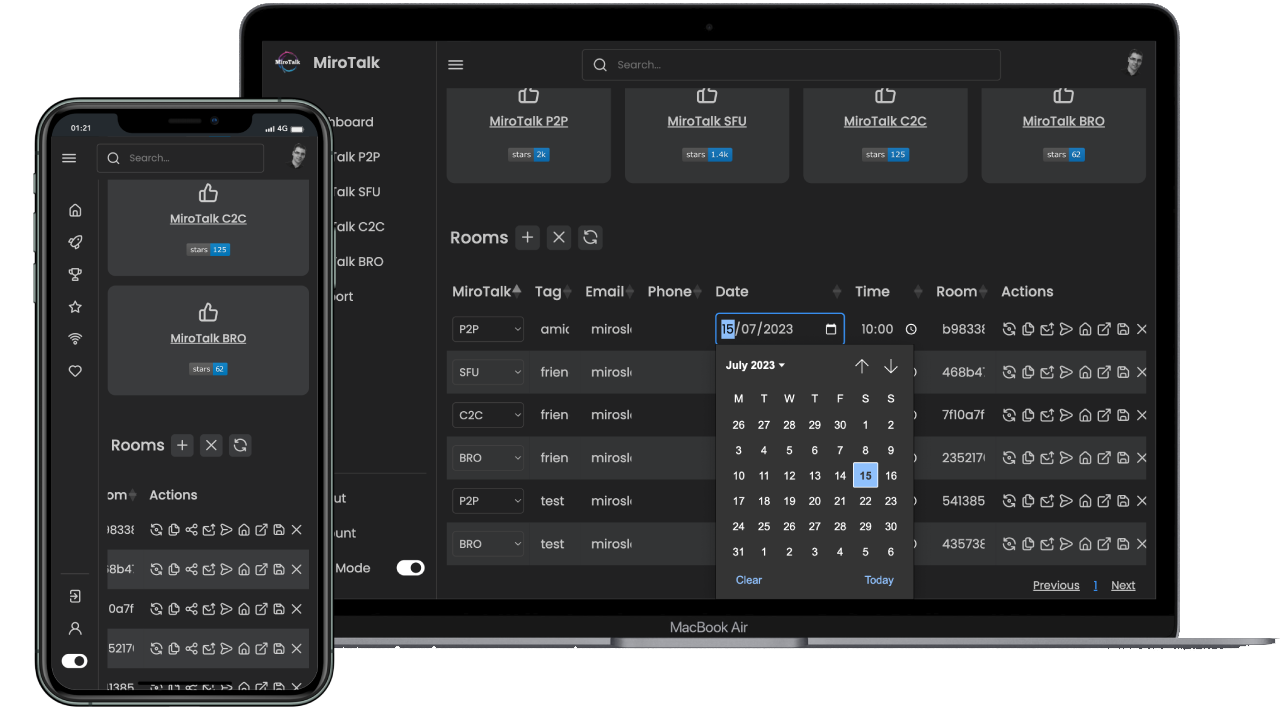
What is mirotalkwebrtc?
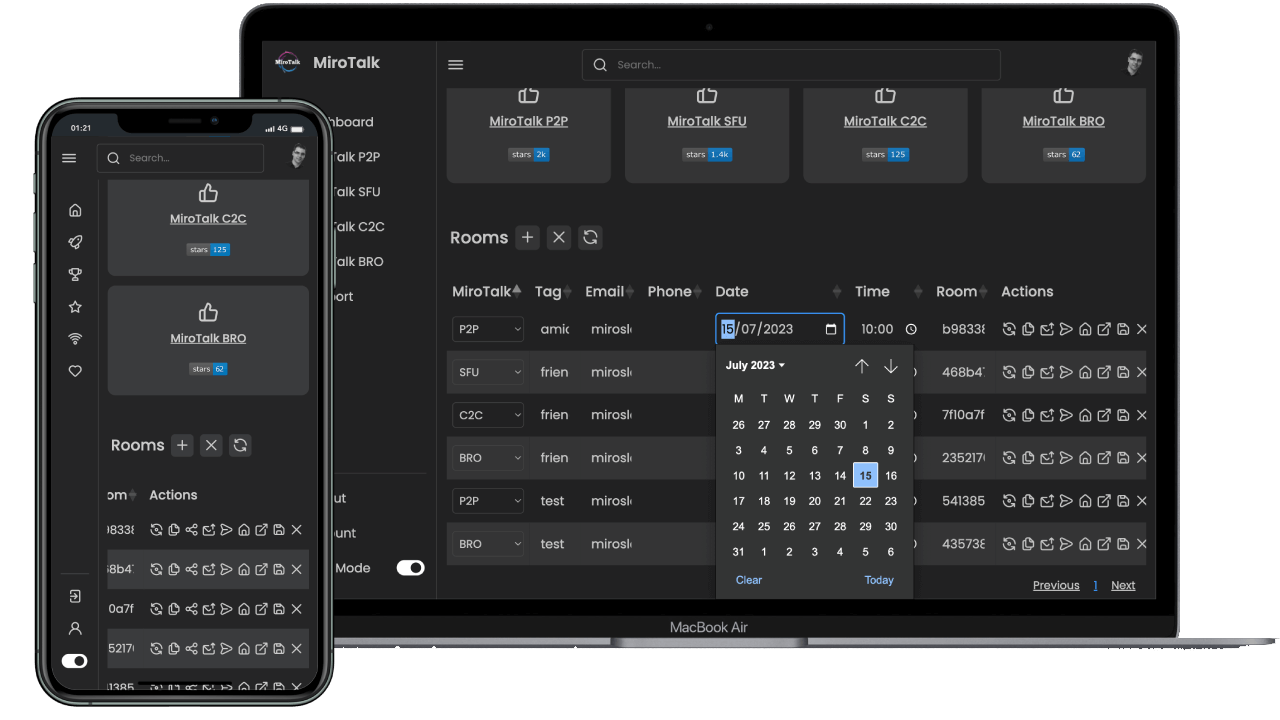
MiroTalk WEB is a self-hosted WebRTC platform that gives users a personal dashboard to create accounts, schedule meetings across MiroTalk instances, and send invitations by email or link. It supports user registration, admin controls, calendar integration with Google and Outlook, automatic email reminders, iframe embedding, and a REST API. An optional SaaS mode powered by Stripe adds paid subscription plans. The stack runs on Node.js with MongoDB and can be deployed via Docker Compose, PM2, or directly on Ubuntu 22.04. The code is AGPL-3.0 licensed, with a commercial extended license offered for SaaS reselling.
Should you self-host mirotalkwebrtc?
mirotalkwebrtc scores 52/100 on selfhost.directory (how scoring works) and ranks #20 of 25 in Video Conferencing. It has 364 GitHub stars.
There was no stable release in the past 12 months, so check the repository's recent activity before you rely on it.
Setup is moderate: expect some configuration beyond a single command. An official Docker image is available. It is AGPL-3.0-licensed and written mostly in JavaScript.
Its closest alternative on selfhost.directory is Jitsi Videobridge (65/100, 3 107 stars). It scores higher overall, so compare the two before you pick. See mirotalkwebrtc vs Jitsi Videobridge side by side.
Features
- Admin management
- Calendar Integration
- Demo Mode
- Email invitations
- Email reminders
- Encrypted calls
- iFrame Embedding
- Meeting scheduling
- Multi-platform meeting support
- No downloads required
- OIDC Authentication
- REST API
- SaaS mode with Stripe subscriptionsRequires SAAS=true and commercial extended license for reselling
- Screen sharing and recording
- User accounts and dashboard
mirotalkwebrtc README
More in Video Conferencing
 MovimOpen-source, self-hosted web front-end for the XMPP network: chat, chatrooms, blogging, communities, stories and video calls in one interface.
 MqviSelf-hosted, open-source communication platform with end-to-end encryption for voice, video, and messaging — a Discord alternative you can run on your own server.
 NebulynkNebulynk is a self-hosted team platform with chat, voice channels, video meetings, AI transcription and summaries, deployable via Docker.
 nettu-meetSelf-hosted open-source video conferencing for tutors. Features audio/video sharing, whiteboard, screen sharing, chat, file uploads, customizable logos.
 Nextcloud SignalingSelf-hosted, open-source signaling server for Nextcloud Talk video calls and screen sharing via WebRTC, NATS, Janus, and TURN.
 Nextcloud Talk🗨️ Nextcloud Talk – chat, video & audio calls for Nextcloud
 NodyxNodyx is a self-hosted, open-source community platform with forums, chat, voice, whiteboard and homepage. One-command install with relay for zero-port hosting. AGPL-3.0.
 OpenmeetingsApache OpenMeetings is a self-hosted, open-source video conferencing platform with WebRTC audio/video, whiteboard, and screen sharing on your own server.
 Peer CallsSelf-hosted, open-source WebRTC group video calling server in Go and TypeScript, with optional SFU mode, TURN support, ICE over TCP and Kubernetes or Docker deployment.
 plugNmeetSelf-hosted WebRTC video conferencing with whiteboard, breakout rooms, recording, streaming, and optional AI transcription.
 quikQuik.do is a free, open-source, self-hosted video conferencing tool that requires no accounts or installation — just create a room in your browser and talk.
 Rocket.ChatSelf-hosted, open-source chat platform for teams and citizens: channels, threads, voice and video, end-to-end encryption, LDAP/SSO, and Matrix federation.
0 comments