
Self-host media-journal
v1.31.3Self-hosted media tracker for movies, TV, anime, books
- Stars
- 138
- Port
- 8000 (HTTP web interface (container port, mapped to host 8090 in docker-compose))
ghcr.io/mihail-pop/media-journal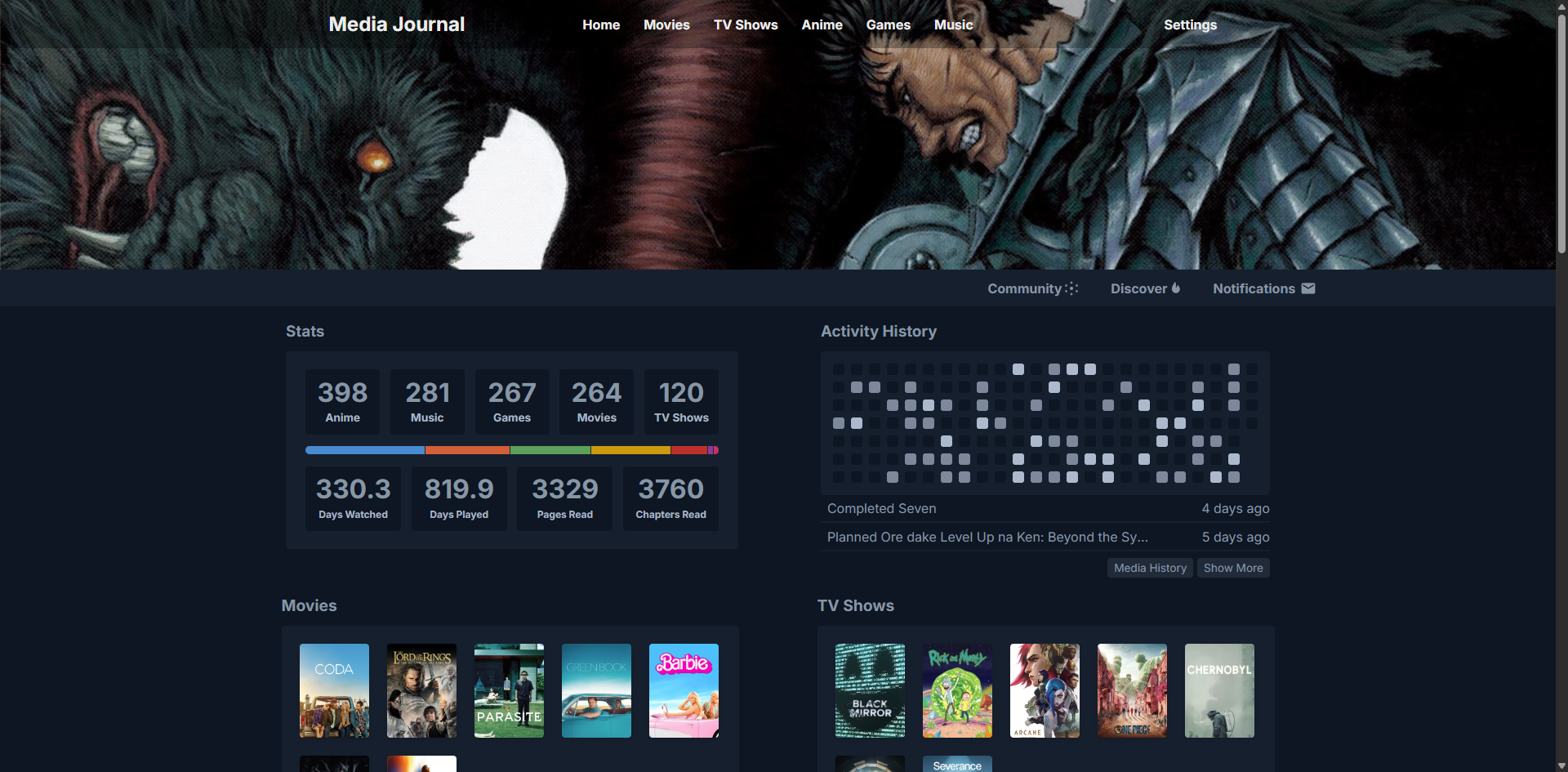

What is media-journal?
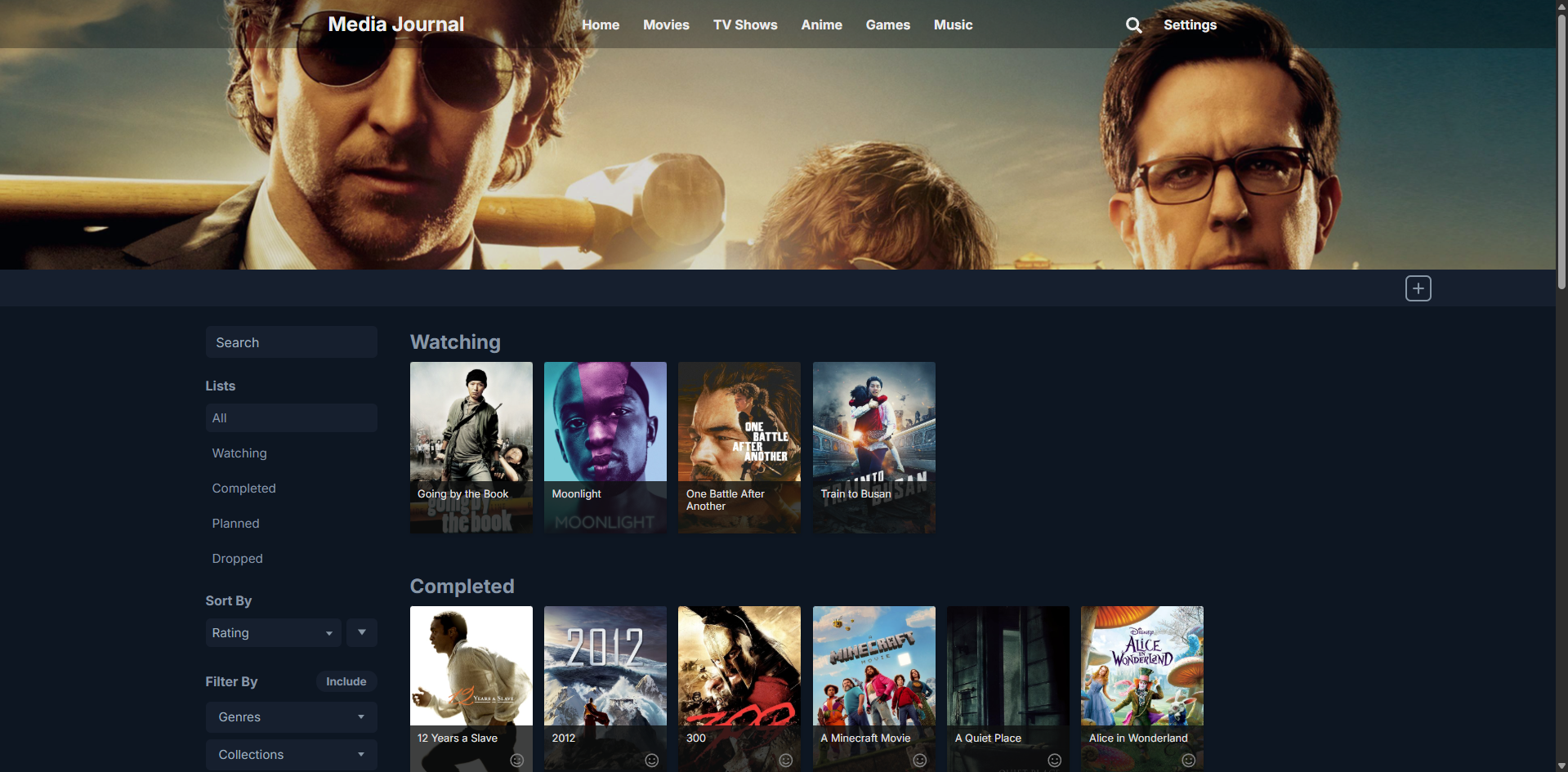
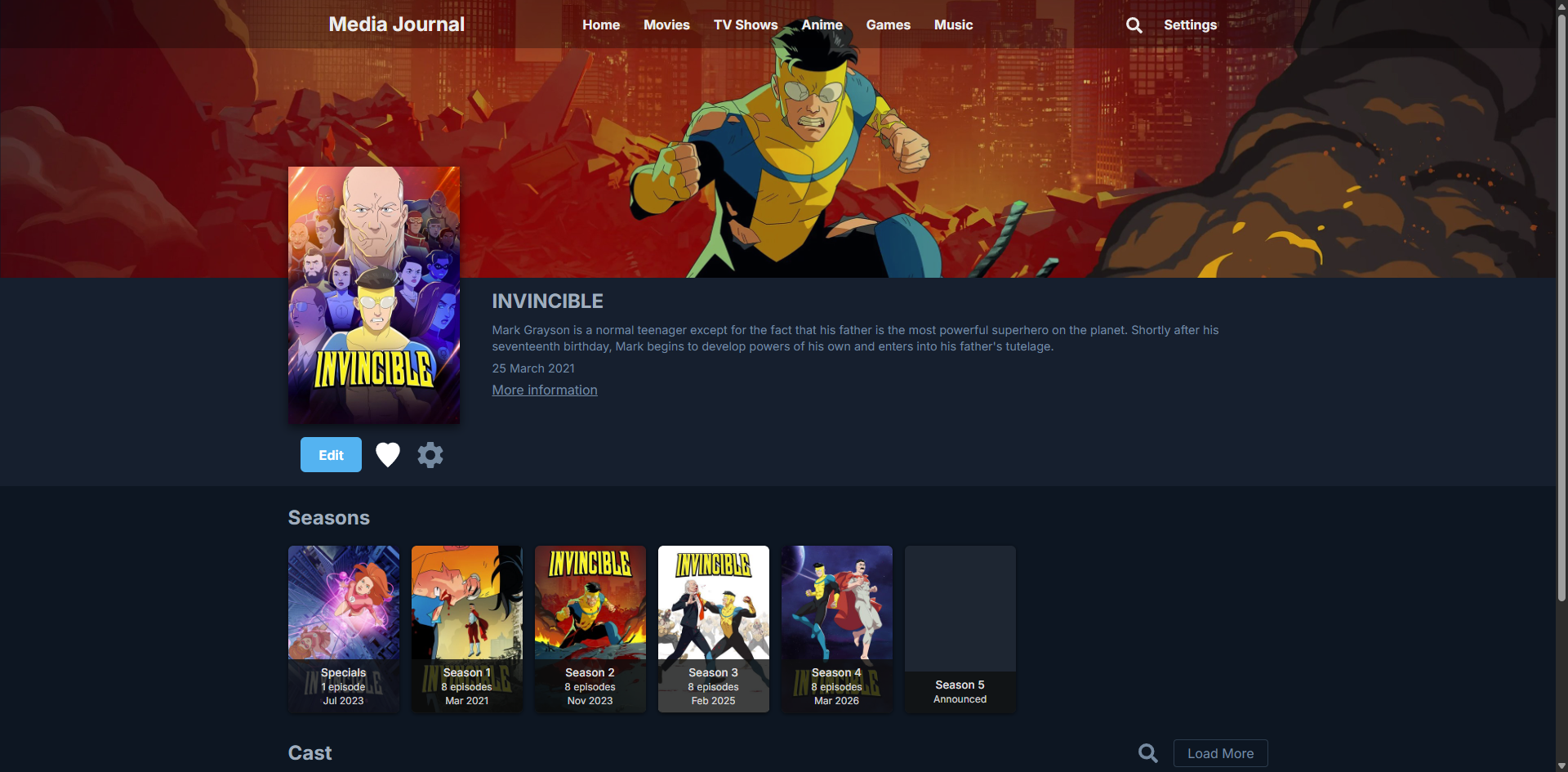
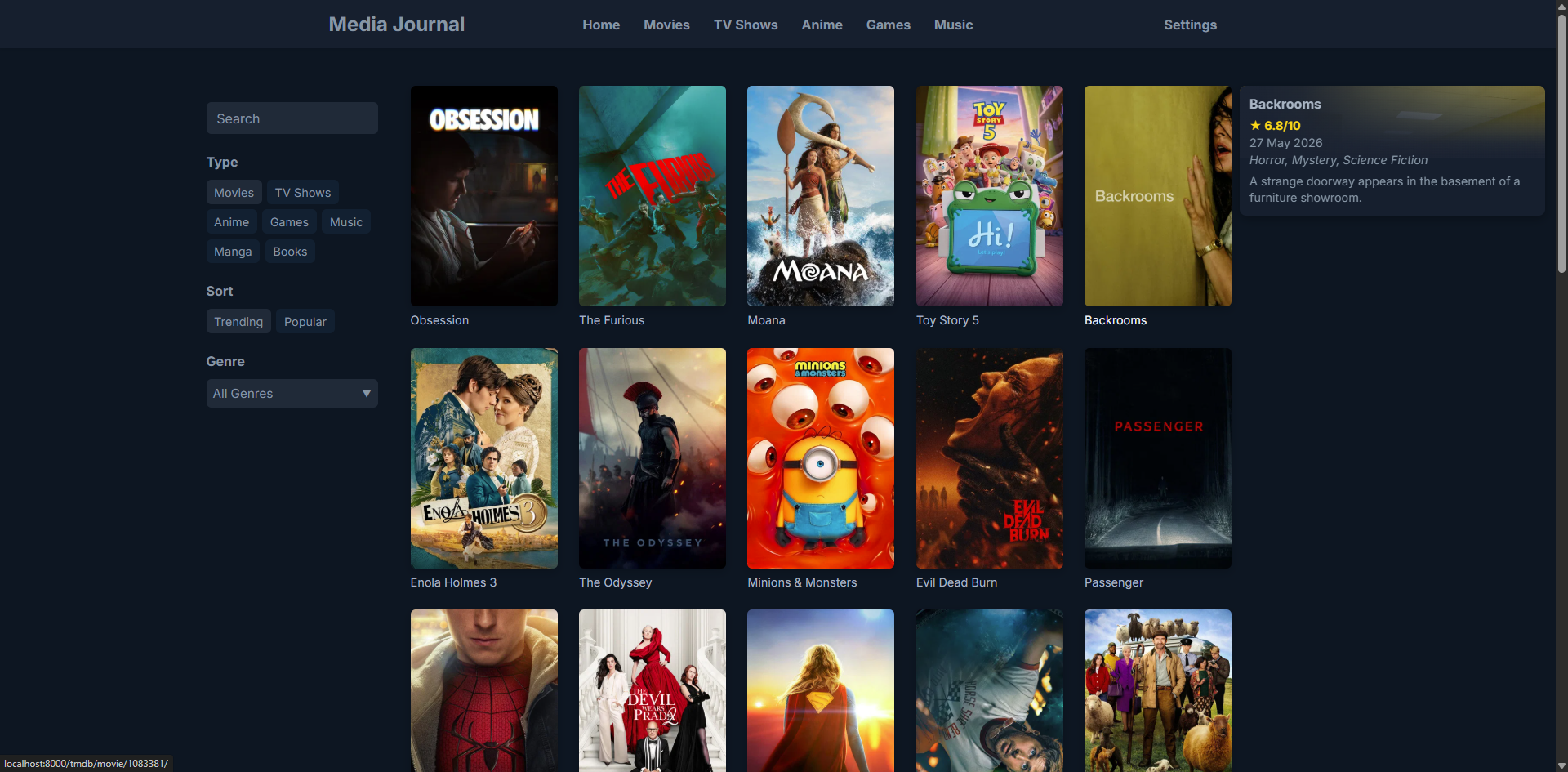
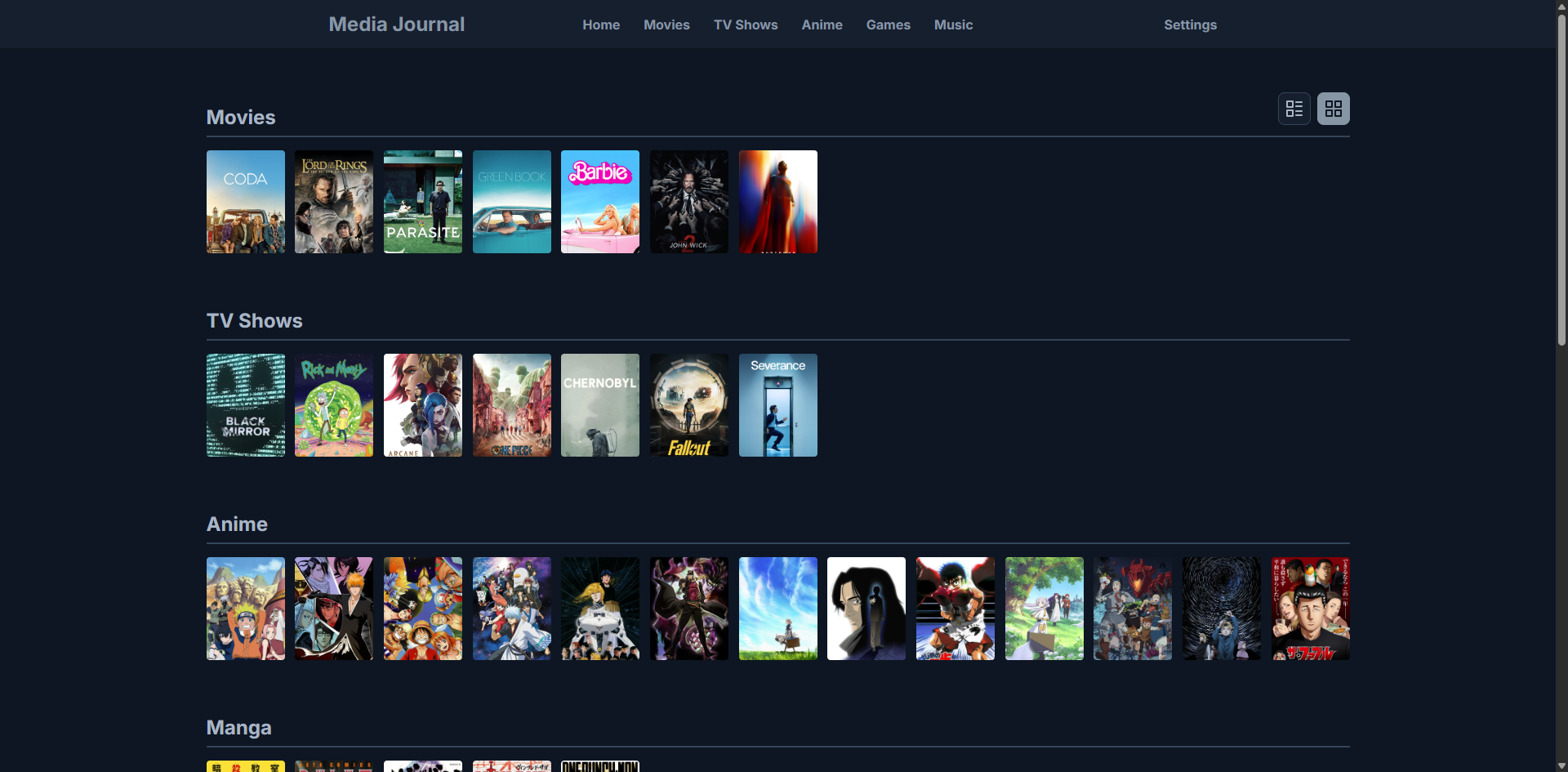
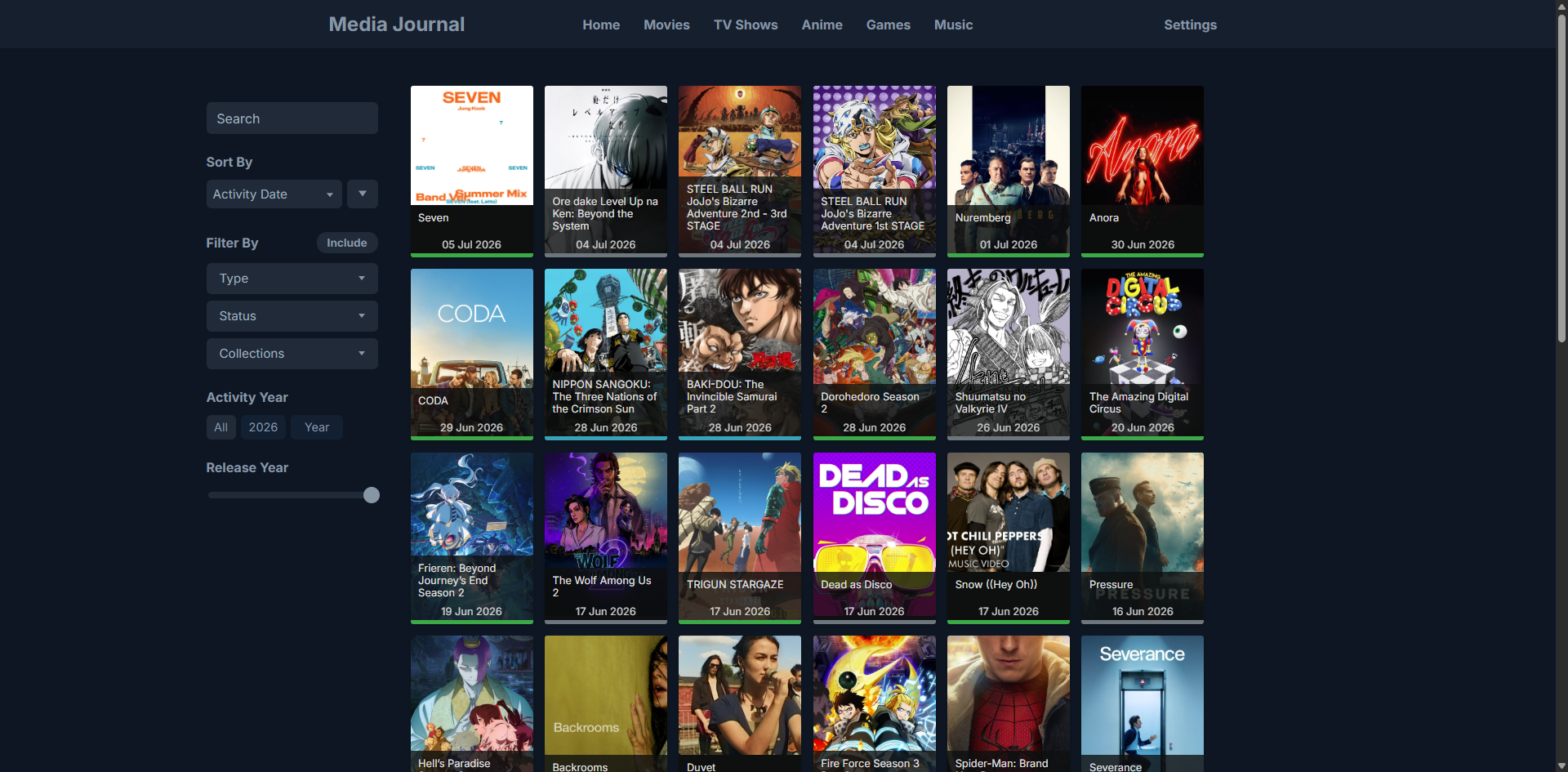
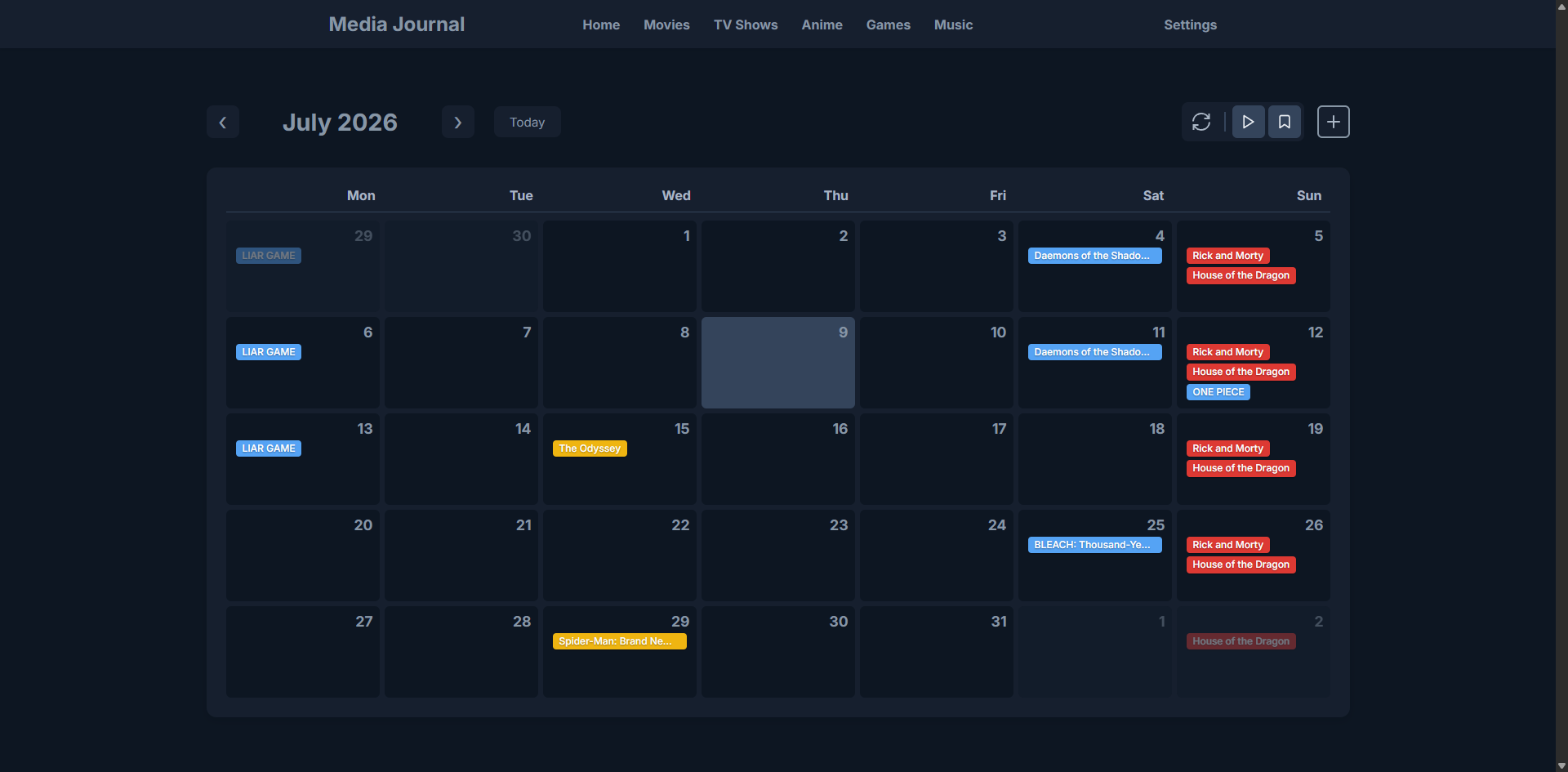
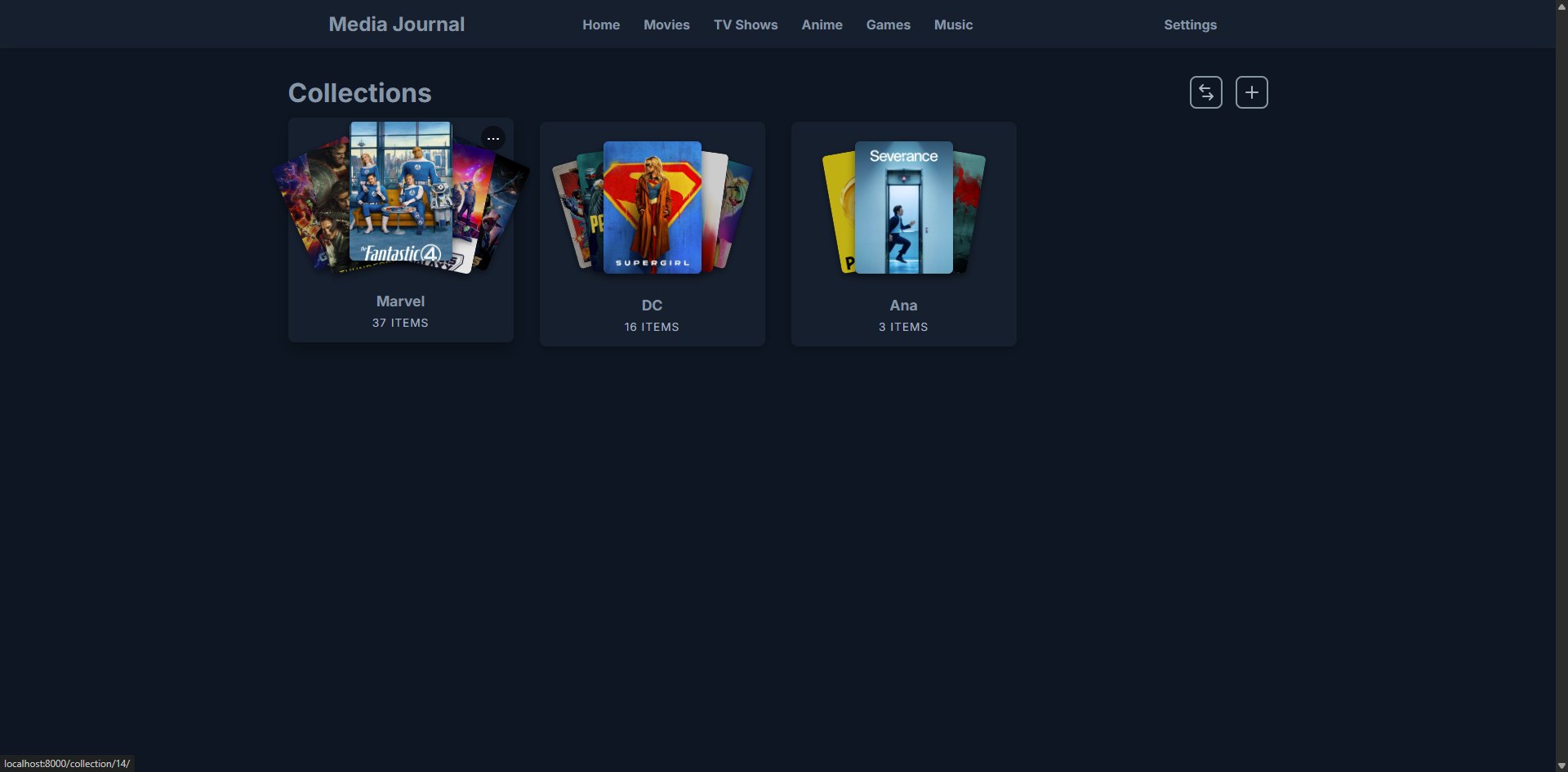
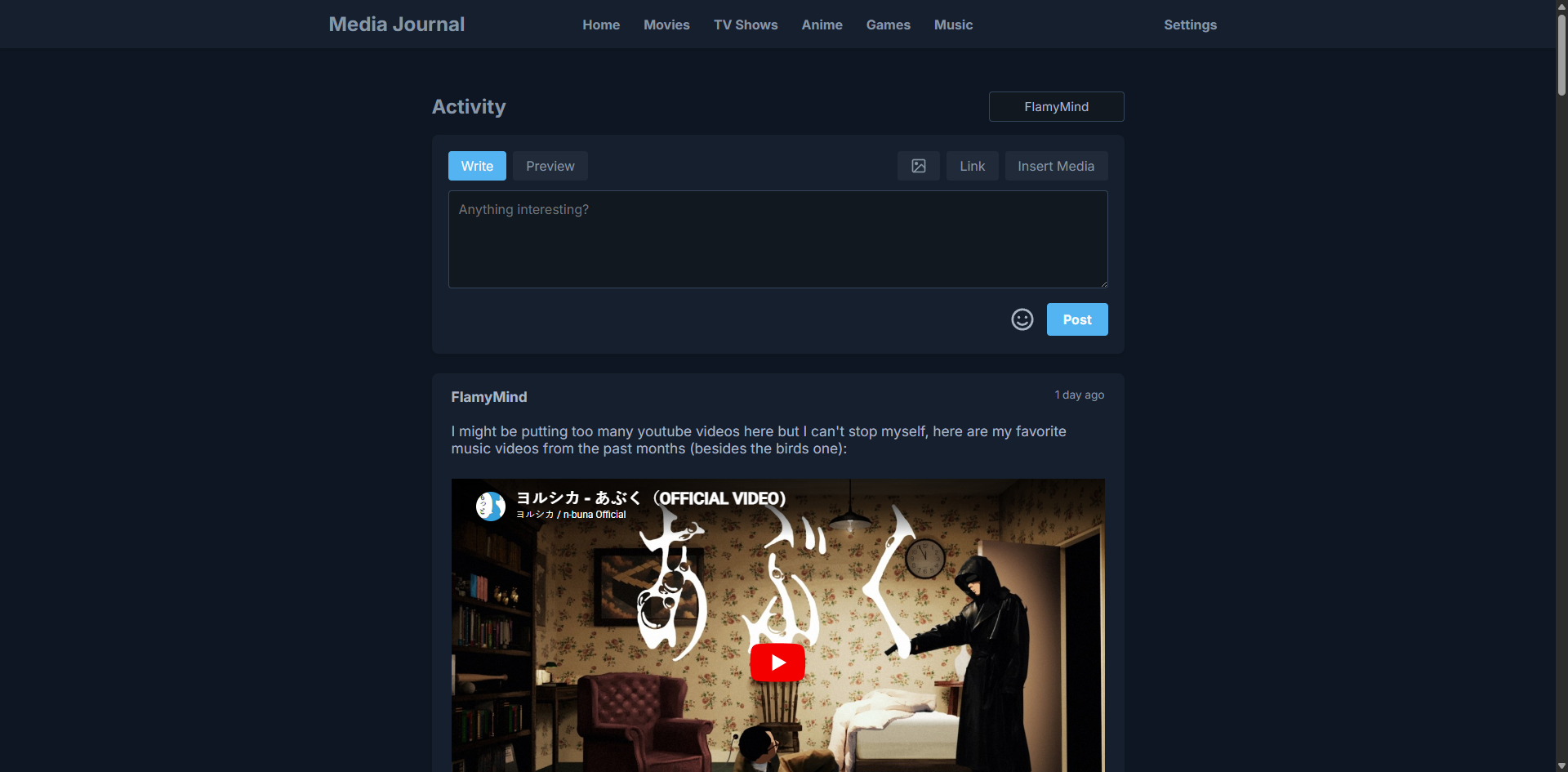
Media Journal is a personal media tracking web application for films, series, anime, comics, novels, video games, and songs. Users can create lists, track progress and ratings, organize items into collections, and view statistics on a dashboard. The app includes a community page for sharing thoughts, a discover section for trending media, and a built-in YouTube music player. It runs on Django with SQLite (no separate database server) and uses Firebase for the community feature. Metadata comes from TMDB, AniList, IGDB, OpenLibrary, MusicBrainz, and YouTube Search. Self-hosting options include Docker Compose (port 8090) or native Python on Windows, macOS, and Linux. Optional authentication is enabled via an environment variable. The project is AGPL-3.0 licensed with no monetization planned.
Should you self-host media-journal?
media-journal scores 45/100 on selfhost.directory (how scoring works) and ranks #98 of 142 in Media Management. It has 138 GitHub stars.
It shipped 20 stable releases in the past year. The latest, v1.31.3, came out on 15 October 2026. New versions land roughly every 2 weeks.
Setup is moderate: expect some configuration beyond a single command. An official Docker image is available. It is AGPL-3.0-licensed and written mostly in JavaScript.
Its closest alternative on selfhost.directory is Sonarr (81/100, 17 471 stars). It scores higher overall, so compare the two before you pick. See media-journal vs Sonarr side by side.
Features
- Collections
- Community page
- External API metadata
- Multi-media tracking
- No external database required
- Optional authentication
- Progress and rating tracking
- Statistics and activity dashboard
- Trending and popular discovery
- YouTube music player
media-journal README
More in Media Management
 MediaLyzeMediaLyze is a self-hosted, open-source media library analyzer that scans video, music, and audiobooks using ffprobe for metadata, quality scoring, and duplicates.
 MediaManagerSelf-hosted, open-source media manager for TV and movie libraries: discover releases, score them, hand downloads to qBittorrent or SABnzbd, with OIDC sign-in.
 MediariumSelf-hosted media manager combining multiple *arr apps and downloaders into one Docker container for movies, shows, music and books.
 media-rollerSelf-hosted Go server that downloads social media videos via yt-dlp, transcodes to MP4, and includes an iOS Shortcut for one-click saving to Photos.
 Mediary ScoutSelf-hosted AI agent that fetches media into your cloud drives (Quark, 115, GuangYaPan, 123, Tianyi), verifies transfers, and auto-fills missing episodes.
 media-stackSelf-hosted, open-source Docker Compose media stack bundling Jellyfin, Sonarr, Radarr, Prowlarr, qBittorrent, Seerr and optional AI-powered Recommendarr with Gluetun VPN.
 MediastarrSelf-hosted open-source tool that finds missing episodes and movies in Sonarr and Radarr, plus quality upgrades, on a schedule with a web dashboard and Discord alerts.
 MediathekArrMediathekArr is a self-hosted, open-source bridge making ARD/ZDF Mediathek content searchable in Prowlarr, Sonarr, and Radarr.
 MedusaOpen-source TV show manager you run yourself: it searches torrent and Usenet providers, grabs episodes via download clients, and organizes them for Kodi, Plex and Emby.
 Meme SearchMeme Search is a self-hosted, open-source meme search engine using local AI for semantic search. Run with Docker Compose to find memes by meaning, not filenames.
 metadata-remoteSelf-hosted web app for editing audio metadata on headless servers. Lightweight Docker container with MusicBrainz, bulk editing, undo/redo, keyboard-first UI.
 MeTubeAn open-source, self-hosted web UI for yt-dlp: paste links from YouTube and hundreds of other sites, queue whole playlists, and follow channel subscriptions.
0 comments