
Self-host machinaris
2.6.0Docker-based Chia plotting and farming dashboard
- Stars
- 340
- RAM
- 16 GB minimum for controller (full-node), 32 GB+ with many forks, 2 GB for harvesters
- Storage
- 150 GB free space for Chia blockchain, more for forks; SSD recommended for appdata
- Ports
- 8926 (Machinaris WebUI), 8927 (Machinaris REST API), 8444 (Chia farmer peer port)
guydavis/machinaris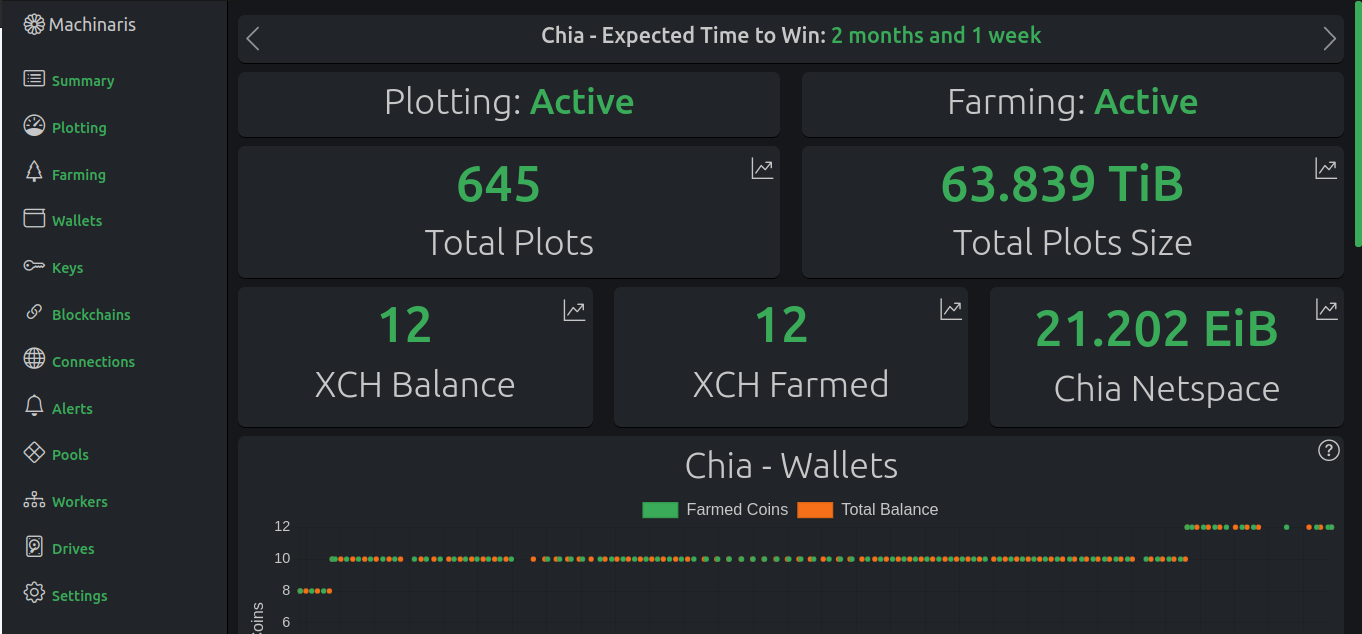
What is machinaris?
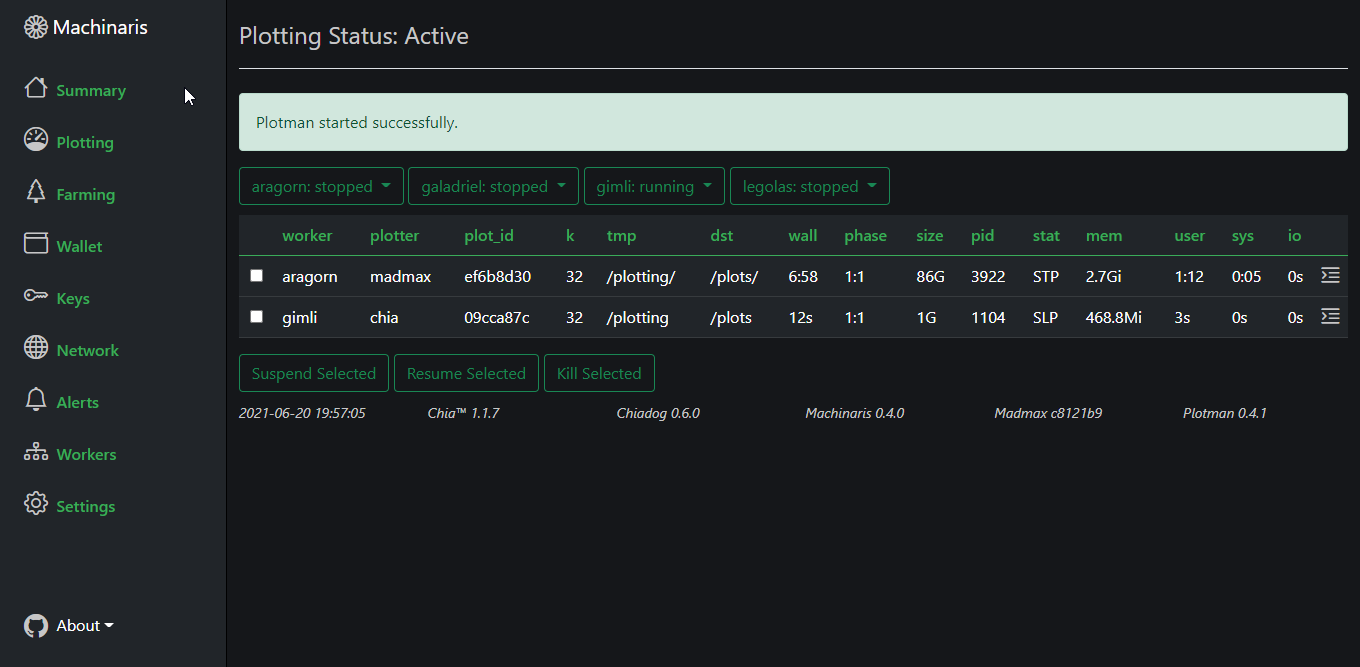
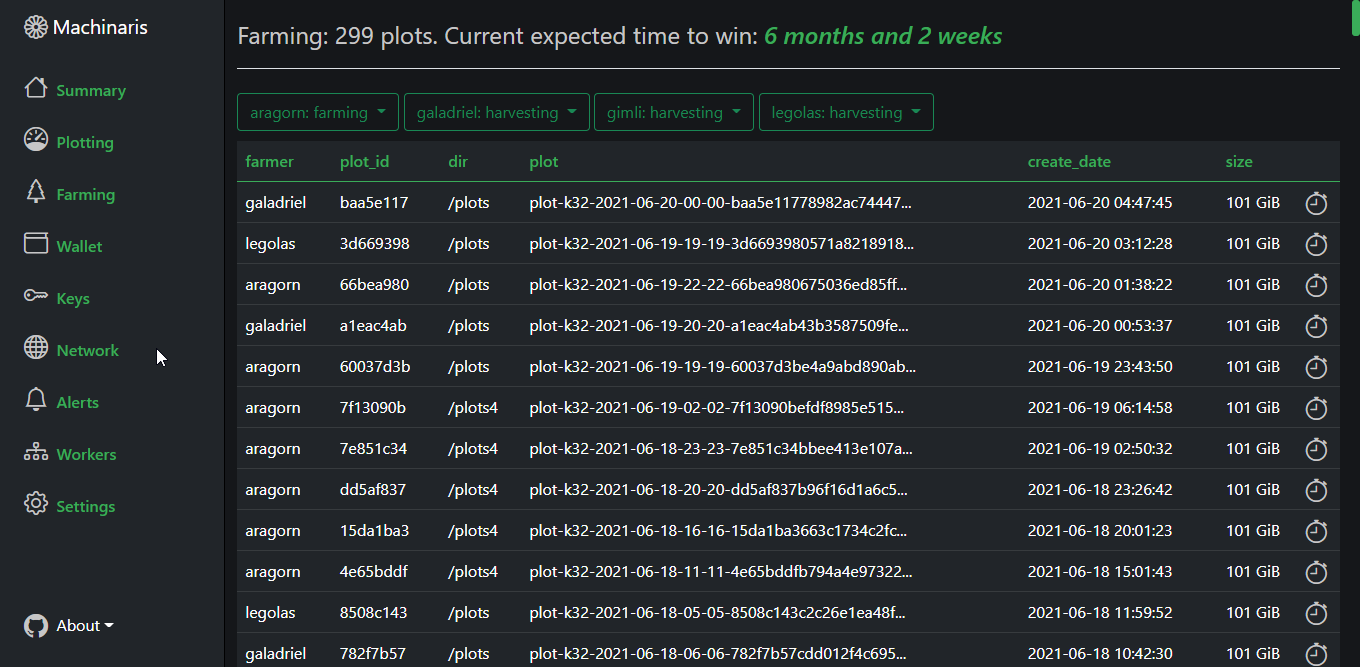
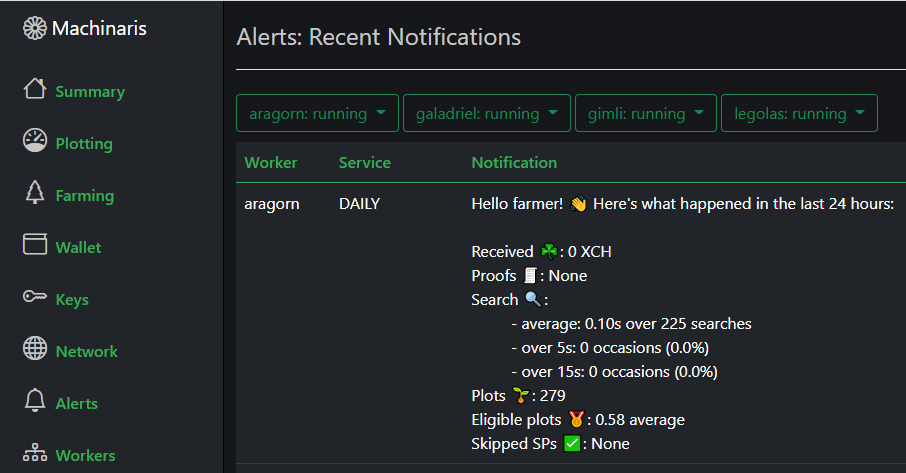
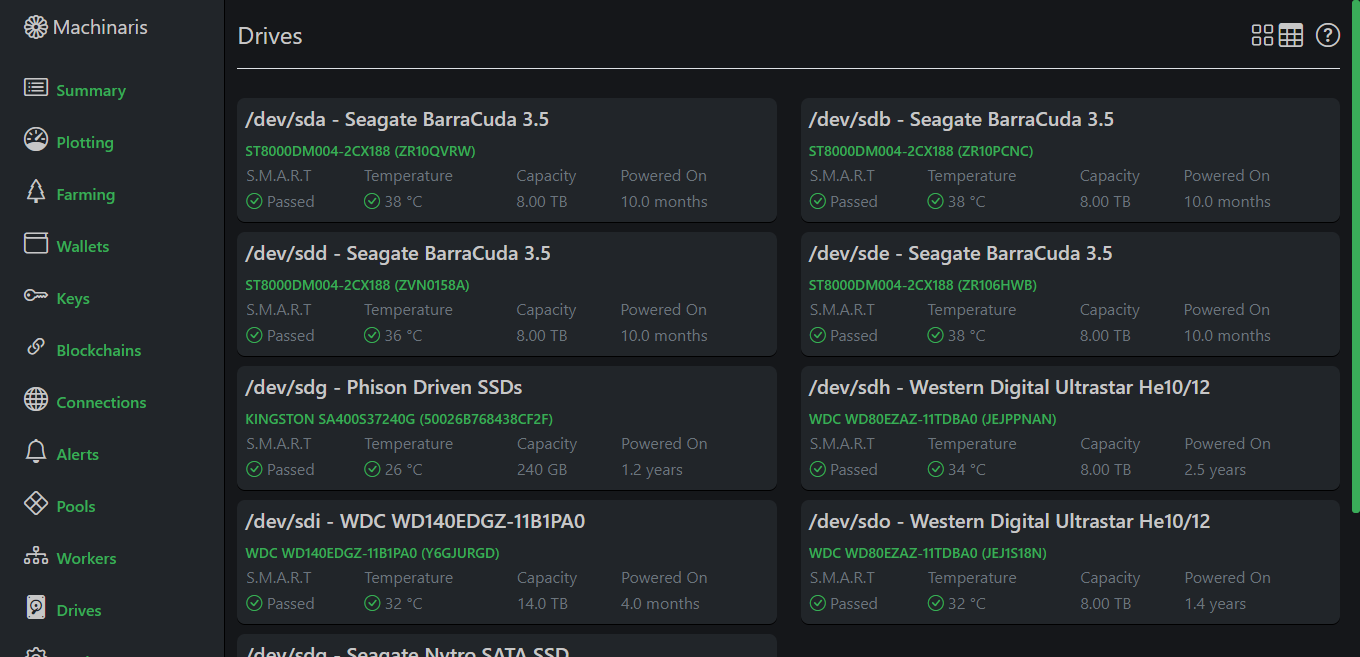
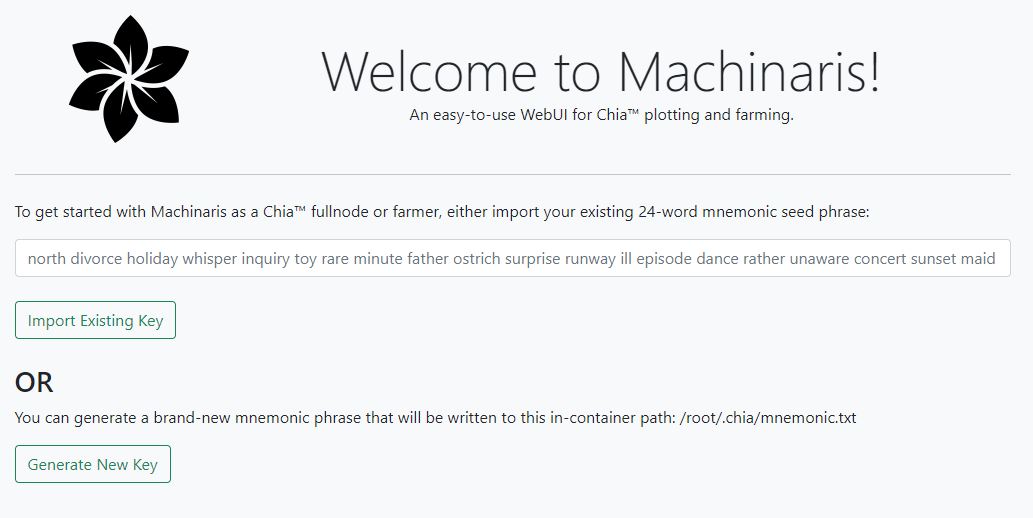
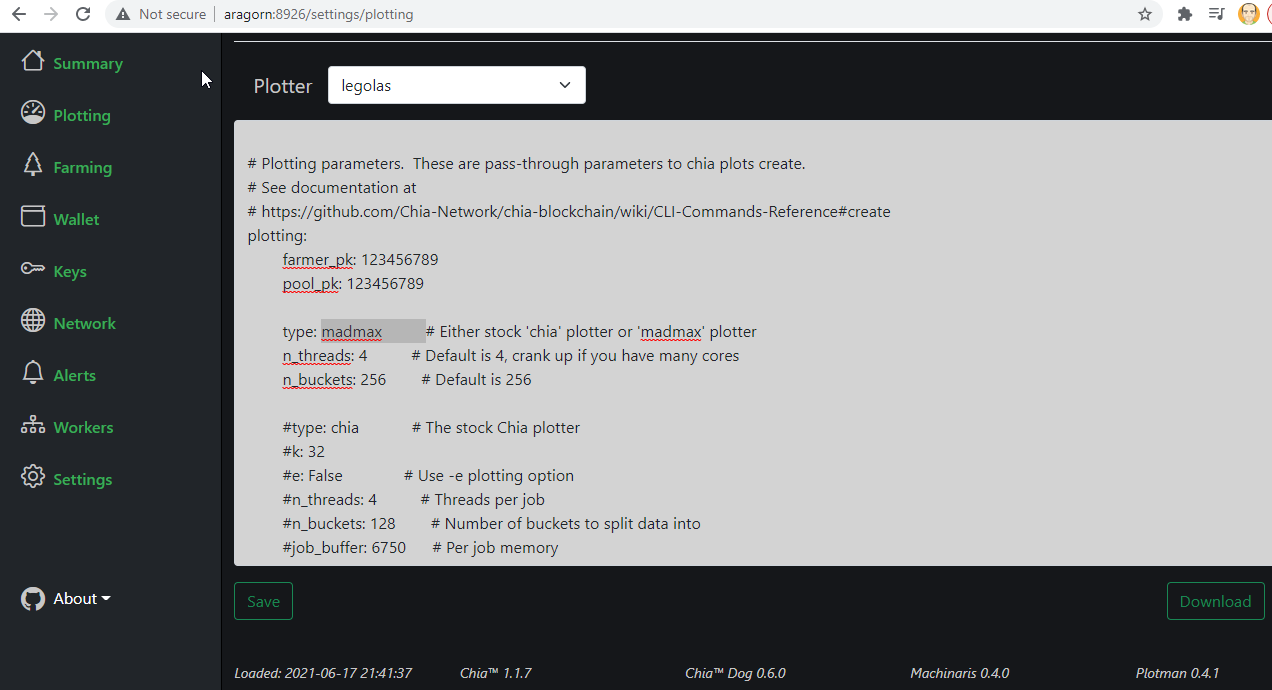
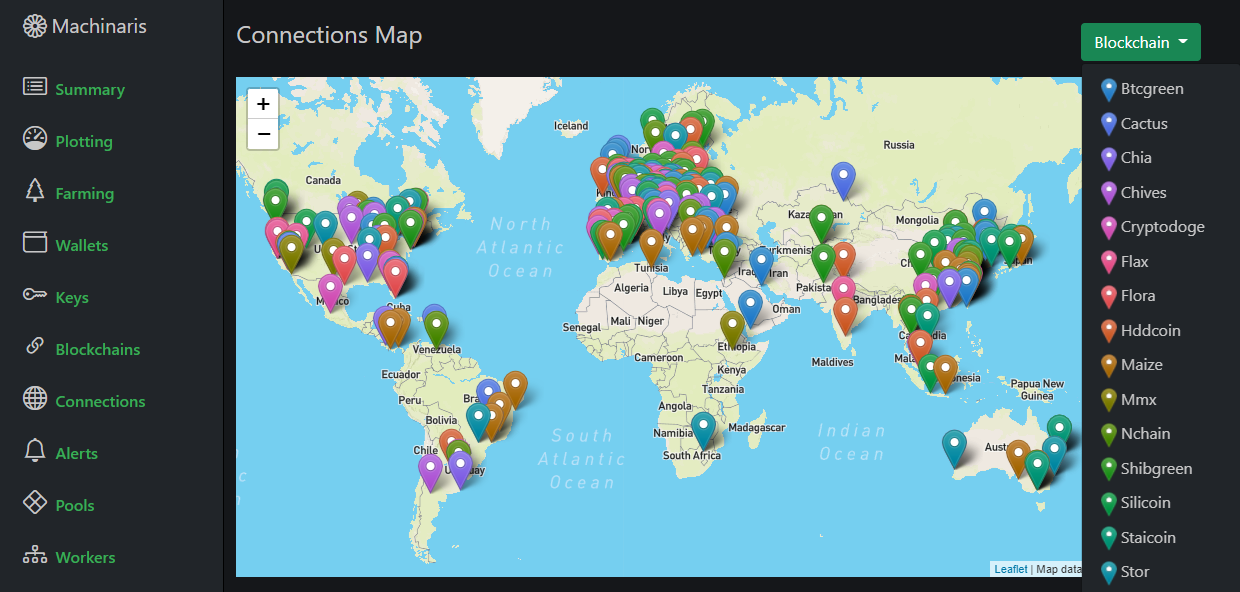
Machinaris provides a web-based interface for managing Chia cryptocurrency plotting and farming operations. It bundles multiple plotters (MadMax, Gigahorse, Bladebit) managed by Plotman, log monitoring via Chiadog, and supports farming across multiple Chia forks including MMX, Chives, Flax, and HDDCoin. The software runs as a Docker container with a launch wizard for easy docker-compose.yml generation. It supports standalone operation on a single machine or distributed worker management across a LAN with a central controller. Features include drive health monitoring with smartctl, notifications via email/Telegram/Discord/Slack, fast blockchain sync, and a REST API for integration. The project has announced closure due to waning interest in the Chia ecosystem and upstream tool abandonment, but existing installations on Chia 2.6.x should continue working until a breaking change occurs.
Should you self-host machinaris?
machinaris scores 49/100 on selfhost.directory (how scoring works) and ranks #12 of 18 in Blockchain. It has 340 GitHub stars.
It shipped 2 stable releases in the past year. The latest, 2.6.0, came out on 16 February 2026. New versions land roughly every 3 months.
Setup is moderate: expect some configuration beyond a single command. An official Docker image is available. It is Apache-2.0-licensed and written mostly in Python.
Its closest alternative on selfhost.directory is geth-ethereum (86/100, 51 451 stars). It scores higher overall, so compare the two before you pick. See machinaris vs geth-ethereum side by side.
Features
- Configuration via WebUI
- Connection and blockchain status
- Container CLI access
- Drive health monitoring
- Fast blockchain sync
- Key Management
- Log monitoring and alerts
- Multi-blockchain farming
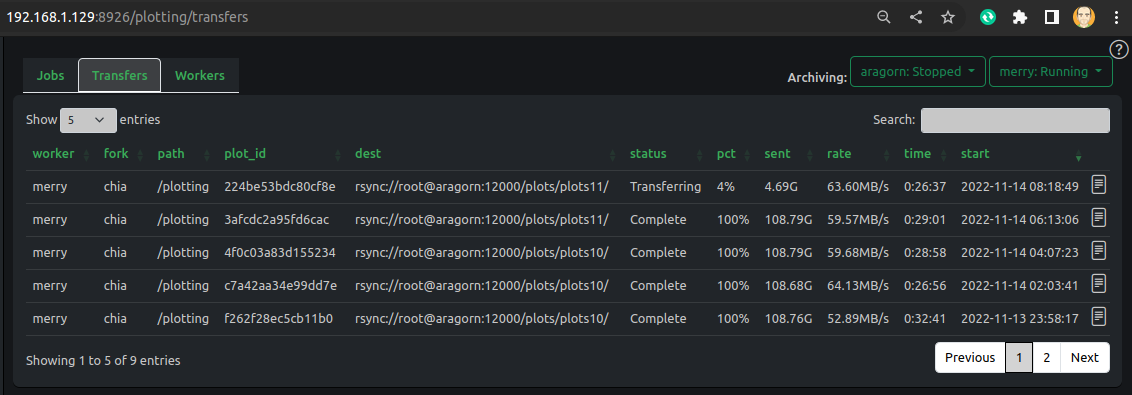
- Plot archiving via rsync
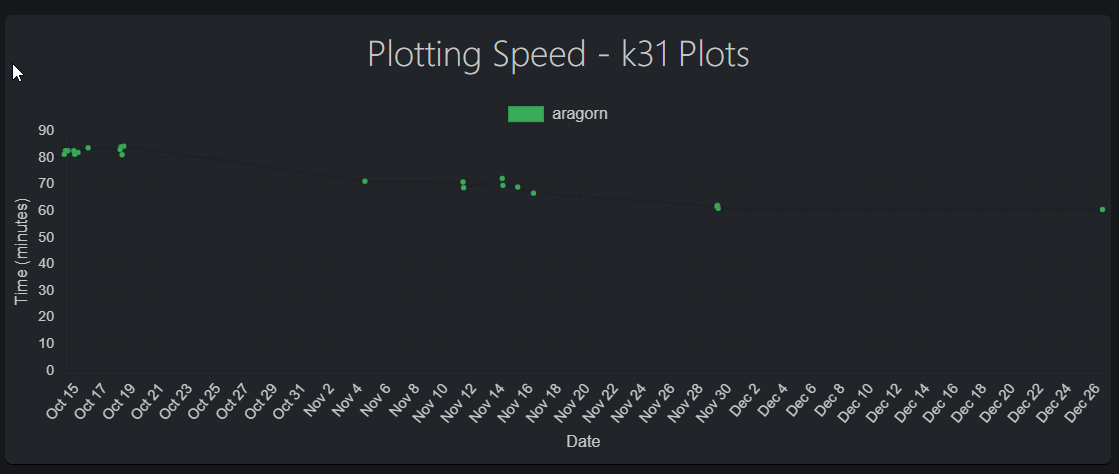
- Plotting performance graphs
- REST API
- Web-based plotting management
- Worker Management
machinaris README
FAQ
How can I donate?
The author does not accept donations; instead, share Machinaris with others, star the project on GitHub and Docker Hub, and help new users on Discord.
Can I restart/update the container without killing my plotting jobs?
No, restarting the container kills running plotting jobs. Stop Plotman first to let existing jobs complete, then restart.
Can I send my completed plots to another system when they're done?
Yes, Plotman supports archiving via rsync in the plotman.yaml file to transfer completed plots to a destination server.
Can I use two (or more) temporary plotting directories?
Yes, mount both temp plotting volumes in-container and configure plotman.yaml with multiple tmp entries.
Why doesn't Machinaris offer an authentication mechanism to allow logins?
Machinaris is intended for local area network use only. If you proxy access via a web server, that server should handle authentication.
Can I copy over Chia blockchain and wallet databases from other installs?
Yes, but users report about a 50% success rate. Stop the container, replace the db folders, then restart and check logs.
How can I stop or restart the WebUI?
Use docker exec to enter the container, kill the gunicorn processes, then run /machinaris/scripts/start_machinaris.sh to restart.
Where can I get support?
Support is available through Discord, GitHub Issues, Unraid Support thread, and the Machinaris sub-reddit.
More in Blockchain
 MoneroOpen-source core implementation of the Monero cryptocurrency: run your own self-hosted monerod node and CLI wallet, with pruning, RPC access and Tor support.
 monero-nodeboardSelf-hosted Docker project bundling a Monero node and web dashboard for running a remote node with browser UI on your own server.
 mystOpen-source GPL-3.0 implementation of a blockchain-based decentralized VPN network: WireGuard transport, provider and consumer modes, plus a browser NodeUI dashboard.
 nethermind-ethereumSelf-hosted Ethereum execution client on .NET featuring rapid snap sync, plugin architecture, and configurable history storage. Compatible with Linux, Windows, and macOS.
 nostr-wallet-connectSelf-hosted, open-source NIP-47 implementation that lets Nostr clients like Damus or Amethyst connect to your Lightning node (LND or Alby) over Nostr relays.
 PrysmGo implementation of Ethereum's Consensus specification for beacon nodes and validators. Powers ~20% of network nodes.
 raspiblitzRaspiBlitz is a self-hosted, open-source Bitcoin and Lightning node for Raspberry Pi 4/5 with optional LCD. Pre-built SD card images; supports BTCPay, LNbits, Specter.
 Rusty KaspadSelf-hosted, open-source Rust implementation of the Kaspa full node, with a UTXO index, gRPC/wRPC APIs, WASM SDK, wallets and a beta Stratum mining bridge.
 SpaceMeshgo-spacemesh is an open-source, self-hosted full node for the Spacemesh blockchain using proof-of-space-time consensus for energy-efficient mining on home PCs.
 Spiral PoolSelf-hosted solo mining pool for 16 cryptocurrencies supporting Stratum protocols, merge mining, and direct wallet payouts.
 ThunderHubSelf-hosted, open-source web interface for Lightning node operators: manage LND or litd channels, payments, Taproot Assets and reports from any browser.
 TorqSelf-hosted Lightning node management tool for LND and CLN with automation workflows, channel analysis, and infrastructure monitoring.
0 comments