
Self-host llms.py
v4.0.26Multi-provider LLM gateway with a ChatGPT-style web UI
docker compose up -d- Stars
- 628
- Port
- 8000 (HTTP server hosting the Web UI and the OpenAI-compatible API)
ghcr.io/servicestack/llms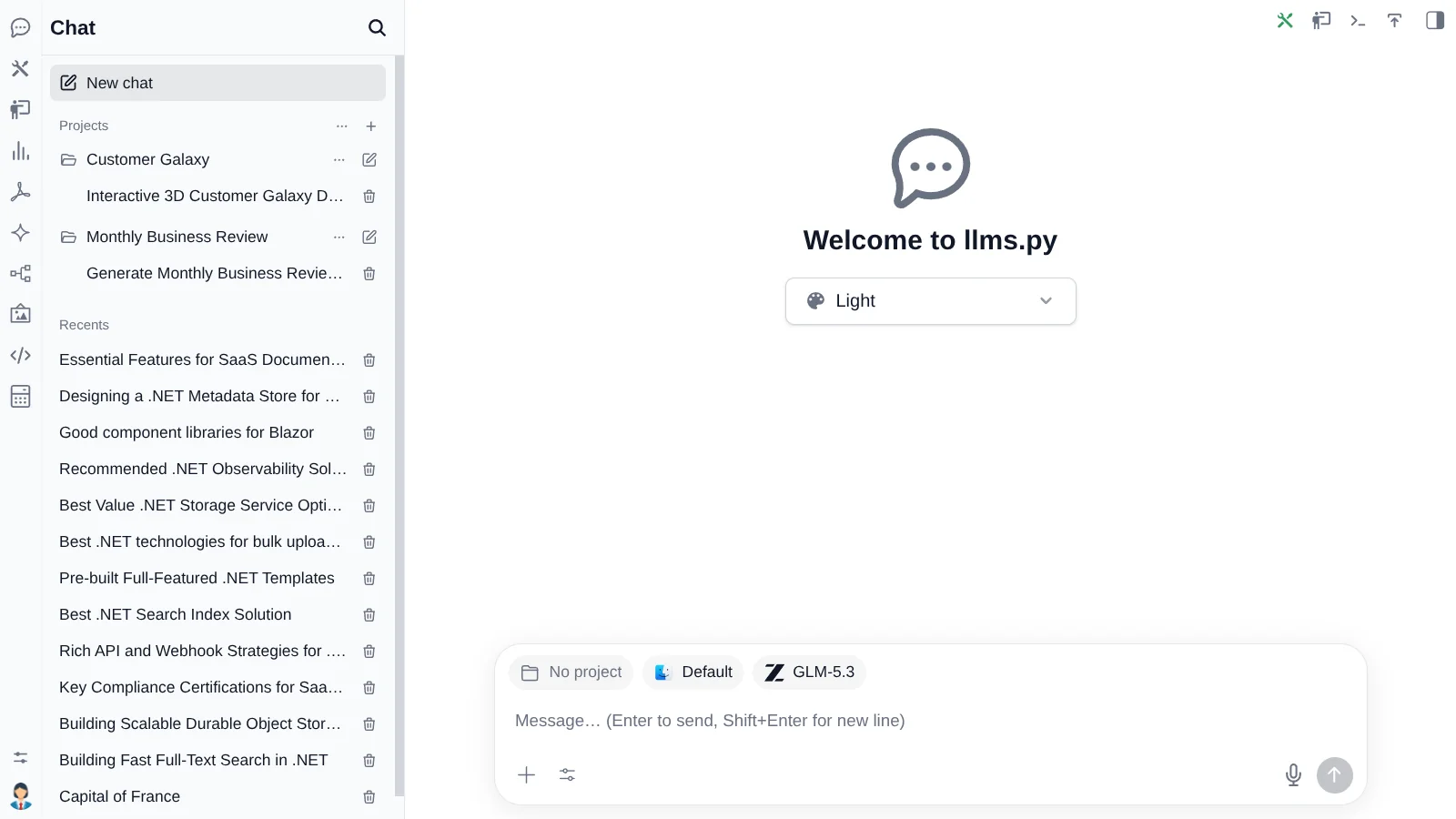
What is llms.py?
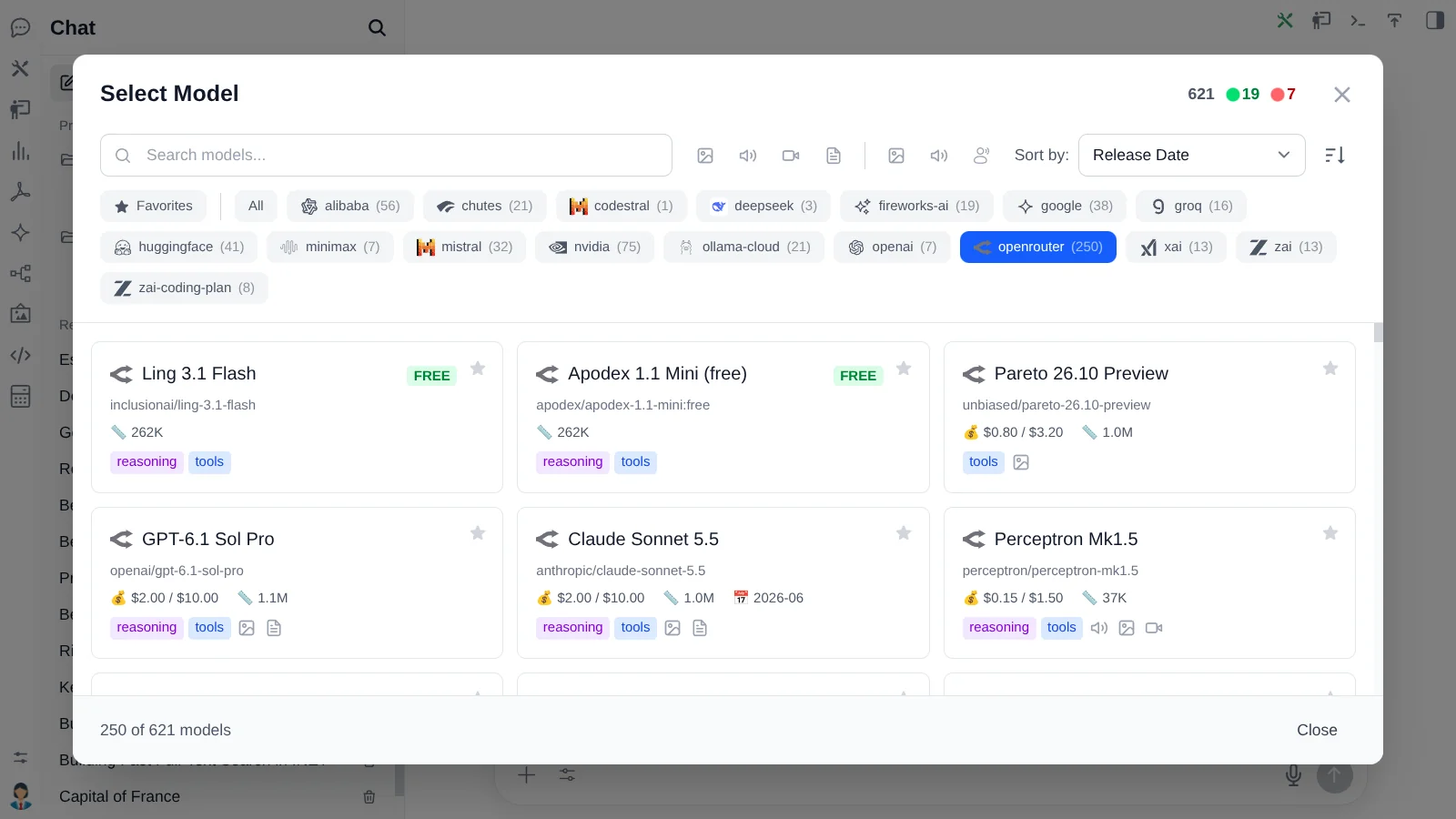
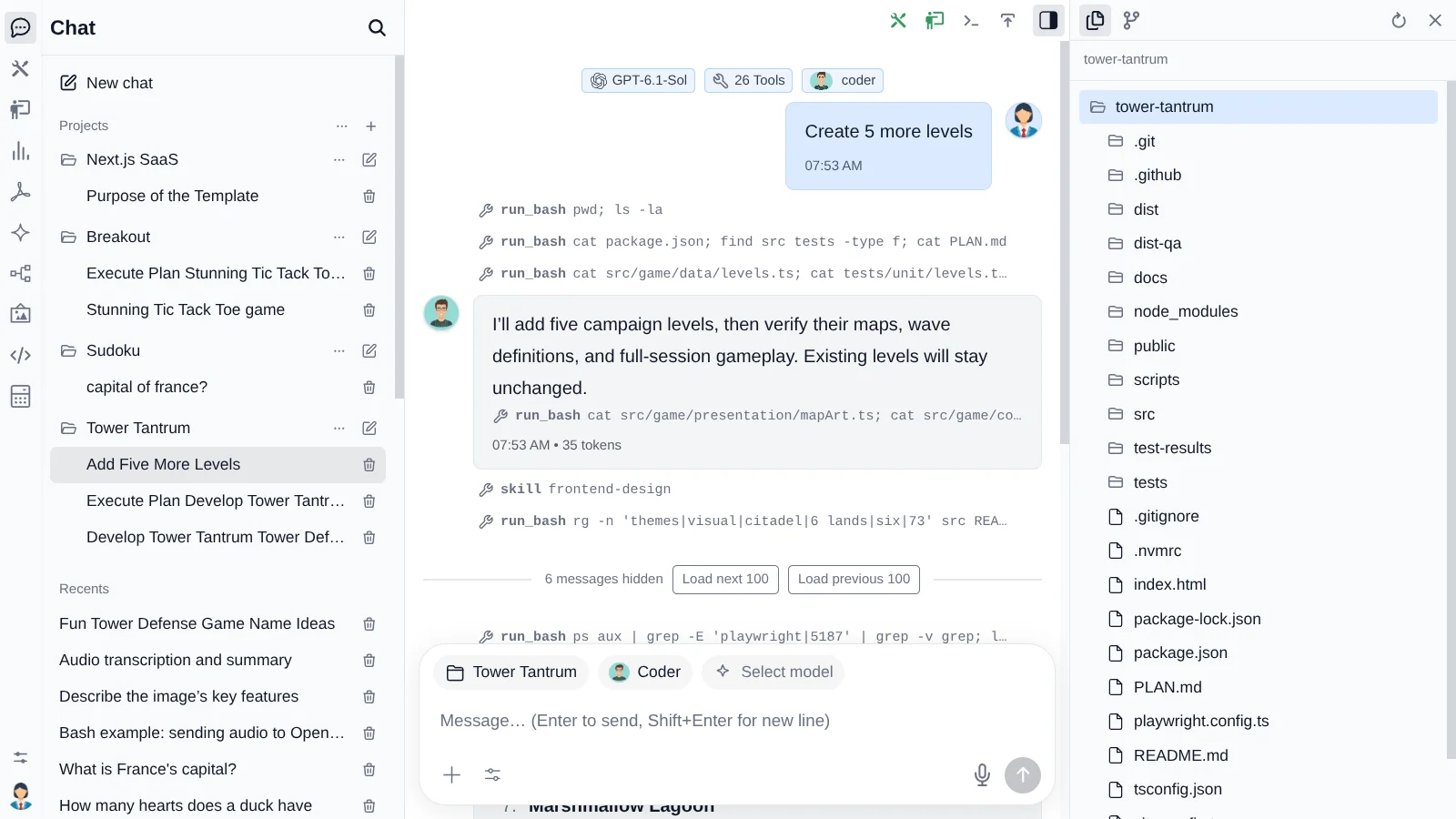
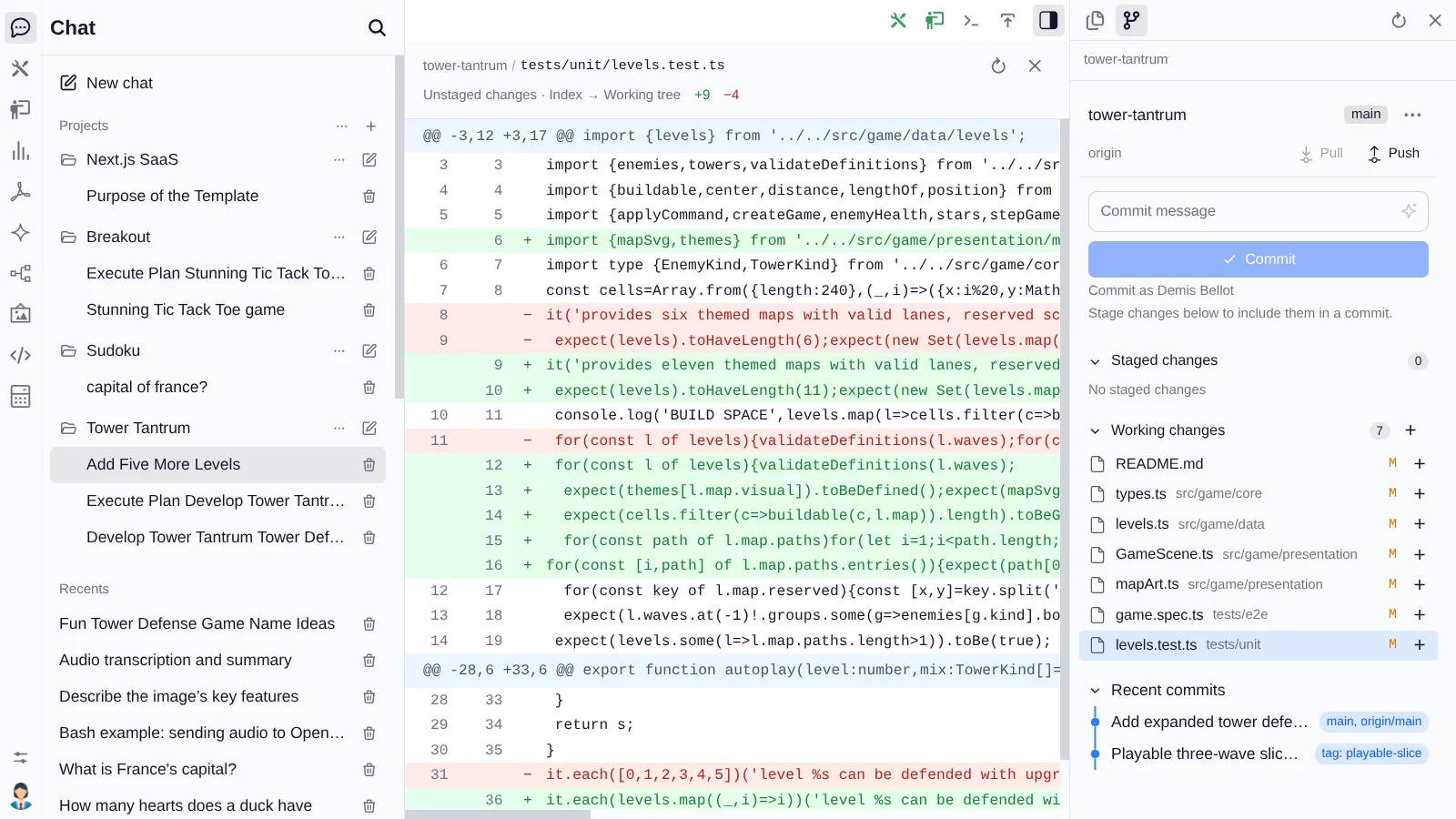
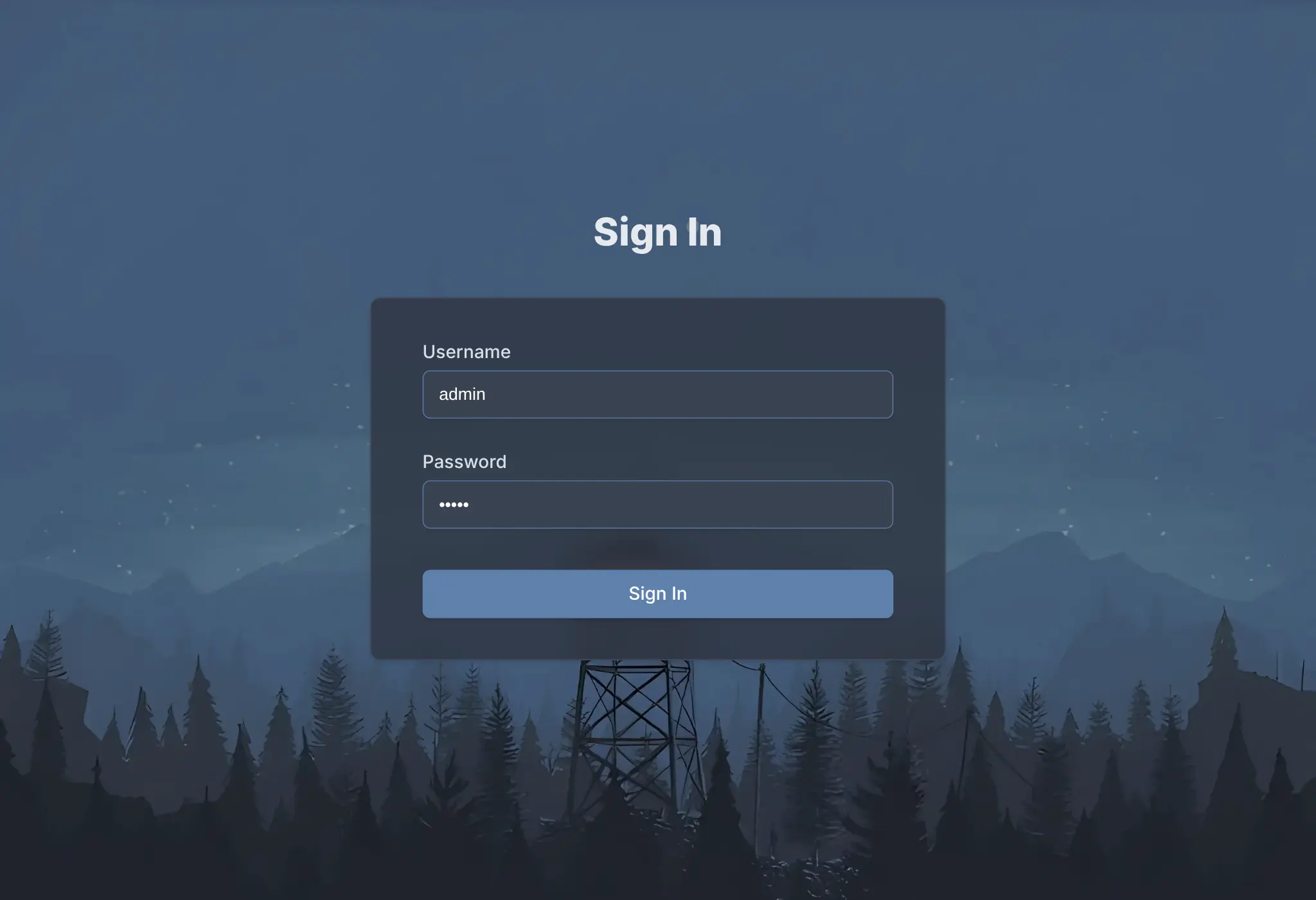
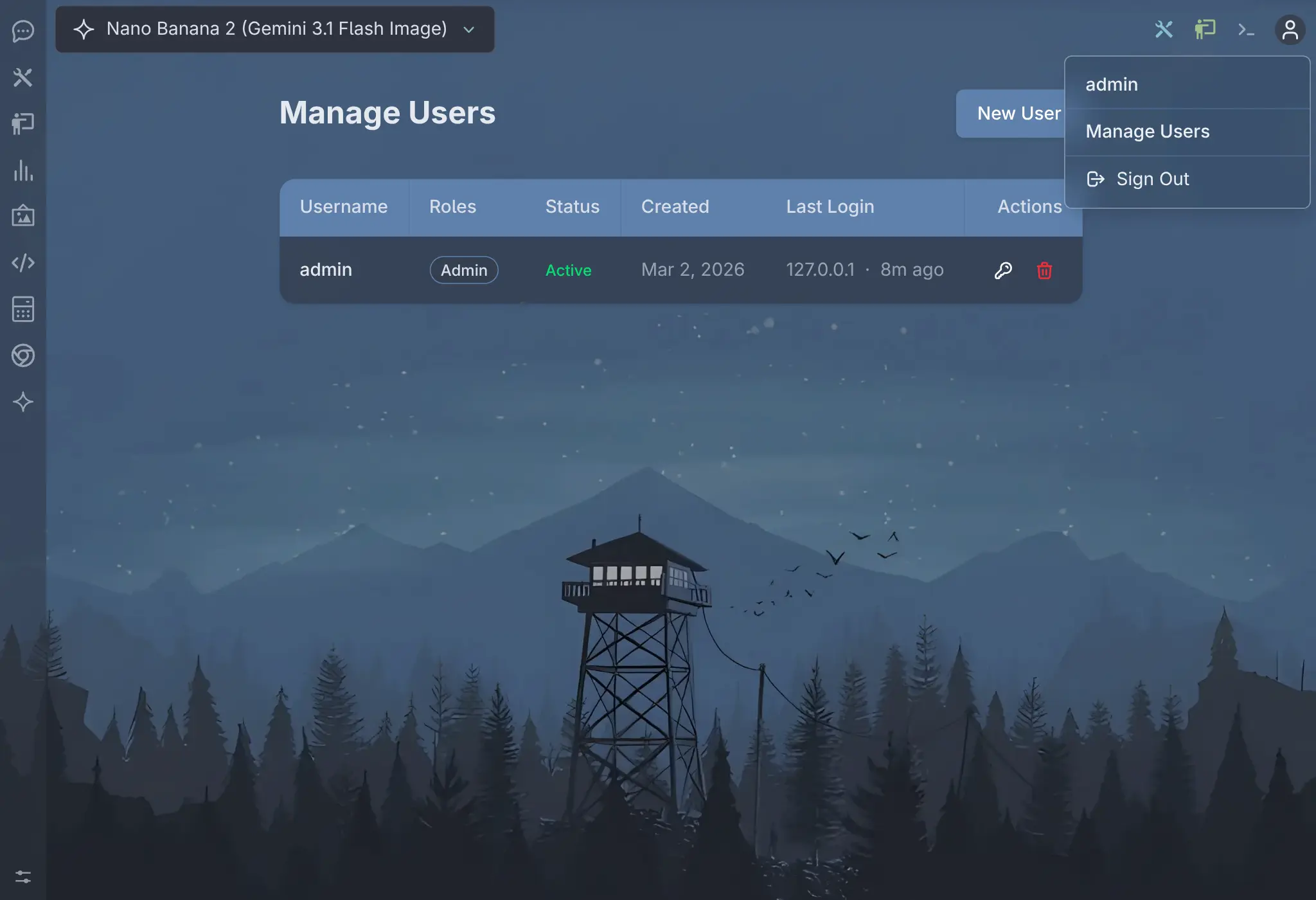
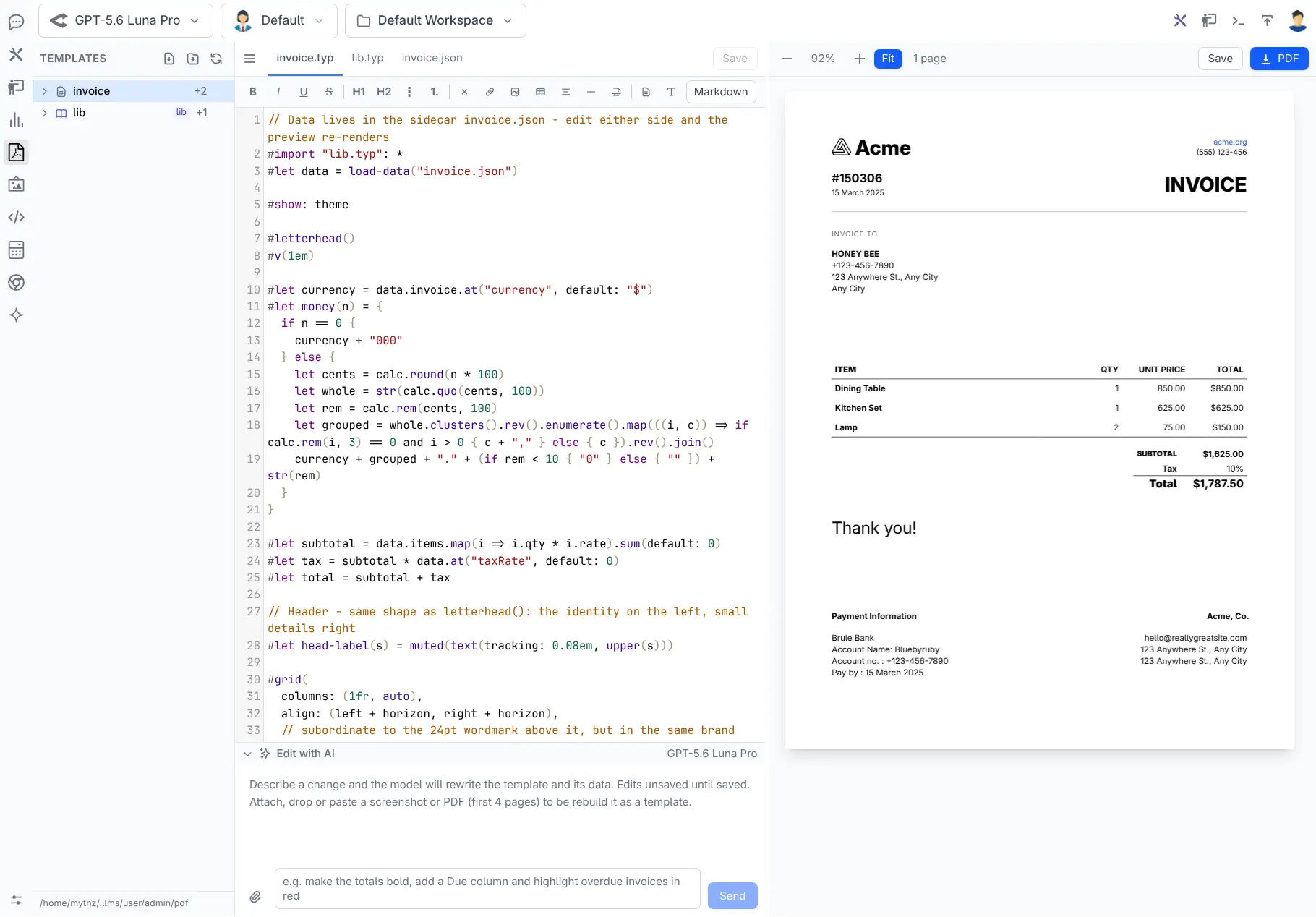
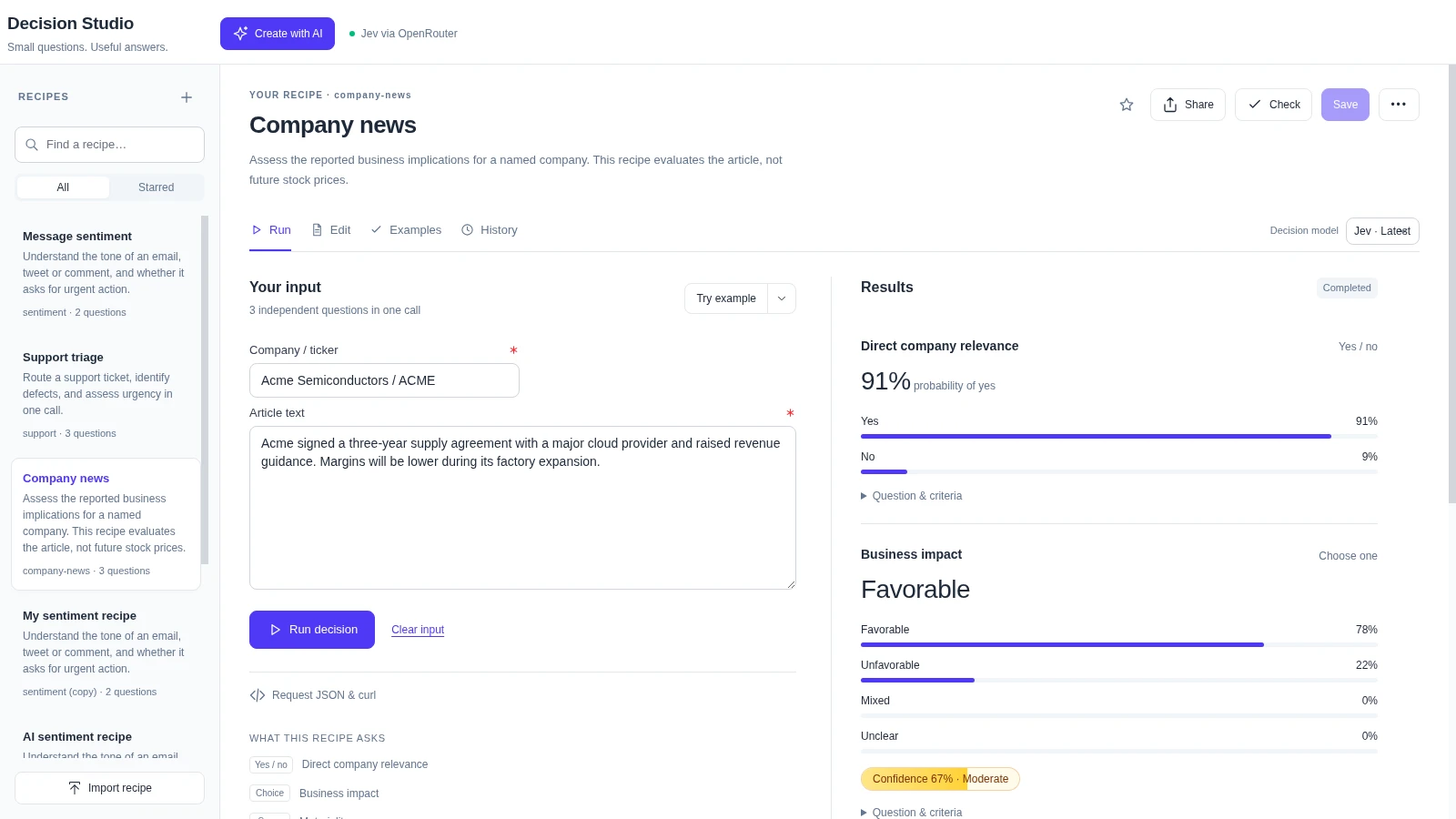
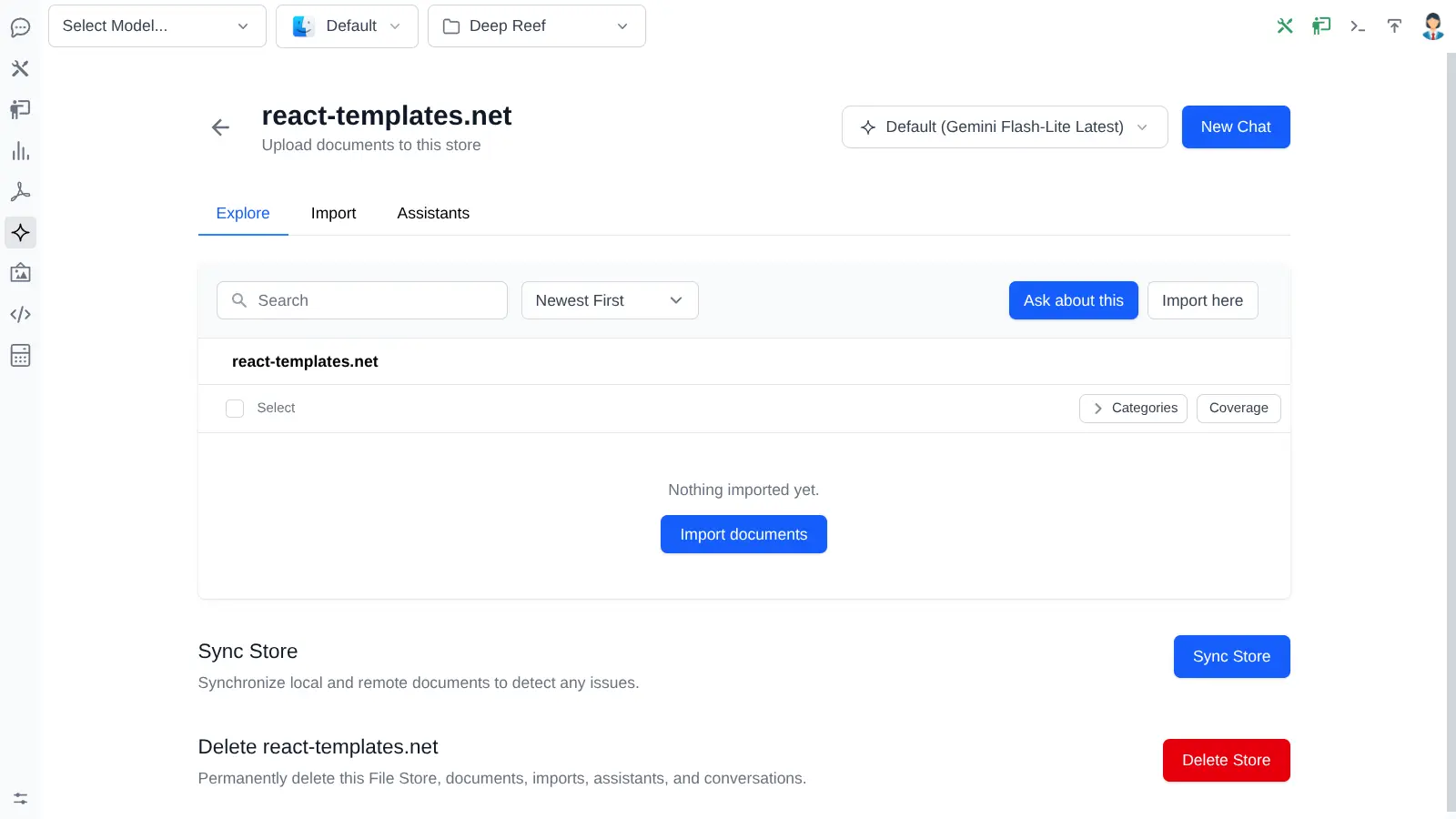
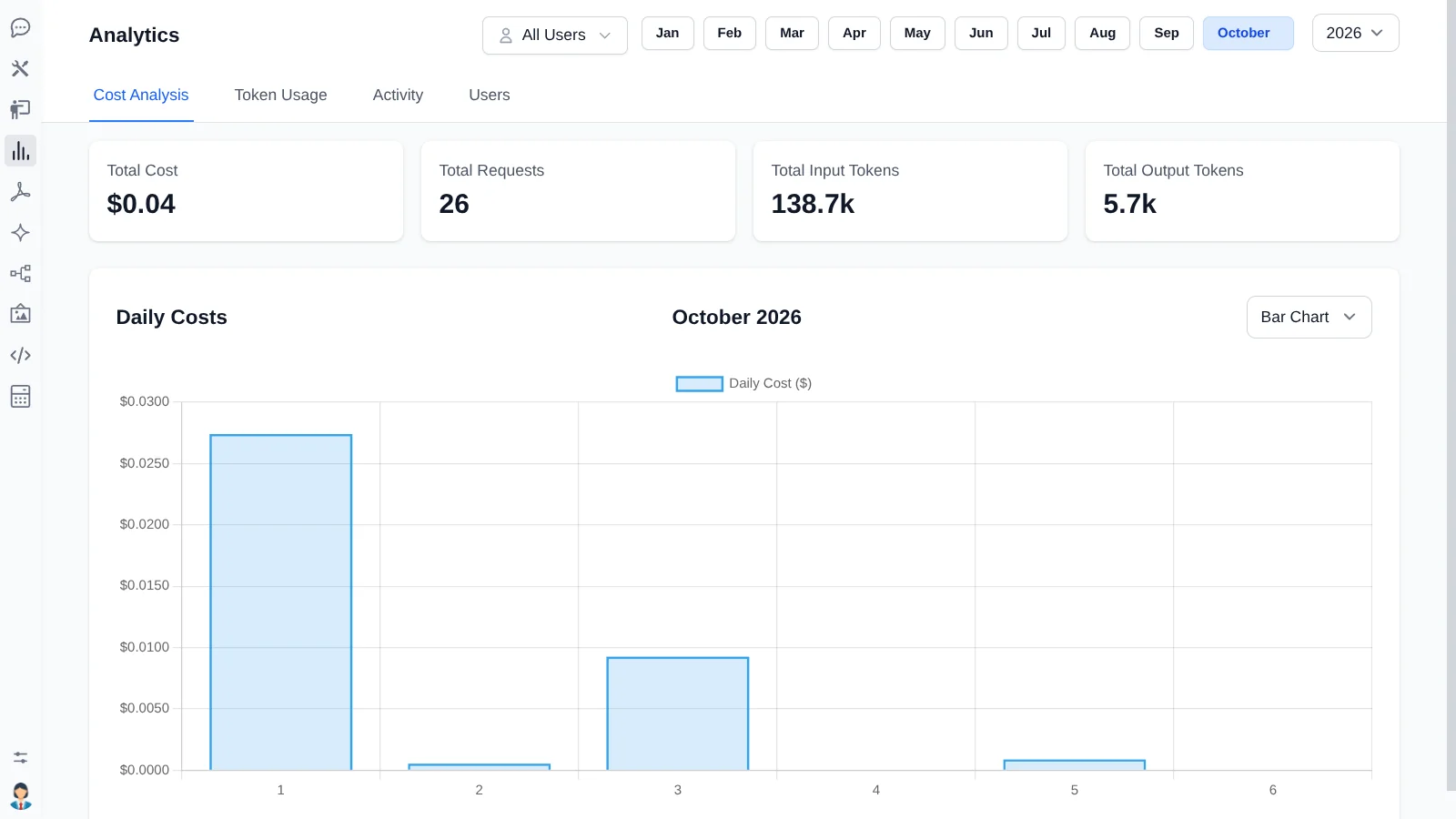
llms.py is a lightweight LLM gateway you run on your own hardware: it acts as a command-line tool, an OpenAI-compatible HTTP server and a ChatGPT-style browser UI sitting in front of many model providers. Requests are routed to more than 530 models across 24 providers (definitions come from models.dev), with automatic failover and cost-ordered routing, while local back-ends such as Ollama and LM Studio work without keys. The web app adds project workspaces with a file explorer and Git diff review, agent profiles, outbound MCP tool connections, PDF Studio, Decision Studio, Gemini-powered RAG file stores, microphone voice input, image and speech generation, handcrafted themes with dark mode, and cost/token analytics. A credentials extension provides sign-in, registration, roles and account locking for multi-user installs, with GitHub OAuth as an alternative; data is kept locally. Operator options are the llms-py pip package, the ghcr.io container image via Docker or Compose, a one-line install script that wraps Docker, or native desktop builds for macOS, Windows and Linux.
Should you self-host llms.py?
llms.py scores 50/100 on selfhost.directory (how scoring works) and ranks #28 of 69 in AI Chat. It has 628 GitHub stars.
It shipped 10 stable releases in the past year. The latest, v4.0.26, came out on 20 October 2026. New versions land roughly every 1 days.
Setup is easy: most people get it running in one sitting. An official Docker image is available. It is BSD-3-Clause-licensed and written mostly in JavaScript.
Its closest alternative on selfhost.directory is OmniRoute (88/100, 82 065 stars). It scores higher overall, so compare the two before you pick. See llms.py vs OmniRoute side by side.
Features
- Agent profiles
- Automatic provider failover
- ChatGPT-like Web UI
- CLI Tool
- Cost and usage analytics
- Gemini RAG file stores
- Git and workspace explorer
- Image and audio generation
- Local model support
- MCP client connections
- Multi-provider LLM routing
- Multi-user Authentication
- OpenAI Compatible API
- PDF Studio
- Tool / function calling
llms.py README
More in Local AI
 LumabriLumabri is a self-hosted, open-source system for running LLMs across LAN computers by distributing layers with donor approval, offering terminal and web chat.
 n8n-installSelfhost AI is an open-source Docker Compose installer for a complete AI homelab with n8n, Ollama, Open WebUI, AI agents, RAG, and monitoring behind automatic HTTPS.
 nekoniNekoni is a self-hosted, open-source AI agent running locally via Ollama with P2P WebRTC phone access, RAG, skills automation, and Ed25519 auth.
 obrew-studio-serverSelf-hosted, open-source AI engine that runs LLMs locally with RAG, agents, and workflow automation — no cloud dependency, all data stays on your device.
 Ollama GUIOpen-source, self-hosted single-page chat front end for models served by your own Ollama, with streamed answers, vision uploads, model pulling and browser-side history.
 ollama-intel-gpuA self-hosted Docker image running Ollama on Intel Arc GPUs via IPEX-LLM, drop-in replacement for Nvidia Ollama with same API on port 11434.
 OvertChatSelf-hosted AI chat with local models, bundled voice/search, multi-user accounts, native mobile/desktop apps, and portable SQLite database.
 PHOBOSSelf-hosted AI OS running LLMs, image/video generation, web browsing, audio, and tasks locally with no cloud.
 PrivateDocBotPrivateDocBot is a self-hosted, open-source chatbot for querying PDF documents locally using LLMs like Llama 2 via Chainlit.
 ReameSelf-hosted LLM server for CPU inference using ternary models, runs 8B models in 2.2GB RAM on free-tier ARM with OpenAI-compatible API.
 SelenaCoreSelf-hosted offline smart home hub for Pi/Jetson with local voice (Vosk, Piper, Ollama), modular providers, automations, energy monitoring, multilingual UI — no cloud.
 self-hosted-ai-starter-kitThis open-source Docker Compose template spins up a self-hosted AI stack with n8n, Ollama, Qdrant and PostgreSQL, auto-pulling Llama3.2 for local workflows.
0 comments