
Self-host Joplin
v3.7.22Privacy-focused note app with end-to-end encryption and sync
- Stars
- 57 196
- Ports
- 22300 (Joplin Server HTTP API), 4567 (Transcribe server)
joplin/server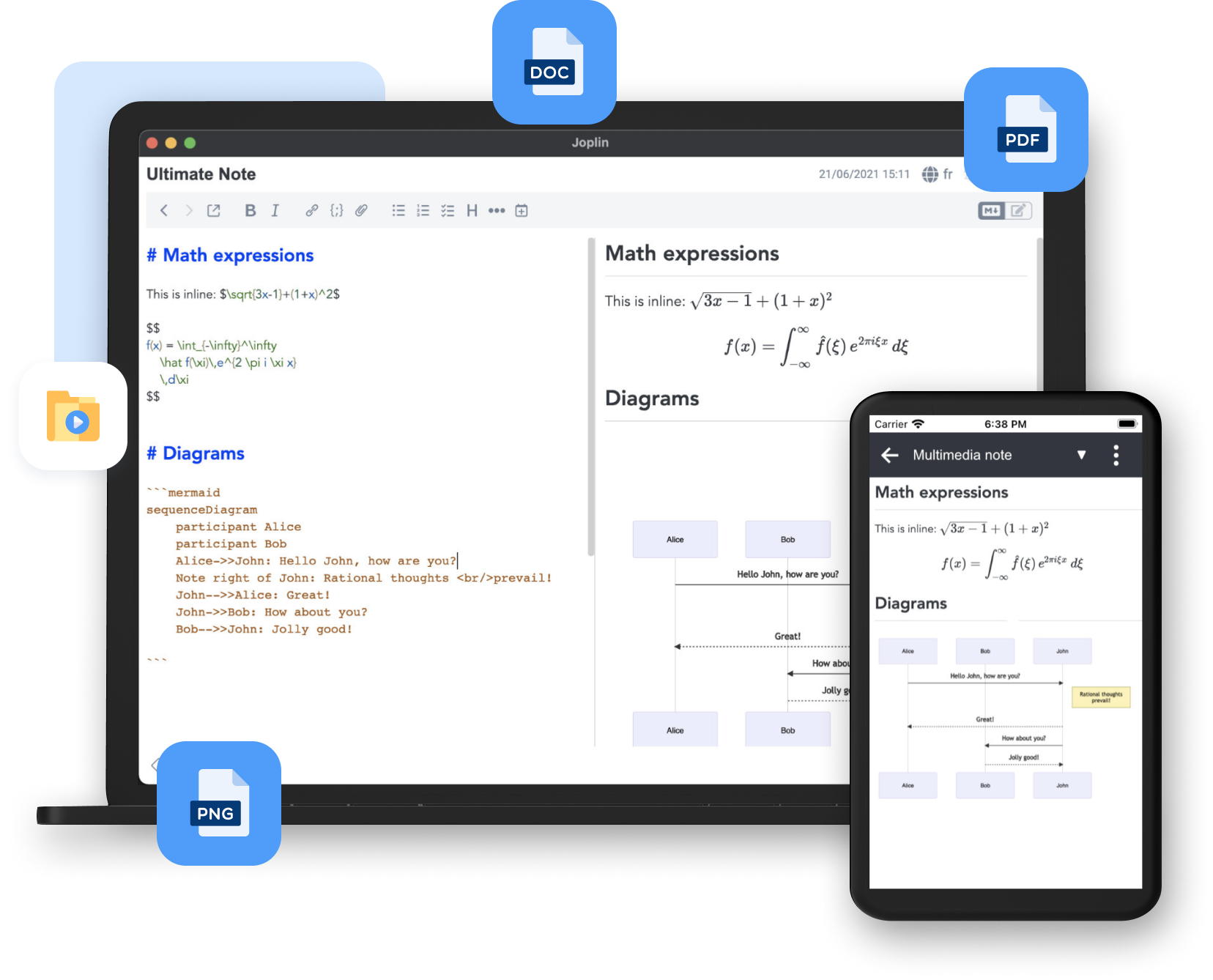


What is Joplin?
Joplin is a free, open-source note-taking and to-do application that handles many notes organized into notebooks. Notes use Markdown format, are searchable, and can be tagged and modified. The app works offline-first so notes are always accessible. Synchronization uses end-to-end encryption with cloud services. A self-hosted Joplin Server is available for organizations wanting full data control. The application runs on Windows, macOS, Linux, Android, iOS, and as a terminal app. A Web Clipper browser extension saves web pages and screenshots. The app supports plugins, custom themes, and multiple text editors.
Joplin alternatives
 JottySelf-hosted notes and checklists app: plain Markdown files in one data folder, no database, Docker or Proxmox/Unraid install, OIDC/LDAP login, encryption, Kanban, PWA.CompareJotty with Joplin
 journiv-appJourniv - Self hosted private journaling appComparejourniv-app with Joplin
 plumioplumio is a self-hosted, open-source markdown note app with live preview, encryption, multi-user/org support, webhooks, API keys, and backups.Compareplumio with Joplin
 ZenNotesOpen-source, keyboard-first Markdown notes app with real Vim motions, math and diagrams, and an MCP server; run it on desktop or self-host the web app with Docker.CompareZenNotes with Joplin
 Nowen NoteNowen Note is an open-source, self-hosted personal knowledge base with Markdown/rich-text editing, AI writing, mind maps, tasks, offline sync, and multi-device clients.CompareNowen Note with Joplin
 JournivA self-hosted private journal with moods, activities, goals, prompts, media uploads, full-text search and analytics, run with Docker Compose, SQLite or PostgreSQL.CompareJourniv with Joplin
 ClipCascadeOpen-source clipboard sync for Windows, macOS, Linux and Android: text, images and files relayed by a self-hosted server or peer-to-peer, end-to-end encrypted.CompareClipCascade with Joplin
 react-glass-keepSelf-hosted notes app similar to Google Keep with dark mode, real-time collaboration, private AI assistant, and native apps for Windows, macOS, Android.Comparereact-glass-keep with Joplin
Should you self-host Joplin?
Joplin scores 83/100 on selfhost.directory (how scoring works) and ranks #3 of 83 in Notes & Editors. It has 57 196 GitHub stars, +507 in the last 30 days.
It shipped 18 stable releases in the past year. The latest, v3.7.22, came out on 28 October 2026. New versions land roughly every 6 days.
Setup is moderate: expect some configuration beyond a single command. An official Docker image is available. It is Other-licensed and written mostly in Typescript.
Its closest alternative on selfhost.directory is Memos (85/100, 64 485 stars). It scores higher overall, so compare the two before you pick. See Joplin vs Memos side by side.
Features
- End-to-end encryption
- Evernote import
- External editor support
- Full-Text Search
- Multi-device synchronization
- Multimedia Notes
- Plugin System
- Terminal application
- Web Clipper
Joplin README



Joplin is a free, open source note taking and to-do application, which can handle a large number of notes organised into notebooks. The notes are searchable, can be copied, tagged and modified either from the applications directly or from your own text editor. The notes are in Markdown format.
FAQ
How do I restart Joplin on Windows (so that certain changes take effect)?
Close Joplin properly by clicking File > Quit or right-clicking tray icon > Exit. Task Manager can verify if Joplin is still running.
How can I use self-signed SSL certificates on Android?
Generate a custom CA and sign certificates with it using openssl or mkcert. Add the CA certificate to Android settings so Android recognizes the certificates as valid.
Why did my sync and encryption passwords disappear after updating Joplin?
On M1 Macs, version 2.12+ causes loss of keychain access from older versions. Re-enter passwords to fix sync and encryption issues.
Could there be a password to restrict access to Joplin?
On mobile, enable biometric lock. Desktop does not currently support this feature (open issue exists).
Is it possible to use real file and folder names in the sync target?
No, Joplin sync format is designed for performance and reliability, not user-friendliness. The sync directory is essentially a database.
How can I check the sync status?
Go to Help > Synchronisation Status on desktop, or Configuration > Tools > SYNC STATUS on mobile. Compare total items vs synced items.
Not all notes, folders, or tags are displayed on the mobile app
Joplin does not have background sync on mobile devices. Sync is interrupted when the app is closed, sent to background, or device sleeps.
The initial sync is very slow, how can I speed it up?
Large imports (e.g., from Evernote) can take a long time for initial sync. Various techniques to speed this up are outlined in the community forum.
I deleted some notes by accident and don't have a backup
If note history is enabled, use restoreNoteRevision command with the NOTE_ID. Find NOTE_ID in the SQLite database in deleted_items or revisions tables.
All my notes got deleted after changing the WebDAV URL!
When changing WebDAV URL, ensure the new location has the exact same content. Backup data, sync one last time, copy all Joplin files including .resource directory to new location, then change URL and sync.
How can I edit my note in an external text editor?
Configure the editor command in Preferences > Text editor command. Examples: 'subl -n -w' for Sublime, 'code -n --wait' for VS Code, 'gedit --new-window' for Gedit, 'xterm -e vim' for Vim in terminal.
Desktop application will not launch on Linux
If using AppImage directly, ensure execution permissions are set. The system may need libfuse2 library which AppImages require to run.
How can I pass arguments to the Linux installation script?
Pass arguments to the installation script using: wget -O - https://raw.githubusercontent.com/laurent22/joplin/dev/Joplin_install_and_update.sh | bash -s -- --argument1 --argument2
Installer gets stuck on Windows
The installer may get stuck if the app was not uninstalled correctly. Clean up the leftover registry entry under HKEY_CURRENT_USER\Software\Microsoft\Windows\CurrentVersion\Uninstall by finding the Joplin entry and deleting its folder.
More in Notes & Editors
 jotsyJotsy is a self-hosted, open-source note-taking app powered by Skytable and Rust, offering multi-user support with plaintext or Markdown notes.
- JottySelf-hosted notes and checklists app: plain Markdown files in one data folder, no database, Docker or Proxmox/Unraid install, OIDC/LDAP login, encryption, Kanban, PWA.
- JournivA self-hosted private journal with moods, activities, goals, prompts, media uploads, full-text search and analytics, run with Docker Compose, SQLite or PostgreSQL.
- journiv-appJourniv - Self hosted private journaling app
 labradorite-notebookLabradorite Notebook is a self-hosted, open-source note-taking app with SQLite FTS5 search, TinyMDE Markdown editor, and file attachments — no external dependencies.
 LexiconA free, open-source desktop editor for Windows, macOS, and Linux that checks grammar offline and rewrites text using local AI models — no account or cloud needed.
 lifeforgeLifeForge is a self-hosted personal management system combining productivity, finance, lifestyle, and learning tools in a modular platform you run on your own server.
 linksnapperLinkSnapper is a self-hosted, open-source bookmark manager and sticky notes app with a Catppuccin Mocha dark theme, flat-file storage, and a REST API for homelab use.
 Local Content ShareSelf-hosted, open-source tool for sharing snippets, files, and links across local devices. Features Markdown notepad, configurable TTL, and PWA support.
 Many NotesSelf-hosted Markdown note-taking web app with multiple vaults, OIDC/OAuth auth, real-time collaboration, fast search, and PWA support.
 markopolisMarkopolis is an open-source, self-hosted web app and API server that publishes Markdown notes as websites with full-text search and Obsidian-compatible syntax.
 MarpUISelf-hosted, open-source web app for authoring MARP markdown slide decks: Monaco editor, live preview, speaker notes, mermaid diagrams, and HTML/PDF/PPTX export.
0 comments