
Self-host jotsy
v0.1.0Self-hosted note-taking app with simplicity focus
- Stars
- 514
- Port
- 2022 (Jotsy web application)
- Requires
- Skytable
ohsayan/jotsy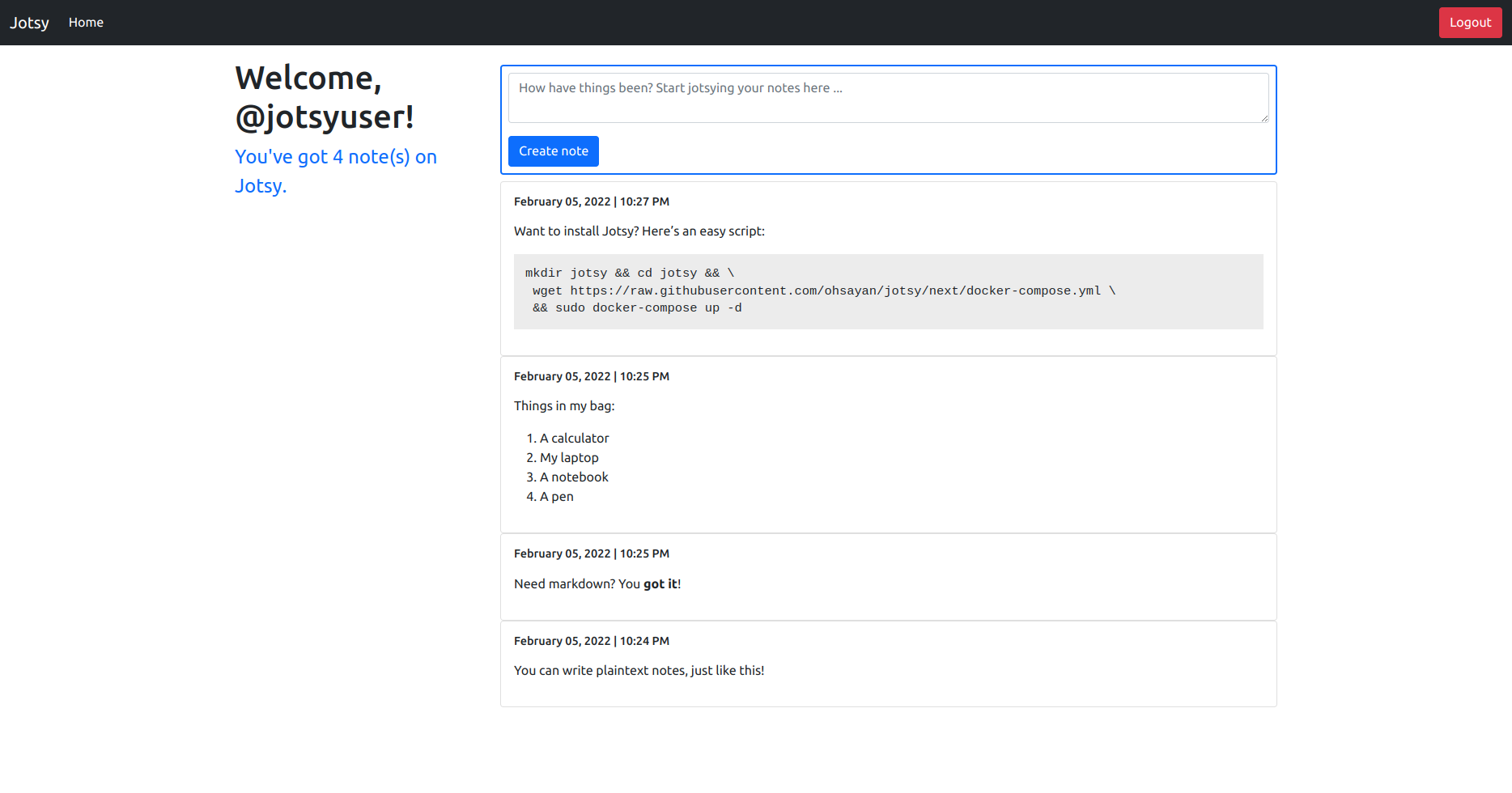
What is jotsy?
Jotsy is a self-hosted note-taking application designed for simplicity. It supports multiple users with secure authentication and session management, allows notes in plaintext or Markdown format, and runs on a lightweight stack using Rust with Axum and Tokio on the backend, and Bootstrap with vanilla JavaScript on the frontend. The app uses Skytable as its database and is deployed via Docker Compose. The project is in early development with the latest stable release v0.1.0 from February 2022 and an alpha release v0.2.0-alpha.1 from November 2022.
Should you self-host jotsy?
jotsy scores 42/100 on selfhost.directory (how scoring works) and ranks #62 of 81 in Notes & Editors. It has 514 GitHub stars.
There was no stable release in the past 12 months, so check the repository's recent activity before you rely on it.
Setup is easy: most people get it running in one sitting. An official Docker image is available. It is Apache-2.0-licensed and written mostly in Rust.
Its closest alternative on selfhost.directory is Memos (86/100, 64 136 stars). It scores higher overall, so compare the two before you pick. See jotsy vs Memos side by side.
Features
- Distraction-free note taking
- Lightweight browser footprint
- Lightweight server resource usage
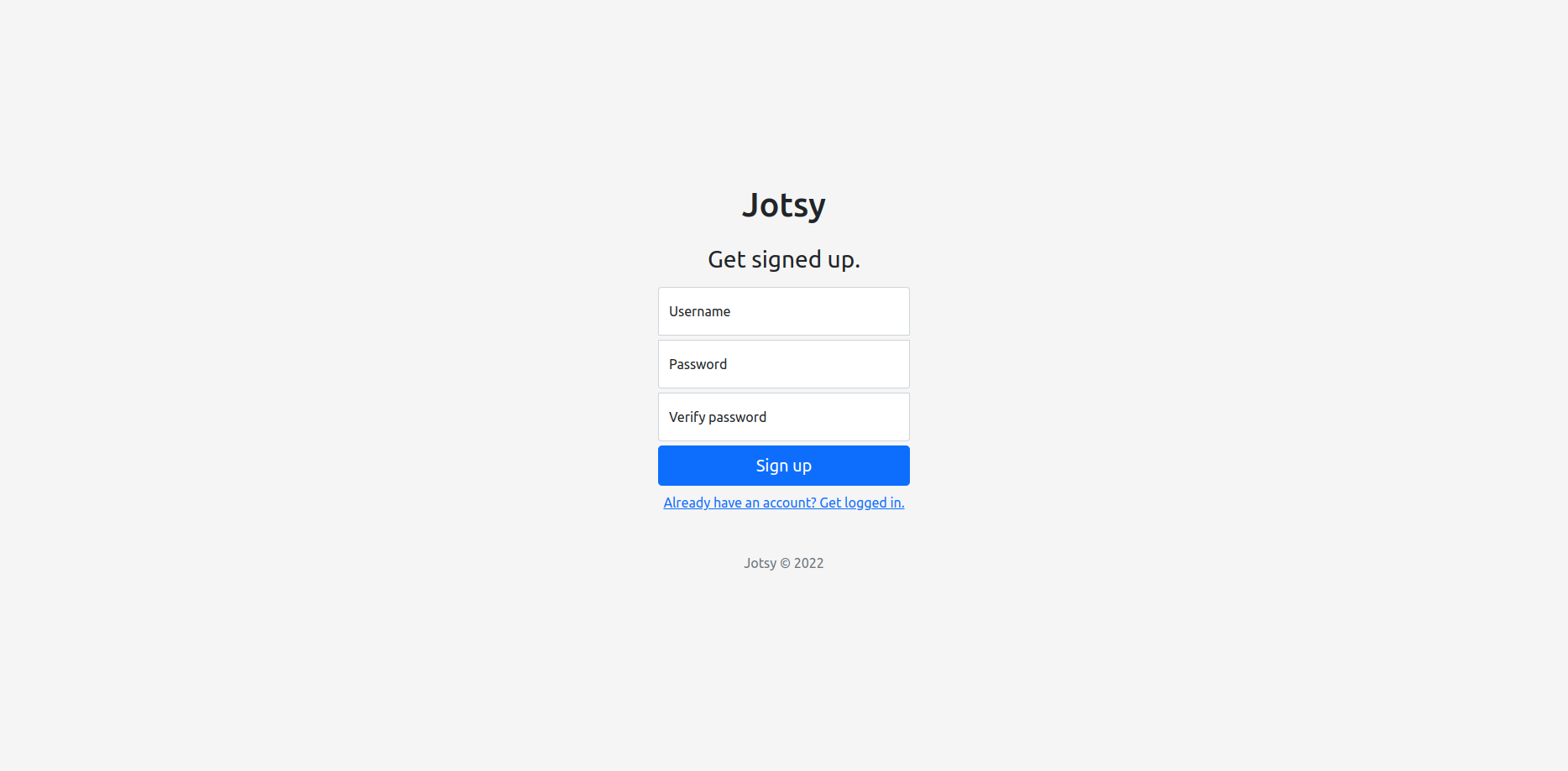
- Multi-user support
- Plaintext and Markdown notes
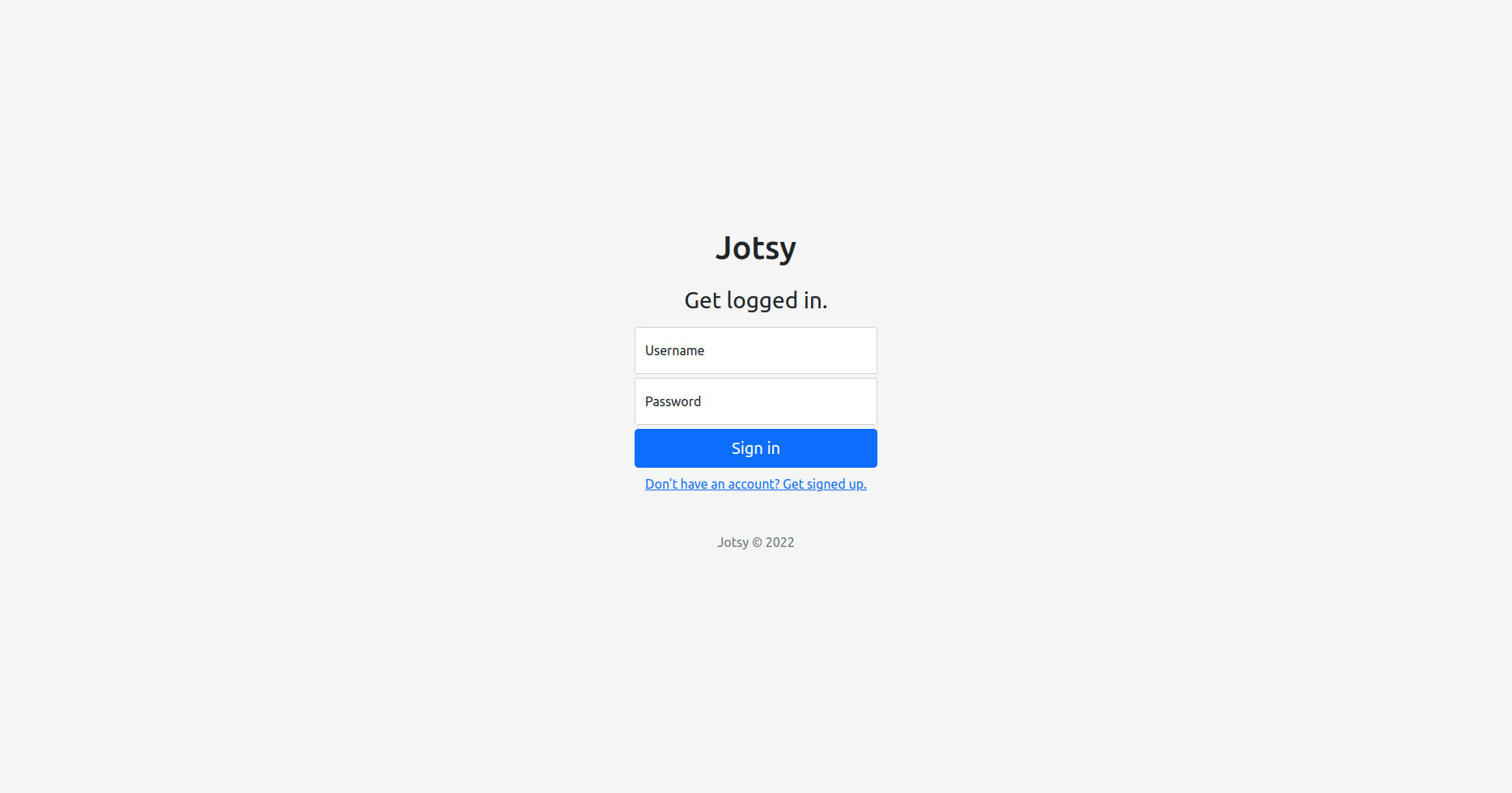
- Secure authentication and session management
- Simple configuration via environment variables
jotsy README
More in Notes & Editors
 JottySelf-hosted notes and checklists app: plain Markdown files in one data folder, no database, Docker or Proxmox/Unraid install, OIDC/LDAP login, encryption, Kanban, PWA.
 JournivA self-hosted private journal with moods, activities, goals, prompts, media uploads, full-text search and analytics, run with Docker Compose, SQLite or PostgreSQL.
 journiv-appJourniv - Self hosted private journaling app
 labradorite-notebookLabradorite Notebook is a self-hosted, open-source note-taking app with SQLite FTS5 search, TinyMDE Markdown editor, and file attachments — no external dependencies.
 LexiconA free, open-source desktop editor for Windows, macOS, and Linux that checks grammar offline and rewrites text using local AI models — no account or cloud needed.
 lifeforgeLifeForge is a self-hosted personal management system combining productivity, finance, lifestyle, and learning tools in a modular platform you run on your own server.
 linksnapperLinkSnapper is a self-hosted, open-source bookmark manager and sticky notes app with a Catppuccin Mocha dark theme, flat-file storage, and a REST API for homelab use.
 Local Content ShareSelf-hosted, open-source tool for sharing snippets, files, and links across local devices. Features Markdown notepad, configurable TTL, and PWA support.
 Many NotesSelf-hosted Markdown note-taking web app with multiple vaults, OIDC/OAuth auth, real-time collaboration, fast search, and PWA support.
 markopolisMarkopolis is an open-source, self-hosted web app and API server that publishes Markdown notes as websites with full-text search and Obsidian-compatible syntax.
- memExA structured personal knowledge base inspired by zettlekasten and org-mode, designed for notes, contexts, and pipelines with multi-user support and privacy controls.
 MemosSelf-hosted, open-source note app for Markdown memos with search, tags, calendar, and visibility controls. Runs as a single binary with SQLite/MySQL/PostgreSQL.
0 comments