
Self-host JobSync
v1.1.22Job tracker with AI resume review and job discovery
docker compose up- Stars
- 1 471
- Port
- 3737 (JobSync web app (host mapping 3737:3737))
ghcr.io/gsync/jobsync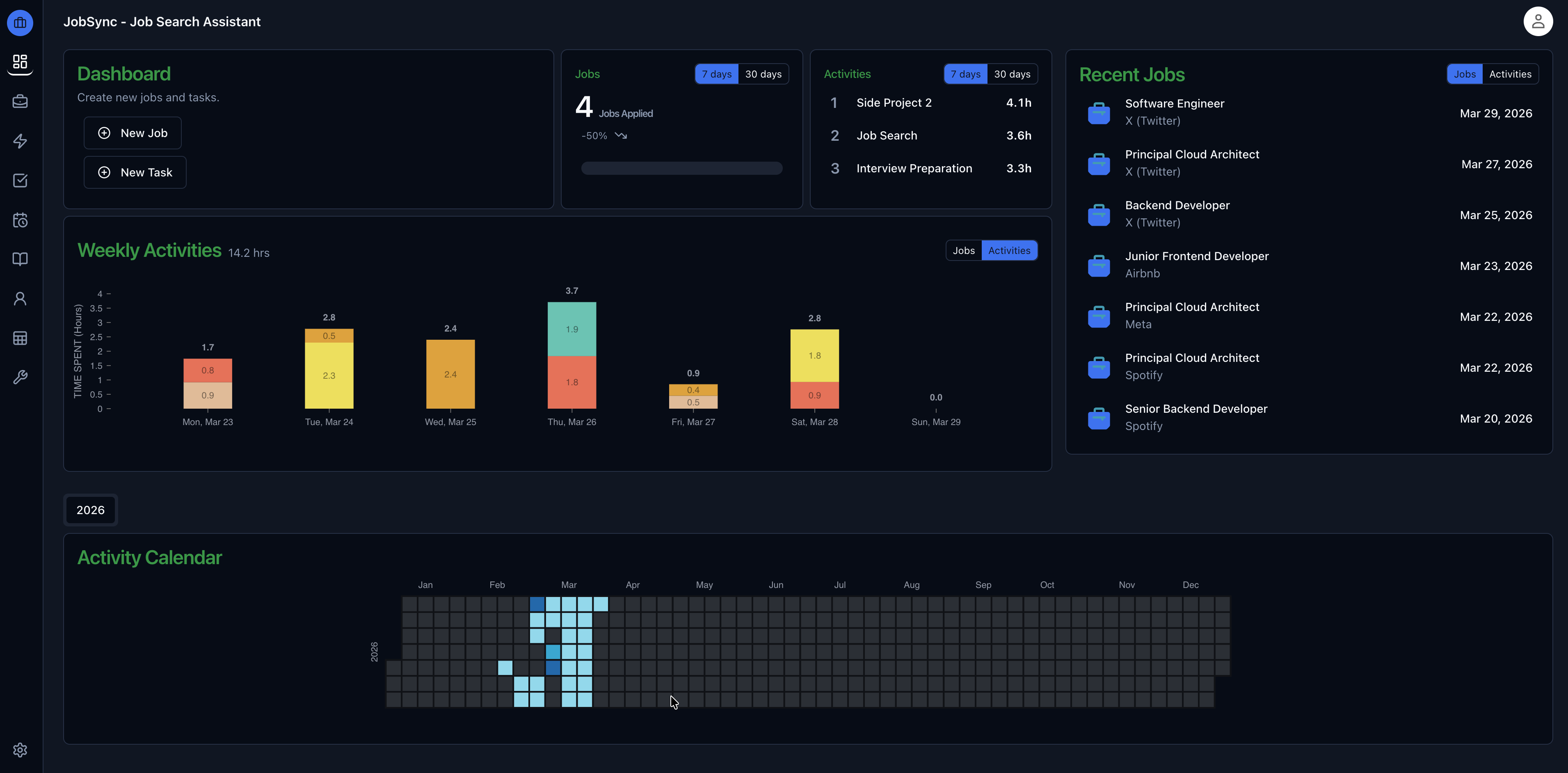
What is JobSync?
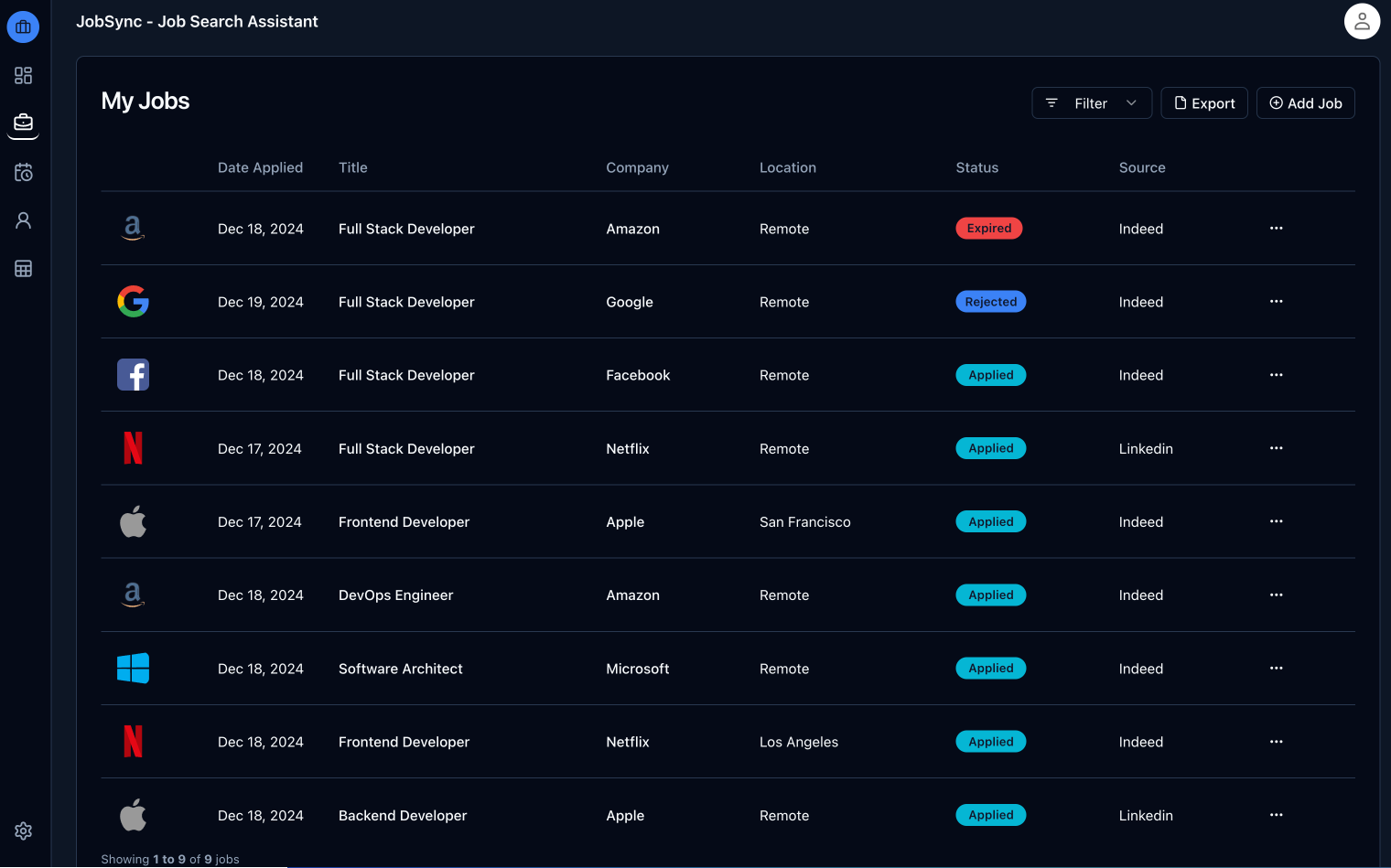
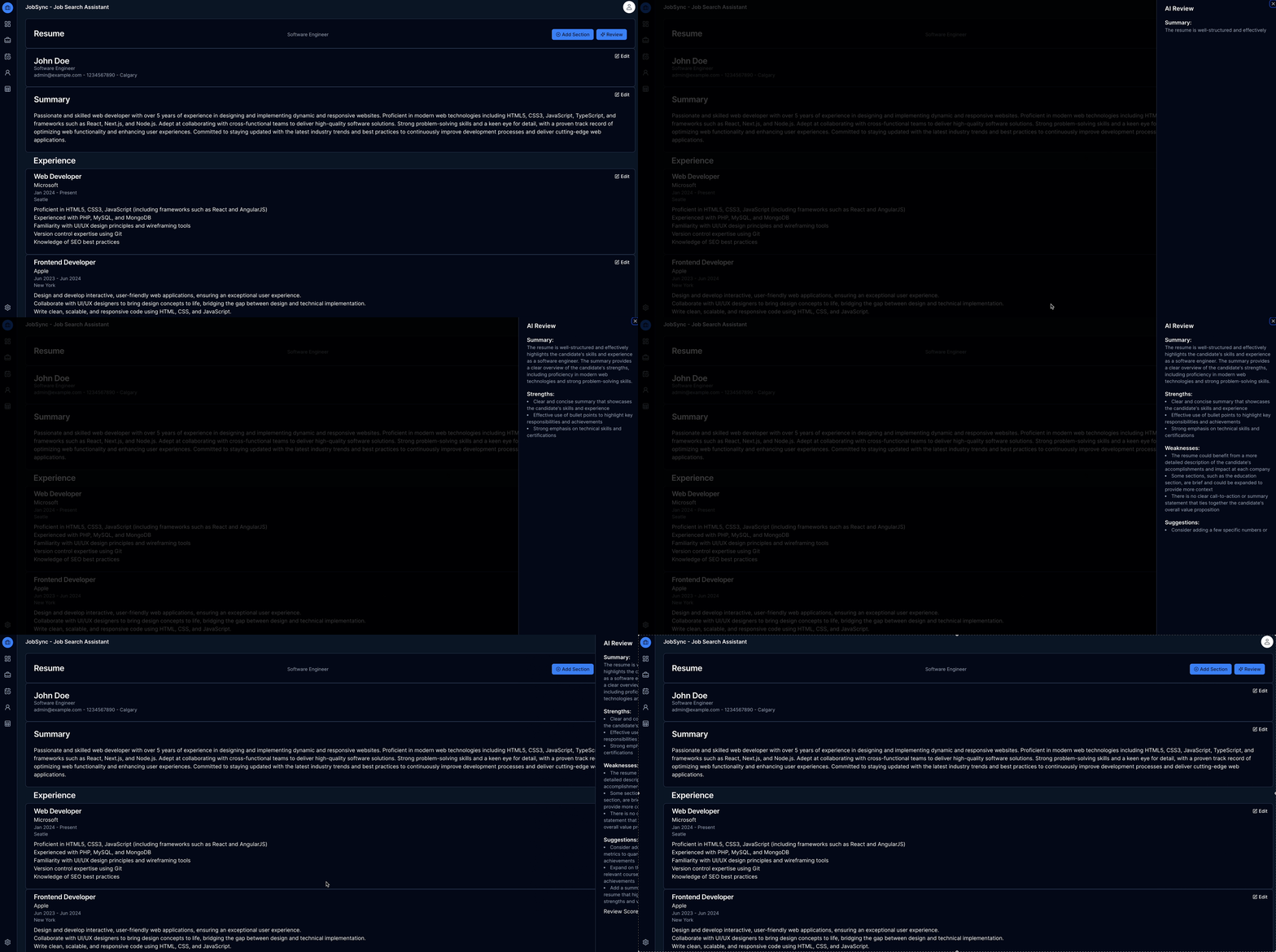
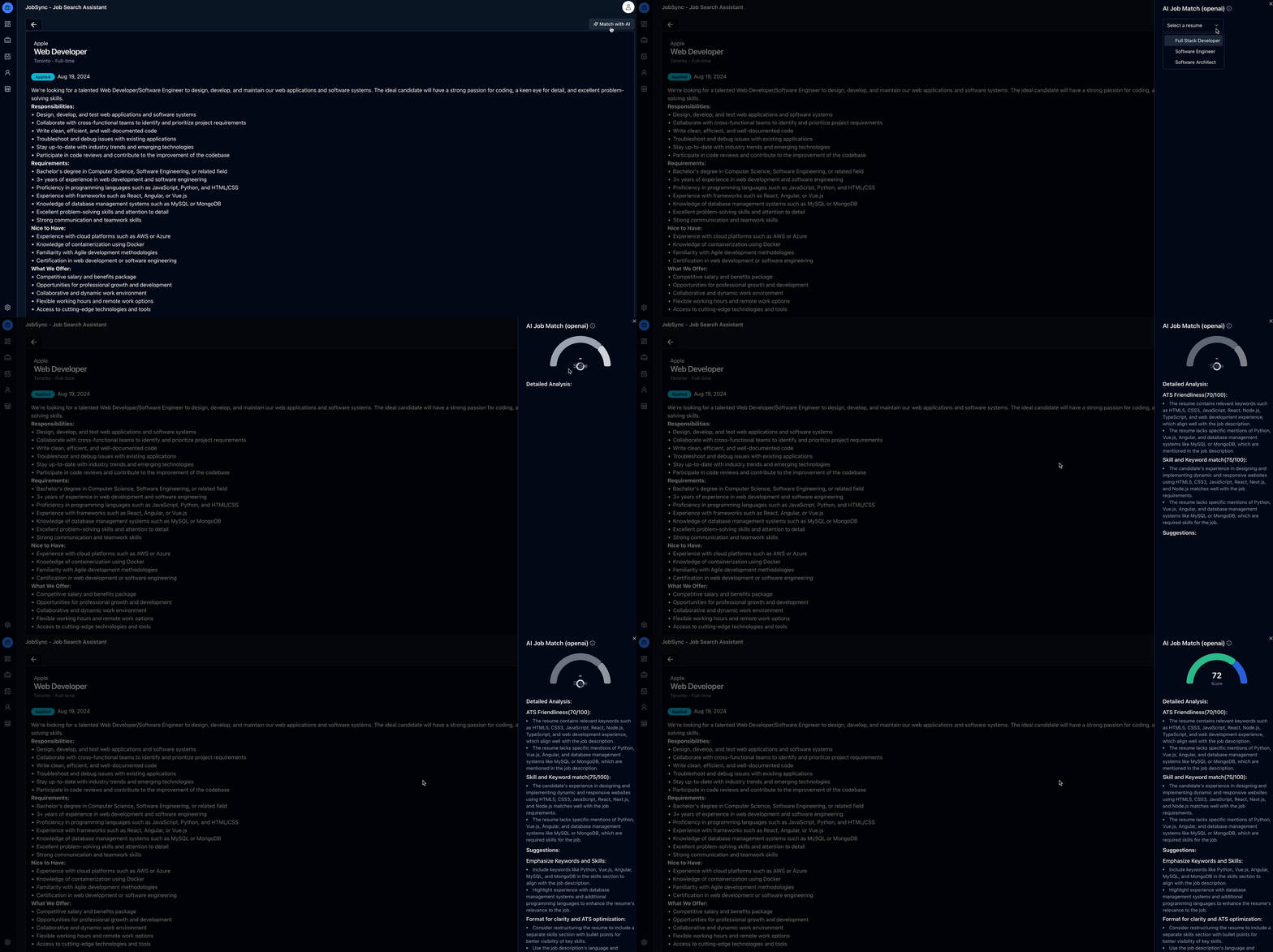
JobSync is an open-source workspace for running a job search, aimed at people who want applications, resumes and interview prep kept on their own server. It records each application by company, title, dates and status, then layers AI on top: scored resume reviews with written feedback, resume-versus-posting match analysis, drafted cover letters, and structured data extraction when you bring in an existing PDF or Word resume. Scheduled automations poll Greenhouse, Lever and Ashby career boards for roles at companies you follow, rank the hits with a quick on-device scoring pass, and only spend an AI comparison on the best candidates before you choose to keep one. A docked chat assistant drives the same analyses from any page, and a built-in MCP server lets outside AI agents log jobs or interview questions after you approve them. Remaining modules cover tasks and timed activity logs, recruiter contacts, per-company pages, a tagged interview question bank, resume PDF export in two layouts, and one-zip backup with undo-able restore. Self-hosting means cloning the repo and running docker compose; the app serves ghcr.io/gsync/jobsync on port 3737, you create your own account at first launch, and AI keys go in under Settings — with Ollama as the default provider so nothing has to leave your hardware. The project states no subscription and no paid tiers, while a hosted cloud offering is waitlist-only.
Should you self-host JobSync?
JobSync scores 53/100 on selfhost.directory (how scoring works) and ranks #10 of 38 in Personal Productivity. It has 1 471 GitHub stars.
It shipped 10 stable releases in the past year. The latest, v1.1.22, came out on 11 October 2026. New versions land roughly every 10 days.
Setup is easy: most people get it running in one sitting. An official Docker image is available. It is MIT-licensed and written mostly in Typescript.
Its closest alternative on selfhost.directory is LanguageTool (75/100, 15 206 stars). It scores higher overall, so compare the two before you pick. See JobSync vs LanguageTool side by side.
Features
- AI Chat Assistant
- AI cover letter generation
- AI job matching
- AI resume review
- Application tracking
- Automated job discovery
- Backup and Restore
- Company pages
- Contact Management
- Interview question bank
- MCP Server
- Resume import from PDF/Word
- Resume PDF export
- Search progress dashboard
- Task and activity tracking
JobSync README
More in Personal Productivity
 JournivA self-hosted private journal with moods, activities, goals, prompts, media uploads, full-text search and analytics, run with Docker Compose, SQLite or PostgreSQL.
 LanguageToolOpen-source proofreading tool for 30+ languages; self-host its embedded HTTP server or a community Docker image for grammar, spelling and style checks.
 librislogSelf-hosted, open-source book tracking webapp with multi-user support, reading progress, statistics, ISBN scanning, and dashboard integrations.
 lifeforgeLifeForge is a self-hosted personal management system combining productivity, finance, lifestyle, and learning tools in a modular platform you run on your own server.
 LinkAceA self-hosted, open-source bookmark manager that archives links, monitors them for breakage, and offers tags, lists, multi-user SSO and a REST API.
 linkdingA self-hosted, open-source bookmark manager with tags, multi-user sharing, automatic metadata, site archiving and a REST API.
 linkyLinky is a self-hosted, open-source link-in-bio builder with live blocks that auto-update from Spotify, Instagram, TikTok, GitHub, and more.
 LynxSelf-hosted open-source page builder for creating link-in-bio pages, portfolios, venue menus, and event pages with visual editing, analytics, and newsletter features.
 Make a WrappedSelf-hosted open-source tool generating Wrapped-style posters from ListenBrainz, Last.fm, Libre.fm, or Navidrome with custom periods, templates, and API.
 marretaOpen-source, self-hosted paywall bypasser that cleans pages, strips tracking parameters and blocks domains, run via Docker Compose with an admin panel and REST API.
 medassistMedAssist is a self-hosted, open-source medication manager that tracks inventory, sends low-stock email alerts, and creates travel medication lists.
 MediKeepSelf-hosted open-source medical records app for individuals and families to manage health data privately.
0 comments