
Self-host iplayarr
0.11.6iPlayer indexer and download client for Sonarr and Radarr
- Stars
- 142
- Port
- 4404 (Web UI and API for Sonarr/Radarr integration)
nikorag/iplayarr
What is iplayarr?
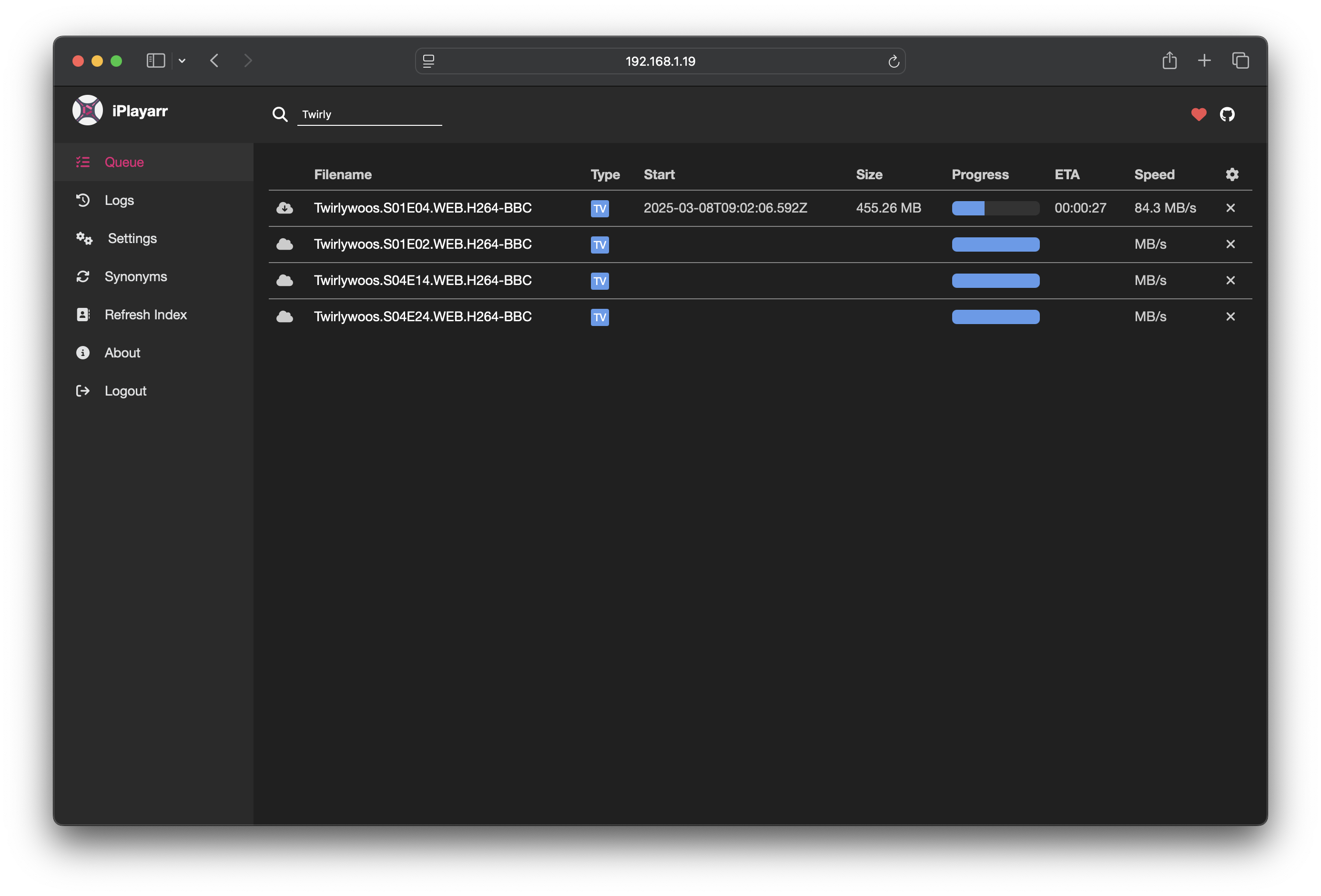
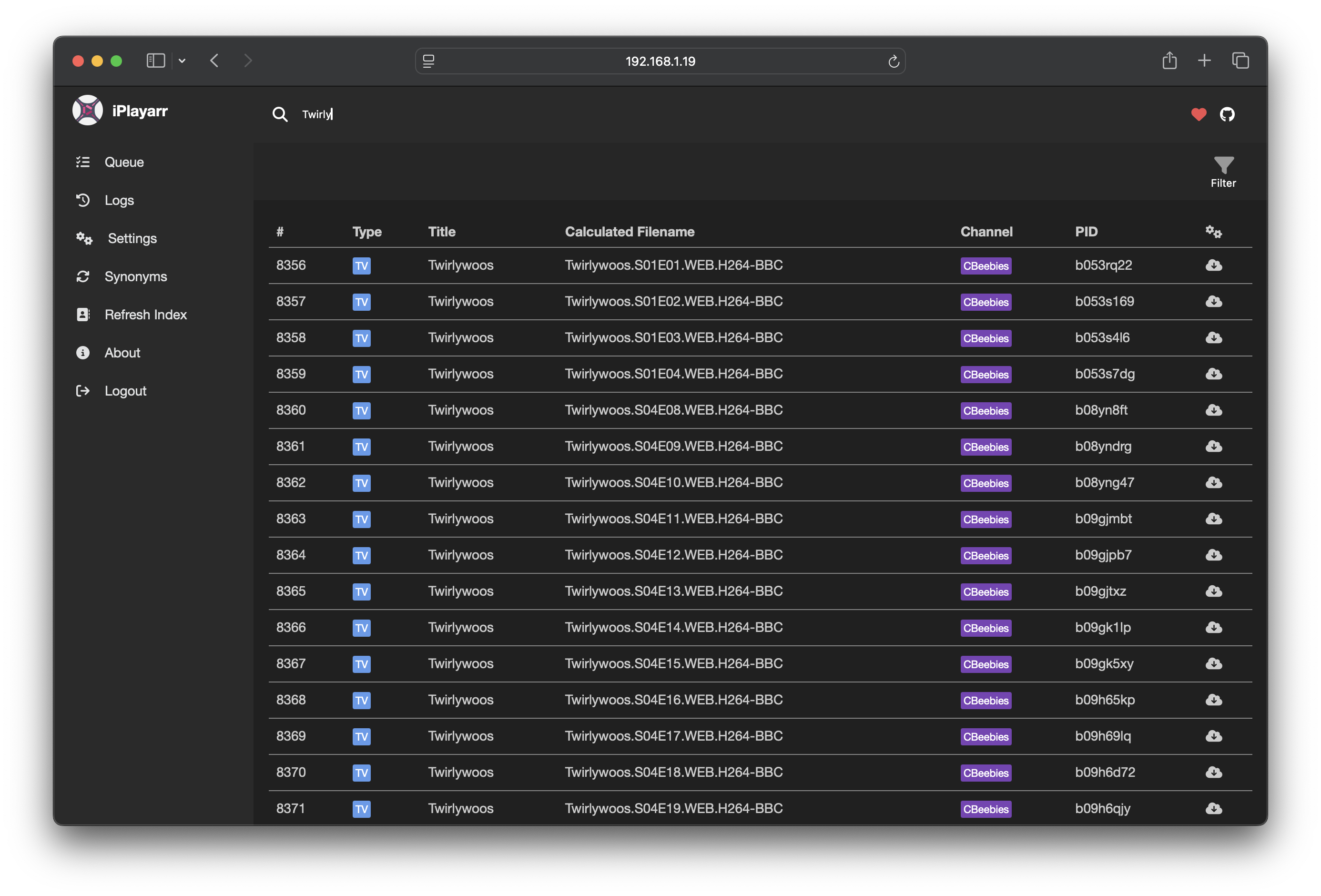
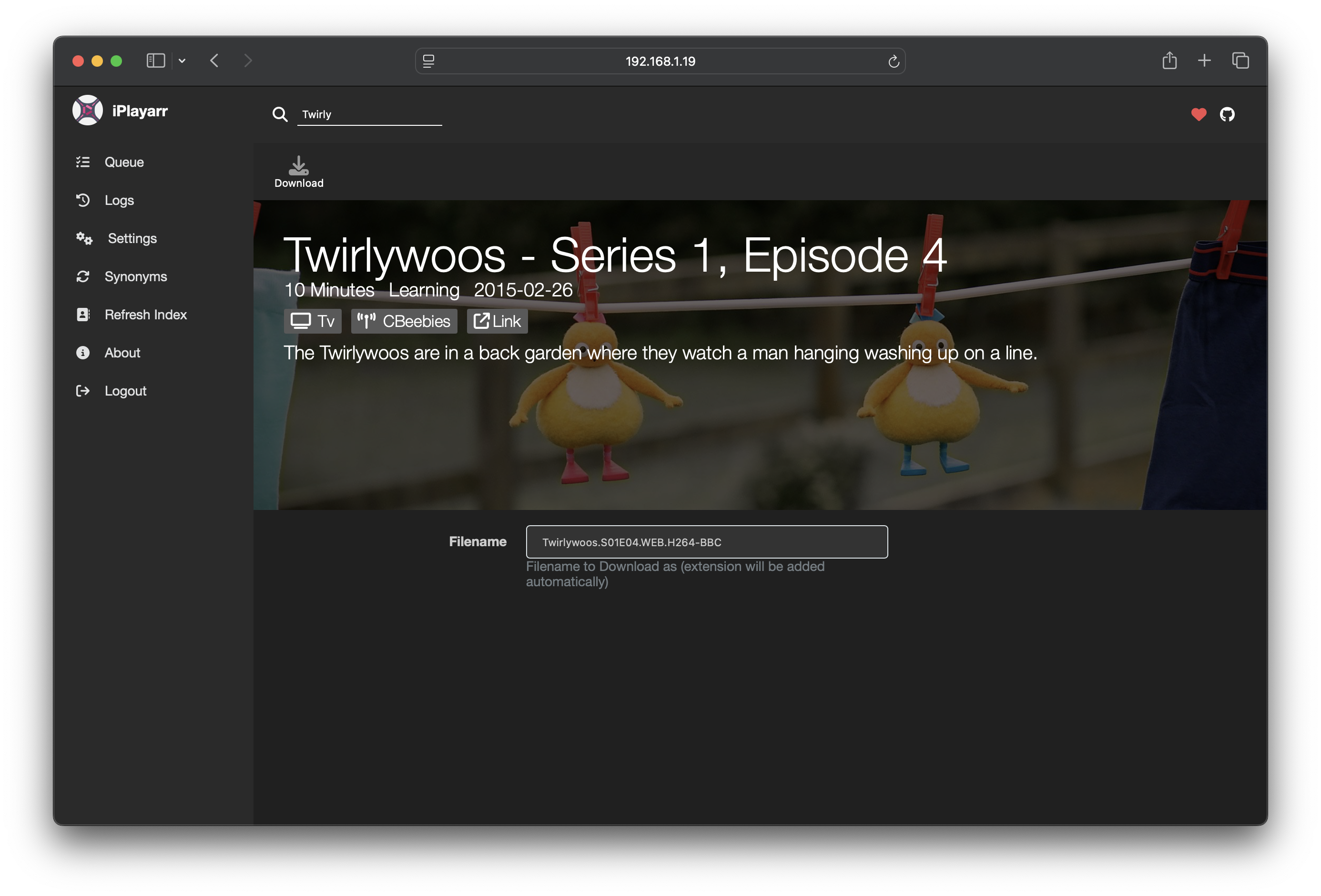
iPlayarr is a self-hosted bridge that brings BBC iPlayer content into the Sonarr and Radarr automation stack. It functions as a Newznab indexer so shows become searchable inside *arr apps, and as a SABnzbd-compatible downloader so episodes are fetched and post-processed automatically. The backend relies on get_iplayer to pull streams from iPlayer, managing the entire workflow from query to sorted media files. Deployment is via a Docker image that includes a web interface for settings and logs, with Redis bundled for storage. The service listens on port 4404 for API calls from Sonarr and Radarr. Licensed under GPL-3.0.
Should you self-host iplayarr?
iplayarr scores 44/100 on selfhost.directory (how scoring works) and ranks #38 of 45 in Download Management. It has 142 GitHub stars.
It shipped 4 stable releases in the past year. The latest, 0.11.6, came out on 22 April 2026. New versions land roughly every 2 months.
Setup is moderate: expect some configuration beyond a single command. An official Docker image is available. It is GPL-3.0-licensed and written mostly in Typescript.
Its closest alternative on selfhost.directory is cobalt (83/100, 45 584 stars). It scores higher overall, so compare the two before you pick. See iplayarr vs cobalt side by side.
Features
- Built-in Authentication
- Get_iplayer integration
- Newznab-compatible indexer
- SABnzbd-compatible download client
- Web UI
iplayarr README
More in Download Management
 KeepShareKeepShare is a self-hosted, open-source file hosting automation tool that converts Magnet/DDL/Ed2K links into hosted shares, supports PikPak, auto-repairs banned shares
 librarrLibrarr is a self-hosted, open-source search and download manager for books, audiobooks, and manga. It searches multiple indexers and auto-imports into Calibre.
 LidarrOpen-source, self-hosted music collection manager that watches indexer RSS feeds, grabs albums over Usenet or BitTorrent, and upgrades quality automatically.
 LidaTubeLidaTube is a self-hosted, open-source tool that finds and downloads missing music albums from YouTube via yt-dlp, integrating with Lidarr to fill library gaps.
 LinkSiftSelf-hosted media downloader with yt-dlp: inspect URLs, pick MP4/MP3 quality, manage downloads in a responsive web queue with live progress.
 listenarrOpen-source, self-hosted audiobook manager that searches indexers, sends grabs to qBittorrent or SABnzbd, and organizes an Audible-enriched library automatically.
 MediaManagerSelf-hosted, open-source media manager for TV and movie libraries: discover releases, score them, hand downloads to qBittorrent or SABnzbd, with OIDC sign-in.
 MediariumSelf-hosted media manager combining multiple *arr apps and downloaders into one Docker container for movies, shows, music and books.
 media-rollerSelf-hosted Go server that downloads social media videos via yt-dlp, transcodes to MP4, and includes an iOS Shortcut for one-click saving to Photos.
 Mediary ScoutSelf-hosted AI agent that fetches media into your cloud drives (Quark, 115, GuangYaPan, 123, Tianyi), verifies transfers, and auto-fills missing episodes.
 MedusaOpen-source TV show manager you run yourself: it searches torrent and Usenet providers, grabs episodes via download clients, and organizes them for Kodi, Plex and Emby.
 MeTubeAn open-source, self-hosted web UI for yt-dlp: paste links from YouTube and hundreds of other sites, queue whole playlists, and follow channel subscriptions.
0 comments