
Self-host ifm
v4.1.2Web-based file manager as a single PHP file
- Stars
- 370
- Port
- 80 (HTTP web interface)



What is ifm?
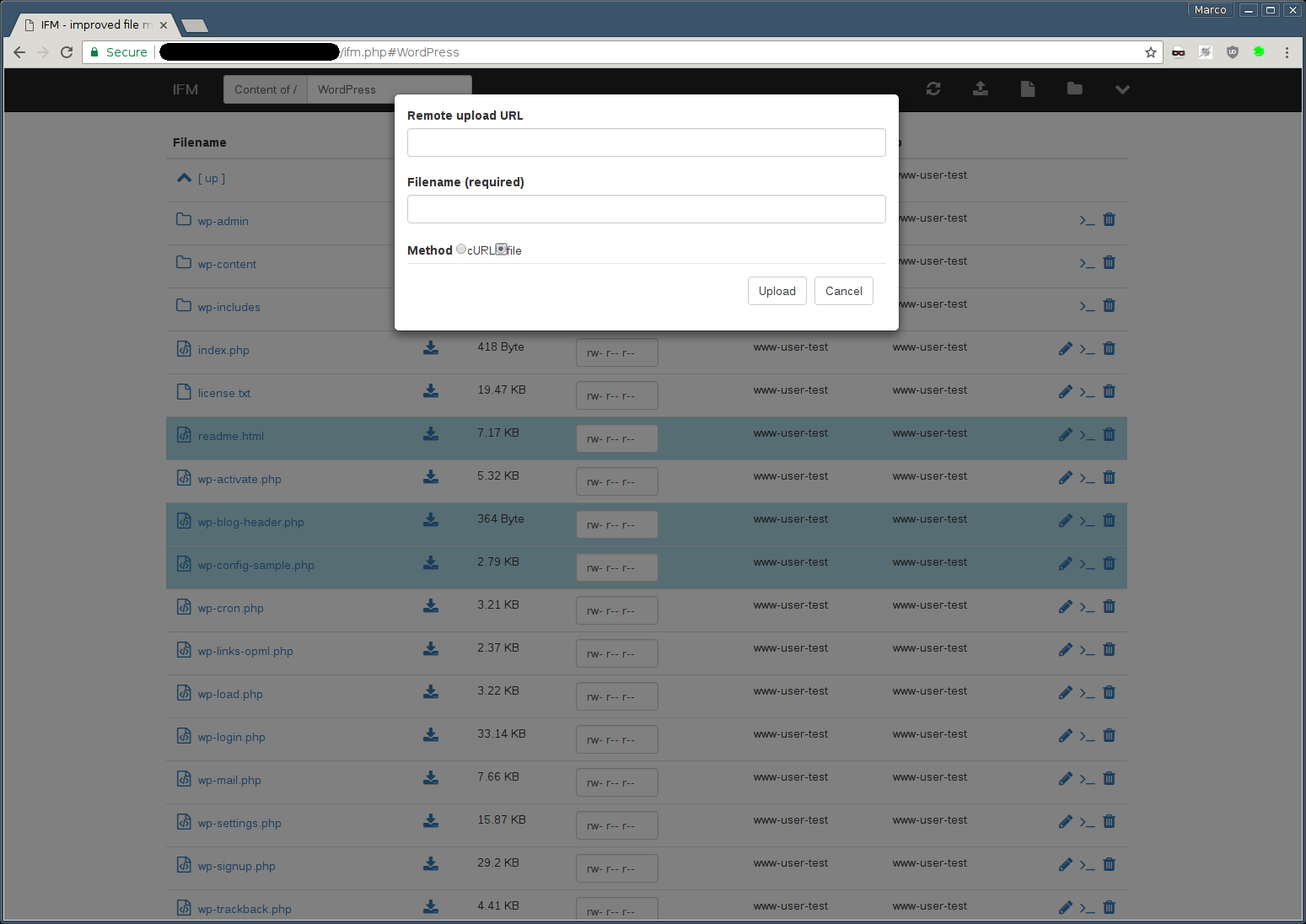
IFM (Improved File Manager) is a web-based file manager delivered as a single PHP file. It handles creating and editing files and directories, copying and moving items, downloading, uploading (direct, remote via URL, drag & drop), extracting various archive formats, changing permissions, and previewing images. Authentication options include inline credentials, htpasswd files, and LDAP via ldap_bind. Deployment options are Docker, Docker Compose, or placing a PHP file on any PHP-enabled web server. The project is MIT-licensed open source.
Should you self-host ifm?
ifm scores 49/100 on selfhost.directory (how scoring works) and ranks #19 of 34 in File Management. It has 370 GitHub stars.
It shipped 2 stable releases in the past year. The latest, v4.1.2, came out on 20 August 2026. New versions land roughly every 8 months.
Setup is easy: most people get it running in one sitting. It is MIT-licensed and written mostly in PHP.
Its closest alternative on selfhost.directory is AList (83/100, 50 366 stars). It scores higher overall, so compare the two before you pick. See ifm vs AList side by side.
Features
- ACE Editor integration
- Archive Extraction
- Authentication
- CDN or bundled assets
- Directory download as ZIP
- File Management
- File Upload
- Image Preview
- Keyboard Shortcuts
- Permission management
- Search
ifm README
More in File Management
 IronDropIronDrop is a self-hosted, open-source Rust file server with directory browsing, WebDAV, search, and monitoring in a single binary.
 IssuedIssued is a self-hosted, open-source comic library server for CBZ, CBR, CB7, and PDF files with OPDS catalog, web reader, dark mode, and automatic library updates.
 Javinizer GoSelf-hosted JAV metadata scraper and organizer with web UI, REST API, CLI, TUI, and desktop app. Scrapes 14+ sources, generates Kodi/Plex NFOs, downloads artwork.
 KomgaKomga is a self-hosted, open-source media server for comics, manga, and eBooks with responsive web UI, REST API, OPDS, Kobo/KOReader sync, and multi-user management.
 LinkarrLinkarr is a self-hosted, open-source media organizer that creates symlinks for Jellyfin without moving files.
 MakersVaultSelf-hosted web app for organizing 3D printing files with interactive 3D previews, folder tagging, and slicer integration.
 ManyfoldSelf-hosted, open-source catalogue for your 3D printing files: scan libraries, view models in interactive 3D, tidy them on disk, and share through the Fediverse.
 MikochiMikochi is a self-hosted, open-source remote file browser for servers and NAS that lets you browse, upload, download, rename, delete files, and stream media to VLC/mpv.
 myDriveOpen-source cloud file storage like Google Drive. Self-host on your server. Upload/download files and folders with AES256 encryption, PWA support, JWT authentication.
 namerNamer is a self-hosted, open-source tool that renames adult video files and embeds metadata from ThePornDB for Plex, Jellyfin, and Emby.
 nati.veOpen-source Nextcloud client with native apps for Android, Linux, and Windows. Connects to your self-hosted server for files, photos, calendar, and chat.
 nextcloud-mcp-serverA self-hosted, open-source MCP server that lets AI assistants interact with your Nextcloud instance — managing notes, calendars, contacts, files, and more.
0 comments