
Self-host i-librarian-free
5.11.3Self-hosted PDF organizer with AI research tools
docker run -d --name il-free -p 127.0.0.1:9050:80 -v /var/www/i-librarian-free/library/data:/i-librarian/data -v /var/www/i-librarian-free/library/config:/i-librarian/config i-librarian-free:5.11.3- Stars
- 356
- Port
- 80 (HTTP web interface)
- Requires
- Ghostscript, Poppler-utils, SQLite (via php-sqlite3)
What is i-librarian-free?
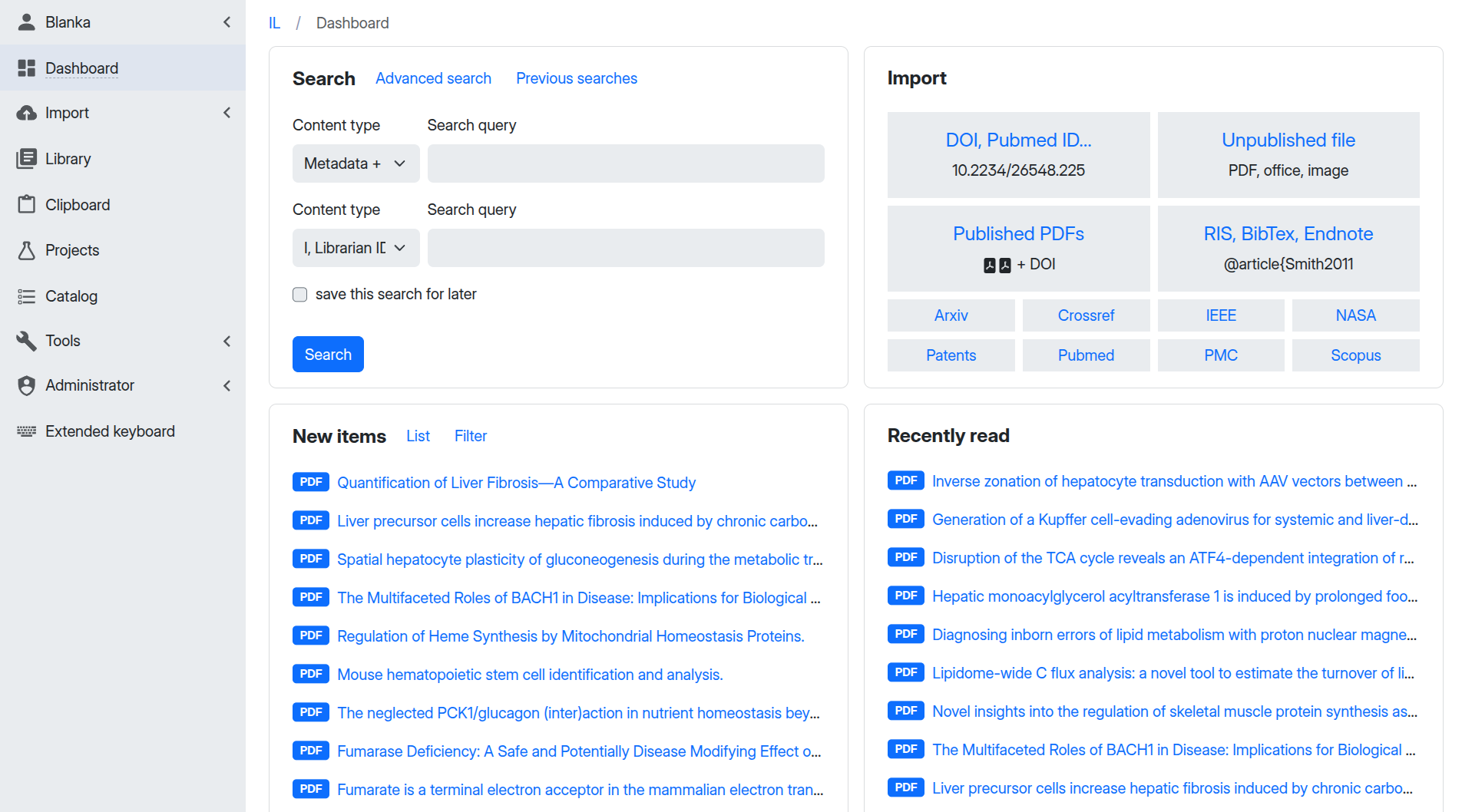
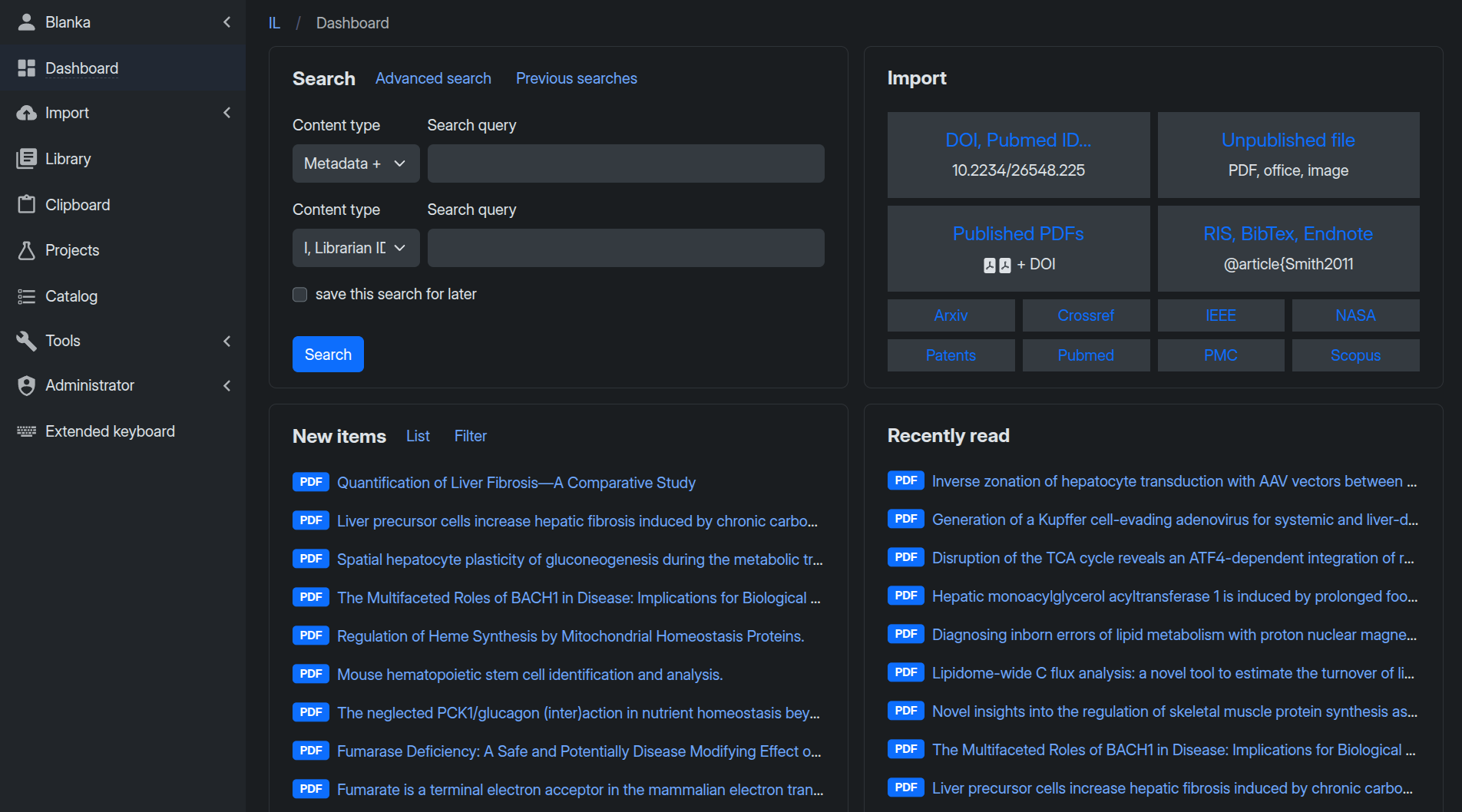
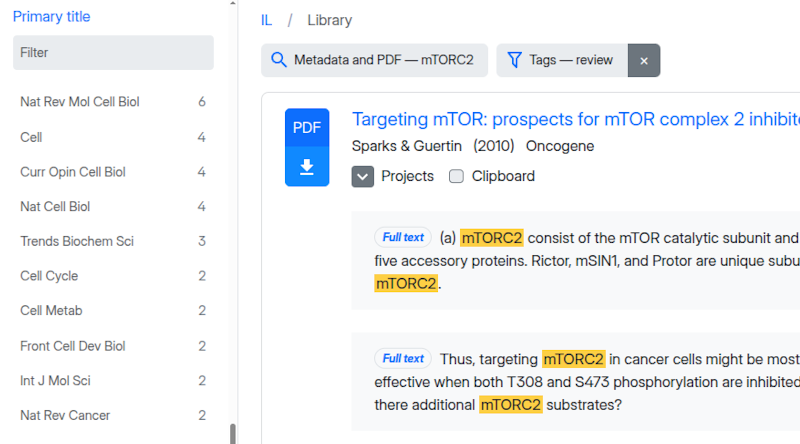
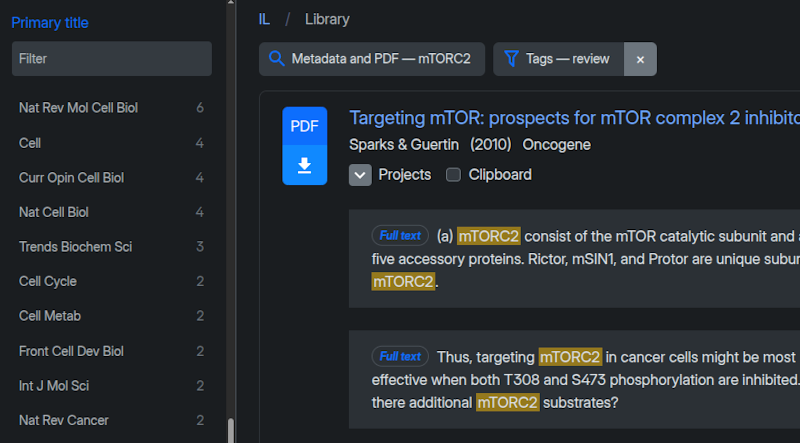
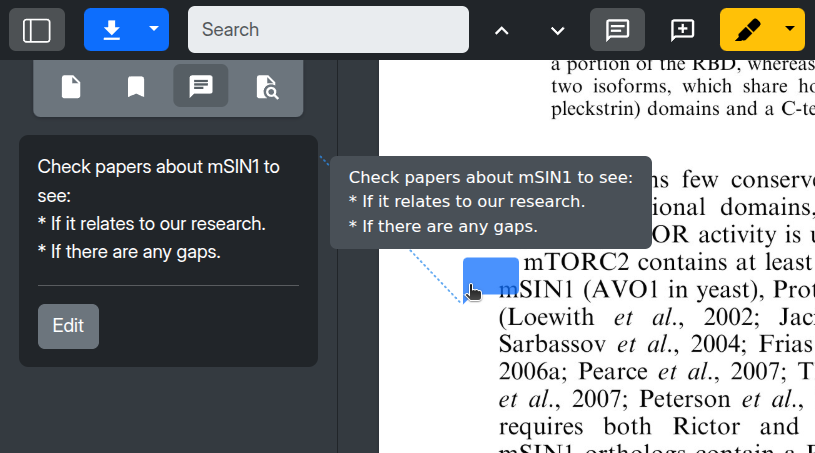
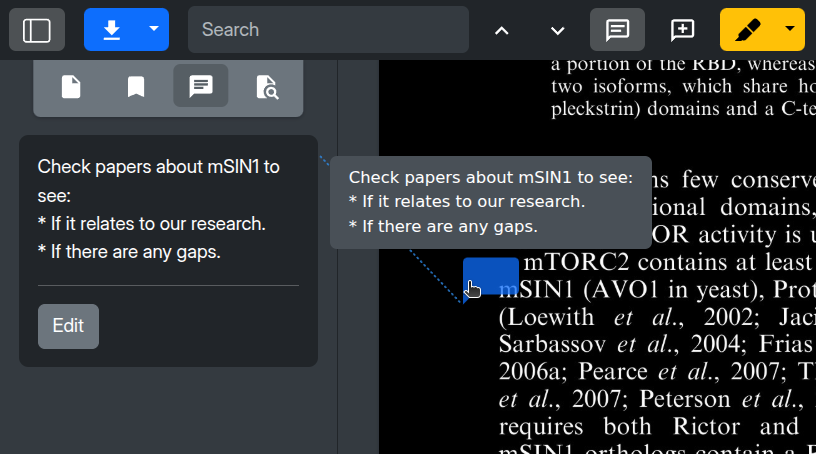
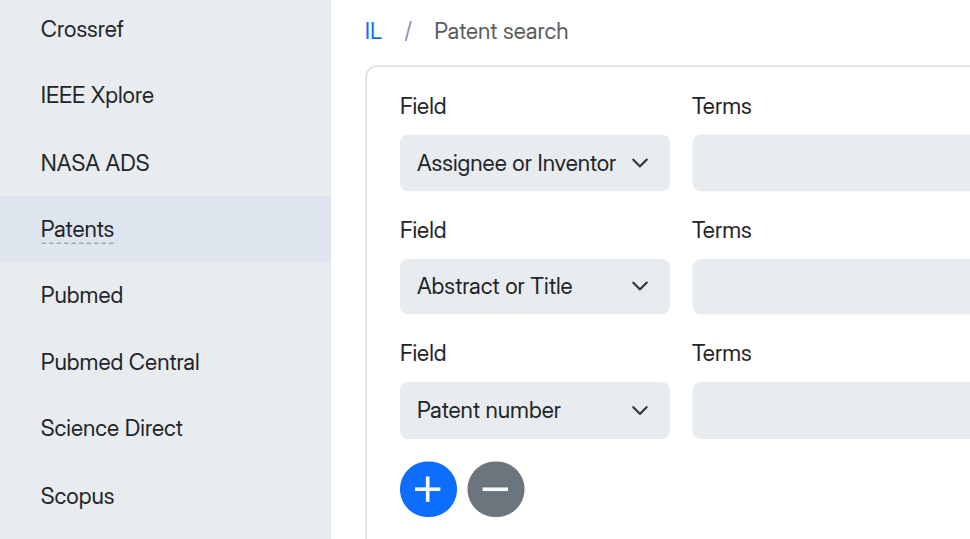
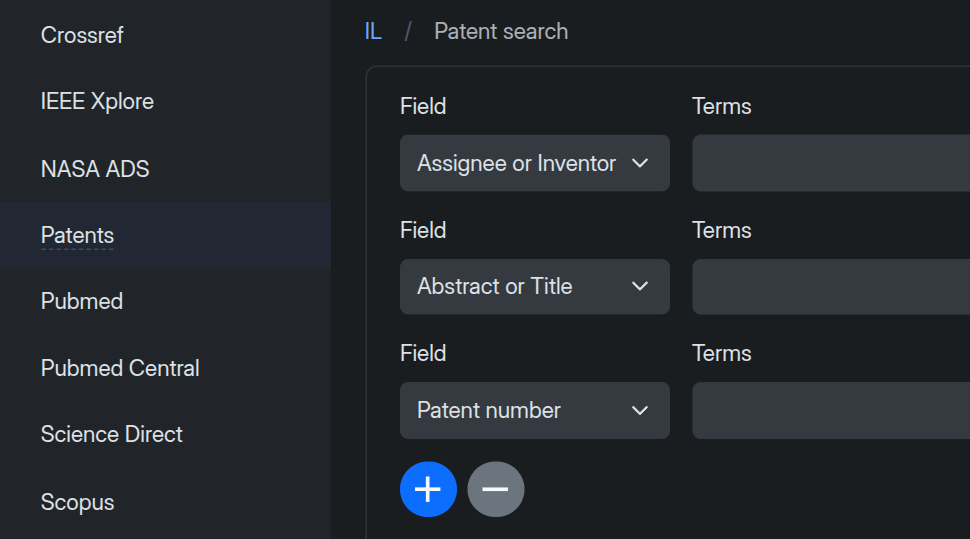
I, Librarian is a web-based PDF organizer designed for researchers, academic institutions, and corporate R&D teams who need full control over their document collections. It provides a centralized, no-sync database accessible from any browser, with faceted full-text search, an in-browser PDF viewer with annotations and night mode, and AI tools for chatting with documents, generating summaries, and finding related literature. The software integrates directly with major academic databases including Crossref, PubMed, IEEE, NASA ADS, Scopus, ScienceDirect, and patent repositories for one-click metadata import. It supports SAML and OIDC single sign-on, granular user permissions, and detailed activity logs. The community edition is free and open-source (GPL-3.0), while a Pro self-hosted license adds AI features, unlimited libraries, and a compiled Go binary. Deployment options include Docker, Docker Compose, and manual installation on Linux, macOS, and Windows with Apache or Nginx.
Should you self-host i-librarian-free?
i-librarian-free scores 50/100 on selfhost.directory (how scoring works) and ranks #28 of 46 in Document Management. It has 356 GitHub stars.
It shipped 2 stable releases in the past year. The latest, 5.11.3, came out on 2 December 2025.
Setup is advanced: plan for several services and some ongoing maintenance. It is GPL-3.0-licensed and written mostly in PHP.
Its closest alternative on selfhost.directory is Reactive Resume (87/100, 44 995 stars). It scores higher overall, so compare the two before you pick. See i-librarian-free vs Reactive Resume side by side.
Features
- AI PDF chat and summariesAI features require Pro license in self-hosted edition
- Bulk actions (Omnitool)
- Centralized document database
- Duplicate Detection
- Faceted full-text search
- Global repository search
- In-browser PDF viewer
- Metadata import/export
- OCR SupportRequires optional tesseract-ocr installation
- Office document importRequires optional libreoffice installation
- Project Collaboration
- REST API
- SAML/OIDC Single Sign-On
- User activity logsDetailed logs in Pro edition only
i-librarian-free README
More in Document Management
 inquisitiveSelf-hosted personal knowledge base with local LLM chat and RAG for notes, documents, and web links. Runs via Python, FastAPI, Streamlit, and Ollama.
 Invoice BuilderOpen-source, offline-first invoicing and quoting app for freelancers and small businesses, with PDF export, e-invoices, and a self-hosted Docker web mode.
 JKinco Listen (Open Edition)Self-hosted, open-source AI meeting minutes workbench running offline with FunASR and Ollama, producing formatted DOCX/PDF minutes.
 JmalCloudSelf-hosted, open-source personal cloud drive: online Office editing, previews, WebDAV mounting, resumable big uploads and full-text search, shipped as a Docker image.
 JmalCloudJmalCloud is a self-hosted, open-source private cloud storage platform with WebDAV, object storage backends, OnlyOffice integration, and full-text search.
 judicexJudicex is a self-hosted legal AI workspace for lawyers to ingest sources, run workflow checks, generate drafts, and chat with an LLM bound to evidence in SQLite
 LibreOffice (LinuxServer.io)Self-hosted Docker container streaming LibreOffice to a browser via HTTPS using the Selkies platform.
 LibreSignControl how your documents get signed
 Mayan EDMSSelf-hosted open-source DMS with OCR, document versioning, workflows, fine-grained permissions, smart links and a REST API, deployed via Docker Compose or Helm.
 MemorwiseSelf-hosted NotebookLM alternative for document chat with any LLM. Drop in files/links — local RAG Q&A, knowledge graphs, flashcards, quizzes, audio. One command.
 mikeOpen-source self-hosted legal AI for contracts, case research, document analysis. Lets law firms control data, workflows without vendor lock-in. Runs locally via Docker.
 Nextcloud Office📑 Collabora Online for Nextcloud
0 comments