
Self-host Hermes-Secure-Email-Gateway
v261026Open-source email gateway and mail server with encryption
- Stars
- 141
- CPU
- 4 vCPUs minimum
- RAM
- 8 GB minimum, 16 GB+ recommended for production
- Storage
- Config/OS disk: 120 GB minimum; Data, Archive, Vmail, Nextcloud tiers sized to usage (~275 GB total for single-disk test install)
- Ports
- 25 (SMTP (inbound/outbound mail)), 465 (SMTPS (SMTP over TLS)), 587 (SMTP Submission), 80 (HTTP (redirects to HTTPS)), 443 (HTTPS (admin console, user portal, Nextcloud, CipherMail UI)), 993 (IMAPS), 995 (POP3S), 143 (IMAP), 110 (POP3), 4190 (Sieve (ManageSieve))
- Requires
- MariaDB, OpenLDAP, Redis
What is Hermes-Secure-Email-Gateway?
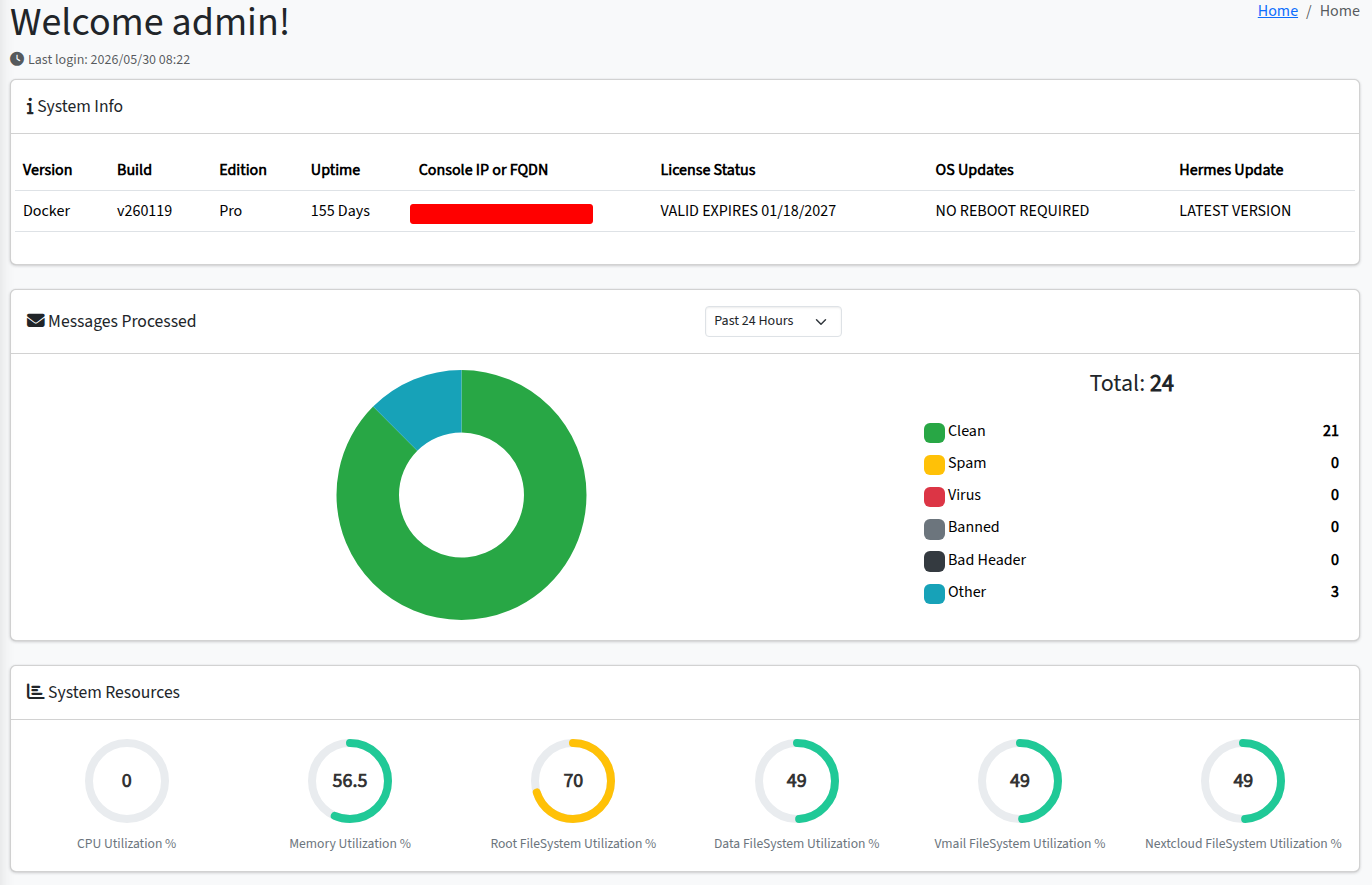
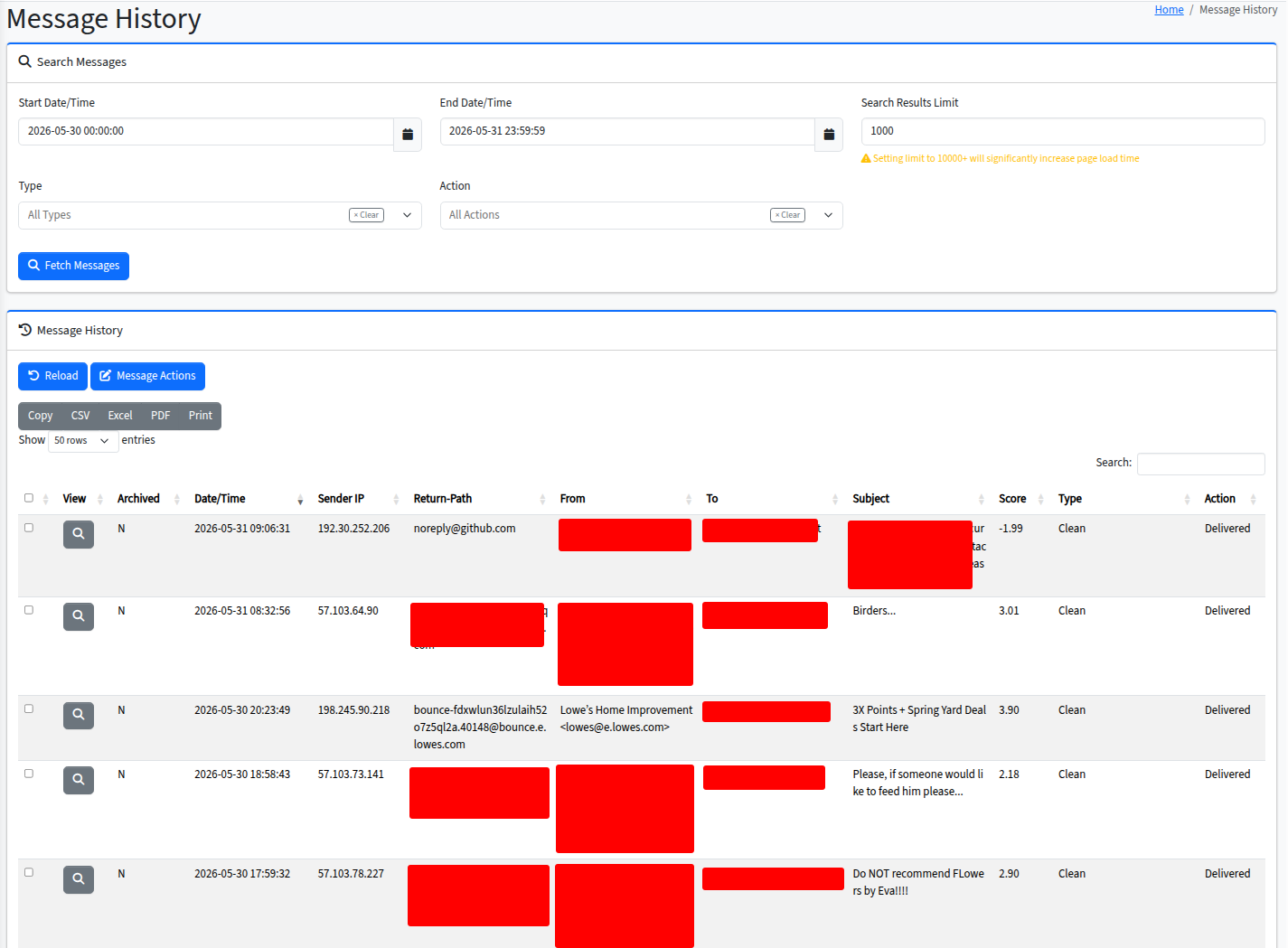
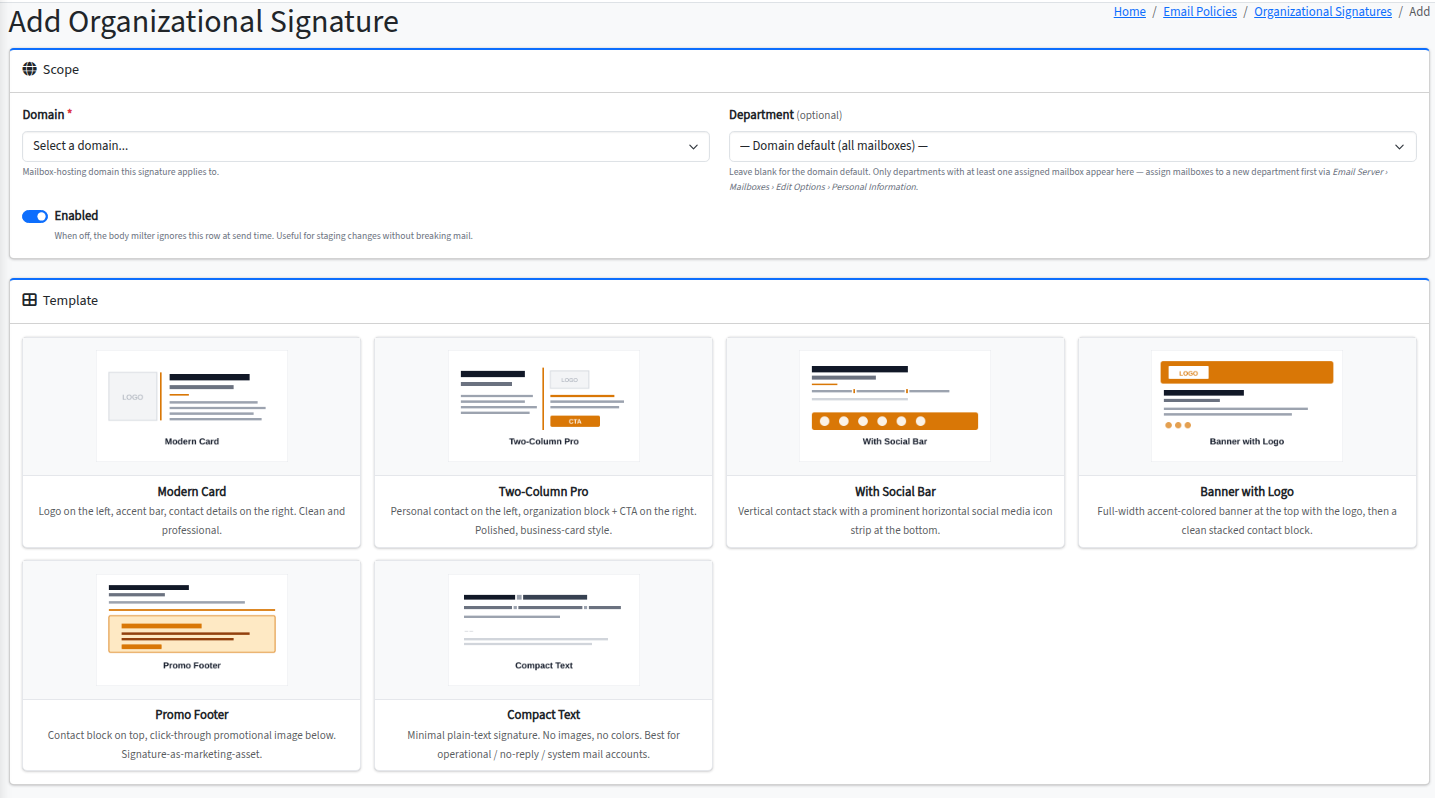
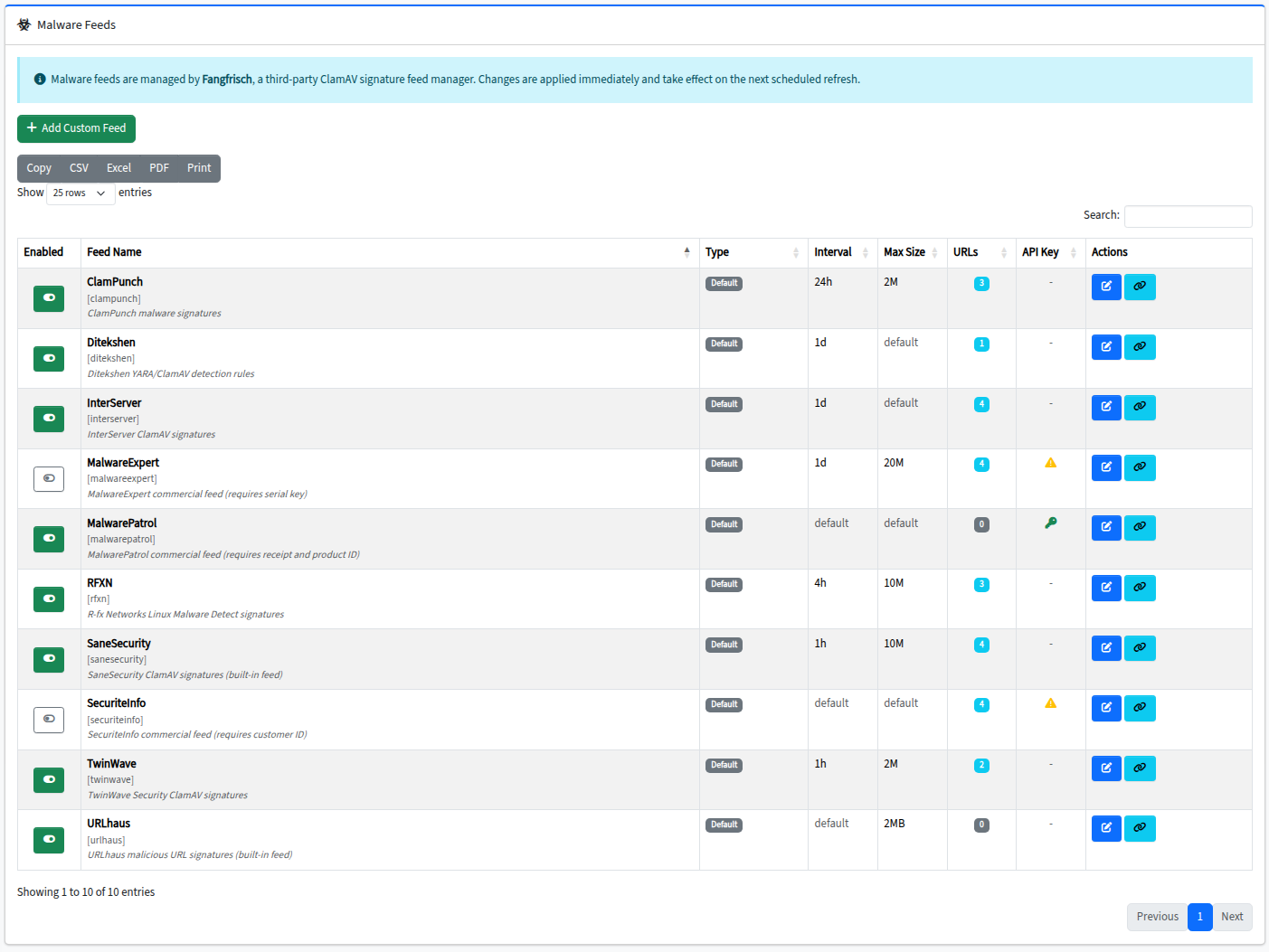
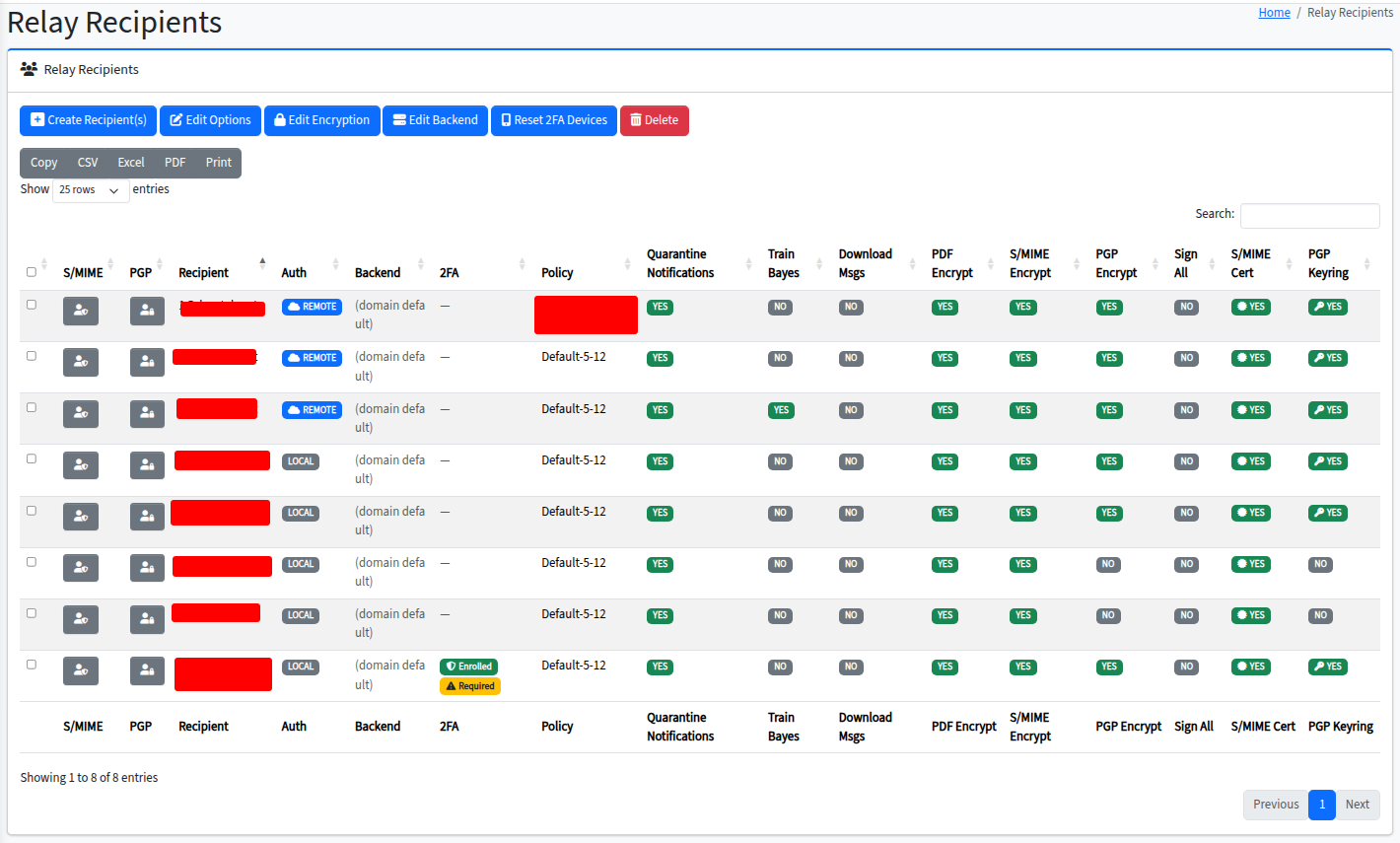
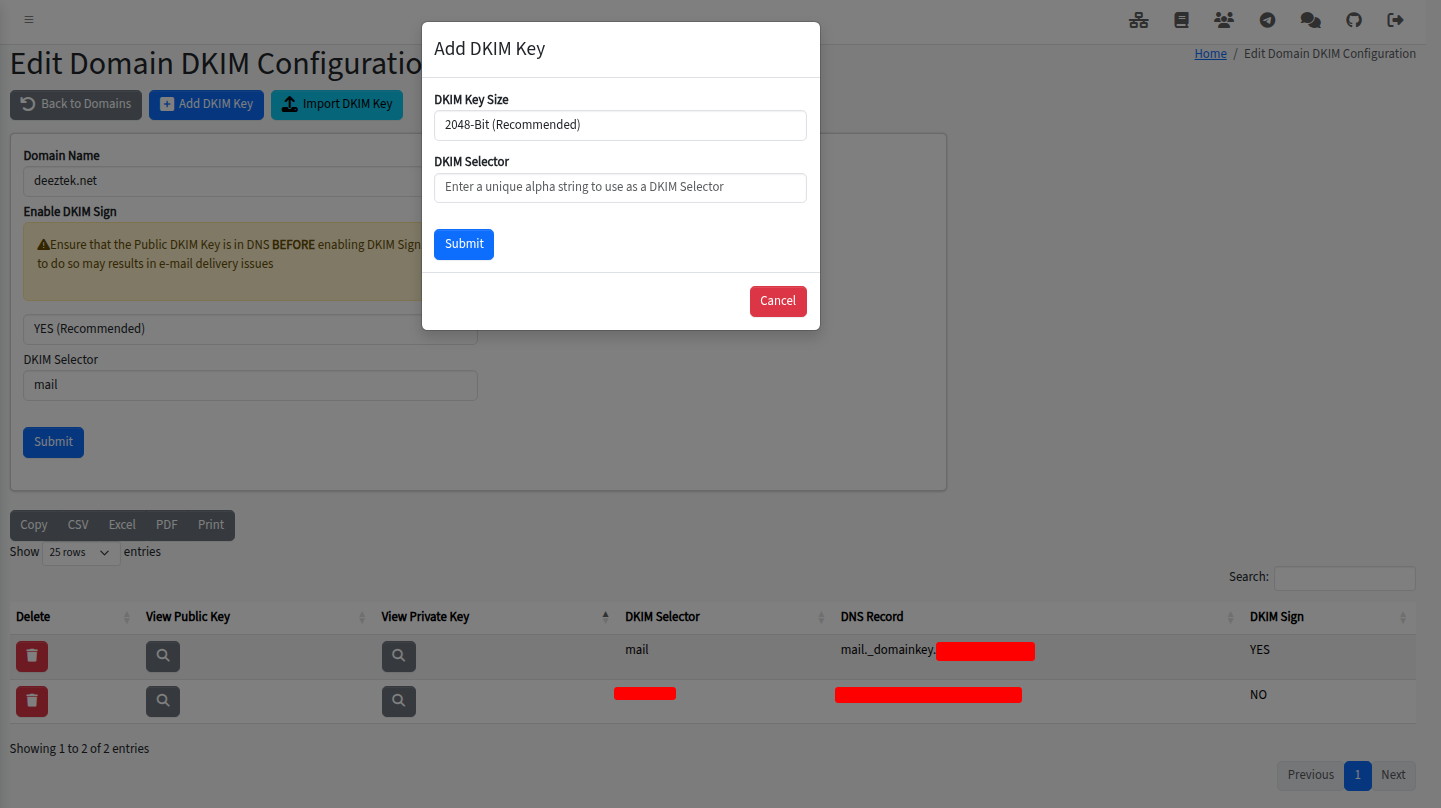
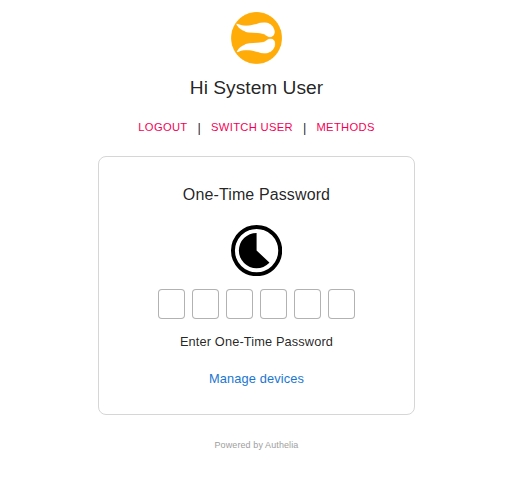
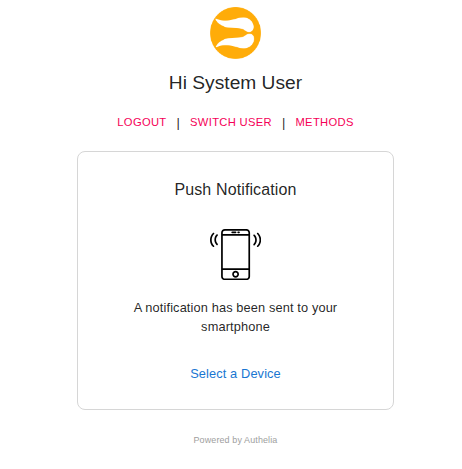
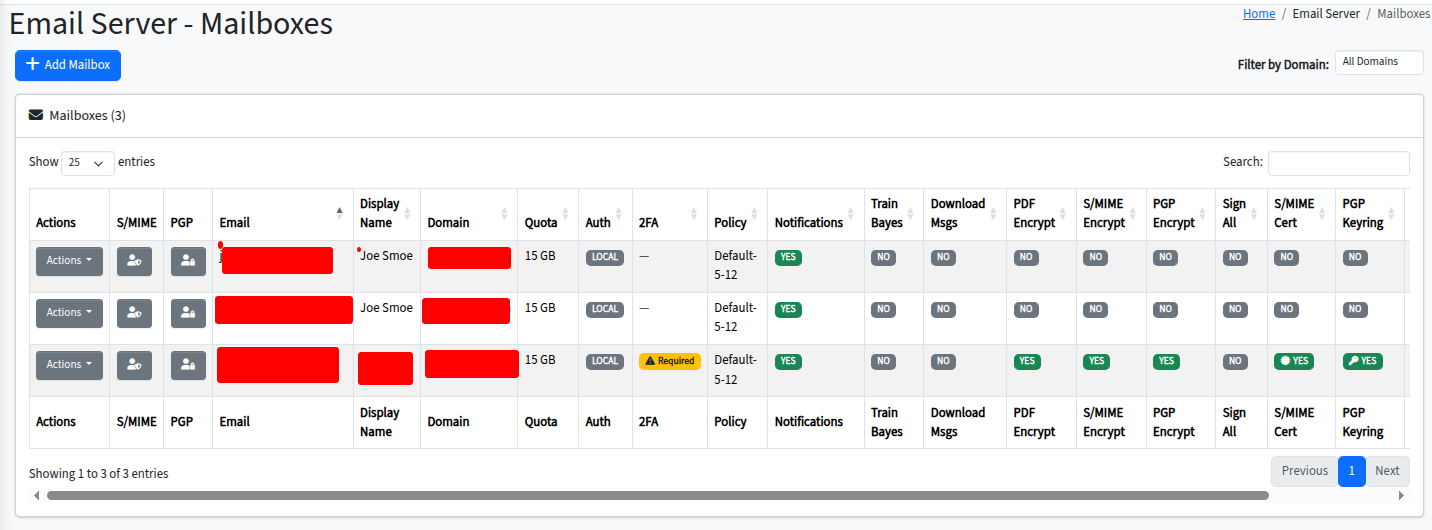
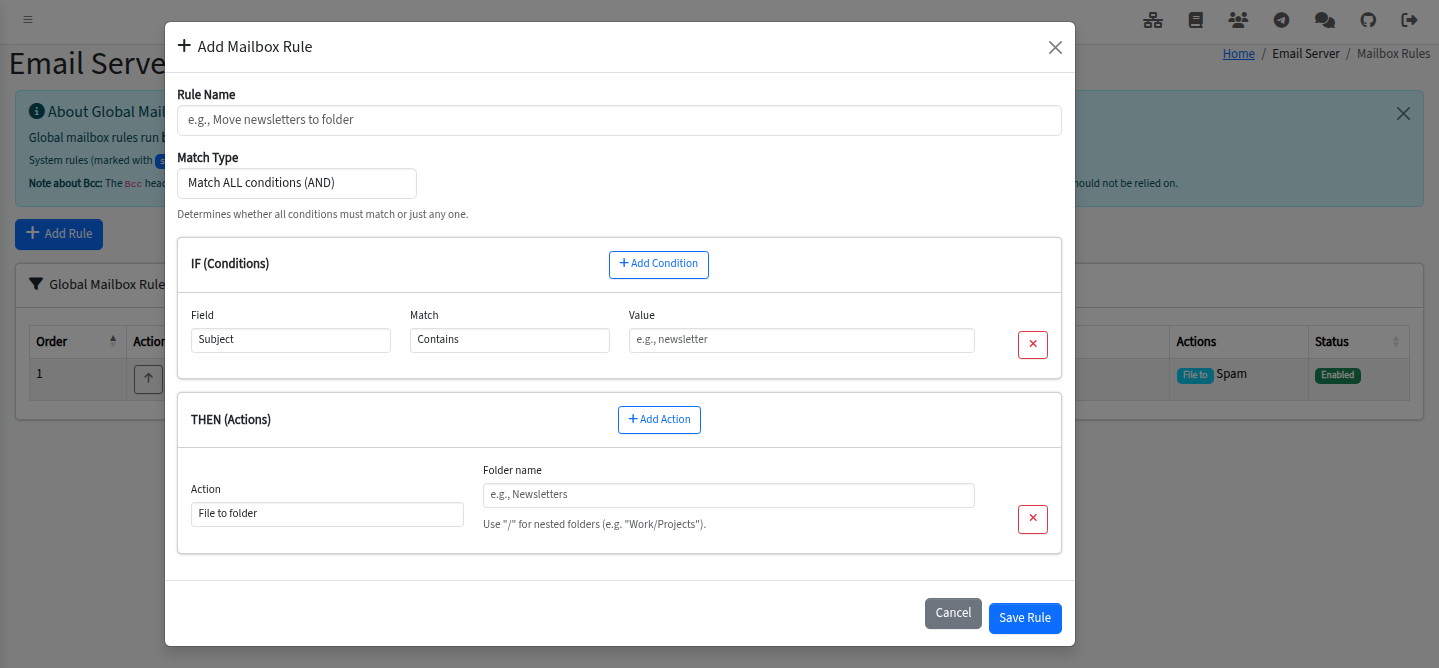
This self-hosted email security platform works as a secure email gateway, a full mail server, or both in hybrid mode. It bundles Apache SpamAssassin, ClamAV with third-party signature feeds, Amavisd-new, OpenDKIM, OpenDMARC, and OpenARC for mail filtering and authentication. Dovecot 2.4 provides IMAP/POP3/SMTP mailbox hosting with quotas, Sieve rules, and shared folders. Nextcloud adds file sync, webmail, calendars, and contacts. Authelia handles SSO with TOTP, WebAuthn, and Duo Push MFA. CipherMail manages S/MIME, PGP, and encrypted PDF delivery. An internal CA and Let's Encrypt automation handle certificates. The Community Edition is AGPLv3 and free for commercial use; Pro adds time-of-click URL protection, organizational signatures, email disclaimers, intrusion prevention UI, console firewall UI, and LDAP RemoteAuth. Deployment uses a single Docker Compose file with a guided installer, requiring Docker Engine 25+ and Compose v2 on Linux (tested on Ubuntu 24.04).
Should you self-host Hermes-Secure-Email-Gateway?
Hermes-Secure-Email-Gateway scores 48/100 on selfhost.directory (how scoring works) and ranks #49 of 78 in Security. It has 141 GitHub stars.
It shipped 20 stable releases in the past year. The latest, v261026, came out on 24 October 2026. New versions land roughly every 1 days.
Setup is advanced: plan for several services and some ongoing maintenance. It is AGPL-3.0-licensed and written mostly in JavaScript.
Its closest alternative on selfhost.directory is pentagi (83/100, 32 648 stars). It scores higher overall, so compare the two before you pick. See Hermes-Secure-Email-Gateway vs pentagi side by side.
Features
- Anti-virus protection
- ARC signing and verification
- At-rest mailbox encryption
- DKIM signing and verification
- DMARC verification and reporting
- Email Archiving
- Encrypted PDF delivery
- Hybrid domains
- Mailbox hosting
- PGP Encryption
- Quarantine management
- Recipient auto-provisioning
- S/MIME Encryption
- Spam Protection
- Third-party malware signature feeds
Hermes-Secure-Email-Gateway README
More in Mail Server
 hestiaOpen-source, self-hosted control panel for Debian and Ubuntu servers: manage web domains, mail, DNS zones, databases and free SSL from one dashboard.
 iRedMailiRedMail is a self-hosted, open-source mail server bundling Postfix, Dovecot, Roundcube, SOGo, and anti-spam tools into a reproducible installer for Linux and BSD.
 jolimailSelf-hosted open-source alternative to SendGrid and Mailgun. Create and preview email templates in the browser using MJML, with PostgreSQL storage and SMTP integration.
 Maddy Mail Server✉️ Composable all-in-one mail server.
 Mail HubSelf-hosted temporary email aggregator unifying 10+ providers behind one REST API with auto-polling and code extraction.
 Mail-in-a-BoxOpen-source, self-hosted mail server appliance: one script turns a fresh Ubuntu 22.04 VPS into a full mail stack with webmail, spam filtering, DNS and a control panel.
 MailuSelf-hosted open-source Docker-based mail server providing IMAP/SMTP services, webmail access, and admin interface. Replaces complex groupware setups.
 MoxOpen-source, self-hosted all-in-one email server with SMTP, IMAP4, webmail, junk filtering and automatic ACME TLS, set up for your own domain via quickstart.
 OpenSMTPDOpenSMTPD is a free, open-source SMTP server for Linux, BSD, and macOS with TLS and privilege separation.
 PostalPostal is an open-source mail delivery platform you self-host for transactional e-mail, with SMTP and HTTP sending, DKIM signing, webhooks and incoming mail routing.
 Postfix AdminOpen-source, self-hosted web interface for administering Postfix mail servers: virtual domains, mailboxes, aliases, quotas, DKIM keys, TOTP logins and fetchmail.
 Stalwart Mail ServerSelf-hosted, open-source Rust mail server with calendars, contacts and shared files over JMAP, IMAP, POP3, SMTP and the DAV protocols, plus built-in anti-spam.
0 comments