
Self-host Postal
3.4.0Open-source mail transport for incoming & outgoing e-mail
curl https://raw.githubusercontent.com/postalserver/install/main/prerequisites/install-ubuntu.v3.sh | bash- Stars
- 16 960
- CPU
- At least 2 CPU cores
- RAM
- At least 4GB of RAM
- Storage
- At least 25GB of disk space
- Ports
- 5000 (Postal's web server: admin interface plus open/click tracking requests), 25 (Postal's SMTP server, receiving mail from clients and other MTAs)
- Requires
- Docker Compose plugin, Docker Engine, MariaDB
ghcr.io/postalserver/postal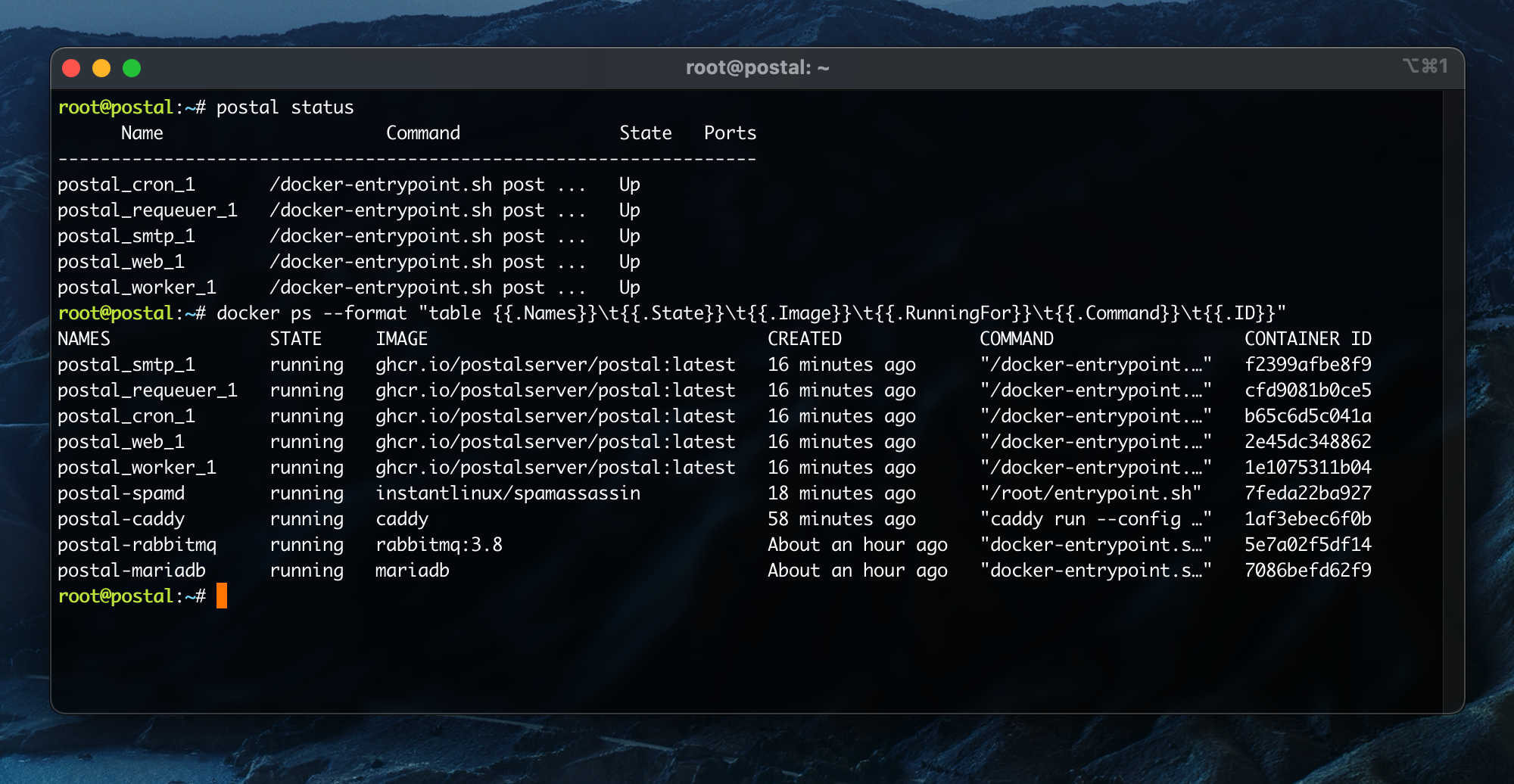
What is Postal?
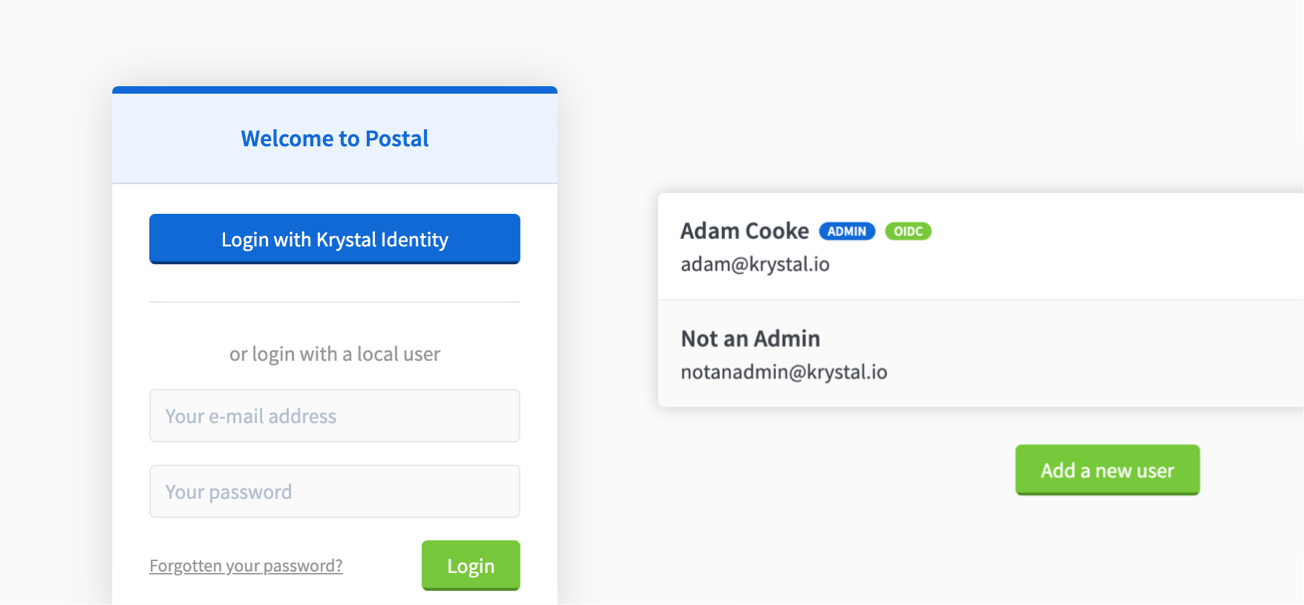
Postal is a complete mail delivery platform aimed at websites and web servers that want to send and receive their own transactional e-mail rather than paying a hosted provider; the docs describe it as an open-source take on Sendgrid, Mailgun or Postmark. It ships an SMTP server and an HTTP API for outgoing mail, DKIM signing, per-server send limits, a suppression list, click and open tracking, pools of sending IP addresses, and a development mode that holds messages instead of delivering them. Incoming mail can be routed to HTTP endpoints, other SMTP servers or other addresses, and optional SpamAssassin, rspamd and ClamAV scanning covers spam and malware. Operators manage multiple organizations, mail servers, users and credentials through a web interface that also provides message logs, historical messages, queue views, search and volume graphs, plus webhooks and built-in DNS checking for deliverability. Self-hosting means a dedicated server with Docker and the Compose plugin, MariaDB 10.6 or newer, and a reverse proxy such as Caddy: you clone the installation helper repository, run postal bootstrap, postal initialize, postal make-user and postal start, then configure your own DNS. Running your own mail server is the main caveat - the docs are explicit that you take on DNS configuration, IP reputation and upgrades yourself.
Should you self-host Postal?
Postal scores 73/100 on selfhost.directory (how scoring works) and ranks #3 of 16 in Mail Server. It has 16 960 GitHub stars, +102 in the last 30 days.
It shipped 4 stable releases in the past year. The latest, 3.4.0, came out on 16 November 2026. New versions land roughly every 3 months.
Setup is advanced: plan for several services and some ongoing maintenance. An official Docker image is available. It is MIT-licensed and written mostly in Ruby.
Its closest alternative on selfhost.directory is plunk (68/100, 5 609 stars). Postal scores higher overall. See Postal vs plunk side by side.
Features
- Development mode
- DKIM Signing
- DNS checking & monitoring
- Incoming mail routing
- IP Pool Management
- Message retention controls
- Multi-tenancy
- Open & Click Tracking
- REST API
- SMTP Sending
- Spam & virus scanningDisabled by default; needs the external scanners to be set up.
- Suppression List
- Usage graphs & statistics
- Web admin interface
- Webhooks
Postal README

FAQ
Can you add a mailing list feature?
No - Postal is a mail transport agent rather than a mailing list manager, and the team does not want to add features such as address books or un-subscription handling that suit other applications better.
E-mails sent through Postal are going to spam - what do I do?
Check your DNS setup (reverse DNS, DKIM and SPF, rDNS matching the HELO), confirm your sending IPs have PTR records and are not blacklisted, make sure the message itself does not look like spam, and remember that new IPs sending high volume deliver poorly at first.
Should I use this instead of a cloud provider?
It is your call: both options have trade-offs, but running your own e-mail platform is not to be taken lightly because deliverability depends on things like correct DNS configuration.
More in Mail Server
 Postfix AdminOpen-source, self-hosted web interface for administering Postfix mail servers: virtual domains, mailboxes, aliases, quotas, DKIM keys, TOTP logins and fetchmail.
 Stalwart Mail ServerSelf-hosted, open-source Rust mail server with calendars, contacts and shared files over JMAP, IMAP, POP3, SMTP and the DAV protocols, plus built-in anti-spam.
 wildduckWildDuck is a self-hosted, open-source IMAP/POP3 mail server backed by sharded MongoDB, with stateless instances, 2FA and full REST API control.
 b1gMailOpen-source PHP email-service platform: webmail plus address book, calendar, tasks, notes, cloud drive, smart folders, filters and spam protection, managed via a web ACP.
 billion-mailSelf-hosted open-source mail server and email marketing platform: Postfix, Dovecot and Rspamd with web admin, campaigns, analytics and Roundcube webmail.
- chasquidA simple, secure, and easy-to-operate SMTP email server designed for individuals and small groups, written in Go.
 Courier MTACourier Mail Server is a self-hosted, integrated mail/groupware server that provides ESMTP, IMAP, POP3, webmail, and mailing list services using open commodity protocols like LDAP, SSL, and HTTP.
 Cyrus IMAPSelf-hosted open-source IMAP server with CalDAV calendars, CardDAV contacts, and JMAP access. Production-ready since 1993.
 docker-mailserverSelf-hosted, open-source mail server image (Postfix, Dovecot, Rspamd, ClamAV, Fail2ban) with SMTP, IMAP, LDAP and OAuth2 login, configured by files only.
 DovecotSelf-hosted open-source IMAP/POP3 mail server for Linux with LMTP, ManageSieve, LDAP/PAM/OAuth2 auth, Sieve filtering, full-text search and official Docker images.
 emailwizSelf-hosted mail server installer: one script sets up Postfix, Dovecot, SpamAssassin, OpenDKIM and fail2ban on Debian/Ubuntu and emits DKIM, SPF and DMARC records.
- EximExim is a message transfer agent (MTA) developed at the University of Cambridge for use on Unix systems connected to the Internet. It is freely available under the terms of the GNU General Public License.
0 comments