
Self-host Mox
v0.0.17All-in-one mail server for running your own email domain
- Stars
- 5 942
- CPU
- any CPU
- RAM
- 512MB
- Storage
- size of the email messages (no compression currently), an additional 15% overhead for the meta data, plus headroom
- Ports
- 25 (SMTP server accepting deliveries of incoming messages), 443 (HTTPS webserver for the built-in webserver (admin/account/webmail pages, static files)), 8010 (Internal listener serving the /health endpoint used by the docker-compose healthcheck)
r.xmox.nl/mox



What is Mox?
Mox is a modern, full-featured, open-source mail server written in Go that bundles SMTP, IMAP4, webmail, an admin web interface and junk filtering into one application, so you can run email for your own domain(s) without assembling half a dozen components. It handles the hard parts of modern email automatically: SPF/DKIM/DMARC, DANE and MTA-STS, TLS via ACME with Let's Encrypt, reputation-based and Bayesian spam filtering, account autodiscovery, DMARC/TLS aggregate reports, and an HTTP/JSON webapi plus webhooks for transactional email. A built-in webserver can also serve static files or reverse-proxy on port 443, and Prometheus metrics with structured logging help with operations. You install it by downloading a binary (or using the Docker image), running the quickstart command, and adding the DNS records it prints; upgrades are usually just replacing the binary and restarting. Mox needs no external database and runs happily on a small 512MB RAM machine. It is licensed under MIT, is versioned 0.0.x, and has explicit non-plans: no POP3, no unauthenticated SMTP relay, and no maildir/Maildir file-system access. Sieve filtering, JMAP, CalDAV and OAuth2 SSO are roadmap items, not current features.
Mox alternatives
 Stalwart Mail ServerSelf-hosted, open-source Rust mail server with calendars, contacts and shared files over JMAP, IMAP, POP3, SMTP and the DAV protocols, plus built-in anti-spam.CompareStalwart Mail Server with Mox
 Hermes-Secure-Email-GatewaySelf-hosted email security gateway and mail server with spam filtering, encryption, DKIM/DMARC/ARC, Dovecot mailboxes, Nextcloud, and Authelia SSO in one Docker stack.CompareHermes-Secure-Email-Gateway with Mox
 MailpitAn open-source SMTP mail catcher for developers: a self-hosted single binary or Docker image with a web UI, REST API, POP3 server and HTML, link and spam checks.CompareMailpit with Mox
 MailuSelf-hosted open-source Docker-based mail server providing IMAP/SMTP services, webmail access, and admin interface. Replaces complex groupware setups.CompareMailu with Mox
 MailFlowA self-hosted webmail app that merges multiple email accounts into one inbox with real-time sync, AI features, and offline-capable PWA.CompareMailFlow with Mox
 rms-mail-publicSelf-hosted email with instant search on 100K+ emails, native AI, MCP server, Telegram bot, and browser-first architecture scaling from Raspberry Pi to enterprise.Comparerms-mail-public with Mox
 plMailSelf-hosted, open-source mail client unifying IMAP, Gmail, and Outlook with calendar, file integrations, and optional AI features.CompareplMail with Mox
 spameaterSpamEater is a self-hosted disposable email service creating temporary inboxes on your domain that auto-delete after 24 hours with AES-256 encryption and ModSecurity WAF.Comparespameater with Mox
Should you self-host Mox?
Mox scores 63/100 on selfhost.directory (how scoring works) and ranks #7 of 16 in Mail Server. It has 5 942 GitHub stars, +48 in the last 30 days.
It shipped 2 stable releases in the past year. The latest, v0.0.17, came out on 19 August 2026. New versions land roughly every 1 days.
Setup is moderate: expect some configuration beyond a single command. An official Docker image is available. It is MIT-licensed and written mostly in Go.
Its closest alternative on selfhost.directory is Stalwart Mail Server (79/100, 15 907 stars). It scores higher overall, so compare the two before you pick. See Mox vs Stalwart Mail Server side by side.
Features
- Account autodiscoveryClient support is limited.
- Admin web interface
- Automatic TLS via ACME
- Bayesian spam filtering
- Built-in webserver with reverse proxy
- DANE and MTA-STS
- HTTP/JSON API and webhooks
- IMAP4 email access
- Internationalized email
- POP3Listed under "Not supported/planned".
- Prometheus metrics and structured logging
- Reputation-based junk filtering
- SMTP server and client
- SPF/DKIM/DMARC
- Webmail
Mox README
Mox is a modern full-featured open source secure mail server for low-maintenance self-hosted email.
For more details, see the mox website, https://www.xmox.nl.
See Quickstart below to get started.
FAQ
Can mox deliver through a smarthost?
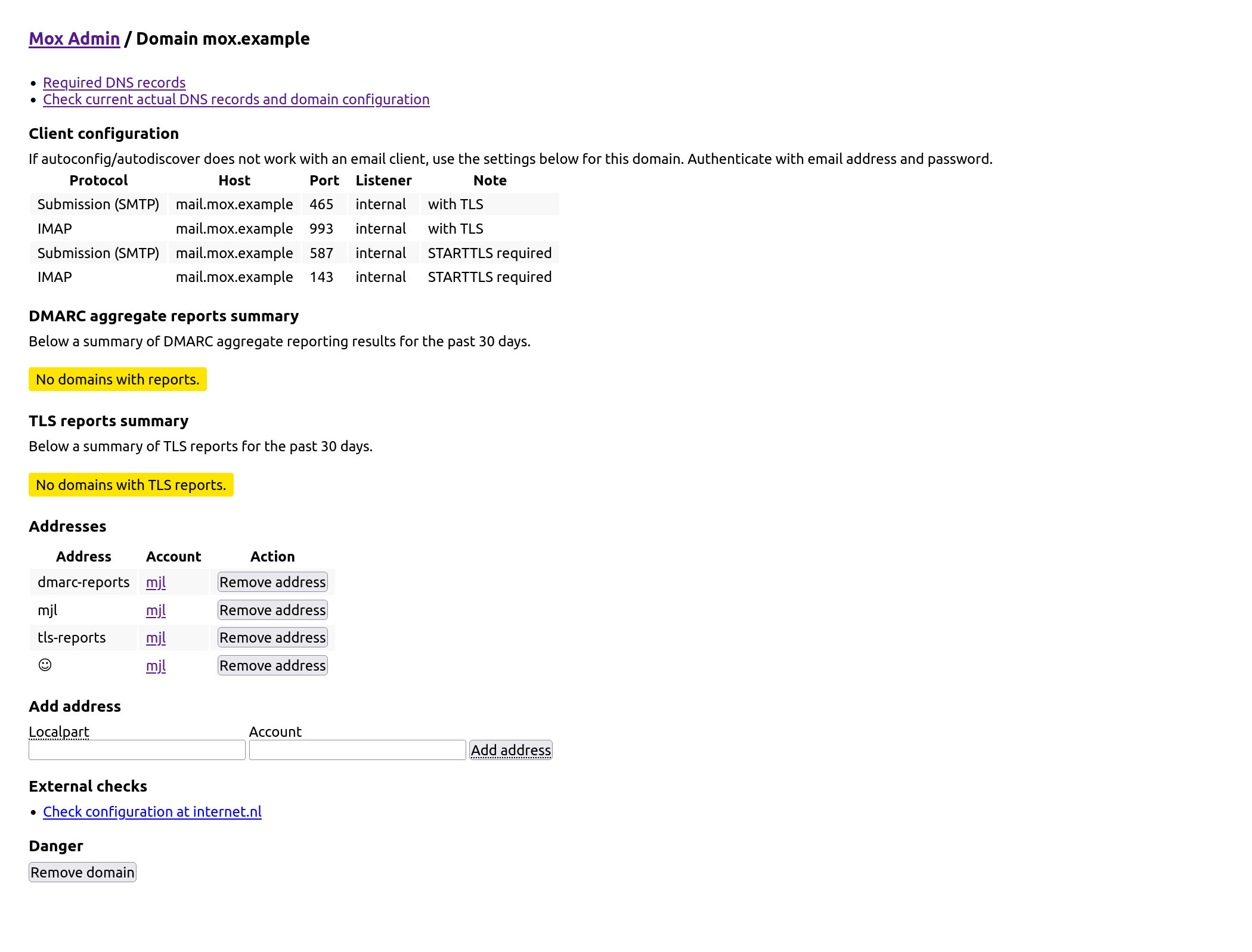
Yes, configure a Transport in mox.conf and Routes in domains.conf to send some or all messages via an SMTP relay, authenticated submission, or SOCKS proxy.
Won't the big email providers block my email?
Running your own server still works if done properly; rejections usually come from bad IP reputation, so choose a provider with good reputation — the quickstart checks your IPs against common blocklists.
What are the minimum requirements to run mox?
Very little: a machine with 512MB RAM and any CPU suffices; plan storage for message sizes plus about 15% metadata overhead and some headroom.
I'm now running an email server, but how does email work?
The FAQ points to an external in-depth explainer at explained-from-first-principles.com/email/ so operators understand how email works.
How secure is mox?
Security is a high priority, with automated security tests and fuzzing, but the project is young so bugs are expected; report issues by email to the maintainer.
How do I upgrade my mox installation?
Typically you replace the binary and restart; before upgrading, take a snapshot with "mox backup" and validate it with "mox verifydata", and check release notes for manual steps.
How do I stay up to date?
Set "CheckUpdates: true" in mox.conf so mox checks a DNS TXT record daily and delivers changelog notes to the postmaster; you can also watch GitHub releases.
How do I configure a second mox instance as a backup MX?
There is no backup-MX option yet because reputation data would not be shared; run a single SMTP server instead, since delivery is retried for hours during temporary failures.
How do I change my password?
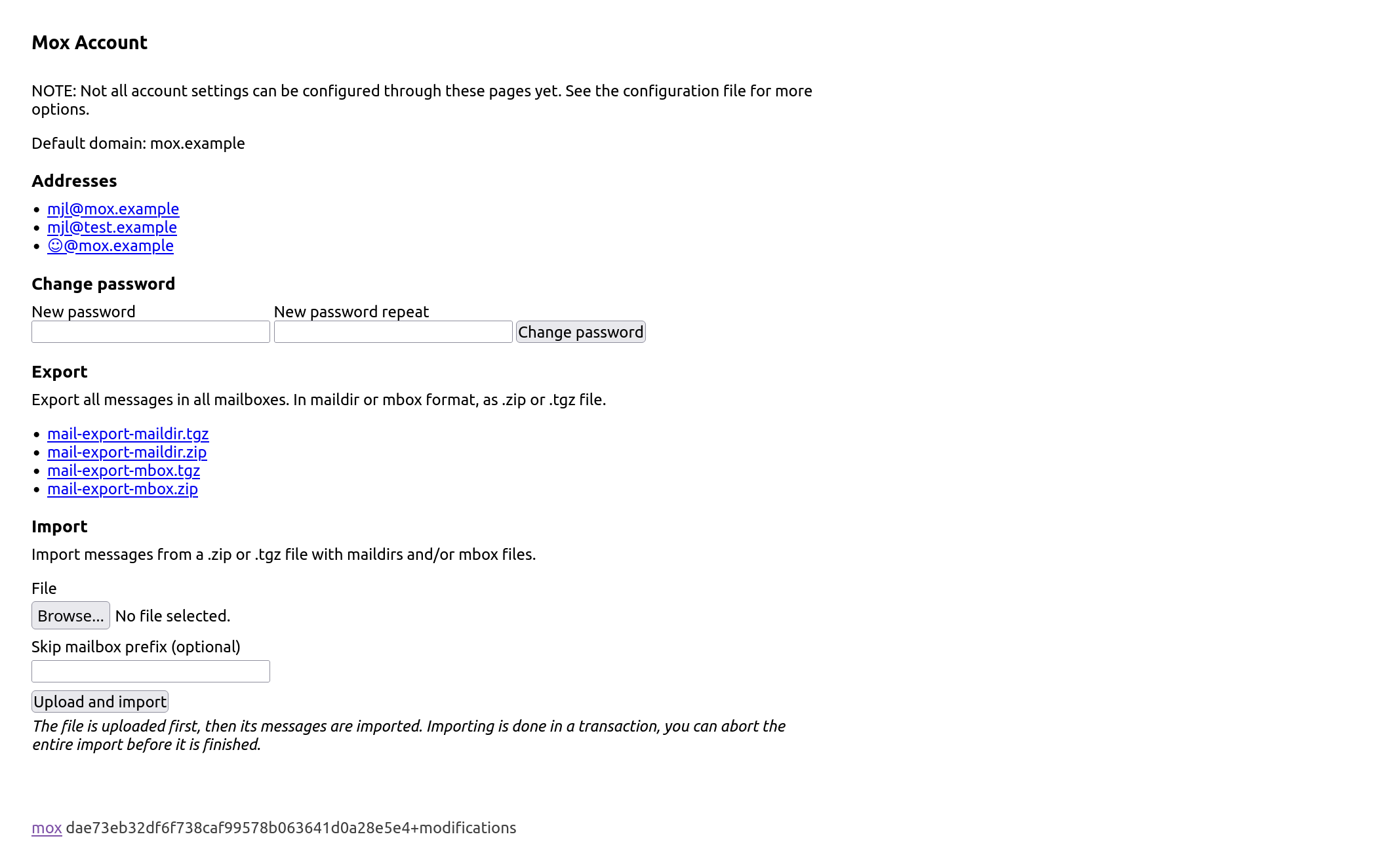
Users change passwords on the account page or with "mox setaccountpassword"; the admin can change any account password on the admin page, or set their own with "mox setadminpassword".
Where can I discuss mox?
In the #mox channels on OFTC IRC, Matrix, or Gopher Slack; bug reports go to the GitHub issue tracker.
How can I help?
Mox mainly needs users testing it in real setups and filing issues; pull requests are welcome too, ideally after starting an issue for large changes.
How do I import/export email?
Use the import/export features on the accounts web page or the "mox import maildir"/"mox import mbox" (and export equivalents) subcommands, or copy messages with any IMAP client.
Is Mox affected by SMTP smuggling?
No, mox only treats "\r\n.\r\n" as end-of-message; since v0.0.9 it also rejects transactions containing bare carriage returns.
Where is the documentation?
Documentation is generated from and integrated with the code; the commands and config references on xmox.nl show every field, and "mox help" prints the same information.
Why a new mail server implementation?
Existing mail software often requires configuring many separate components, which discouraged people from running servers. Mox aims to make running your own mail server easy so email stays decentralized.
More in Mail Server
 OpenSMTPDOpenSMTPD is a free, open-source SMTP server for Linux, BSD, and macOS with TLS and privilege separation.
 PostalPostal is an open-source mail delivery platform you self-host for transactional e-mail, with SMTP and HTTP sending, DKIM signing, webhooks and incoming mail routing.
 Postfix AdminOpen-source, self-hosted web interface for administering Postfix mail servers: virtual domains, mailboxes, aliases, quotas, DKIM keys, TOTP logins and fetchmail.
- Stalwart Mail ServerSelf-hosted, open-source Rust mail server with calendars, contacts and shared files over JMAP, IMAP, POP3, SMTP and the DAV protocols, plus built-in anti-spam.
 wildduckWildDuck is a self-hosted, open-source IMAP/POP3 mail server backed by sharded MongoDB, with stateless instances, 2FA and full REST API control.
 b1gMailOpen-source PHP email-service platform: webmail plus address book, calendar, tasks, notes, cloud drive, smart folders, filters and spam protection, managed via a web ACP.
 billion-mailSelf-hosted open-source mail server and email marketing platform: Postfix, Dovecot and Rspamd with web admin, campaigns, analytics and Roundcube webmail.
- chasquidA simple, secure, and easy-to-operate SMTP email server designed for individuals and small groups, written in Go.
 Courier MTACourier Mail Server is a self-hosted, integrated mail/groupware server that provides ESMTP, IMAP, POP3, webmail, and mailing list services using open commodity protocols like LDAP, SSL, and HTTP.
 Cyrus IMAPSelf-hosted open-source IMAP server with CalDAV calendars, CardDAV contacts, and JMAP access. Production-ready since 1993.
 docker-mailserverSelf-hosted, open-source mail server image (Postfix, Dovecot, Rspamd, ClamAV, Fail2ban) with SMTP, IMAP, LDAP and OAuth2 login, configured by files only.
 DovecotSelf-hosted open-source IMAP/POP3 mail server for Linux with LMTP, ManageSieve, LDAP/PAM/OAuth2 auth, Sieve filtering, full-text search and official Docker images.
0 comments