
Self-host Hermes-Relay
android-v1.19.0Android companion and CLI for self-hosted Hermes AI agent
docker run -d --name hermes-relay --network host -v ~/.hermes:/home/relay/.hermes:ro hermes-relay- Stars
- 401
- Ports
- 8767 (Relay server WebSocket/HTTP listener), 9443 (Hermes Secure Link (optional pinned TLS ingress))
- Requires
- Hermes Agent (upstream), Python
What is Hermes-Relay?
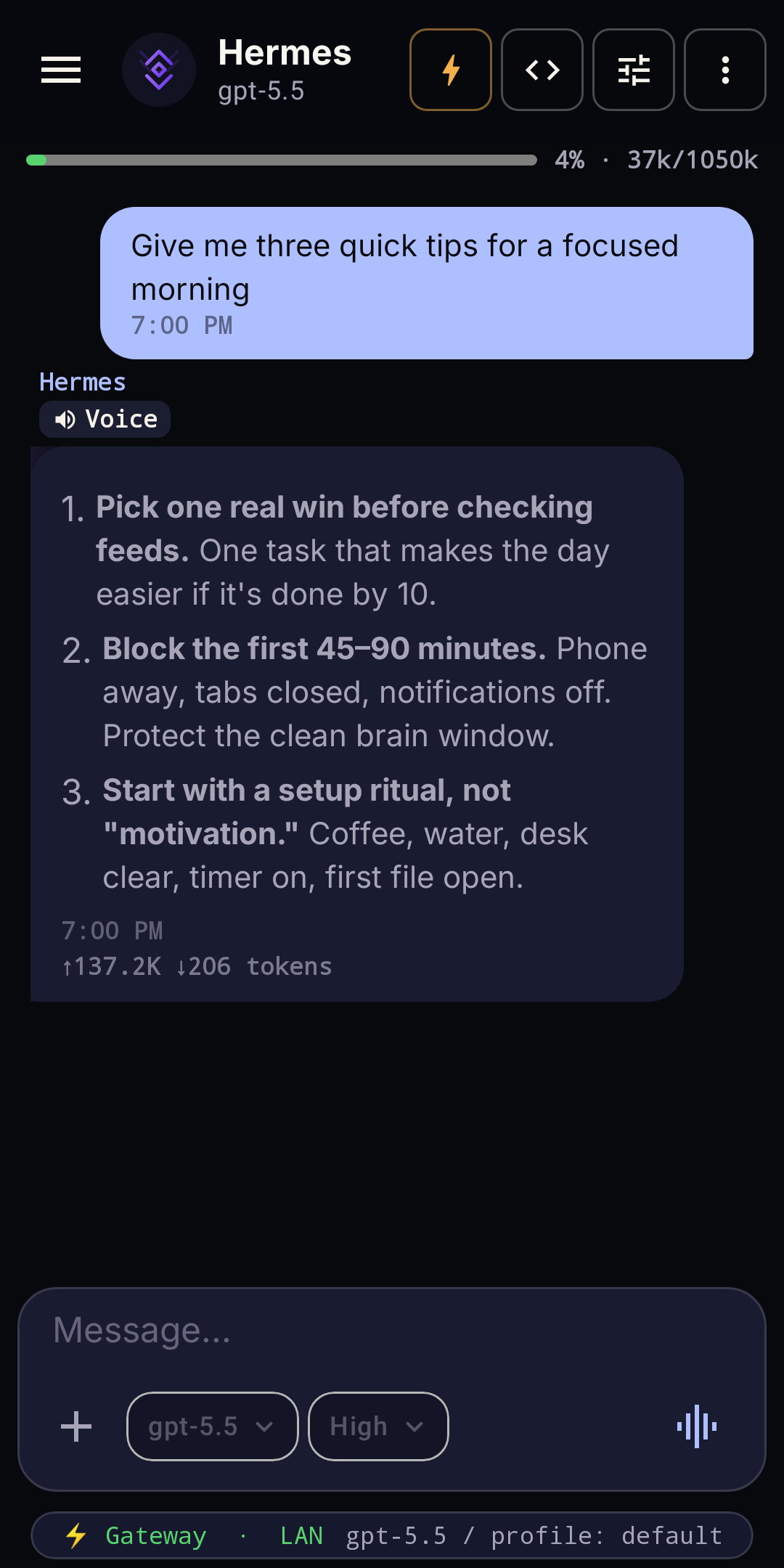
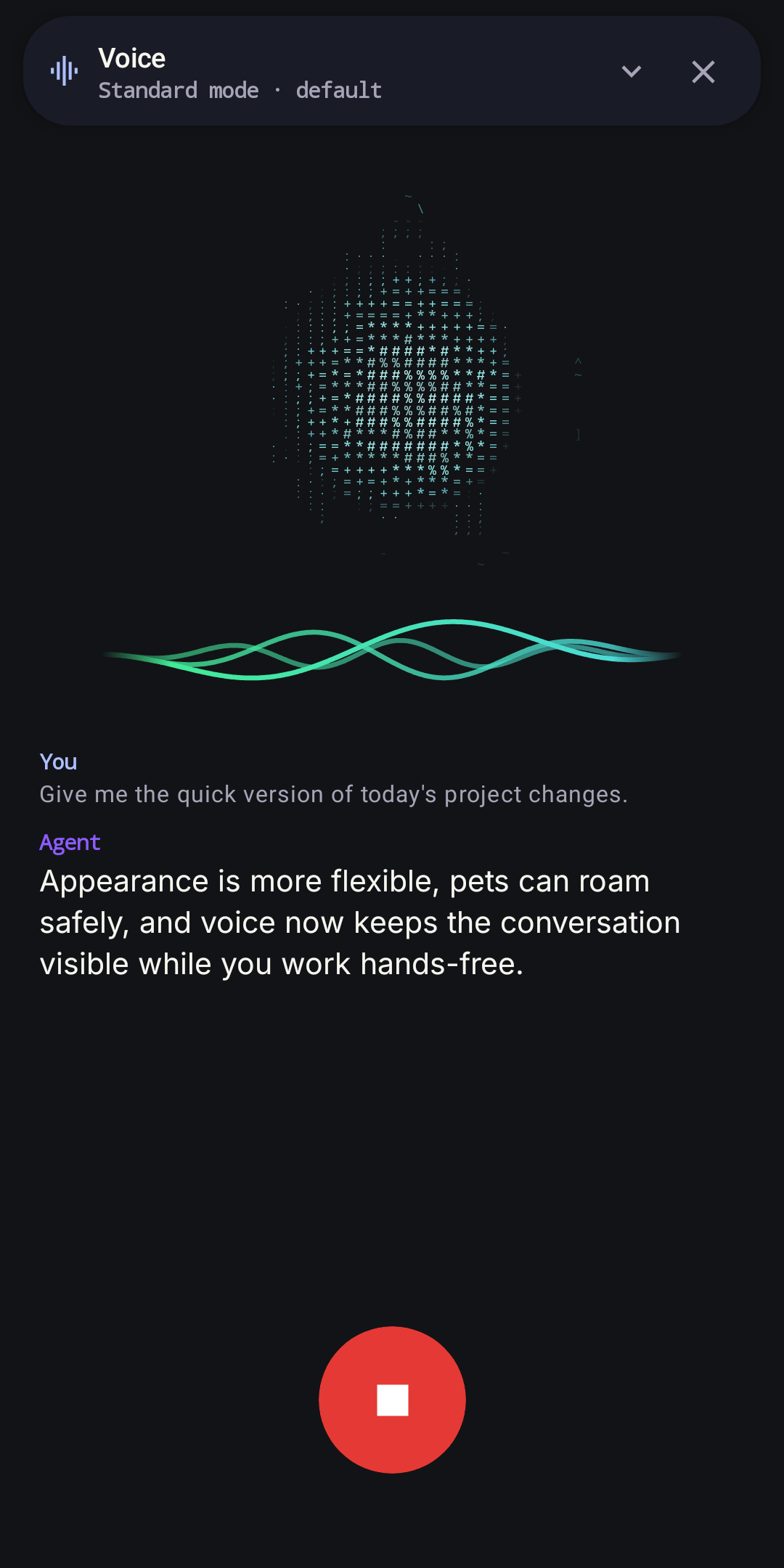
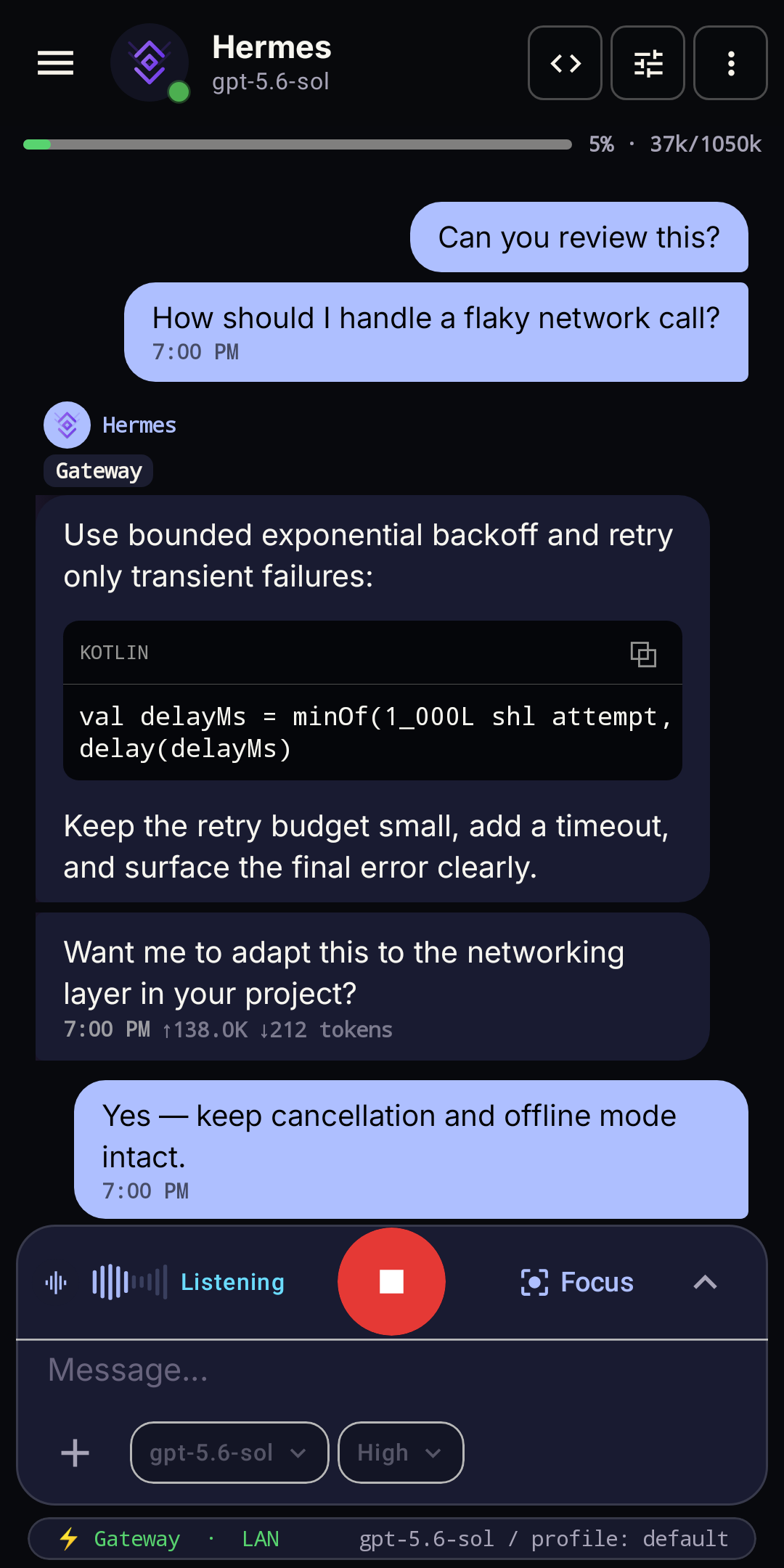
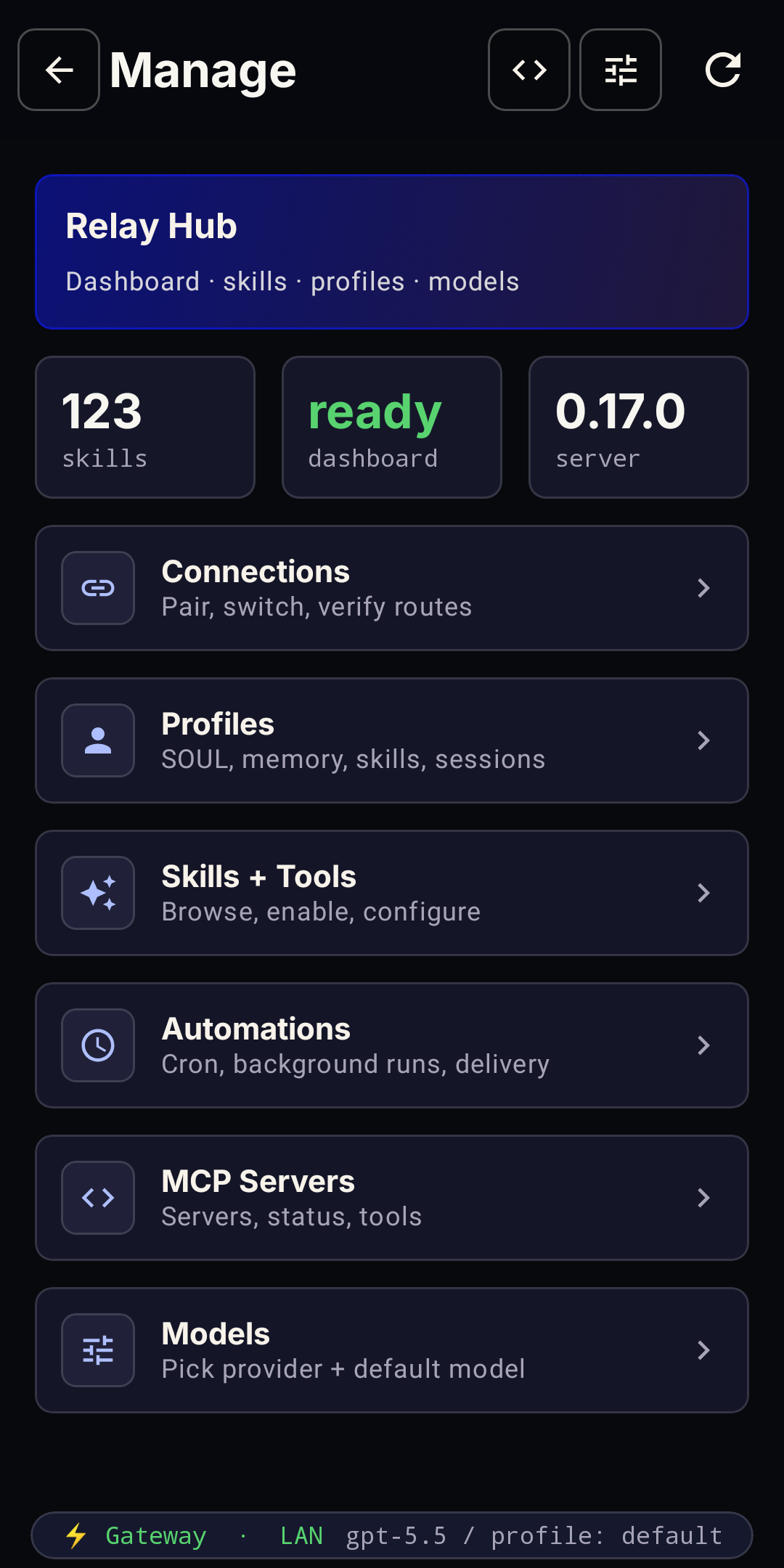
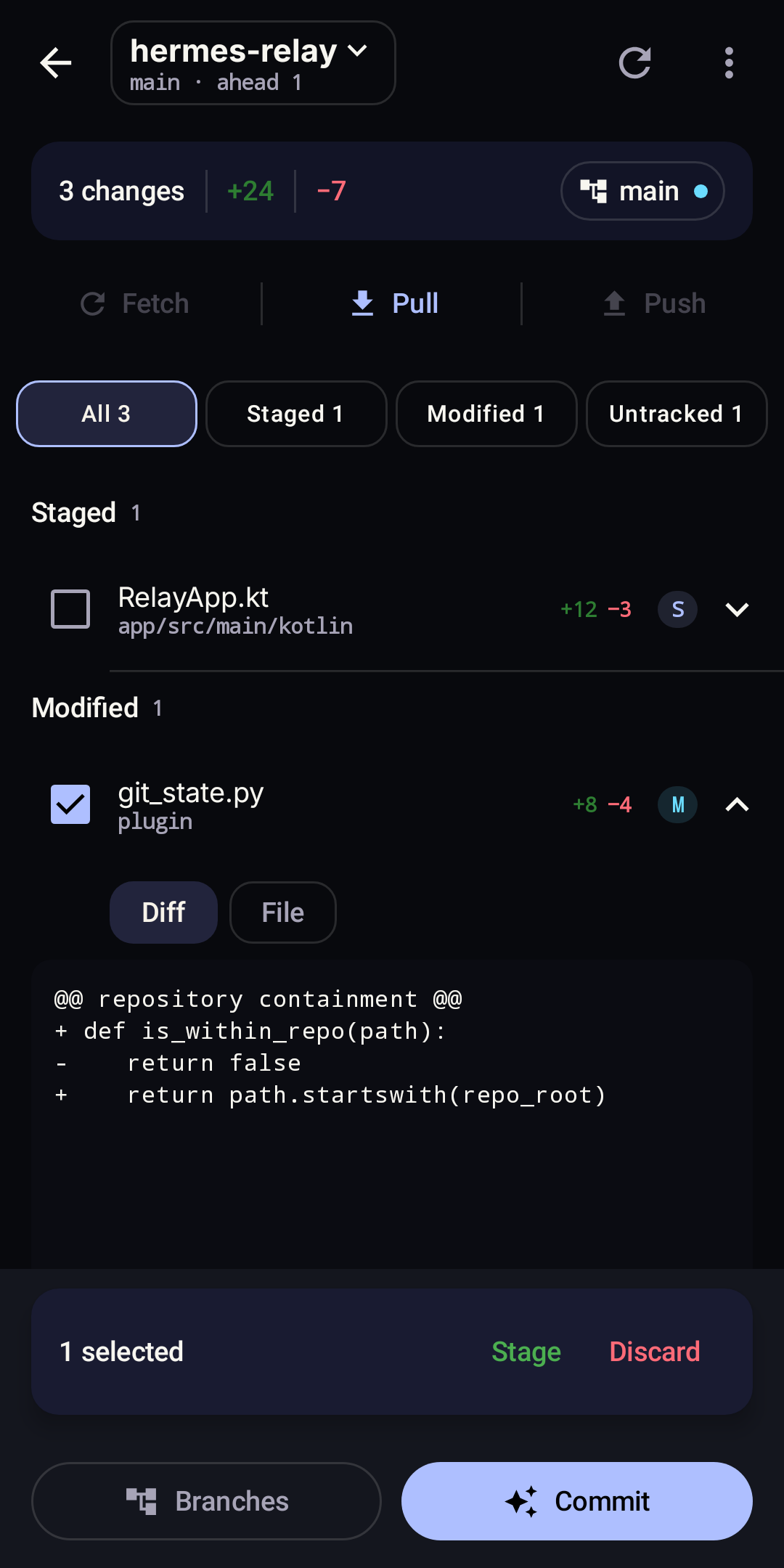
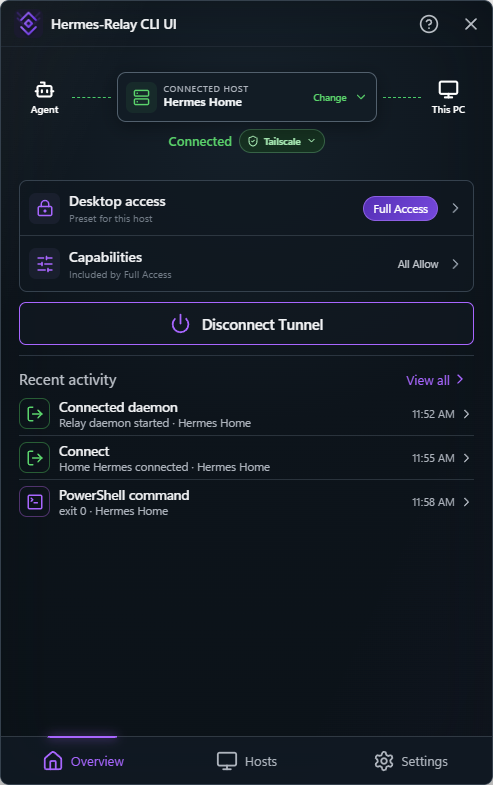
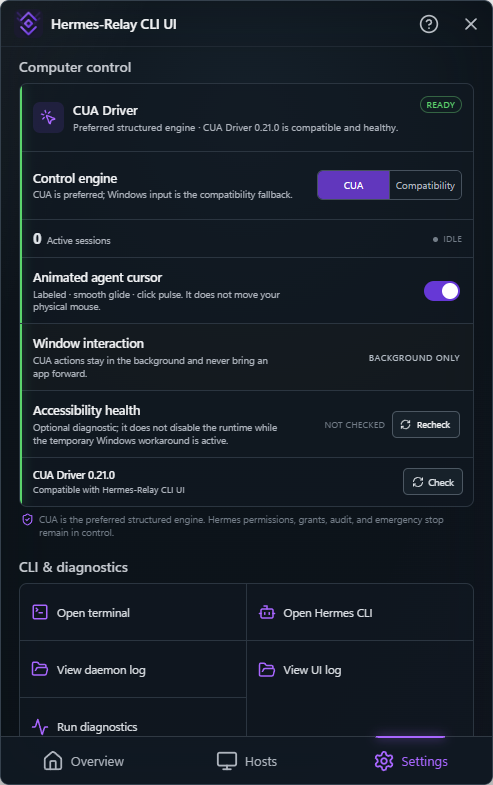
Hermes-Relay links your self-hosted Hermes AI agent to Android phones and desktop computers. The Android app provides streaming chat, hands-free voice, and complete agent management — models, keys, skills, and profiles — in a native mobile interface. An optional plugin adds terminal access, notifications, desktop tools, enhanced voice, and device control (sideload builds only). The desktop CLI (Windows, macOS, Linux) lets Hermes run commands, read files, and access the screen on paired machines with explicit consent. Connections are direct and local-first; Tailscale is the recommended way to reach your agent from anywhere. The relay server is a small Python service you can run via Docker, systemd, or manually. Requires a Hermes agent with Dashboard/Gateway enabled. Licensed MIT.
Should you self-host Hermes-Relay?
Hermes-Relay scores 53/100 on selfhost.directory (how scoring works) and ranks #26 of 120 in AI Assistant. It has 401 GitHub stars.
It shipped 7 stable releases in the past year. The latest, android-v1.19.0, came out on 20 October 2026. New versions land roughly every 5 days.
Setup is advanced: plan for several services and some ongoing maintenance. It is MIT-licensed and written mostly in Kotlin.
Its closest alternative on selfhost.directory is hermes-agent (89/100, 257 957 stars). It scores higher overall, so compare the two before you pick. See Hermes-Relay vs hermes-agent side by side.
Features
- Device Control (sideload only)Sideload APK + paired Relay plugin required
- Git workspaceRequires Relay plugin
- Media enhancementsRequires Relay plugin
- Notifications companionRequires Relay plugin
- Remote access via TailscaleRecommended path
- Secure Link (pinned TLS)Advanced option, requires Relay plugin
- Session History
- Terminal/TUI accessRequires Relay plugin
- Voice Conversations
Hermes-Relay README
FAQ
Can I use this with hermes installed locally instead of remotely?
You don't need to. Native local Hermes already has the same file, image, and voice paths. Hermes-Relay is specifically for the remote-server case: when you want to use a Hermes that lives somewhere else (a home server, a GPU box, a cloud VM) from your laptop.
More in Remote Access
 hoppSelf-hosted, open-source pair programming tool with sub-100ms latency, multiplayer rooms up to 10, shared remote control, and native desktop apps for macOS/Windows.
 idrac6Self-hosted Docker container that provides web and VNC access to Dell iDRAC 6 consoles without requiring Java on the host machine.
 IM.codesSelf-hosted open-source messaging and control layer for AI coding agents providing shared memory, remote desktop, supervised execution, and cross-provider audit.
 jumpserverSelf-hosted, open-source PAM platform (GPL-3.0) giving IT teams browser access to SSH, RDP, Kubernetes and databases with session recording, RBAC and MFA.
 KasmVNCSelf-hosted, open-source web remote desktop: streams a Linux session to any browser over WebSocket or WebRTC, with DLP controls, multi-user permissions, and a REST API.
 LantunnelLantunnel is a self-hosted, open-source mesh VPN connecting devices via direct P2P encrypted paths with relay fallback — no port forwarding needed.
 LinuxServer.io OperaSelf-hosted Docker container streaming the Opera desktop browser to any web browser via the Selkies platform, with GPU acceleration and optional basic auth.
 MeshCentralSelf-hosted, open-source remote device management web site: run your own Node.js server with web remote desktop, shell and file transfer for Windows, Linux and macOS.
 MeshLANMeshLAN is a self-hosted, open-source virtual LAN connecting Windows devices over encrypted P2P tunnels with relay fallback and MeshDNS on your own Linux control plane.
 NarrowlinkA self-hosted solution to enable secure connectivity between devices across restricted networks like NAT or firewalls
 NetsGoSelf-hosted tunneling platform with built-in web console, REST API, and single-binary deployment for exposing private HTTP, TCP, and UDP services.
 NextermOpen-source, self-hosted server management console: SSH, VNC and RDP sessions, an SFTP file manager, Docker deployments, monitoring and team organizations.
0 comments