
Self-host groceries
v1.1.9Self-hosted grocery list with real-time sync
- Stars
- 293
- Ports
- 3333 (backend API server), 8100 (frontend web client)
- Requires
- CouchDB
ghcr.io/davideshay/groceries-server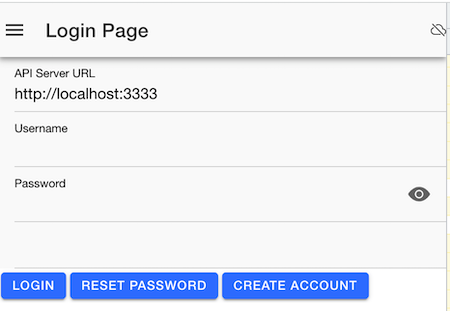
What is groceries?
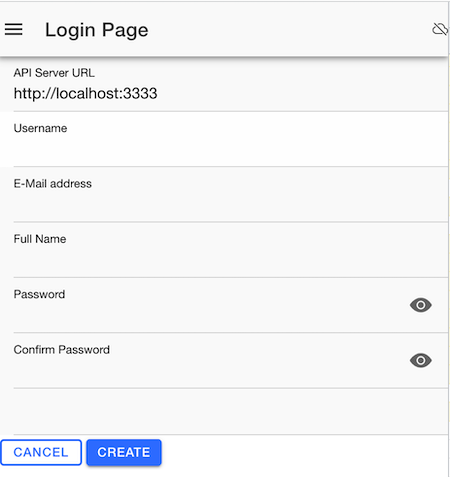
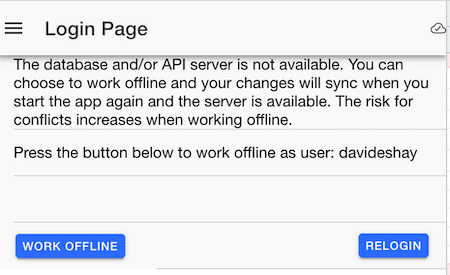
Specifically Clementines (formerly Groceries) is a self-hosted grocery list application built for families who need reliable synchronization across multiple devices and users. It supports multiple shopping lists that can be grouped into list groups, real-time sync with visible status and automatic conflict resolution, offline functionality with sync-on-reconnect, store-specific aisle/category sorting to avoid backtracking, and recipe support including import from Tandoor. The backend runs on Node.js with CouchDB for data storage and replication, while the frontend is an Ionic/Capacitor app deployable as a web app, Android APK, or iOS app. Installation is documented via Docker Compose with pre-built images on ghcr.io, and a demo instance is available at specificallyclementines.com.
Should you self-host groceries?
groceries scores 47/100 on selfhost.directory (how scoring works) and ranks #10 of 18 in Recipe Management. It has 293 GitHub stars.
There was no stable release in the past 12 months, so check the repository's recent activity before you rely on it.
Setup is advanced: plan for several services and some ongoing maintenance. An official Docker image is available. It is MIT-licensed and written mostly in Typescript.
Its closest alternative on selfhost.directory is Mealie (75/100, 13 709 stars). It scores higher overall, so compare the two before you pick. See groceries vs Mealie side by side.
Features
- Conflict resolution
- Friend system
- List groups with store fallback
- List sharing
- Multiple shopping lists
- Offline Support
- Password reset via email
- Real-time sync
- Recipe support
- Store aisle sorting
- Tandoor recipe import
- Work offline mode
groceries README
More in Recipe Management
 grocyA self-hosted, open-source household ERP: track grocery stock, shopping lists, recipes, meal plans, chores, tasks, batteries and devices, with a full REST API.
 kcalSelf-hosted, open-source personal food nutrition journal for tracking calories, macros, recipes, and food journal entries with goal setting and meal planning.
 KitchenOwlKitchenOwl is a self-hosted grocery list and recipe manager. The backend is made with Flask and the frontend with Flutter. Easily add items to your shopping list before you go shopping. You can also create recipes and add items based on what you want to cook.
 MealieSelf-hosted recipe management with meal planning and shopping lists. Import recipes from URLs or create manually via web editor.
 norishA self-hosted, open-source recipe manager for households: import recipes from links, videos or photos, plan meals and share grocery lists in real time.
 OpenEatsOpenEats is a self-hosted, open-source recipe manager for personal collections with grocery lists, search, and serving adjustments.
 pantry-hostPantry Host is a self-hosted, open-source PWA for recipes, pantry, cookware, and grocery lists — runs on your hardware with offline support.
 recipe-buddySelf-hosted web app that scrapes recipe metadata from web pages and imports them into Grocy for meal planning, with ingredient matching and a simple Docker deployment.
 RecipeSageSelf-hosted recipe manager importing from any URL, photo, or PDF with offline sync, meal planning, smart shopping lists, nutrition tracking, and AI cooking assistant.
 RecipyaSelf-hosted recipe manager for web import, paper digitization, cookbooks, and nutrition facts. Migrates from Mealie, Tandoor, Nextcloud Cookbook.
 social_recipesSelf-hosted tool that extracts recipes from TikTok, YouTube, and Instagram videos using AI, then imports them into Tandoor or Mealie.
 TamariSelf-hosted, open-source recipe manager web app for organizing recipes, planning meals, creating shopping lists, and discovering new recipes from over 300 websites.
0 comments