
Self-host GeoLens
v1.27.1Self-hosted geospatial catalog with semantic search
- Stars
- 282
- RAM
- 8 GB
- Ports
- 8080 (Frontend UI), 8001 (API), 5434 (PostgreSQL)
What is GeoLens?
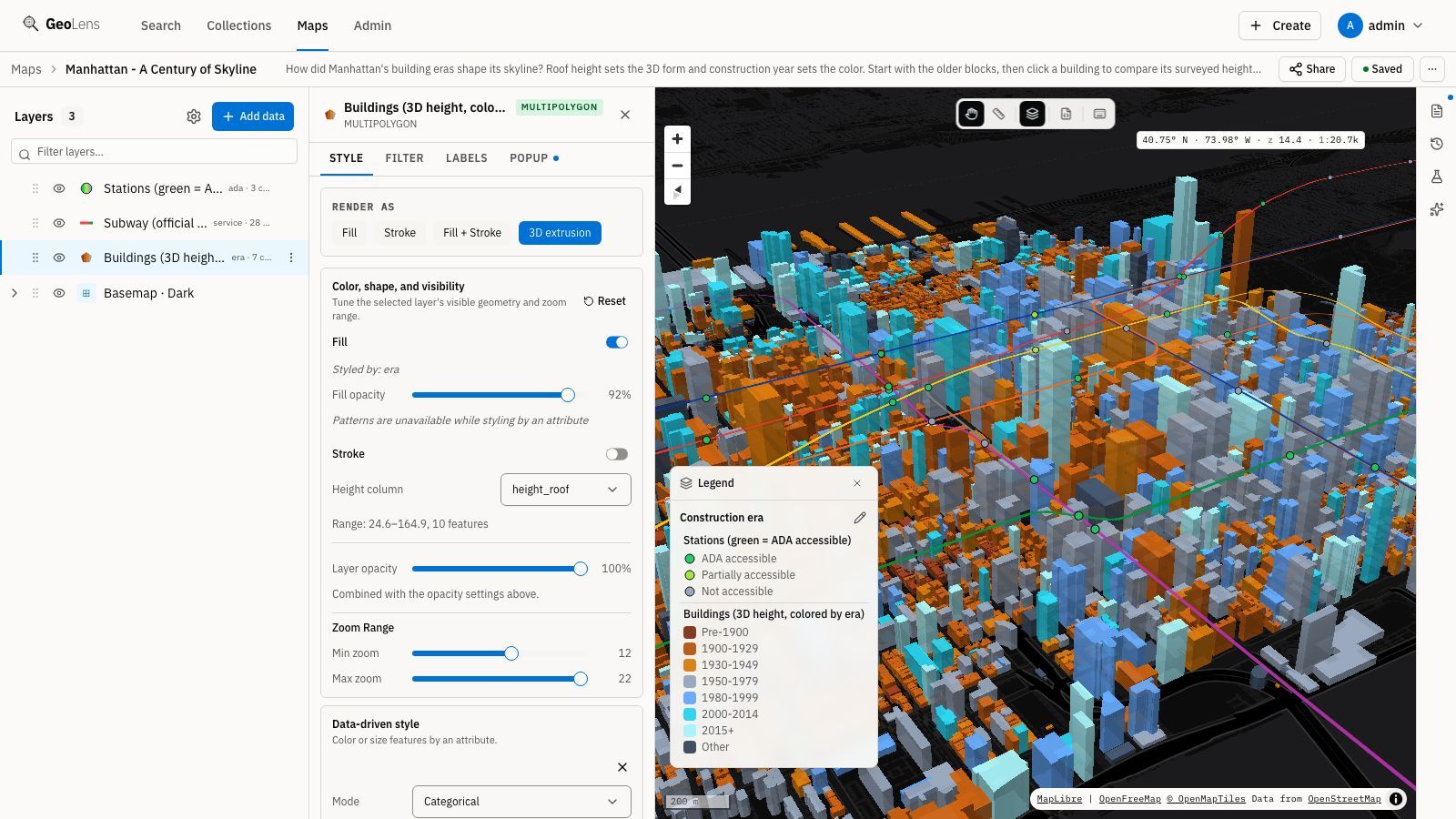
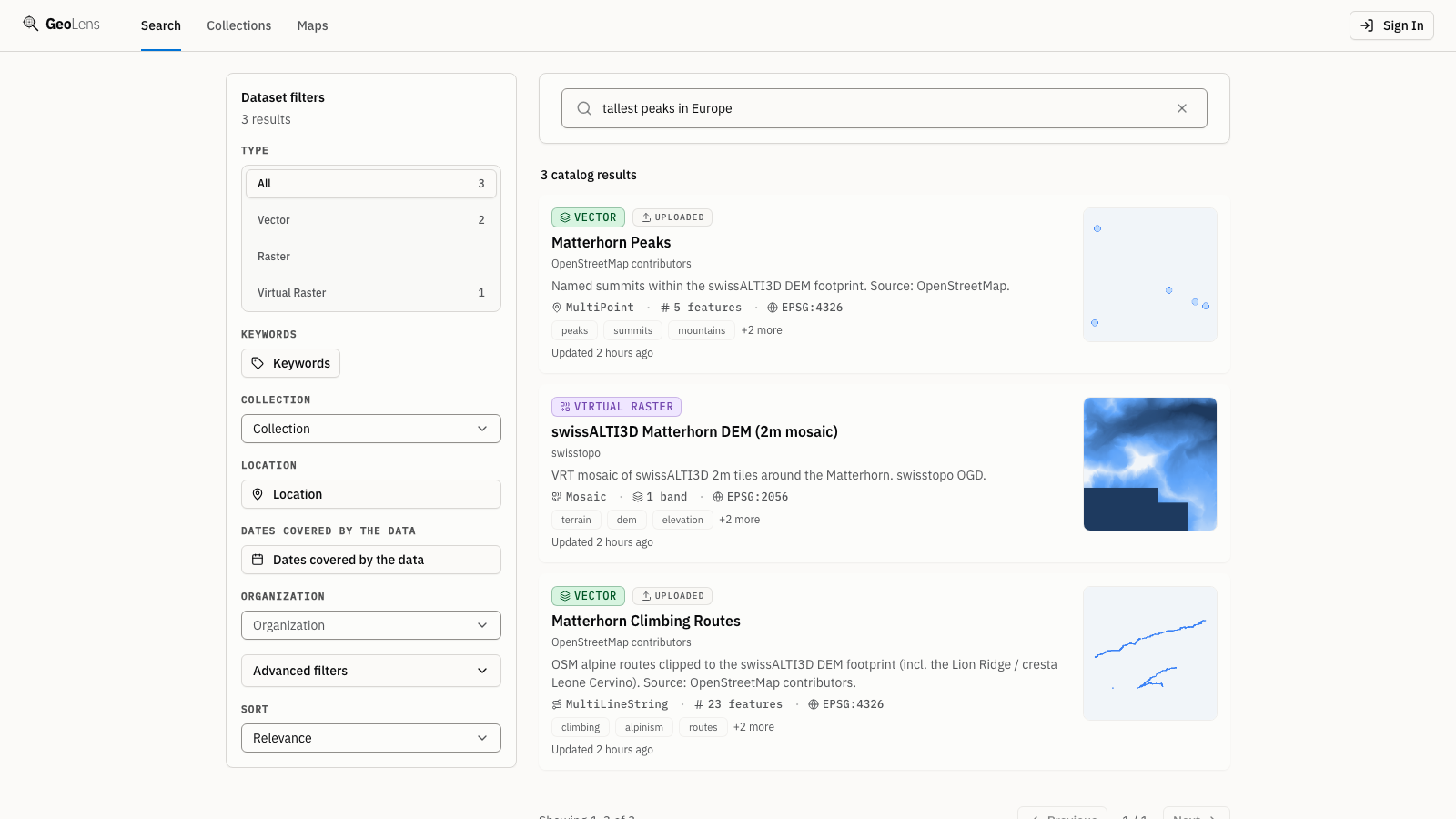
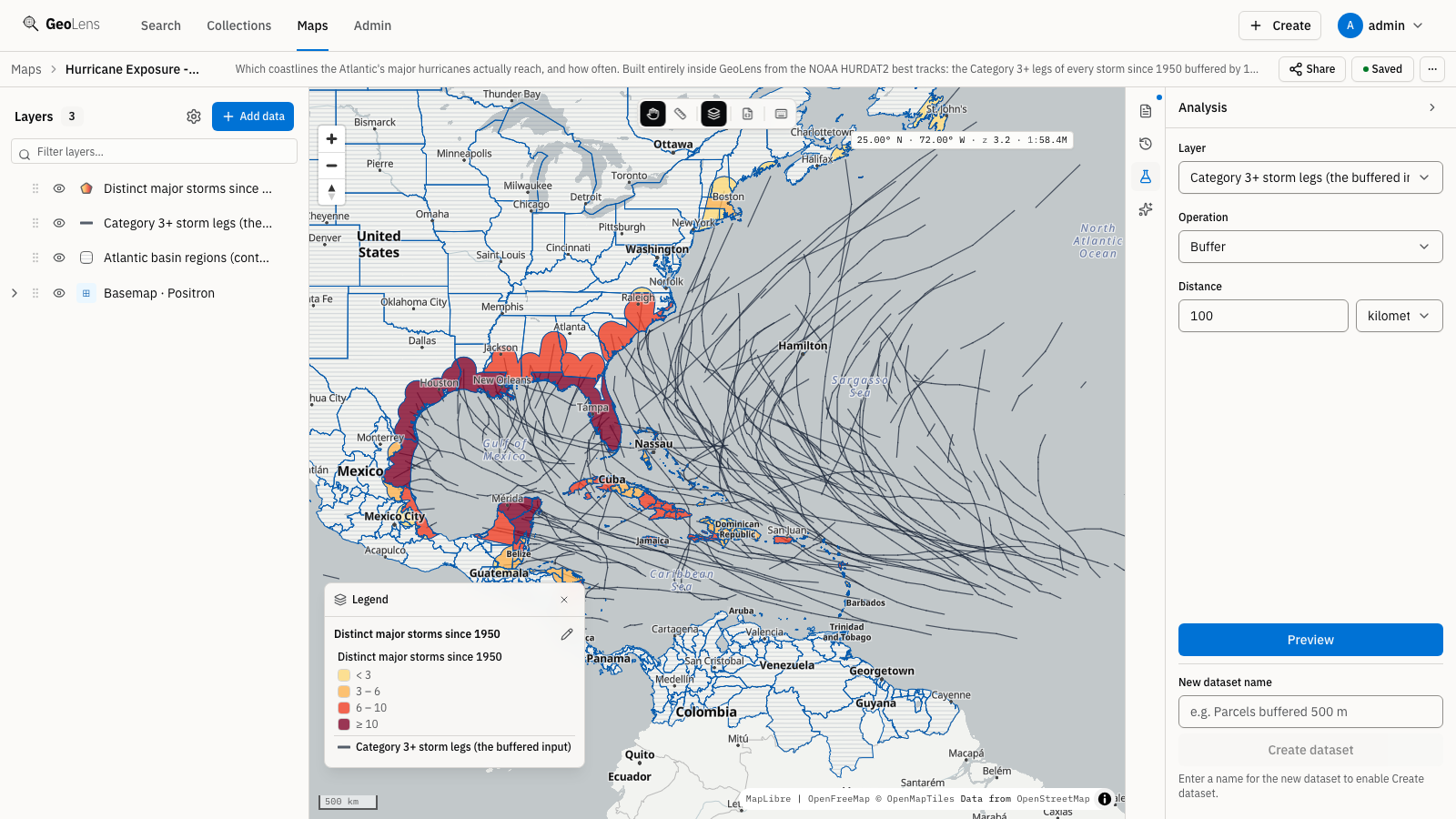
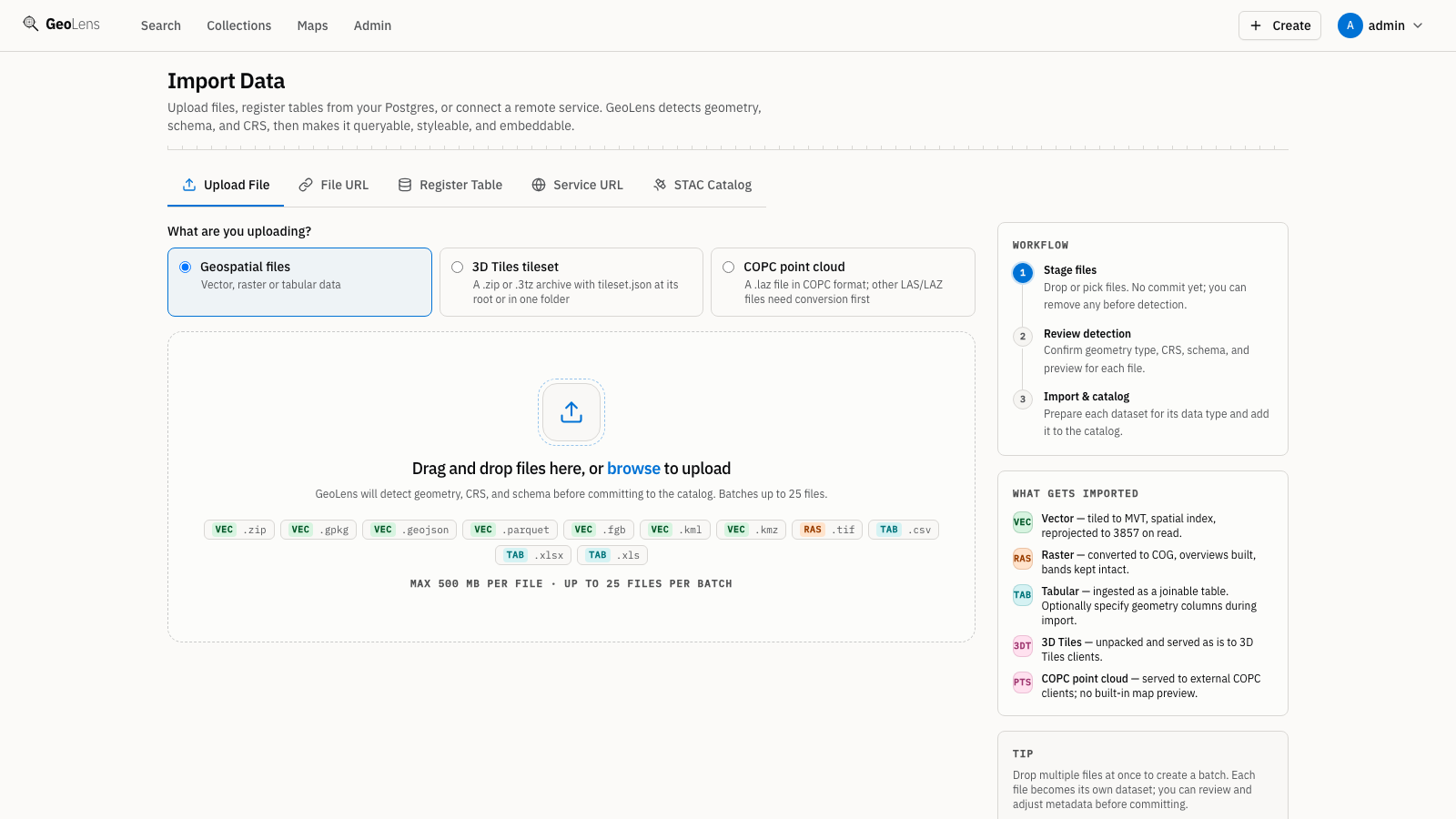
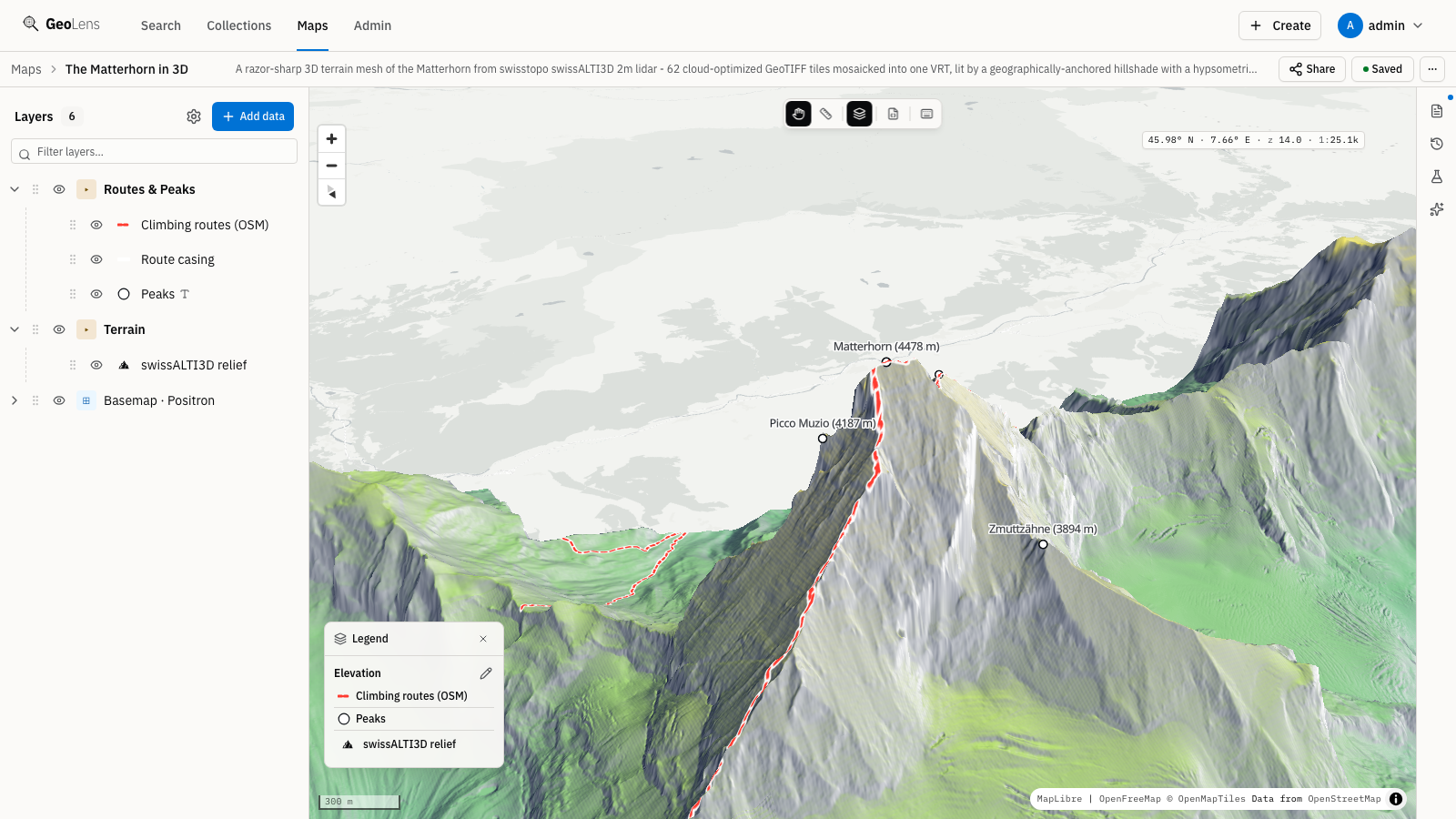
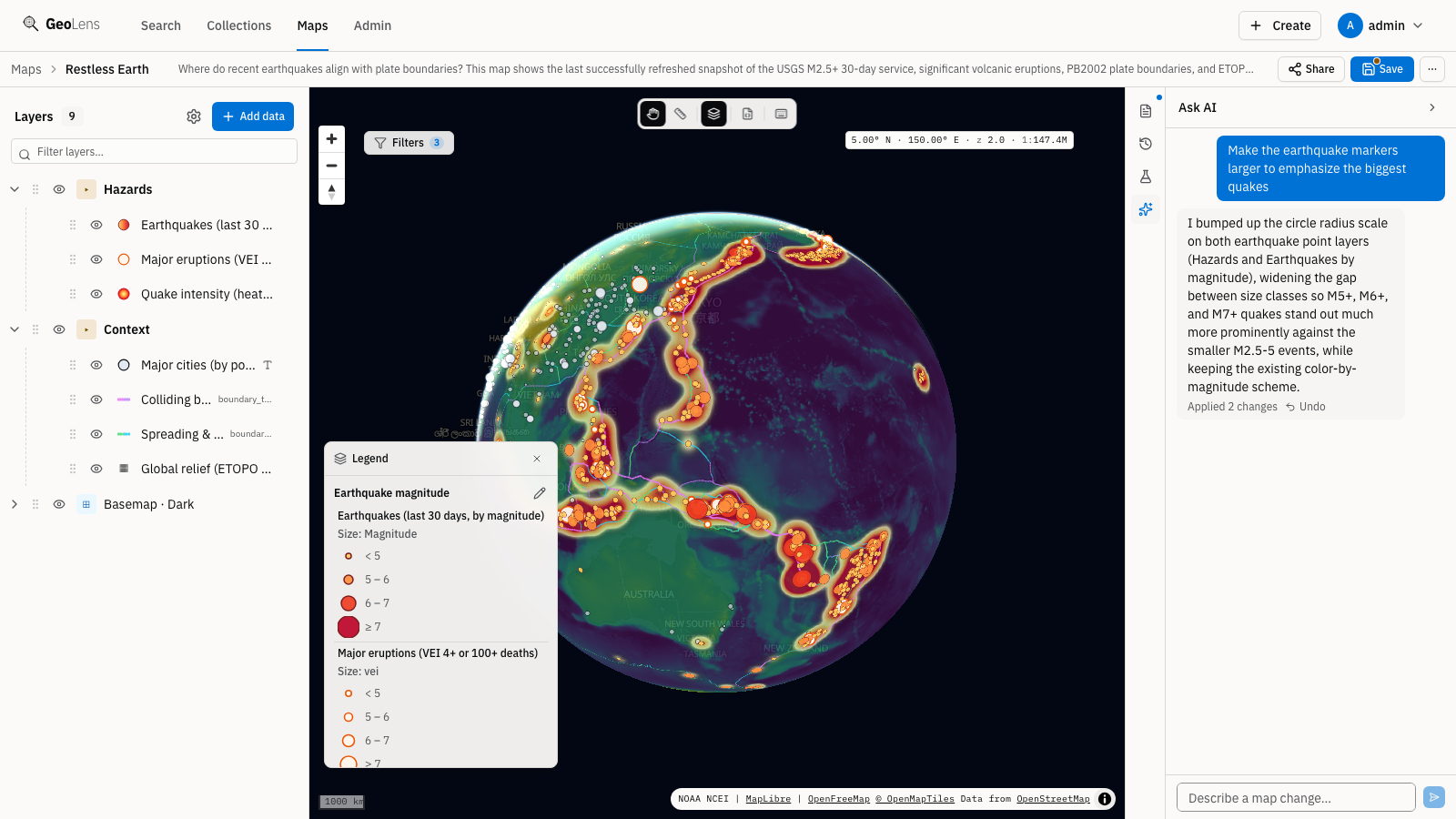
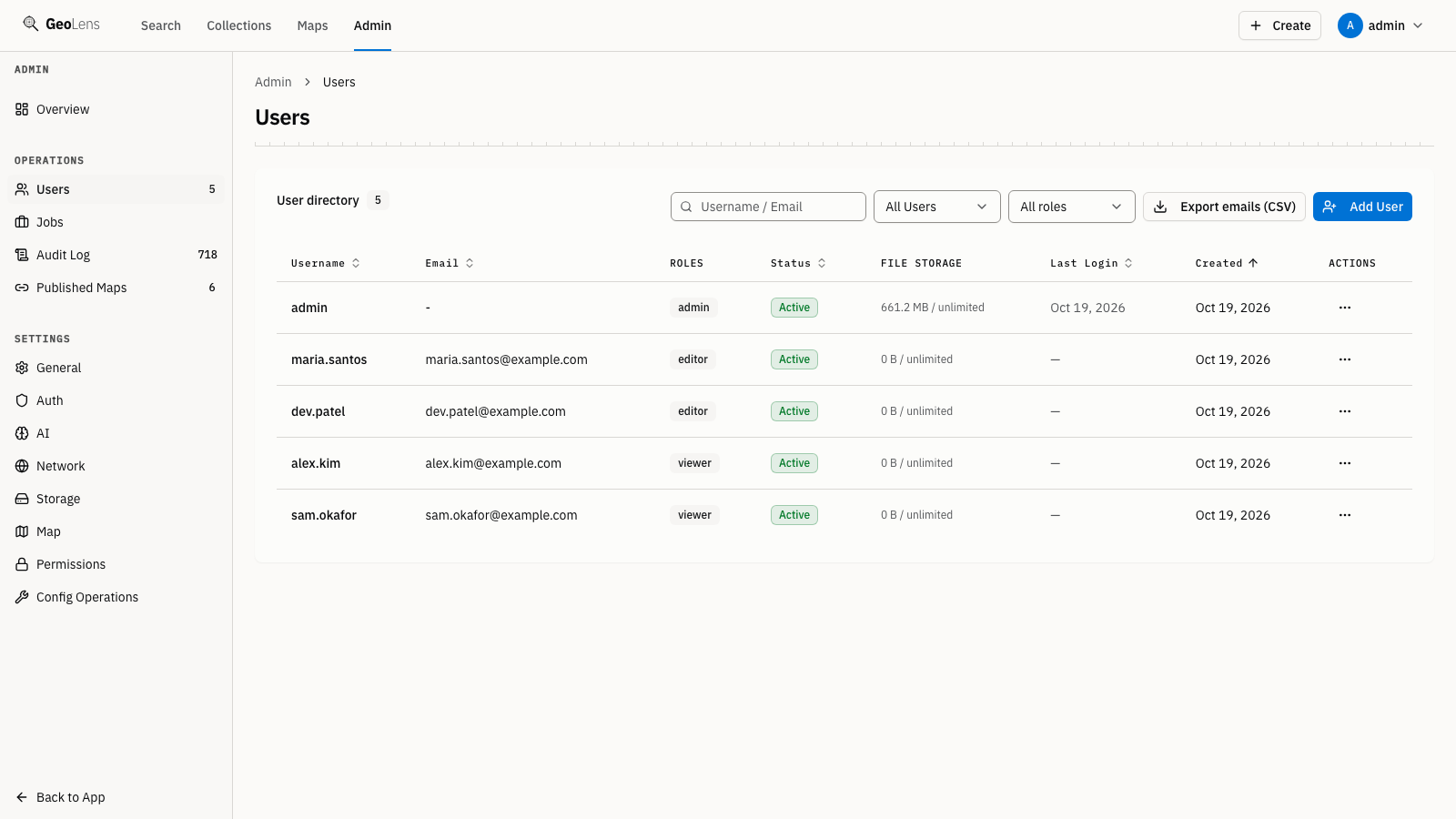
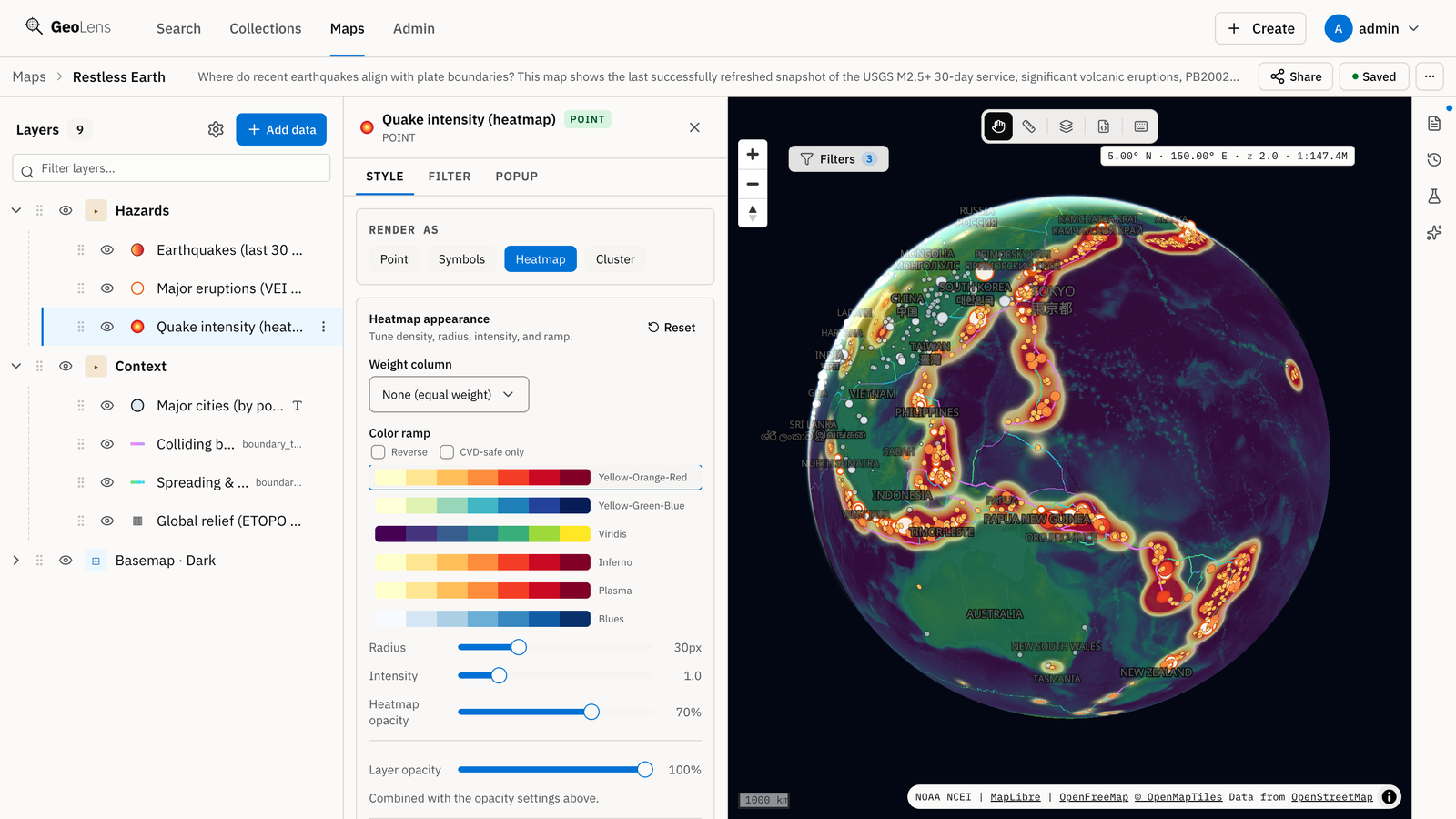
GeoLens is a self-hosted geospatial catalog and map builder. It helps teams consolidate spatial data from multiple sources into one searchable system that tracks data origins and source health. Upload common vector and raster formats, 3D tiles, and point clouds, or register existing PostGIS tables and web service layers without copying. The catalog includes fuzzy keyword search and adds semantic search via pgvector when an embedding provider is configured. The map builder supports multi-layer maps with various layer types, data-driven styling, and spatial analysis operations that create new datasets. Vector data is served through OGC API Features with CQL2, the catalog through OGC API Records and STAC endpoints, and rasters through TiTiler. Deploy with Docker Compose on one host (8 GB RAM minimum) using PostgreSQL/PostGIS with pgvector, optionally connecting to S3/MinIO/Azure Blob and Valkey/Redis. Users sign in with local credentials or via OAuth 2.0/OIDC providers such as Google, GitHub, Microsoft Entra ID, or generic OIDC. Interface languages: English, Spanish, French, German, Simplified Chinese. Apache 2.0 license.
Should you self-host GeoLens?
GeoLens scores 52/100 on selfhost.directory (how scoring works) and ranks #4 of 8 in Geospatial. It has 282 GitHub stars.
It shipped 10 stable releases in the past year. The latest, v1.27.1, came out on 24 October 2026. New versions land roughly every 2 days.
Setup is moderate: expect some configuration beyond a single command. It is Apache-2.0-licensed and written mostly in Python.
Its closest alternative on selfhost.directory is QGIS (81/100, 14 728 stars). It scores higher overall, so compare the two before you pick. See GeoLens vs QGIS side by side.
Features
- 3D Tiles and COPC point cloud hosting
- AI-assisted exploration (Ask AI)Optional feature; requires admin to configure an LLM provider. All workflows work without it.
- Data export in multiple formats
- Fuzzy keyword search
- Map builder with multi-layer composition
- Semantic search with pgvectorRequires admin to configure an embedding provider (OpenAI-compatible or Claude) and index the catalog.
- Spatial analysis (buffer, clip, dissolve, spatial join, etc.)
- Vector and raster tile serving
GeoLens README
More in Geospatial
 GeoServerSelf-hosted, open-source Java server that publishes and edits geospatial data through OGC standards such as WMS, WFS, WCS and WMTS, from Shapefile to PostGIS.
 GraphHopperGraphHopper is a self-hosted, open-source OpenStreetMap routing engine with A-to-B routing, isochrones, map matching, and GTFS transit. Runs as Java server or library.
 gratis-gisGratisGIS is a self-hosted, open-source GIS portal replacing ArcGIS Online seats with PostGIS-backed web maps, offline field PWA, app building, and QGIS integration.
 Martin Tile ServerAn open-source, self-hosted vector tile server written in Rust that serves tiles from PostGIS, GeoJSON, PMTiles and MBTiles sources.
 NextGIS WebNextGIS Web is a self-hosted open-source Web GIS for geospatial data, web maps, and QGIS collaboration with Docker deployment.
 NominatimSelf-hosted, open-source geocoder built on OpenStreetMap data: forward and reverse lookups over a PostgreSQL/PostGIS database with minutely OSM updates.
 OpenStreetMapOpen-source, self-hosted Ruby on Rails app powering the OpenStreetMap website and its XML/JSON editing API, with accounts, GPX traces and diaries, backed by PostgreSQL.
 OwnTracks RecorderOpen-source, self-hosted recorder that saves OwnTracks location data from MQTT or HTTP and serves it via REST API, live map, and the ocat CLI with CSV/GPX/GeoJSON export.
 photon-dockerSelf-hosted Docker image for Photon geocoder with search-as-you-type and reverse geocoding using OpenStreetMap data.
 QGISOpen-source GIS for Windows, macOS and Linux: map authoring, geospatial analysis and a self-hosted QGIS Server publishing WMS, WFS, WMTS and OGC API services.
 Tile38Self-hosted, open-source in-memory geolocation store and spatial index with real-time geofencing, webhook alerts and a Redis-compatible API.
 TileServer GLOpen-source, self-hosted map tile server rendering vector and raster tiles from GL styles with MapLibre GL Native, for MapLibre GL JS, Leaflet, OpenLayers and WMTS.
0 comments