
Self-host NextGIS Web
26.10.0Open-source Web GIS for geospatial data and QGIS
- Stars
- 294
- CPU
- 4-core
- RAM
- 8 GiB
- Storage
- 250 GB SSD
- Port
- 8080 (HTTP web interface)
nextgis/nextgisweb-ce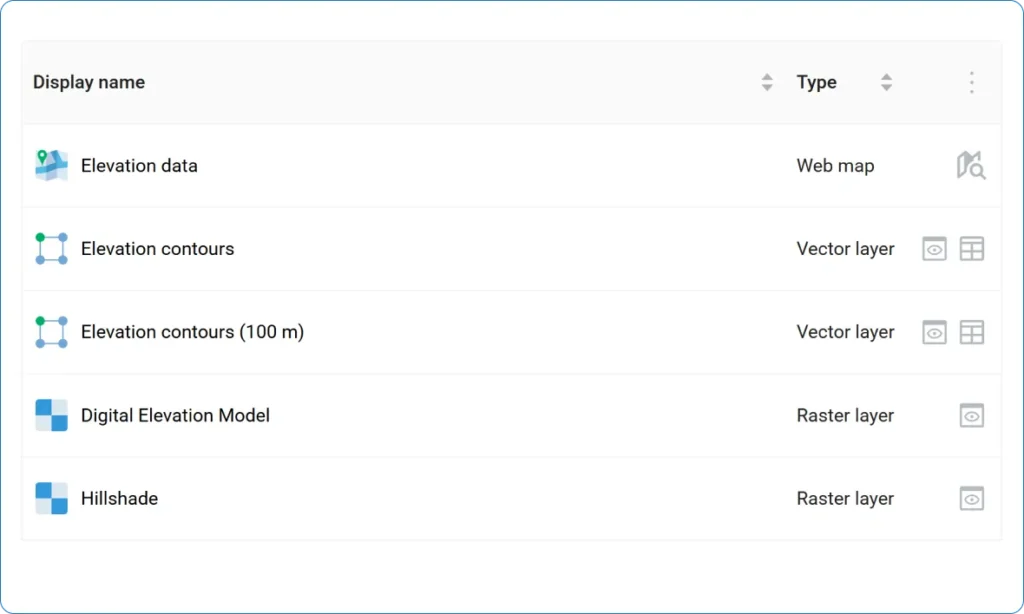

What is NextGIS Web?
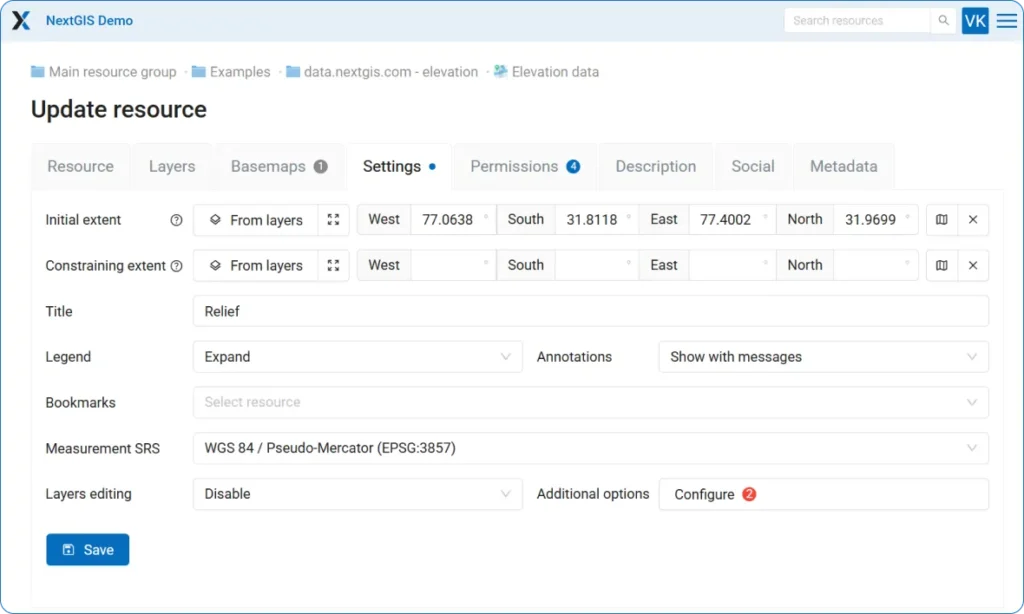
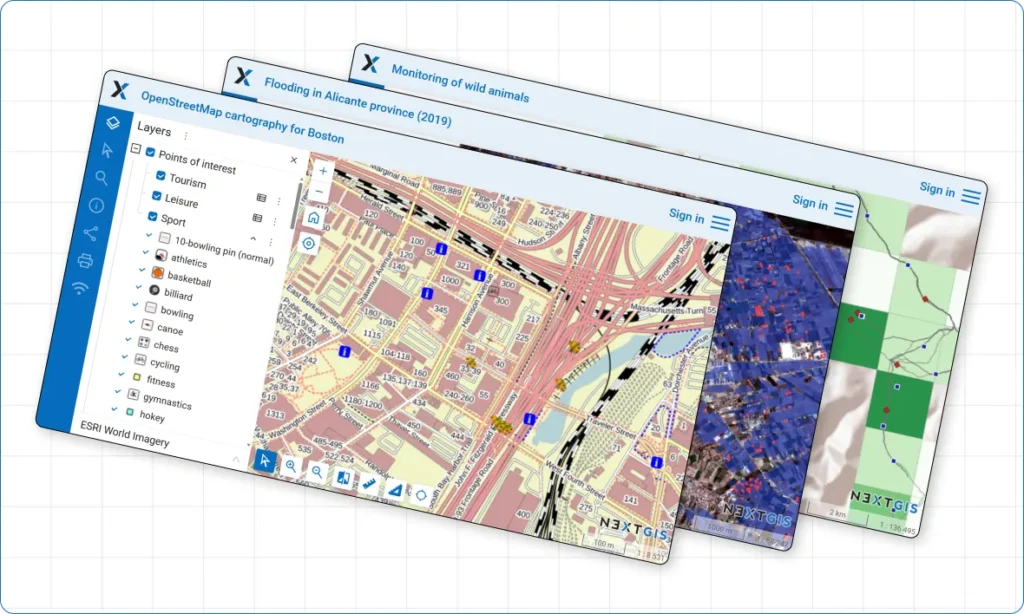
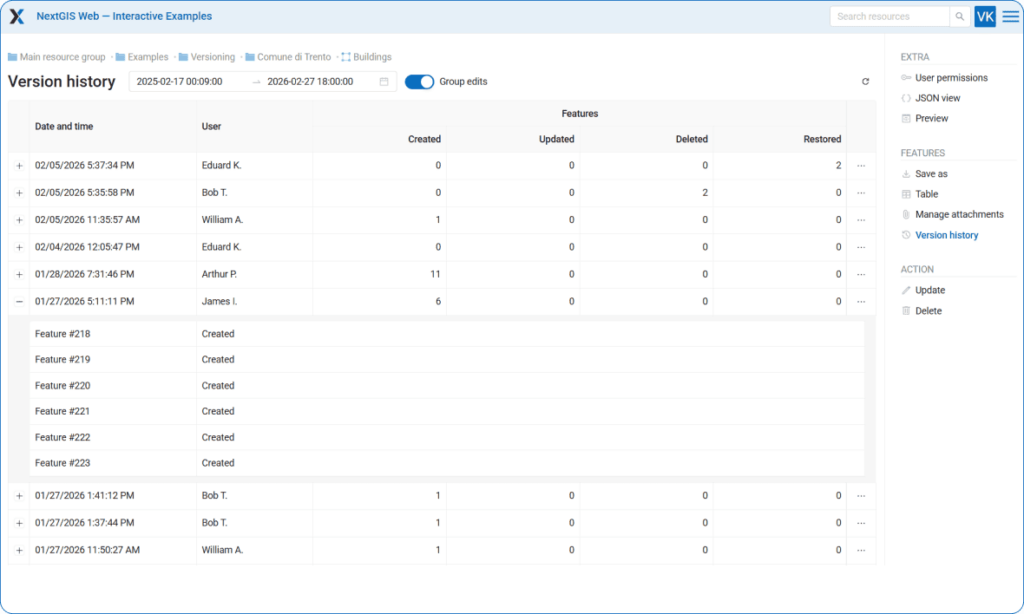
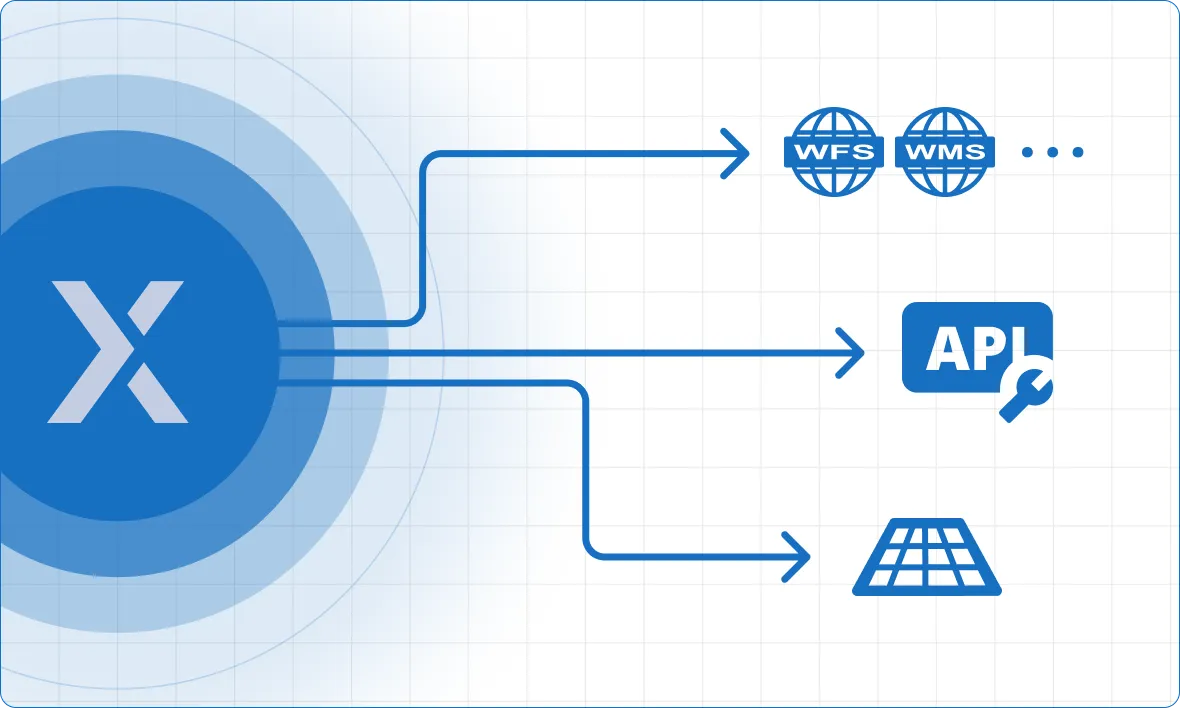
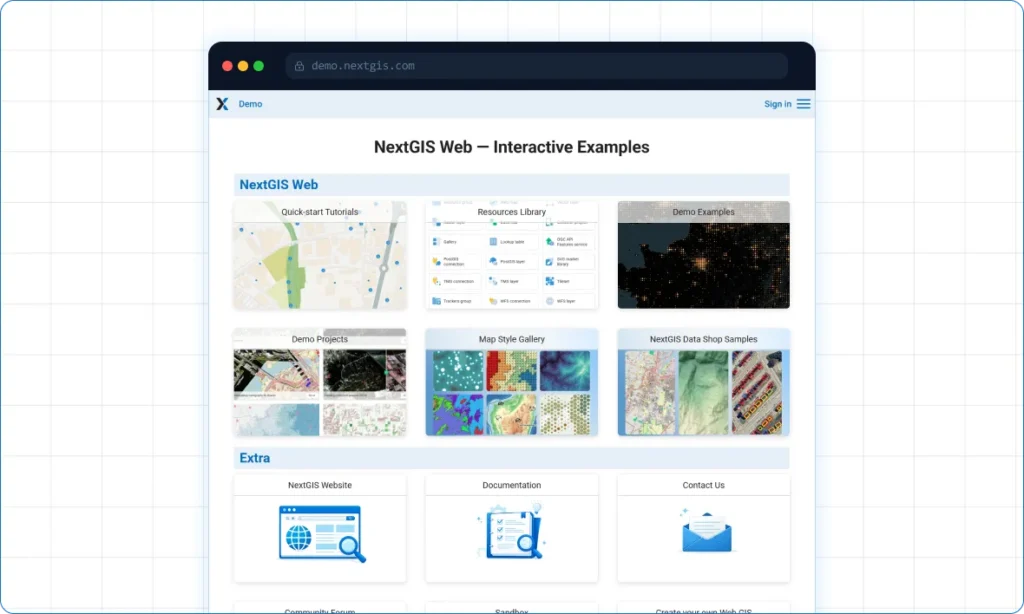
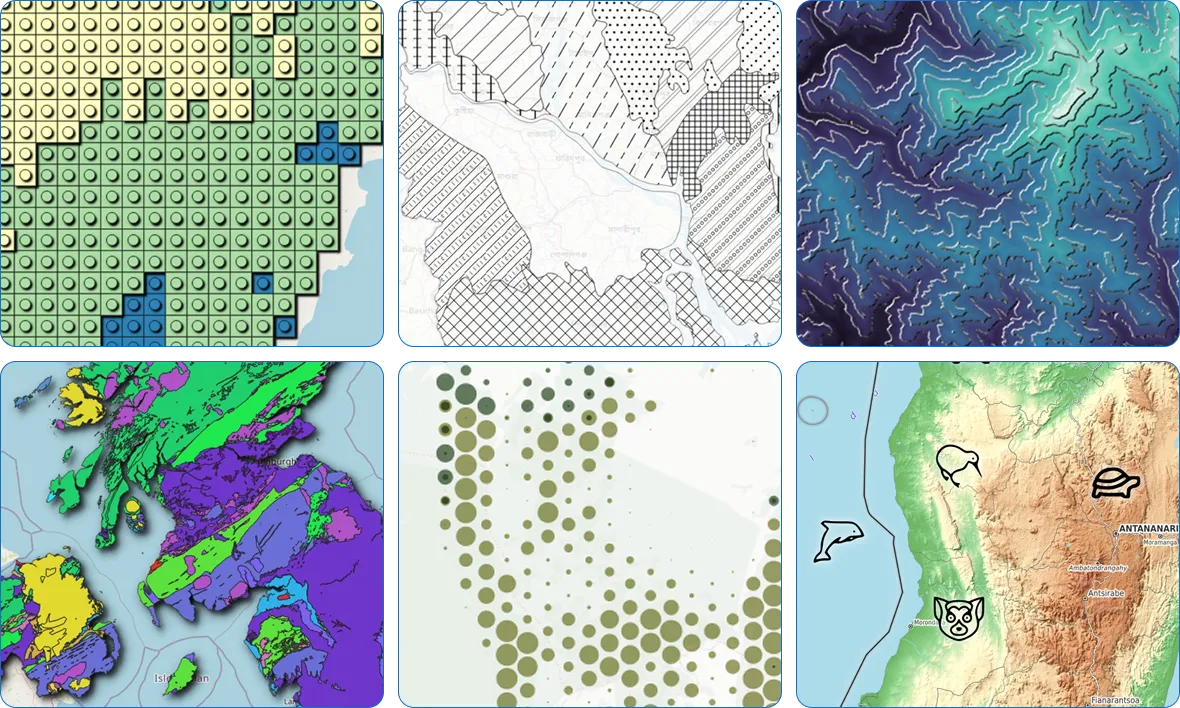
A self-hostable Web GIS platform for spatial data handling, map publishing, and QGIS-driven teamwork. It ships a spatial backend, browser admin console, and REST API. Capabilities span vector/raster storage, PostGIS links, interactive maps with layer tools and print output, standard geospatial service publishing plus tiles, QGIS style support, built-in version history for vector layers, a web vector editor, file attachments, and granular permissions. The Community Edition deploys via Docker or Docker Compose on port 8080. A PostgreSQL/PostGIS database is required, with optional S3-compatible storage for rasters. NextGIS develops it under GPL-3.0.
Should you self-host NextGIS Web?
NextGIS Web scores 54/100 on selfhost.directory (how scoring works) and ranks #3 of 8 in Geospatial. It has 294 GitHub stars.
There was no stable release in the past 12 months, so check the repository's recent activity before you rely on it.
Setup is moderate: expect some configuration beyond a single command. An official Docker image is available. It is GPL-3.0-licensed and written mostly in Python.
Its closest alternative on selfhost.directory is QGIS (81/100, 14 728 stars). It scores higher overall, so compare the two before you pick. See NextGIS Web vs QGIS side by side.
Features
- Access control
- Attachment Management
- Coordinate reference systems
- External service connections
- Geospatial data management
- Map galleries
- OGC services
- QGIS integration
- REST API
- Version Control
- Web-based vector editor
- Web map publishing
NextGIS Web README
FAQ
How do I completely remove all personal data stored at NextGIS?
Log in at my.nextgis.com, go to Profile > Profile management, choose Profile removal and press Delete profile.
How do I export my personal data from NextGIS?
Log in at my.nextgis.com, go to Profile > Profile management, choose Data export and press Request data.
How can an administrator reset a local user's password?
Log in as administrator, open Control Panel, go to user list, and change the password in user settings.
What if I forgot my NextGIS ID password?
Go to my.nextgis.com, select 'Forgot password?' and follow the recovery steps.
How can I let another user access my Web GIS?
The user creates an account on my.nextgis.com, then the Web GIS owner adds them as a team member via the Team page.
How do I sign in to Web GIS?
Press 'Sign in' in the upper right corner, select 'Sign in with NextGIS ID', and enter your global NextGIS account credentials.
More in Geospatial
 NominatimSelf-hosted, open-source geocoder built on OpenStreetMap data: forward and reverse lookups over a PostgreSQL/PostGIS database with minutely OSM updates.
 OpenStreetMapOpen-source, self-hosted Ruby on Rails app powering the OpenStreetMap website and its XML/JSON editing API, with accounts, GPX traces and diaries, backed by PostgreSQL.
 OwnTracks RecorderOpen-source, self-hosted recorder that saves OwnTracks location data from MQTT or HTTP and serves it via REST API, live map, and the ocat CLI with CSV/GPX/GeoJSON export.
 photon-dockerSelf-hosted Docker image for Photon geocoder with search-as-you-type and reverse geocoding using OpenStreetMap data.
 QGISOpen-source GIS for Windows, macOS and Linux: map authoring, geospatial analysis and a self-hosted QGIS Server publishing WMS, WFS, WMTS and OGC API services.
 Tile38Self-hosted, open-source in-memory geolocation store and spatial index with real-time geofencing, webhook alerts and a Redis-compatible API.
 TileServer GLOpen-source, self-hosted map tile server rendering vector and raster tiles from GL styles with MapLibre GL Native, for MapLibre GL JS, Leaflet, OpenLayers and WMTS.
 ValhallaValhalla is a self-hosted, open-source routing engine for OpenStreetMap with turn-by-turn navigation, isochrones, matrix computation, map matching, and tour optimization.
 carto-selfhosted-helmCARTO Self-Hosted is a commercial geospatial analytics platform deployed on Kubernetes via Helm, keeping sensitive data within your network for compliance and security.
 colota-forwarderA self-hosted relay that takes GPS locations from Colota or OwnTracks apps and distributes them to multiple tracking services, converting formats automatically.
 datahubSelf-hosted open-source GIS for harmonizing and exploring spatiotemporal data across health, demographic, and environmental domains with interactive dashboard and API.
 docker-postgisOfficial Docker images for PostgreSQL with PostGIS spatial extensions. Debian and Alpine variants for PostgreSQL 14-18 with PostGIS 3.6. Self-hosted, open-source.
0 comments