
Self-host fugu
v1.1.5Privacy-friendly product analytics you can self-host
- Stars
- 214
- Port
- 3000 (HTTP web server)
- Requires
- PostgreSQL
shafyy/fugu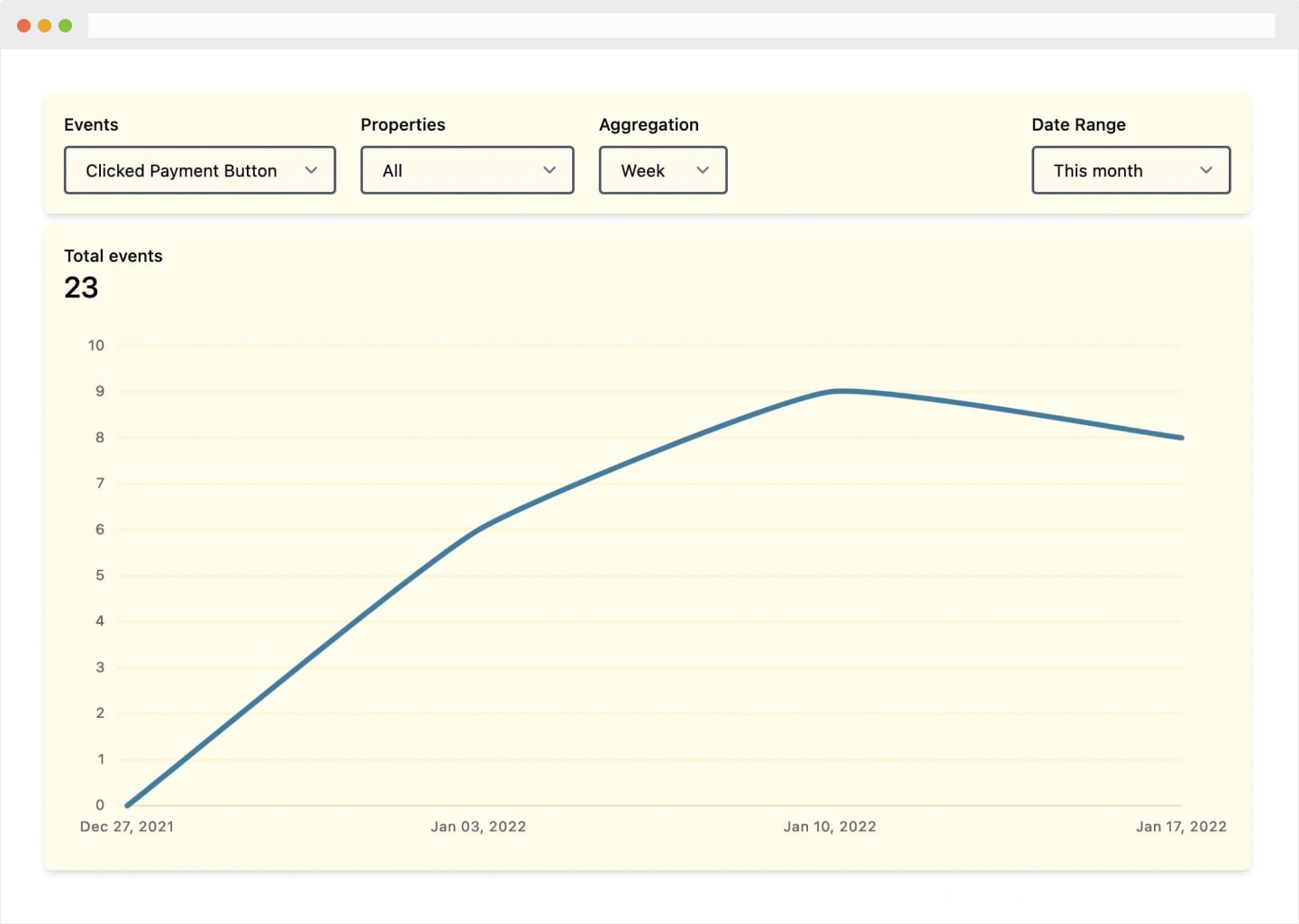

What is fugu?
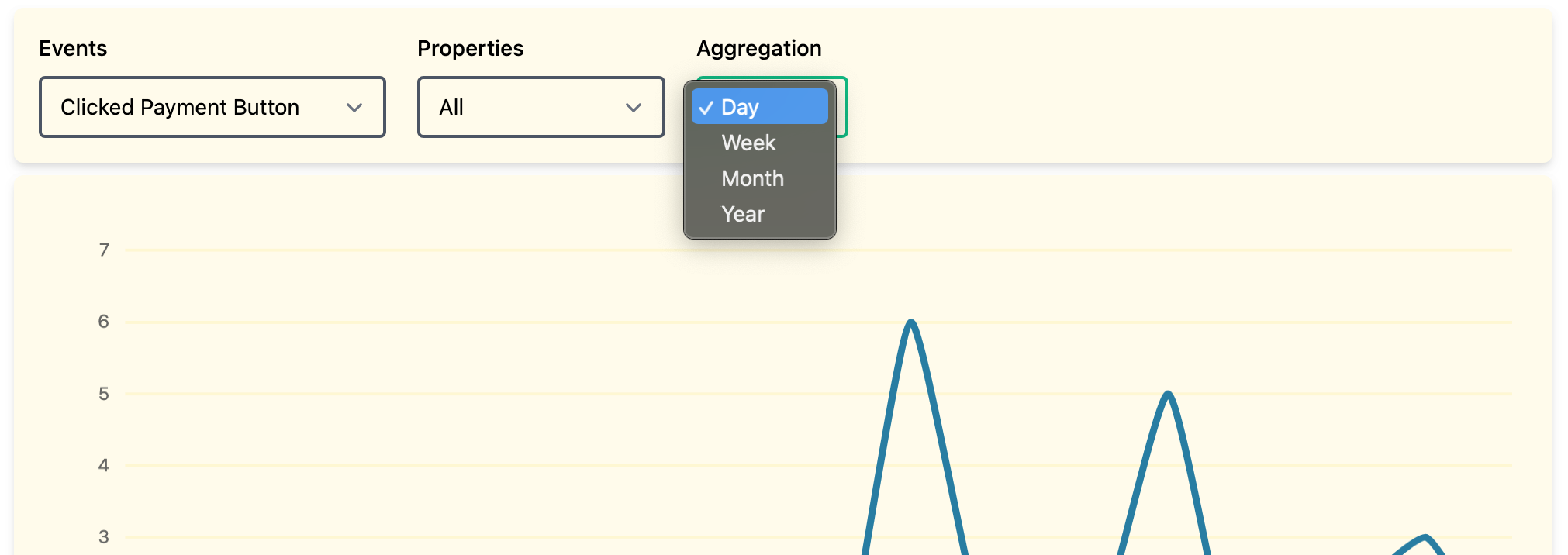
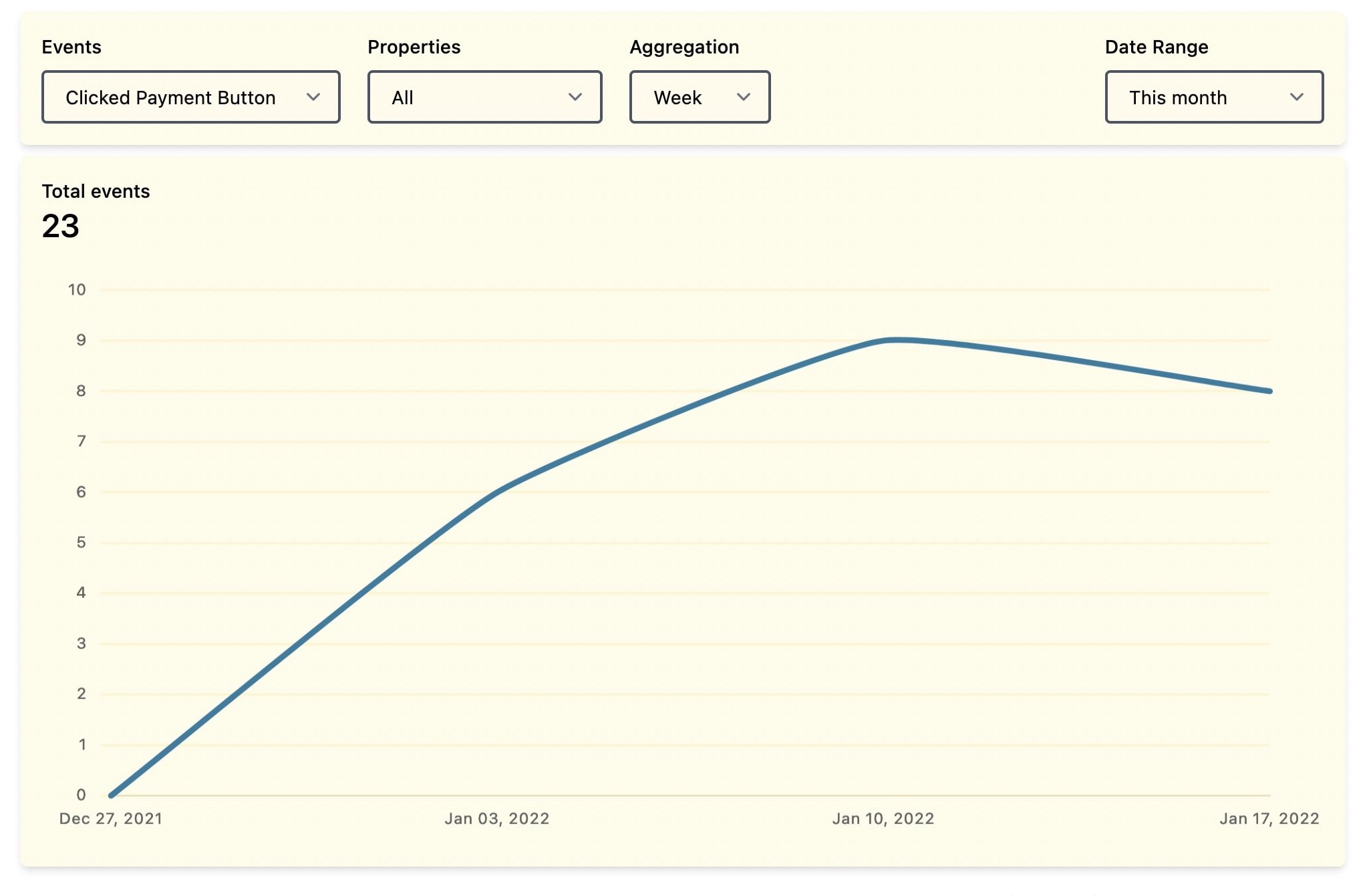
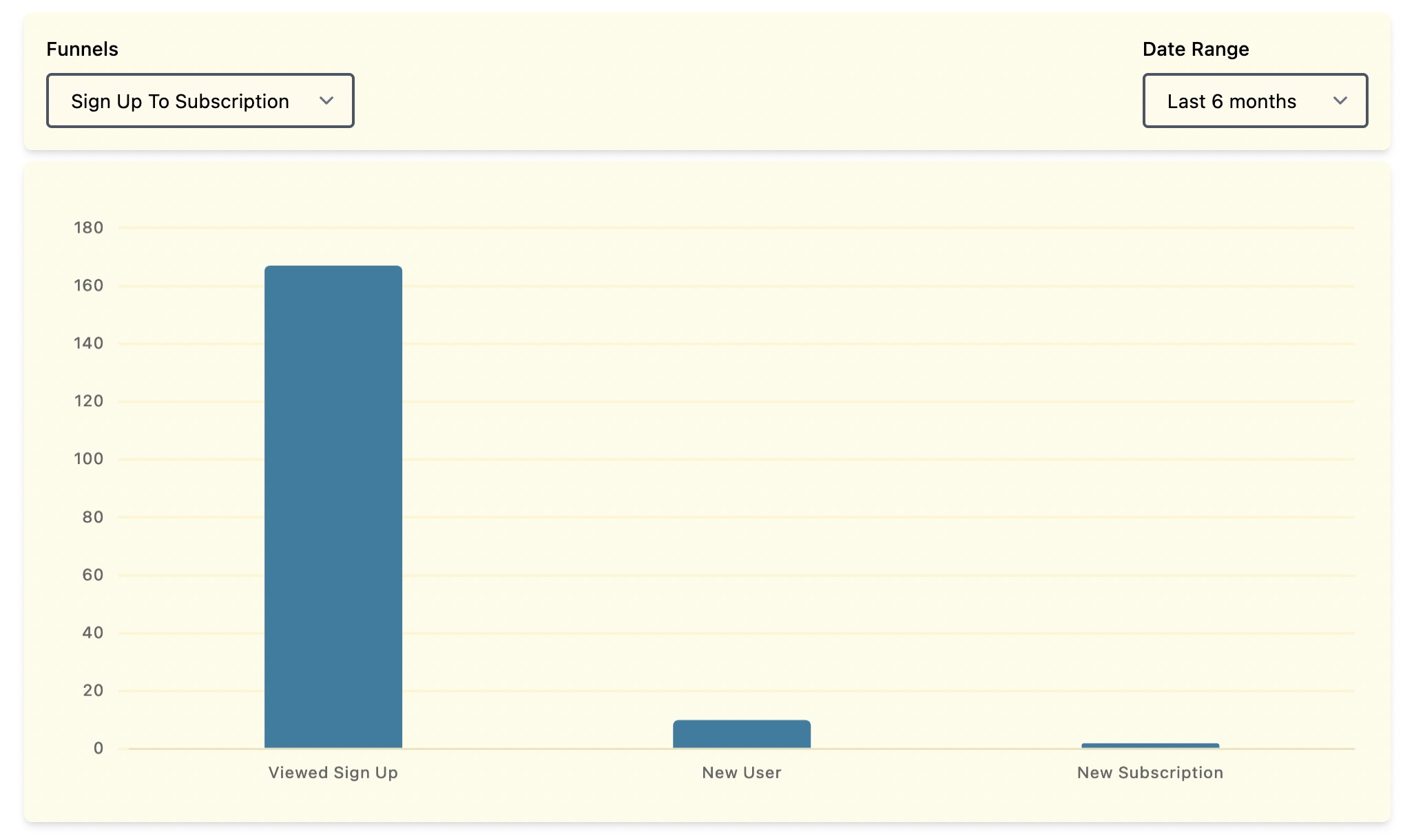
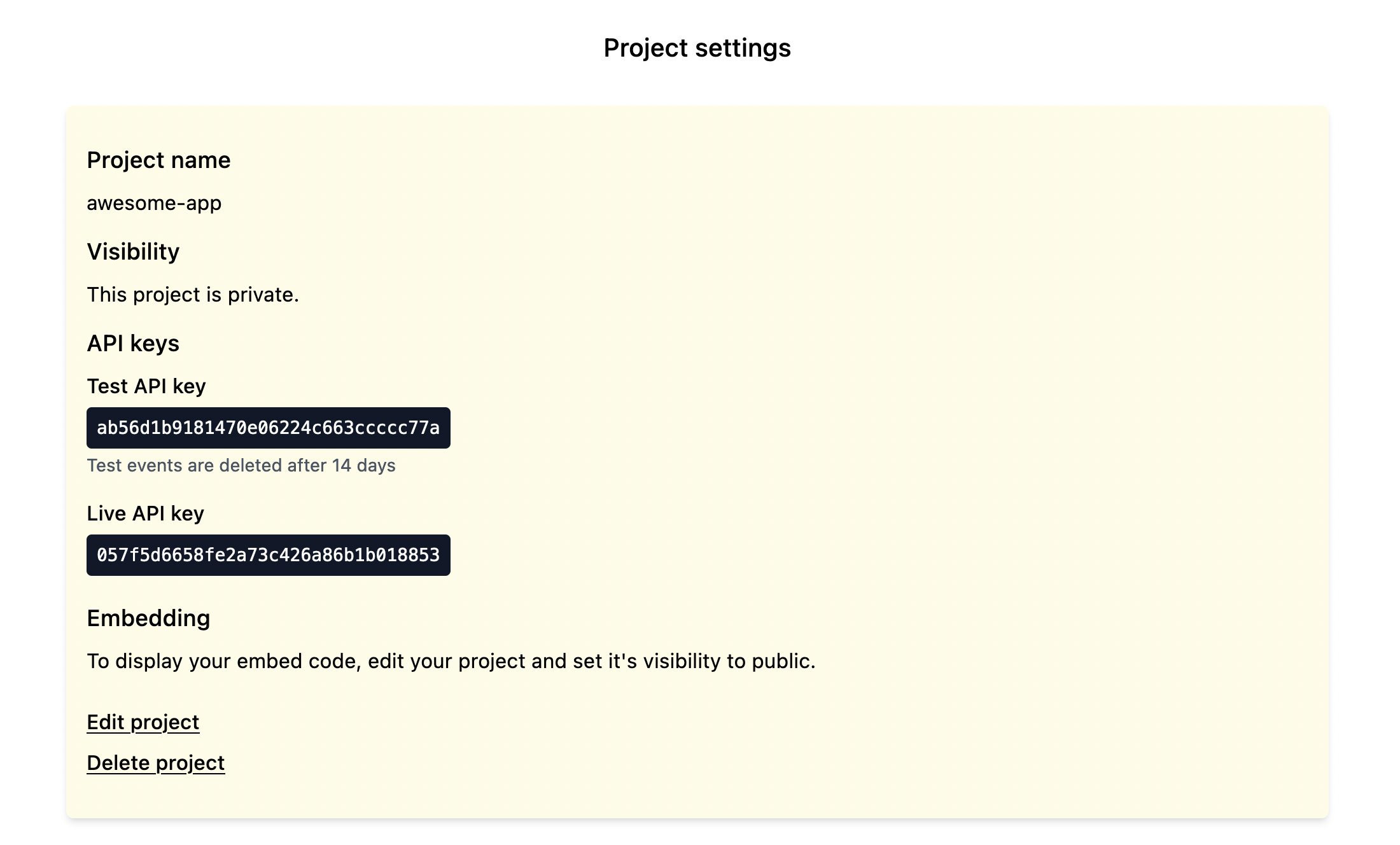
Fugu is a free, open-source product analytics platform designed for indie developers and small teams who want to understand user behavior without compromising privacy. It uses an event-based tracking system where you send events with optional properties via a REST API. The web dashboard provides event charts with time aggregation (day, week, month, year), property value breakdowns, funnel analysis with up to 5 steps, and test/live modes to separate staging from production data. Projects can be made public and embedded via iframe. Fugu deliberately does not track unique users or personally identifiable information like IP addresses. It runs as a Ruby on Rails application with a PostgreSQL database and can be deployed via Docker Compose, Docker alone, or managed services like Heroku and Render. The project is licensed under AGPL-3.0 and has no paid tiers or feature restrictions in the self-hosted version.
Should you self-host fugu?
fugu scores 46/100 on selfhost.directory (how scoring works) and ranks #16 of 27 in Analytics. It has 214 GitHub stars.
There was no stable release in the past 12 months, so check the repository's recent activity before you rely on it.
Setup is moderate: expect some configuration beyond a single command. An official Docker image is available. It is AGPL-3.0-licensed and written mostly in Ruby.
Its closest alternative on selfhost.directory is PostHog (81/100, 40 493 stars). It scores higher overall, so compare the two before you pick. See fugu vs PostHog side by side.
Features
- API Key Authentication
- Event Tracking
- Funnel analysis
- Privacy-focused tracking
- Project embedding
- Property Value Breakdown
- Public projects
- Test and live modes
- Time Aggregation
fugu README
More in Analytics
 GeoMetrikksGeoMetrikks is a self-hosted, open-source service that tails reverse proxy logs, performs GeoLite2 lookups, and displays requests on a live MapLibre map with analytics.
 ghstatsSelf-hosted, open-source tool that pulls GitHub repo traffic via API into SQLite, keeping history beyond the 14-day limit. Includes dashboards, JSON API, and SVG badges.
 GizmoSQLSelf-hosted SQL server on DuckDB/SQLite with Arrow Flight SQL, TLS, JWT auth. Core is Apache 2.0; Enterprise adds SSO, metrics, permissions.
 GoModelThis open-source, self-hosted AI gateway in Go unifies 34 LLM providers behind OpenAI-style and Anthropic-style APIs, adding budgets, caching, routing and audit logs.
 GPT-LoadAn open-source, self-hosted AI gateway routing one endpoint to 35 upstream channels — key credentials and subscription logins, with failover, logs and cost estimates.
 graphite-webA highly scalable real-time graphing system
 hakatimeSelf-hosted Wakatime server implementation with analytics dashboard, leaderboards, badge generation, and GitHub commit time tracking. Open-source under Unlicense.
 hastic-serverHastic Server is an open-source, self-hosted analytics engine adding pattern recognition and anomaly detection to Grafana dashboards.
 Helical InsightHelical Insight is a self-hosted, open-source BI platform with AI analytics, pixel-perfect reporting, dashboards, SSO, multi-tenancy, embedding — all free under AGPL-3.0.
 HitKeepA single-binary, open-source analytics tool that covers traffic, conversions, search performance, and AI-driven visits without needing a separate database.
 JellyGlanceJellyGlance is a self-hosted, open-source dashboard for Jellyfin and Emby showing live sessions, playback history, statistics, media requests, and download queues.
 JellystatSelf-hosted, open-source statistics app for Jellyfin: session monitoring, watch history, library and user stats, with backup/restore and a Postgres backend.
0 comments