
Self-host GizmoSQL
v1.42.2High-performance SQL server with DuckDB and SQLite backends
- Stars
- 375
- Ports
- 31337 (Flight SQL gRPC), 9091 (Prometheus metrics (Enterprise))
gizmodata/gizmosql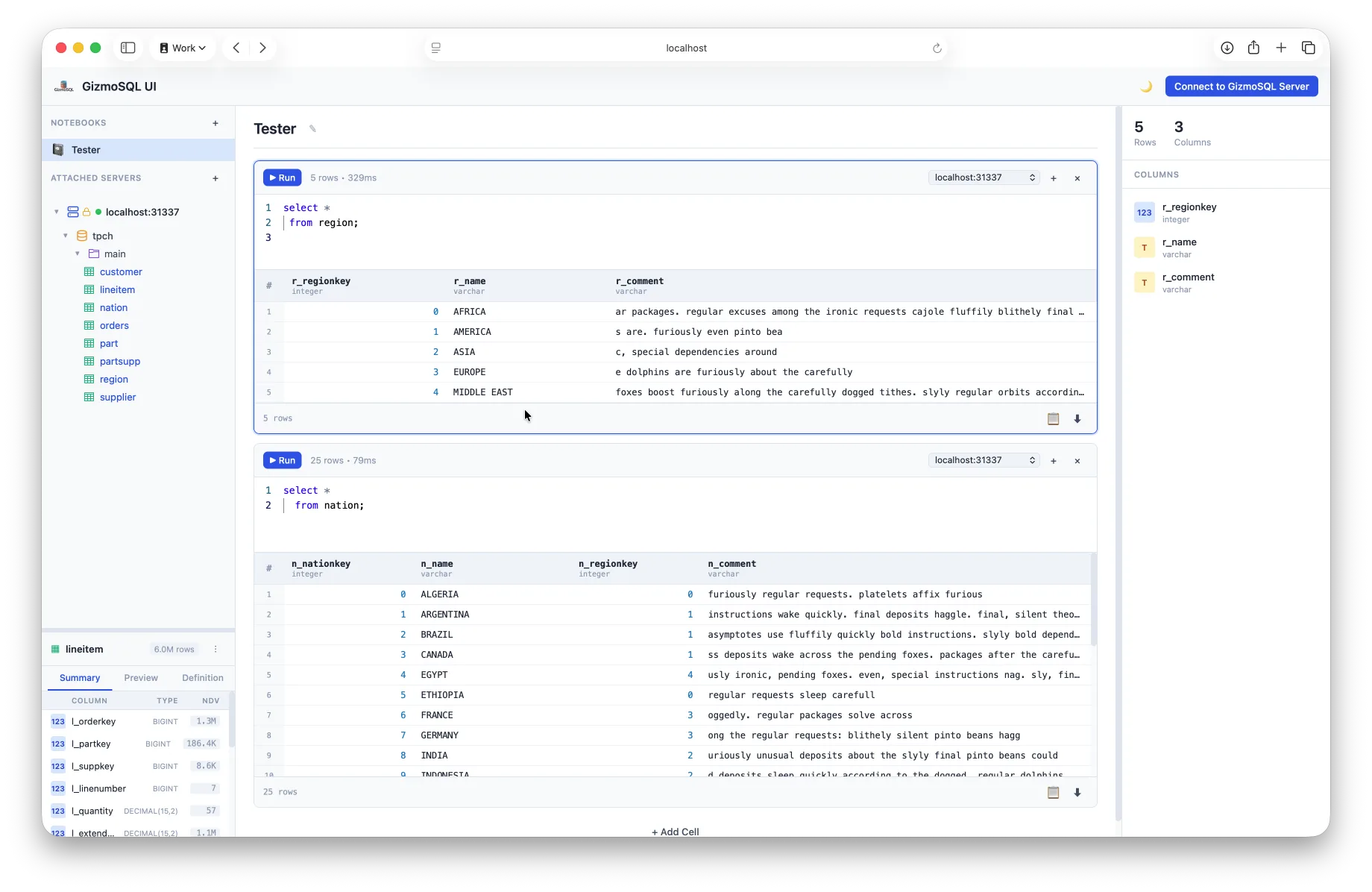
What is GizmoSQL?
GizmoSQL runs on DuckDB or SQLite and serves data through Apache Arrow Flight SQL. It provides TLS/mTLS encryption, password and JWT authentication, and deploys via Docker, native binaries, Homebrew, Windows MSI, or iOS app. The free Core edition (Apache 2.0) includes dual backends, Flight SQL, TLS, JWT, and query timeout. The paid Enterprise tier adds SSO/OIDC, Prometheus metrics, session instrumentation, per-catalog permissions, kill session, and statement queuing. Clients include JDBC, ADBC, SQLAlchemy, Ibis, Python, and a psql-like CLI. It works with DBeaver, Tableau, Power BI, Grafana, Superset, and dbt. The project is now in maintenance mode, succeeded by Hardcharger.
Should you self-host GizmoSQL?
GizmoSQL scores 50/100 on selfhost.directory (how scoring works) and ranks #29 of 38 in Databases. It has 375 GitHub stars.
It shipped 9 stable releases in the past year. The latest, v1.42.2, came out on 27 October 2026. New versions land roughly every 5 days.
Setup is moderate: expect some configuration beyond a single command. An official Docker image is available. It is Other-licensed and written mostly in C++.
Its closest alternative on selfhost.directory is SurrealDB (78/100, 33 241 stars). It scores higher overall, so compare the two before you pick. See GizmoSQL vs SurrealDB side by side.
Features
- Apache Arrow Flight SQL
- DuckDB Backend
- Initialization SQL
- Kill SessionEnterprise edition only
- Multi-Node Scaling
- Password Authentication
- Per-Catalog PermissionsEnterprise edition only
- Prometheus MetricsEnterprise edition only, requires metrics license feature
- Query Timeout
- Session InstrumentationEnterprise edition only
- SQLite Backend
- SSO/OIDC authenticationEnterprise edition only
- Statement QueuingEnterprise edition only
- TLS/mTLS Encryption
GizmoSQL README
More in Data Warehousing
 lakehouse-at-homeSelf-hosted lakehouse for local data engineering with Spark, Iceberg, and Kafka via Docker Compose, plus optional Airflow and test data tools.
 PontoonPontoon is a self-hosted, open-source data export platform for vendors to send data directly to customer warehouses like Snowflake, BigQuery, Redshift, and Postgres.
 clickhouseClickHouse is an open-source, self-hosted column-oriented DBMS for real-time OLAP analytics using SQL.
 cloudberryOne advanced and mature open-source MPP (Massively Parallel Processing) database. Open source alternative to Greenplum Database.
 d8aOpen-source analytics platform that collects GA4 and Matomo data into your own ClickHouse, BigQuery, or file storage with full privacy control.
 databendSelf-hosted, open-source data warehouse in Rust for large-scale analytics plus vector and full-text search, with Python UDF sandboxes and git-like data branching.
 DruidSelf-hosted open-source OLAP database delivering millisecond analytics on high-cardinality event data, with SQL, JDBC, a web console and native Kafka/Kinesis ingestion.
 firebolt-coreA free, self-hosted analytical database with PostgreSQL SQL, Iceberg support, and distributed query execution scaling from laptop to enterprise clusters.
0 comments