
Self-host Gitingest
v0.3.1Git repo digests, prompt-ready text for LLMs
docker run -d --name gitingest -p 8000:8000 gitingest- Stars
- 16 097
- Ports
- 8000 (Main web application (digest form and results)), 9090 (Prometheus metrics server (enabled via GITINGEST_METRICS_ENABLED))
ghcr.io/coderamp-labs/gitingest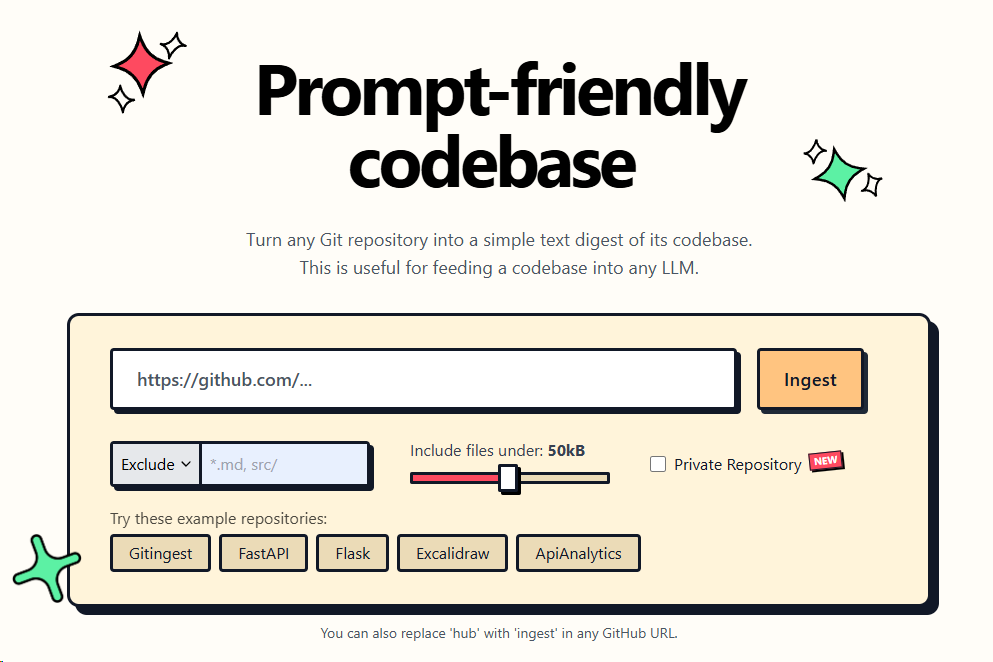
What is Gitingest?
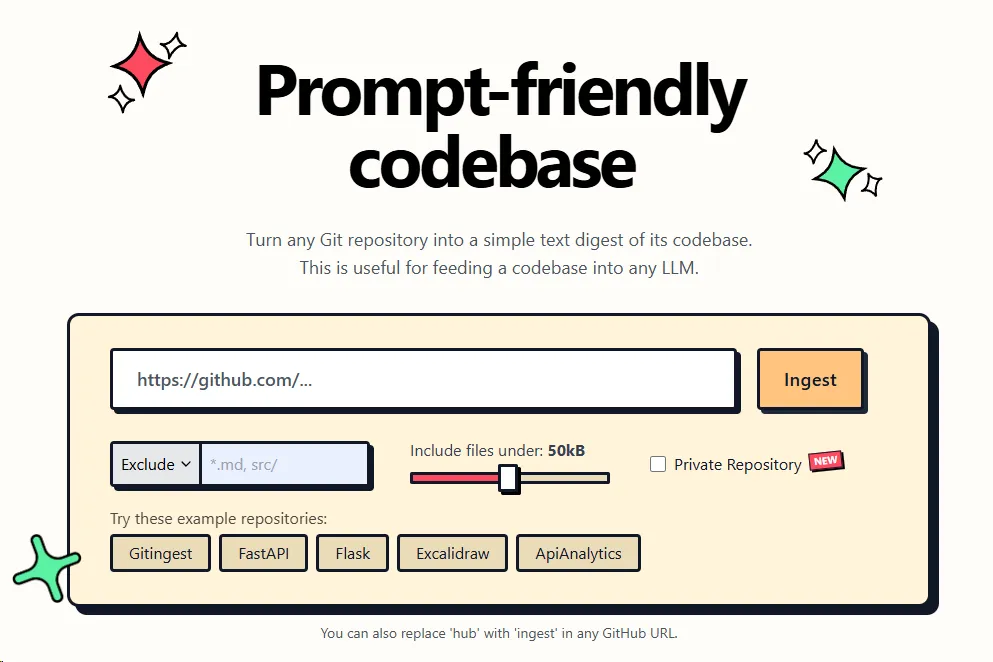
Gitingest converts any Git repository (or a local directory) into a single text digest formatted for feeding code into a large language model. You point it at a repo URL or path and it returns a summary, a directory tree and the concatenated file contents, with statistics such as file sizes and token counts. It ships as a shell command, an importable Python package with sync and async entry points, and a web application you can run yourself. Private repositories work by supplying a GitHub personal access token, and you can scope output with include/exclude patterns, a per-file size limit, submodule support and an option to keep gitignored files; the digest goes to a file or stdout. For your own hardware there is a Dockerfile, a published ghcr image used by the production compose profile, and a metrics server you can expose; the Python package is also on PyPI. There is no user account system or login, and browser extensions for Chrome, Firefox and Edge are separate community projects.
Should you self-host Gitingest?
Gitingest scores 71/100 on selfhost.directory (how scoring works) and ranks #15 of 167 in Developer Tools. It has 16 097 GitHub stars, +263 in the last 30 days.
There was no stable release in the past 12 months, so check the repository's recent activity before you rely on it.
Setup is easy: most people get it running in one sitting. An official Docker image is available. It is MIT-licensed and written mostly in Python.
Its closest alternative on selfhost.directory is openhands (87/100, 92 941 stars). It scores higher overall, so compare the two before you pick. See Gitingest vs openhands side by side.
Features
- Allowed hostname configuration for self-hosting
- Codebase text digest for LLM prompts
- Command-line tool
- Directory tree and summary output
- Gitignored file option
- Include/exclude pattern filtering
- Output to file or stdout
- Private repository access with token
- Prometheus metrics endpoint
- Python library (sync and async)
- S3-compatible storage support
- Subdirectory extraction
- Submodule inclusion
- Web UI server


More in Developer Tools
 gitlistSelf-hosted, open-source web front-end for browsing multiple git repositories: files at any revision, blame and diffs, commit history, RSS/Atom feeds, repo statistics.
 GitnessAn open-source, self-hosted DevOps platform combining Git code hosting, CI/CD pipelines, Gitspaces dev environments and artifact registries in one Docker container.
 GitProxyGitProxy is a self-hosted, open-source proxy that intercepts git push to enforce security policies like secret detection and commit validation.
 GitWitGitWit is a self-hosted, open-source AI coding platform with a browser-based IDE, live preview, AI chat, and support for Anthropic, OpenAI, and AWS Bedrock.
 GLAuthOpen-source, MIT-licensed LDAP server for developers and homelabs, with config-file, S3, ownCloud, database or LDAP-proxy backends, 2FA and a REST stats API.
 GoatDBGoatDB is an open-source embedded document database for human-agent collaboration with offline-first sync, structural merge, and cryptographic commit signing.
 goblinSelf-hosted service compiling Go binaries on-demand via HTTP, letting users install Go tools without Go installed. Open-source alternative to gobinaries.com.
 GO Feature FlagSelf-hosted, open-source feature flag relay proxy built on the OpenFeature standard, with targeting rules, rollout strategies and evaluation-data export to many sinks.
 golembotGolemBot connects coding agents (Cursor, Claude Code, OpenCode, Codex) to Slack, Telegram, Discord and more — routing through any LLM provider via one config file.
 GotHubOpen-source, self-hosted front-end for GitHub written in Go: pages serve plain HTML and CSS with no JavaScript and requests to GitHub proxied away from your browser.
 Grafana-Image-RendererSelf-hosted backend service using headless Chromium to render Grafana panels as PNG, PDF, or CSV for sharing and alerts.
 grafeasGrafeas is an open-source, self-hosted artifact metadata API for auditing software supply chains by storing and querying metadata about container images.
0 comments