
Self-host fetcharr
2.2.1CLI tool hunting missing/upgradable media across *arr apps
- Stars
- 347
- CPU
- 50m
- RAM
- 150Mi
egg82/fetcharr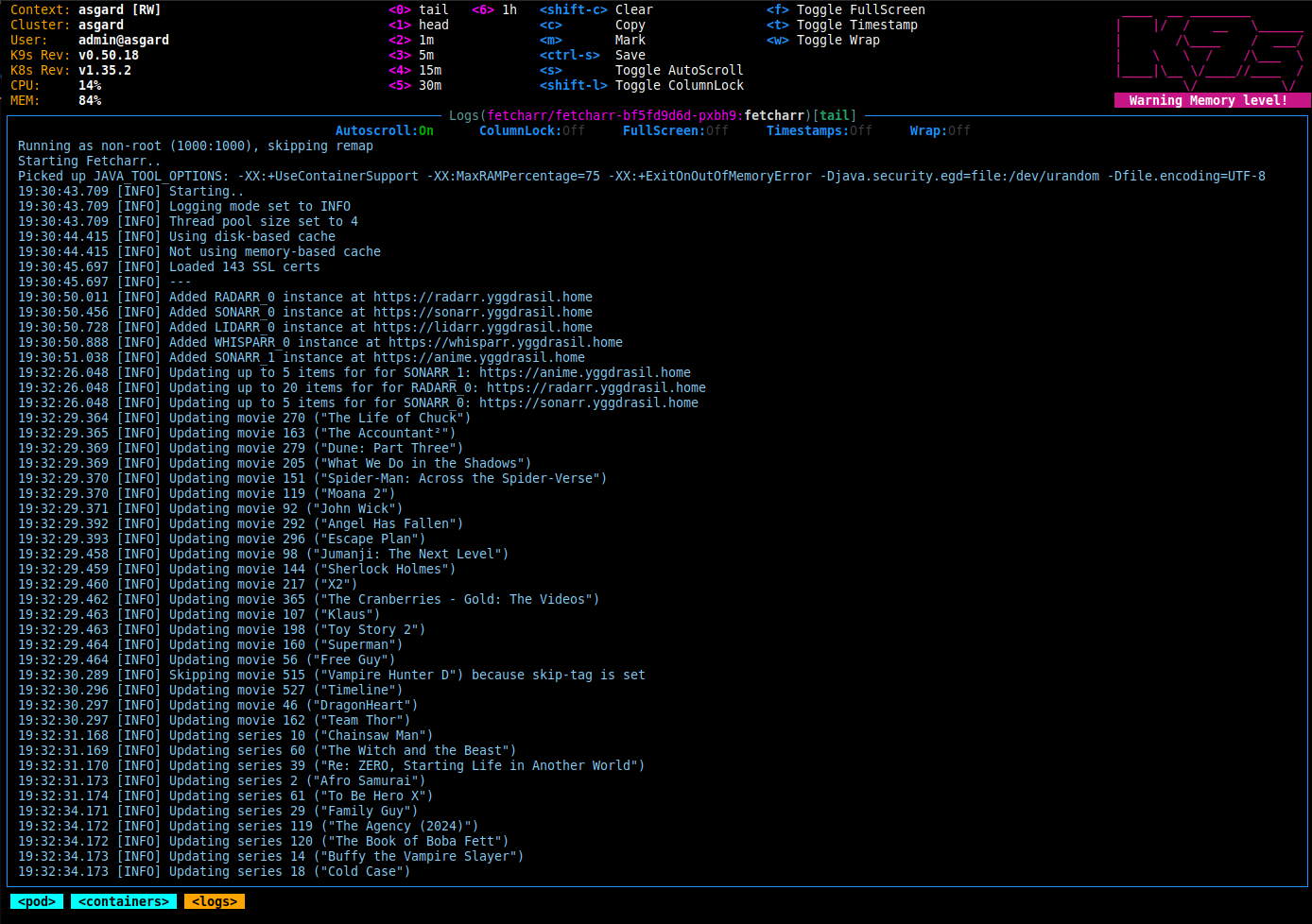
What is fetcharr?
Fetcharr is a containerized CLI application written in Java that connects to *arr stack applications via their APIs to periodically search for missing media items or upgrades to existing files. It was created after Huntarr became unavailable and aims to do one thing well: force *arr apps to search their configured indexers on a schedule, regardless of RSS feed availability. The tool supports up to 100 instances per *arr type, offers per-instance configuration overrides, includes a plugin system for extensibility, and provides caching options (file-based or in-memory) to reduce API calls. It runs as a scheduled task rather than a long-running server, with configurable search intervals and amounts. Deployment is via Docker, Docker Compose, or Kubernetes with images published on Docker Hub and GitHub Container Registry.
Should you self-host fetcharr?
fetcharr scores 48/100 on selfhost.directory (how scoring works) and ranks #79 of 142 in Media Management. It has 347 GitHub stars.
It shipped 4 stable releases in the past year. The latest, 2.2.1, came out on 17 August 2026. New versions land roughly every 10 days.
Setup is moderate: expect some configuration beyond a single command. An official Docker image is available. It is MIT-licensed and written mostly in Java.
Its closest alternative on selfhost.directory is Mediastarr (42/100, 31 stars). fetcharr scores higher overall. See fetcharr vs Mediastarr side by side.
Features
- Dry Run Mode
- Flexible caching
- Missing status filtering
- Monitored-only filtering
- Multi-arr media scanning
- Per-instance configuration overrides
- Plugin System
- Profile cutoff filtering
- Proxy Support
- Scheduled automated searches
- SSL certificate verification
- Tag-based exclusion
- User namespace remapping
fetcharr README
More in Automation
- FHEMFHEM is a GPL-licensed Perl server for home automation, enabling users to automate tasks like switching lamps, shutters, and heating, as well as logging events such as temperature and humidity.
 FlexGetSelf-hosted, open-source media automation tool that reads RSS, HTML and CSV sources to fetch series, movies and podcasts for torrent and NZB clients.
 FlockSelf-hosted AI dev-team bot for Telegram, VK, LO. Uses your Claude Pro/Max or Anthropic API key. Five-agent pipeline plans, codes, tests, reviews, opens PRs.
 FlowForgeConnect, Collect, Build, and Scale with FlowFuse
 free-games-claimer-remasterA complete ground-up Python remaster inspired by https://github.com/vogler/free-games-claimer
 FreqtradeSelf-hosted, open-source Python crypto trading bot with backtesting, hyperopt ML tuning, FreqAI adaptive models, a web UI and Telegram control for major exchanges.
 FridayPrivate control plane for AI agents
 gansSelf-hosted open-source tool that monitors a local Git repository for changes and automatically executes only the modified Ansible playbooks via a web interface.
 gawkbotSelf-hosted desktop app that unifies terminal AI agents into a coordinated team with an AI lead, delivering questions to your Mac notch or iPhone.
 github-actions-runner-operatorSelf-hosted Kubernetes operator that schedules GitHub Actions runner pods on demand; declare runner pools, use a GitHub App or PAT, and install with a Helm chart.
 gmail-cleanerOpen-source Gmail inbox cleaner you self-host with Docker or Python: bulk unsubscribe, delete by sender, archive, label, using your own Google OAuth credentials.
 gocronSelf-hosted, open-source cron scheduler: jobs defined in YAML run shell commands on schedule, with a web UI for logs, SQLite history and optional OIDC login.
0 comments