
Self-host Engram
v3.6.0Persistent memory layer for AI coding agents via MCP
- Stars
- 7 665
- Ports
- 7437 (Local HTTP API served by `engram serve` (JSON on 127.0.0.1)), 8080 (Engram Cloud server runtime (`engram cloud serve`) default port when run from source)
ghcr.io/gentleman-programming/engram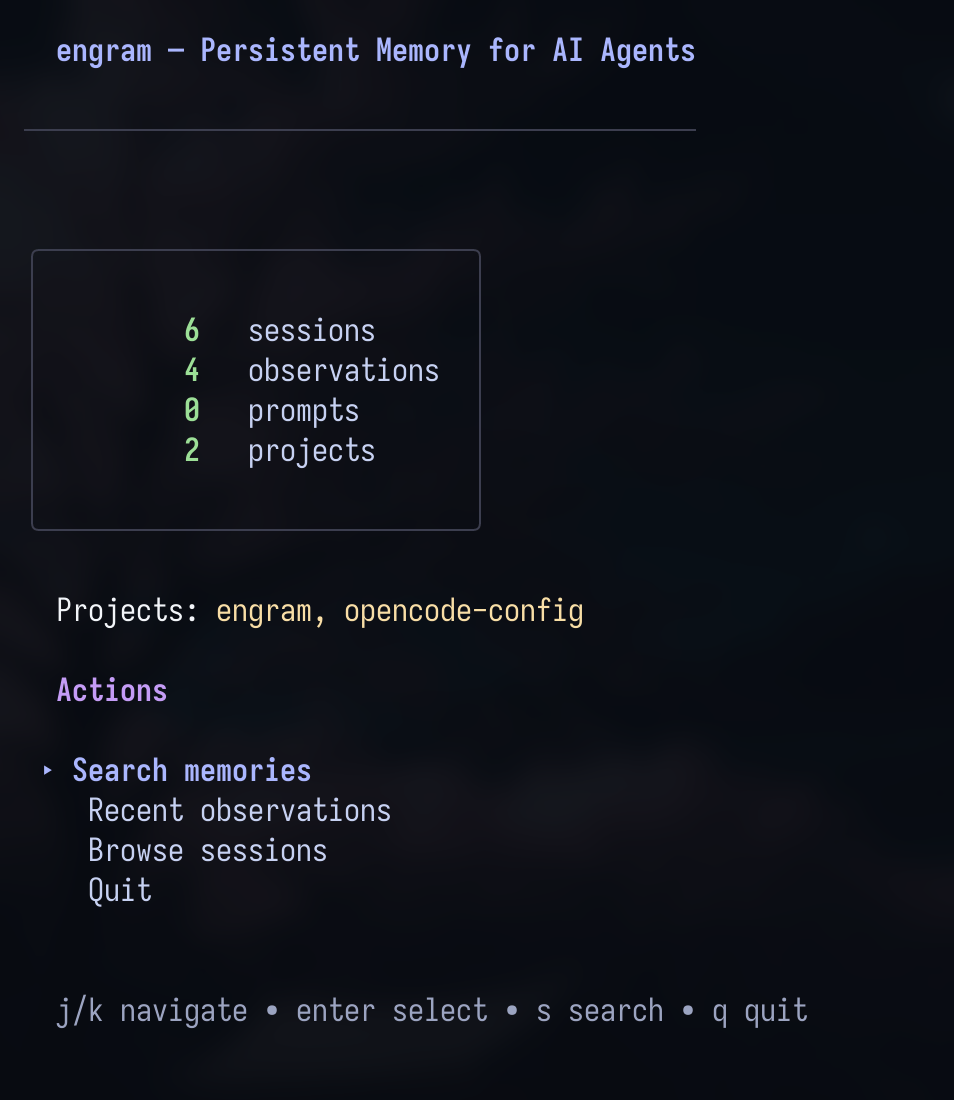
What is Engram?
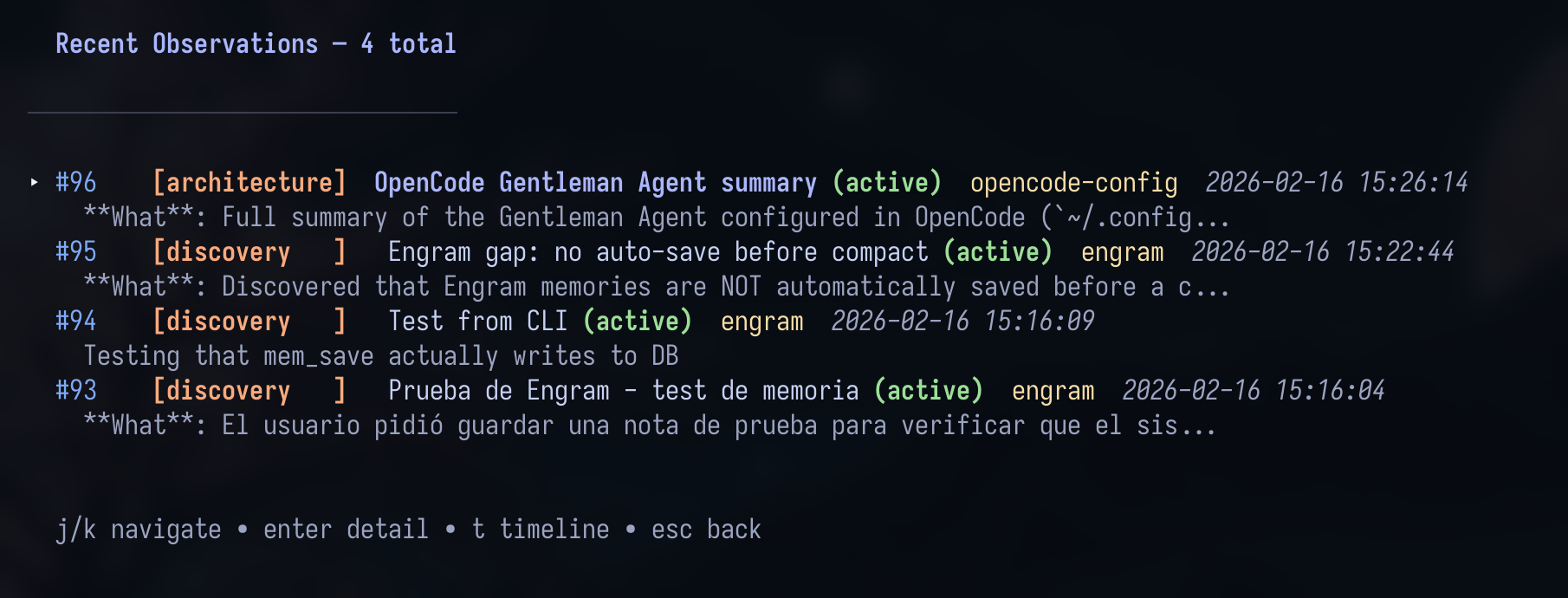
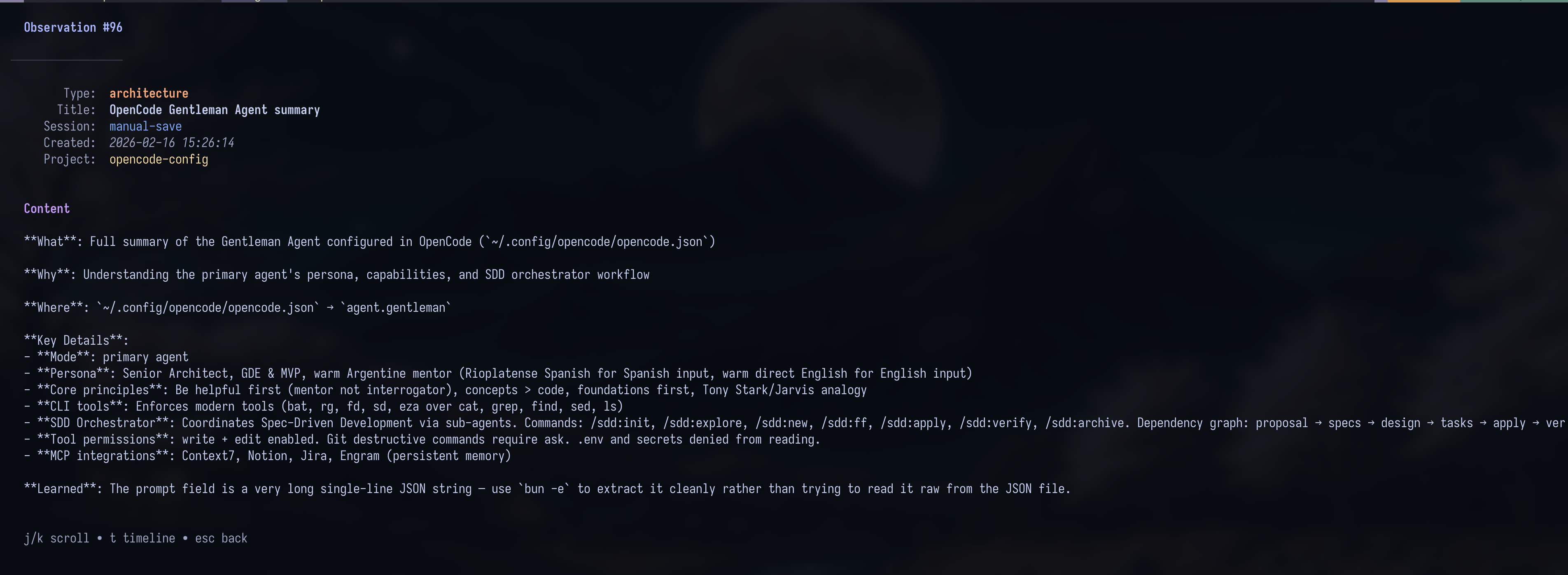
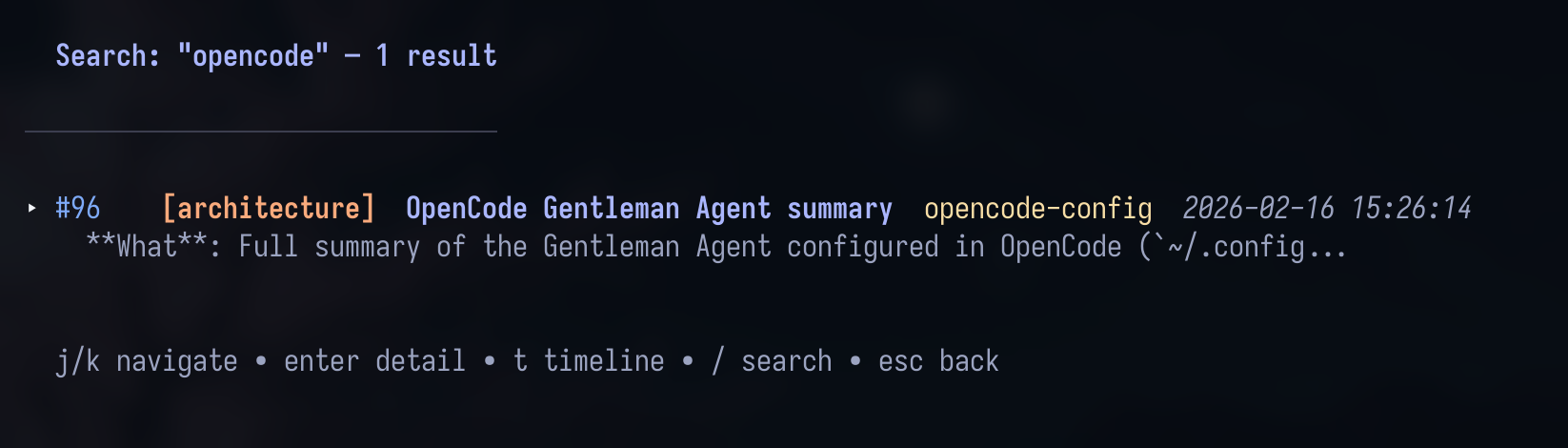
Engram gives AI coding agents a persistent, searchable memory so they stop losing context between sessions. It stores curated observations, prompts and session summaries in a single SQLite database with FTS5 full-text search, located at ~/.engram/engram.db. Everything ships as one Go binary with no runtime dependencies: it exposes a CLI, a local HTTP API (port 7437 by default), a stdio MCP server with dozens of memory tools, and a vim-style terminal UI. It is agent-agnostic — engram setup writes configuration for fourteen coding agents such as Claude Code, Codex, Gemini CLI, Cursor and Windsurf, and any MCP-compatible client can connect. Memories are project-scoped, related or conflicting entries are flagged for the agent, and Git Sync exports compressed chunks so history can move across machines; Engram also offers optional conflict scanning, read-only engram doctor diagnostics, and a beta tool that turns stored memories into an Obsidian graph. Install it with Homebrew, go install, or a release archive for macOS, Linux and Windows, and optionally deploy the self-hosted Engram Cloud replication server with a browser dashboard using Docker Compose and Postgres. The project is MIT-licensed (names and logos are trademarked) and maintained by Alan Buscaglia's Gentleman Programming organisation.
Should you self-host Engram?
Engram scores 66/100 on selfhost.directory (how scoring works) and ranks #37 of 209 in AI Agents. It has 7 665 GitHub stars.
It shipped 6 stable releases in the past year. The latest, v3.6.0, came out on 24 October 2026. New versions land roughly every 1 days.
Setup is easy: most people get it running in one sitting. An official Docker image is available. It is MIT-licensed and written mostly in Go.
Its closest alternative on selfhost.directory is Orca (91/100, 108 739 stars). It scores higher overall, so compare the two before you pick. See Engram vs Orca side by side.
Features
- Agent setup automation
- Background autosync
- Cloud replication with dashboard
- Conflict Detection
- Full-Text Search
- Git Sync
- MCP Server
- Obsidian knowledge graph exportMarked beta by the project.
- Operational diagnostics
- Persistent agent memory
- Project-scoped memory
- REST API
- Session handoff summaries
- Terminal UI
Engram README
FAQ
What should I save first?
Save a real decision or bug fix rather than a meaningless sample note, so you can judge retrieval quality.
What makes search good?
Structured content is the signal: precise titles and summaries written by the agent keep FTS5 retrieval useful.
Does it store raw tool calls?
By default no; Engram keeps curated memory — observations, prompts, summaries and context retrieval.
Does it work only with Claude Code?
No, Engram is agent-agnostic and works with any MCP-compatible client.
Does Engram require a separate server process?
Not always: MCP can run directly over stdio, though some plugin flows also use the HTTP server for session orchestration.
More in Knowledge Management
 EngraphisEngraphis is a self-hosted, open-source memory service for AI coding agents with durable scoped memory, local dashboard, MCP support, and bi-temporal history.
 EpicenterOpen-source, local-first app suite — notes, voice transcription, and a CRDT sync server you run self-hosted on Bun or Cloudflare Workers.
 epocheEpoche is a self-hosted, open-source wiki engine with Node.js and SQLite, supporting Markdown and math rendering for personal use and small teams.
 evc-team-relaySelf-hosted open-source server that brings real-time collaborative editing and web publishing to Obsidian, with SSO auth and Docker Compose setup.
 EventCatalogSelf-hosted architecture catalog for domains, systems, messages and specs, with OpenAPI/AsyncAPI generators plus AI chat and an MCP endpoint for querying your docs.
 FalkorDBA super fast Graph Database uses GraphBLAS under the hood for its sparse adjacency matrix graph representation. Our goal is to provide the best Knowledge Graph for LLM (GraphRAG).
 favedFree open-source bookmark manager with nested tags, automatic metadata fetching and browser/Raindrop/Pocket import, self-hosted as one Docker container.
 Feather WikiA self-hosted, open-source wiki that fits in a single browser-run HTML file, with Markdown or WYSIWYG editing and optional save-back to your own web server.
 Files.mdA self-hosted, open-source Markdown workspace for notes, journaling, tasks and checklists that keeps files local in your browser, with a Go sync server and Telegram bot.
 Flamehaven-FilesearchSelf-hosted RAG search engine with BM25+semantic hybrid search across 34 formats, multi-LLM support (Gemini, OpenAI, Claude, Ollama) for private document search.
 FlareMoFlareMo is a self-hosted knowledge base on Cloudflare Workers with D1, R2, Memos API, AI memory via MCP, and team collaboration — zero server maintenance.
 flatnotesSelf-hosted, open-source note app storing every note as a plain markdown file — no database. Full-text search, tags, wikilinks, dark theme, REST API.
0 comments