
Self-host LocomotiveCMS Engine
v4.1.1Open-source CMS with local dev workflow and auto back-office
- Stars
- 2 321
- Port
- 3000 (Rails server (Engine))
- Requires
- MongoDB, Node.js
What is LocomotiveCMS Engine?
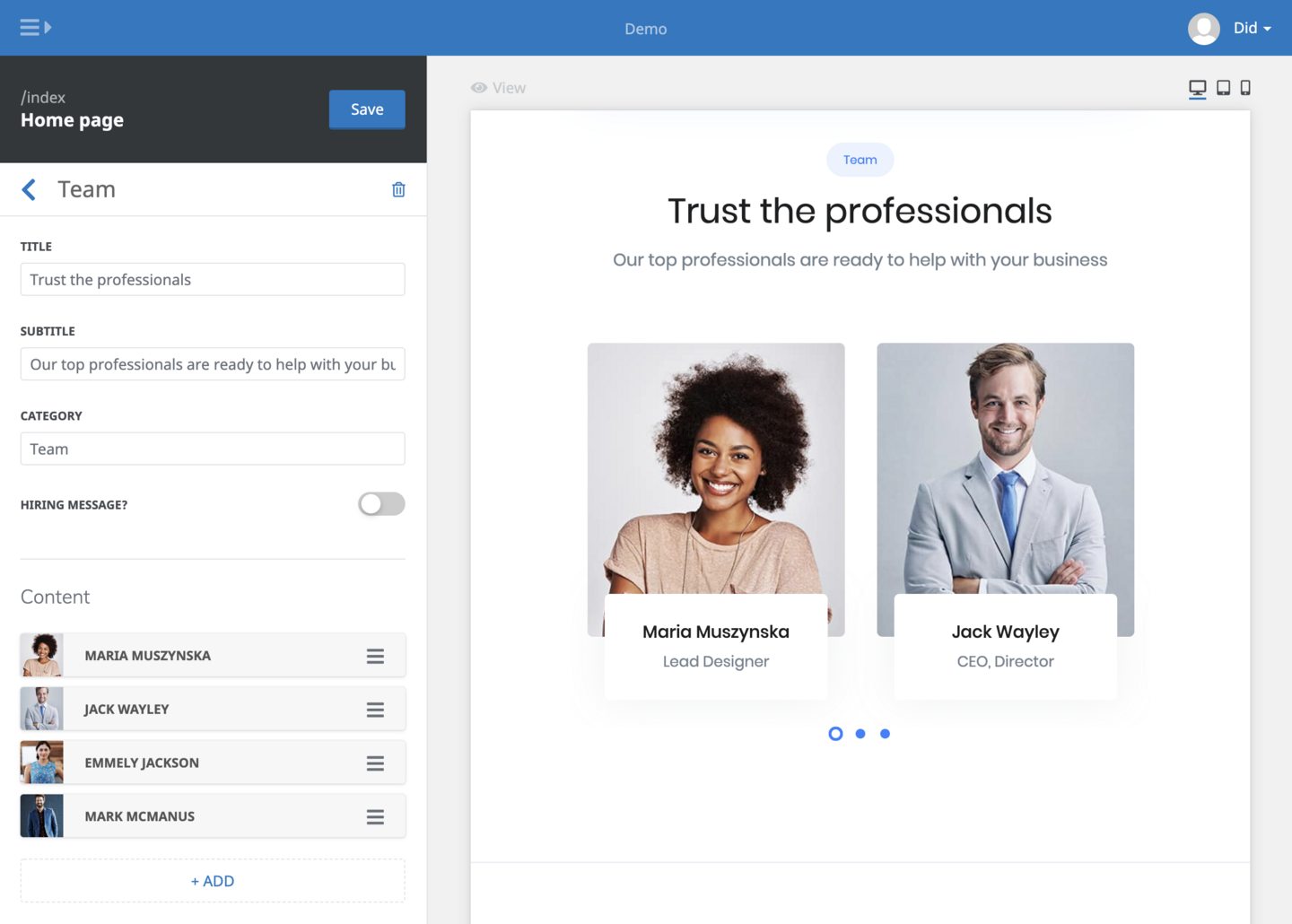
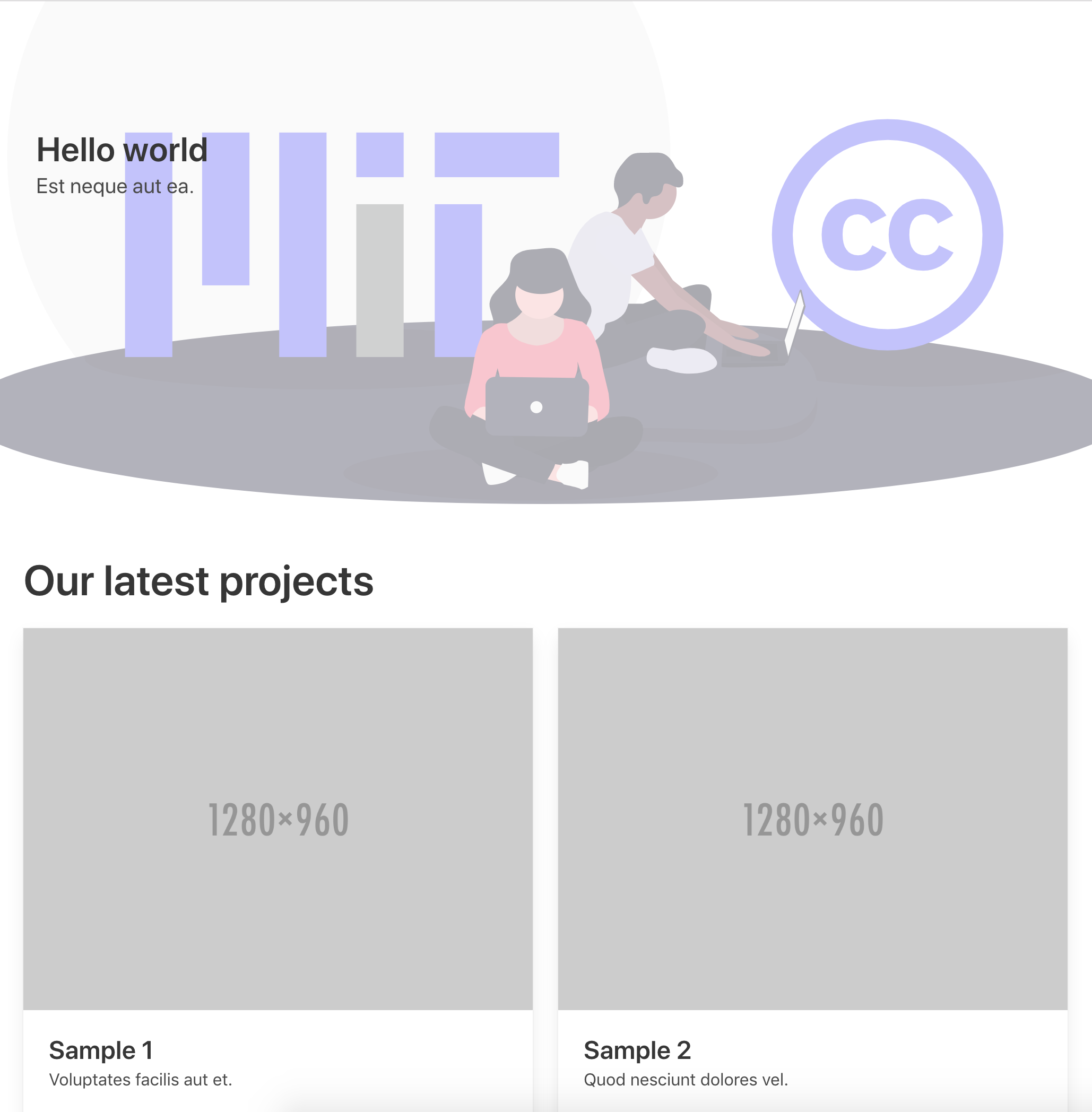
LocomotiveCMS Engine is the server-side Ruby on Rails application of the LocomotiveCMS platform. Developers create sites locally using the companion CLI tool Wagon (supporting Liquid, SASS, HAML, Webpack), then deploy to an Engine instance which automatically generates a back-office interface for non-technical editors based on the defined content types and editable regions. The Engine supports multi-site management, full content localization, a RESTful API for programmatic access, and custom sections for reusable UI components. It runs on Ruby 3+, Rails 7, and MongoDB 6 via Mongoid. Self-hosting options include Docker Compose (with MongoDB), Heroku with MongoDB add-ons and S3 for assets, or a manual Rails installation on any server. The project is MIT-licensed and maintained by NoCoffee.
Should you self-host LocomotiveCMS Engine?
LocomotiveCMS Engine scores 58/100 on selfhost.directory (how scoring works) and ranks #9 of 18 in Content Management. It has 2 321 GitHub stars.
There was no stable release in the past 12 months, so check the repository's recent activity before you rely on it.
Setup is advanced: plan for several services and some ongoing maintenance. It is Other-licensed and written mostly in Ruby.
Its closest alternative on selfhost.directory is EmDash (67/100, 14 030 stars). It scores higher overall, so compare the two before you pick. See LocomotiveCMS Engine vs EmDash side by side.
Features
- Auto-generated back-office
- Content relationships
- CSV Import
- Custom content types
- Custom sections
- Full localization
- Liquid Templating
- Local development with Wagon
- Multi-Site Management
- RESTful API
LocomotiveCMS Engine README
More in Content Management
 LynxSelf-hosted open-source page builder for creating link-in-bio pages, portfolios, venue menus, and event pages with visual editing, analytics, and newsletter features.
 MagentoSelf-hosted, open-source PHP ecommerce platform: storefront plus admin for catalog, orders and promotions. Installed with Composer on Linux against MariaDB, OpenSearch.
 mbinSelf-hosted fediverse platform for content aggregation, voting, discussions and microblogging. Replaces Reddit with ActivityPub federation to Mastodon, Lemmy, PeerTube.
 MediaCMSSelf-hosted, open-source video and media CMS on Django and React: transcoding, HLS streaming, RBAC, SAML login, automatic captions and a REST API.
 MicroweberSelf-hosted drag-and-drop website builder and CMS based on Laravel with built-in e-commerce, blog, and content management features.
 MixpostAppMixpost is an open-source, self-hosted social media management tool for scheduling and analyzing content across 12+ platforms from your own server.
 MODXMODX Revolution is an open-source PHP content management system that powers multi-language corporate sites, personal blogs, and mobile APIs with complete markup control.
 MonochromeMonochrome is a self-hosted, open-source manga CMS with responsive UI, dark/light themes, chapter upload, and user management via Docker Compose.
 MxPageSelf-hosted AI workspace for e-commerce product images and Xiaohongshu posts. Runs locally on Windows/macOS via Electron or from source with your own AI API keys.
 NextcloudNextcloud Server is a self-hosted, open-source platform replacing Google Workspace or Microsoft 365 with file sync, calendar, mail, video calls, and office editing.
 nodifyNodify is a self-hosted headless CMS with REST/GraphQL APIs, native multilingual support, plugins, and SDKs for Java, Python, Node.js, PHP.
 novel-studioSelf-hosted AI novel engine using independent character agents, world simulation, and verifiable RAG to produce long-form fiction with recoverable checkpoints.
0 comments