
Self-host MediaCMS
v9.6.1Open-source video, audio and image portal
docker compose up- Stars
- 5 198
- CPU
- 2-4 CPUs
- RAM
- 4GB
- Port
- 80 (Web portal served by the bundled nginx/uwsgi container)
- Requires
- Ffmpeg, PostgreSQL, Redis
mediacms/mediacms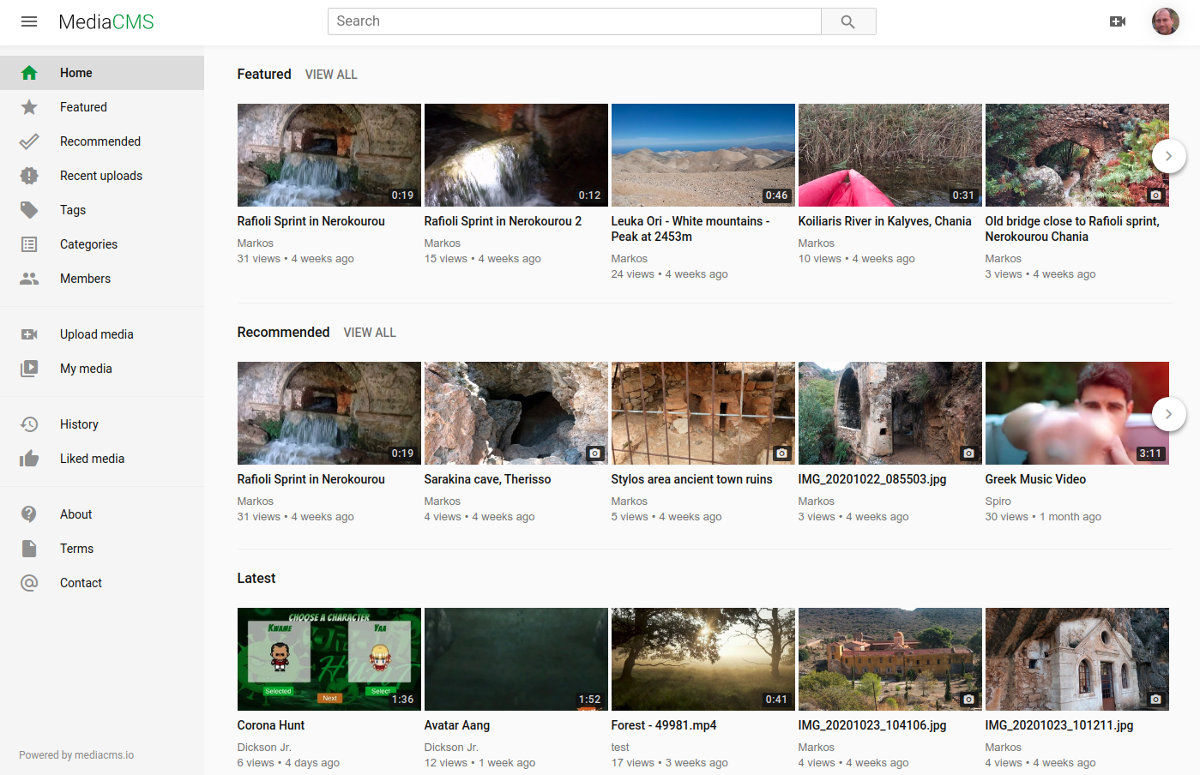
What is MediaCMS?
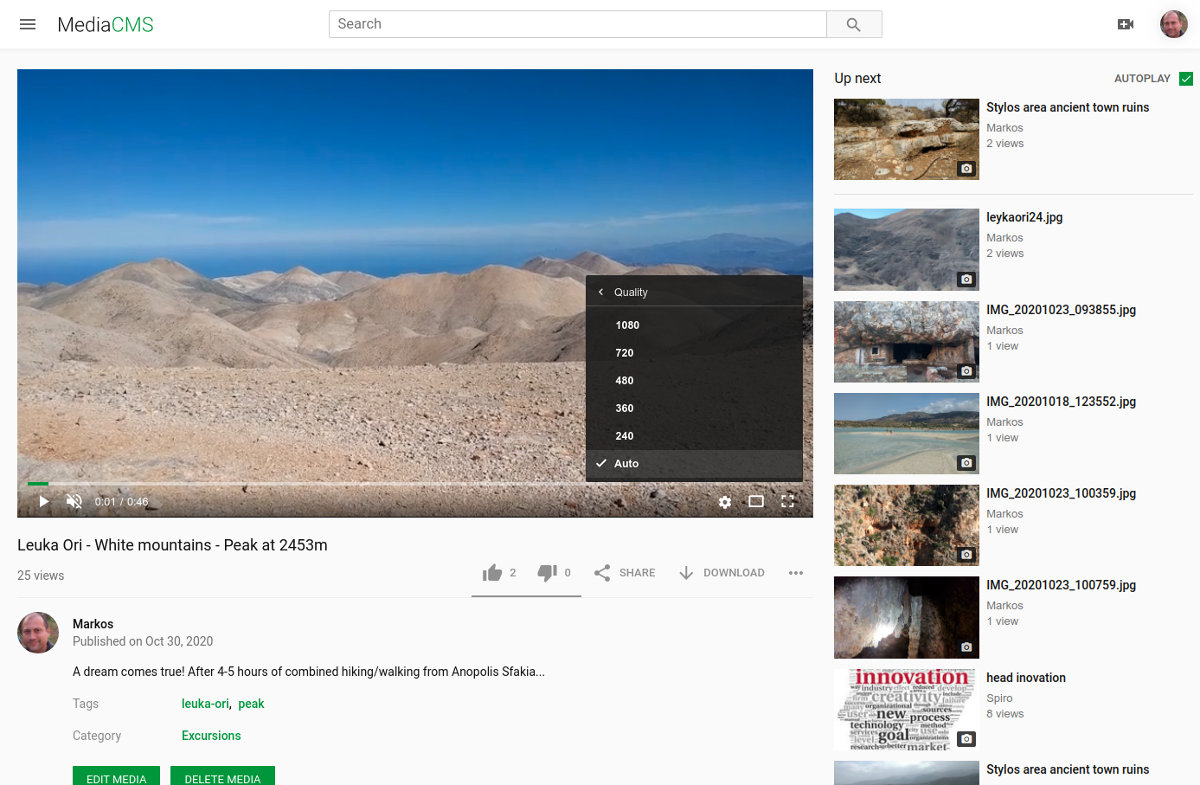
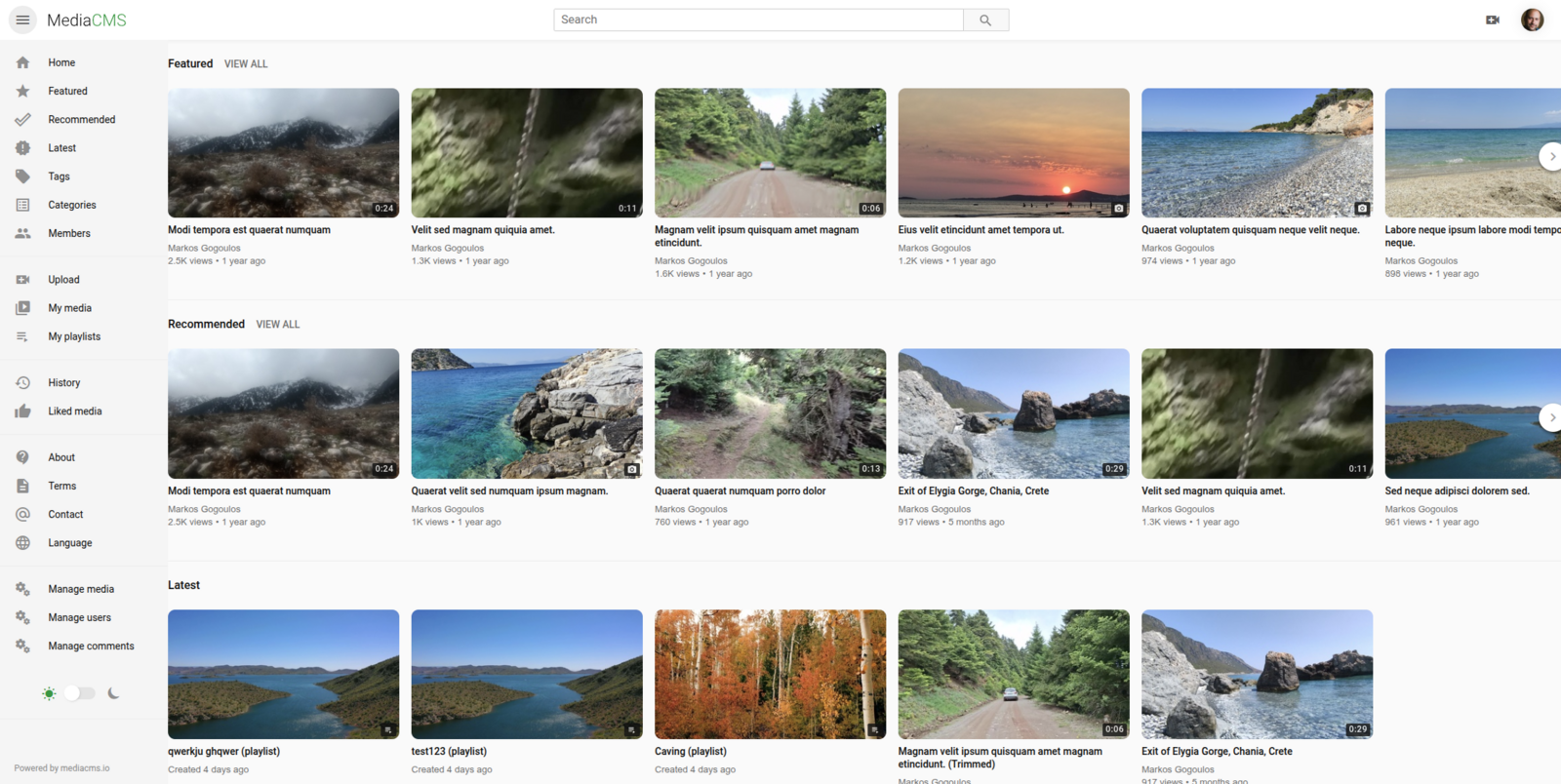
MediaCMS is an open-source video and media CMS for building small to medium media portals, used by universities, non-profit media organisations and communities that want to keep content on their own infrastructure. It handles video, audio, image and PDF uploads, transcodes them into multiple resolutions and codecs (h264, h265, vp9) and can serve them adaptively over HLS, with a customized video.js player, subtitles, playlists, chapters, comments and a built-in video trimmer. Access is managed through role-based access control with RBAC categories and groups, configurable registration modes (open, invite only, closed) and SAML identity provider support including role and group mapping. Automatic captions can be generated by running Whisper locally, and media can be imported from Kaltura, YouTube or Panopto; a Swagger-documented REST API covers the platform. You run it with Docker Compose (web, celery workers, PostgreSQL and Redis containers) or via the installer script, and most behaviour is tuned in settings.py / local_settings.py. Note that uploaded content, encoded versions and HLS files together need roughly three times the size of your original library on disk.
MediaCMS alternatives
 avideoSelf-hosted, open-source video platform for on-demand libraries and live broadcasts, with HLS delivery, an encoder, plugins, and paid monetization options.Compareavideo with MediaCMS
 VonCMSVonCMS is a self-hosted, open-source CMS for publishers. Runs on PHP/MySQL with no Node.js, offering editorial workflow, bundled themes, built-in SEO, GPL-3.0-only.CompareVonCMS with MediaCMS
 directusDirectus is a self-hosted headless CMS that puts instant REST and GraphQL APIs, a no-code admin Studio, media library and an MCP server on top of your own SQL database.Comparedirectus with MediaCMS
 PeerTubeOpen-source, ActivityPub-federated video platform for self-hosted instances: WebRTC P2P streaming, live broadcasts, playlists and moderation tools.ComparePeerTube with MediaCMS
 subaticSelf-hosted video hosting platform with HLS streaming, S3-compatible storage, and transcoding pipeline. Open-source alternative to commercial video platforms.Comparesubatic with MediaCMS
 nomercy-media-serverSelf-hosted media server with automatic encoding, hardware transcoding (NVIDIA/Intel/AMD), and a polished web app plus mobile PWA for streaming movies, shows, and music.Comparenomercy-media-server with MediaCMS
 fastocloudSelf-hosted video streaming for OTT/IPTV/CCTV with live, VOD, transcoding, WebRTC. Community (GPL-3.0) via Docker/Linux; paid tiers add AI/ML, CDN, DRM.Comparefastocloud with MediaCMS
 CockpitCockpit is a self-hosted, open-source headless CMS with GraphQL and REST APIs, flexible content modeling, and multi-language support. Runs on PHP with SQLite or MongoDB.CompareCockpit with MediaCMS
Should you self-host MediaCMS?
MediaCMS scores 67/100 on selfhost.directory (how scoring works) and ranks #2 of 3 in Video Hosting. It has 5 198 GitHub stars, +40 in the last 30 days.
It shipped 31 stable releases in the past year. The latest, v9.6.1, came out on 19 November 2026. New versions land roughly every 1 days.
Setup is moderate: expect some configuration beyond a single command. An official Docker image is available. It is AGPL-3.0-licensed and written mostly in Python.
Its closest alternative on selfhost.directory is PeerTube (76/100, 15 422 stars). It scores higher overall, so compare the two before you pick. See MediaCMS vs PeerTube side by side.
Features
- Adaptive HLS streaming
- Automatic transcriptionDocker installation only, needs the mediacms:full image.
- Chunked resumable uploads
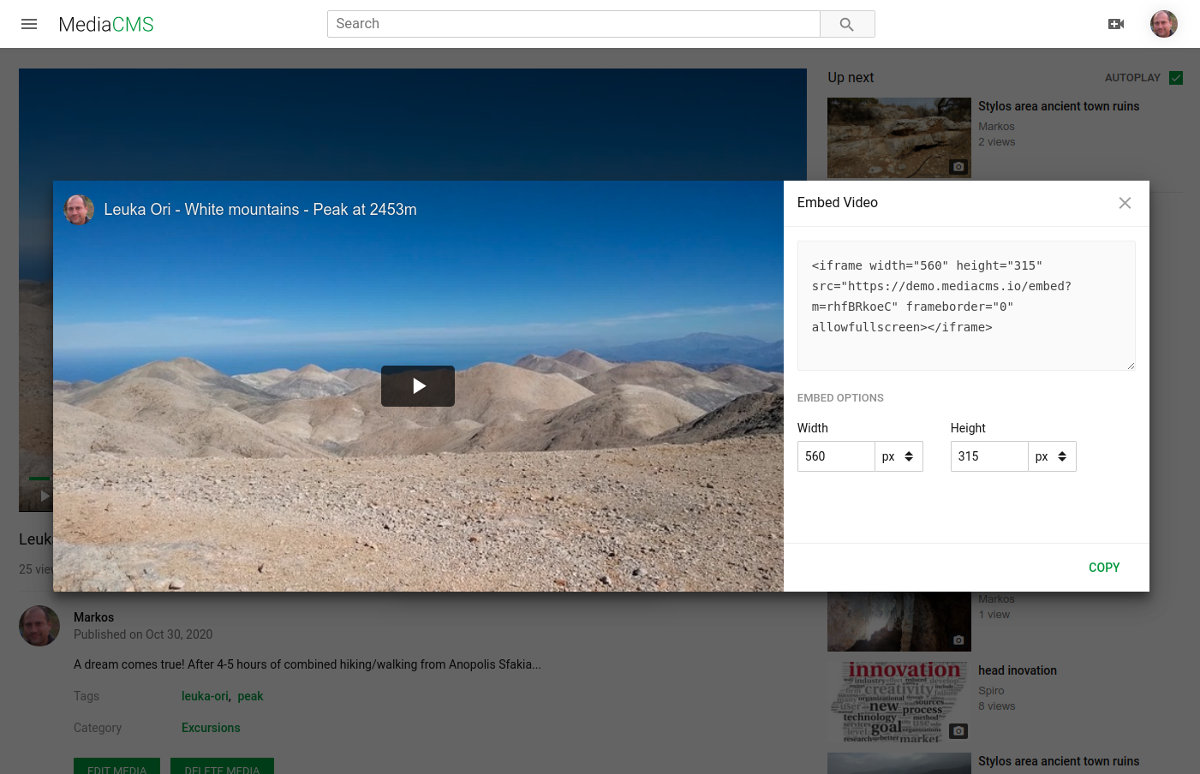
- Embedding and social sharing
- Media Search
- Multiple media types (video, audio, image, PDF)
- Playlists
- REST API
- Role-based Access ControlEnabled with USE_RBAC.
- SAML Authentication
- Subtitles and captions
- Translated interface
- User management and registration modes
- Video Transcoding
- Video trimming
MediaCMS README
MediaCMS is a modern, fully featured open source video and media CMS. It is developed to meet the needs of modern web platforms for viewing and sharing media. It can be used to build a small to medium video and media portal within minutes.
It is built mostly using the modern stack Django + React and includes a REST API.
A demo is available at https://demo.mediacms.io
FAQ
Why are preview thumbnails missing for large video files?
The sprite file usually failed to be generated because ImageMagick's width/height resource limits are too low; raise those values in /etc/ImageMagick-6/policy.xml and re-run the sprite task for existing videos.
More in Video Hosting
- PeerTubeOpen-source, ActivityPub-federated video platform for self-hosted instances: WebRTC P2P streaming, live broadcasts, playlists and moderation tools.
- avideoSelf-hosted, open-source video platform for on-demand libraries and live broadcasts, with HLS delivery, an encoder, plugins, and paid monetization options.
 hostingTelegram Video Hosting is a self-hosted, open-source video platform using a Telegram userbot to store and serve videos via HTTP for Discord embeds.
0 comments