
Self-host dockwatch
v0.6.617Docker container management and notifications with web UI
- Stars
- 341
- Port
- 80 (Web UI (container port))
- Requires
- Docker Engine
ghcr.io/notifiarr/dockwatch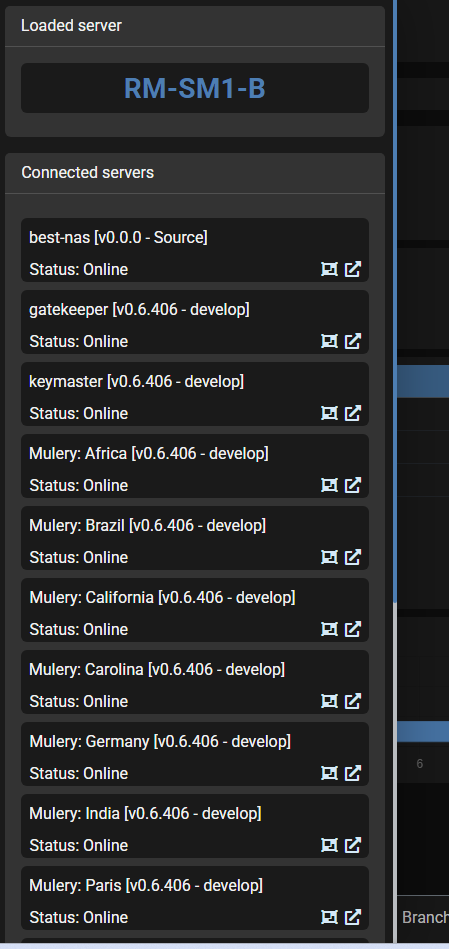
What is dockwatch?
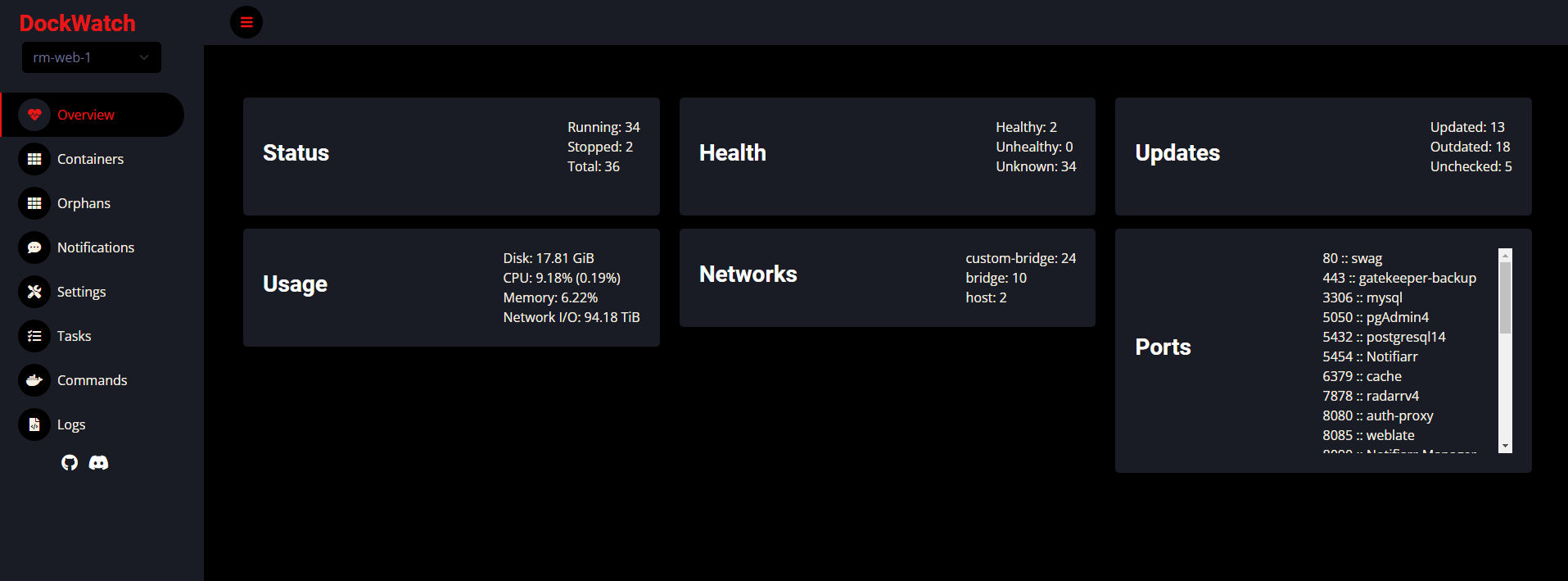
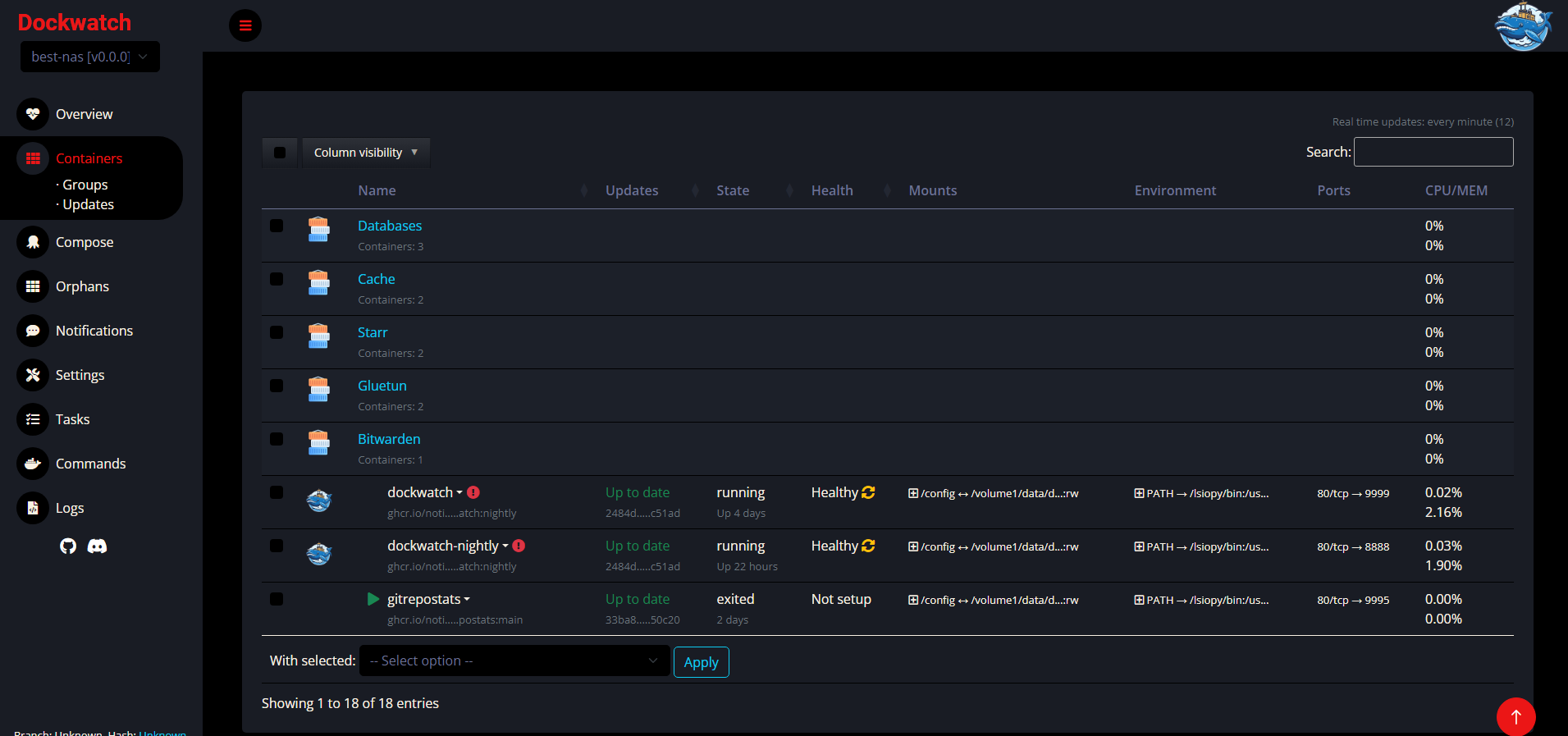
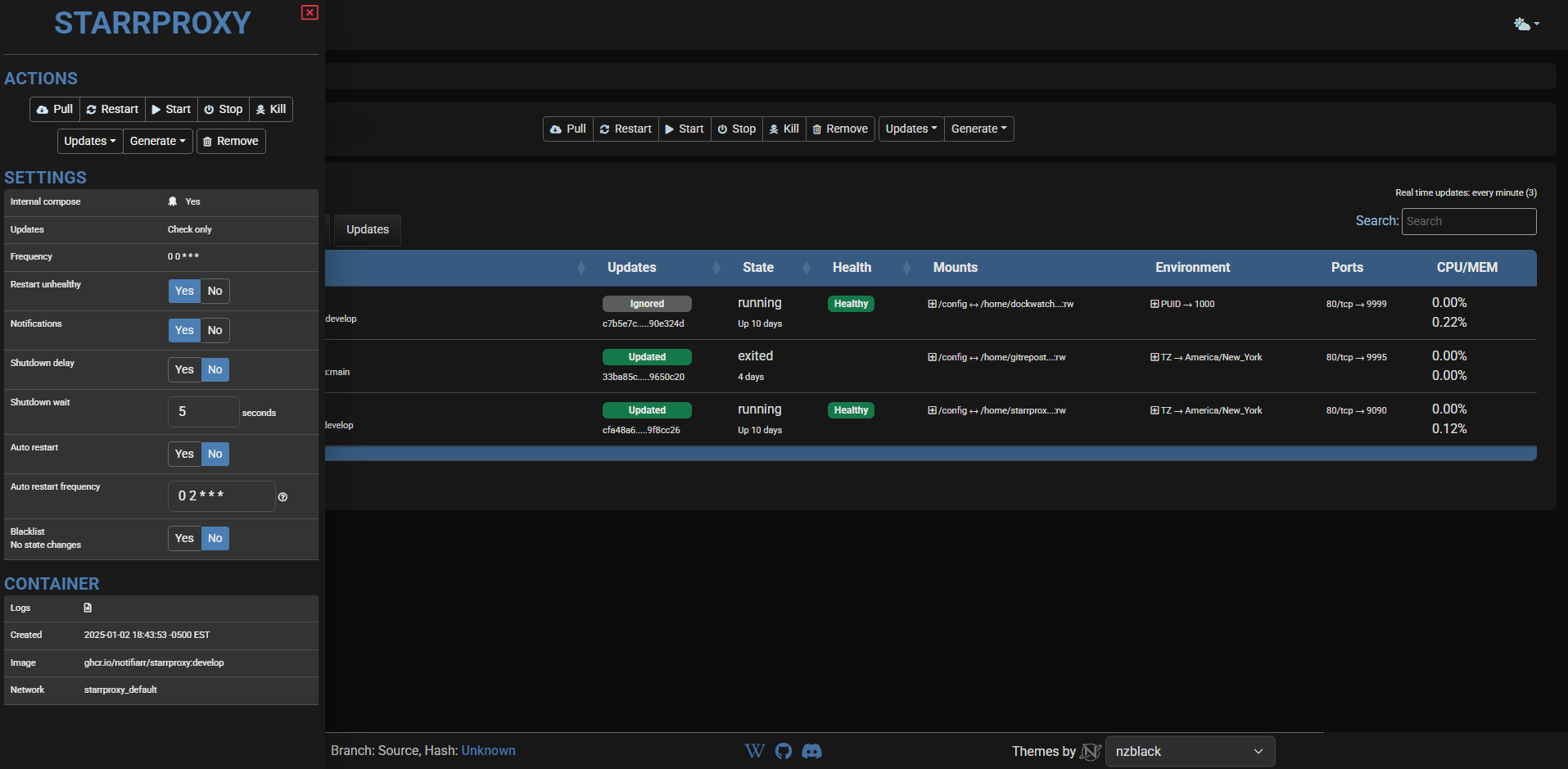
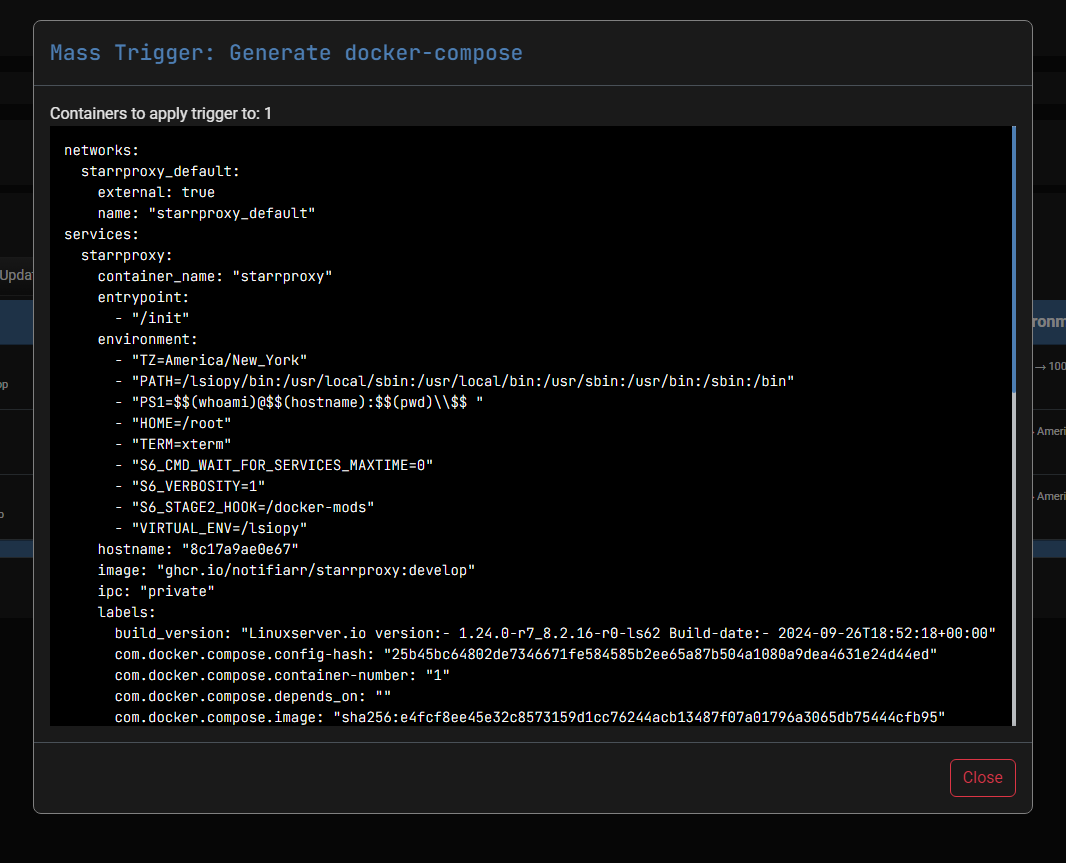
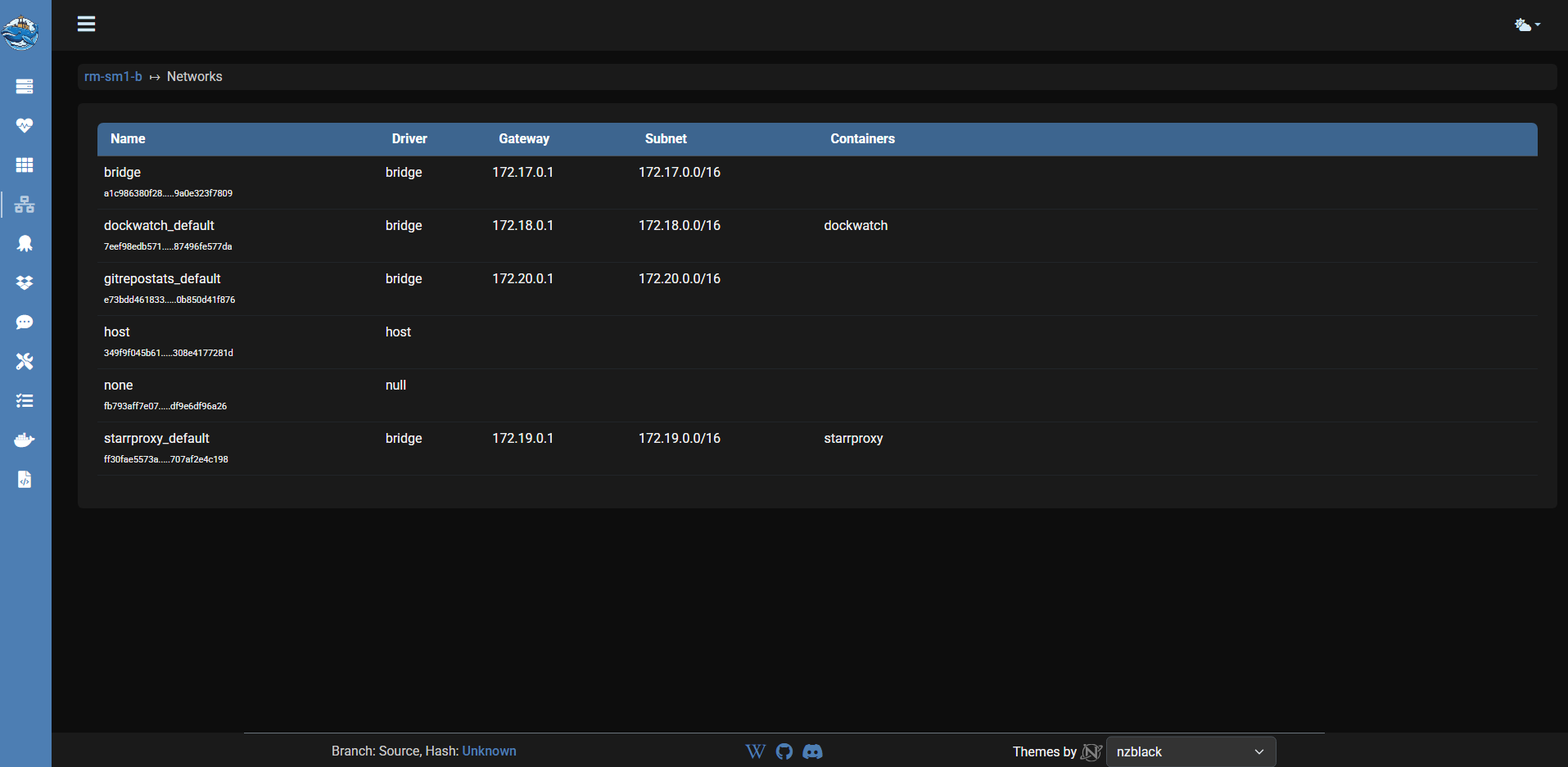
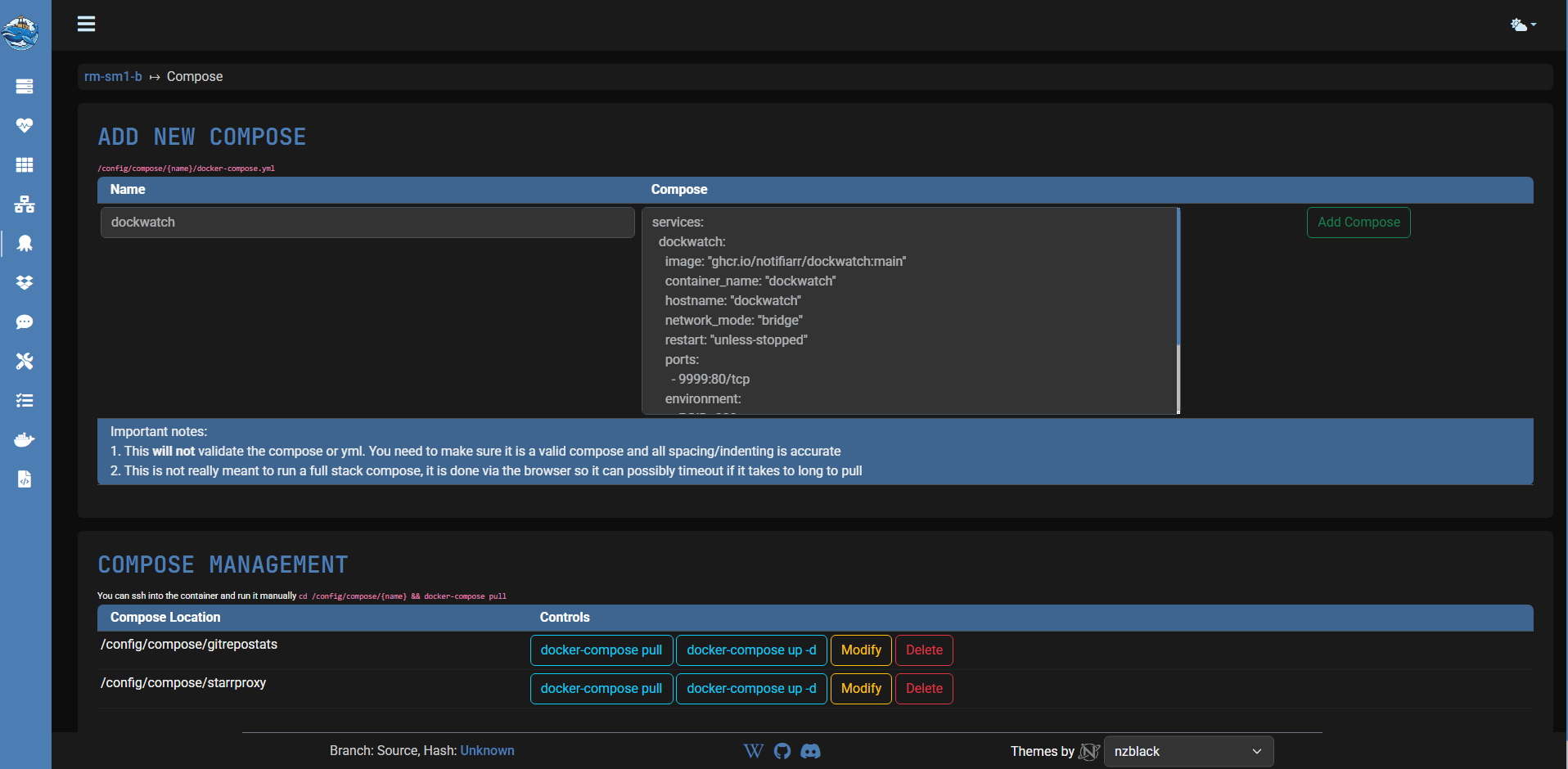
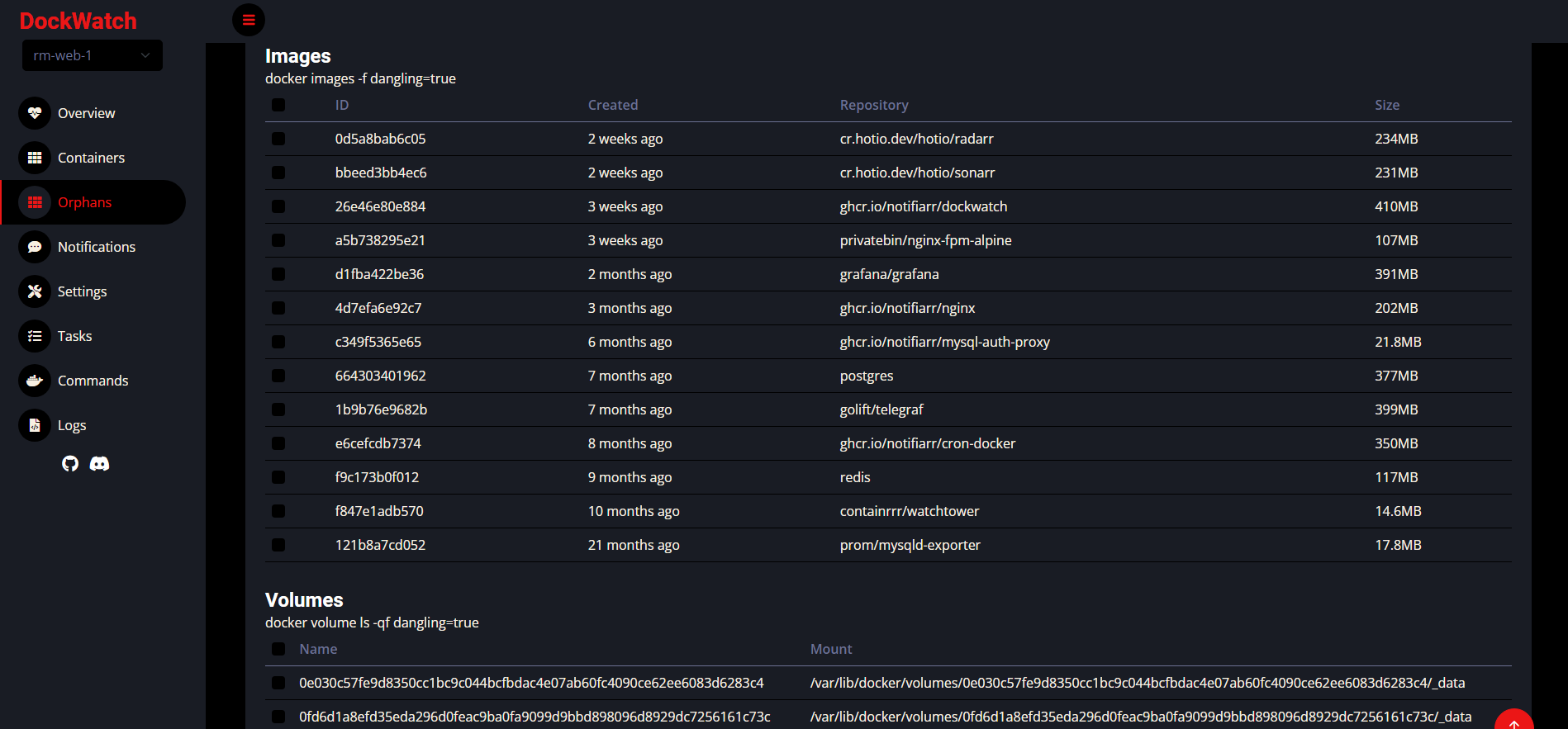
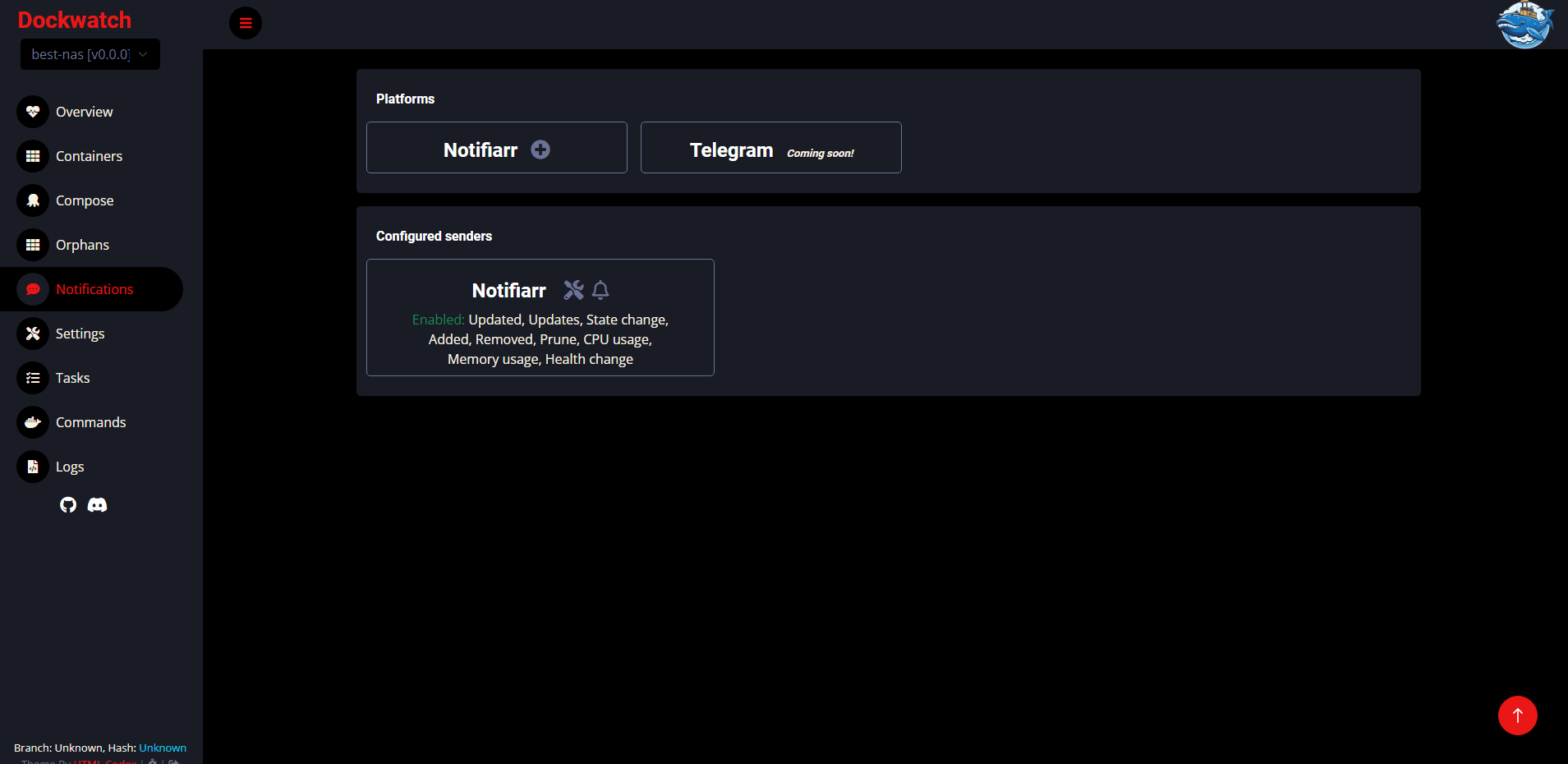
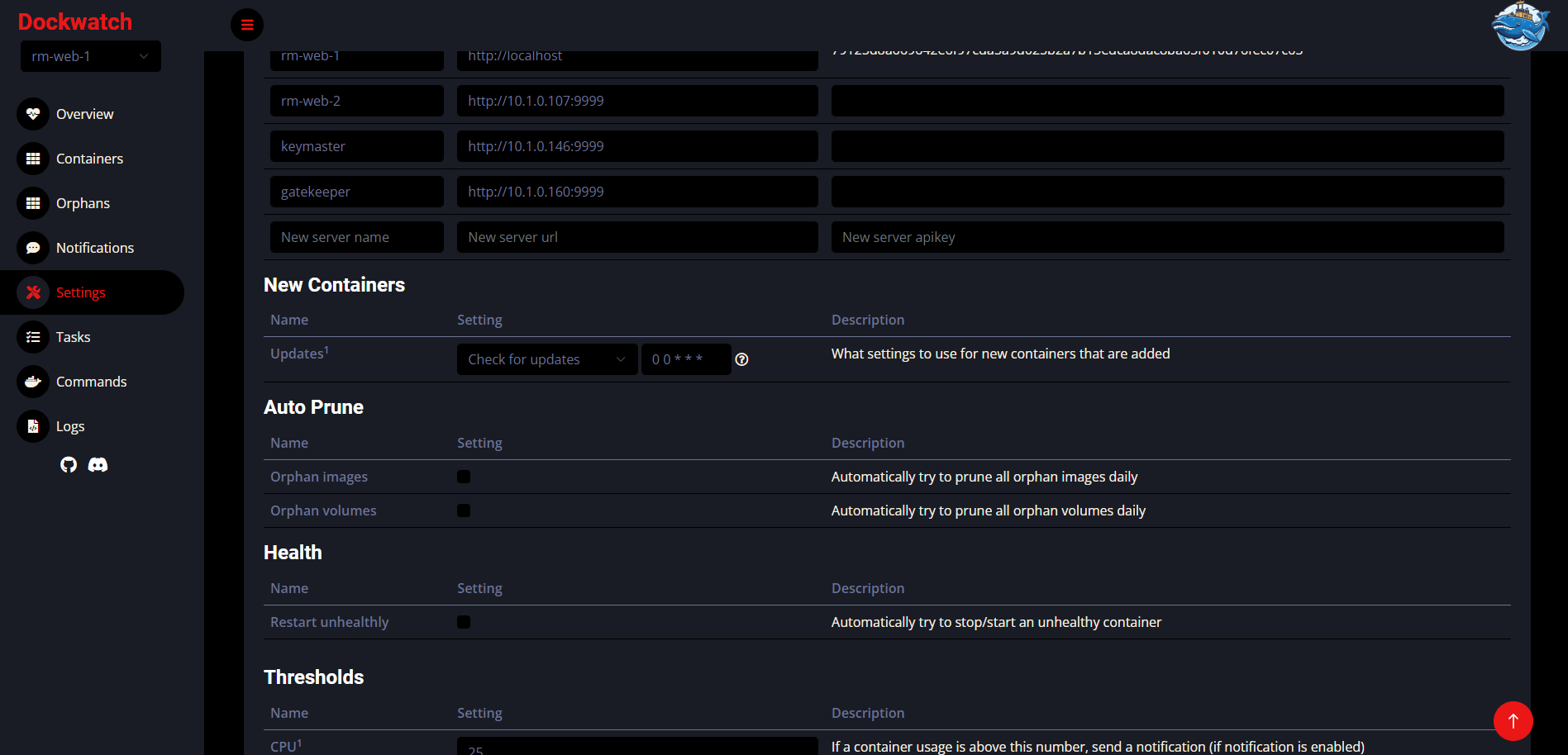
Dockwatch is a self-hosted Docker container management tool with a web UI that helps users monitor and manage their Docker containers. It can check for and apply container image updates on a per-container schedule, send notifications for container state changes, updates, and resource usage via Notifiarr, Telegram, and Mattermost. Additional features include linking multiple Dockwatch instances to manage several Docker hosts, automatically restarting unhealthy containers, mass pruning orphan images/volumes/networks, grouping containers for easier management, an interactive shell in the web UI, and scheduled command execution. It runs as a Docker container requiring access to the Docker socket, with configuration via environment variables (PUID, PGID, TZ, DOCKER_HOST, DOCKER_API_VERSION, DISABLE_IPV6). The project is licensed under MIT and actively maintained by the Notifiarr organization.
Should you self-host dockwatch?
dockwatch scores 51/100 on selfhost.directory (how scoring works) and ranks #20 of 44 in Container Management. It has 341 GitHub stars.
It shipped 12 stable releases in the past year. The latest, v0.6.617, came out on 21 October 2026. New versions land roughly every 6 days.
Setup is moderate: expect some configuration beyond a single command. An official Docker image is available. It is MIT-licensed and written mostly in PHP.
Its closest alternative on selfhost.directory is Portainer (77/100, 38 736 stars). It scores higher overall, so compare the two before you pick. See dockwatch vs Portainer side by side.
Features
- Auto-restart unhealthy containers
- Container grouping
- Container icon auto-discoveryIcons sourced from Notifiarr/images repository
- Container lifecycle triggers
- Container update management
- Docker run/compose generation
- Docker Swarm Support
- Multi-Platform Notifications
- Multi-Server Management
- Orphan cleanup
- Per-container notification settings
- Resource usage alerts
- REST API
- Scheduled commands
- Web-based shell access
dockwatch README
More in Docker Management
 dokistryDokistry is a self-hosted, open-source web app for managing Docker registries, images, and users with multi-registry support and disk usage tracking.
 ha-dockermonHA Dockermon is a self-hosted, open-source Node.js REST API for Home Assistant to monitor and control Docker containers via HTTP endpoints.
 HomelabOSOpen-source Ansible toolkit for a self-hosted homelab: deploys 100+ Docker services behind Traefik with Let's Encrypt HTTPS, Tor access, and nightly restic backups.
 MCSManagerSelf-hosted, open-source game-server control panel for Minecraft, Palworld, Terraria and Steam servers, with Docker, multi-user permissions and distributed nodes.
 minepanelSelf-hosted Minecraft server manager for Java and Bedrock. Run isolated servers via Docker with a web UI, live metrics, backups, and proxy networking.
 monockerMonocker is a self-hosted, open-source Docker container monitor that watches for state changes and sends notifications via Telegram, Discord, Slack, and other platforms.
 oxkerAn open-source, self-hosted terminal UI, written in Rust, for watching Docker containers, tailing logs, and running start/stop/exec commands from the keyboard.
 PruneMateSelf-hosted, open-source web UI that prunes leftover Docker images, containers, networks, volumes and builder cache on a daily, weekly or monthly schedule.
 registry-uiSelf-hosted open-source web UI for Docker Registry V2 — mobile-first, dark mode, smart tag deletion, no database required.
 repliqateRepliqate is a self-hosted, open-source backup tool for Docker that uses container labels for automated, versioned backups with flexible scheduling and restic storage.
 SenchoSelf-hosted, open-source control plane for managing Docker Compose stacks across multiple nodes with a web UI, real-time logs, and fleet-wide orchestration.
 swarmpitSwarmpit is a self-hosted, open-source web UI for managing Docker Swarm clusters with stack deployment, resource monitoring, and an MCP server for LLM-driven automation.
0 comments