
Self-host dockpanel
v2.242.1Docker-native server panel in Rust with 147 app templates
- Stars
- 983
- CPU
- 1 core
- RAM
- 512 MB
- Storage
- 10 GB
- Port
- 8443 (HTTPS web interface (Nginx reverse proxy))
- Requires
- PostgreSQL
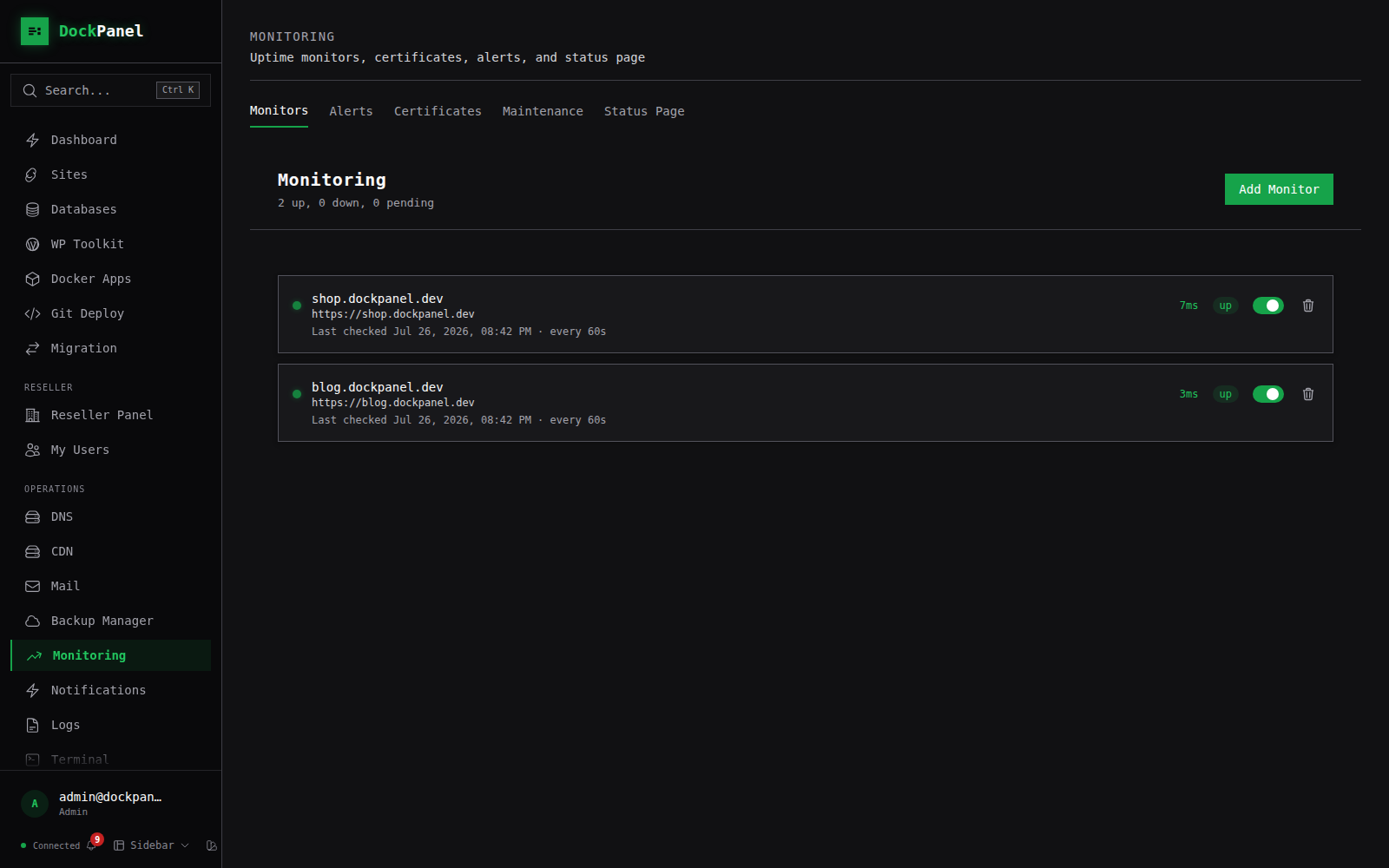
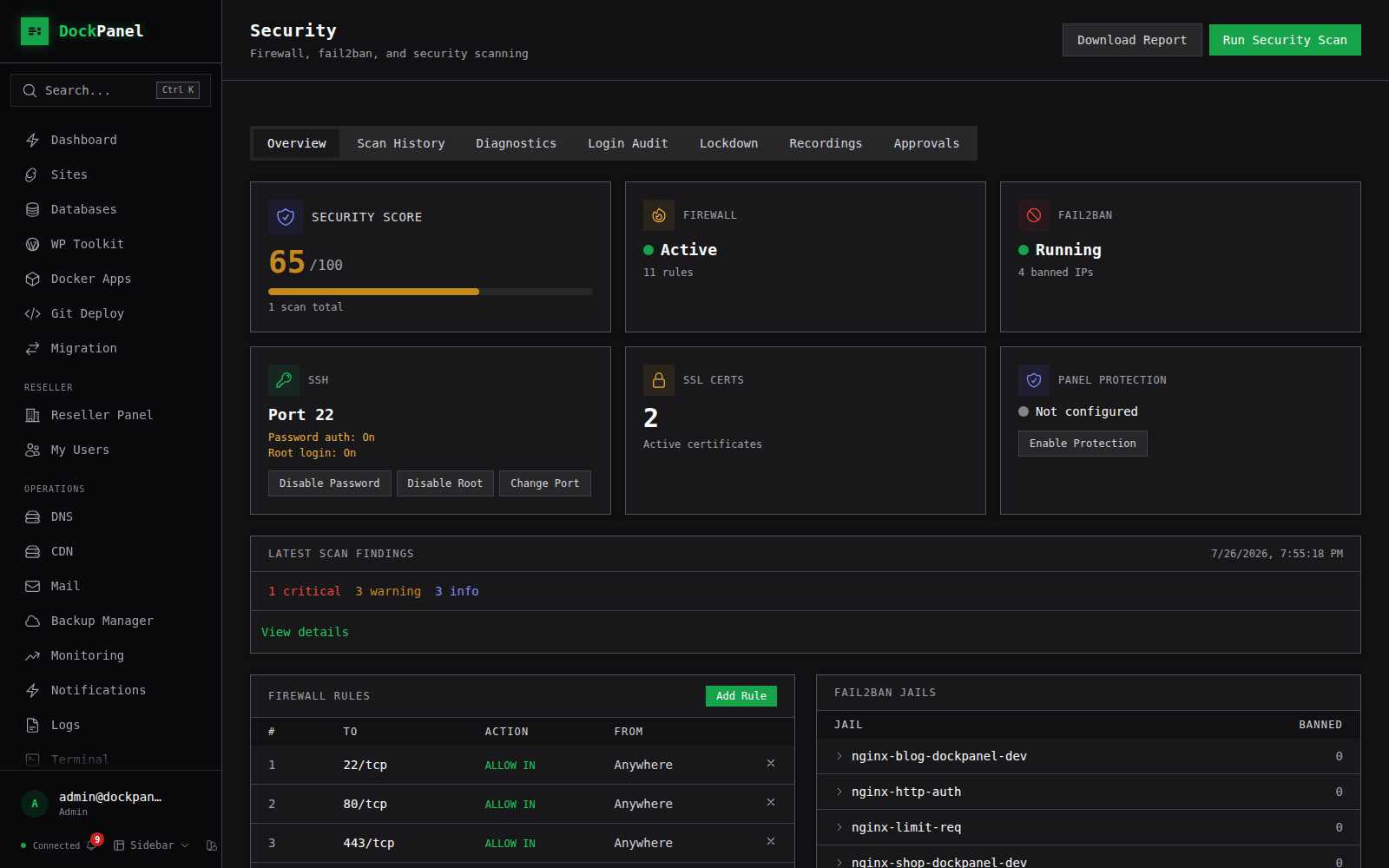
What is dockpanel?
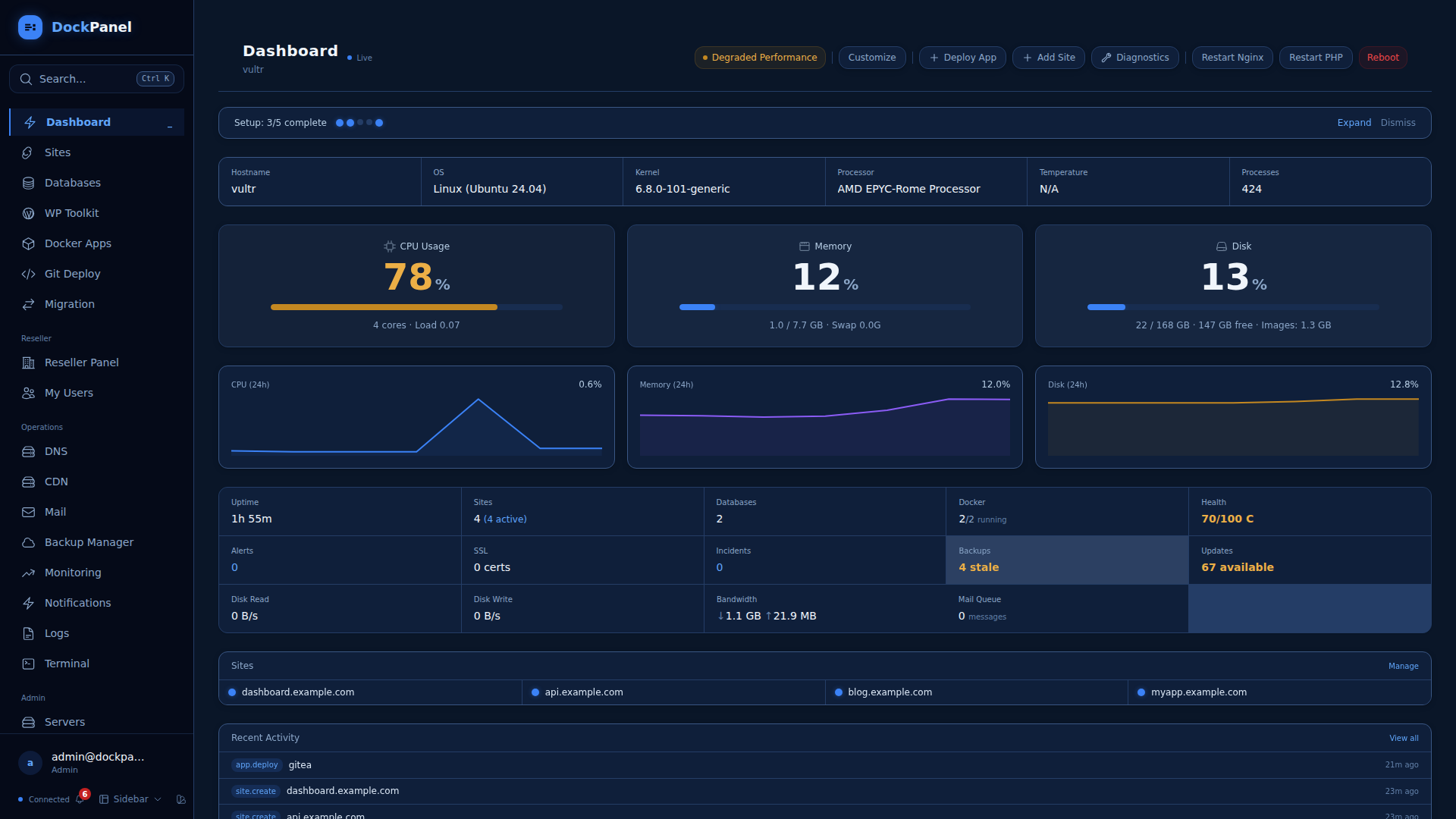
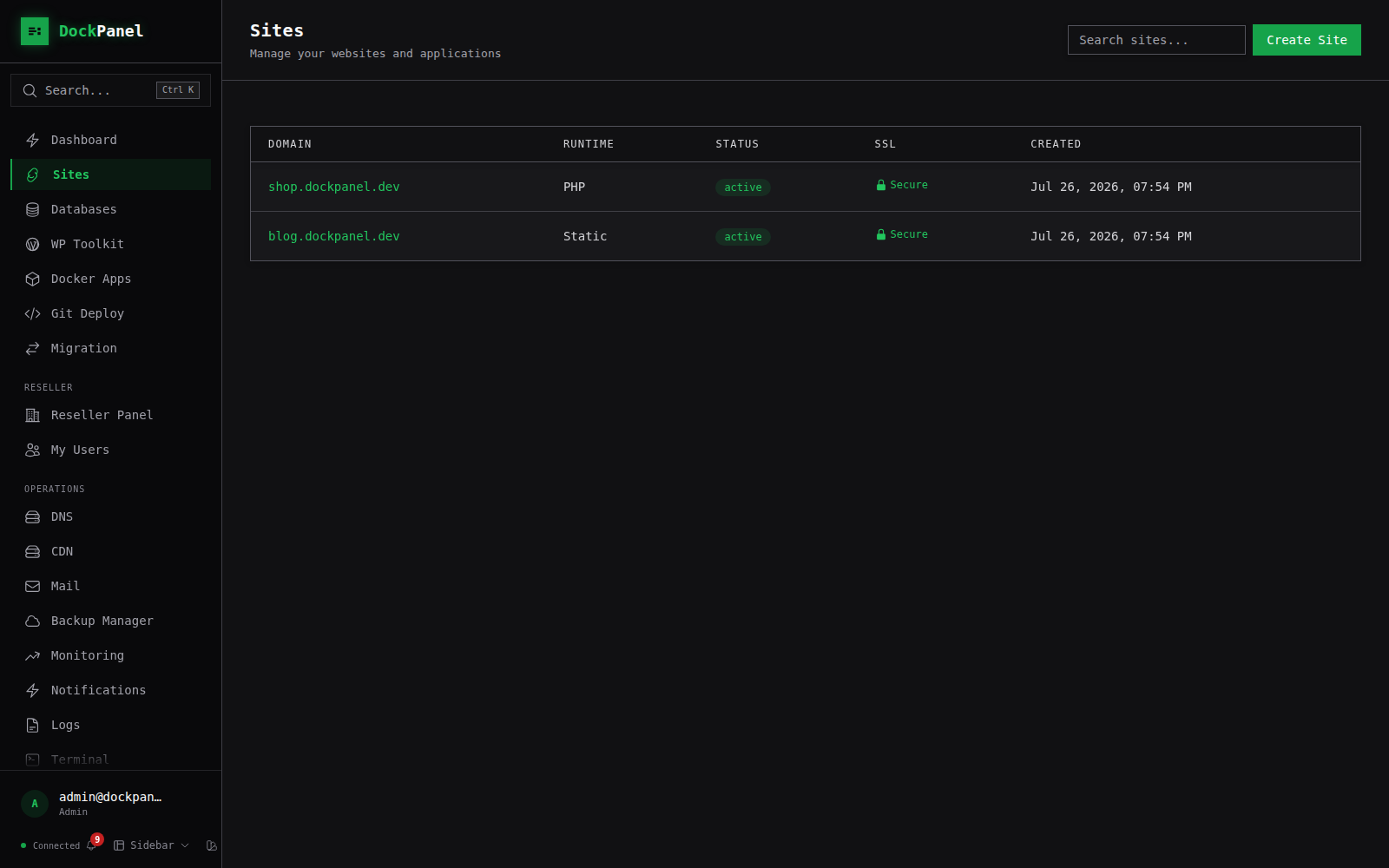
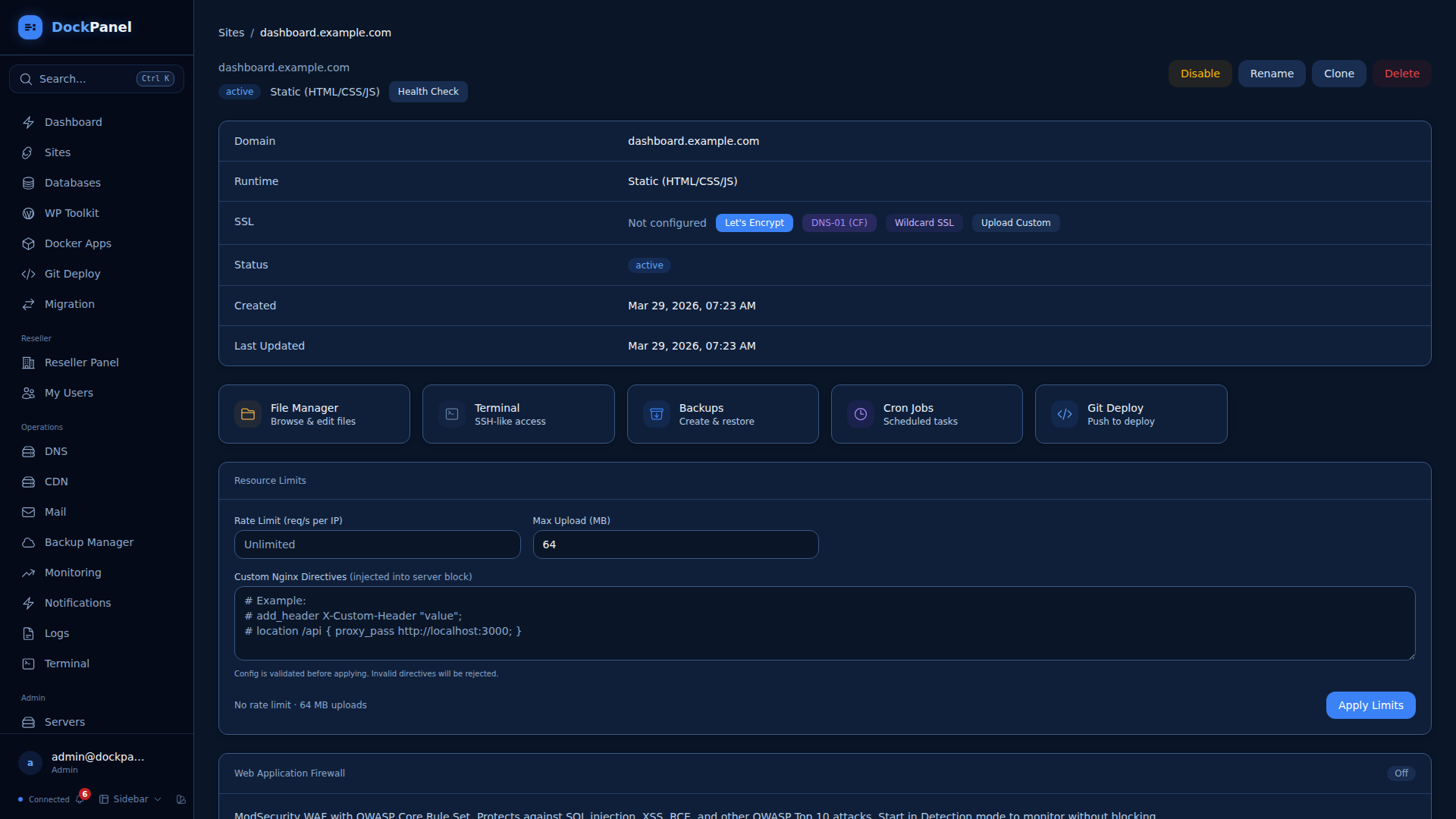
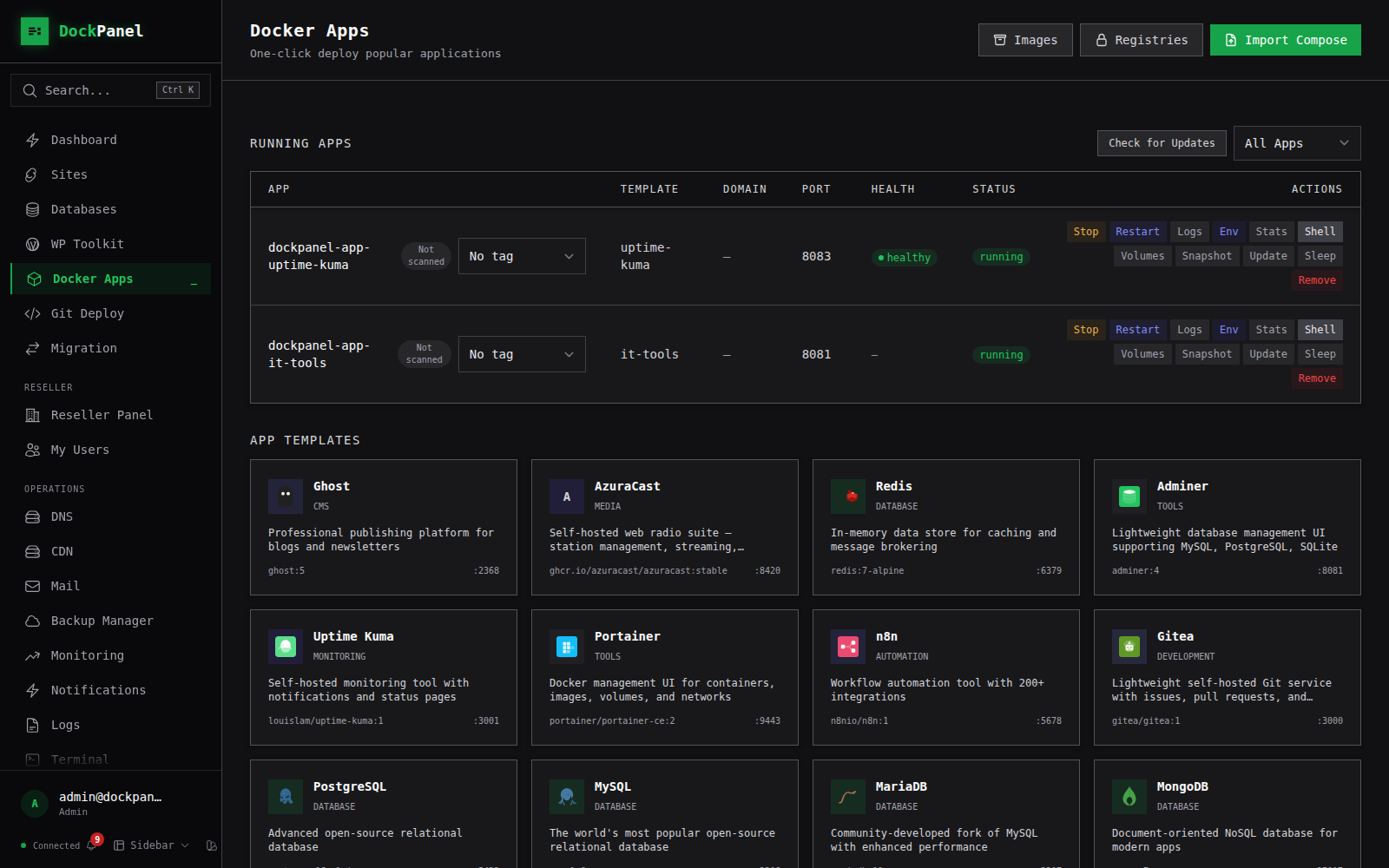
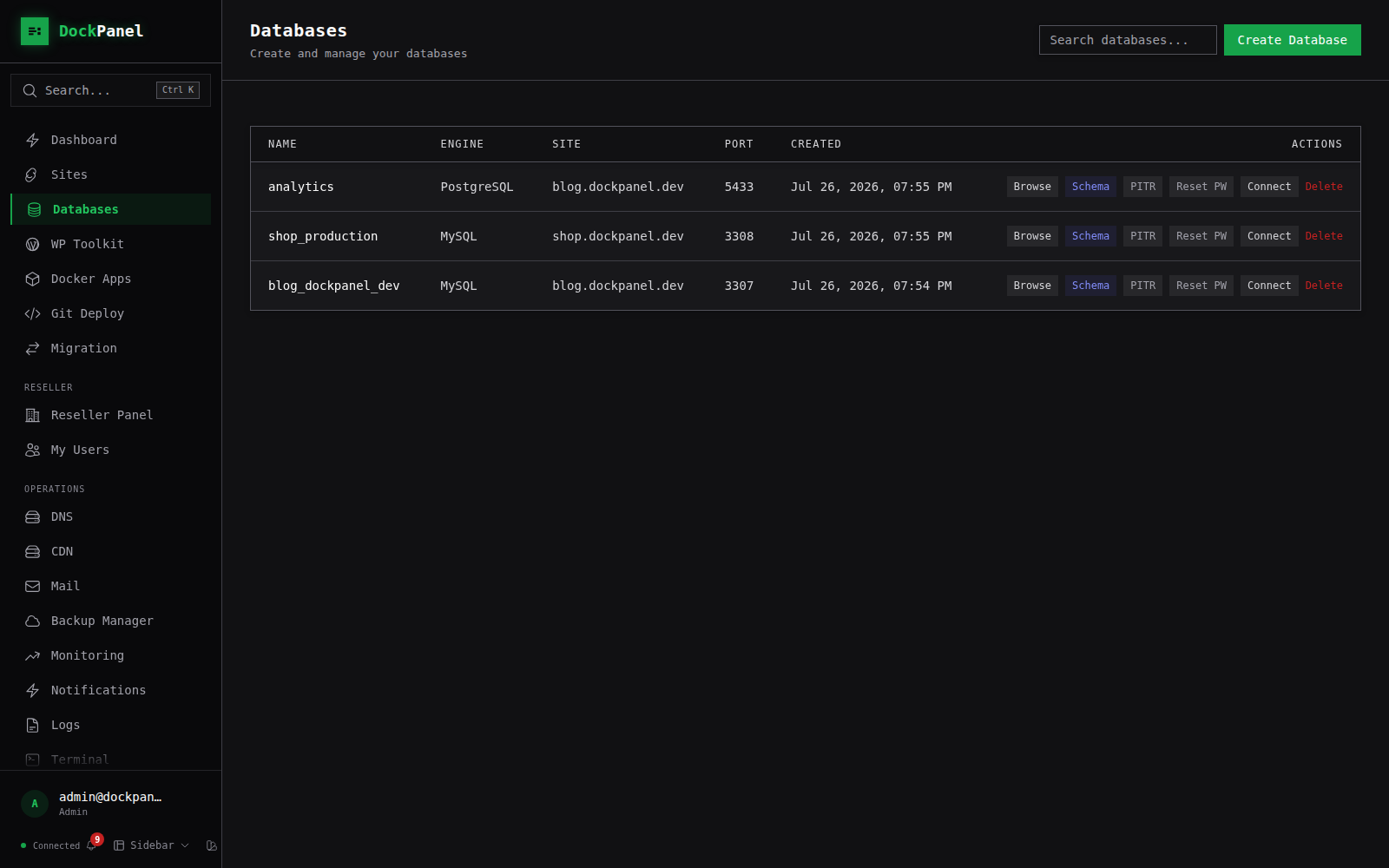
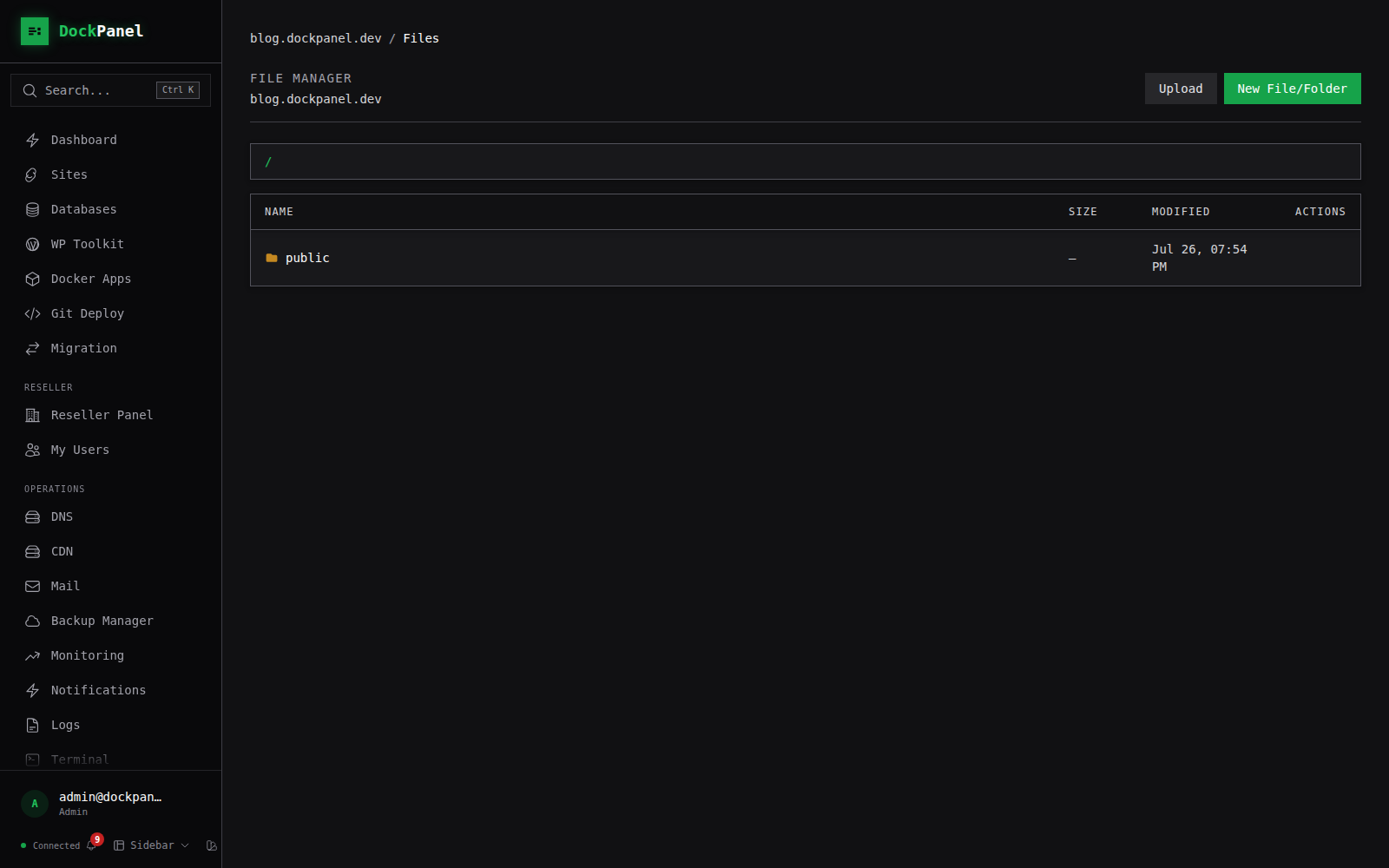
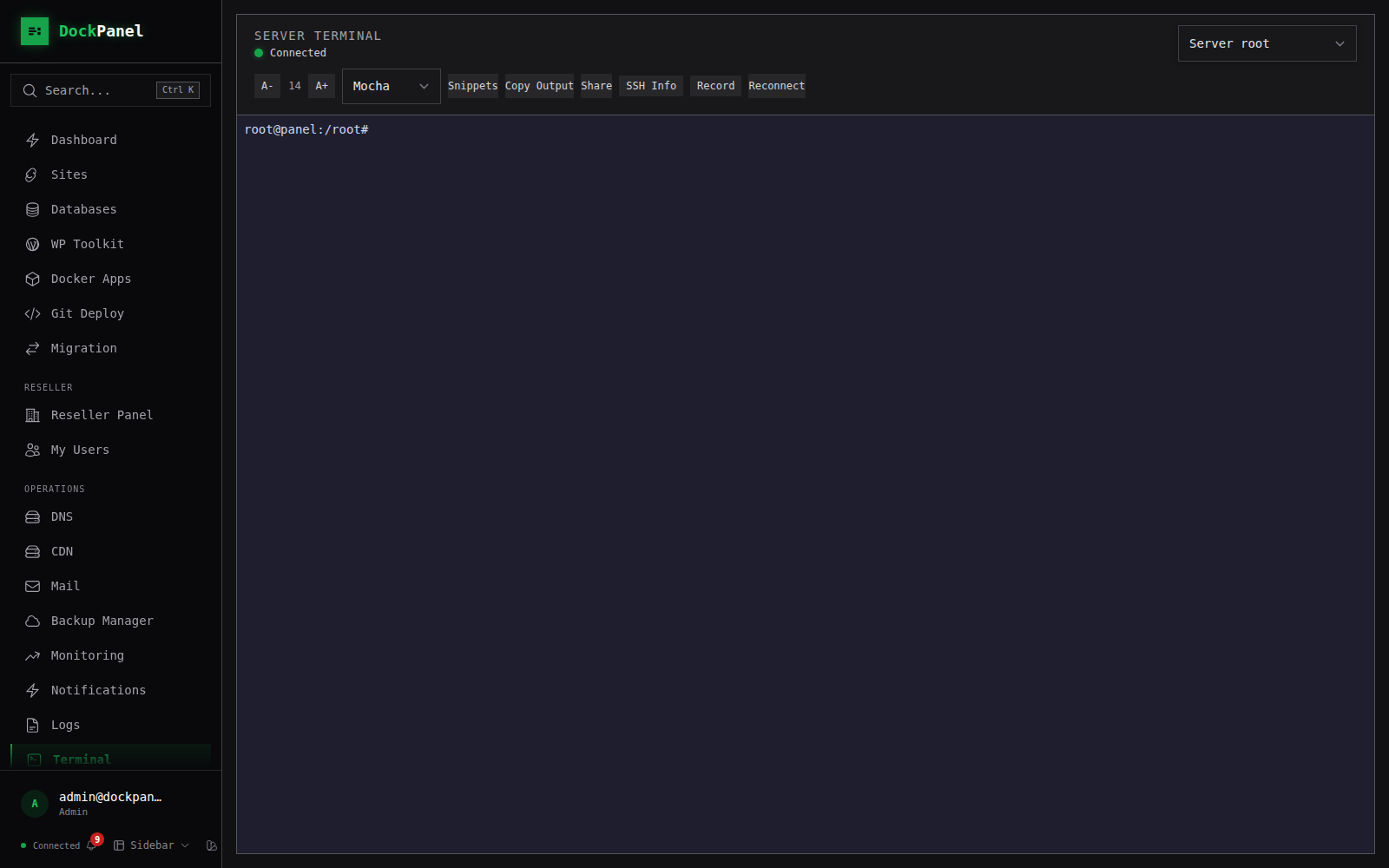
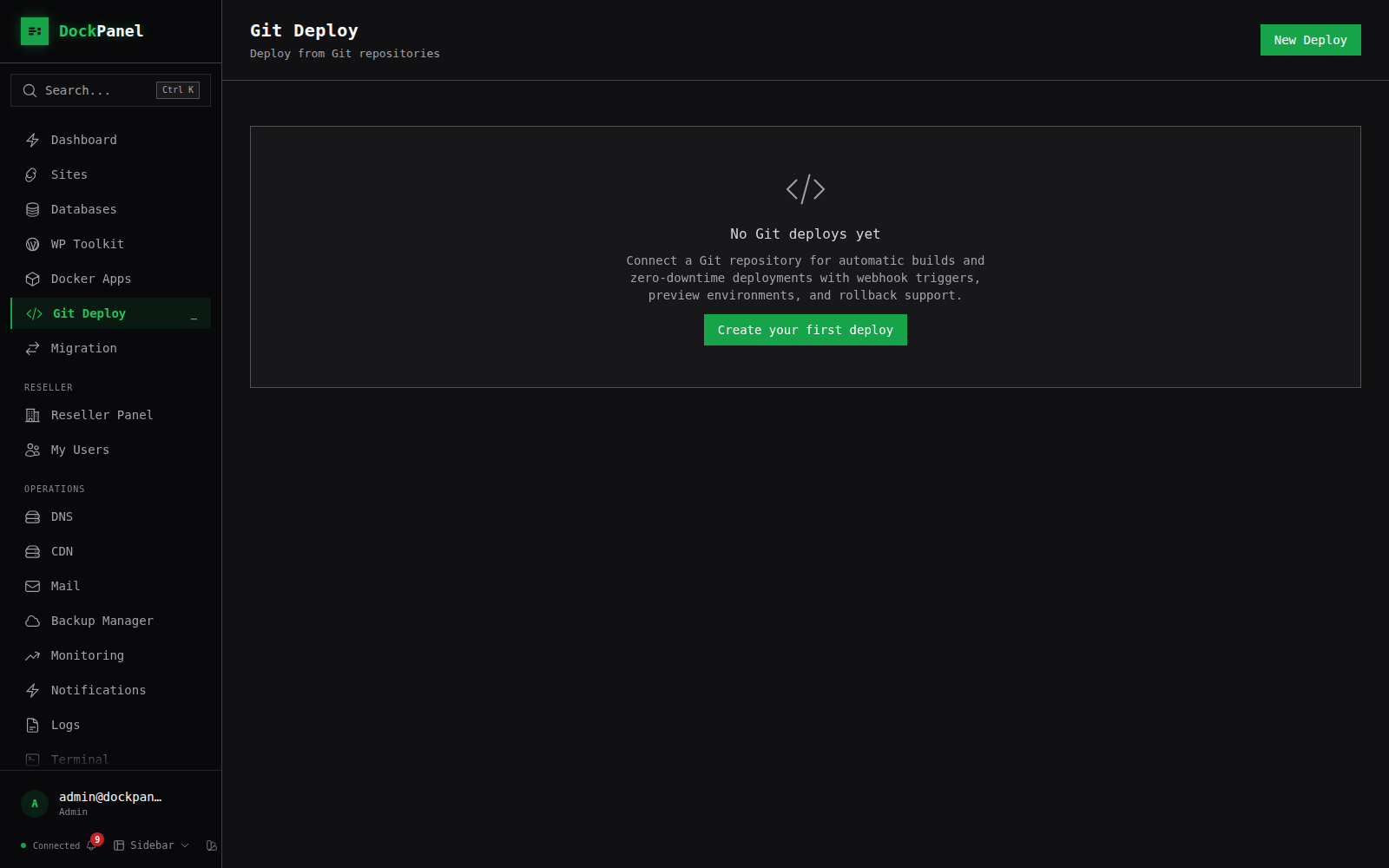
DockPanel is a free, self-hosted server management panel written in Rust with a React frontend. It provides a comprehensive web interface for managing websites (static, PHP, Node.js, Python), databases (MySQL/PostgreSQL in Docker), Docker applications (147 templates across 14 categories), SSL certificates, backups (with S3/SFTP/B2/GCS destinations), email (Postfix/Dovecot/Roundcube), DNS (Cloudflare/PowerDNS), and security features including a WAF, vulnerability scanning, firewall management, and SSH hardening. The panel services use approximately 49MB of RAM. It supports multi-server management, Git push-to-deploy with zero-downtime updates, a CLI for automation, an MCP server for AI agents, and Infrastructure as Code via YAML export/import. Installation is via a single curl command on Ubuntu, Debian, CentOS, Rocky, AlmaLinux, or Fedora (x86_64 and ARM64). The project is licensed under AGPL-3.0 with no premium tier.
Should you self-host dockpanel?
dockpanel scores 57/100 on selfhost.directory (how scoring works) and ranks #10 of 27 in Server Management. It has 983 GitHub stars.
It shipped 20 stable releases in the past year. The latest, v2.242.1, came out on 9 September 2026.
Setup is moderate: expect some configuration beyond a single command. It is AGPL-3.0-licensed and written mostly in Rust.
Its closest alternative on selfhost.directory is Jabali Panel (47/100, 130 stars). dockpanel scores higher overall. See dockpanel vs Jabali Panel side by side.
dockpanel README
More in Web Hosting
 hestiaOpen-source, self-hosted control panel for Debian and Ubuntu servers: manage web domains, mail, DNS zones, databases and free SSL from one dashboard.
 Jabali PanelSelf-hosted open-source hosting panel for WordPress/PHP on Debian 13. Tenant isolation via per-user PHP-FPM, mail with auto DKIM/DMARC, DNS with DNSSEC.
 laranodeA free, self-hosted hosting control panel for Ubuntu that manages websites, PHP versions, SSL, databases, firewalls, and backups without license fees.
 openpanel-coOpenPanel is a self-hosted web hosting panel using rootless Podman for per-user isolation — an alternative to cPanel and Plesk.
 osInfinite OS is a self-hosted, open-source hosting environment that runs in a single container with a cPanel-like dashboard to deploy apps without Dockerfiles.
 public-websites-dockerA Docker Compose guide for self-hosting static sites with Traefik, Matomo analytics, and remark42 comments — all with automatic Let's Encrypt TLS.
 SandstormAn open-source, self-hosted platform for running web apps: each document or chat room gets its own sandboxed container, with one-click installs and unified sharing.
 VoxelSwarmSelf-hosted deployment layer turning VoxelSite into a multi-tenant platform with isolated accounts and per-client AI API keys. PHP 8.2+, SQLite, control panel adapters.
 weirdWeird is a self-hosted, local-first CMS for personal digital gardens — WordPress meets Notion with Linktree simplicity. Rust/SvelteKit, Rauthy OIDC, optional p2p.
 CloudPanelSelf-hosted server control panel for PHP, Node.js, Python and static sites on Ubuntu or Debian, with free Let's Encrypt certificates and a command-line interface.
0 comments