
Self-host dayGLANCE
v5.10.0Day planner with visual time-blocking, local-first privacy
- Stars
- 178
- Port
- 80 (HTTP server inside container)
ghcr.io/krelltunez/dayglance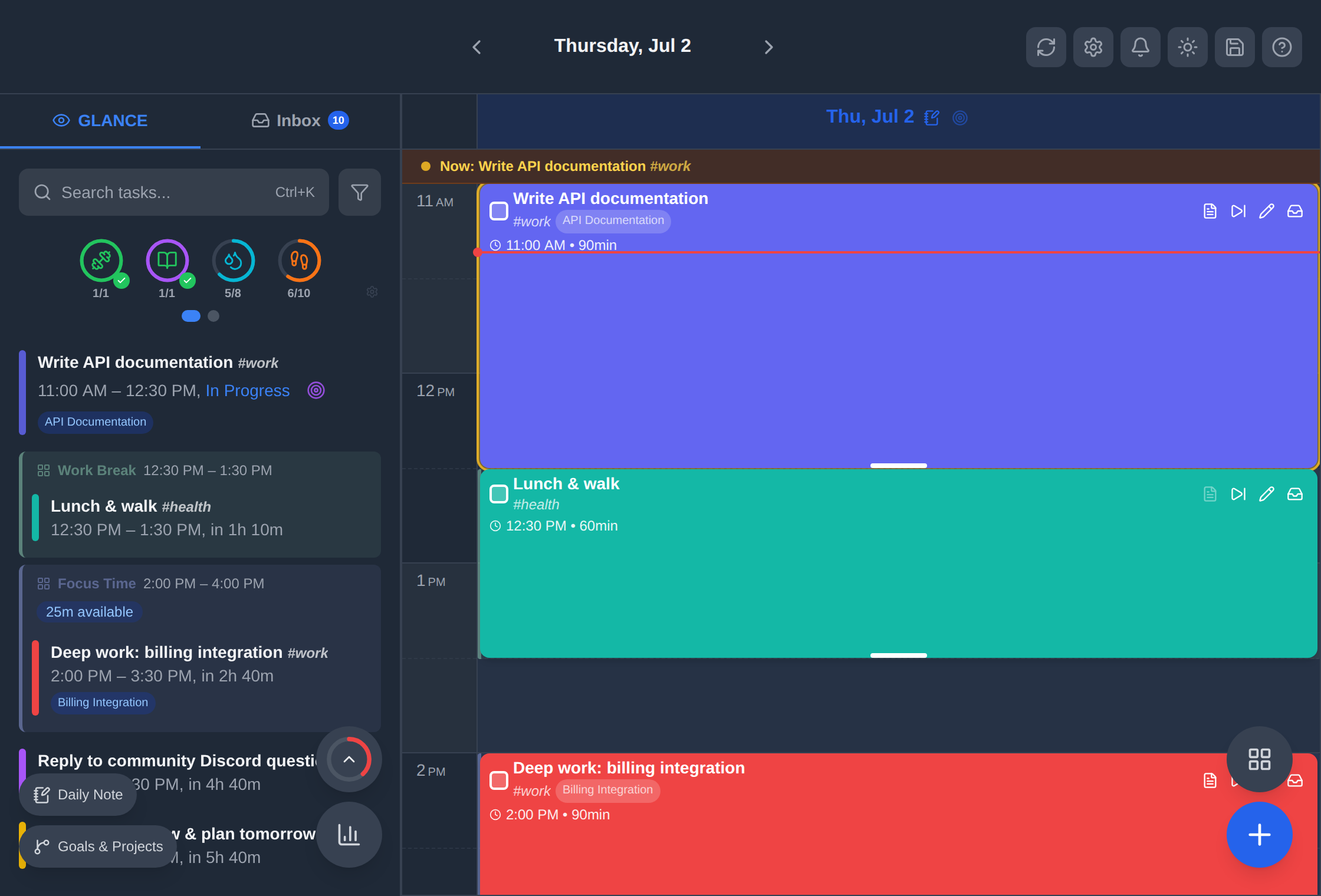
What is dayGLANCE?
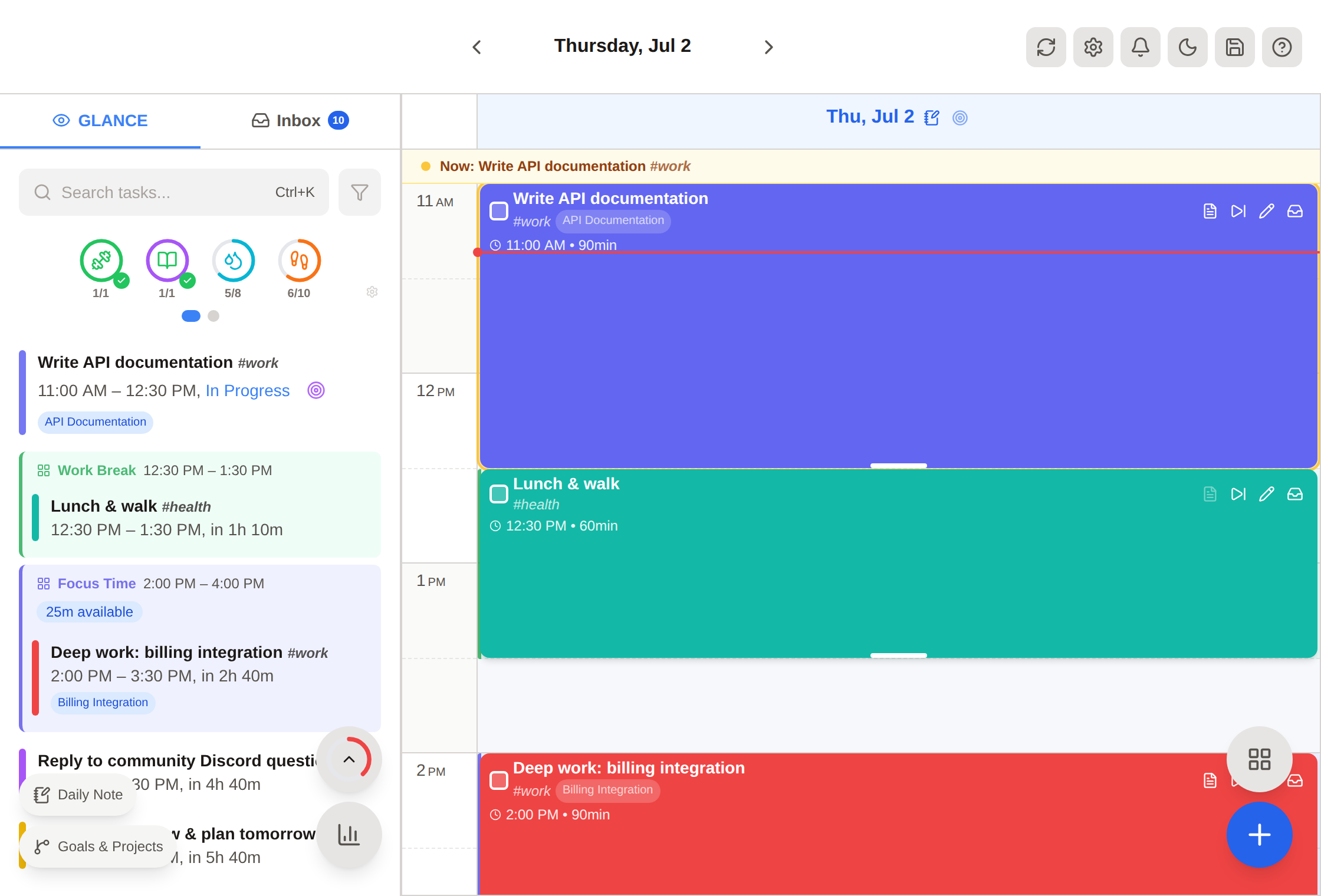
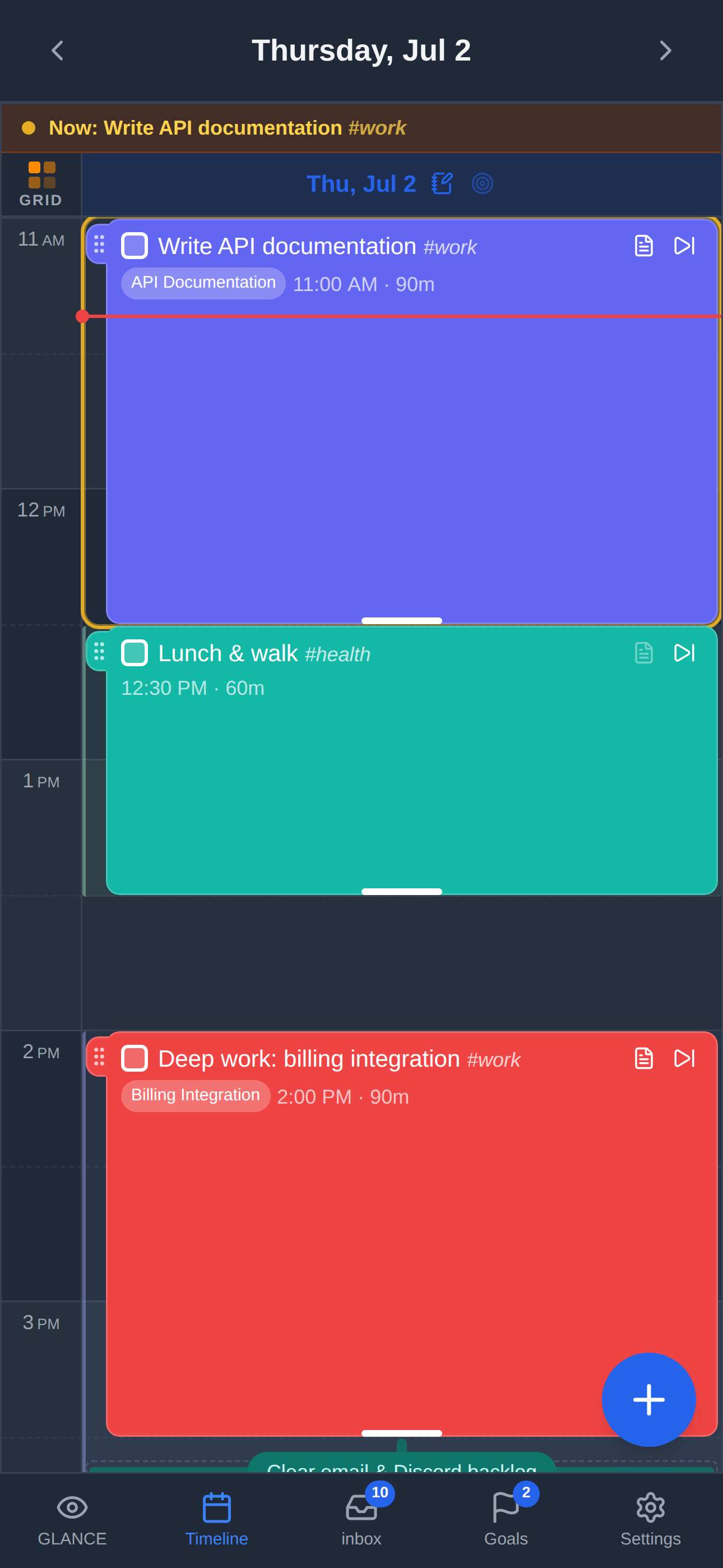
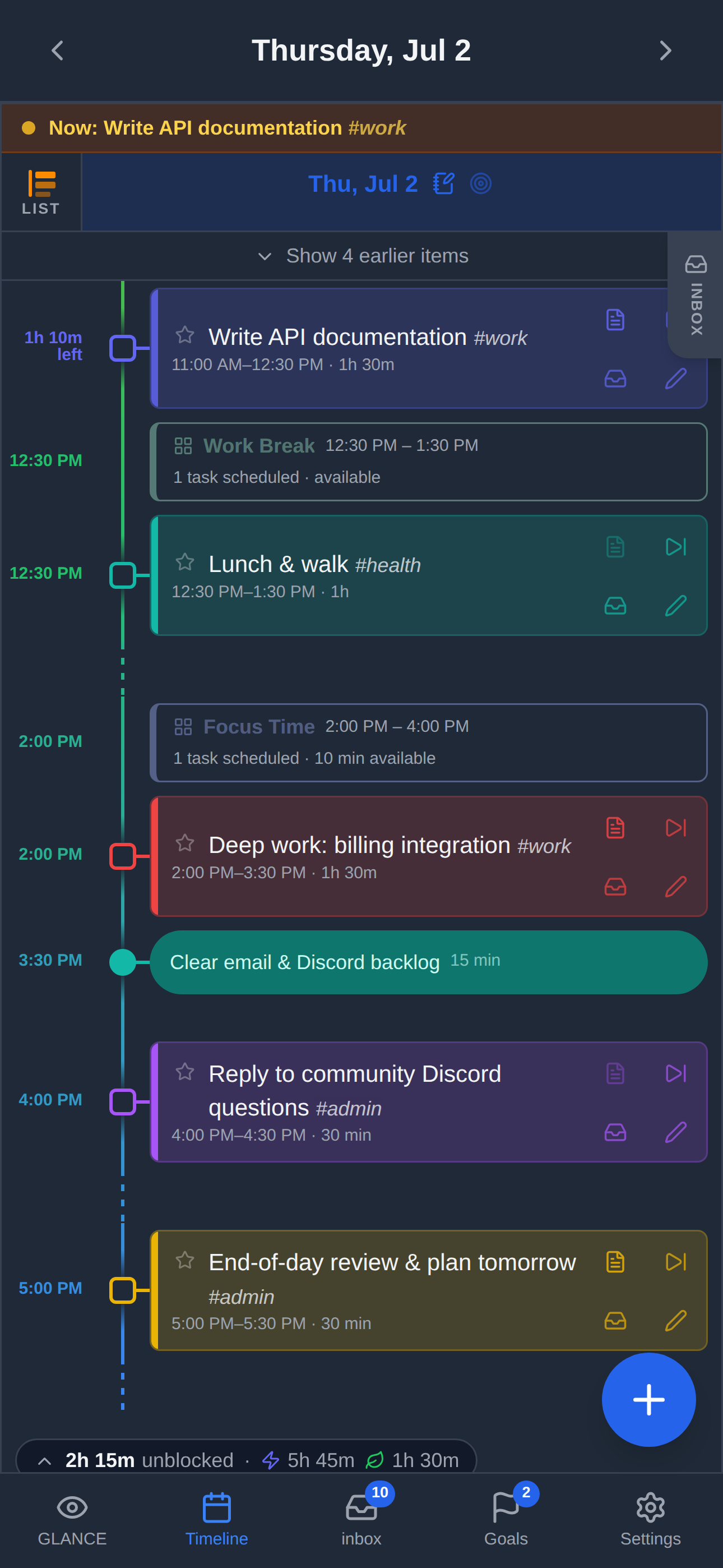
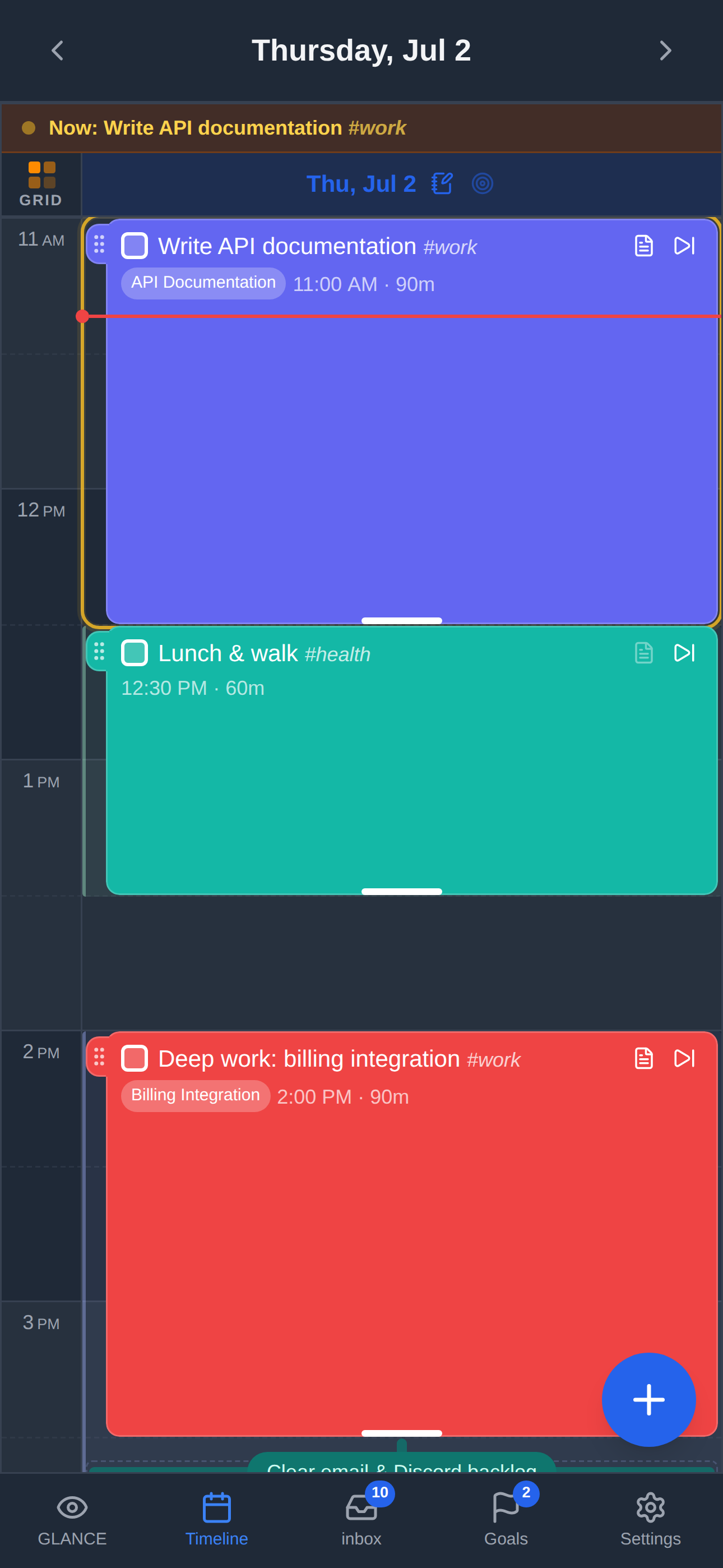
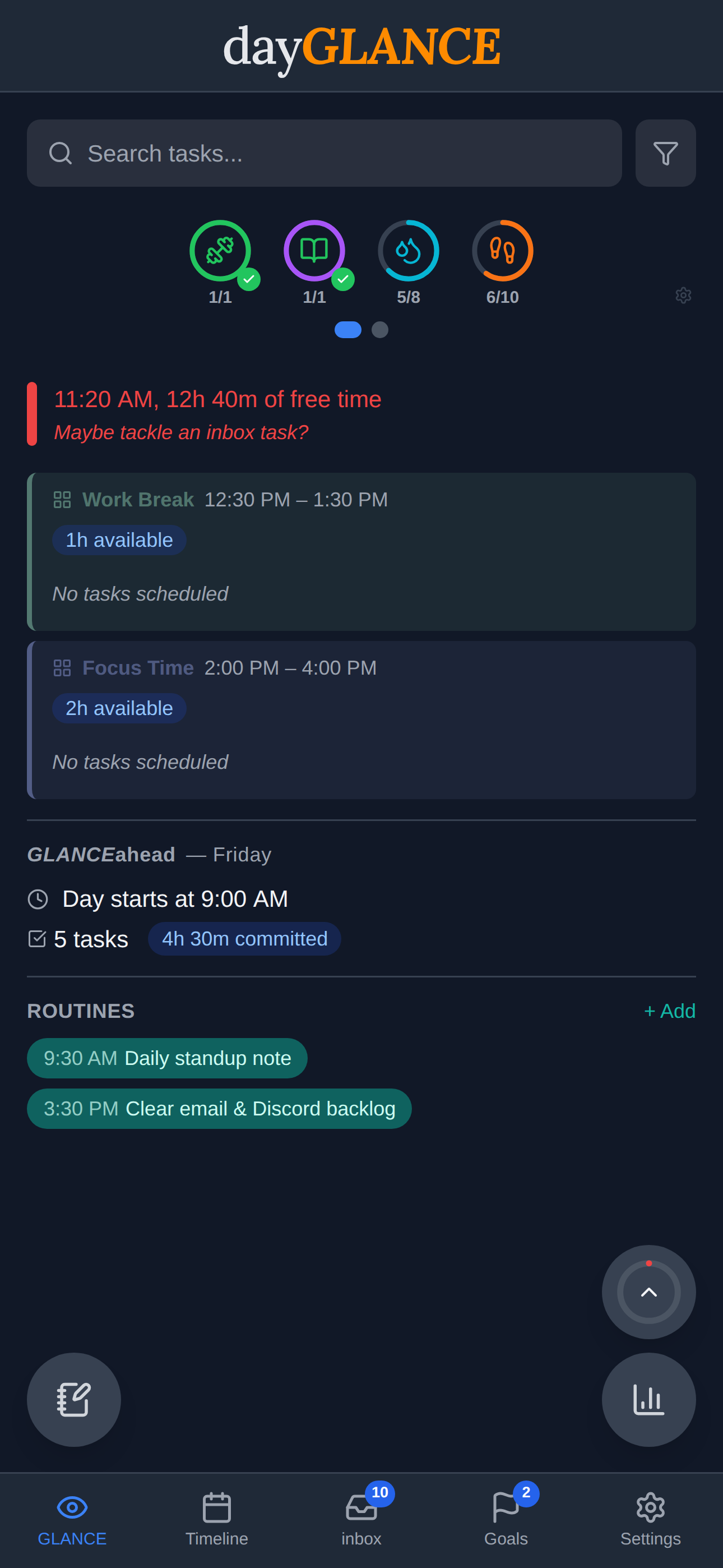
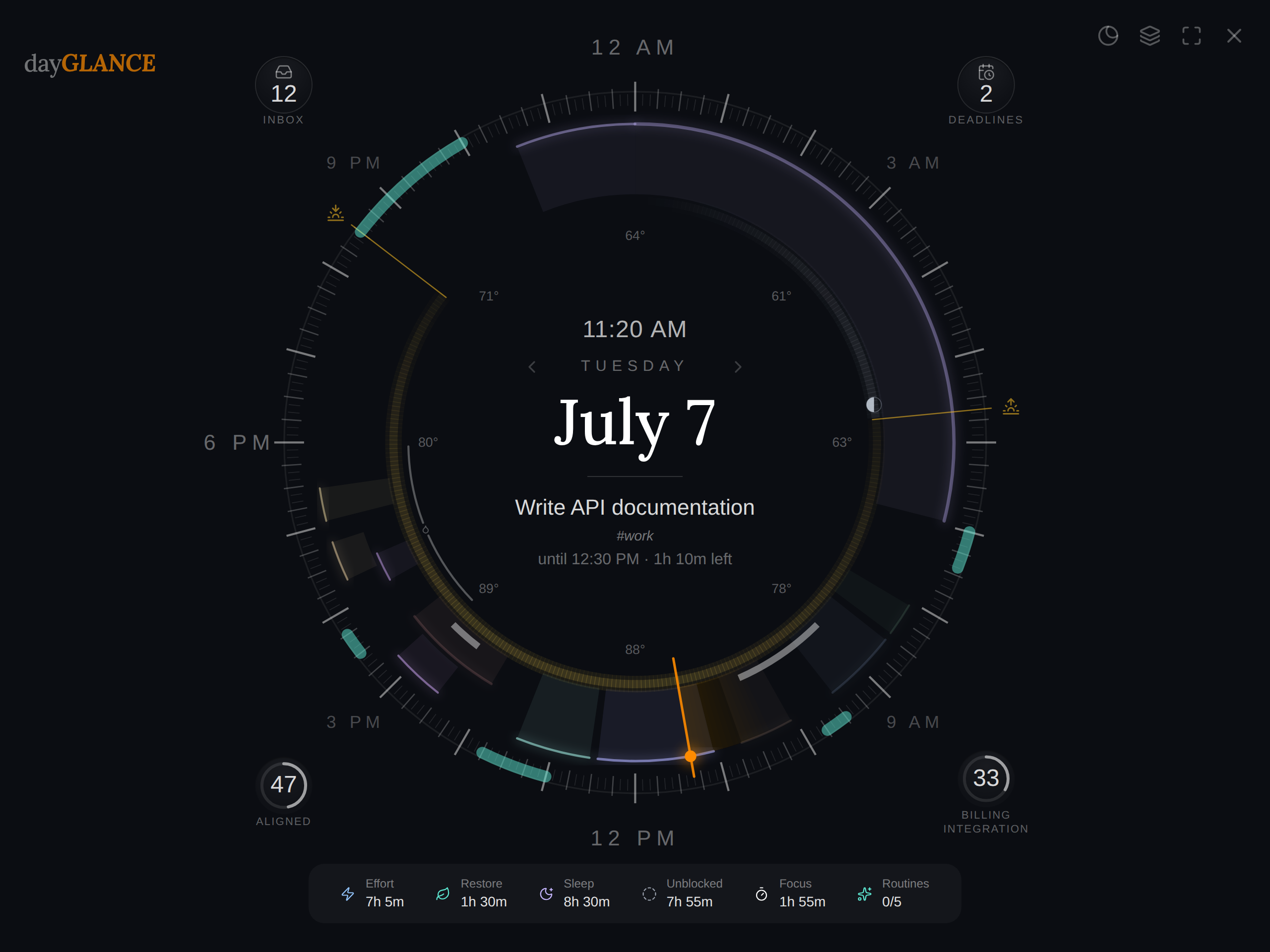
dayGLANCE is a day planner designed for users who want a refined planning experience while keeping full control of their data. It delivers visual time-blocking on a 24-hour timeline, task management with an inbox and scheduled items, habit tracking, routines, goals and projects, a Pomodoro-style focus mode, and a distinctive Day Dial radial view. Information remains in the browser's localStorage unless you enable optional sync through WebDAV (Nextcloud, generic WebDAV), CalDAV for two-way task sync, or direct Obsidian vault access. The software runs as a lightweight Docker container (Nginx serving static assets) with no database or external dependencies, and also provides native desktop applications for macOS, Windows, and Linux, an Android app, iOS/macOS App Store apps, and a progressive web app. The codebase is MIT-licensed and under active development.
Should you self-host dayGLANCE?
dayGLANCE scores 51/100 on selfhost.directory (how scoring works) and ranks #13 of 30 in Calendar & Contacts. It has 178 GitHub stars.
It shipped 10 stable releases in the past year. The latest, v5.10.0, came out on 25 October 2026. New versions land roughly every 3 days.
Setup is easy: most people get it running in one sitting. An official Docker image is available. It is MIT-licensed and written mostly in JavaScript.
Its closest alternative on selfhost.directory is Vikunja (72/100, 5 886 stars). It scores higher overall, so compare the two before you pick. See dayGLANCE vs Vikunja side by side.
Features
- AI Assistant (BYO API Key)Optional add-on, off by default
- Calendar feed (iCal)
- Calendar sync (CalDAV)
- Focus mode
- Goals & Projects
- Habit Tracking
- MCP ServerDesktop app only
- Obsidian Integration
- Routines
- Stream Deck plugin
- Task Management
- TRMNL display
- Visual time-blocking
- WebDAV sync
dayGLANCE README
FAQ
Where do I report bugs or request features?
GitHub Issues (search existing first). For questions and discussion, use GitHub Discussions.
Does the AI voice assistant work in Brave?
Brave's Shields can block AudioContext and MediaRecorder, preventing the voice assistant from working. Lower Shields for dayGLANCE (click Brave lion icon → toggle Shields off) and reload.
Can I run it on a Raspberry Pi / NAS / low-power device?
Yes. It's a static web app served by Nginx in a Docker container with minimal resource usage. Runs comfortably on Raspberry Pi 4 or any Docker-capable NAS (Synology, TrueNAS, etc.).
Does it support iOS?
Not natively yet (iOS app on roadmap). Works as a PWA on iOS Safari — add to home screen from share menu. Some features (Obsidian integration, immersive focus mode) unavailable due to platform limits.
Can I migrate my data from another app?
No direct importers yet. If tasks are in a CalDAV task list, CalDAV sync can pull them in. Otherwise manual entry or community scripts. Migration between dayGLANCE instances is easy via backup export/restore or shared WebDAV sync.
How is dayGLANCE different from Structured/Morgen?
Structured and Morgen are commercial day planners with proprietary cloud sync and subscriptions. dayGLANCE offers similar visual time-blocking but is fully open source, local-first, and syncs via your own infrastructure with no vendor lock-in.
How is dayGLANCE different from Vikunja?
Vikunja is a self-hosted project/task manager organized around lists and projects. dayGLANCE is focused on the day — a day planner with a 24-hour timeline, not a project tracker.
How is dayGLANCE different from Todoist?
Todoist is cloud-based with proprietary sync and limited free tier. dayGLANCE is local-first, no account required, syncs via your own WebDAV, fully open source, and focused on daily planning with visual time-blocking.
Is this actively maintained?
Yes, dayGLANCE is at v1.2.6 and has been in active development since January 2026. Updates ship regularly.
Does it work offline?
Core planning features work fully offline after first load. Features requiring network: weather, daily content, calendar sync, CalDAV, cloud sync, AI, TRMNL. Changes sync automatically when connectivity returns (up to 15 min delay).
What's the difference between using dayglance.app and self-hosting?
Functionally nothing — they run identical code. The difference is infrastructure ownership: dayglance.app serves the app from their servers but your data never leaves your browser. Self-hosting means you serve the app yourself.
Does my data ever leave my device?
Not unless you explicitly configure sync. All data is stored in your browser's localStorage. Nothing is sent to any server by default. WebDAV sync sends data to your own server; AI features use your own API endpoint.
Is dayGLANCE really free?
The web app is free and open source (MIT licensed). You can use dayglance.app for free, self-host it for free, and fork or modify the code freely. The Android APK is free from GitHub Releases; the Google Play Store version may have a nominal fee.
More in Calendar & Contacts
 Docker-RadicaleSelf-hosted, open-source Docker image for Radicale CalDAV/CardDAV server with security hardening and multi-architecture support.
 EGroupwareEGroupware is a self-hosted open-source collaboration suite from Germany with email, calendar, contacts, tasks, projects, CRM, chat, and documents. Free CE or paid EPL.
 FlowSelf-hosted, open-source time and event management application with calendar, tasks, notes, places, and multi-user support across web, desktop, and mobile platforms.
 FluidCalendarFluidCalendar is a self-hosted, open-source Motion alternative for intelligent task scheduling with Google Calendar, Outlook, and CalDAV sync.
- GancioGancio is a shared agenda for local communities, designed to focus on content and avoid walled gardens by supporting open standards like ActivityPub, RSS, and iCalendar.
 GRRGRR is a self-hosted open-source PHP/Symfony resource booking system for rooms, equipment, vehicles and personnel with periodic bookings, moderation, quotas, LDAP/SSO.
 immich-carddav-bridgeSelf-hosted bridge that synchronizes preview images from Immich people to CardDAV contacts, tested with Nextcloud and Radicale, runs via Docker with cron scheduling.
 Keeper.shOpen-source, self-hosted calendar syncer keeping CalDAV, iCloud, Google, Fastmail and Outlook schedules in step, with every Pro feature plus an MCP server.
 KurrierKurrier is an open-source, self-hosted workspace unifying email, calendars, contacts, and file storage via IMAP/SMTP, CalDAV, CardDAV, and WebDAV/S3 with OIDC/SSO auth.
 lunaLuna is a self-hosted, open-source calendar frontend that aggregates CalDAV, iCal, and Google Calendar into one web app with customizable themes.
 MailcowOpen-source mail server suite providing email hosting with spam filtering, antivirus, webmail, calendar and contacts via Docker Compose installation.
 mailezA self-hosted email platform with SMTP, IMAP, POP3, CardDAV, CalDAV, a React webmail client, and admin console — all deployed via a single Docker Compose command.
0 comments