
Self-host luna
Self-hosted calendar aggregator with CalDAV, iCal, Google
- Stars
- 525
- Ports
- 8080 (frontend HTTP), 3000 (backend API)
- Requires
- PostgreSQL
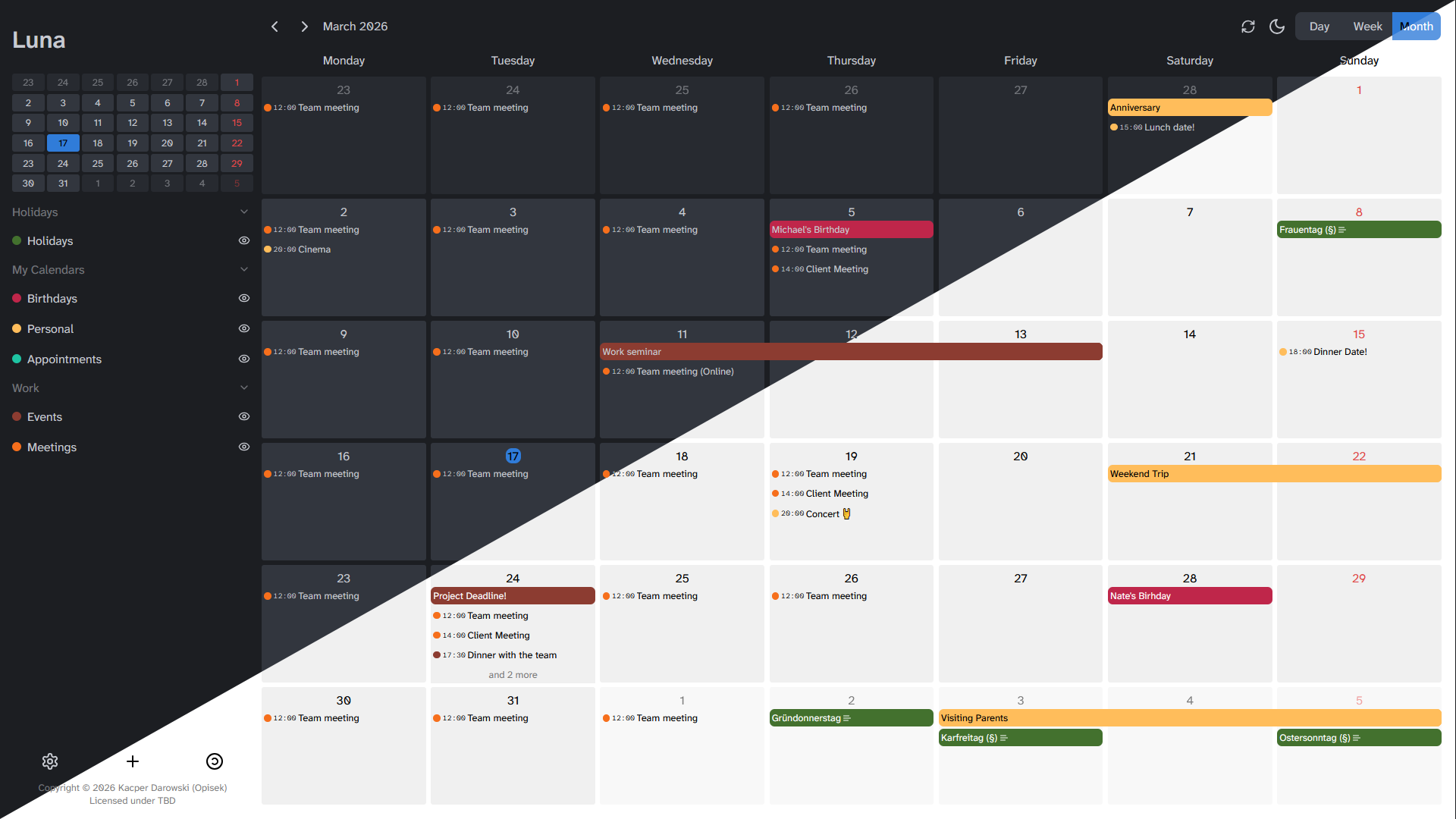
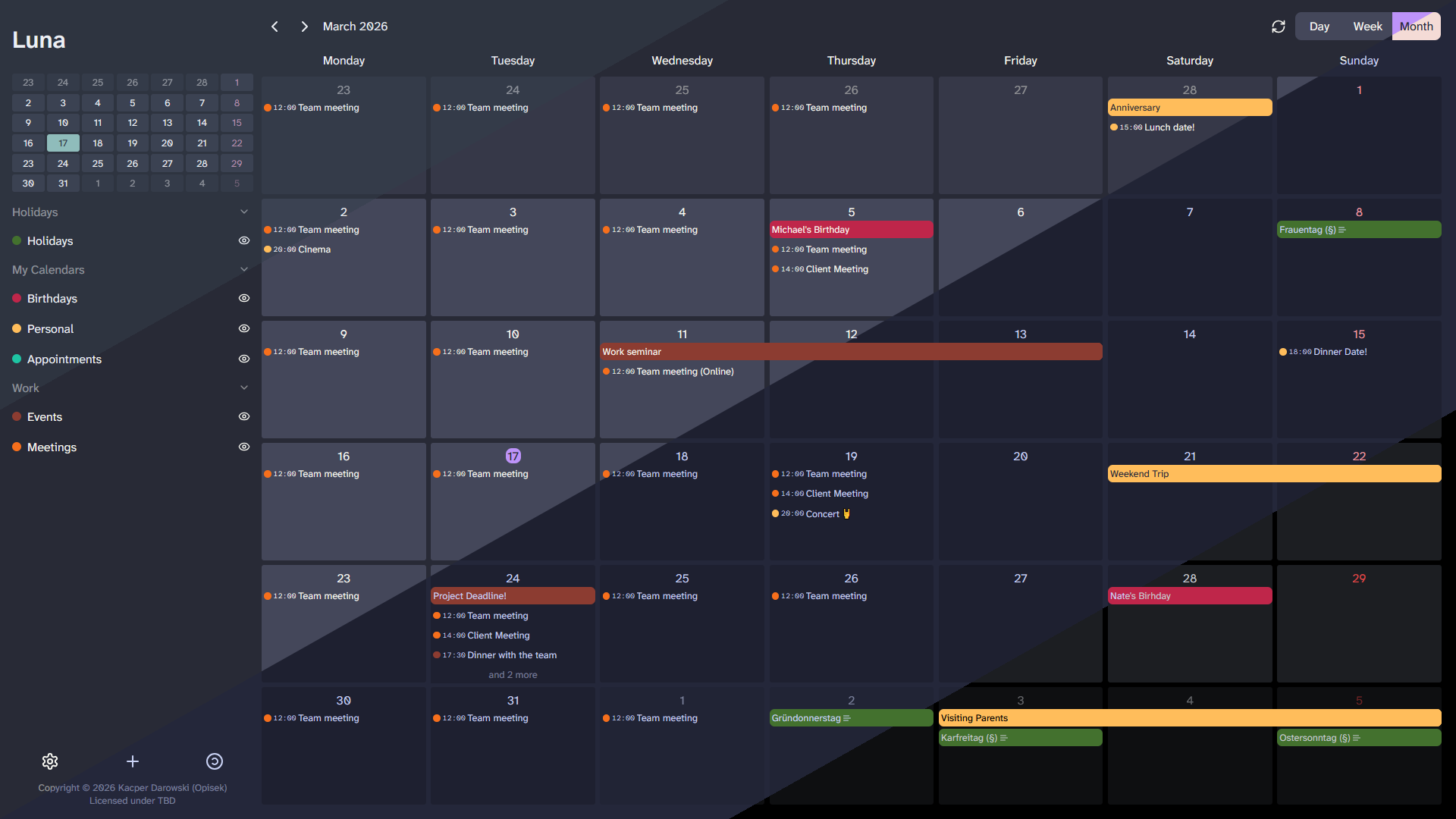
What is luna?
Luna is a self-hosted calendar aggregator and frontend that consolidates multiple calendar sources — CalDAV servers, iCal files, and Google Calendar — into one web application. It supports user management with registration and login, customizable themes and fonts with many built-in options, and a dark mode. The project is nearing a 1.0.0 release but is not yet officially released; the developer notes that recurring event support and mobile screen size support are still incomplete. Deployment is via Docker Compose (building images locally with make) or baremetal using bun, Go, and PostgreSQL 16+. No first-party Docker images are published yet, though community images exist. The backend requires PostgreSQL and stores data with encryption. Authentication is built-in username/password with JWT tokens; OAuth 2.0 is supported for connecting to calendar sources, not for user login. The API uses bearer tokens or cookies. There is no LDAP, OIDC, SAML, or 2FA support yet — these are listed as future plans.
Should you self-host luna?
luna scores 43/100 on selfhost.directory (how scoring works) and ranks #25 of 30 in Calendar & Contacts. It has 525 GitHub stars.
There was no stable release in the past 12 months, so check the repository's recent activity before you rely on it.
Setup is advanced: plan for several services and some ongoing maintenance. It is written mostly in Go.
Its closest alternative on selfhost.directory is Radicale (69/100, 5 152 stars). It scores higher overall, so compare the two before you pick. See luna vs Radicale side by side.
Features
- CalDAV Support
- Calendar aggregation
- CSRF protection
- Customizable fonts
- Database Encryption
- Google Calendar support
- iCal support
- OAuth 2.0 for calendar sources
- Rate Limiting
- REST API
- User Management
luna README
More in Calendar & Contacts
 MailcowOpen-source mail server suite providing email hosting with spam filtering, antivirus, webmail, calendar and contacts via Docker Compose installation.
 mailezA self-hosted email platform with SMTP, IMAP, POP3, CardDAV, CalDAV, a React webmail client, and admin console — all deployed via a single Docker Compose command.
 Mail-in-a-BoxOpen-source, self-hosted mail server appliance: one script turns a fresh Ubuntu 22.04 VPS into a full mail stack with webmail, spam filtering, DNS and a control panel.
 Manage My Damn LifeSelf-hosted, open-source web front end for managing CalDAV to-dos and calendar events, with list, Gantt and calendar views plus task filters.
 MeetableMeetable is an open-source, self-hosted events website for communities to publish meetups and conferences with calendar feeds, RSVPs, and attendee content.
 mirotalkwebrtcMiroTalk WEB is a self-hosted WebRTC platform for scheduling video meetings with user dashboards and optional Stripe subscriptions.
 MojitoMojito is a self-hosted, open-source personal AI that rewrites its own code from chat. Runs a FastAPI+SQLite hub, Claude Code agent on Mac, and PWA/Android/Mac apps.
 MyClassAn open-source, self-hosted tutor management app with Vietnam timezone, VND currency, PWA push reminders, and Docker deployment.
 nati.veOpen-source Nextcloud client with native apps for Android, Linux, and Windows. Connects to your self-hosted server for files, photos, calendar, and chat.
 nazar-studioBalaur is a self-hosted household app with AI chat and Google Calendar sync. Runs PocketBase in Docker with Flutter clients for Android, iOS, Linux.
 nettu-schedulerNettu Scheduler is an open-source, self-hosted calendar server with REST API, JS/Rust SDKs, multi-tenancy, recurrence rules, and Google/Outlook calendar integrations.
 Nextcloud Mail💌 Mail app for Nextcloud
0 comments