
Self-host davos
2.2.2FTP download automation with web UI
- Stars
- 183
- Port
- 8080 (Web UI)
- Requires
- H2 Database
lscr.io/linuxserver/davos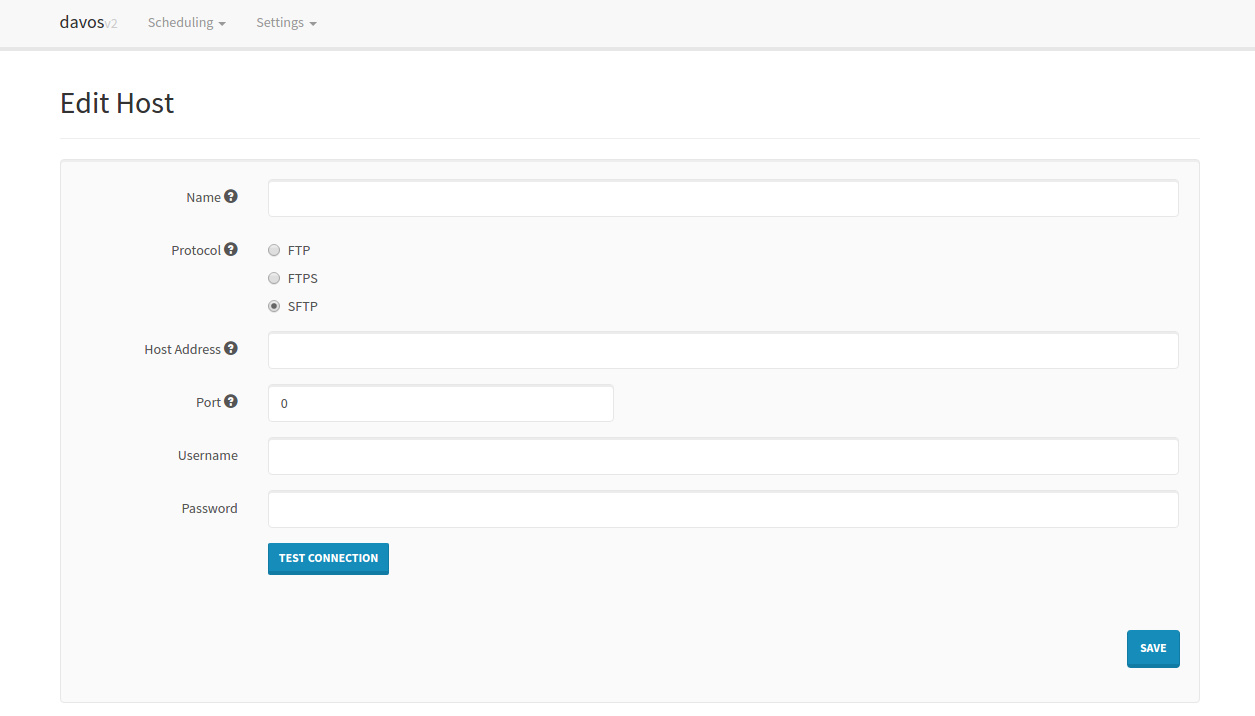
What is davos?
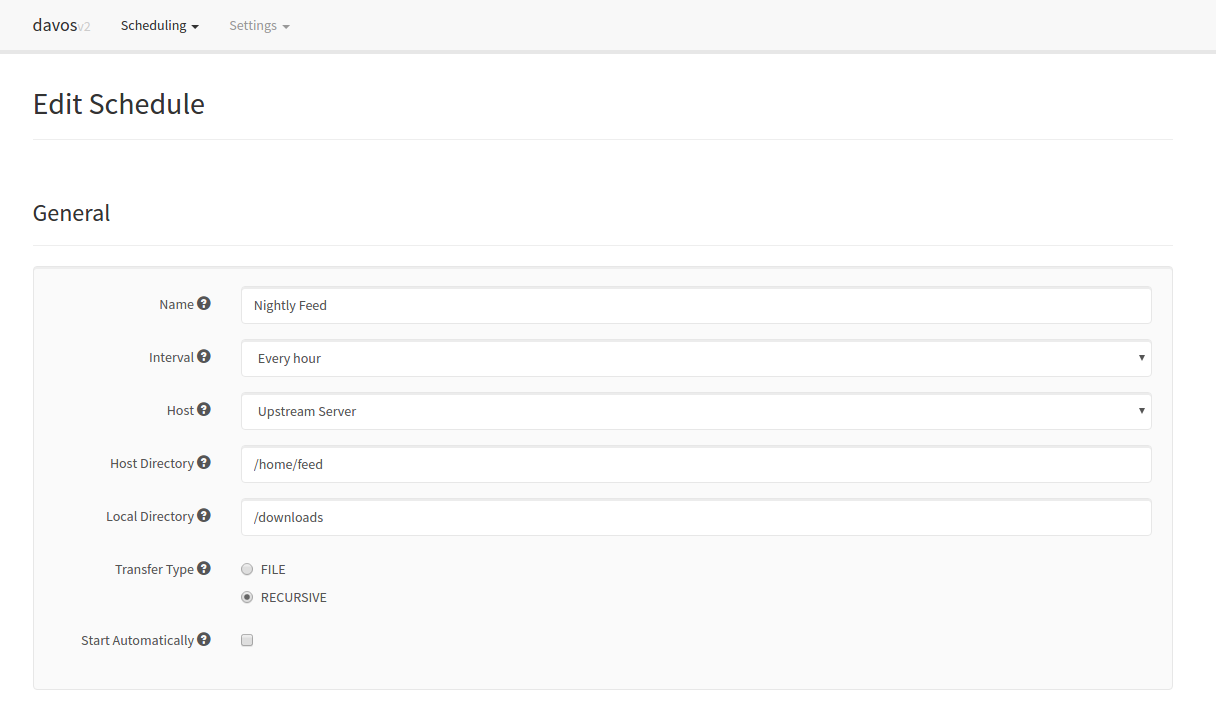
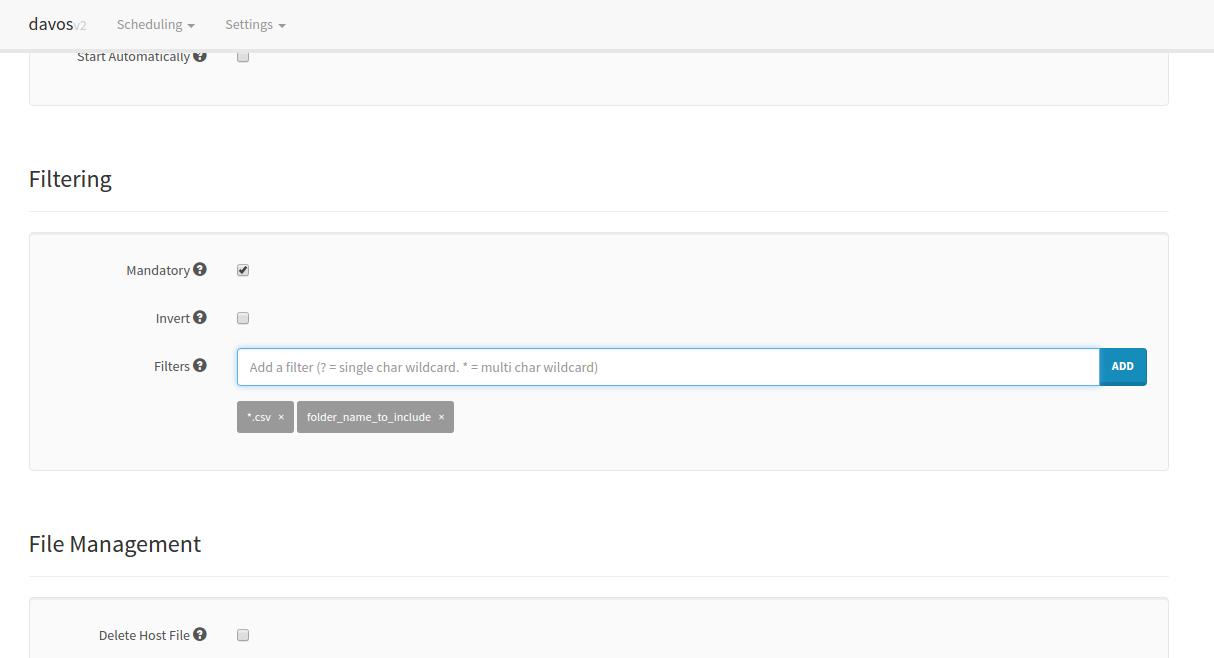
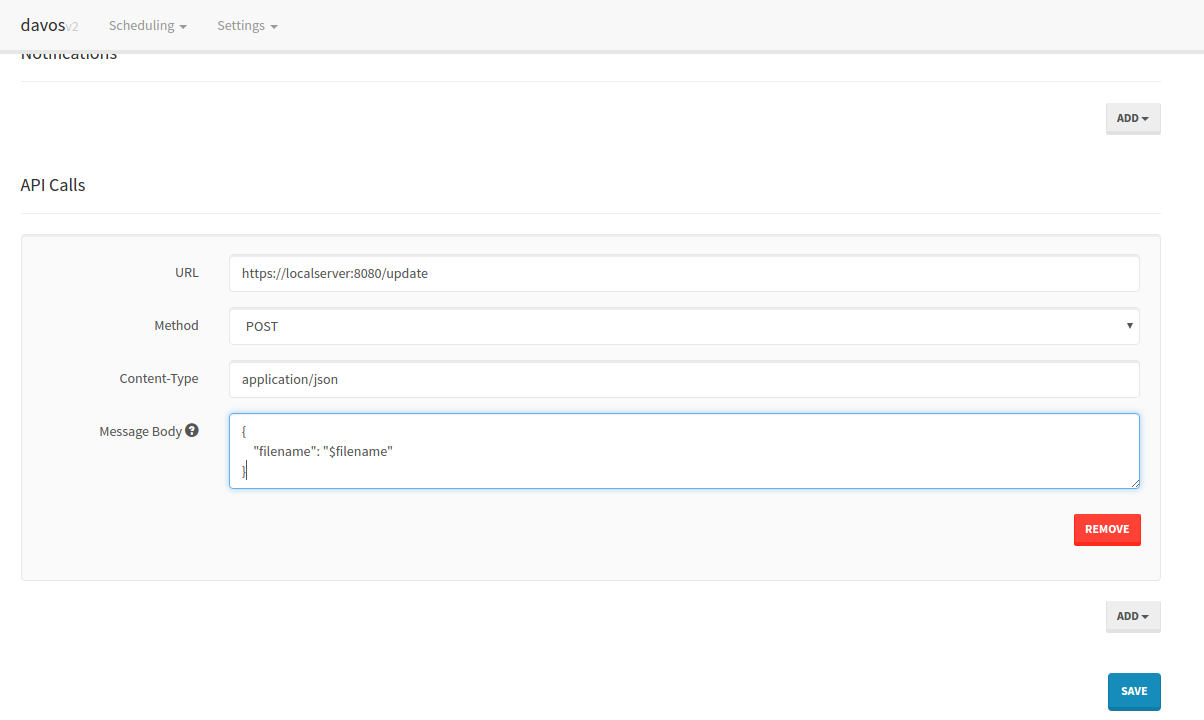
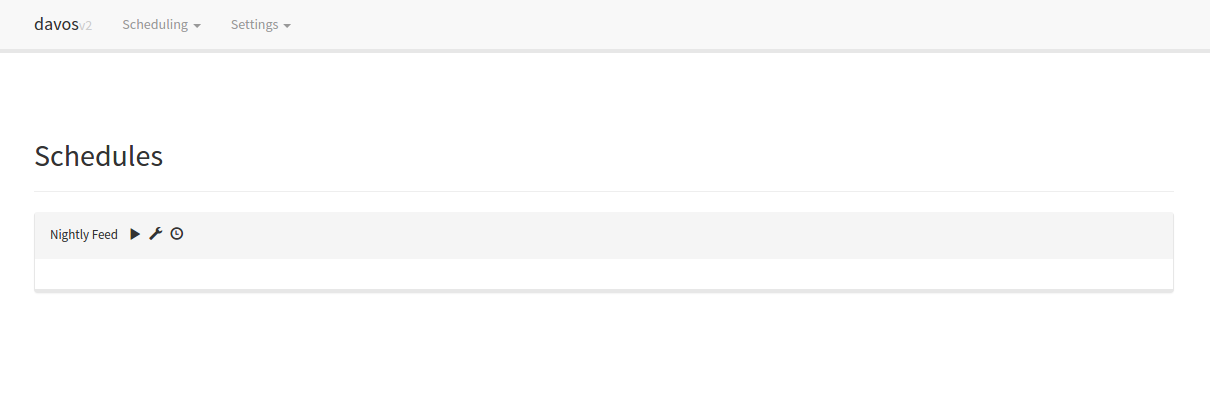
davos is a web-based FTP download automation tool that periodically scans FTP, FTPS, and SFTP servers for files matching configured filters. It provides a web UI to manage hosts, schedules, and filters. Features include scheduled downloads, file filtering (including inverse filtering), duplicate detection, Pushbullet and AWS SNS notifications, downstream API calls, identity file authentication for SFTP, and a REST API for external management. Runs via Docker with H2 database for configuration storage.
Should you self-host davos?
davos scores 49/100 on selfhost.directory (how scoring works) and ranks #8 of 11 in File Transfer & Sync. It has 183 GitHub stars.
There was no stable release in the past 12 months, so check the repository's recent activity before you rely on it.
Setup is easy: most people get it running in one sitting. An official Docker image is available. It is MIT-licensed and written mostly in Java.
Its closest alternative on selfhost.directory is croc (82/100, 40 790 stars). It scores higher overall, so compare the two before you pick. See davos vs croc side by side.
Features
- AWS SNS notifications
- Downstream API calls
- Duplicate download prevention
- File filtering
- FTP/FTPS/SFTP download automation
- Inverse filtering
- Mandatory filtering
- Pushbullet Notifications
- Remote file deletion
- REST APIAPI is unauthenticated
- Scheduled recurring scans
- SFTP identity file authentication
- Test connection
- Web-based UI
davos README
FAQ
How do I use an identity file for SFTP connections?
On the Host configuration page, check 'Use Identity File' and enter the absolute path to the identity file (e.g., /config/id_rsa when using Docker).
Are host credentials hashed in the database?
No, all host usernames and passwords are stored in plain text in the H2 database because the application needs to query them for each schedule run.
How many hosts can I have?
Unlimited hosts can be configured.
Can davos be used to upload files?
No, davos only downloads files. There are currently no plans to implement upload functionality as it would require reworking the schedule workflow engine.
More in File Transfer & Sync
- DelugeDeluge is a lightweight, free, cross-platform BitTorrent client with a daemon/client model, multiple user interfaces (GTK, Web, Console), and a plugin system.
 docker-sftpSelf-hosted SFTP server using OpenSSH with Fail2ban for brute-force protection, packaged as a Docker image for easy deployment.
 drivebaseDrivebase is a self-hosted, open-source file manager unifying Google Drive, S3, Dropbox, and local files into a desktop-like web UI with real-time transfers.
 DropgateSelf-hosted file sharing with hosted uploads, P2P transfers, E2EE, web UI, desktop client, and TypeScript library.
 erfanzadeh.irA self-hosted, open-source file sharing server in Go with drag-and-drop uploads, auto-eviction at 10 GB, and download tracking — no accounts needed.
 ErugoErugo is an open-source, self-hosted file sharing platform with memorable URLs, password protection, expiration dates, download limits, and a customizable dashboard.
 filestashSelf-hosted, open-source web file manager that puts S3, SFTP, WebDAV, SMB, FTP and around 20 more storage protocols behind one Dropbox-style interface.
 FileZilla (LinuxServer.io)Self-hosted Docker container running FileZilla FTP/FTPS/SFTP client, streaming its GUI to a browser via HTTPS using LinuxServer.io's Selkies platform.
 FTPGrabFTPGrab is a self-hosted, open-source CLI tool that pulls files from FTP/SFTP servers on a schedule with filtering, deduplication, and notifications.
 GopeedOpen-source Gopeed is a self-hosted download manager written in Go and Flutter, handling HTTP, BitTorrent, magnet and ed2k links, plus a web UI, REST API and CLI.
 Goploadergoploader is a self-hosted, open-source file sharing server with server-side encryption that works with curl, wget, and a CLI client for terminal uploads.
 hdropSelf-hosted open-source file sharing with browser-side encryption, S3/local storage, no accounts, and Prometheus metrics.
0 comments