
Self-host ConBee II
Docker image for deCONZ Zigbee gateway with Phoscon UI
docker compose up -d- Stars
- 396
- Ports
- 80 (HTTP UI and REST API), 443 (WebSocket API), 5900 (VNC), 6080 (noVNC)
deconzcommunity/deconz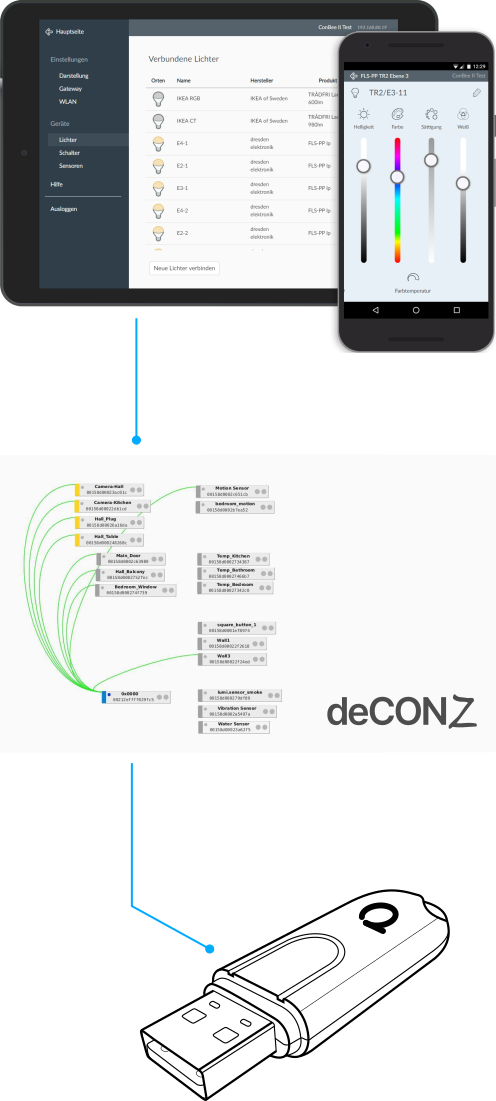
What is ConBee II?
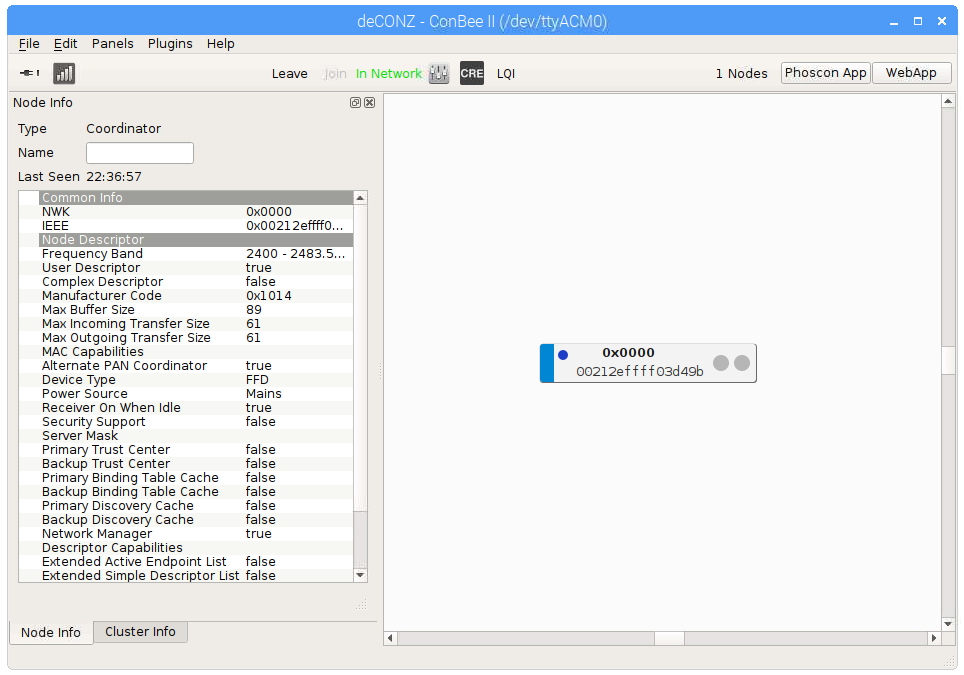
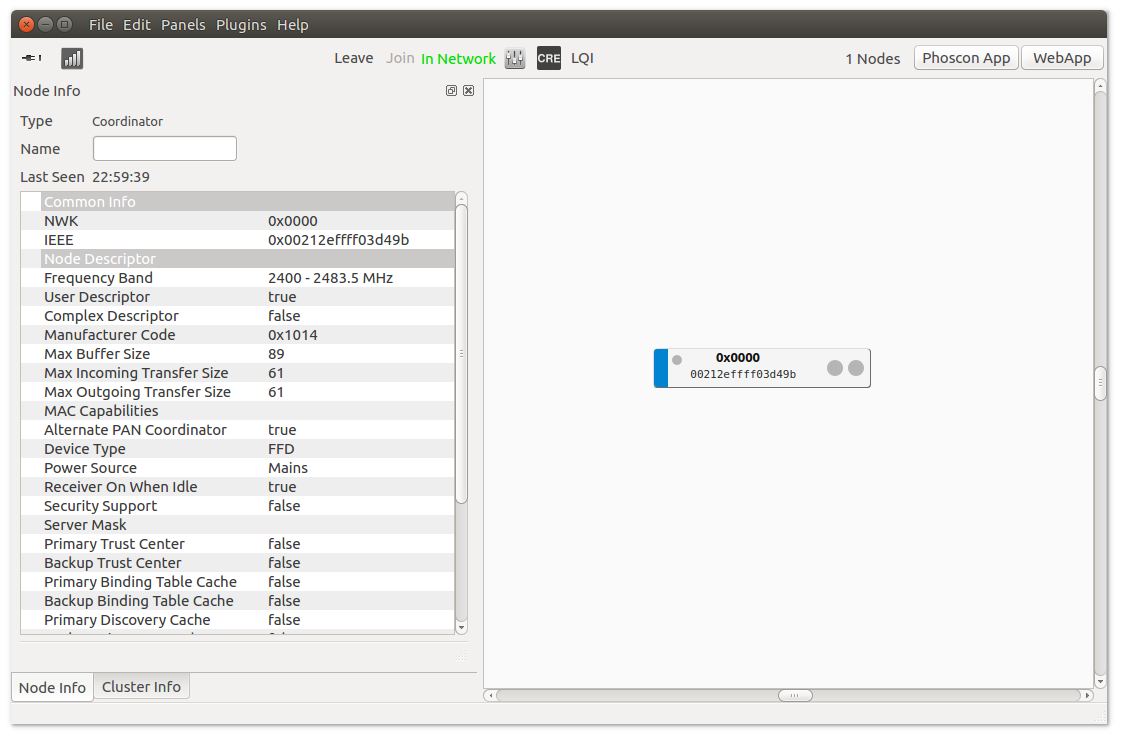
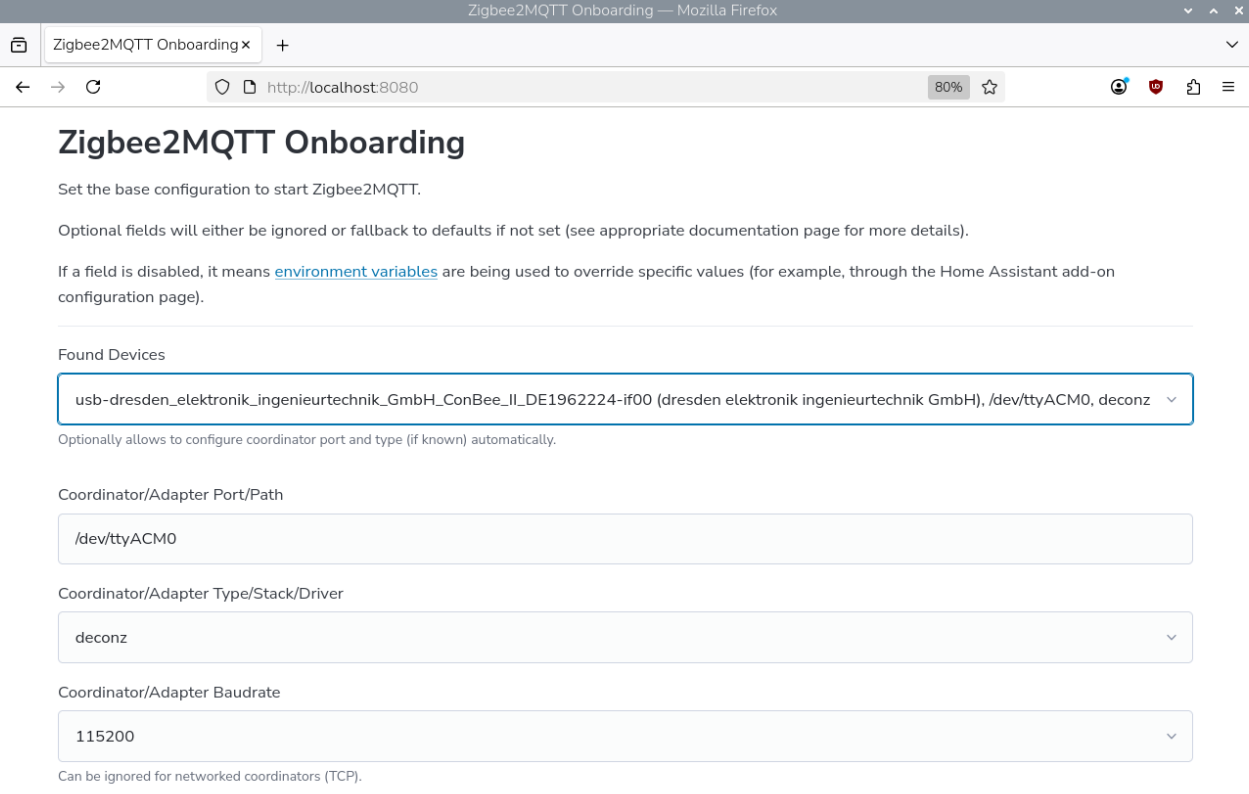
This Docker image packages deCONZ to run a Zigbee gateway with ConBee and RaspBee USB adapters. It provides the Phoscon web interface for managing devices, REST and WebSocket APIs for external integration, and optional VNC or noVNC access to view the mesh network. The image supports amd64, arm/v7, and arm64 platforms. All settings are controlled through environment variables covering device paths, port numbers, baud rates, and debug flags. Deployment uses Docker or Docker Compose.
Should you self-host ConBee II?
ConBee II scores 51/100 on selfhost.directory (how scoring works) and ranks #61 of 104 in Home Automation. It has 396 GitHub stars.
There was no stable release in the past 12 months, so check the repository's recent activity before you rely on it.
Setup is moderate: expect some configuration beyond a single command. An official Docker image is available. It is MIT-licensed and written mostly in Shell.
Its closest alternative on selfhost.directory is Home Assistant (91/100, 91 795 stars). It scores higher overall, so compare the two before you pick. See ConBee II vs Home Assistant side by side.
Features
- Alexa integrationRequires DECONZ_WS_PORT=8443 with matching port mapping
- Auto device detection
- ConBee III support
- Firmware update support
- Phoscon Web UI
- RaspBee II support
- REST API
- VNC/noVNC mesh visualization
- WebSocket API
ConBee II README
More in IoT
 diyHueSelf-hosted, open-source Philips Hue Bridge emulator controlling 50+ light types via Hue app and Home Assistant.
 DomoticzFree open-source home automation server you run yourself. Works on major OSes and Raspberry Pi, managing 150+ device types via mobile-friendly web UI.
 DroneBridgeDroneBridge is an open-source, self-hosted long-range radio link for drones using WiFi. Supports 1080p video, MAVLink telemetry, RC control, and OSD.
 Eclipse MosquittoSelf-hosted open-source MQTT broker for MQTT 5.0, 3.1.1 and 3.1 with TLS, WebSockets, bridging, ACLs and a C client library plus CLI pub/sub tools.
 ecowitt2mqttSelf-hosted open-source bridge for Fine Offset weather stations to MQTT with Home Assistant discovery.
 ejabberdejabberd is a self-hosted, open-source XMPP/MQTT/SIP server in Erlang, proven at massive scale with 2M+ concurrent users per node.
 EmoncmsOpen-source app that ingests, logs and charts energy, temperature and environmental readings; self-hosted free via Docker or EmonScripts, from OpenEnergyMonitor.
 EMQXThe most scalable and reliable MQTT broker for AI, IoT, IIoT and connected vehicles
 escooter-monitoringSelf-hosted open-source IoT solution for real-time monitoring and remote control of Xiaomi e-scooters using Raspberry Pi, GPS, 4G connectivity, and Grafana dashboards.
 esp32-meter-readerSelf-hosted OCR service that reads water meter digits from ESP32 camera photos and publishes readings to Home Assistant via MQTT with Prometheus metrics.
 esp8266_milight_hubOpen-source firmware for ESP8266/ESP32 replacing Milight/LimitlessLED gateways with web UI, MQTT, REST API, and UDP gateway for smart bulb control.
 ESPConnectOpen-source, self-hosted browser tool for ESP32 and ESP8266 boards: read chip info, map partitions, manage SPIFFS/LittleFS/FAT files, back up and flash firmware.
0 comments